
This article contains affiliate links. We may earn a commission from qualifying purchases.
Some content on this site is AI-assisted and reviewed by our editorial team.
I have worked from home for three years, and for the first two I treated my home office like any other room. A desk, a chair, a laptop, and bad lighting. Then I started adding smart home devices to the office one at a time, and within a few months my productivity went up and my afternoon energy crashes mostly disappeared. The right smart home setup does not just make your office cooler — it removes the small frictions that drain your focus throughout the day.
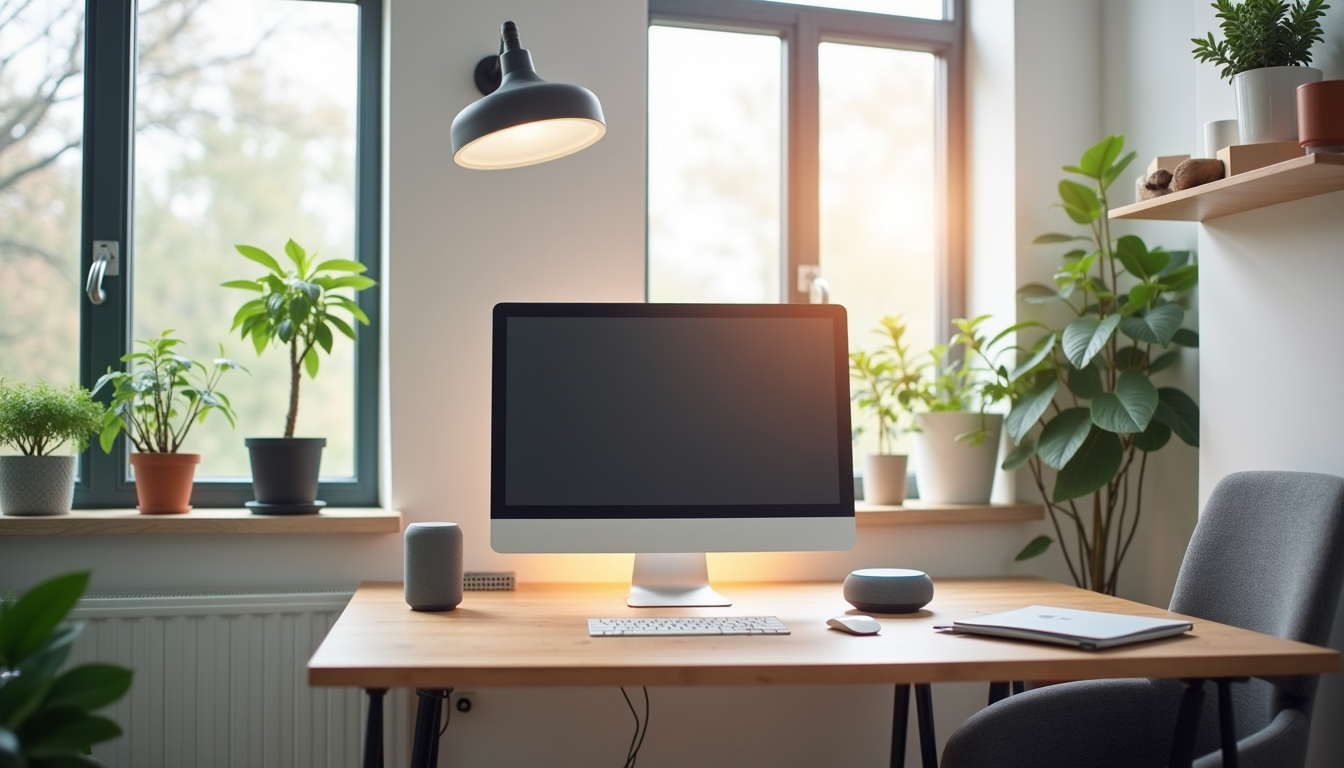
Here are the seven devices that actually made a difference in my work-from-home setup, what each one does, and where you can save money without sacrificing anything.
1. Smart Lighting for Focus and Energy
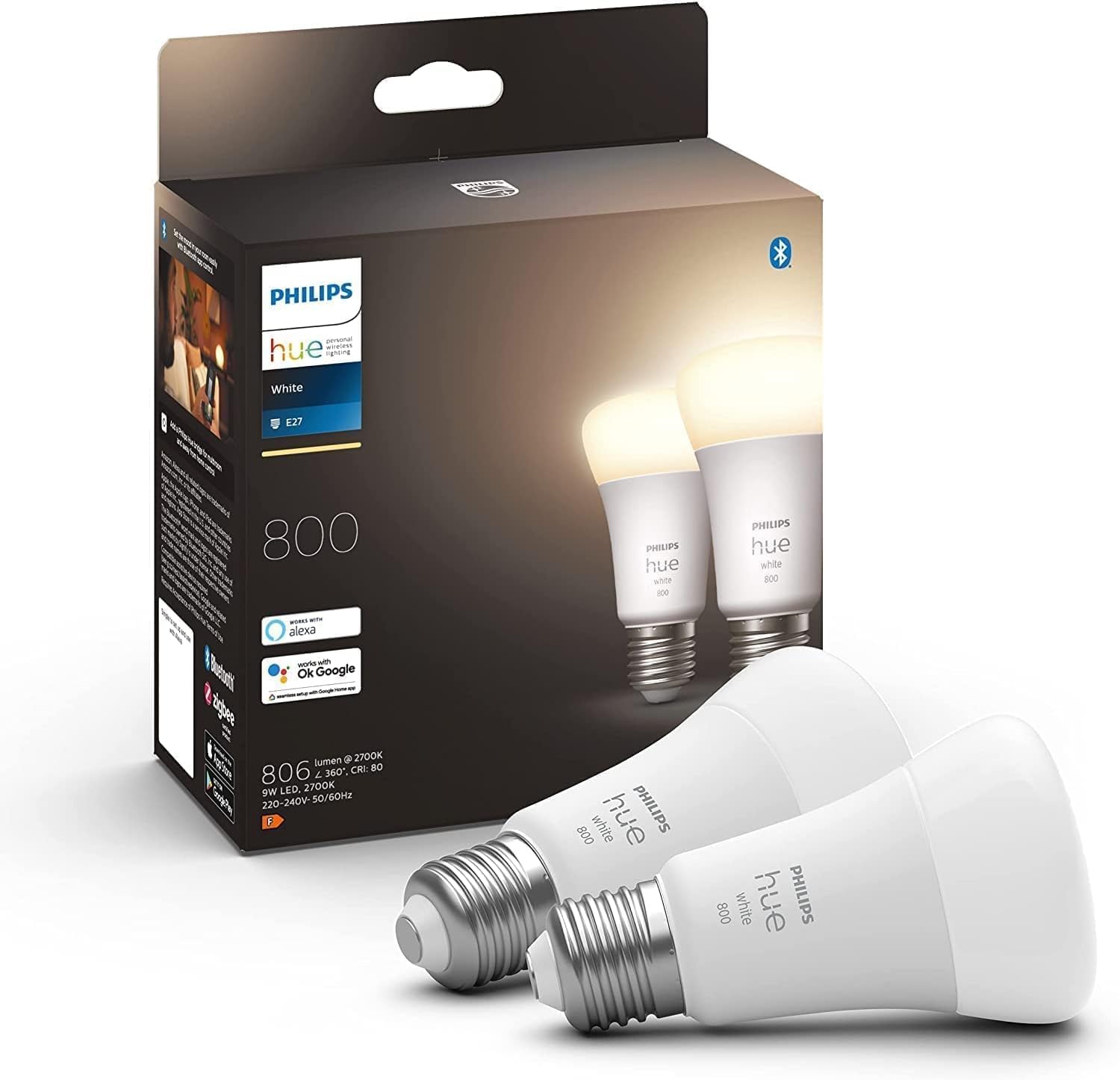
The single biggest upgrade I made was swapping my overhead bulb for a Philips Hue White and Color Ambiance bulb. I set it to a cool, bright white (about 4000K) from 9 AM to 2 PM, then shift it gradually warmer through the afternoon. The cool light mimics daylight and helps me stay alert during morning deep work. The warmer shift in the afternoon signals to my brain that the intense focus period is winding down.
If you do not care about color tuning, the Philips Hue White Ambiance bulbs give you the same color temperature scheduling without the color options, at roughly half the price. Either way, automating your office lighting so it changes throughout the day is the kind of thing you do not appreciate until you have it — and then you cannot go back to a static bulb. For a deeper comparison of smart bulb platforms, our smart lighting guide covers Hue versus Lutron versus budget options.
2. Smart Thermostat for Temperature Zones
My office is a small room with two monitors and a desktop PC generating heat. By 2 PM it would be five degrees warmer than the rest of the house, and I would be sweating through afternoon meetings. The Nest Learning Thermostat fixed this in two ways. First, I set a schedule that drops the AC a degree lower during my working hours. Second, the Nest learns my patterns and starts cooling the office area before I even sit down.
If you have a separate zone for your office, this is straightforward. If you do not have zoning, a smart thermostat still helps by learning your schedule and pre-cooling the house before your workday starts. I wrote about how smart home energy monitoring lowered my electric bill — the thermostat was the biggest single contributor to that savings.
3. Voice Assistant for Hands-Free Control
I keep an Amazon Echo Dot on my desk for the kind of tasks that would pull me out of focus if I had to pick up my phone. Setting a 25-minute timer for a Pomodoro session, adding items to my shopping list mid-meeting, playing focus music, or turning the office lights on and off without breaking my typing flow. These sound trivial, but they remove micro-interruptions that add up over a day.
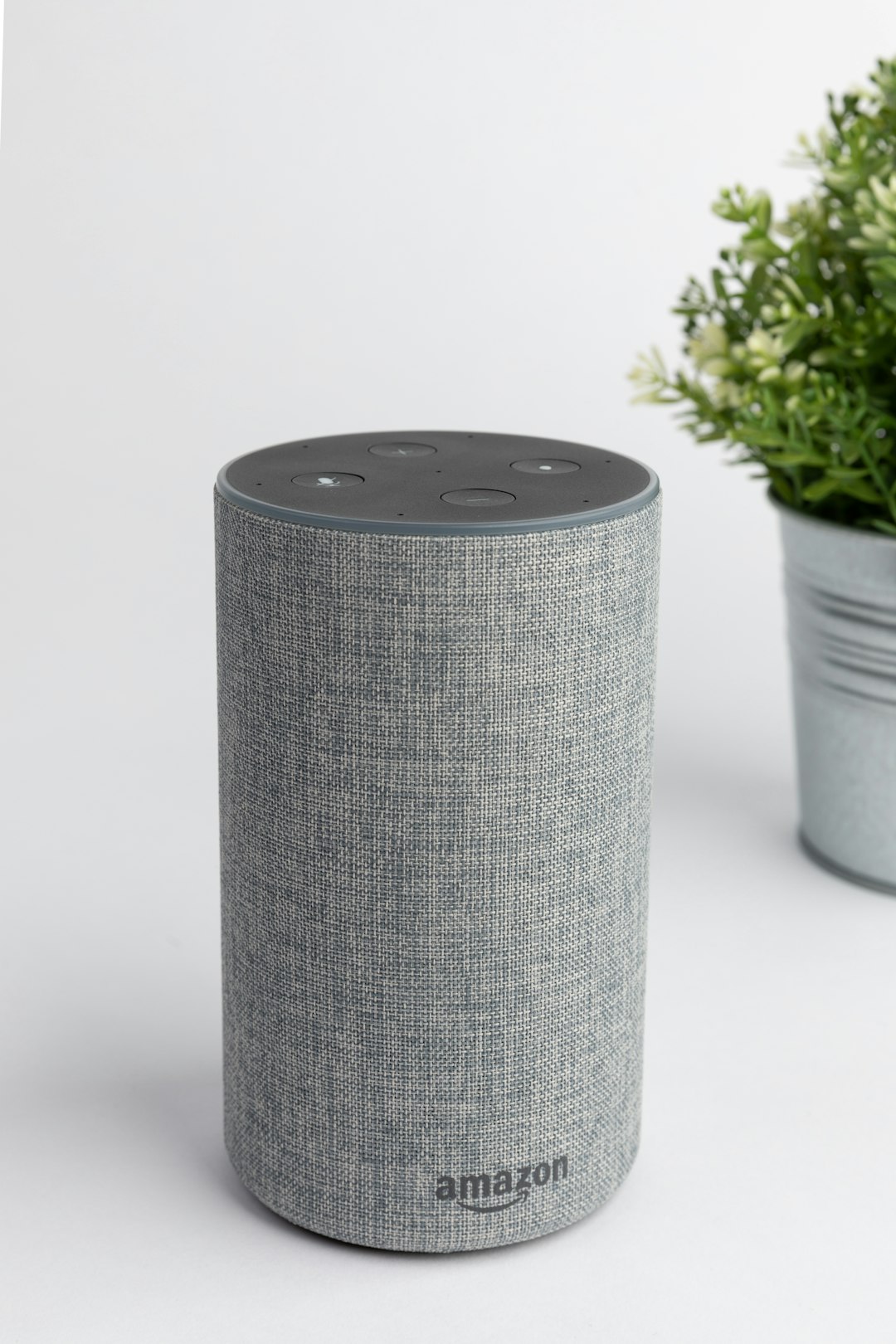
The key is setting up routines. I have a “start work” routine that turns the office lights to cool white, starts a focus playlist, and sets the thermostat to working temperature. When I say “wrap up,” the lights shift warm, the music stops, and the thermostat returns to normal. You can build similar routines with Google Assistant or Apple HomeKit — the Echo Dot is just what I use. You can also pair office routines with broader home automations so the whole house shifts into work mode.
4. Smart Plugs for Equipment Power Management
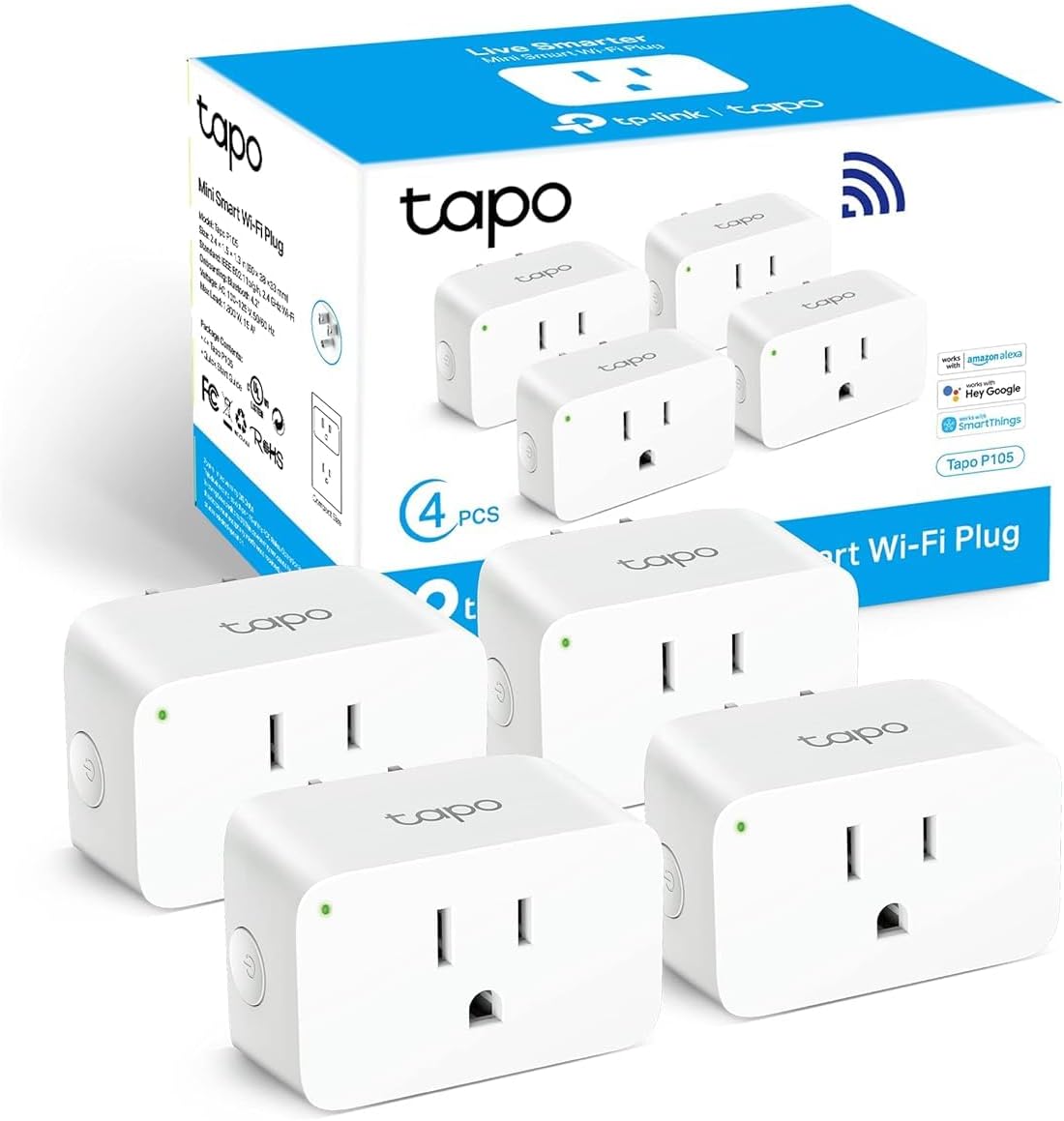
My desktop, monitor, desk lamp, and external hard drive were pulling about 8 watts in standby even when I was not working. That is roughly 70 kWh per year of wasted energy. More importantly, I wanted a clean way to shut everything down at the end of the day without crawling under the desk. I plugged everything into TP-Link Tapo smart plugs and set them to turn off when I say “wrap up” and turn on when I say “start work.”
The smart plugs also help with the printer. I keep my printer on a smart plug and only power it on when I actually need to print something. No more standby draw, no more accidental print jobs from a misconfigured phone. If you want more smart plug ideas, I put together a list of smart plugs under 25 dollars that are worth buying — several of those work great in an office setup.
5. Smart Blinds for Glare Control
My office faces west, which means from about 1 PM to 4 PM the sun hits my monitor at exactly the wrong angle. I used to prop a piece of cardboard against the window. Then I installed motorized smart blinds connected to a Lutron Caseta smart switch. I set them to close at 1 PM and open at 4:30 PM automatically. No more cardboard, no more glare, no more getting up to adjust blinds during a video call.
If motorized blinds are out of budget, a smart curtain rod with blackout curtains achieves the same thing for less. The key is automation — you want the blinds to adjust themselves based on time of day or sun position, not require manual intervention.
6. Air Quality Monitor for Focus
This is the device I almost did not buy, and it turned out to be one of the most useful. I put an air quality monitor on my desk that tracks CO2, temperature, and humidity. When CO2 levels rise above 1000 ppm (which happens fast in a small closed office with one person breathing), I start feeling sluggish and unfocused. The monitor alerts me when levels get high, and I open a window or step outside for five minutes.
The difference is noticeable. On days when I ignore the alert and keep working, my output quality drops noticeably by 4 PM. On days when I air out the room, I stay sharp through the afternoon. If you want a subscription-free approach to monitoring, our guide to subscription-free smart home devices includes several air quality monitors that work without monthly fees.
What It Cost Me
Here is the full breakdown of what I spent on smart office upgrades. I spread these over about four months, which made the total easy to absorb.
- Philips Hue White and Color bulb: Roughly 45 dollars — color temperature scheduling for focus
- Nest Learning Thermostat: About 130 dollars — temperature scheduling and pre-cooling
- Amazon Echo Dot (5th gen): Around 50 dollars — voice routines and timers
- TP-Link Tapo smart plugs (2 pack): About 15 dollars — equipment power management
- Lutron Caseta smart switch: Roughly 50 dollars — blind and curtain control
- Air quality monitor: About 80 dollars — CO2, temperature, humidity tracking
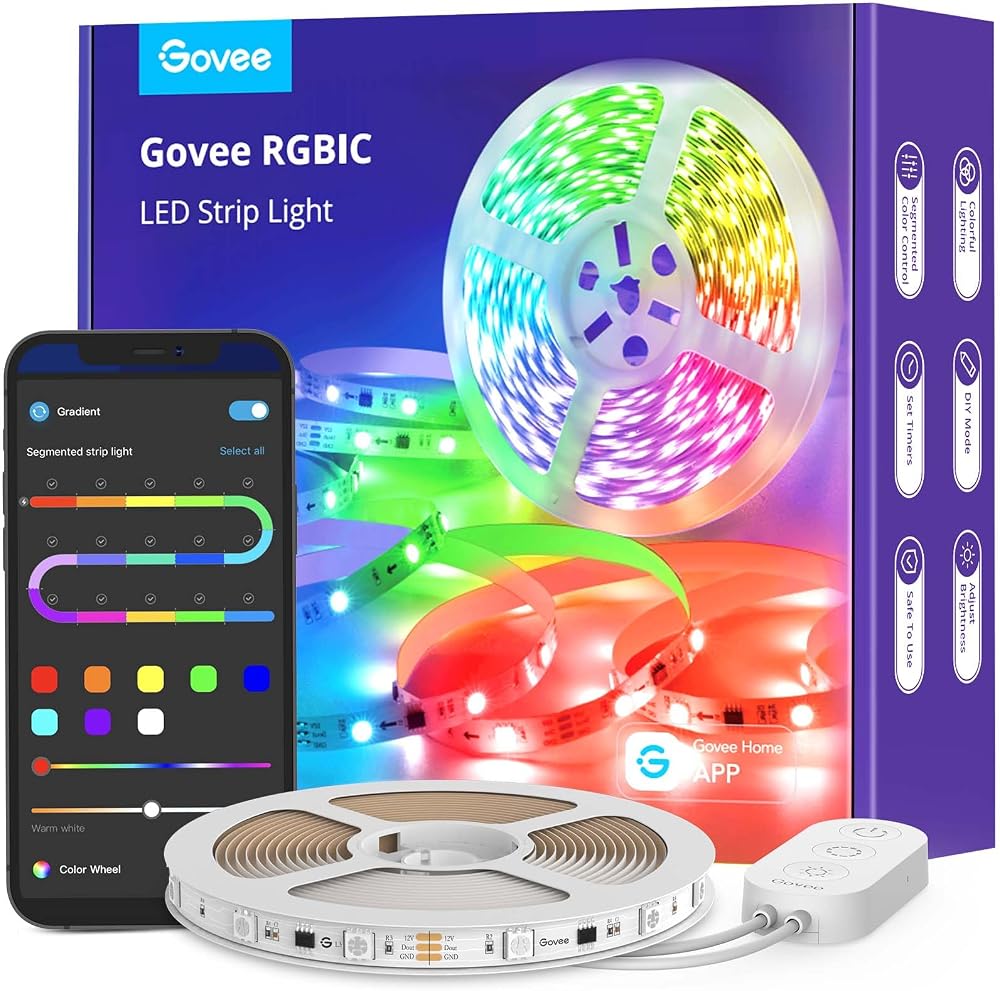
- Govee RGBIC LED strips: Roughly 40 dollars — bias lighting behind monitor to reduce eye strain
Total: approximately 410 dollars. If you already have a smart thermostat and skip the motorized blinds, the total drops to about 230 dollars. That is less than a decent office chair, and it has a bigger daily impact on how I work.
Common Mistakes to Avoid
Over-Automating Your Morning
I initially set up a “morning work” routine that turned on the computer, opened specific apps, started a playlist, set a timer, and adjusted the lights all at once. It felt impressive for two days, then I realized I was spending time debugging the routine instead of actually working. Keep routines simple — lights and temperature. Let yourself choose the music and apps manually.
Putting the Echo Too Close to the Microphone
If your Echo Dot sits right next to your desk microphone, Alexa will pick up your meeting audio and occasionally try to respond to things your coworkers say. Move the Dot at least three feet from your mic, or mute it during calls. I learned this the hard way when Alexa started a timer during a client meeting because someone said “five minutes.”
Ignoring CO2 Levels
I ignored the air quality monitor alerts for the first week because I did not believe CO2 actually affected my focus. Then I tracked my output for a week with and without airing out the room. The difference was not subtle — I got roughly 20 percent more done on days when I ventilated when alerted. Take it seriously.
Forgetting to Set a Wrap-Up Routine
Without a wrap-up routine, your office stays in work mode all evening — lights on, equipment running, thermostat still cooling. I created a “wrap up” command that turns everything off and resets the thermostat. It creates a clean boundary between work and personal time, which matters more than you think when your office is ten steps from your living room.
Bottom Line
A smart home office is not about showing off tech. It is about removing the small annoyances that break your focus throughout the day. Bad lighting, wrong temperature, glare on your screen, standby power draw, stale air — each one is minor on its own, but together they create friction that adds up to a less productive and less comfortable workday. I spent about 410 dollars total, spread over months, and my daily work output improved measurably. Start with smart lighting and a voice assistant. Those two alone will change how your office feels.
Not a Prime member yet? Get FREE 2-day shipping on millions of items. Start your 30-day Prime free trial
Disclosure: This post contains affiliate links. If you buy through them, I earn a small commission at no extra cost to you.
🏠 Get Your Free Smart Home Setup Checklist
Join our newsletter and get this free printable plus weekly tips.
Price Check
Prices verified via our product tracker. Updated Sep 27.
| Philips Hue A19 LED Smart Light Bulb - White and Color Amb | $147.99 | 4.7★ (4,824) |
| Google Nest Learning Thermostat (4th gen) + Nest Temperatu | $279.99 | 4.4★ (2,596) |
| Amazon Echo Show 8 | Vibrant HD 8.7" display | Graphite | | $99.99 | 4.3★ (7,970) |
| Tapo Smart Plug Mini 15A, Smart Wi-Fi Plug, P105(4-Pack) | | $34.99 | 4.6★ (1,658) |
As an Amazon Associate we earn from qualifying purchases.