
This article contains affiliate links. We may earn a commission from qualifying purchases.
Some content on this site is AI-assisted and reviewed by our editorial team.
I never set out to build a smart home for my dog. It started with one automatic feeder because I kept forgetting his dinner time during back-to-back meetings. Then came the water fountain, then the camera, and before I knew it, my golden retriever was living in a more connected home than most humans I know. The funny thing is, every single device I added solved a real problem — not just for him, but for me. I stopped worrying during long workdays. I stopped rushing home. I stopped wondering if he was okay. Here are the six smart home pet devices that actually made a difference in our daily routine, and why you might want them too.
Smart Pet Feeder with App Scheduling
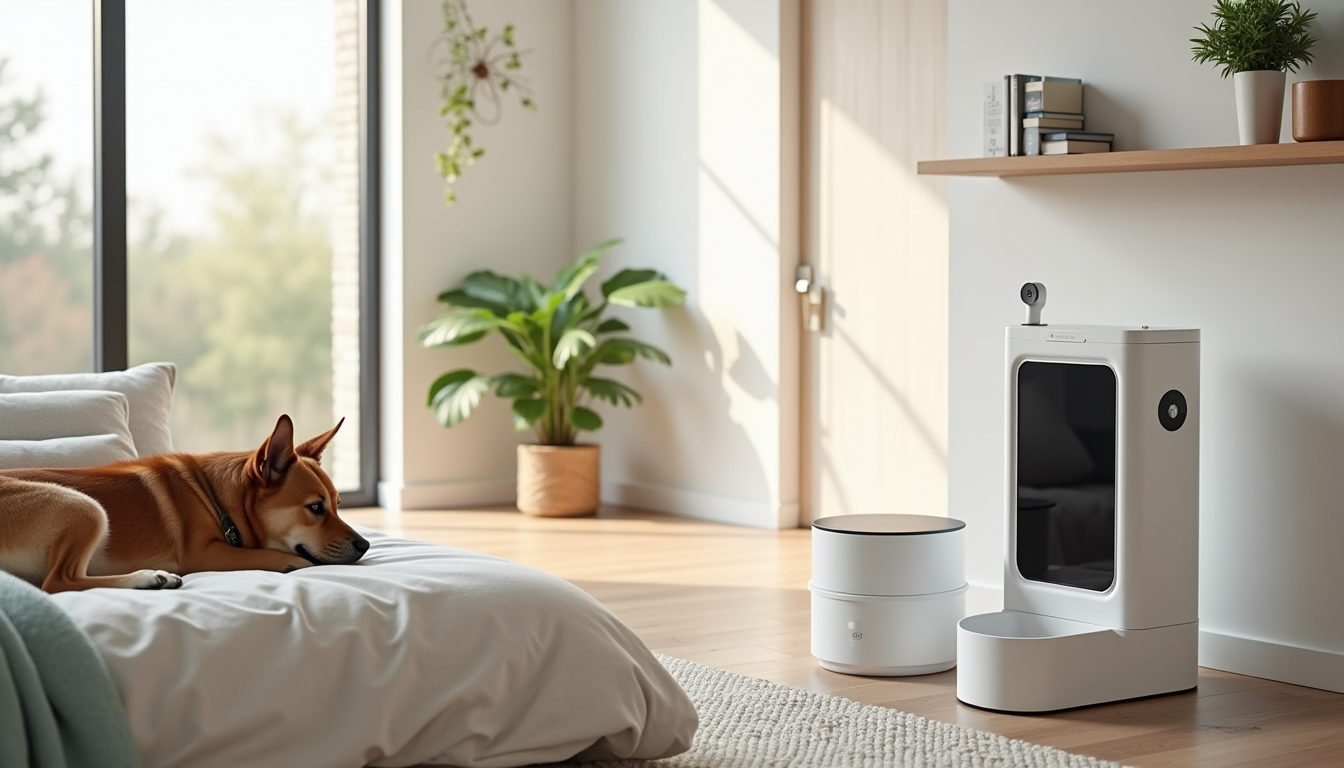
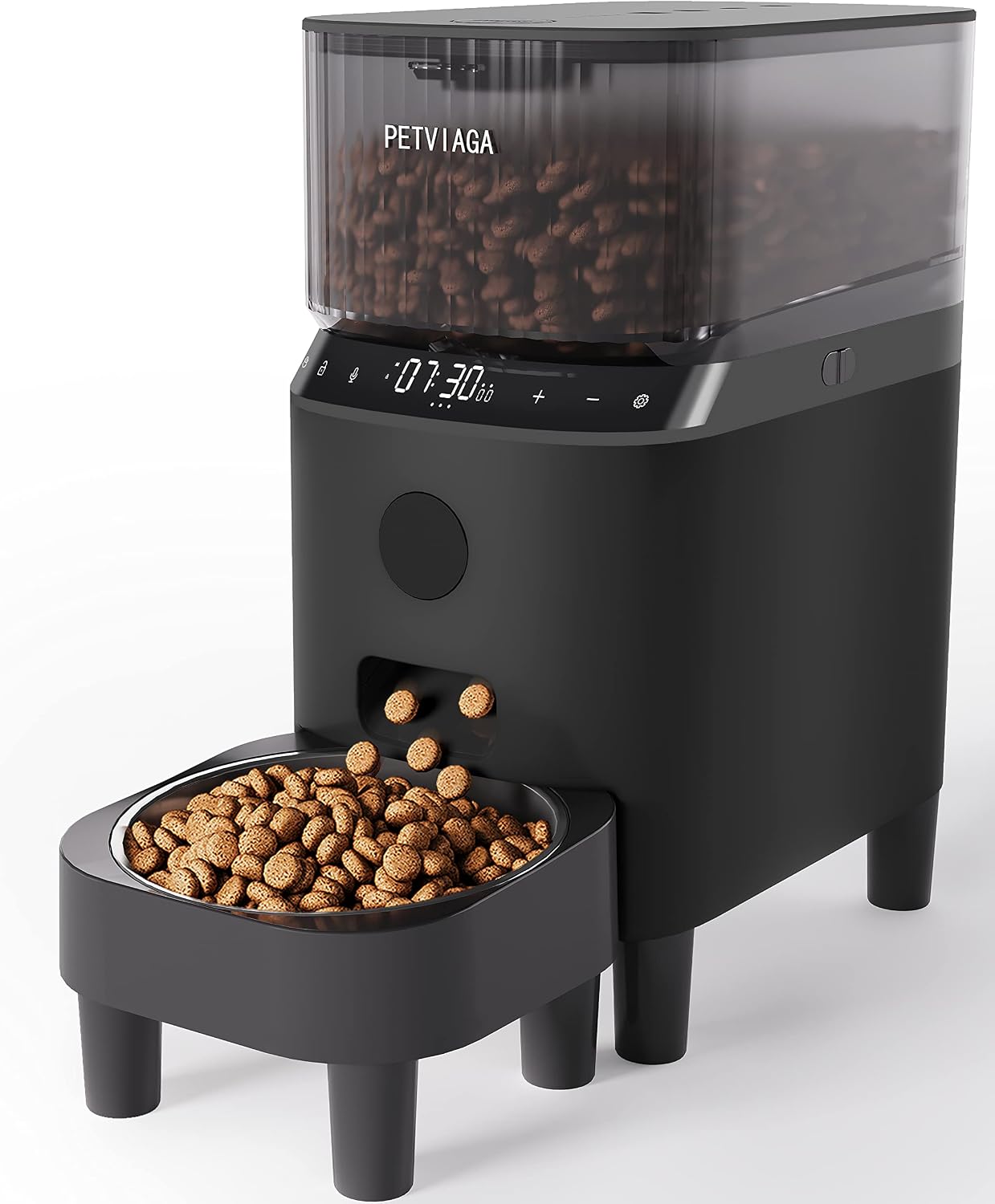
This was the device that started everything. A smart pet feeder lets you schedule meals from an app on your phone, so even when you are stuck in a meeting or running late, your dog eats on time. I set mine for 7:00 AM and 6:00 PM, and it has not missed a single meal in eight months.
The feeder I use holds about five pounds of dry kibble, which lasts roughly a week before I need to refill it. The app sends a notification every time it dispenses food, and I can manually trigger an extra portion from my phone if I want to give him a midday treat. Some models even let you record a voice message that plays when food drops — my dog now hears his name called out at dinner time, which he loves far more than he should.
One thing I learned the hard way: get a feeder that works on both Wi-Fi and has a battery backup. Power outages happen, and a dead feeder means a very unhappy dog and a very guilty owner. If you are just starting to build out your smart home, a feeder pairs nicely with the automations covered in our guide to smart home automations that save you time every day.
Smart Water Fountain with Filter Monitoring
Dogs need fresh water. A regular bowl gets dusty, warm, and sometimes grows things you do not want to think about. A smart water fountain circulates water through a filter, keeps it cool, and some models track how much your dog is drinking throughout the day.
I plugged mine into a TP-Link Tapo smart plug so I could control it remotely and set it on a schedule. The fountain runs during the day and shuts off overnight when my dog is sleeping, which extends the filter life and saves a bit of electricity. The smart plug also lets me check if the fountain is actually running — if the power draw drops to zero, I know it is time to refill the water tank.
Filter replacement is the ongoing cost here. Most filters need swapping every two to four weeks depending on how much your dog drinks and how dirty the water gets. I set a monthly reminder on my phone so I do not forget. If you are trying to keep subscription costs down across your whole setup, check out our list of smart home devices that are free forever — a smart plug like this one is a one-time purchase with no monthly fee.
Pet Camera with Two-Way Audio and Treat Dispenser
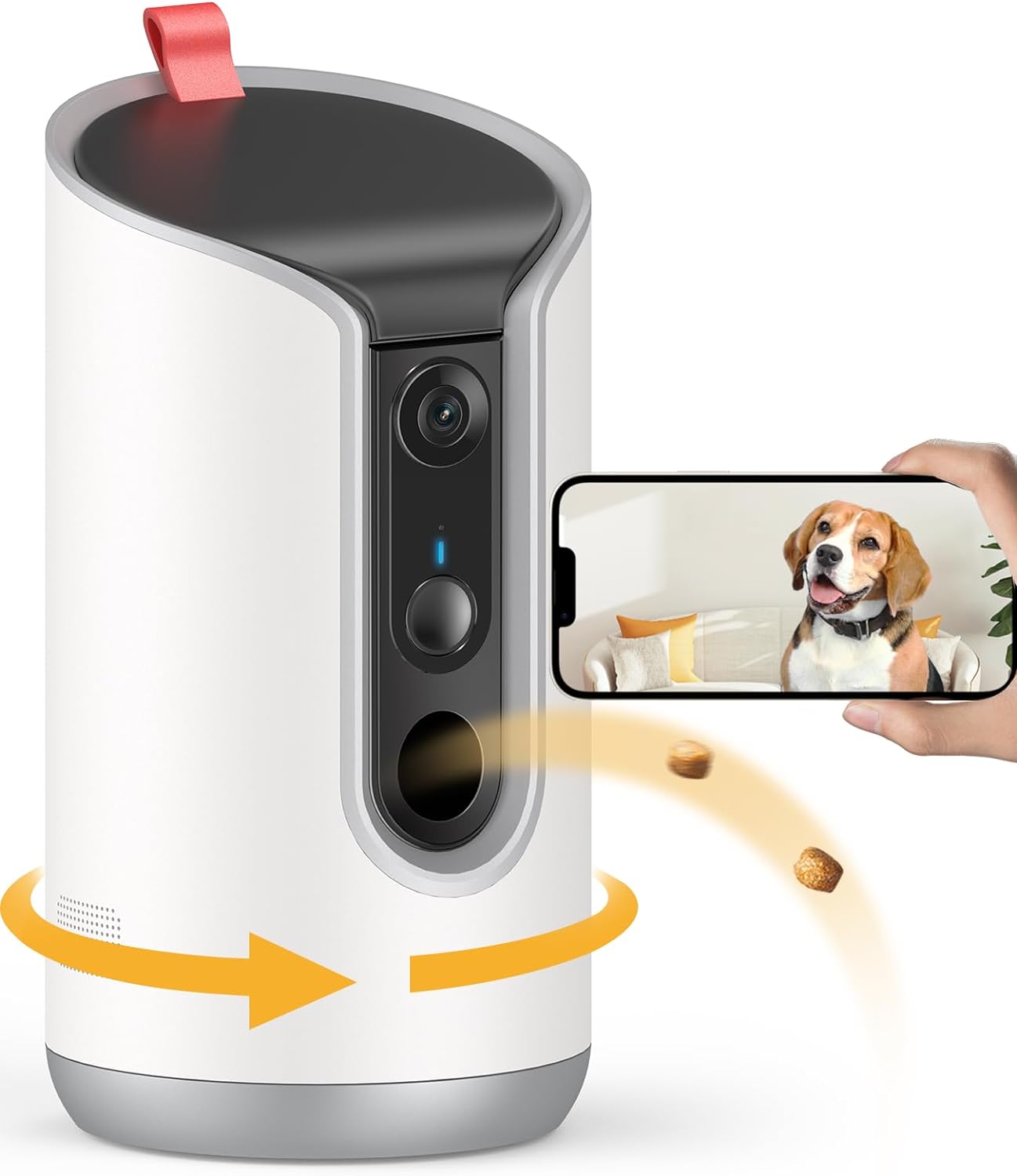
The pet camera was the second device I bought, and honestly, it is the one I use the most. Being able to check on your dog from your phone during the workday is genuinely reassuring. Two-way audio lets you talk to them — and hear them — which matters more than you might think. My dog used to howl for about ten minutes after I left for work. Once I started saying “good boy, I’ll be home soon” through the camera speaker, the howling stopped almost entirely.
The treat dispenser is the part that sounds gimmicky until you actually use it. It is not gimmicky. It is the best part of the whole camera. I can toss a treat from my office desk, watch my dog trot over to the camera, eat it, and go back to his bed. It turns a stressful midday check-in into a small moment of joy for both of us.
Some cameras also track activity and barking, sending you alerts when your dog is more active than usual or barking at something outside. If you want to go deeper with monitoring, you can connect the camera to an Aqara Hub M3 and set up sensors around your home to track movement patterns. That way you get a fuller picture of what your dog is up to while you are gone.
Smart Dog Door with Microchip and RFID Collar Tag
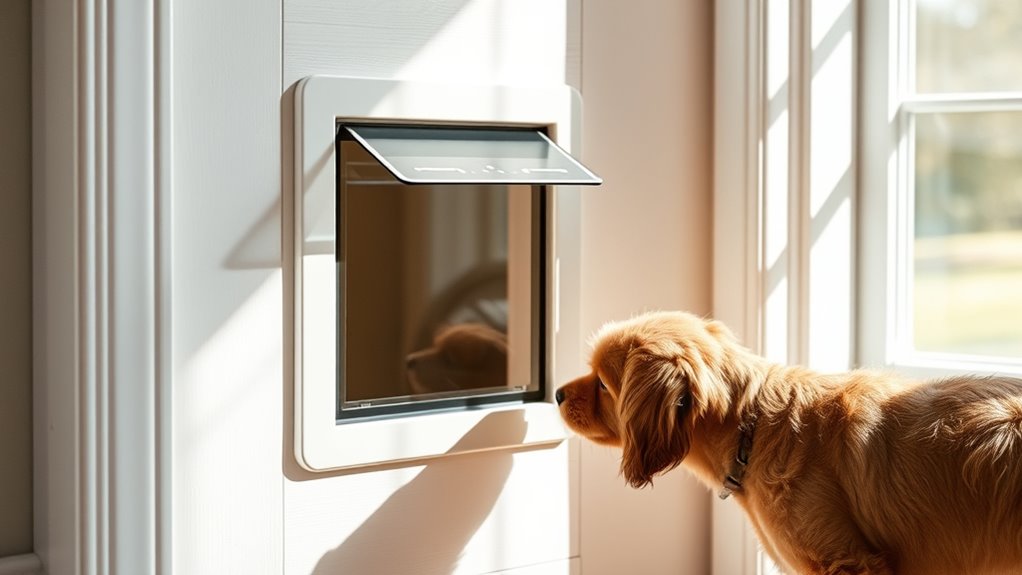
If you have a fenced yard and a dog who wants to go in and out twelve times an hour, a smart dog door is life-changing. These doors use a microchip or an RFID collar tag to unlock only for your pet. No raccoons, no neighbor cats, no stray animals wandering into your kitchen at 2:00 AM.
The door I installed locks and unlocks automatically when my dog approaches it. He learned how it works in about two days. The app shows me every time the door opens and closes, so I can see when he went outside and how long he stayed out. You can also set curfews — the door locks at a specific time at night and stays locked until morning.
Installation was the hardest part of this whole setup. I had to cut a hole in my back door, which felt terrifying until it was done and then felt like the best decision I ever made. If you are renting, check your lease first. If you own your home, measure your dog standing at the shoulder before you order — the door needs to be tall enough for comfortable passage, and getting the wrong size means returns and delays.
To make the dog door even smarter, I connected it to my Echo Dot so I can ask Alexa whether the door is currently locked or unlocked. Voice control is surprisingly useful when your hands are full of groceries and you want to confirm the dog is inside before you leave.
GPS Tracker Collar for Walks and Yard Monitoring
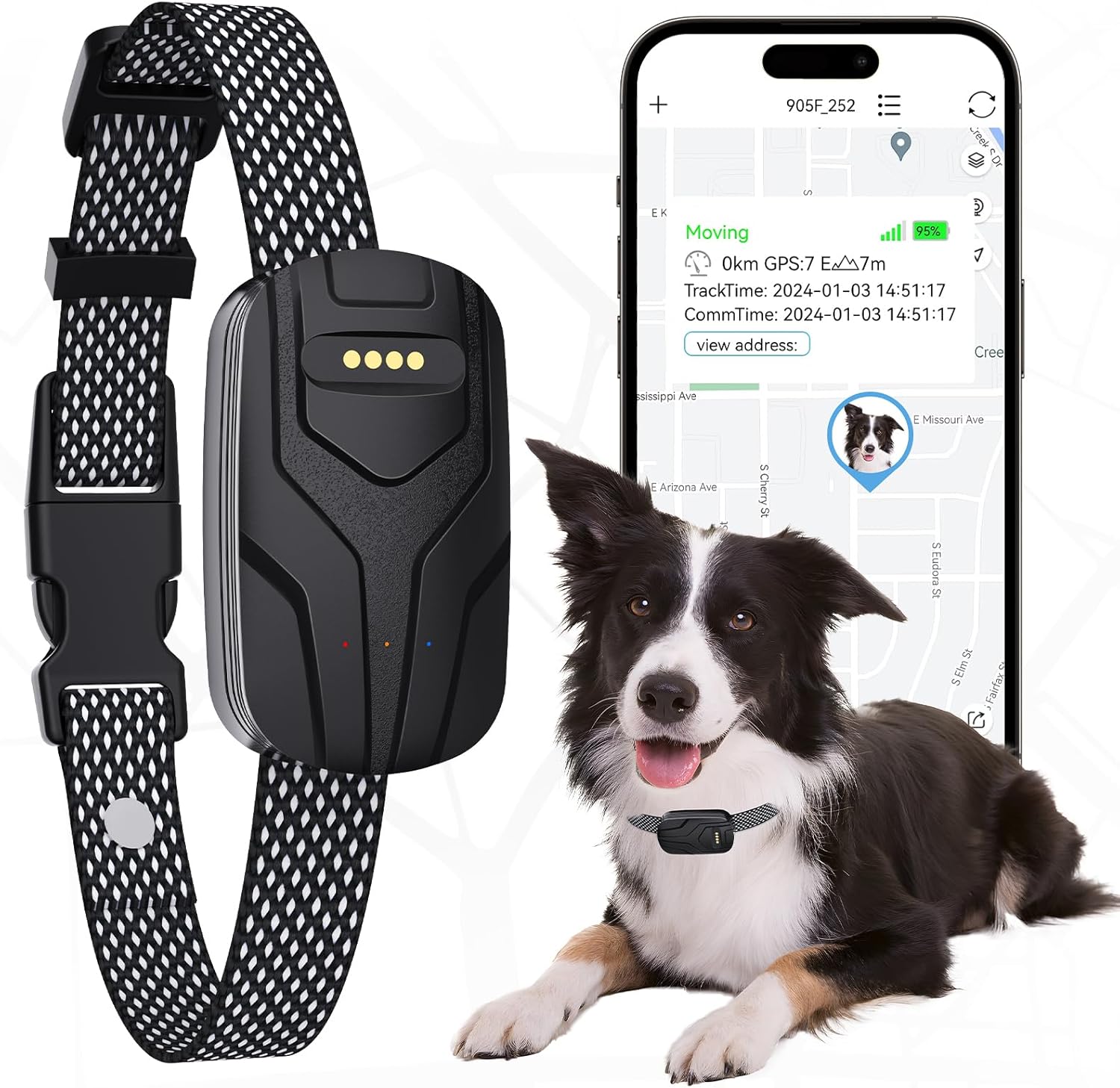
A GPS tracker collar gives you real-time location data for your dog. If your dog is an escape artist — and many are — this is the one device that gives you actual peace of mind. The tracker sends location updates to your phone, and most models let you set a safe zone around your home with alerts if your dog leaves that area.
I use mine primarily for walks. The app maps our route, tracks distance, and shows how much exercise my dog is getting each day. It is not just about safety — it is about knowing whether your dog is actually getting enough activity. On busy weeks when I can only manage short walks, the tracker data tells me, and I make up for it on the weekend.
Battery life varies a lot between models. Mine lasts about five days on a charge, which is fine for daily use but means I need to remember to charge it. I keep a charging station near the front door so it becomes part of my routine — collar off, tracker on the charger, dog gets his dinner. If you want to build out a broader home monitoring setup, the same principles apply to energy monitoring, which we cover in our guide to smart home energy monitoring.
Smart Thermostat for Pet-Safe Temperature When Away
This one is not a pet device, but it might be the most important device on this list for pet owners. Dogs cannot tell you when the house is too hot or too cold. A smart thermostat lets you monitor and control your home temperature from anywhere, so if the AC breaks while you are at work, you know immediately and can fix it before your dog is in danger.
I set my Nest Learning Thermostat to maintain a pet-safe range — between 68 and 76 degrees — whenever I am not home. It learns your schedule over time, so after a couple of weeks it automatically adjusts when I leave for work and starts cooling down before I get back. The app sends an alert if the temperature ever goes outside the range I set, which once saved me during a summer heat wave when my AC compressor failed.
If you want to add a safety layer, you can connect a temperature sensor to your hub and create an automation that turns on a fan or sends you an urgent alert if the house gets too warm. I also use Govee RGBIC LED strips near my dog’s bed for gentle ambient lighting at night, which pairs well with the thermostat schedule to signal “wind down” time.
Cost Breakdown: What I Actually Spent
Here is a rough breakdown of what each device cost me. Prices fluctuate, so treat these as ballpark figures.
- Smart pet feeder — 80 to 140 dollars depending on capacity and brand
- Smart water fountain — 40 to 70 dollars, plus about 15 dollars per month for replacement filters
- Pet camera with treat dispenser — 50 to 160 dollars, some require a subscription for cloud video storage
- Smart dog door with RFID — 150 to 300 dollars, installation tools not included
- GPS tracker collar — 50 to 130 dollars for the device, plus 10 to 15 dollars per month for the cellular service
- Smart thermostat — 130 to 250 dollars, no subscription required for basic features
- Smart plug (for the fountain) — 15 to 25 dollars each
Total upfront cost for the full setup: roughly 500 to 1,100 dollars depending on which models you choose. Ongoing costs run about 25 to 35 dollars per month for filters, GPS cellular service, and optional camera cloud storage. If you want to trim that, skip the camera subscription and use a local storage option, and look at our roundup of smart plugs under 25 dollars to save on the accessory side.
Common Mistakes to Avoid
Skipping the Battery Backup
Every critical device — the feeder, the dog door, the camera — should have battery backup or run on batteries entirely. A power outage turns your smart pet setup into a very dumb setup very fast. I keep a small UPS for the feeder and camera, and my dog door has a battery compartment that lasts about three months.
Buying Everything at Once
Start with one device. See how your dog reacts and how it fits your routine. I started with the feeder, and it took two weeks to dial in the portion size and timing. If I had bought everything simultaneously, I would have been overwhelmed and probably returned half of it. Add one device at a time and give each one a week or two before moving on.
Forgetting That Your Dog Does Not Care About Smart Features
Your dog does not know what Wi-Fi is. What your dog cares about is food, water, comfortable temperature, and being able to go outside. The smart features are for you — they give you control, visibility, and peace of mind. If a device does not solve a real problem in your daily life, skip it. A smart collar that tracks your dog’s sleep patterns sounds cool until you realize you will never actually look at that data.
Not Testing the Safe Zone on Your GPS Tracker
When you set up a GPS tracker, test the safe zone boundary by walking your dog to the edge yourself. I initially set my zone too tight and got false alerts every time my dog wandered to the far corner of the yard. Expand the zone to cover your full property line, then test it once more.
Not a Prime member yet? Get FREE 2-day shipping on millions of items. Start your 30-day Prime free trial
Bottom Line
You do not need all six of these devices. If I had to pick three, I would choose the smart feeder, the pet camera, and the smart thermostat. The feeder solves the most common daily problem. The camera gives you the most emotional payoff. The thermostat is the one that could actually save your dog’s life in a heat wave or cold snap. The rest are upgrades — really nice upgrades that I would not give up now that I have them, but upgrades nonetheless.
The point of a smart home pet setup is not to replace your time with your dog. It is to remove the worry from the times you cannot be there. Every device on this list does exactly that, and together they add up to a home that takes care of your dog almost as well as you do.
Disclosure: This post contains affiliate links. If you buy through them, I earn a small commission at no extra cost to you.
🏠 Get Your Free Smart Home Setup Checklist
Join our newsletter and get this free printable plus weekly tips.
Price Check
Prices verified via our product tracker. Updated Sep 27.
| Tapo Smart Plug Mini 15A, Smart Wi-Fi Plug, P105(4-Pack) | | $34.99 | 4.6★ (1,658) |
| Amazon.com: Aqara Smart Home Hub M3 for Advanced Automatio | $159.99 | 4.1★ (1,679) |
| Amazon Echo Show 8 | Vibrant HD 8.7" display | Graphite | | $99.99 | 4.3★ (7,970) |
| Google Nest Learning Thermostat (4th gen) + Nest Temperatu | $279.99 | 4.4★ (2,596) |
| Amazon.com : WYZE Cam v4 (Latest Model), 2.5K AI Security | $104.97 | 4.3★ (11,330) |
As an Amazon Associate we earn from qualifying purchases.