
This article contains affiliate links. We may earn a commission from qualifying purchases.
Some content on this site is AI-assisted and reviewed by our editorial team.
I used to lie awake scrolling through my phone, brain buzzing from blue light and a room that was either too warm or too cold. Sound familiar? Over the past year I turned my bedroom into a sleep-first smart home zone, one device at a time. This is what actually worked, what I skipped, and what it cost.
1. Smart Bulbs That Dim Warm at Night
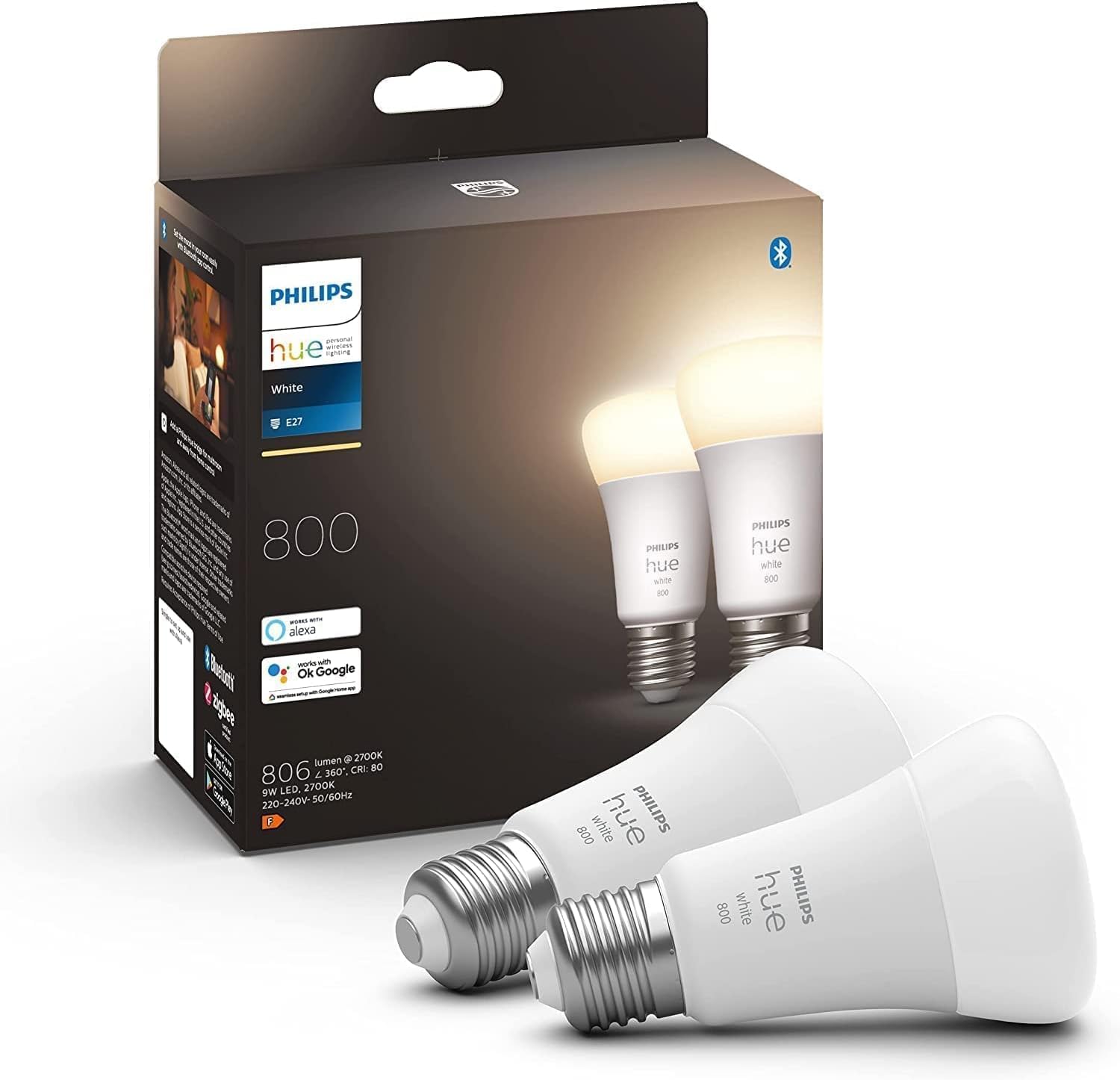
The first thing I changed was the lighting. I swapped my bedside lamps for Philips Hue White and Color Ambiance bulbs. The reason is simple: they shift to a warm amber tone as bedtime approaches. I set a schedule so the bulbs gradually transition from cool white at 7pm to a dim warm glow by 10pm. My body actually starts feeling sleepy instead of getting a second wind from overhead lights.
If you do not care about color and just want warm dimming, the Philips Hue White Ambiance bulbs do the same gradual warm shift without the color options, and they cost about half as much. Either way, the key is automating the schedule so you do not have to think about it. You can read more about comparing smart bulb brands in our full smart lighting guide.
2. A Smart Thermostat Set to Sleep Temperature
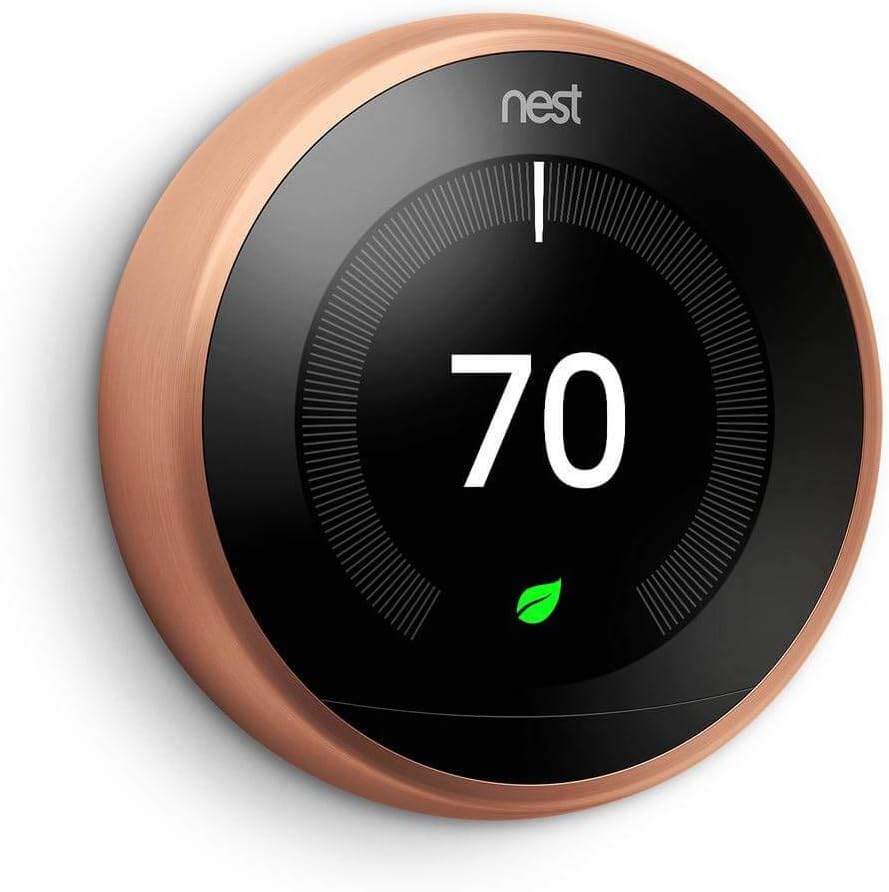
I always knew a cooler room helped with sleep, but I kept forgetting to turn down the thermostat. The Nest Learning Thermostat fixed that. After a week of manually setting it to 67 degrees at bedtime, it learned the pattern and started doing it automatically. Now the bedroom cools down around 10:30pm every night without me touching anything.
The Nest also kicks the temperature back up to 70 degrees at 6am, which makes getting out of bed less miserable. I paired it with a simple automation: when the thermostat switches to sleep mode, the hallway lights turn off too. If you want more ideas like this, check out our list of 7 smart home automations that save you time every day.
3. White Noise on a Smart Plug
I live on a busy street. Traffic noise was ruining my sleep more than I realized. Instead of buying a dedicated sound machine, I plugged a basic floor fan into a smart plug and set it to turn on at 11pm and off at 6am. The steady hum drowns out cars, dogs, and late-night neighbors. If you want a proper sound machine, you can run one the same way.
The smart plug approach means I control everything from my phone or by voice. I say “turn on white noise” and the fan starts up. No getting out of bed. For affordable plug options, our roundup of smart plugs under 25 dollars has picks that work well for this exact setup.
4. Smart Blinds for a Gentler Wake-Up
This was the upgrade I did not know I needed. I installed motorized smart blinds on my bedroom window and set them to open at 6:15am. Instead of a phone alarm jolting me awake, natural sunlight filters in gradually. On weekends, I set them to open an hour later. The difference in how I feel in the morning is significant.
You can go with fully motorized shades from a brand like Lutron or IKEA FYRTUR, or use a motorized curtain rod if you already have curtains you like. Either way, set the open time to match when you want to wake up. Pair it with the thermostat warming the room and your body gets two signals that it is time to get moving.
5. An Air Quality Monitor in the Bedroom
I added an air quality monitor after noticing I woke up with a dry throat most mornings. It tracks CO2, humidity, and VOCs. Turns out my bedroom CO2 levels were spiking overnight because the door was closed and there was almost no ventilation. I started cracking the window a few inches and added a small humidifier. Morning dry throat went away within a week.
Most air quality monitors do not directly fix sleep, but they tell you what to fix. High CO2 means you need ventilation. Low humidity means you need a humidifier. High VOCs might mean new furniture is off-gassing. Knowing the numbers is the first step. And since many of these devices work without a monthly fee, they fit nicely into our guide to smart home devices with no subscriptions.
6. LED Strip Lights as Soft Night Lighting
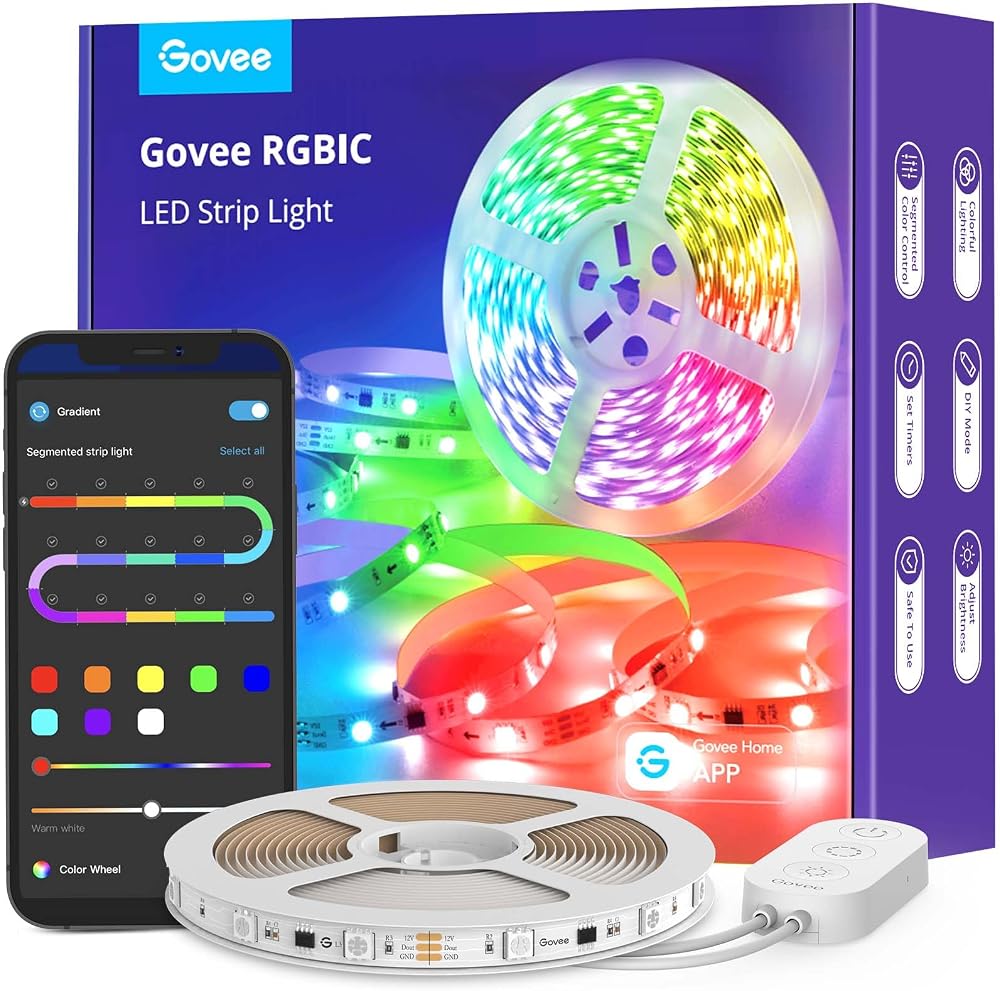
Getting up at 3am to use the bathroom used to mean either stumbling in the dark or blinding myself with the overhead light. I stuck Govee RGBIC LED strips behind the headboard and under the bed frame. They turn on at 5% brightness in a warm red tone when a motion sensor detects movement after 11pm. Just enough light to walk safely, not enough to wake me fully.
7. A Voice Assistant Running the Whole Routine
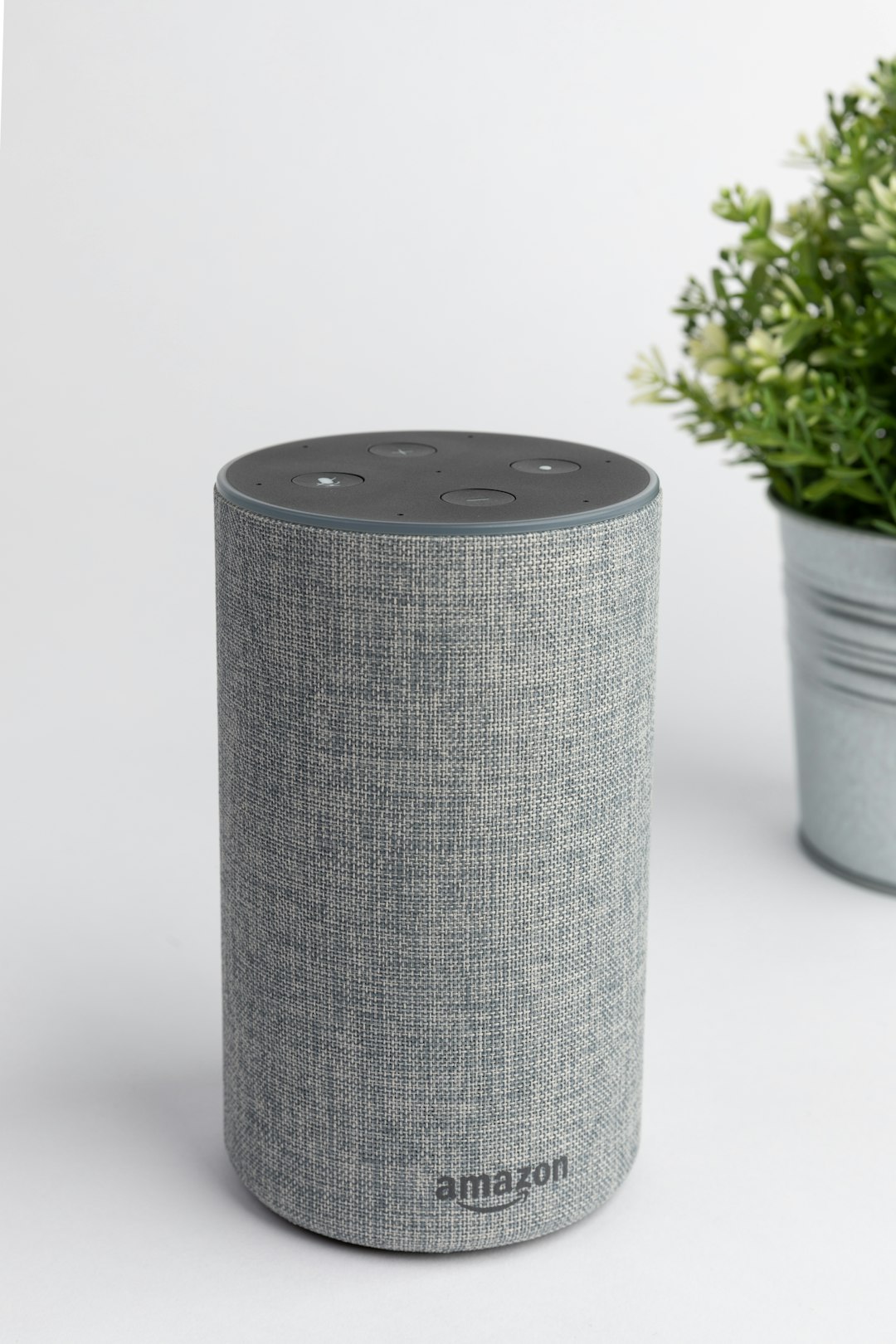
The thing that ties everything together is an Amazon Echo Dot (5th gen) on the nightstand. I created a single routine triggered by saying “bedtime.” Here is what happens:
- Lights shift to warm amber at 20% brightness, then off after 15 minutes
- Thermostat drops to 67 degrees
- White noise (the fan on the smart plug) turns on
- LED strips switch to 5% red for night mode
- Do Not Disturb enables on my phone
One command, and the room transforms into a sleep environment. In the morning, I say “good morning” and the lights come on, the thermostat warms up, the blinds open, and white noise stops. It sounds simple, but removing friction from the bedtime routine is what makes these devices worth it. You can also add an Aqara Hub M3 if you want to coordinate Zigbee sensors like a water leak sensor near an en-suite bathroom for extra peace of mind overnight.
Cost Breakdown
Here is roughly what I spent building this setup over the past year. You do not need to buy everything at once. I started with bulbs and the thermostat, then added the rest over several months.
- Philips Hue Color bulbs (2-pack): Around 100 dollars
- Philips Hue White Ambiance bulbs (2-pack): Around 50 dollars (budget alternative)
- Nest Learning Thermostat: Around 130 dollars
- Smart plugs (2): Around 25 dollars total
- Motorized smart blinds: 80 to 200 dollars depending on brand and window size
- Air quality monitor: Around 50 to 100 dollars
- Govee LED strips (2): Around 40 dollars total
- Amazon Echo Dot (5th gen): Around 50 dollars
Total for the full setup: Roughly 475 to 645 dollars depending on choices. You can start with bulbs, a smart plug, and an Echo Dot for under 150 dollars and already notice a difference.
Common Mistakes to Avoid
Using Cool White Light at Bedtime
Cool white and blue-toned light suppresses melatonin. If your smart bulbs stay at 4000K or higher after 9pm, you are working against yourself. Set a schedule to shift below 3000K an hour before bed. This is the single biggest thing you can change for sleep quality.
Overcomplicating the Routine
It is tempting to add fifteen steps to your bedtime routine. Do not. Lights, temperature, white noise, and DND are the core four. Everything else is a bonus. If the routine takes more than a few seconds to trigger or has too many dependencies, you will stop using it.
Forgetting Humidity
I focused on light and temperature for months before realizing the air itself was the problem. If you wake up with a dry throat, congested, or with a headache, check your bedroom humidity. Aim for 40 to 50 percent. A cheap humidifier on a smart plug fixes this overnight.
Putting the Speaker Too Close to Your Head
The Echo Dot is handy, but if it sits six inches from your pillow, the microphone picks up every toss and turn. I moved mine to the dresser about four feet away. Voice commands still work fine, and it is far less intrusive.
Not Testing the Morning Routine
I set my blinds to open at 6:15am without testing the brightness first. On day one I got hit with full morning sun on a cloudless day and it was intense. Start with a partial open or pair it with gradual lights so the wake-up is gentle, not jarring.
Not a Prime member yet? Get FREE 2-day shipping on millions of items. Start your 30-day Prime free trial
Bottom Line
Smart bedroom automation is not about gadgets for the sake of gadgets. It is about removing the small frictions that keep you from falling asleep and waking up naturally. Start with smart bulbs that dim warm and a thermostat that cools down automatically. Add a voice routine so one word sets everything in motion. From there, layer in the extras: white noise, air quality, soft night lighting. My sleep is measurably better, and I did not have to remodel anything or spend a fortune. The bedroom is the one room in the house where smart home tech pays for itself in how you feel every morning.
Disclosure: This post contains affiliate links. If you buy through them, I earn a small commission at no extra cost to you.
🏠 Get Your Free Smart Home Setup Checklist
Join our newsletter and get this free printable plus weekly tips.