

This article contains affiliate links. We may earn a commission from qualifying purchases.
Some content on this site is AI-assisted and reviewed by our editorial team.
Last summer I spent roughly four hours every week testing water chemistry, flipping pump timers, and climbing behind my pool equipment to adjust valves. This summer I spend maybe twenty minutes a week on pool maintenance — and most of that is just skimming leaves. The difference came down to six smart home devices I gradually added to my pool setup over the past year. None of them required professional installation, and together they turned pool care from a weekend chore into something that mostly runs itself.

If you have a backyard pool and already use smart home tech for things like lighting or thermostats, extending that system to your pool is surprisingly straightforward. You can start small with a single smart plug and build from there. Here is everything I use and how each piece fits into the overall automation routine.
1. Smart Pool Controller (Pentair IntelliConnect)
The backbone of my pool automation is the Pentair IntelliConnect pool control system. It connects to your existing pool equipment — pump, filter, heater, lights — and lets you control everything from a phone app or voice assistant. If you have a Pentair EasyTouch or IntelliTouch system already, the IntelliConnect add-on gives you remote access and scheduling without needing to walk out to the equipment pad.
The app lets you set pump schedules, turn on waterfall features, activate the heater, and check equipment status from anywhere. I use it mostly to run the pump during off-peak electricity hours and to fire up the heater about an hour before I plan to swim. On days when nobody ends up using the pool, I can skip the heating cycle entirely from my phone instead of wasting gas.
You can also pair it with broader home automation routines so that one “pool time” command adjusts the thermostat, starts the pump, and turns on the pool lights simultaneously.
2. Smart Plug for Pump Timer Control
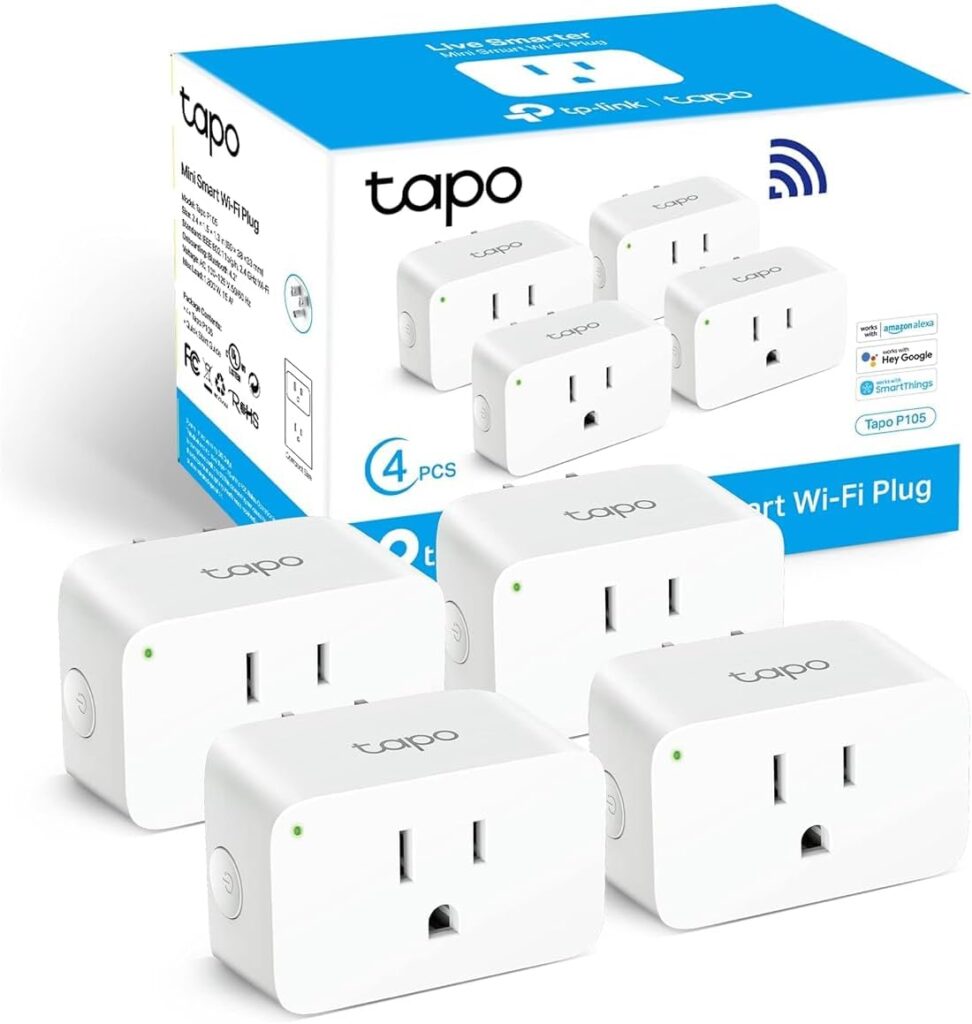
If you are not ready to invest in a full pool controller, a heavy-duty smart plug is the easiest entry point. I started with a TP-Link Tapo smart plug connected to my pool pump’s mechanical timer. Instead of manually adjusting the timer pins every time the season changed, I set a schedule in the Tapo app and let it handle the on/off cycles.
The key thing here is making sure the smart plug is rated for the amperage your pump draws. Most standard pool pumps run on a 15-amp circuit, and the Tapo handles that fine. For larger variable-speed pumps on dedicated circuits, you will want to check the load rating before plugging in. If you want to understand how smart plugs fit into the bigger energy picture, I wrote about smart home energy monitoring and how it lowered my electric bill — the pool pump was one of my biggest energy draws before I got it under control.
3. Water Quality Monitoring Sensors
This is the device that saved me the most time. Instead of testing water chemistry manually every few days with test strips, I use a smart water quality monitor that floats in the pool and sends pH and chlorine readings to my phone. The app tracks trends over time and alerts me when levels drift out of range, so I only add chemicals when the system tells me to — not on a fixed schedule that often wastes product.
Before I installed the monitor, I was over-chlorinating pretty regularly because I followed the “shock every Tuesday” routine the pool store recommended. The sensor showed me that my chlorine levels actually held steady for five or six days in a row, meaning I was dumping in chemicals two days early every single week. Over a full season that adds up to a lot of wasted chlorine.
You can also work water monitoring into a summer prep routine so that you start swim season with balanced chemistry rather than fighting to correct it after the fact.
4. Smart Lighting for the Pool Area
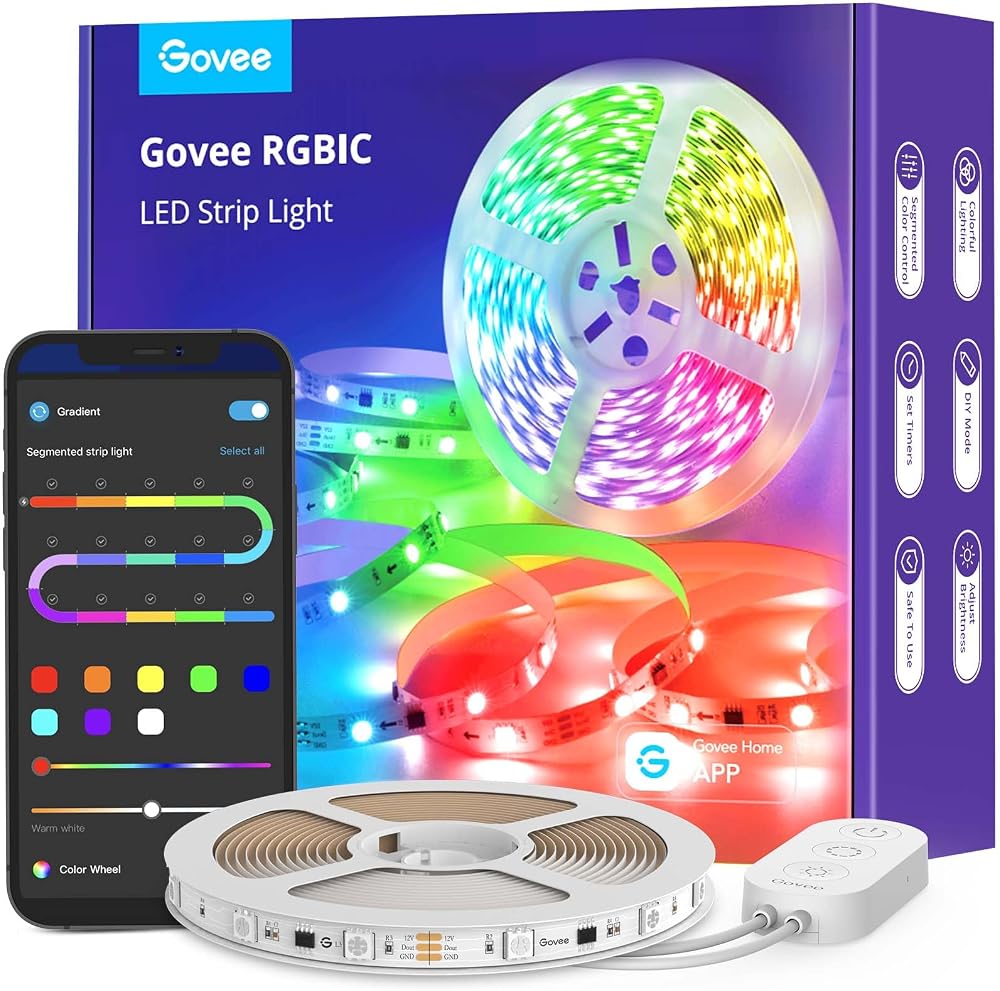
Pool lighting is one of those things that seems like a luxury until you have it, and then you cannot imagine going back. I installed Govee RGBIC LED strip lights along the underside of my pool deck railing and set them to a warm white for everyday evenings, with a color-shifting mode for when we have people over. The Govee app integrates with Alexa and Google Assistant, so I can say “pool lights on” from inside the house and have the deck lit up by the time I walk out the door.
The nice thing about using smart LED strips instead of dedicated pool lighting fixtures is the cost. A full set of Govee strips runs under forty dollars, while installing permanent pool deck lighting would easily cost hundreds in electrician fees alone. And since the strips are low-voltage, you do not need to worry about running new conduit or pulling permits.
For a deeper dive into budget-friendly smart home additions, I put together a list of smart plugs under 25 dollars that are actually worth buying — several of those work great for controlling outdoor lighting transformers.
5. Pool Heater Smart Control
My pool heater is a gas unit connected through the Pentair system, so the IntelliConnect app handles scheduling. But if you have an electric heat pump or a heater that connects to a standard thermostat, you can add smart control through something like a Nest Learning Thermostat or a smart relay. The goal is simple: heat the pool only when you are actually going to use it, instead of running it on a fixed schedule regardless of whether anyone is swimming.
I set my heater to kick on at 5 AM when I plan to swim at 7 AM, so the water reaches my target temperature right as I walk out. On days when I know I will not swim, the heater stays off. Last season this cut my gas bill by about thirty percent compared to the old “always on from May to September” approach.
If you want to take it a step further, the Echo Show 8 makes a good pool-side command center. I keep one on the covered patio near the pool, and I can check the weather, see the current water temperature, and trigger routines without pulling out my phone.

6. Leak and Flood Detection
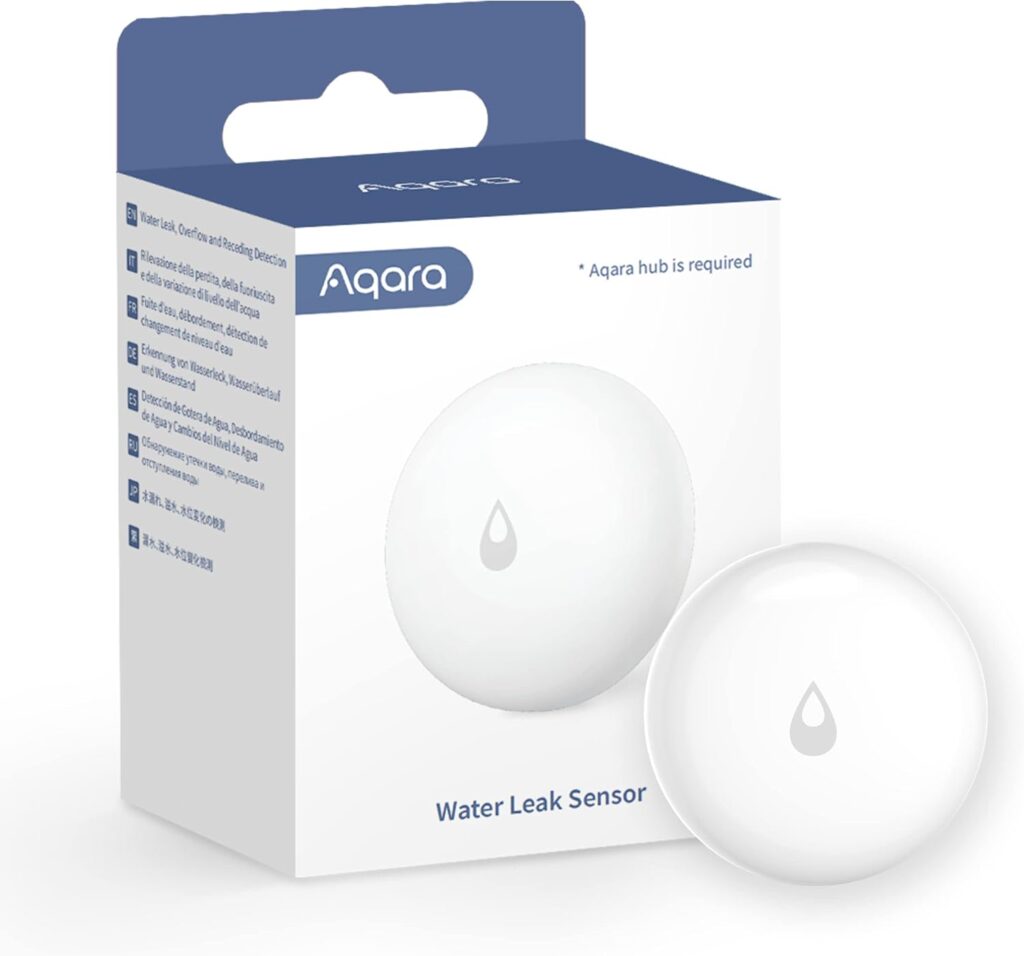
This is the least exciting device on the list, but it might be the most important. A slow leak in your pool equipment area can waste thousands of gallons of water over a season and cause damage to nearby structures before you even notice. I placed Aqara water leak sensors near my pump, filter, and heater, all connected to an Aqara Hub M3 that integrates with my Apple Home setup.
When one of the sensors detects water, it sends an immediate push notification to my phone and triggers all my smart lights to flash red. That sounds dramatic, but a cracked filter housing at 2 AM is genuinely dramatic — and a silent alarm that you do not notice until morning is worse than useless. The sensors also track temperature and humidity, which helps me keep an eye on whether the equipment pad is getting too hot during peak summer afternoons.
Cost Breakdown: What I Spent
Here is roughly what each piece costs, so you can build a budget. I spread these purchases over about ten months, which made the total much easier to absorb.
- Pentair IntelliConnect controller — around 300 to 350 dollars depending on whether you need the cell module
- TP-Link Tapo smart plugs — roughly 15 dollars each, I use two
- Water quality monitor (pH and chlorine) — 150 to 200 dollars for a reliable unit
- Govee RGBIC LED strips — 30 to 40 dollars for a 16-foot roll
- Nest Learning Thermostat (for heater control) — about 130 dollars
- Aqara water leak sensors (3-pack) plus Hub M3 — approximately 80 dollars total
The grand total for everything came to around 700 dollars. For context, I was previously spending about 40 dollars a month on chlorine I did not need and another 50 to 60 in gas for the heater running on a fixed schedule. The system paid for itself in roughly one pool season.
Common Mistakes to Avoid
Skipping the Smart Plug and Going Straight to a Controller
If you are just starting out, buy a smart plug first. Spend fifteen dollars, automate your pump schedule, and see whether you actually use the app-based control before dropping 300 dollars on a full pool controller. I almost made this mistake — I had the IntelliConnect in my cart for two weeks before I decided to try the smart plug approach first. The smart plug solved half my problems for five percent of the cost.
Ignoring Amperage Ratings
Pool pumps draw significant current, especially older single-speed models. Check the amp rating on your pump motor and compare it to the smart plug’s maximum load before you plug anything in. If your pump runs on a 240-volt circuit or draws more than 15 amps, a standard smart plug will not work — you will need a contactor relay setup or a dedicated pool controller instead.
Over-Automating Too Fast
When I first set everything up, I created a massive routine that turned on the pump, heater, lights, and water features all at once every morning. Within a week I realized that most mornings I did not swim, so I was heating the pool and running features for nothing. Start with one or two automations, watch how you actually use the pool for a couple of weeks, then expand from there.
Forgetting to Check Sensor Batteries
Water quality monitors and leak sensors run on batteries, and they always seem to die at the worst time. I check all my sensor batteries on the first of every month — it takes five minutes and has saved me from a dead leak sensor during a storm that actually caused a minor flood near my equipment pad.
Not a Prime member yet? Get FREE 2-day shipping on millions of items. Start your 30-day Prime free trial
Bottom Line
Pool maintenance used to eat up a significant chunk of my weekends. With these six devices working together, the pool basically takes care of itself. The pump runs on an efficient schedule, the water chemistry stays balanced without daily testing, the lights come on when I want them, the heater only runs when I am actually going to swim, and I get an instant alert if anything starts leaking. The total investment was under 700 dollars, and it paid for itself in saved chemicals and gas within one season. If you own a pool and have not added smart home tech to it yet, start with a smart plug and a water quality sensor — those two alone will change how you think about pool maintenance.
Disclosure: This post contains affiliate links. If you buy through them, I earn a small commission at no extra cost to you.
🏠 Get Your Free Smart Home Setup Checklist
Join our newsletter and get this free printable plus weekly tips.