This article contains affiliate links. We may earn a commission from qualifying purchases.
Some content on this site is AI-assisted and reviewed by our editorial team.
The first winter utility bill is the one that gets people’s attention. November hits, the furnace cycles three times an hour, and the bill jumps $80 to $120 over October — sometimes more if you have electric heat. Most people stare at the total, pay it, and move on. A smart-home owner reads the bill differently: they break it into line items, hunt the phantom loads drawing power 24/7, and install four devices that pay for themselves before January ends. The math isn’t complicated. It’s just that nobody walks you through it.
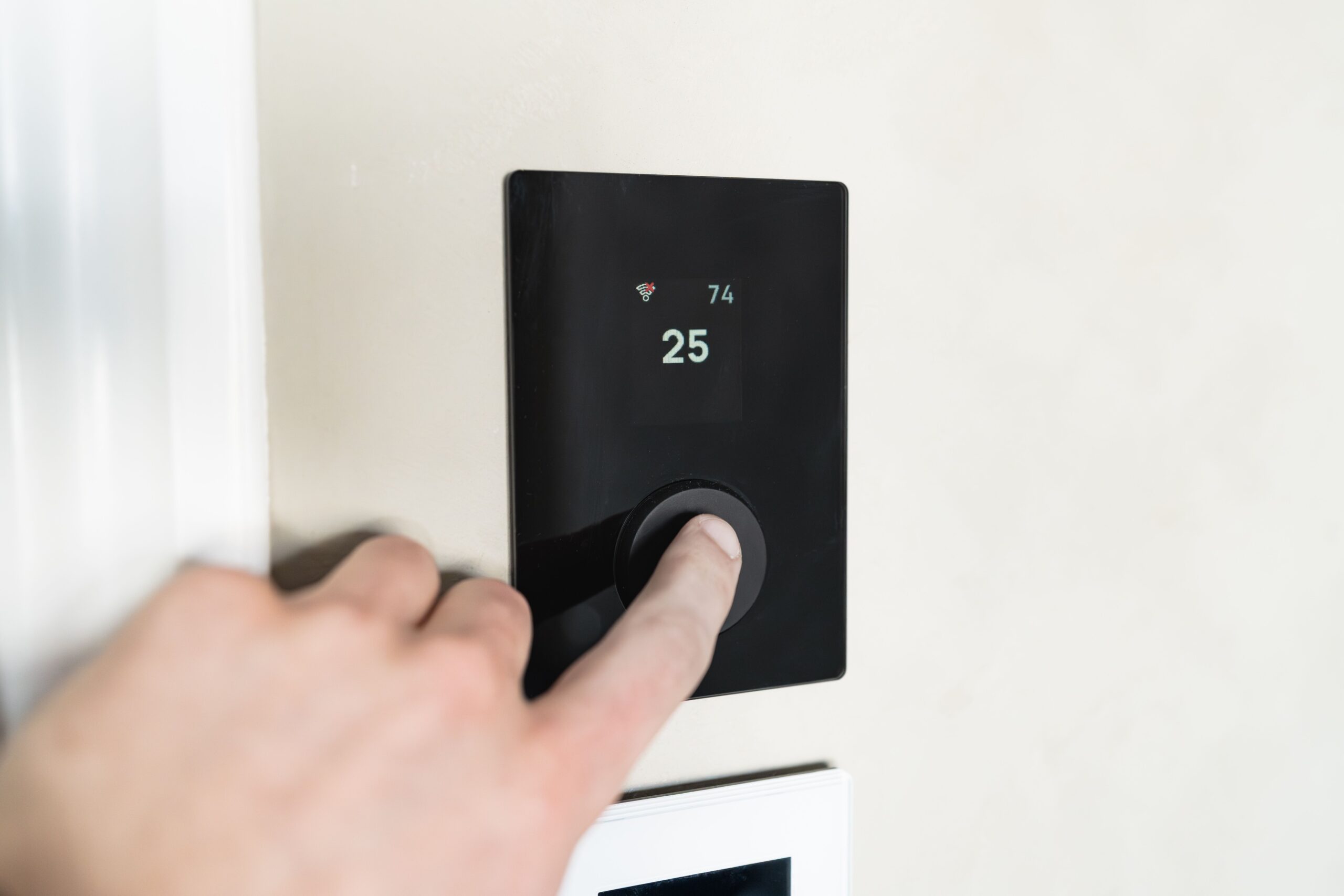
Here’s the bill anatomy and the four devices that attack each line item — with real watt numbers, not marketing round-numbers.
The Phantom-Load Line Item Nobody Explains
Your utility bill has two components: the energy you use on purpose (furnace, lights, TV, oven) and the energy you use by accident. That second category is called phantom load — the power drawn by devices that are “off” but still plugged in. The average home has 15 to 20 phantom loads drawing a combined 50 to 100 watts continuously. At the national average of $0.16 per kWh, that’s $7 to $14 a month, every month, all year. In winter, some of those loads are worse: heat tape on the roof, engine block heaters on a timer that forgot to stop, exterior lights on a broken sensor.
Kasa Outdoor Smart Plug EP40 (2-Socket) — the Yard Phantom-Load Cut
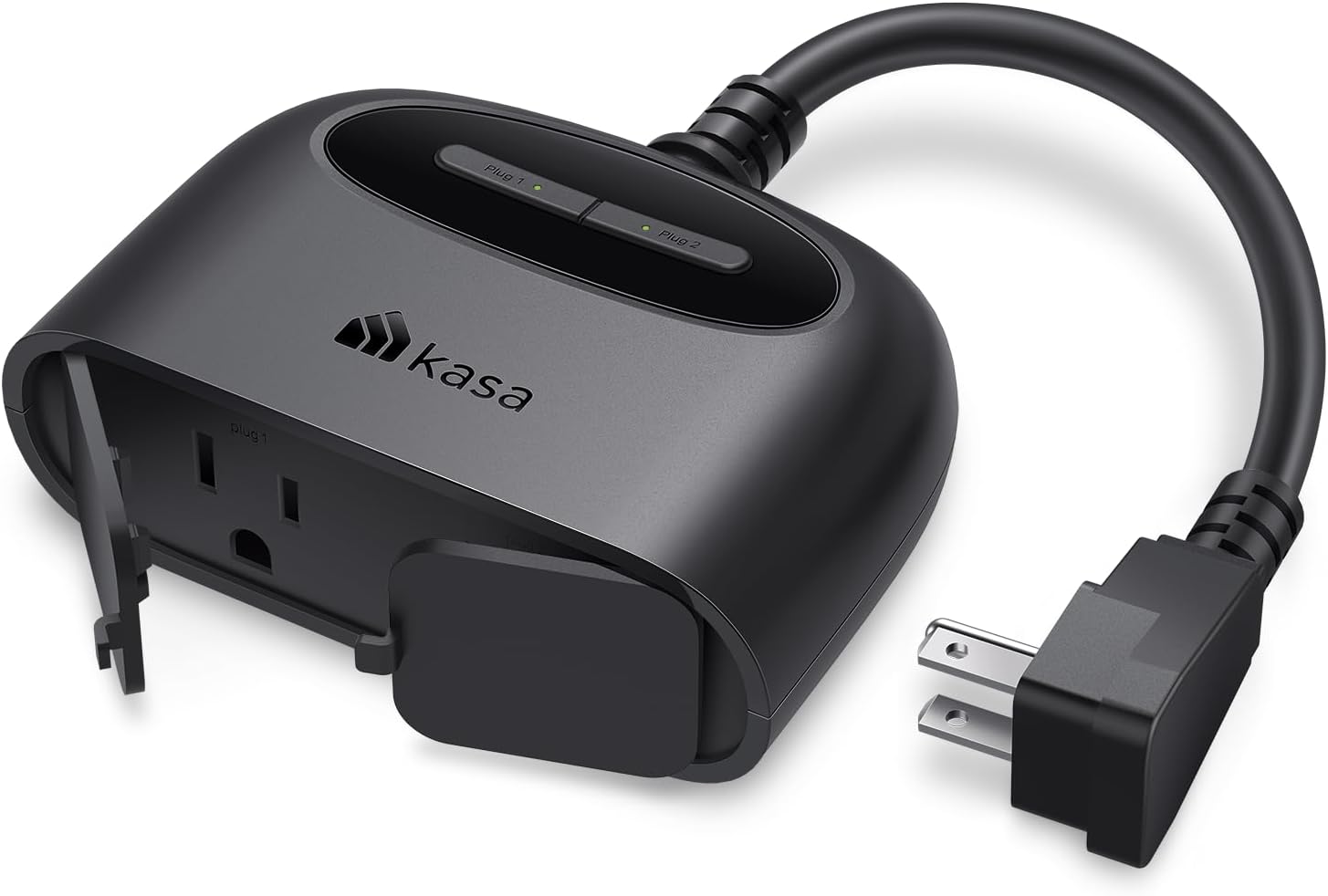
The Kasa Outdoor Smart Plug EP40 is a two-socket outdoor smart plug that runs on Wi-Fi — no hub required. You plug in heat tape, landscape lighting, or that broken-sensor floodlight, and set a schedule in the Kasa app. Heat tape runs 6 AM to 8 AM, off the rest of the day. Landscape lights run dusk to 10 PM, not all night. The plug is IP64 rated, which means splash-proof — it survives rain and snow but shouldn’t be buried in a puddle or mounted upside-down in a blizzard.
The two-socket design means one plug controls two devices on independent schedules. That’s useful if your heat tape and your entry light have different run times.
The honest con: it’s rated for 15 amps combined, which is plenty for lights and heat tape but not for a space heater or a block heater. And the Kasa app requires an account — if you’re privacy-conscious, know that TP-Link collects usage data. You can disable telemetry in the app settings.
My take: The cheapest way to kill the outdoor phantom loads you forgot about. One plug, one schedule, and the heat tape stops running 22 hours a day for no reason.
Govee WiFi Thermometer Hygrometer H5179 — the Humidity Evidence
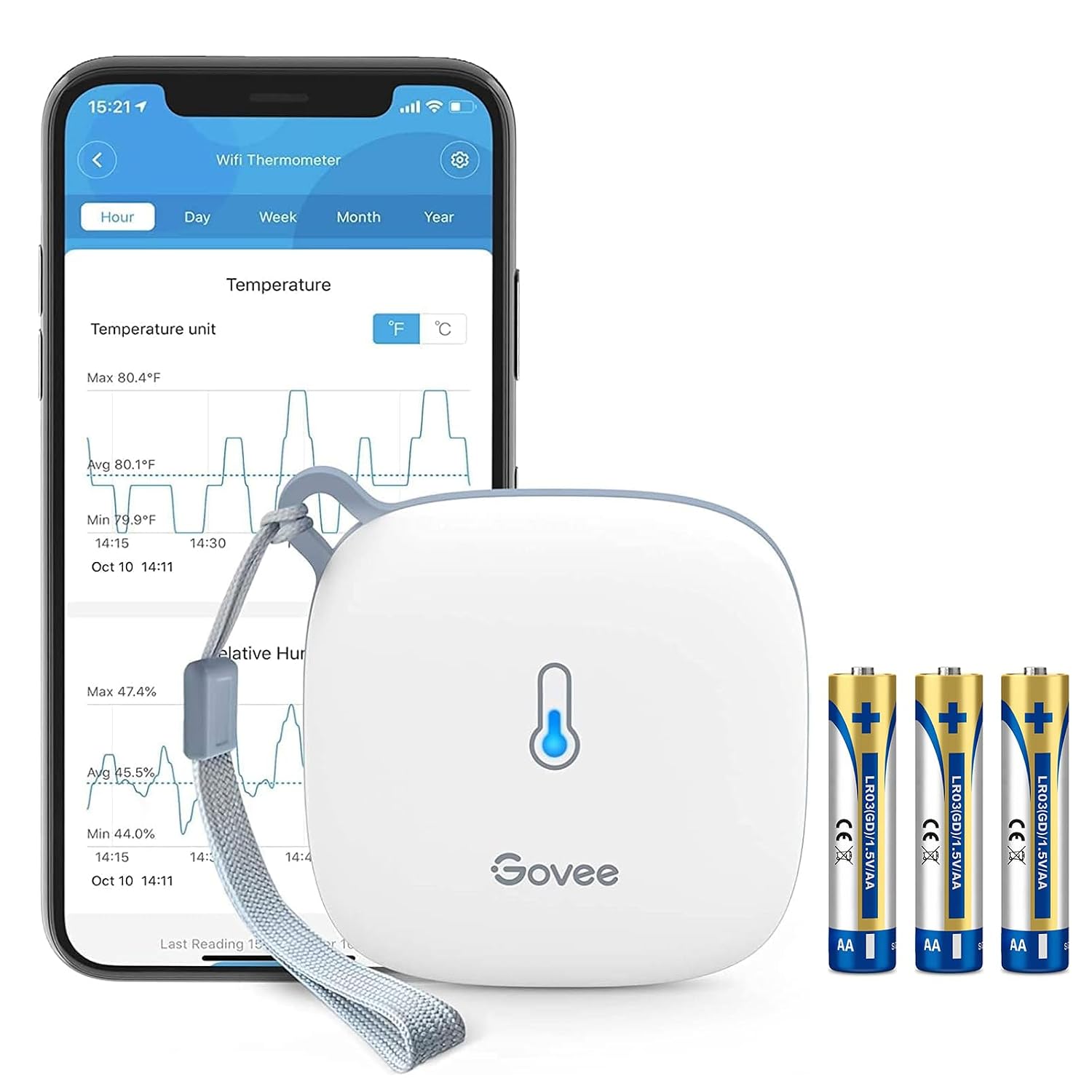
The Govee H5179 Thermometer Hygrometer doesn’t save energy directly — it tells you whether your energy spending is fixing the right problem. Dry winter air below 30% humidity feels colder than 68°F actually is, so people bump the thermostat up instead of running a humidifier. The H5179 logs temperature and humidity continuously and exports the data as a CSV.
With two years of data, you can see whether your bill spikes correlate with temperature drops (insulation problem) or humidity crashes (you need a humidifier, not a higher thermostat). The sensor connects to Wi-Fi and stores data in Govee’s cloud — free, no subscription. The display is small but readable, and the included CR2477 battery lasts about a year.
The honest con: data storage is cloud-dependent. If Govee’s servers go down, you lose real-time logging (historical data is preserved). If you want fully local data, this isn’t the tool — look at a Home Assistant temperature sensor instead.
My take: The $25 device that tells you whether you’re heating your house or just heating dry air. Pair it with a humidifier and watch the thermostat-setting habit change.
Amazon Basics Ceramic Space Heater 1500W — the Zone-Heat Workhorse
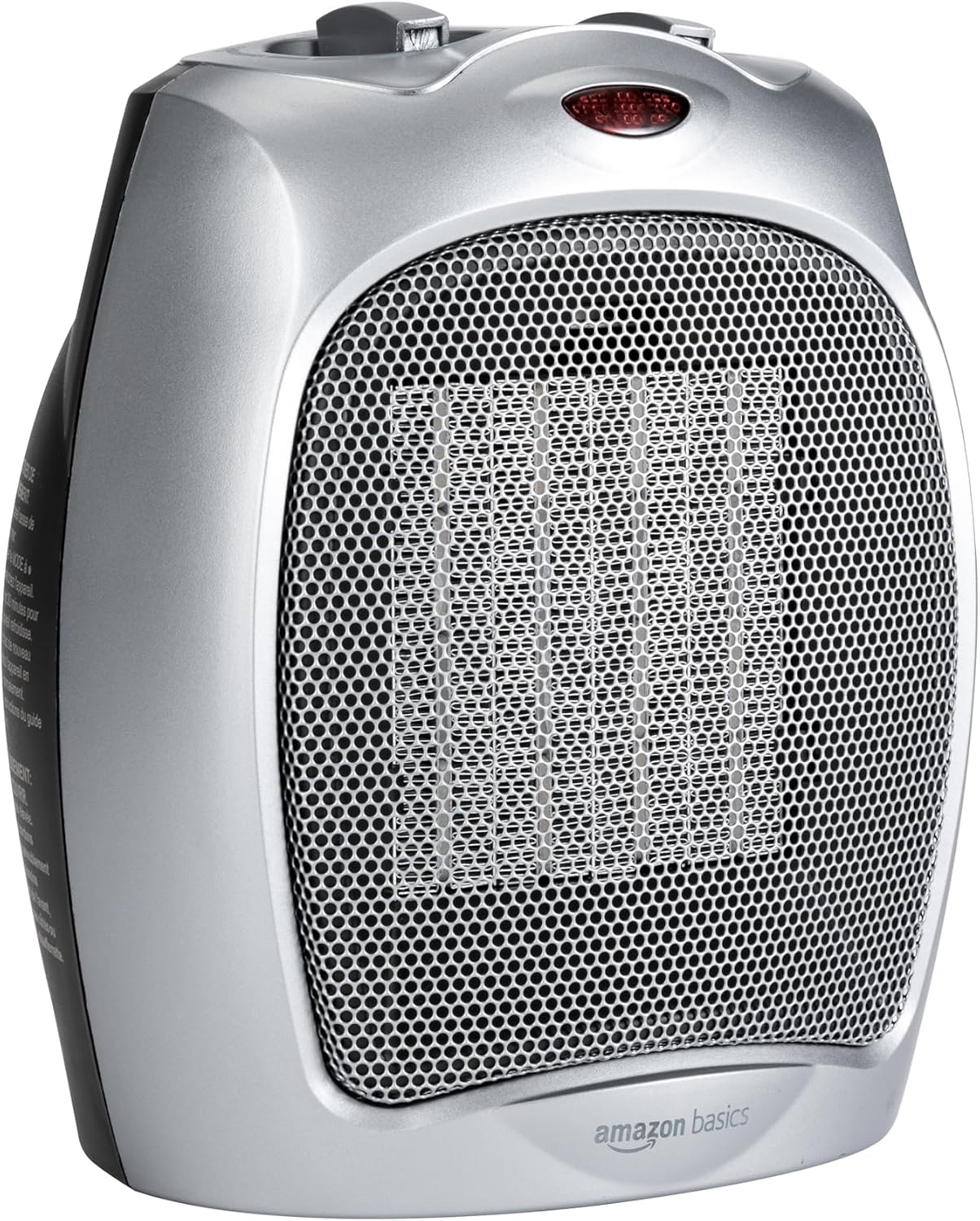
The Amazon Basics Ceramic Space Heater is the $30 argument for zone heating. Instead of heating the whole house to 70°F, you set the furnace to 66°F and run a 1500W heater in the room you’re actually in. The math: a central furnace draws 15,000 to 20,000 watts of equivalent heating. A space heater draws 1,500. Dropping the whole-house thermostat 2°F and running a zone heater for 4 hours saves about 8 to 12 kWh per day in an average home — roughly $1.50 to $2.00 a day, or $45 to $60 a month during heating season.
This heater has tip-over protection (it shuts off if knocked sideways) and overheat protection (thermal cutoff). The ceramic element heats up fast — under 30 seconds — and the fan is quiet enough for a bedroom. It has two heat settings (750W and 1500W) plus a fan-only mode.
The honest con: it is not bathroom-safe. No GFCI, no IP rating. Do not use it near water. The housing also gets warm on top — keep it away from curtains and bedding. And 1500W on a shared circuit with other devices will trip a breaker.
My take: The $30 heater that lets you drop the thermostat 2°F without feeling it. Pays for itself in about three weeks of daily use.
P3 P4400 Kill A Watt — the Bill Detective
The P3 P4400 Kill A Watt is the $25 meter that names your worst phantom load in one evening. You plug it into a wall outlet, plug a device into it, and it displays real-time wattage, cumulative kWh, and cost (you enter your utility rate). Leave it on a device for 24 hours and you know exactly what that device costs you per day, per month, per year.
The value is in the surprises: the cable box that draws 25W even when the TV is off ($2.80/month). The game console in standby drawing 8W ($0.90/month). The old refrigerator in the garage drawing 150W average ($17/month). Once you’ve named the culprits, the Kill A Watt has done its job — you replace, unplug, or smart-plug the worst offenders.
The honest con: it hogs the entire outlet (it’s a brick that blocks the second socket), and logging is manual — there’s no app, no export, no Wi-Fi. You read the screen and write down the number. For a one-time audit, that’s fine. For ongoing monitoring, you want a smart plug with energy reporting instead.
My take: The $25 audit tool you use once, pass to a neighbor, and buy again in five years. The cheapest way to find the device that’s quietly costing you $15 a month.
Free shipping on smart-home gear: Most of these devices ship free with a Prime membership. If you don’t have Prime, start a free 30-day trial — you’ll get them in two days and can cancel before the trial ends.
What Actually Saves Money (And What Doesn’t)
Saves money: Scheduling outdoor phantom loads, zone-heating occupied rooms, auditing devices with a Kill A Watt, tracking humidity to avoid over-heating dry air. Total device cost: about $100. First-month savings: $15 to $35. Payback: 3 to 7 months.
Doesn’t save money: Buying a smart thermostat and never programming a schedule. Adding smart bulbs to rooms you already turn off. Buying energy-monitoring smart plugs for devices that draw less than 2W — the plug costs more than the device it’s monitoring.
The math that matters: Four devices, $100 total, targeting four specific bill line items. That’s how a smart-home owner reads a winter bill — not as a number to pay, but as a map of where to spend $100 to save $200.
Keep reading:
The smart plug starter plan under $50 and
plug-in energy monitors that find hidden bill costs.
CleverHomeClub is reader-supported. As an Amazon Associate, I earn from qualifying purchases. That means if you buy through one of the links above, I get a small commission at no extra cost to you. I only recommend devices I’d run in my own home.
🏠 Get Your Free Smart Home Setup Checklist
Join our newsletter and get this free printable plus weekly tips.
Frequently Asked Questions
How much standby power do smart plugs save?
A smart plug itself draws about 1W, but it eliminates the standby draw of whatever’s plugged into it. A cable box drawing 25W in standby, scheduled off for 18 hours a day, saves about 0.45 kWh daily — roughly $2.20 a month. The savings come from cutting the device’s draw, not the plug’s efficiency.
Do smart thermostats really lower winter bills?
Only if you program the schedule. A smart thermostat with a 7-day schedule that drops 5°F at night and when you’re away saves 10-15% on heating. Without a schedule, it’s just an expensive wall thermometer. The savings come from the scheduling, not the thermostat’s brand or AI features.
What is a phantom load?
A phantom load is the power drawn by devices that are plugged in but turned “off” — cable boxes, game consoles, chargers, TVs, and appliances in standby mode. The average home has 15-20 phantom loads drawing 50-100W continuously, costing $7-$14 a month. A Kill A Watt meter identifies the worst culprits in one evening.
Liked this guide? Get the next one in your inbox — the smart home starter checklist is free too.
✓ You're in — check your inbox.
No spam. Unsubscribe anytime. We never share your email.
Price Check
Prices verified via our product tracker. Updated Oct 31.
| Govee WiFi Thermometer Hygrometer H5179 with App Notificat | $39.99 | 4.3★ (7,862) |
| Amazon Basics Ceramic Space Heater, Portable Indoor Heatin | $20.69 | 4.4★ (29,434) |
As an Amazon Associate we earn from qualifying purchases.