This article contains affiliate links. We may earn a commission from qualifying purchases.
Some content on this site is AI-assisted and reviewed by our editorial team.
A full chest freezer quietly holds $200 to $500 worth of groceries. It can lose its entire value overnight without making a sound — tripped GFCI outlet, door left ajar, compressor that dies at 2 a.m. The freezer looks fine from the outside; you find out two days later, when the smell reaches the kitchen and everything goes in the trash.
Here’s the sting: a $15 sensor would have told your phone within minutes. This is what I run, what I skipped, and the math.
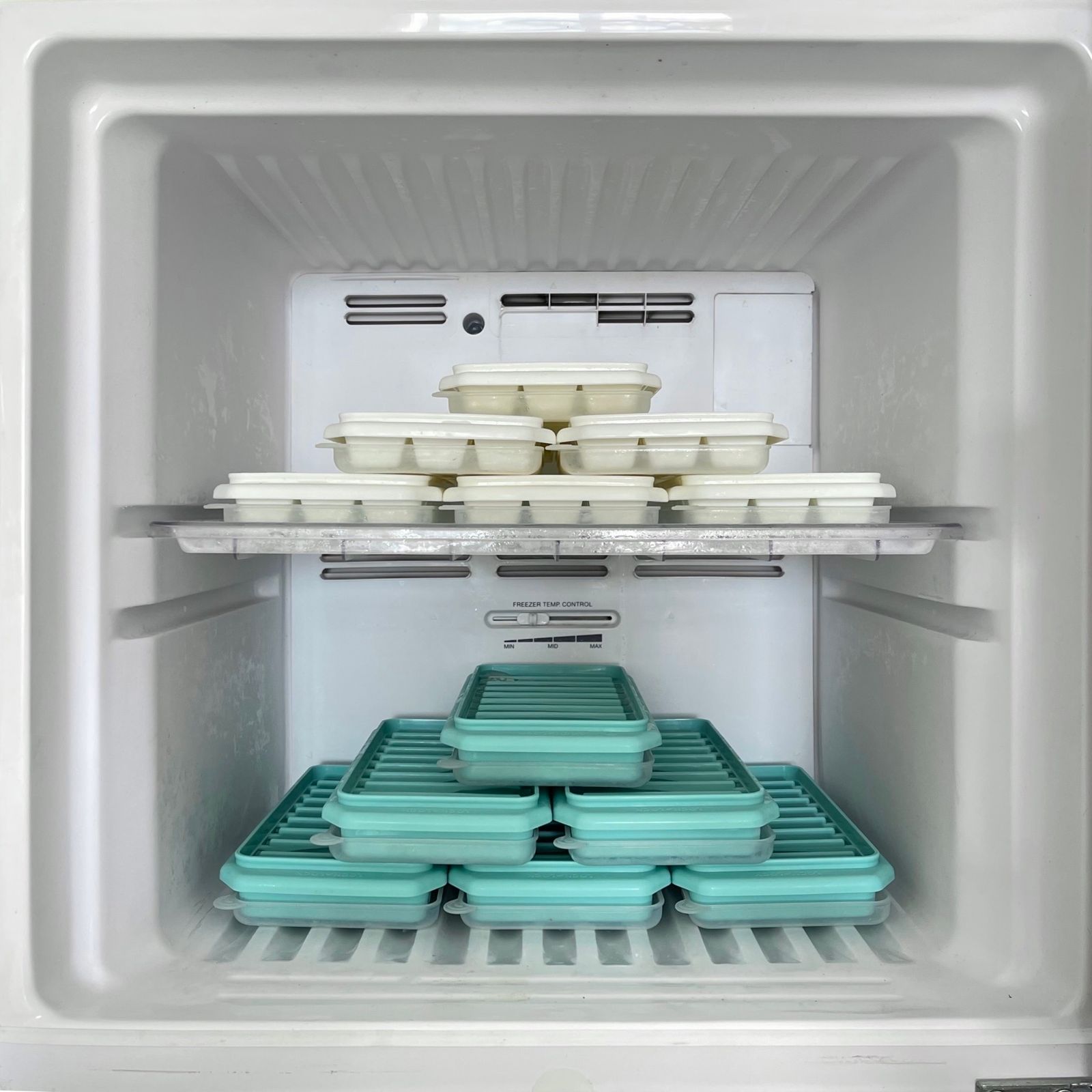
Three questions matter: Does it alert you when you’re not home? Does it keep history for the warranty fight? Does it do anything a $15 buzzer can’t? Cheapest first.
GoveeLife Bluetooth Refrigerator Thermometer — The Budget Alarm
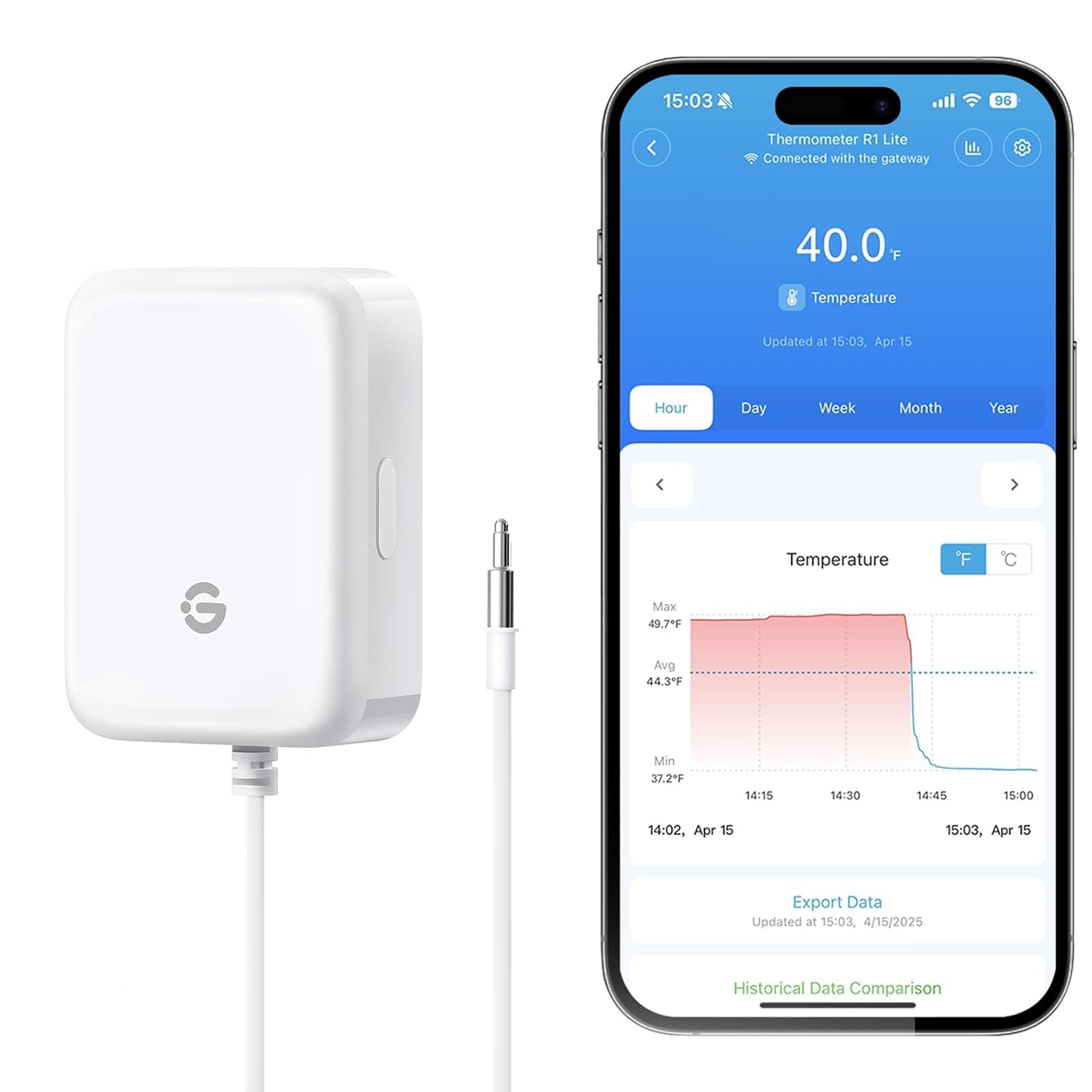
The GoveeLife Bluetooth Refrigerator Thermometer with Alarm is the about-$15 answer, and for a lot of households it’s all you need. The onboard 80 dB buzzer is loud enough to hear from the next room — your alert when you’re home — and the app pushes a notification while your phone is in Bluetooth range. No wiring, no hub: drop the puck in and pair once. Renter-friendly by definition.
Cons: Bluetooth is the hard limit. The moment you leave the property, alerts stop — a door left ajar at 9 a.m. tells you nothing while you’re at work. On-board logging is minimal, so if the app misses the event, it’s gone.
My take: if someone’s almost always around, buy this and pocket the difference. Best $15 in the freezer aisle.
GoveeLife WiFi Freezer Thermometer Alarm — The Remote-Alert Pick
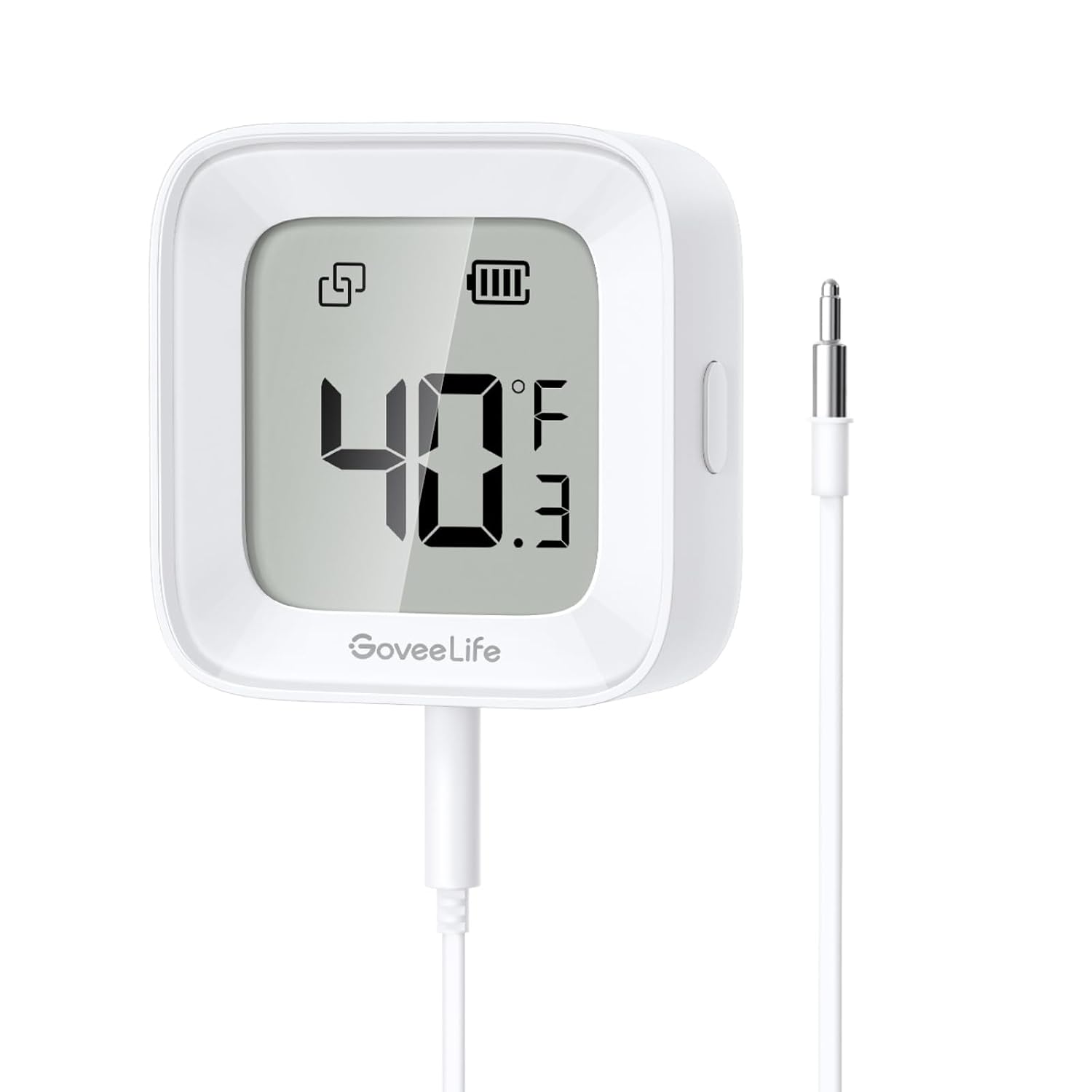
The GoveeLife WiFi Freezer Thermometer Alarm is what I actually run on my chest freezer. For about $30 to $35 it adds the feature that saves the food: real remote alerts, so your phone gets pinged from the office or from vacation. It also exports two years of temperature history — a record that wins the warranty argument when a compressor dies. Still renter-friendly: sensor in the freezer, pair in the app, ten minutes.
Cons: it only speaks 2.4 GHz Wi-Fi — a pain with mesh routers that hide that band. Alerts route through GoveeLife’s cloud, so if your internet drops, so do remote alerts, and the data lives on someone else’s server.
My take: the sweet spot for one freezer. Remote alerts plus a two-year paper trail for roughly double the buzzer’s price.
SensorPush HT1 — The Accuracy Pick
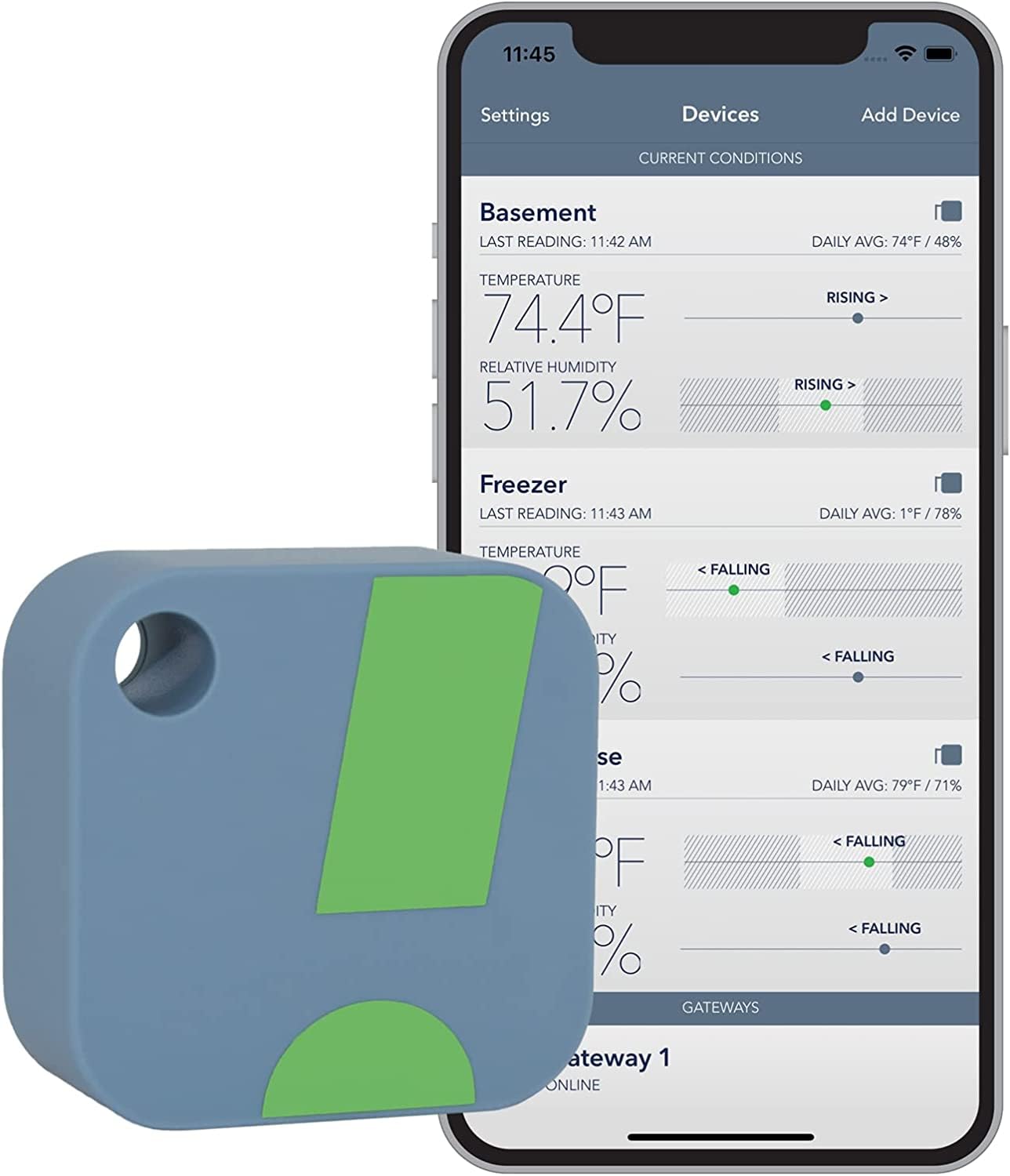
The SensorPush HT1 Smart Sensor is what you buy when the measurement itself matters. For about $50 you get best-in-class calibration — the pick when “close enough” isn’t, whether that’s a freezer full of fish or a wine fridge. It also stores about 20 days of readings on the sensor itself, so the data survives even if your phone wasn’t connected.
The con most people skim past: Bluetooth-only out of the box. For away-from-home alerts you need the G1 gateway at about $100, so a remote-alerting HT1 setup really costs about $150.
My take: buy it if you already own a G1 gateway — then it’s the best sensor you can put in a freezer — or if you need lab-grade numbers. Otherwise skip it.
SensorPush HTP.xw — The Premium Buy
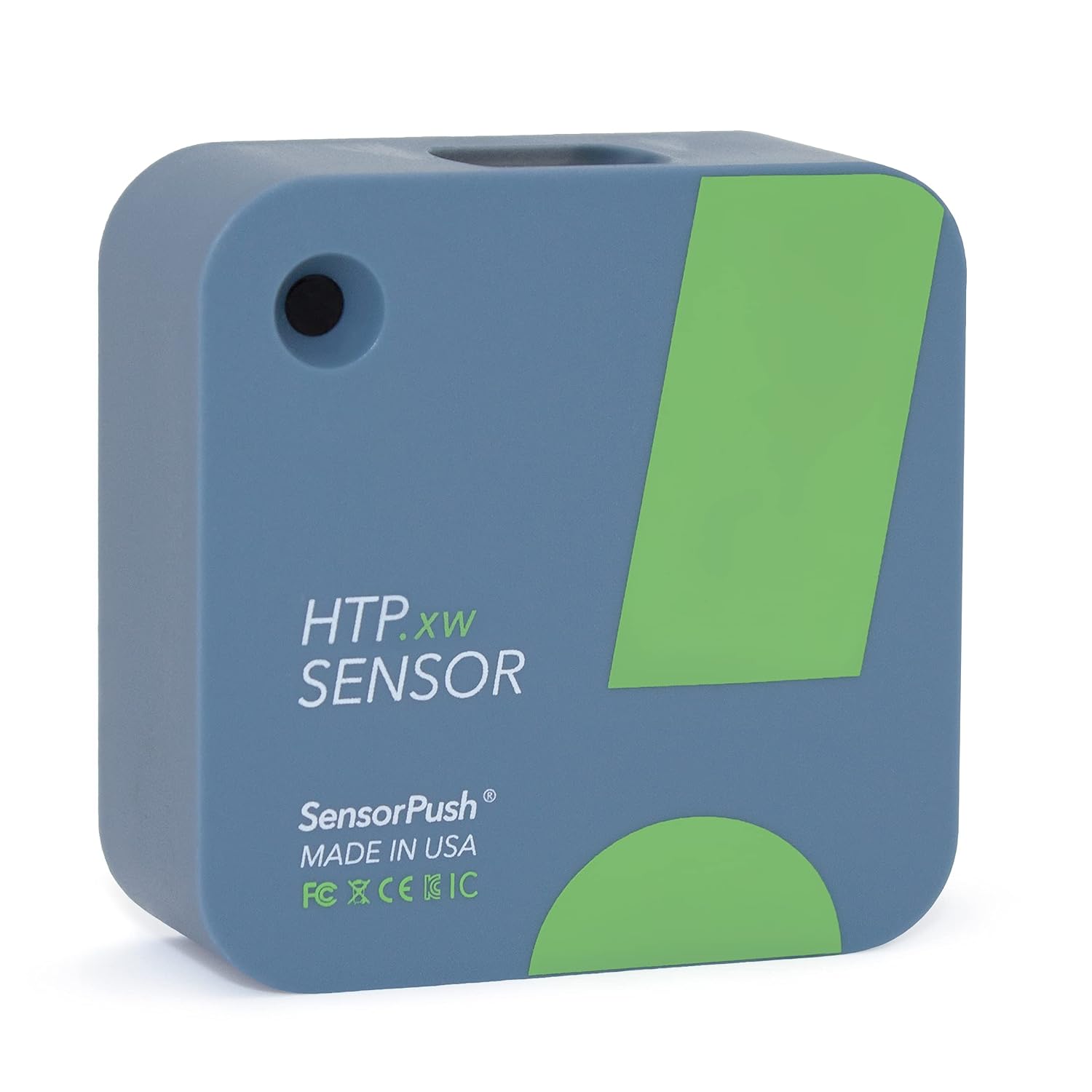
The SensorPush HTP.xw Smart Sensor tops the line at about $70. On top of the HT1’s accuracy it adds barometric pressure sensing and a water-resistant housing — nice on paper for damp basement duty next to a freezer. Longer on-board storage, same excellent app, same renter-safe, no-wiring install.
Cons, stated plainly: barometric pressure is a useless number inside a sealed chest freezer, and the about-$100 gateway is still required for remote alerts, so the complete setup lands around $170. For one chest freezer, that’s overkill by any honest measure.
My take: buy this only as one node in a bigger SensorPush network — humidor, wine cellar, server closet. As a dedicated freezer alarm, you’re paying for hardware the freezer can’t use.
Quick start: if you do one thing today, put the GoveeLife WiFi alarm (about $30-35) on your chest freezer and set a high-temp alert at 10°F. Not a Prime member? Start a free 30-day Prime trial — the sensor’s at your door before the weekend.
What Actually Saves Money (And What Doesn’t)
A $15 buzzer when someone’s home: saves the load. Most freezer incidents are door-ajar or bumped-cord events found within hours, not silent midnight compressor deaths. A buzzer catches most realistic scenarios for the price of lunch.
Remote alerts when nobody’s home: the whole game. The difference between “smelled it two days later” and “got a push at work” is about $20 of extra hardware.
Onboard data logging: less about saving food, more about winning arguments. A two-year export has ended more than one warranty dispute — a $200 to $600 repair you don’t pay for twice.
What doesn’t: a $150 accuracy-and-gateway rig for one chest freezer. A “smart freezer” with Wi-Fi baked in when your current unit has ten years left. And subscriptions — none of the devices above charge monthly, but some monitoring platforms do.
The Savings Math, Honest Edition
Say the freezer holds about $300 of food, and a failure — ajar door, tripped outlet, dead compressor — hits a typical household once every 3 to 5 years. That’s $60 to $100 a year of expected loss, accruing silently.
The GoveeLife Wi-Fi alarm costs about $35, roughly $12 a year amortized over three years, against that $60 to $100 of expected annual loss. One caught event returns about $300 of food against $35 of hardware — close to nine times your money the day it matters. The $15 Bluetooth version costs about $5 a year but only covers incidents you’re home for, so it’s the backup, not the plan. The about-$150 SensorPush stack delivers the same alert for roughly four times the price — the accuracy is real, but a freezer doesn’t need a lab instrument. It needs to make a phone call before the food thaws.
While you’re putting sensors on appliances that fail silently, see water monitors that earn their keep (Flume 2 versus the $500 valve) for the flood side of the same math, and package season setups that beat the porch pirate math for what’s arriving at your door instead of thawing in the garage.
Frequently Asked Questions
How does a freezer alarm with phone alerts work?
A sensor inside the freezer reads the temperature every few seconds to minutes and sends it over Bluetooth or Wi-Fi to an app — Wi-Fi models route through the manufacturer’s cloud. You set a high-temperature threshold, and when the reading crosses it, the app fires a push notification. Bluetooth-only alarms reach you just while your phone is in range; Wi-Fi models reach you anywhere.
Where should you place a freezer temperature sensor?
In the middle of the freezer, nestled between food packages — not against the walls, not on an upright’s door, not in front of the vent. That mid-height spot reads the temperature your food actually experiences. Don’t bury it under a new Costco run; a probe wedged under frozen bags reads falsely low.
What temperature should a freezer alarm be set to?
Your freezer should run at 0°F (-18°C). Set the high-temperature alarm between 10°F and 15°F. The buffer matters: door-open events and defrost cycles cause short spikes, so an alarm too close to 0°F cries wolf and gets muted. Food stays safe below 40°F, so a 10-15°F alert gives you hours of lead time — usually enough to get home and save the full load.
CleverHomeClub is reader-supported. As an Amazon Associate, I earn from qualifying purchases. That means if you buy through one of the links above, I get a small commission at no extra cost to you. I only recommend devices I’d run in my own home.
🏠 Get Your Free Smart Home Setup Checklist
Join our newsletter and get this free printable plus weekly tips.
Frequently Asked Questions
How does a freezer alarm with phone alerts work?
A sensor inside the freezer reads the temperature every few seconds to minutes and sends it over Bluetooth or Wi-Fi to an app. You set a high-temperature threshold, and when the reading crosses it, the app fires a push notification. Bluetooth-only alarms reach you just while your phone is in range; Wi-Fi models reach you anywhere.
Where should you place a freezer temperature sensor?
In the middle of the freezer, nestled between food packages. Not against the walls, not on a door shelf, not in front of the vent. That mid-height spot reads the temperature your food actually experiences. Do not bury it under a new Costco run; a probe wedged under frozen bags reads falsely low.
What temperature should a freezer alarm be set to?
Your freezer should run at 0F or -18C. Set the high-temperature alarm between 10F and 15F. The buffer matters: door-open events and defrost cycles cause short spikes, so an alarm too close to 0F cries wolf and gets muted. Food stays safe below 40F, so a 10-15F alert gives you hours of lead time.
Liked this guide? Get the next one in your inbox — the smart home starter checklist is free too.
✓ You're in — check your inbox.
No spam. Unsubscribe anytime. We never share your email.