This article contains affiliate links. We may earn a commission from qualifying purchases.
Some content on this site is AI-assisted and reviewed by our editorial team.
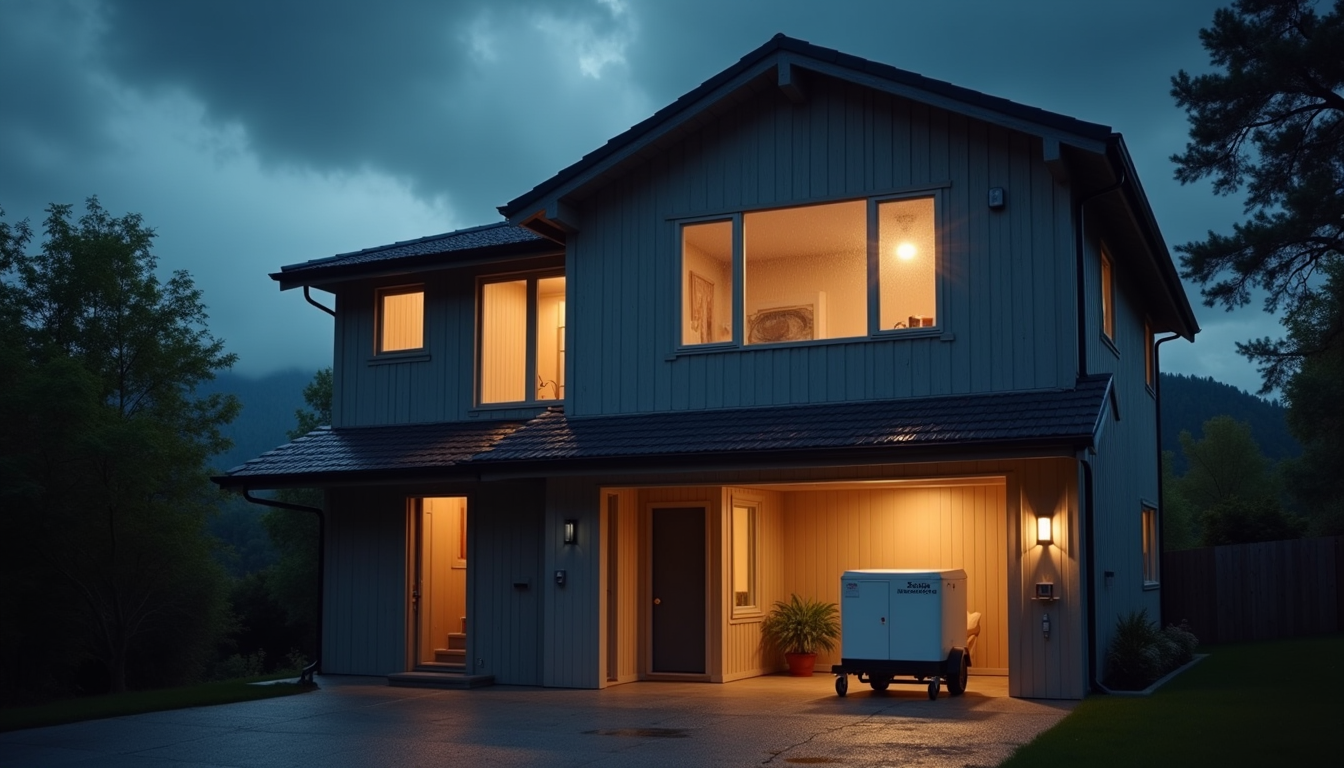
Why Your Smart Home Needs Storm Prep
Last August, a freak windstorm knocked out power across my neighborhood for three days. I had spent two years building out my smart home — smart thermostat, voice-controlled lights, security cameras, water leak sensors, the works. And in the space of about four hours, all of it went dark. The thermostat stopped working. The cameras died. The leak sensors could not alert me because the Wi-Fi router was off. My 2,000-dollar smart home setup became a collection of expensive plastic.
That experience sent me down a rabbit hole of figuring out how to make my smart home actually survive a storm. Not just keep working during a power outage, but actively help me through it — alerting me to water intrusion, keeping critical devices running, and giving me visibility into what was happening at home when I might not be there.
Here is what I learned, what I set up, and what actually works when the grid goes down.
Power Backup: The Foundation of Storm Prep
Everything in your smart home runs on electricity. No power means no smart home. So before you think about sensors or automations, you need a backup power plan.
I am not talking about a whole-house generator. That is a 10,000-dollar project. I am talking about keeping your critical smart home devices alive — your router, your hub, a few cameras, your phone charger, and maybe a few LED lights. That takes a lot less power than you think.
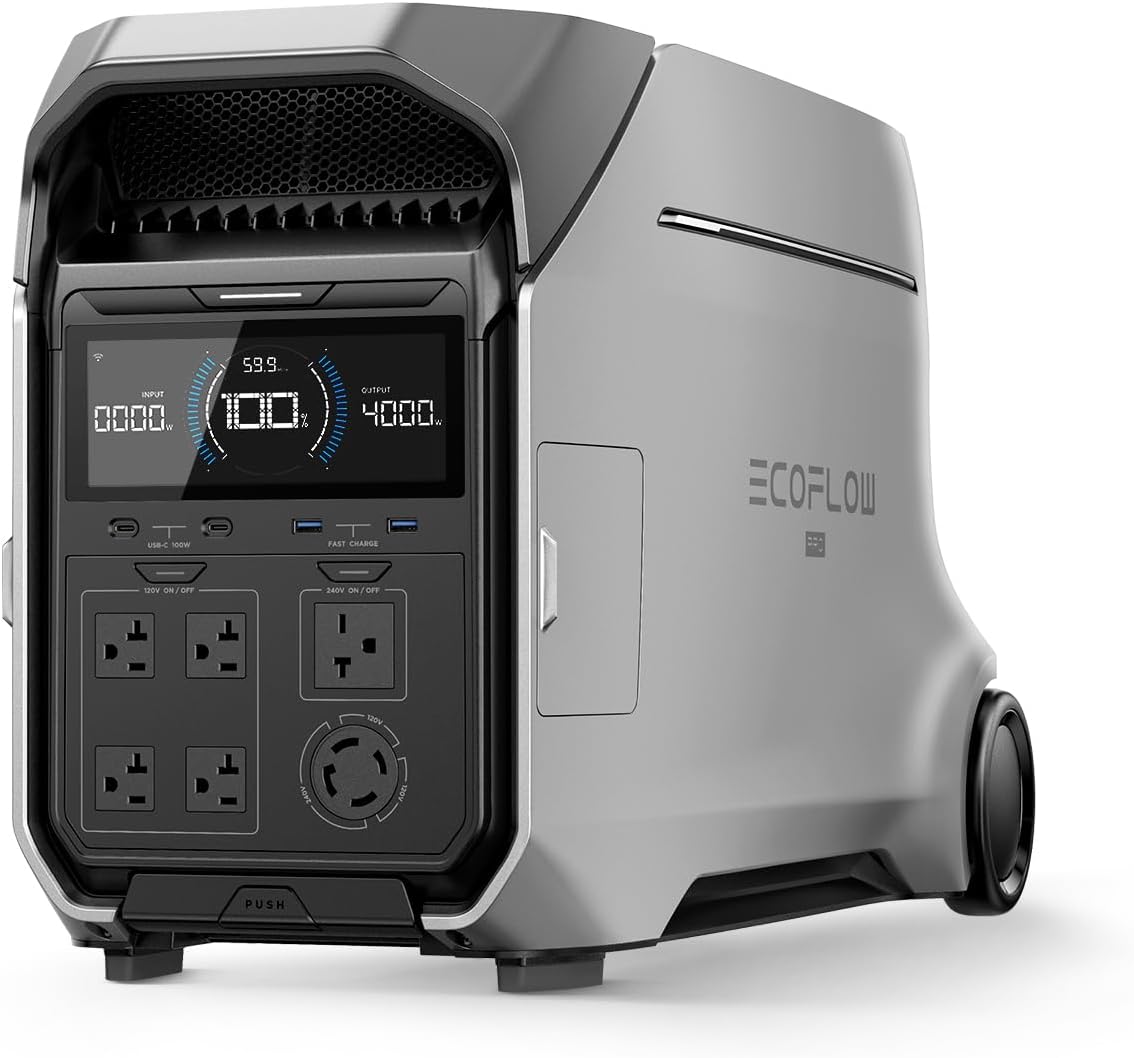
The EcoFlow Delta Pro is what I use. It is a portable power station with a 3,600Wh battery and a 3,600W inverter. That is enough to run a router, a few cameras, some LED lights, and charge phones for three to five days. It recharges from a wall outlet in about two hours, and you can add solar panels if you want indefinite off-grid capability.
If that is too expensive, a smaller power station in the 500 to 1,000Wh range will keep your router and phone alive for two to three days. The key is to calculate your actual load: router (10W), phone charger (20W), a few LED bulbs (10W each), a security camera (15W). That is maybe 60 to 80 watts continuous, which a mid-range power station can handle for 12 to 24 hours on a single charge.
The trick is to plug your critical devices into the power station before the storm, not after. When the power drops, the power station takes over instantly. No scrambling in the dark.
Water Leak Sensors: Your First Warning System
Storms bring water. Water destroys homes. The first smart home device I recommend for storm prep is a water leak sensor, placed in every spot where water might enter: under sinks, near the water heater, in the basement, and near any ground-level doors.
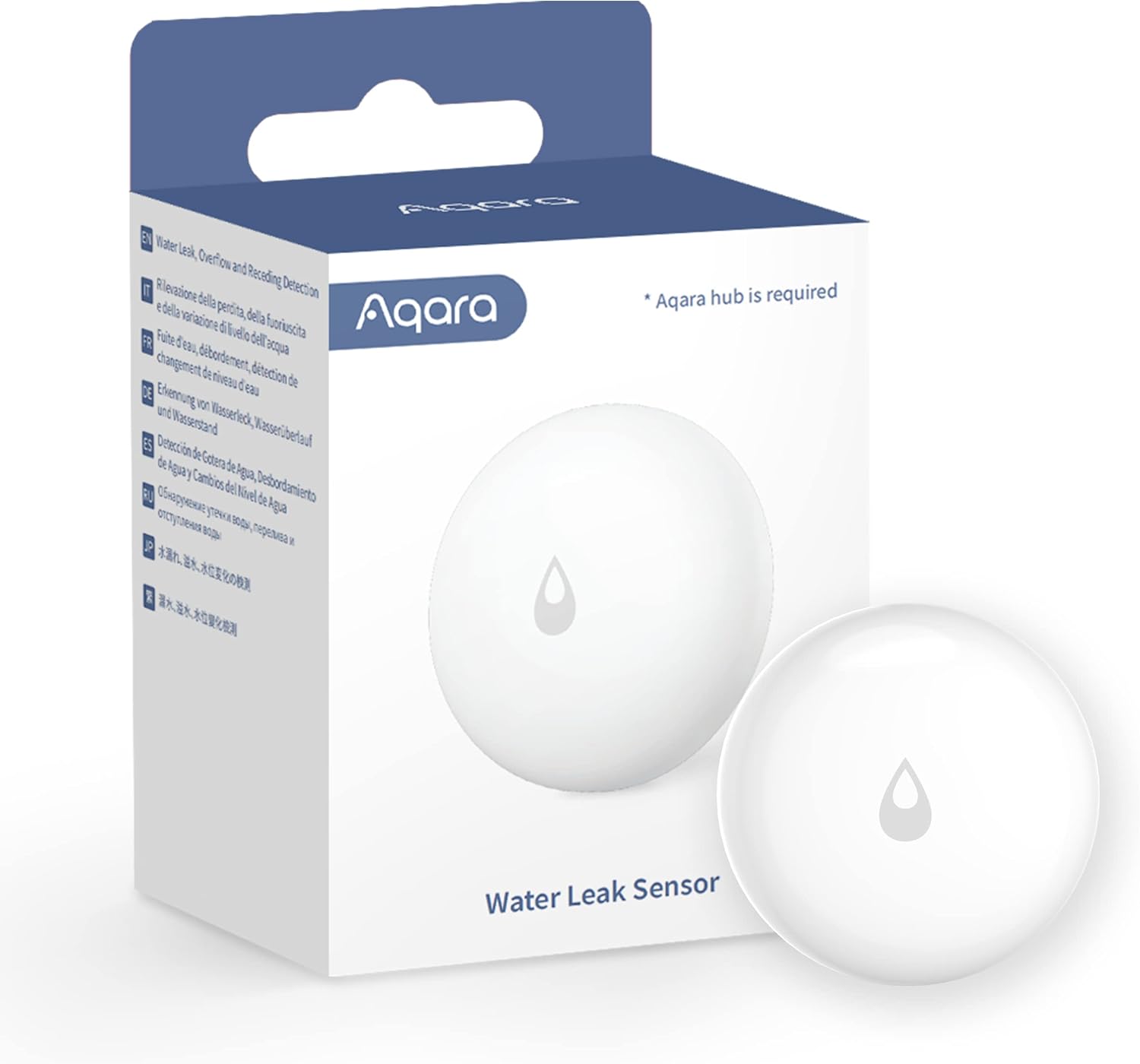
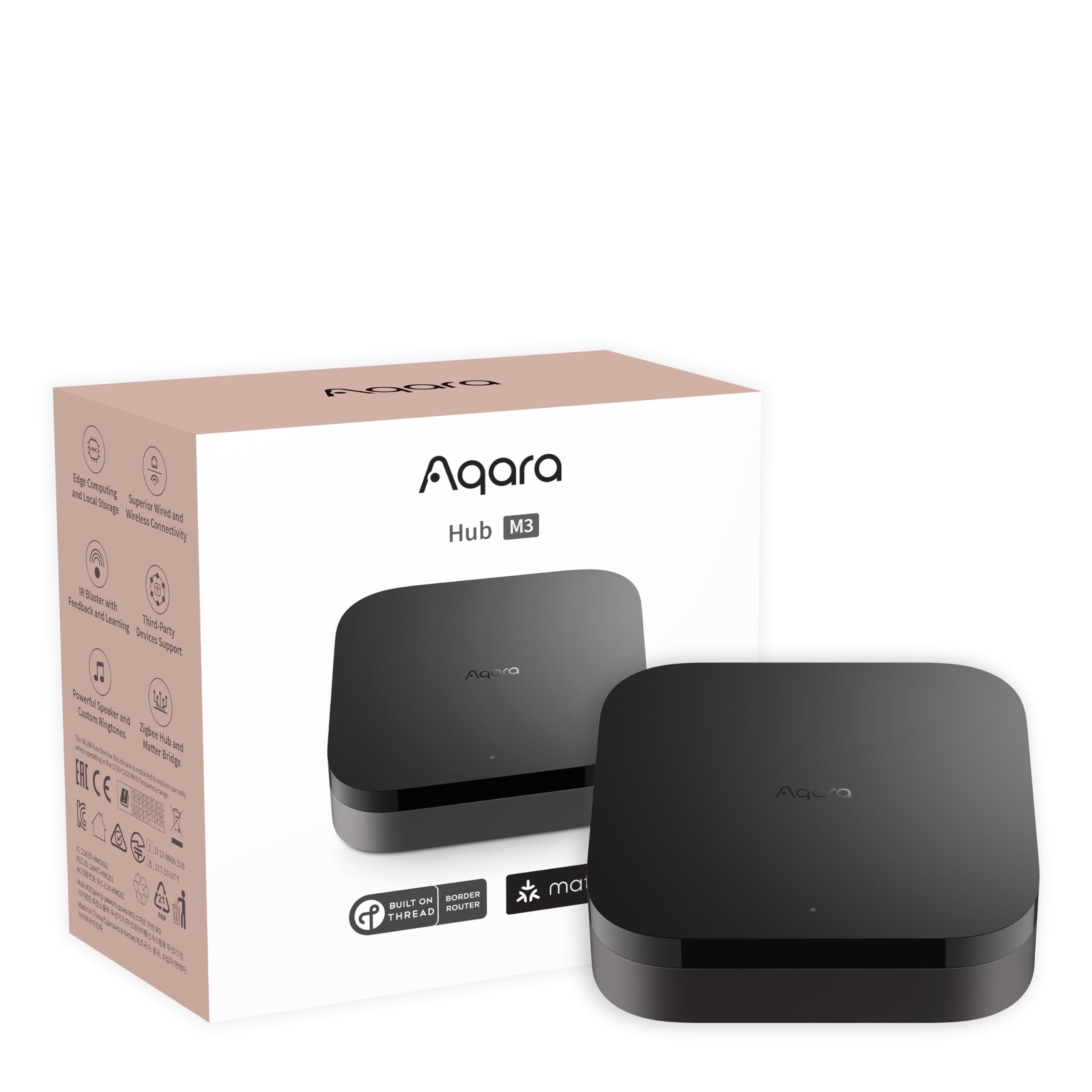
The Aqara Water Leak Sensors are cheap, reliable, and run on coin cell batteries that last over a year. They connect to an Aqara hub (I use the Aqara Hub M3), which connects to your Wi-Fi. When a sensor detects water, it sends an instant push notification to your phone. I have one under my kitchen sink, one next to the water heater, one in the basement corner where rain tends to pool, and one near the back door.

During a storm, these sensors are your early warning system. If water starts coming in under a door or through a crack in the foundation, you know about it immediately — not when you walk downstairs and step in a puddle.
The limitation: if your Wi-Fi is down, the alert will not reach your phone. That is why power backup for your router is essential. The sensors themselves run on batteries, so they keep working. But they need the hub and router to get the message out.
Smart Water Shutoff Valve: The 200-Dollar Insurance Policy
If a pipe bursts or water starts flooding in, you want to stop the water fast. A smart water shutoff valve automatically closes your main water line when a leak is detected.
This is the one device I wish I had installed before my storm experience. A neighbor had a pipe freeze and burst during a cold snap that followed a storm. He was not home. By the time he got the alert from his leak sensor, water had been running for 40 minutes and flooded his basement. A smart shutoff valve would have stopped it in seconds.
These devices cost 200 to 400 dollars and install on your main water line. They connect to your smart home hub and can be triggered automatically by leak sensors. Some models also monitor water flow patterns and can detect a running toilet or a slow leak before it becomes a flood.
Security Cameras: Eyes on Your Home When You Are Away
Storms often mean evacuating. When you leave, you want to know what is happening at your house. Security cameras with cloud storage let you check in from anywhere.
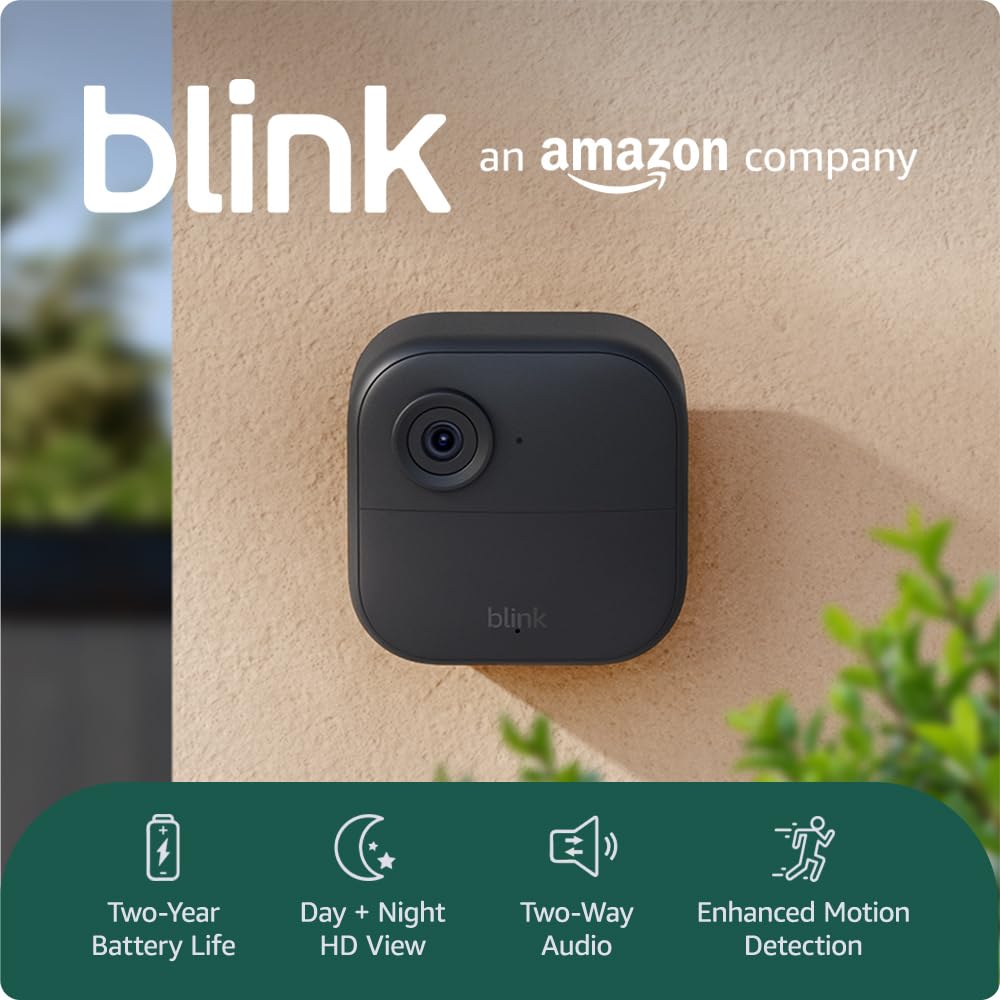
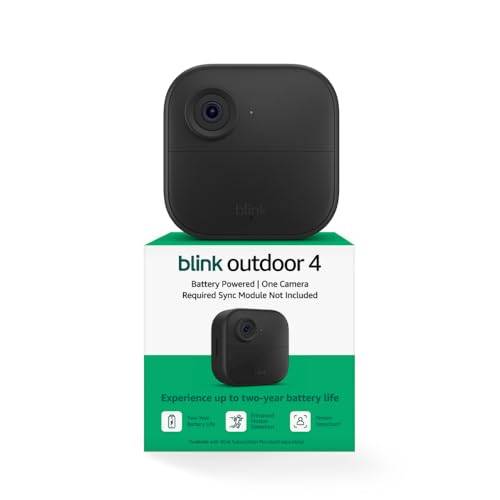
The key for storm prep is power. Most security cameras run on wall power or batteries. Battery-powered cameras like the Blink Outdoor 4 will keep recording even during a power outage, as long as your Wi-Fi router stays alive (which is why you need that power station). The batteries last about two years under normal use.
If you have wired cameras, they will go dark when the power drops. The solution is to put them on a UPS (uninterruptible power supply) or plug them into your power station. A small UPS that costs 60 dollars will keep a single camera and your router alive for 30 to 60 minutes — enough to ride through a brief outage, but not a multi-day storm.
For longer outages, battery cameras plus a power station for your router is the better combination. You want cameras that can record to local storage (SD card) as well as cloud, so you do not lose footage if the internet goes down but power stays up.
Smart Alerts: Automating Your Storm Response
Individual devices are useful. Automations are what turn them into a system. Here is the storm response routine I built in the Alexa app:
- Storm mode activated: I say “Alexa, storm mode” or it triggers automatically when the National Weather Service sends a severe weather alert (via an Alexa Skill). The routine turns on all cameras, sets them to record, sends a notification to my phone with a checklist, and switches the thermostat to a temperature that will keep the house comfortable if power drops for a while.
- Power outage detected: A smart plug on the same circuit as my router monitors for power loss. When it goes offline, I get a push notification. The power station automatically takes over. The routine turns off non-essential devices to conserve battery.
- Water leak detected: Any water leak sensor triggers an immediate phone alert, a siren on the Aqara hub, and (if I had one) the smart water shutoff valve closing automatically.
- Return to normal: When power is restored (the smart plug comes back online), the routine sends a notification, turns everything back on, and runs a status check on all sensors and cameras.
This setup took me about two hours to configure. It runs entirely through Alexa Routines and the Aqara app. No code, no custom hardware. And it gives me something I did not have before: a plan that executes itself when I am busy dealing with the actual storm.
Smart Thermostat: Pre-Conditioning Before the Storm
One trick I learned: if a storm is coming and you might lose power, use your smart thermostat to pre-condition the house. In summer, set it to 68 degrees before the storm hits. In winter, set it to 72. That gives you a thermal buffer — the house will take several hours to drift back to an uncomfortable temperature, even with no HVAC running.
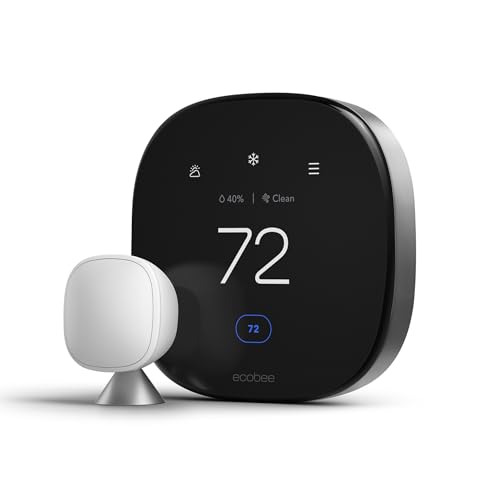
The Nest Learning Thermostat and ecobee Premium both let you set schedules and adjust remotely. If you have the ecobee, its built-in humidity sensor is also useful during storms — high humidity inside means moisture is getting in, which can lead to mold.
For more on choosing a thermostat, see our smart thermostat guide or our ecobee vs Nest comparison.
Smart Plugs: Controlling What Stays On
During a power outage, every watt matters. Smart plugs let you remotely turn off non-essential devices to conserve battery life on your power station. I have my TV, desktop computer, and other non-essential electronics on TP-Link Tapo Smart Plugs. When storm mode activates, they all turn off automatically.
Smart plugs with energy monitoring (like the Tapo) also tell you exactly how much power each device draws. This helps you size your backup power setup correctly — you know your real numbers, not guesses. See our smart plug recommendations for budget options.
Network and Communication: Staying Connected
Your smart home is only as smart as your network. If your internet goes down, remote access to cameras, sensors, and thermostats goes with it. Here is how to handle it:
- Keep the router on backup power. This is the single most important thing. A router draws 10 to 15 watts. On a 500Wh power station, that is 30+ hours of runtime. Without the router, none of your smart devices can communicate.
- Have a cellular backup. A mobile hotspot or a router with LTE failover (like some ASUS models) gives you internet when your cable line goes down. It costs 10 to 20 dollars a month for a data plan, and it is worth every penny during a storm.
- Download offline data. Before a storm, download your local emergency numbers, evacuation routes, and a weather app with offline radar. Do not count on being able to Google things mid-outage.
For more on securing your smart home network, see our network security guide.
The Storm Prep Checklist
Here is what I do when a storm is 48 hours out. This takes about 30 minutes:
- Charge all power stations and battery packs to 100%
- Plug the router and hub into the power station
- Test all water leak sensors (tap each one with a wet finger)
- Pre-condition the thermostat (cool down in summer, warm up in winter)
- Turn on all security cameras and verify cloud recording is active
- Charge all battery-powered cameras to 100%
- Test the storm mode routine (“Alexa, storm mode”) and verify all actions fire
- Fill the bathtub with water (for flushing toilets if water service drops)
- Check flashlight batteries and put flashlights in known locations
- Download offline maps and emergency info to my phone
Half of this list is not smart home related. But the smart home parts — the sensors, the cameras, the automations — are what give me visibility and control when I cannot be home or when the power is out. They are the difference between guessing and knowing.
Bottom Line
Storm prep for your smart home is not about buying more gadgets. It is about making the gadgets you already have actually work when the infrastructure they depend on fails. That means backup power for your router, battery-powered sensors that do not need wall power, and automations that kick in before you even have time to think.
The most important single purchase is a power station big enough to run your router and a few critical devices for at least 48 hours. Everything else — the sensors, the cameras, the automations — builds on top of that. If your router stays alive, your smart home stays smart. If it does not, you are back to a regular home with expensive plastic on the walls.
Spend 200 dollars on water leak sensors and a smart plug or two. Spend 500 to 1,000 dollars on a power station. Spend 30 minutes setting up a storm mode routine. That is your baseline. Everything beyond that is improvement, not necessity.
Disclosure: This post contains affiliate links. If you buy through them, I earn a small commission at no extra cost to you.
My take: Storm prep is three layers: power for the router-and-critical 60–80 watts (a mid-range power station beats a $10,000 generator for smart home needs), leak sensors as the early warning, and the $200 auto-shutoff valve for when you’re not home. The author’s $2,000 setup died in four hours — the rebuild survives the next one.
Related guides
- Smart Home for Seniors: Fall Detection, Voice Control, and Safety Devices That Work in 2026
- Smart Home Mail and Package Tracking: How to Know When Your Deliveries Arrive (Without Checking the Porch 10 Times)
- Smart Home Security on a Budget: A Complete Guide Under $200
- Smart Home Weather Stations: Are They Worth It or Just Expensive Thermometers?
- Google Assistant Is Retiring: What Gemini for Home Means for Your Smart Home
🏠 Get Your Free Smart Home Setup Checklist
Join our newsletter and get this free printable plus weekly tips.
Frequently Asked Questions
How do I keep my smart home running during a storm?
Backup power for the critical layer first — your actual load is smaller than you think: router (10W), phone charger, a few LED bulbs, and a camera total maybe 60–80 watts, which a mid-range power station handles for 12–24 hours. The author’s EcoFlow Delta Pro (3,600Wh) covers router, cameras, lights, and phones for 3–5 days and recharges in ~2 hours or via solar. The trick: plug critical devices into the power station before the storm, not after the power drops.
What sensors protect a home during a storm?
Water leak sensors at every entry point — under sinks, near the water heater, in the basement corner where rain pools, and near ground-level doors. The Aqara sensors run on coin cells for over a year and alert your phone the moment water appears, which during a storm is the difference between a mop and a renovation. The limitation to plan around: they’re battery-powered and keep detecting, but the alert path needs the hub and router alive — hence the power backup.
Is a smart water shutoff valve worth it?
Yes — it’s the device the author wishes he’d installed before his storm: a burst pipe (his neighbor’s, during a cold snap after a storm) can dump hundreds of gallons while nobody’s home, and the ~$200 valve closes the main automatically when a leak sensor fires. Pair it with leak sensors and the system stops water damage even when you’re not there to get the alert.
Liked this guide? Get the next one in your inbox — the smart home starter checklist is free too.
✓ You're in — check your inbox.
No spam. Unsubscribe anytime. We never share your email.
Price Check
Prices verified via our product tracker. Updated Nov 7.
| Yale Assure Lock 2 – Satin Nickel Smart Lock for Front Doo | $189.99 | 3.8★ (175) |
| Aqara Water Leak Sensor 1 Pack, Zigbee Water Leak Detector | $17.09 | 4.2★ (3,639) |
| Aqara Smart Home Hub M3, Matter Controller and Thread Bord | $159.99 | 4.1★ (1,679) |
| Blink Outdoor 4 and Battery Doorbell 2K+ (newest model) — | $149.98 | 4.4★ |
| Google Nest Learning Thermostat (4th gen) + Nest Temperatu | $224.00 | 4.4★ (2,596) |
| ecobee Smart Thermostat Premium - WiFi, Siri & Alexa Built | $245.00 | 4.3★ (4,170) |
| Tapo Smart Plug Mini 15A, Smart Wi-Fi Plug, P105(4-Pack) | | $34.99 | 4.6★ (1,658) |
As an Amazon Associate we earn from qualifying purchases.