This article contains affiliate links. We may earn a commission from qualifying purchases.
Some content on this site is AI-assisted and reviewed by our editorial team.
Waiting for a package is its own kind of anxiety. The tracking says “delivered” but you don’t see it. You check the porch three times. Then you wonder if someone already took it. Or it’s still on the delivery truck and the tracking is just wrong.
Porch piracy costs Americans over 8 billion dollars a year. And even when theft isn’t the issue, the uncertainty is annoying. Smart home tech can tell you the moment a package arrives, show you video of the delivery, and even help you secure packages until you get home.
The Three-Layer Package Protection System
Think of it as three layers: detection, verification, and protection. Each layer adds cost but also adds security.
Layer 1: Detection (Know When It Arrives)
The cheapest and most useful layer. A smart doorbell camera or mailbox sensor tells you the moment something is delivered.
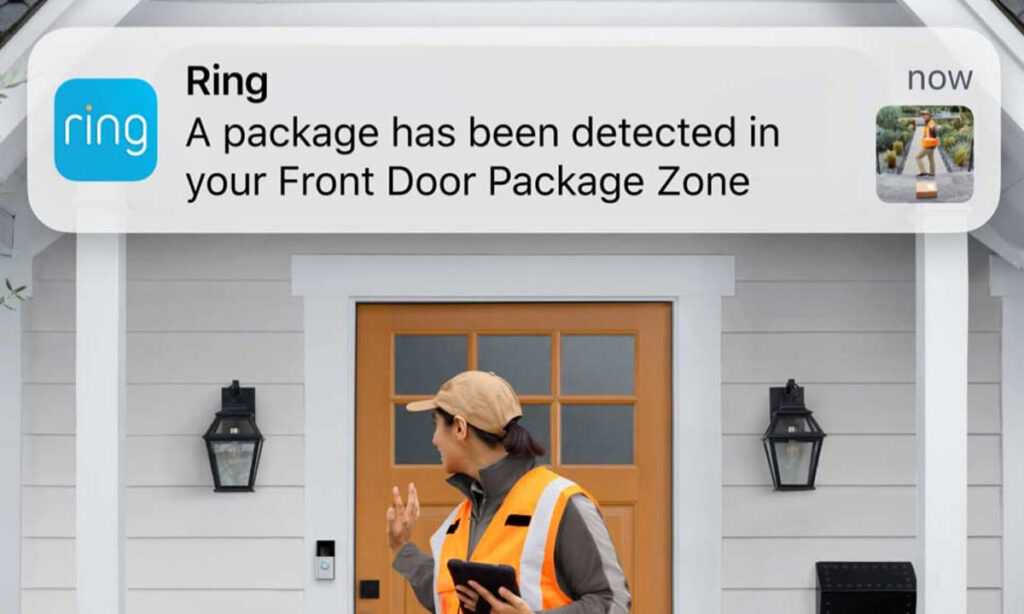
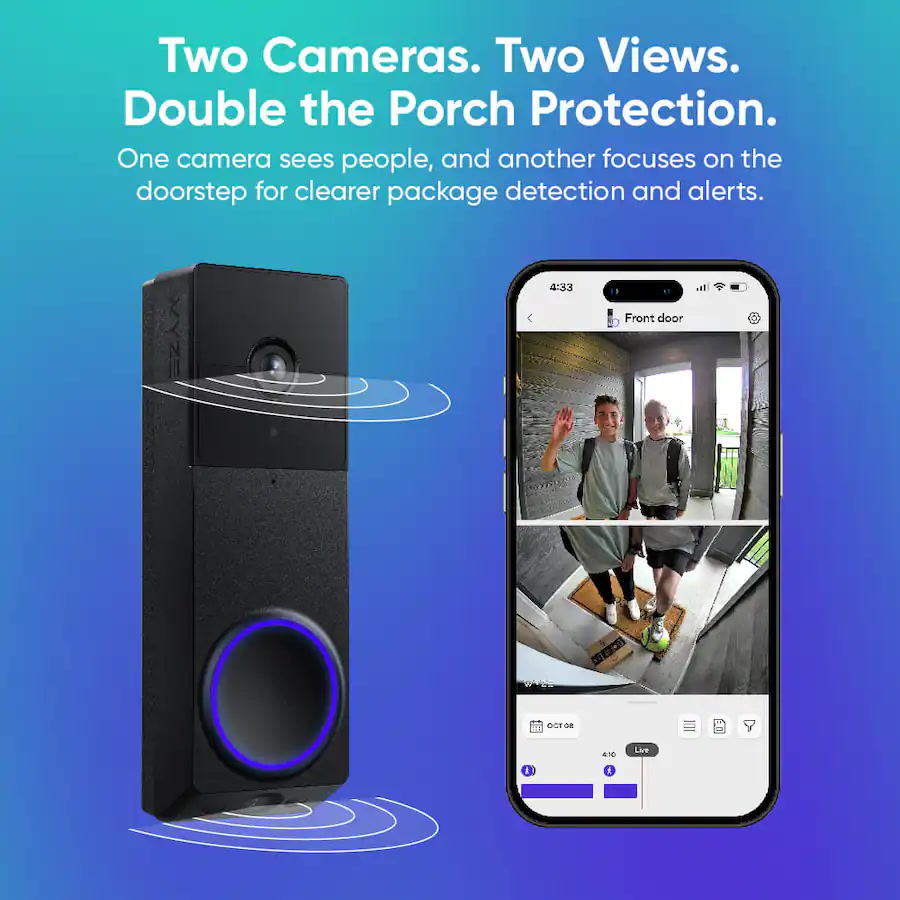
Video doorbell — ARing,Wyze, orAqara doorbell camera catches the delivery driver on video and sends a motion alert to your phone. You see the package being placed, and you know it’s there. Cost: 30 to 100 dollars.
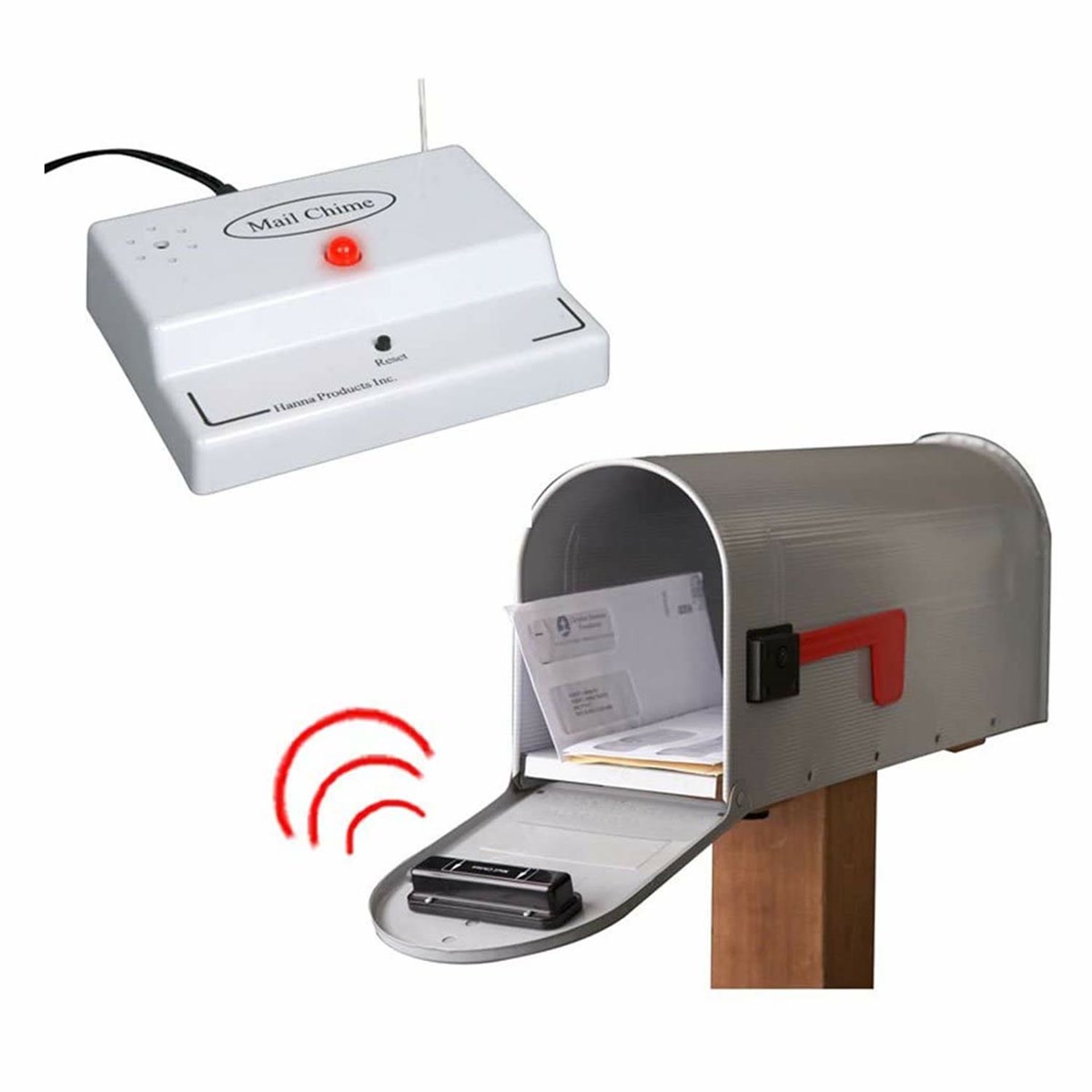
Mailbox sensor — A contact sensor on your mailbox door tells you when mail is delivered. Works for letters and small packages that fit in the box. Cost: 15 to 25 dollars for a Zigbee or Wi-Fi sensor.
Package delivery integration — Home Assistant has integrations for USPS, FedEx, UPS, and Amazon delivery notifications. These give you advance warning (“3 packages arriving today”) and exact timing.
Layer 2: Verification (See What Was Delivered)
A doorbell camera gives you a snapshot or clip, but it only covers the immediate area in front of your door. For full porch coverage, add a dedicated porch camera.
Wide-angle porch camera — AWyze Cam v4 or Ring Indoor Cam pointed at your porch from a window gives you a wider view. You can check the live feed anytime.
AI person detection — Cameras with person detection (likeWyze Cam Plus or Ring) filter out cars, animals, and shadows. You only get alerts when a person approaches your door — which means delivery alerts, not every-motion alerts.
Layer 3: Protection (Keep It Safe)
Once you know a package is on your porch, you want it to stay there. Options range from cheap to serious:
Porch light automation — When a package is delivered, turn on the porch light. A well-lit porch deters most opportunistic thieves who work in daylight shadows.
Smart lock with delivery code — Give delivery drivers a temporary access code to put packages inside your garage or entryway.August andYale locks support temporary guest codes that auto-expire after a set time.
Smart garage delivery — Amazon Key works withChamberlain MyQ garage openers to let Amazon drivers drop packages in your garage. You get a notification and video clip of the delivery. Limited to Amazon deliveries, but that covers most packages for most people.
Building the Automations
Automation 1: Package Delivered Alert
When your doorbell detects motion (with person detection), and you have a package expected today (from delivery integration), send a notification: “Package delivered — check porch camera.”
Automation 2: Porch Light On Delivery
When motion is detected at the front door between sunset and sunrise, turn on the porch light for 30 minutes. Simple, effective, costs nothing extra if you already have a smart bulb or switch.
Automation 3: Delivery Window Lock-Down
When a delivery is expected, create a temporary guest code on your smart lock that expires 4 hours after the delivery window. If the delivery driver has instructions to leave the package inside, they can use this code.
Automation 4:
Vacation Package Alert
If you’re away and a package is delivered, you get an alert with a video clip. You can then ask a neighbor to pick it up. Some cameras (Ring) also have two-way audio so you can tell a delivery driver to leave the package in a specific spot.
Mailbox Sensor Setup
If your mailbox is at the curb (not a slot in your door), a mailbox sensor is genuinely useful. Here’s how to set one up:
Use a Zigbee or long-range sensor — Wi-Fi sensors struggle with distance from the house. Zigbee can work if your hub is near a window facing the mailbox.YoLink sensors (LoRa) have the best range — up to a quarter mile.
Mount it inside the mailbox lid — The sensor goes on the lid, the magnet on the body. When the mail carrier opens the lid, the sensor triggers.
Set a notification — “Mailbox opened” alert at any time of day. If it opens at 3 AM, something is wrong.
Watch for battery life — Mailboxes get hot and cold. Battery life may be shorter than rated. Check every 6 months.
What About Smart Package Lockers?
Smart package lockers like the BenchSpartan or BoxSmart are wall-mounted lockboxes that delivery drivers can access with a one-time code. They’re expensive (200 to 500 dollars) and only work if your delivery drivers actually use them (many won’t). For most people, a smart lock with a temporary code is a more practical solution.
Common Mistakes
Camera too high or too low — A doorbell camera at 48 inches captures faces. At 6 feet, you get the top of hats. At 2 feet, you get shoes. Mount at chest height for the best delivery driver footage.
Ignoring notification fatigue — If your camera alerts you every time a car drives by, you’ll start ignoring all alerts. Turn on person detection. Pay the 2 to 4 dollars a month for AI filtering if your camera requires a subscription for it.
Forgetting about package size — A doorbell camera with a narrow field of view might not show large packages left to the side. Add a wider porch camera as a second view.
Not testing temporary lock codes — Before trusting a delivery driver with a smart lock code, test it yourself. Make sure the code works, the auto-expire actually expires, and the lock doesn’t get stuck.
Bottom Line
Package tracking with a smart home setup costs as little as 30 dollars for a basic doorbell camera and goes up to 200+ for full porch monitoring with smart lock delivery access. The sweet spot for most people: a video doorbell with person detection (60 to 100 dollars) plus a smart porch light. That tells you when a package arrives, shows you video proof, and keeps the area lit.
Add a mailbox sensor if you get a lot of mail. Add a smart lock with temporary codes if you want delivery drivers to leave packages inside. And set up the delivery tracking integration in Home Assistant if you want advance warning before the truck even shows up.