
This article contains affiliate links. We may earn a commission from qualifying purchases.
Some content on this site is AI-assisted and reviewed by our editorial team.
Smart Home for Seniors: Fall Detection, Voice Control, and Safety Devices That Actually Work in 2026
Aging in place is the goal for nearly 90 percent of older adults, but the reality is that one in four Americans aged 65 and older falls every year. The average cost of a single fall tops $30,000 in medical bills, and that does not count the emotional toll on families or the loss of independence that often follows. The good news is that smart home technology in 2026 has matured to the point where it can genuinely keep seniors safer at home without turning their living room into a hospital ward. The key is combining the right devices: fall detection that does not require pressing a button, voice assistants that summon help hands-free, smart locks that prevent wandering, and environmental sensors that catch leaks and fires before they become disasters. This guide walks through the devices that actually deliver on the promise of senior safety, with specific product recommendations and a budget setup that costs under 200 dollars.

Why Traditional Medical Alert Buttons Are Not Enough
The classic medical alert pendant — you know the one, the “I’ve fallen and I can’t get up” device from television commercials — has a fundamental flaw that the industry has spent decades trying to paper over. It only works if the senior presses the button. After a fall, roughly 40 percent of seniors are unable to press their alert button because they are unconscious, disoriented, or injured. Even worse, many seniors refuse to wear the pendant at all. It is stigmatizing, bulky, and a constant visual reminder that they are aging.
Smart home technology solves both problems. Modern fall detection works passively through wearables like the Apple Watch Series 10, which automatically detects falls and calls emergency services without any button press. Contactless sensors that use radar and WiFi sensing can detect falls without requiring the senior to wear anything at all. The shift from active to passive monitoring is the single biggest improvement in senior safety technology in the past decade, and it means families can stop worrying about whether their loved one remembered to charge and wear their pendant.
Fall Detection That Actually Works
Fall detection in 2026 comes in two flavors: wearable and contactless. Both have merit, and the best setup may include both.
On the wearable side, the Apple Watch Series 10 remains the gold standard. Its fall detection algorithm has been trained on millions of real-world data points and can distinguish between an actual fall and a sudden movement like sitting down hard on a couch. When a fall is detected, the watch vibrates and displays an alert. If the wearer does not respond within 60 seconds, it automatically calls emergency services and sends a message to designated emergency contacts. It also includes crash detection for vehicle accidents, which is an added layer of protection for seniors who still drive.
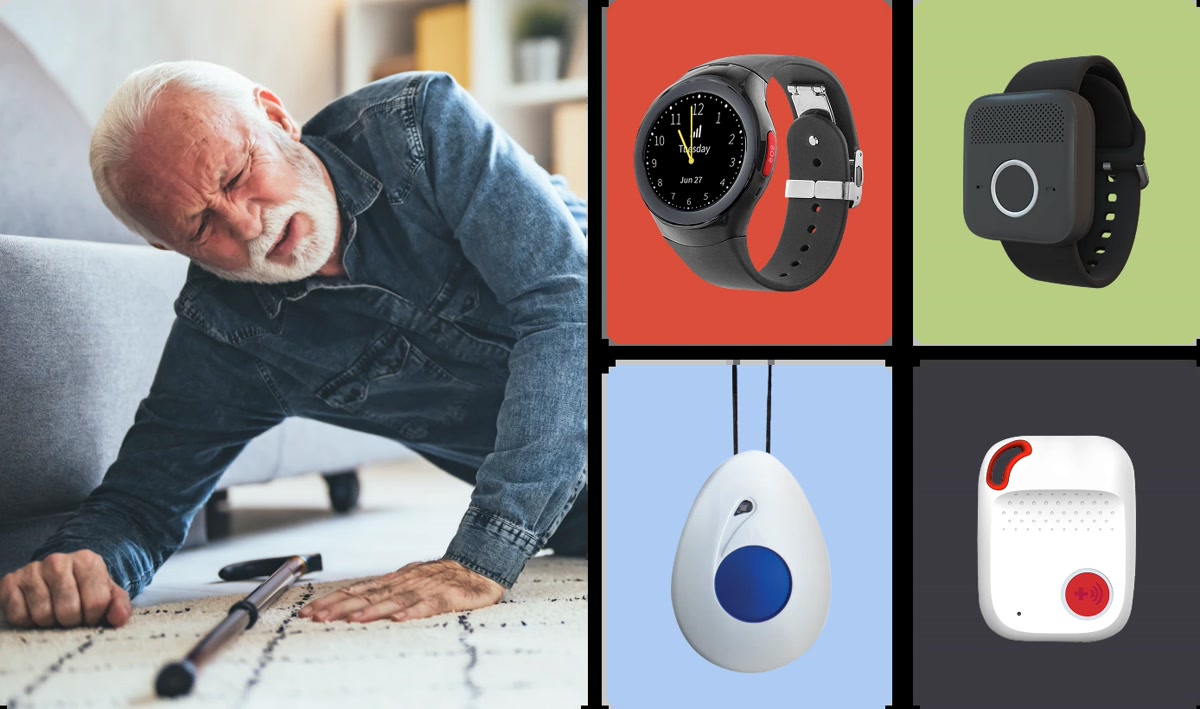
Contactless fall detection is the newer and arguably more exciting option. These systems use radar-based sensing or WiFi signal disruption patterns to detect movement — and the lack of movement — throughout a home. Devices mounted on walls or ceilings can tell when someone has fallen based on how their body position changes relative to the sensor. The advantage is obvious: nothing to wear, nothing to charge, nothing to forget. The disadvantage is cost and coverage area. A single sensor typically covers one room, so a full home may need three to five units. For seniors who resist wearables, though, contactless is the best path to passive protection.
WiFi sensing is the newest entrant. It uses existing WiFi signals in the home to detect motion patterns, and some systems can identify falls based on how the signal is disrupted when a body hits the floor. This technology is still maturing but shows enormous promise because it requires no additional hardware beyond a router and compatible WiFi nodes.
Voice Assistants for Hands-Free Help
After a fall or during a medical emergency, reaching for a phone may be impossible. Voice assistants solve this by putting the ability to call for help into the air itself. The Amazon Echo with Alexa lets seniors say “Alexa, call for help” and reach a designated emergency contact or, with an Alexa Together subscription, a 24/7 professional monitoring agent who can dispatch emergency services. Alexa Together also includes fall detection response, so if a connected Apple Watch detects a fall and the wearer does not respond, Alexa can announce it through the home speakers and initiate a call to the monitoring center.
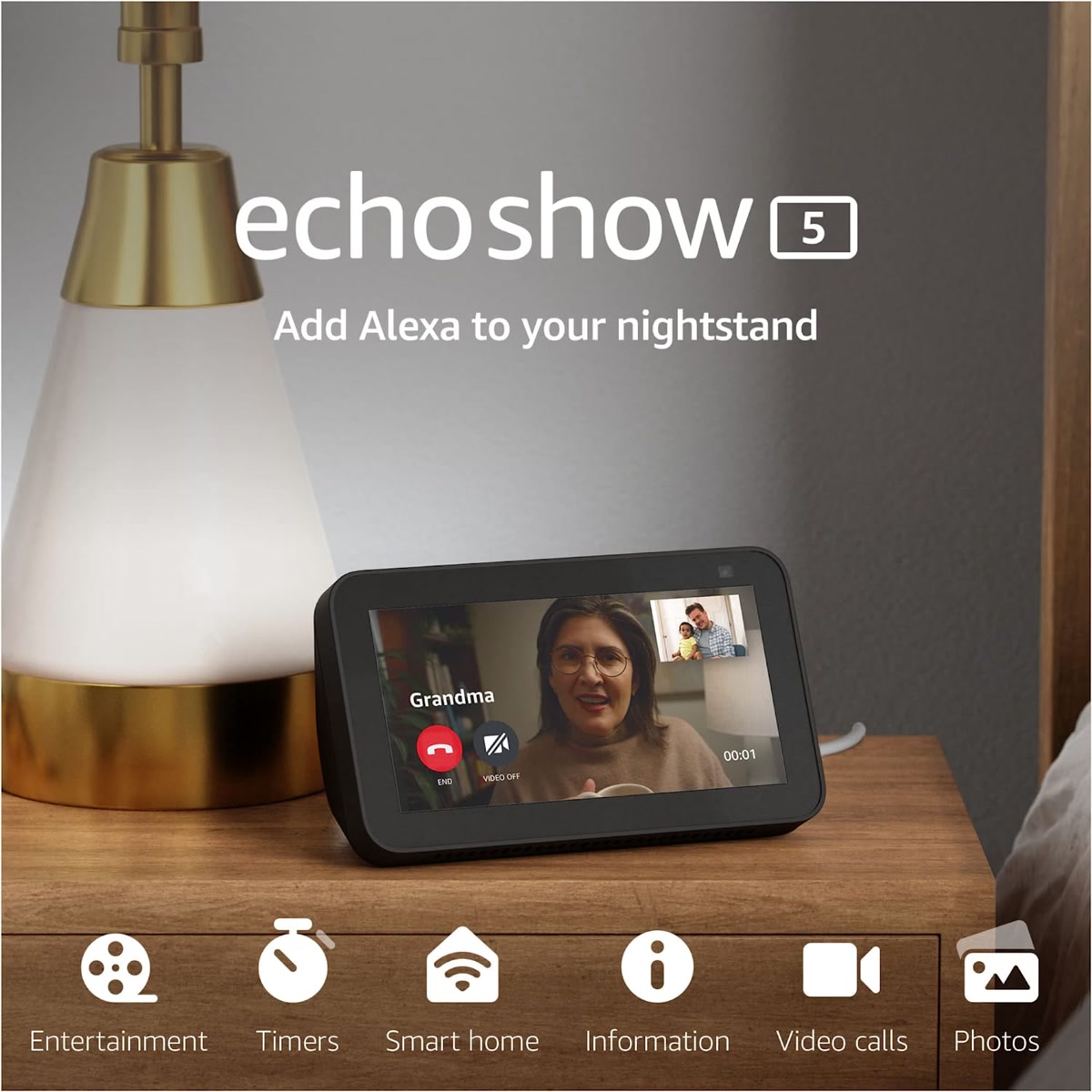
Google Nest speakers offer similar functionality, and in 2026 Google’s Gemini for Home upgrade has made these devices significantly better at understanding natural speech patterns — including the slower, less precise speech that can accompany a stroke or medication side effect. This matters more than people realize. A voice assistant that cannot understand a distressed senior is not a safety device; it is a paperweight with a microphone.
Beyond emergencies, voice assistants handle the daily routine that keeps seniors independent. Setting medication reminders, adding items to a shopping list, making hands-free calls to family members, and controlling smart lights without fumbling for a switch are all tasks that voice assistants handle reliably. For seniors with arthritis or vision impairment, voice control is not a convenience — it is a lifeline to independence.
Smart Locks and Doorbells for Family Caregivers
For family members managing a senior’s safety from afar, smart locks and doorbells are the remote eyes and hands that make long-distance caregiving feasible. The August Wi-Fi Smart Lock retrofit deadbolt lets caregivers lock or unlock the door from anywhere using a phone app. This means a caregiver can let in a home health aide at 8 AM and lock the door behind them at noon without being on-site. The auto-lock feature can be set to engage after a specified time, which prevents the common and dangerous scenario of a senior leaving the front door unlocked overnight.
For seniors with dementia or Alzheimer’s, smart locks can also prevent wandering. The door can be set to require a PIN or to send an alert to a caregiver’s phone if it is opened between certain hours. This is not about restricting freedom — it is about preventing the 60 percent of dementia patients who wander from ending up lost or injured.
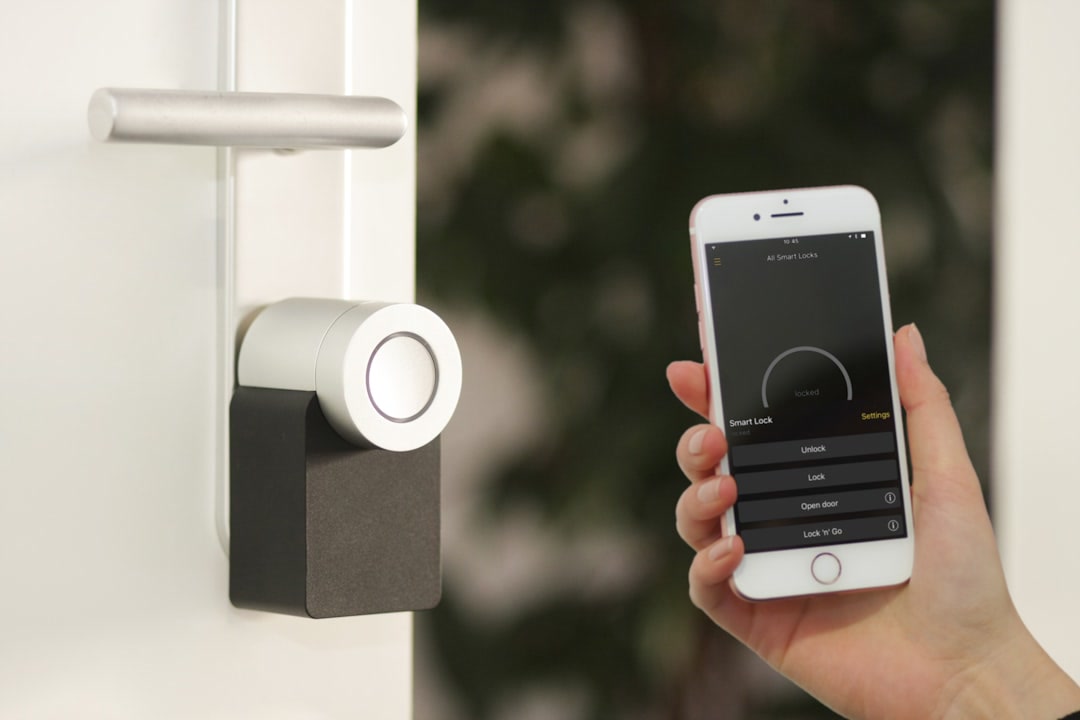
The Ring Video Doorbell adds a camera and two-way audio to the front door. Caregivers can see who is at the door, talk to visitors, and verify that a delivery or service person is legitimate before the senior opens the door. This is also a powerful scam protection tool — door-to-door fraudsters targeting seniors are far less likely to persist when they know they are being recorded. Pair the doorbell with a Ring Alarm system and professional monitoring, and the home has a security layer that rivals what ADT offers at a fraction of the cost.
Medication Reminders and Daily Routines
Medication errors are one of the leading causes of preventable hospitalization among seniors. Smart pill dispensers can hold multiple medications, dispense them at scheduled times, and send alerts to a family member’s phone if a dose is missed. Some models connect to cellular networks so they work without WiFi, which is important for seniors who may not have home internet.
Voice assistants offer a simpler but still effective approach. An Alexa routine can be set to announce “It is 9 AM, time for your blood pressure medication” through the bedroom Echo at the same time every morning. The announcement repeats until the senior says “Alexa, I took my medication.” This is not as robust as a smart dispenser with pill tracking, but it is free, requires no additional hardware, and works surprisingly well for seniors who are consistent about their routines once prompted.
Water Leak and Fire Protection
Environmental hazards are an underappreciated risk for seniors living alone. A slow water leak under a bathroom sink can create a slip hazard. A forgotten stove burner can start a fire that goes unnoticed until smoke fills the home. Smart sensors address both risks.
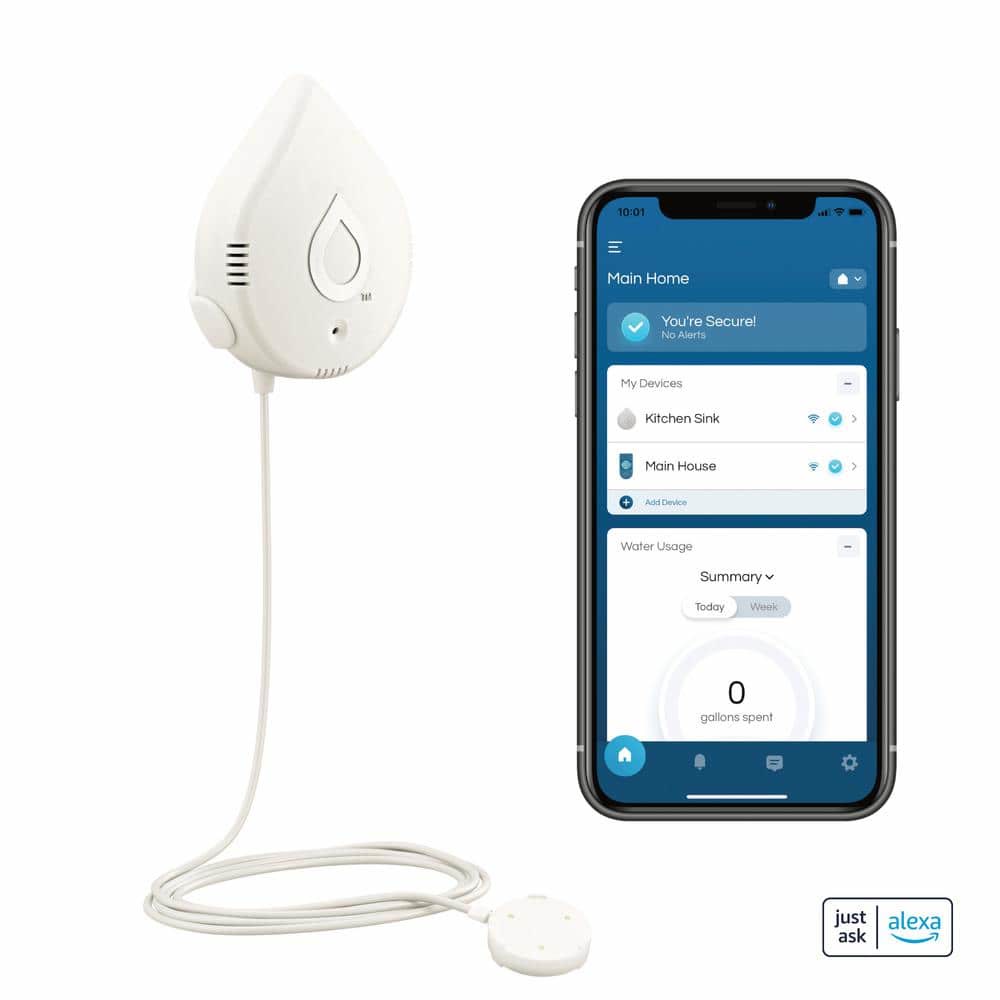
The Govee Water Leak Detector is a small battery-powered sensor that sits on the floor near toilets, sinks, water heaters, and washing machines. When it detects water, it sounds an alarm and sends a phone alert. For seniors with hearing impairment, the phone alert to a caregiver’s device is the critical feature — the in-home alarm may not be loud enough to wake a heavy sleeper or someone with hearing loss.
For fire protection, the Nest Protect smoke and carbon monoxide detector does more than sound an alarm. It sends phone alerts, speaks a human voice warning instead of a shrill beep, and can be silenced from a phone if it is a false alarm from burnt toast. The voice warning is particularly valuable for seniors who may be confused by a traditional alarm and not understand what is happening. The Nest Protect also tests itself automatically and sends a notification when batteries are low, eliminating the chirping-low-battery problem that sends many seniors climbing on chairs to reach a ceiling-mounted detector.
The Minimum Viable Safety Setup (Under 200 Dollars)
Not every family can afford to deck out a home with Apple Watches, August locks, and professional monitoring. The good news is that a meaningful safety upgrade is possible for under 200 dollars. Here is the minimum viable setup:
- Amazon Echo (4th generation, refurbished) — around 50 dollars. Enables hands-free calling, medication reminders, and Alexa Together compatibility for emergency monitoring at 19.99 dollars per month.
- Govee Water Leak Detectors (pack of 5) — around 30 dollars. Place one in each bathroom, near the water heater, and under the kitchen sink.
- Ring Video Doorbell (basic model) — around 60 dollars. Lets caregivers see who is at the door and check on the senior through two-way audio.
- Smart LED bulbs (pack of 4) — around 40 dollars. Voice-controlled lighting eliminates the risk of navigating a dark room to find a switch.
Total: approximately 180 dollars in hardware, plus 19.99 dollars per month for Alexa Together if professional monitoring is desired. This setup does not include fall detection — that requires either an Apple Watch or contactless sensors — but it covers the highest-impact safety gaps: hands-free calling, environmental monitoring, remote door visibility, and voice-controlled lighting. For families on a budget, this is the floor, not the ceiling.
The Bottom Line
Smart home technology has crossed the threshold from novelty to genuine safety tool for seniors. The combination of passive fall detection, voice-activated emergency calling, remote door management, and environmental sensing creates a safety net that traditional medical alert systems never could. No single device solves every problem, and no setup replaces the value of regular visits and check-ins from family. But the right combination of devices fills the gaps between those visits — the 2 AM fall, the forgotten medication, the unlocked door, the slow leak under the sink. Start with what fits the budget and the specific risks your loved one faces. The minimum viable setup costs less than 200 dollars and covers the basics. From there, add layers as needs evolve. The goal is not to build a smart home that impresses the neighbors. It is to build one that lets a senior stay in the home they love, safely, for as long as possible.
🏠 Get Your Free Smart Home Setup Checklist
Join our newsletter and get this free printable plus weekly tips.
Liked this guide? Get the next one in your inbox — the smart home starter checklist is free too.
✓ You're in — check your inbox.
No spam. Unsubscribe anytime. We never share your email.
Price Check
Prices verified via our product tracker. Updated Sep 27.
| Nomo Medical Alert System with Fall Detection for Seniors | $199.99 | 4.1★ |
| Echo (4th Gen) | With premium sound, smart home hub, and A | $219.99 | 4.7★ (152,490) |
| August Home, Silver Wi-Fi Connected Smart Keyless Entry Do | $199.99 | 4.1★ (10,701) |
| Ring Battery Doorbell | Video Doorbell Camera | Amazon | $99.98 | 4.2★ (6,544) |
| Govee WiFi Water Leak Detector 3 Packs, Leak Alert with Re | $75.00 | 4.2★ (10,991) |
| Google Nest Learning Thermostat (4th gen) + Nest Temperatu | $279.99 | 4.4★ (2,596) |
As an Amazon Associate we earn from qualifying purchases.