
This article contains affiliate links. We may earn a commission from qualifying purchases.
Some content on this site is AI-assisted and reviewed by our editorial team.
A $400 smart lighting system doesn’t make a living room look good. Routines do. The difference between a smart-light showoff and a smart-light user is whether the same scene shows up at the same time every evening without anyone touching anything. Here is the honest, cheap way to build lighting scenes that actually stick — four setups, all renter-friendly, all built around one rule: name the moment, not the mood.
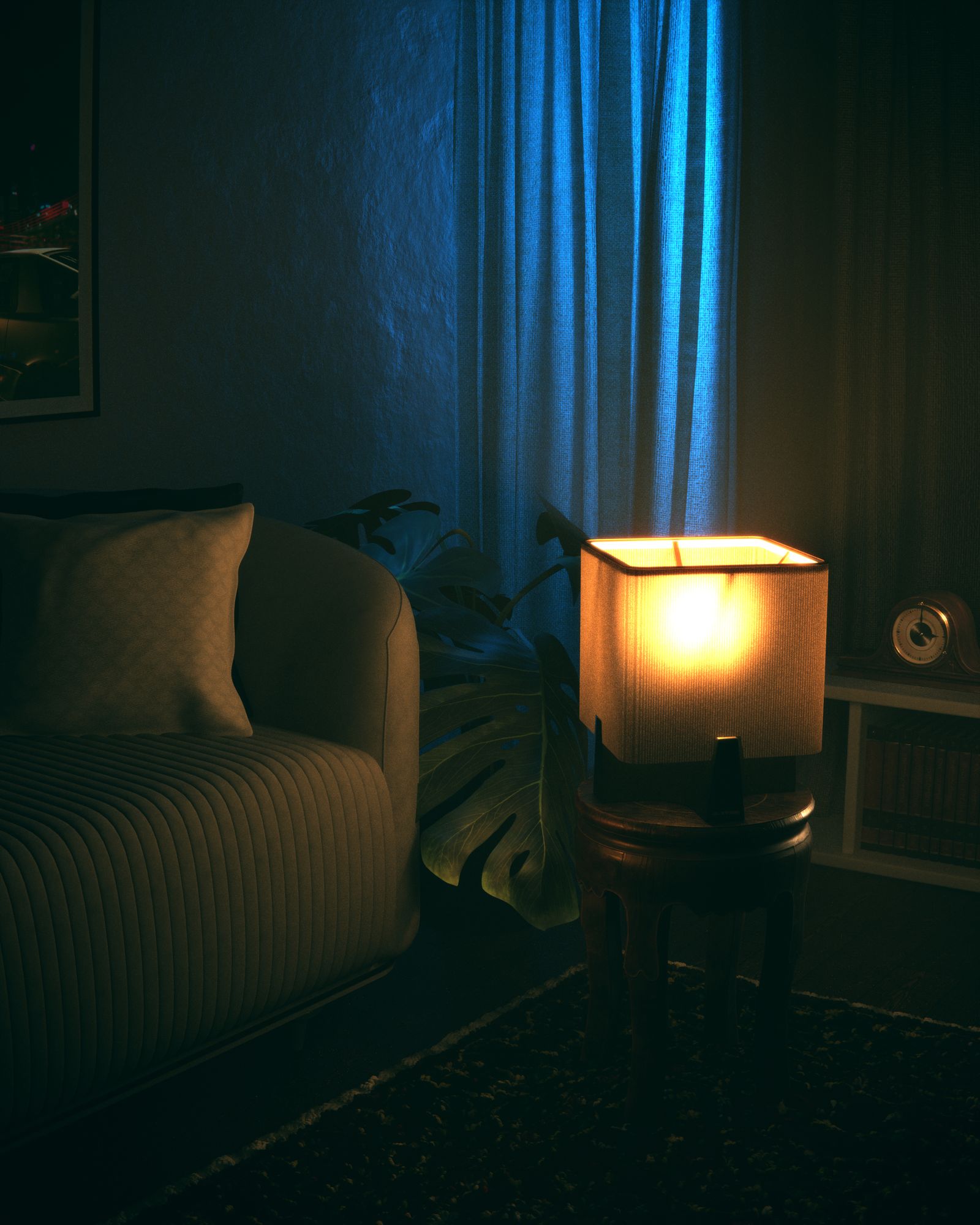
Four setups that cover 90% of real evenings, with the exact gear and math.
Setup 1 — Kasa KL125 Multicolor Bulbs (4-Pack): Movie Night on a Timer
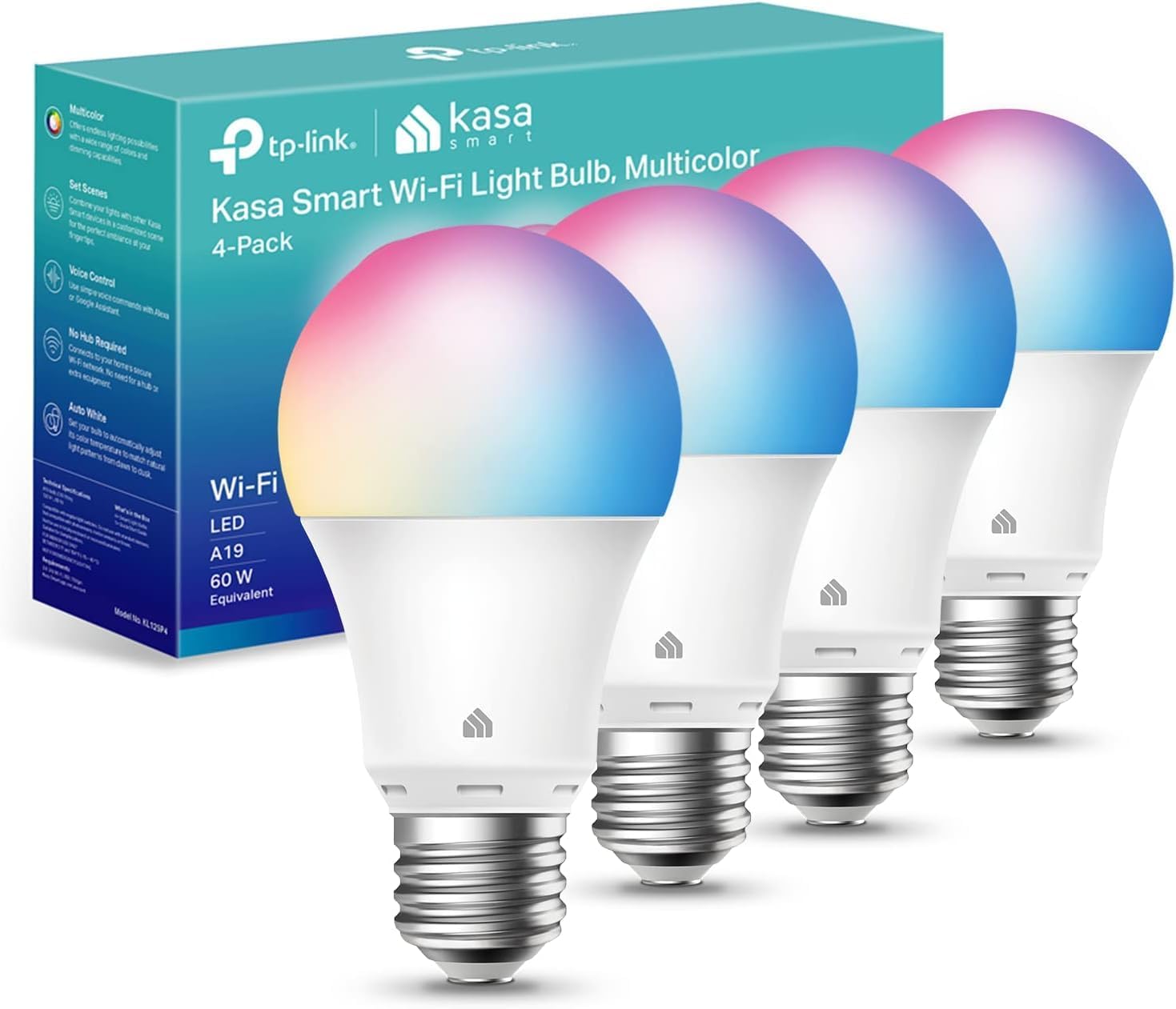
About $25 for four bulbs — roughly $6.40 each, and they were $34.99 list when I checked, so the discount is real. Screw in two, group them in the Kasa app as “Movie Night,” and schedule it: warm white at 30% brightness at 8 PM, fade to 10% at 10:30. Once a group exists, “Alexa, Movie Night” is the whole interface. Cons: they’re 2.4 GHz Wi-Fi only, 800 lumens each is reading-lamp bright but not room bright, and colors beyond white look washed out on light walls.
My take: the cheapest whole-room scene that actually fades on schedule. This is the starter kit I’d buy first.
Setup 2 — Kasa HS220 Smart Dimmer Switch: The Hardwired Upgrade
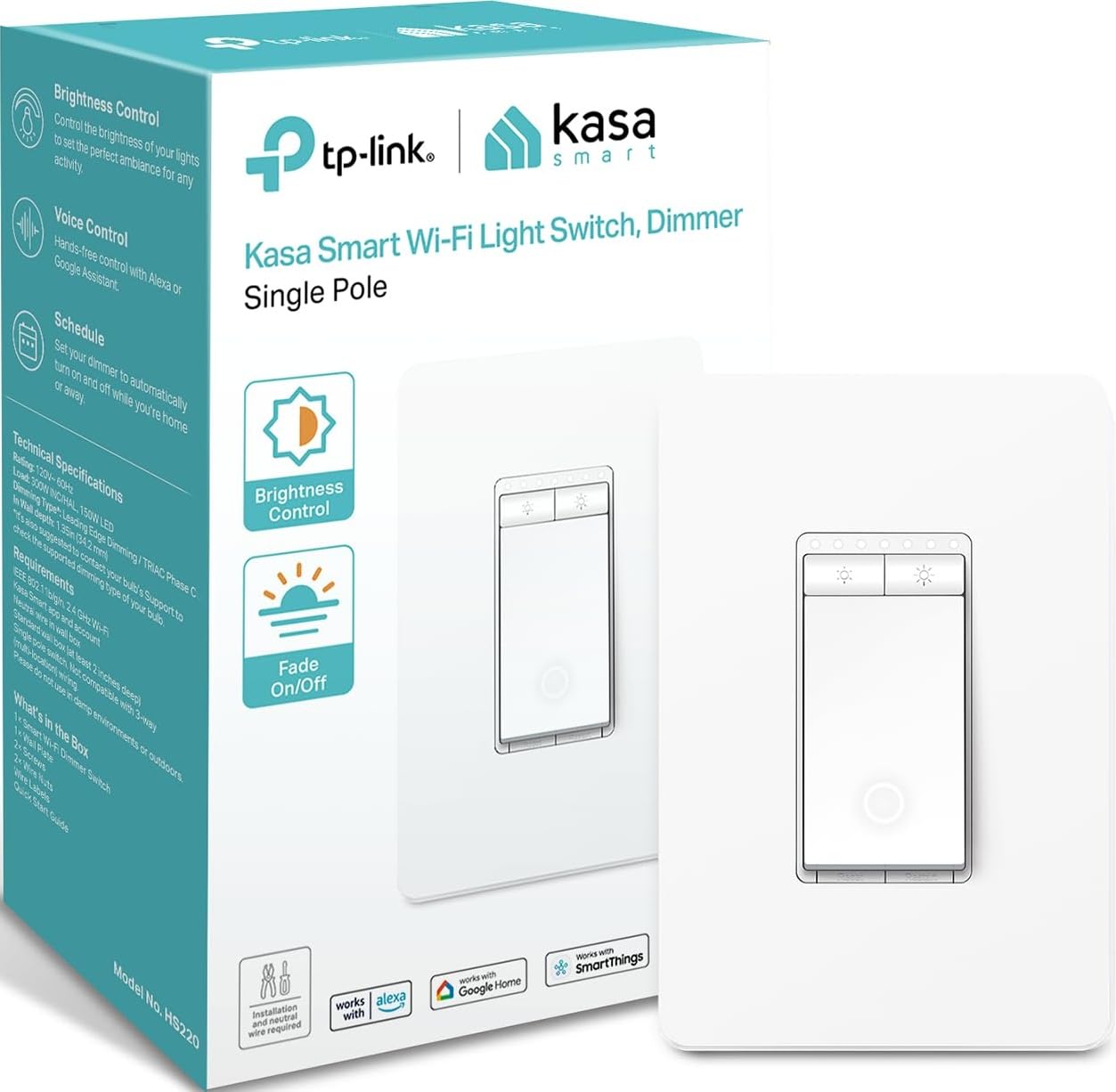
About $15 — listed at $14.98 against a $19.99 list. This replaces the wall switch, so the scene survives even when the bulb dies — the dimming lives in the switch, not the lamp. It needs a neutral wire in the box (1980s+ houses usually have one; renters and older homes should stop and check first), it’s single-pole only, and installation is a 15-minute breaker-off job. Once in, “Alexa, dim to 40%” works without ever finding your phone. Con: one switch, one circuit — you’re not scene-ing multiple rooms from it.
My take: if you own the home, this beats bulbs for any fixture you actually use daily. Fifteen dollars for a permanent fixture upgrade is the best $15 in smart lighting.
Setup 3 — Govee RGB Strip 16.4ft: The Accent That Sticks Around
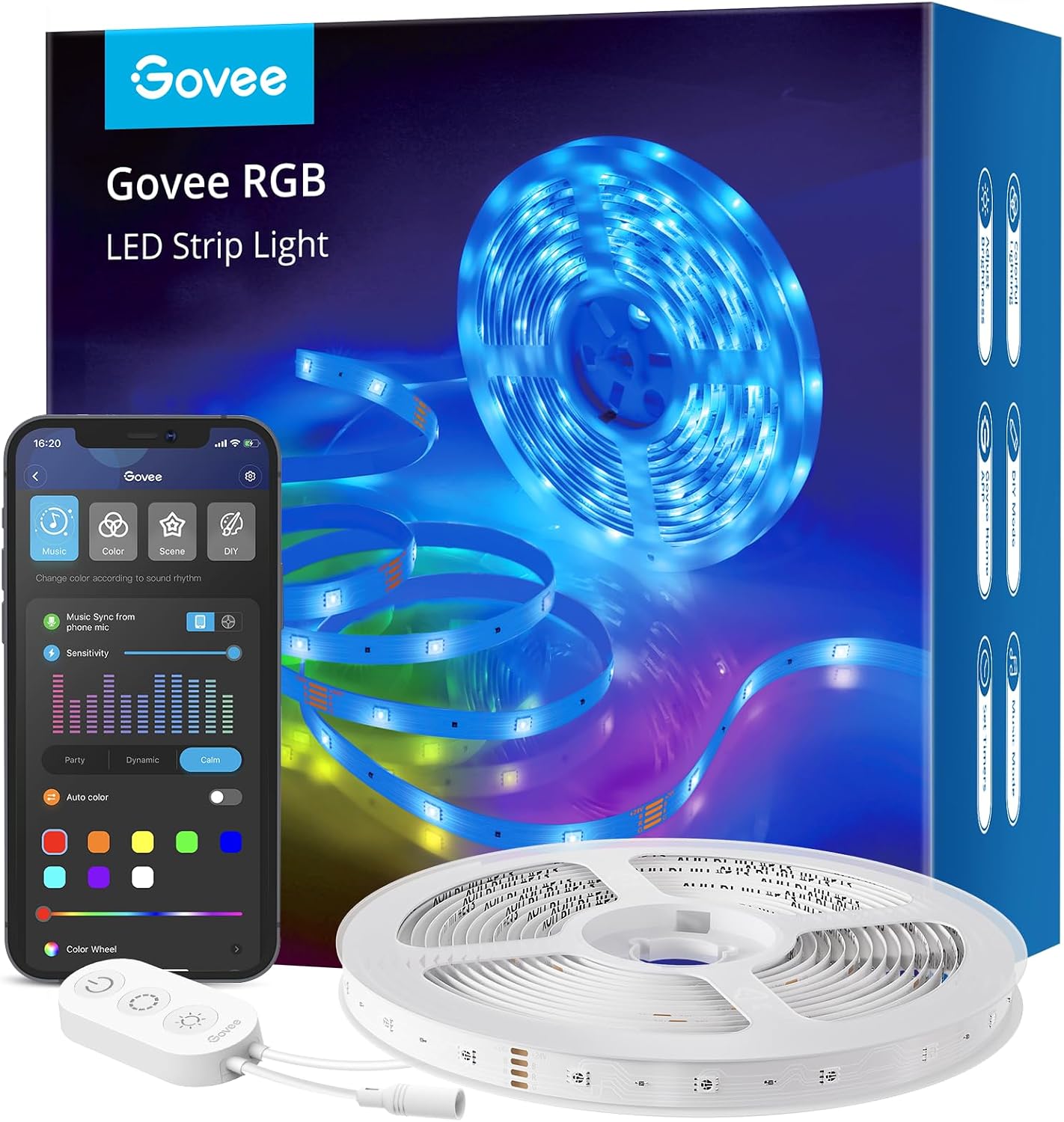
About $18. Behind-the-TV bias lighting is the accent-lighting scene that keeps working long after the novelty colors wear off: 2700-3000K warm white at 25% reads as “expensive TV install,” and a scheduled sunrise fade makes dark winter mornings survivable. The Govee app supports scenes, schedules, and music sync across its 64 scene modes. Cons are the classics: adhesive that needs a clean, dry surface (and often extra clips), the strip is not outdoor-rated, and RGB can’t do convincing white — pair warm white strips with it or accept slightly blue-tinted “warm.”
My take: the cheapest “wow” in the lineup, and the only pick here that turns a wall into the scene instead of lighting it.
Setup 4 — Echo Dot (5th Gen) + Kasa EP10 Plug 4-Pack: The Routine Engine
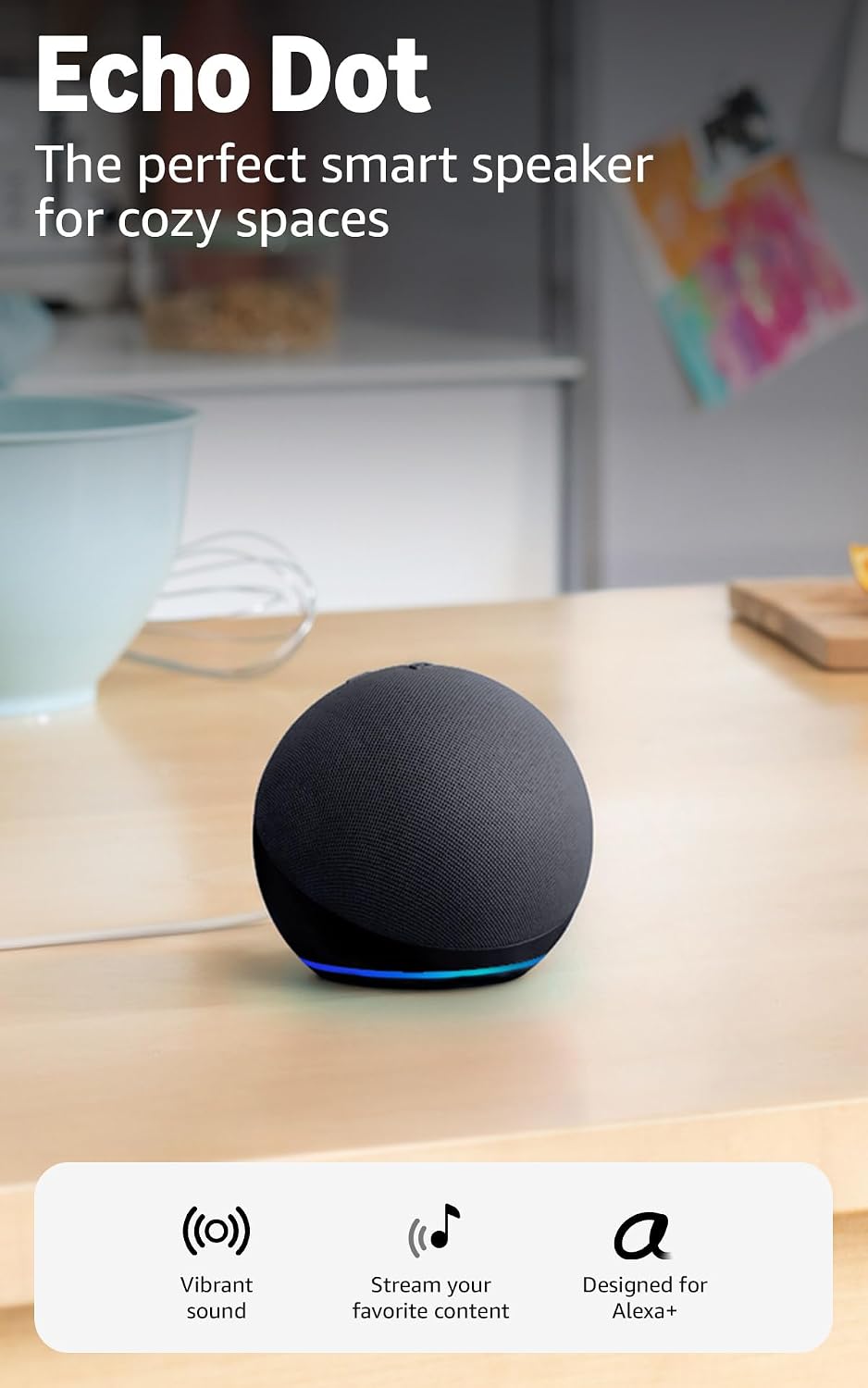
About $40 for the Echo Dot (currently $39.99 against a $79.99 list — a genuine 50% cut) and about $22 for four smart plugs ($5.50 each). The Dot is the piece that makes scenes stick: Alexa Routines let you stack one command — “Alexa, goodnight” — that runs your bulbs to 10%, kills the TV plug, and starts a white-noise skill, every night at the same time without a single app open. Cons: the Dot’s speaker is small-speaker quality, Alexa records segments by default until you dig into privacy settings, and routines that depend on cloud voice mean the routine dies with your internet.
My take: the routine engine is the part people skip and then wonder why their scenes don’t stick. One Dot plus four plugs schedules your whole evening for about $62.
Prime note: smart lighting goes cheapest during Prime events — grab a free 30-day Prime trial before the next drop and stack the free shipping on top.
Beginner Mistakes (And What Actually Saves Money)
Buying scenes before habits: a scene used twice costs $40/use. Give every scene a fixed trigger time for two weeks before buying more gear.
Mood names: “Relax,” “Chill,” and “Vibe” collide and get abandoned. Name by moment — Movie Night, Dinner, Goodnight — and the routine builds the habit for you.
One app per room: mixing ecosystems (some Kasa, some Govee, some Hue) means three apps and zero routines that span rooms. Pick one brand per room at minimum.
Scheduling nothing: unscheduled scenes depend on you remembering, which is the whole problem lighting scenes exist to solve. Schedule first, voice-control second.
What actually saves money: the LED math. A smart LED at 9W replaces a 60W incandescent; at 3.5 hours a day, that’s about 65 kWh a year — roughly $10-13 at typical U.S. rates, per bulb. A 4-pack pays for itself in under two years even before the convenience.
The Savings Math
- Starter scene (2 bulbs + schedule): ~$13 of a $25 4-pack — Movie Night automated for the cost of lunch.
- Whole living room (4 bulbs + dimmer + strip): about $60 one-time for every evening scene you will realistically use.
- Full routine engine (bulbs + dimmer + strip + Dot + plugs): about $120 total, one-time — less than one month of a typical streaming-bundle subscription stack, and it cuts the electric line item at the same time.
Keep reading: the bedroom automation guide pairs exactly with the Goodnight routine, and the thermostat schedule math is the same save-by-scheduling story on your heat bill.
CleverHomeClub is reader-supported. As an Amazon Associate, I earn from qualifying purchases. That means if you buy through one of the links above, I get a small commission at no extra cost to you. I only recommend devices I’d run in my own home.
🏠 Get Your Free Smart Home Setup Checklist
Join our newsletter and get this free printable plus weekly tips.
Frequently Asked Questions
How do I make a smart light scene that I will actually keep using?
Name it after the moment, not the mood, and give it a schedule. 'Movie Night' that fires at 8 PM every evening builds a habit in about two weeks; 'Chill Vibes' that needs a phone and a mood will be used twice. One trigger time per scene is the discipline that makes scenes stick.
Do I need a hub for smart lighting scenes?
No. Every device in this guide runs on plain 2.4 GHz Wi-Fi with no hub u2014 the Echo Dot acts as the routine engine that coordinates them. A hub adds value only when you scale past one ecosystem or need very fast local response.
Are smart bulbs or smart switches better?
Switches for permanent fixtures you own, bulbs for lamps and rentals. A $15 smart dimmer keeps the scene even when a bulb burns out, but it needs a neutral wire in the wall box. Bulbs work everywhere and move with you u2014 that tradeoff decides it.
Why do smart lighting routines stop working?
Three usual causes: the scene was never scheduled, the devices fell off Wi-Fi and need a re-pair, or routines span two different apps that cannot talk to each other. Schedule first, keep one brand per room, and re-pair any device that shows offline in the app.
Do smart bulbs really save money on electricity?
Modestly, and honestly: a 9W smart LED replacing a 60W incandescent at 3.5 hours a day saves about 65 kWh a year u2014 roughly $10-13 at typical U.S. rates, per bulb. The convenience is the real payoff; the energy math just softens the price.
Price Check
Prices verified via our product tracker. Updated Oct 6.
| Kasa Smart Light Bulb KL125 Multicolor, 4-Pack (A19) | $25.49 | 4.4★ (11,568) |
| Kasa Smart Dimmer Switch HS220, Single Pole, Wi-Fi | $14.98 | 4.6★ (34,941) |
| Govee Smart RGB LED Strip Lights 16.4ft with App and Alexa | $17.99 | 4.5★ (62,011) |
| Amazon Echo Dot (5th Gen, 2022 release) Smart Speaker with | $39.99 | 4.7★ (200,536) |
| Kasa Smart Plug Ultra Mini 15A, 4-Pack (EP10P4) | $21.99 | 4.5★ (40,714) |
As an Amazon Associate we earn from qualifying purchases.