

This article contains affiliate links. We may earn a commission from qualifying purchases.
Some content on this site is AI-assisted and reviewed by our editorial team.
Every houseguest costs you two passwords: the Wi-Fi one you recite from memory, and whatever door code you last set — which, if your house is like most, is the same code your last three guests used, your dog walker uses, and the neighbor with the spare key used in 2023. Locksmiths charge about $75–150 for a single rekey visit, and most people trigger one every year or two for exactly this reason. The whole mess is avoidable: modern locks and a $25 sensor can hand out per-person access that expires, logs who came in, and never touches your main passwords.
Here are the four setups that actually work, from a full smart lock replacement down to a renter-approved box that takes ten minutes and zero wiring.
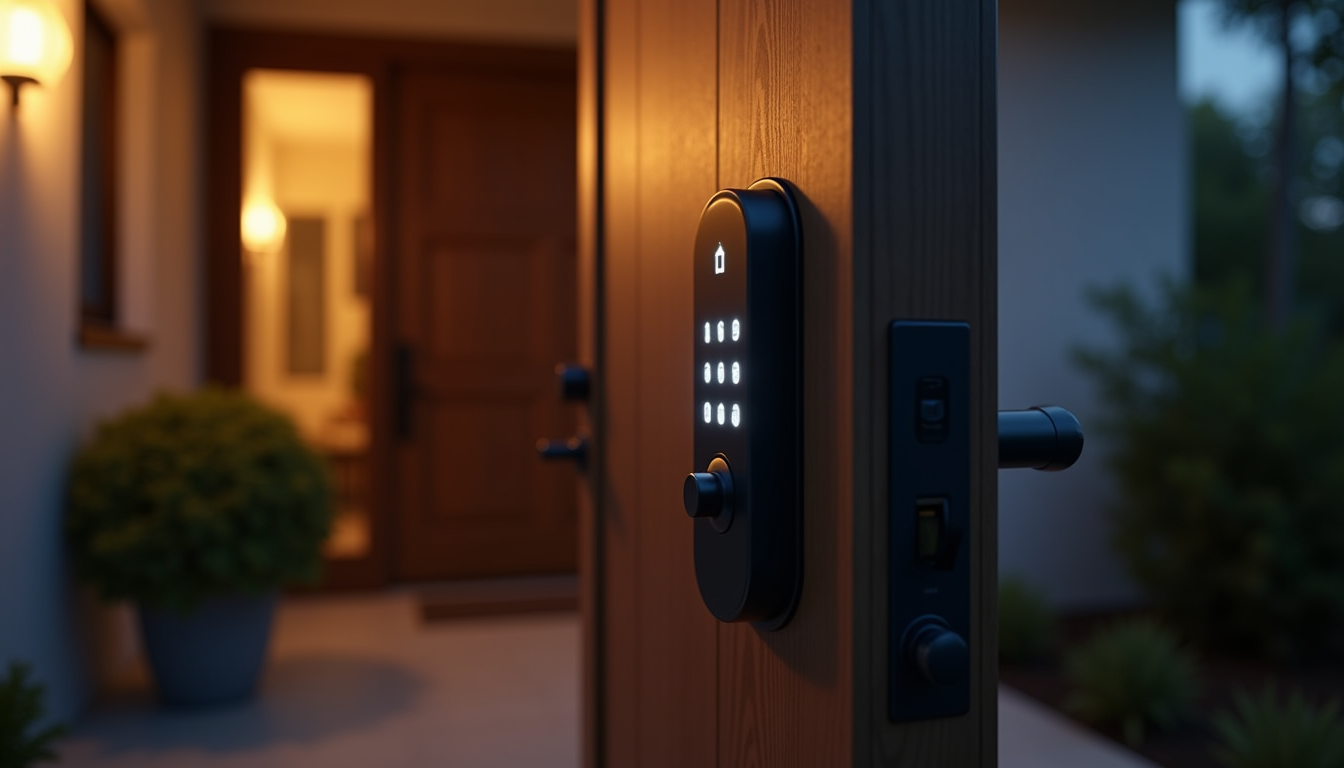
Schlage Encode Smart WiFi Deadbolt — The One-Lock Answer
Check the price of the Schlage Encode on Amazon

About $219–229 · replaces the whole deadbolt · Wi-Fi built in, no hub · works with Alexa, Google Home and Ring
The Encode is the cleanest answer to the guest problem because access codes live in the lock, not in an app subscription. You create up to 100 unique codes — one per guest, scheduled to the day — and they simply stop working when the visit ends. The lock connects straight to your 2.4GHz Wi-Fi, so you can let someone in remotely when their rideshare drops them off early, and the built-in alarm plus BHMA/ANSI Grade 1 rating mean you are not trading security for convenience. Installation is a screwdriver and about 30 minutes on a standard door.
Con: Wi-Fi eats the four AA batteries faster than you would like — plan on a low-battery warning becoming a routine check, not a surprise. It is also a full deadbolt replacement, so it is a homeowners play, not a renter one. And there is no Apple HomeKit support.
My take: if you are replacing one lock this year, replace the front door lock with this one and the guest-code problem is solved permanently.
Yale Assure Lock 2 with Wi-Fi — Best for Code Bookkeeping
Check the price of the Yale Assure Lock 2 on Amazon

About $150–230 depending on trim and sales · replaces the deadbolt · keypad plus app control · no subscription for core features
Where Yale pulls ahead is managing people over months, not weekends. The Yale Access app gives every guest or helper their own code with an expiration date, logs each entry, and pushes a notification when a code is used — so when your mother-in-law says she left at noon, the app knows. Auto-lock with DoorSense means the door secures itself when guests inevitably forget, and the lock supports Alexa, Google and Siri. Street prices swing hard on this one — it has dipped under $150 during sale events — so check the current price before committing.
Con: the Wi-Fi module is an add-on on some trim configurations (double-check the box says Wi-Fi, not just Bluetooth, or remote codes will not work). Battery life is middling, and the app will nudge you toward accessories constantly.
My take: the pick when multiple recurring people — cleaners, dog walkers, visiting family — need scheduled access with an audit trail.
August Wi-Fi Smart Lock — The Renter-Friendly Overlay
Check the price of the August Wi-Fi Smart Lock on Amazon
About $180–200 · installs over your EXISTING deadbolt thumb-turn · keeps your current keys working · no hub needed
The August answer is different in kind: it does not replace your lock, it robotizes it. A motorized unit mounts over the inside thumb-turn, your exterior hardware and keys stay exactly as they are, and guests get virtual keys through the August app — time-limited, revocable in one tap, with an activity log. That also means your landlord’s lock stays untouched, which matters when the lease says you cannot swap hardware. It is the smallest of the bunch and installs in roughly 15 minutes.
Con: no keypad on this base model — guests need the app and a smartphone, which rules out the one technophobic relative and anyone whose phone died mid-trip. There is a keypad bundle if you want both, at a higher price.
My take: the only serious option for renters and the pick for guests who are app-comfortable. Pair it with the privacy checklist mindset — see our smart home privacy settings guide for the account-side locks worth setting the same day.
Wyze Lock Bolt — The Budget Keypad That Still Does Per-Guest Codes
Check the price of the Wyze Lock Bolt on Amazon

About $75–80 · replaces the deadbolt · backlit keypad plus fingerprint reader · Bluetooth only, no Wi-Fi in the lock itself
Under 80 dollars gets you a proper anti-peep keypad (add dummy digits around your real code), up to 50 fingerprints for the regulars, scheduled one-time or recurring codes, and an unlock history log in the app. For a guest room door, a rental-side entry, or a workshop, it covers 90 percent of the guest-access job at a third of the price.
Con: Bluetooth-only means no remote unlocking or live notifications unless you pair a Wyze video doorbell as a bridge — you manage codes standing at the door with your phone. It also lacks the steel-and-certification pedigree of the Schlage and Yale deadbolts.
My take: the value play for interior doors and side entrances. Not the front door of a house you worry about — that is Grade 1 territory.
The Zero-Install Renter Option: Master Lock 5400D Lock Box
Check the price of the Master Lock 5400D on Amazon

About $25–35 · no tools, no apps, hangs on the doorknob or fence · resettable 4-digit code · holds up to 5 keys
The humble solution realtors have used forever: a combination box holding your spare key, hung outside, code texted to the guest and reset after they leave. It works during power outages and router outages, needs no account anywhere, and costs less than a takeout dinner. Just be smart about it: rotate the code after every visit, and if you want to know when it was opened, hang a cheap door/window sensor on the door itself so your phone logs each entry.
Con: it is a consumer lock box, not a security boundary — a determined attacker with bolt cutters defeats it. It also exposes one physical key rather than per-person codes, so the audit trail is whoever you lent the code to.
My take: the right answer for occasional guests, contractors, and anyone whose lease forbids lock changes. Spend the savings on the sensor.
Get your guest-access setup delivered fast. Start your 30-day Prime free trial for free 2-day shipping on locks, sensors, and lock boxes.
What Actually Keeps You Safe (And What Does Not)
- One code per person, always. A shared “guest code” is how access logs become useless. The Schlage and Yale make per-person codes free; use that.
- Expiry dates are the feature. A code scheduled to die at checkout is worth more than any alarm. Set the window when you set the code.
- Your Wi-Fi password is not guest access. It reaches your cameras, hubs, and speakers. Turn on the router’s built-in guest network instead — it is usually one checkbox and isolates visitors from your devices. This is the single cheapest fix in this whole article.
- A notification is not a lock. Knowing the door opened does not slow anyone down. Sensors and logs are evidence; the deadbolt is the security.
The Savings Math
The baseline cost of doing nothing: one locksmith rekey at about $75–150 every time a code leaks or a roommate moves out, plus a hardware-store key-copy run each visit. A Wyze Lock Bolt plus one door sensor lands under $100 once; a full Schlage setup under $250 amortizes to pennies per guest across years, and the August overlay protects your security deposit at the same time. If a cleaner or dog walker visits weekly, the per-visit cost of smart access is already below one month of the “change the code manually” system — in money and in the 20 minutes you spend re-explaining the code. If you are still deciding how guests will see who is at the door before you buzz them in, our wiring-free doorbell comparison covers the renter-safe options.
CleverHomeClub is reader-supported. As an Amazon Associate, I earn from qualifying purchases. That means if you buy through one of the links above, I get a small commission at no extra cost to you. I only recommend devices I’d run in my own home.
🏠 Get Your Free Smart Home Setup Checklist
Join our newsletter and get this free printable plus weekly tips.