This article contains affiliate links. We may earn a commission from qualifying purchases.
Some content on this site is AI-assisted and reviewed by our editorial team.
The smart doorbell is the first security device most people buy. It makes sense — you see who’s at the door from your phone, you get motion alerts, and you never miss a package again. But there’s a catch that stops a lot of people: your house or apartment doesn’t have existing doorbell wiring.
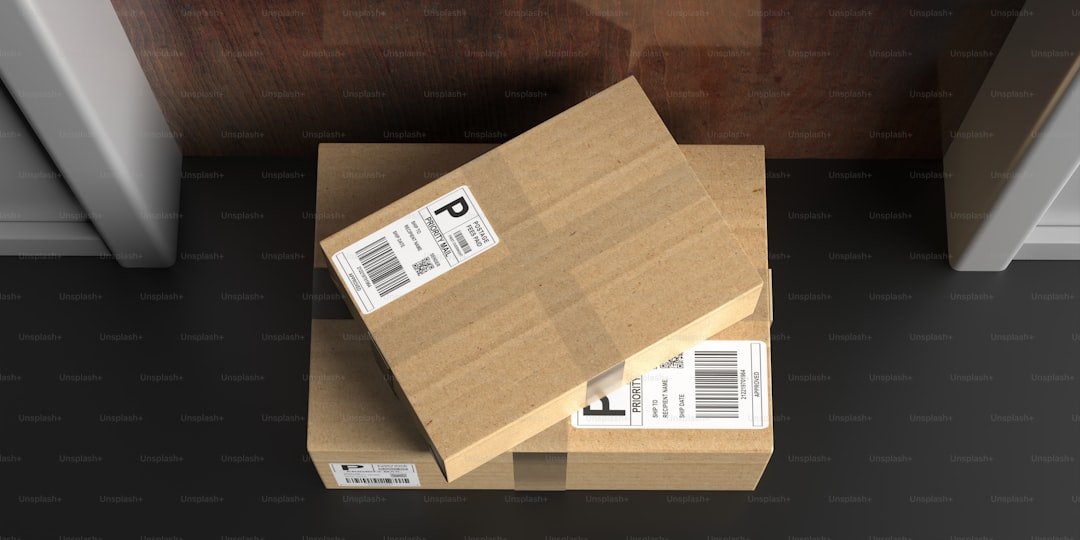
Older homes, rentals, and apartments often have zero wiring at the front door. Traditional smart doorbells like the Ring Wired Pro need a transformer and existing chime wires to function. If you don’t have those, you’d need to run new wiring through your walls, which is a non-starter if you rent.
The good news: the battery-powered smart doorbell market has gotten genuinely good. You can get video, two-way audio, motion detection, and cloud recording without touching a single wire in your wall. I tested four of them over the last two months on a front door with no existing wiring.
Disclosure: As an Amazon Associate, CleverHomeClub earns from qualifying purchases. This means we may earn a commission when you buy through links on this page — at no extra cost to you. We only recommend products we have tested or would genuinely use in our own homes.
What You Need (and What You Don’t)
Before getting into specific picks, here’s what matters when you’re choosing a wireless smart doorbell:
Battery life. This is the big one. A doorbell that dies in two weeks is useless. The best battery doorbells last 2 to 6 months on a charge, depending on how many motion events they record. Cold weather cuts battery life significantly, so if you live somewhere with real winters, expect to charge more often.
Video quality. 1080p is the minimum. 2K is better but rare in this category. Night vision is non-negotiable — most doorbell events happen after dark. Look for color night vision if you can get it, since infrared-only night vision makes it hard to identify faces.
Field of view. Wider is better. 150 degrees or more means you can see packages left on the ground directly below the camera. 120 degrees and you’ll miss anything below waist height.
Smart alerts. The biggest annoyance with any smart doorbell is false alerts. Every passing car, every blowing leaf, every cat triggers a notification. Look for doorbells with person detection — they only alert you when there’s a human, not when a branch blows by.
What you can skip: Pre-buffered video (records before the motion event) sounds useful but eats battery. Facial recognition is inconsistent and locked behind subscriptions on most brands. Package detection is nice but not essential — person detection covers it.
4 Smart Doorbells That Don’t Need Wiring
Ring Battery Doorbell Plus
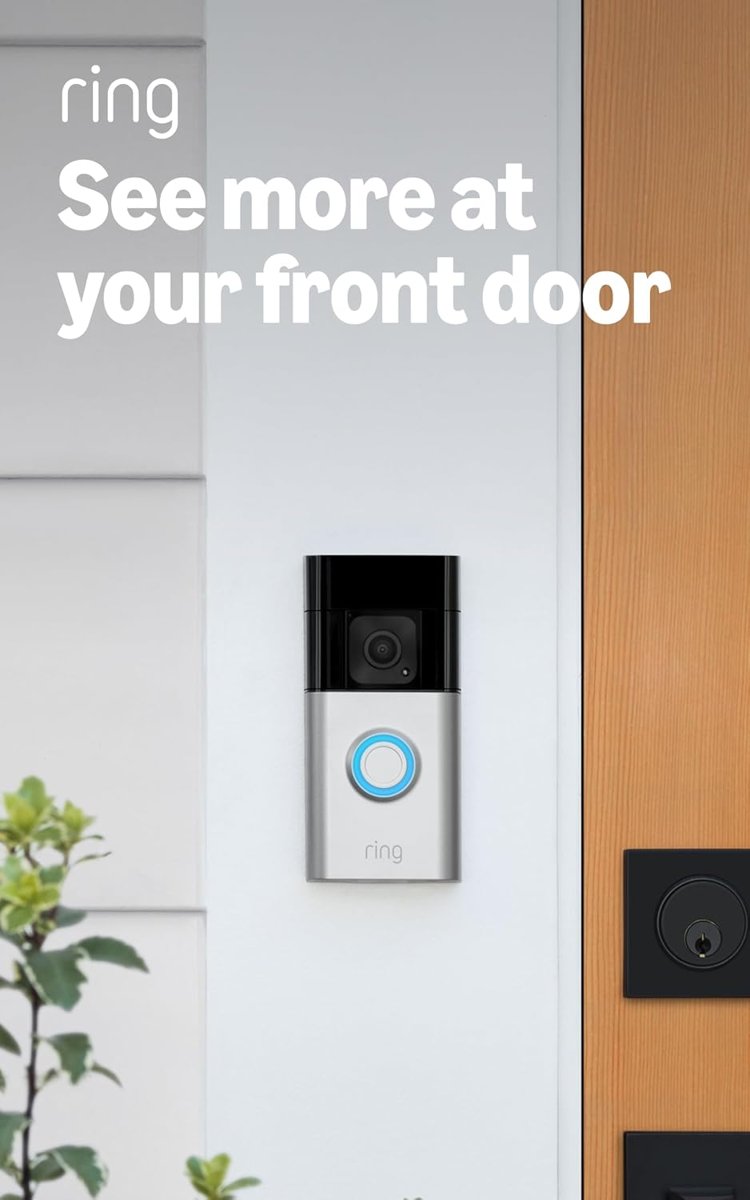
Ring dominates this category for a reason. The Ring Battery Doorbell Plus has the best app, the widest feature set, and the most reliable motion detection I’ve tested. It runs on a removable battery pack, which means you charge the battery inside instead of taking the whole doorbell off the wall.
Video is 1536p (a slightly wider-than-1080p resolution) with color night vision and a 150-degree field of view. Person detection works well — I get maybe one false alert a week, mostly from the delivery driver setting down packages, which is technically a person. The two-way audio has a slight delay but is clear enough for conversations.
The catch is the subscription. Without Ring Protect (3 dollars/month for a single device or 20 dollars/month for all your Ring devices), you can’t review missed events, save recordings, or use snapshots. The doorbell still works for live view and real-time alerts without a subscription, but you lose the “I’ll check what happened this afternoon” functionality. If you’re already in the Ring ecosystem with other cameras, the 20-dollar plan covers everything and makes more sense.
Ring Battery Doorbell Plus on Amazon
Blink Video Doorbell (Battery-Powered)
The Blink Video Doorbell is the budget pick, and it’s the one I’d recommend if you’re not sure you want to commit to a smart doorbell yet. At under 50 dollars (often on sale for less), it’s a fraction of what the Ring costs, and it runs on two AA batteries that last about two years.
The trade-off is everything else. Video is 1080p, night vision is infrared-only (no color), and the field of view is 135 degrees. Motion alerts are frequent unless you tune the sensitivity down. The app is functional but feels like it was built in 2019 — because it was. There’s no person detection without a Blink Subscription Plan, which costs 3 dollars/month.
What you get for the price is solid: live view, two-way audio, motion alerts, and the option to save clips locally with a Blink Sync Module (a one-time 35-dollar purchase that also lets you review footage without a subscription). If you want a smart doorbell without spending 150+ dollars, this is the one.
Blink Video Doorbell on Amazon
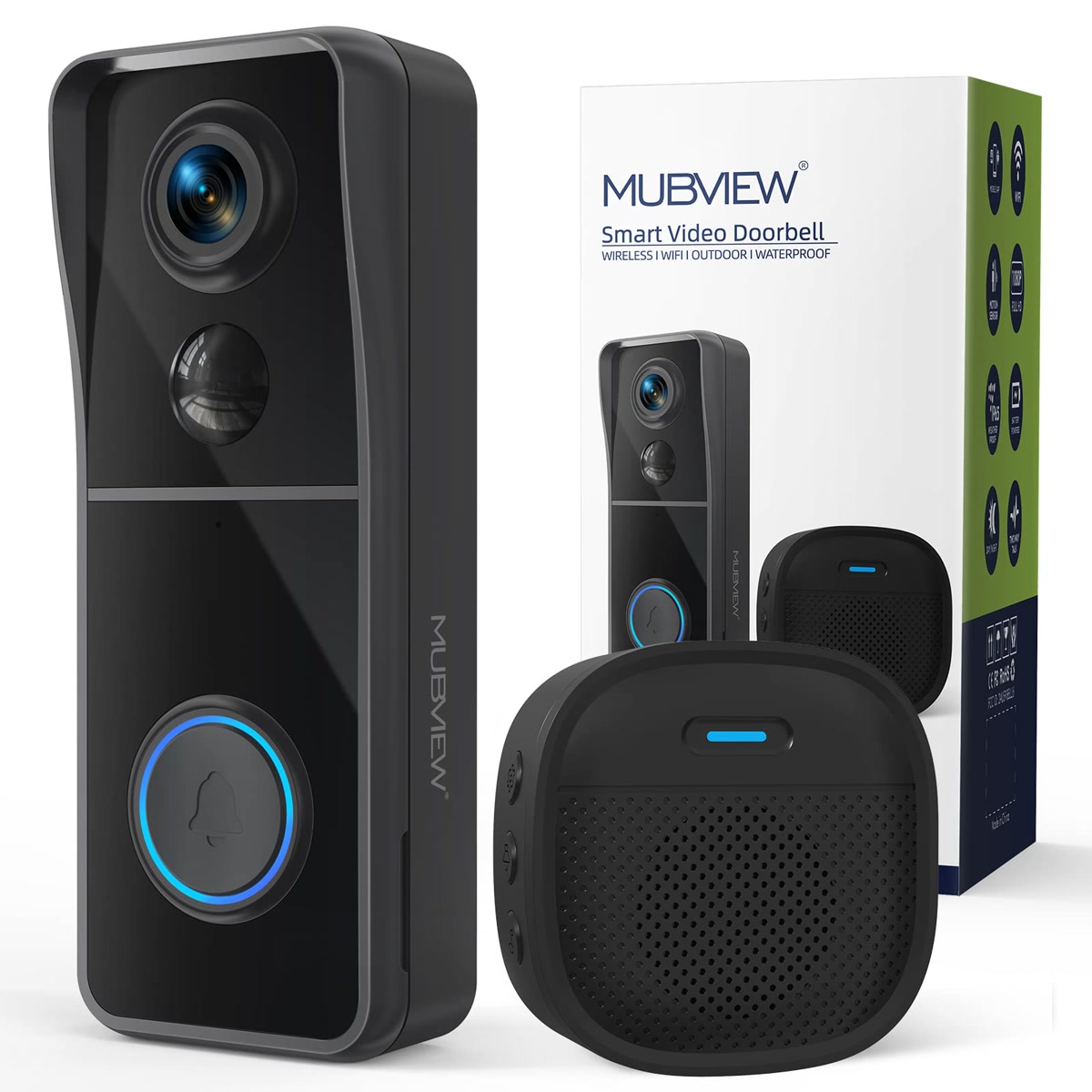
Eufy Security Video Doorbell E340
The Eufy E340 is the pick if you refuse to pay a monthly subscription. Unlike Ring and Blink, Eufy stores all video locally on the included HomeBase — no cloud fees, no monthly plan, no “your footage expired after 60 days” email. You buy the doorbell once and you’re done.
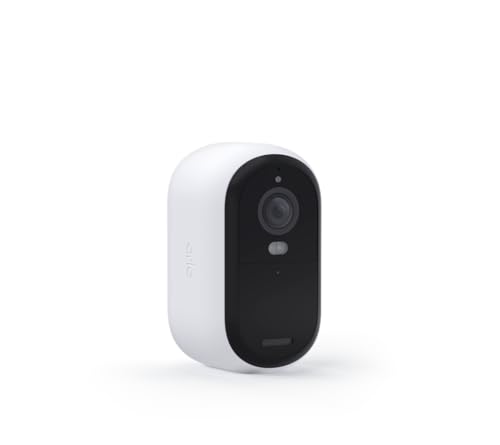
Video is 2K with color night vision. The field of view is 135 degrees. Person detection works without a subscription (imagine that). The battery lasts about 4 months on a charge in my testing, though that dropped to 2 months in January when temperatures hit the teens.
The HomeBase is a separate box that needs to be plugged into your router via Ethernet. That’s an extra step most competitors skip, and if your router is in a weird location, it can be annoying. The app is decent, though Eufy’s track record on software updates has been spotty.
If the subscription model is what’s been keeping you from buying a smart doorbell, the Eufy solves that problem completely. The upfront cost is higher, but you’ll save 36 to 240 dollars per year in subscription fees.
Eufy Security Video Doorbell E340 on Amazon
Google Nest Doorbell (Battery)
The Google Nest Doorbell (Battery) is the one to get if you’re already in the Google ecosystem. It integrates with Google Home and Nest speakers seamlessly — when someone rings the doorbell, your Nest Mini announces it and you can talk to them through it.
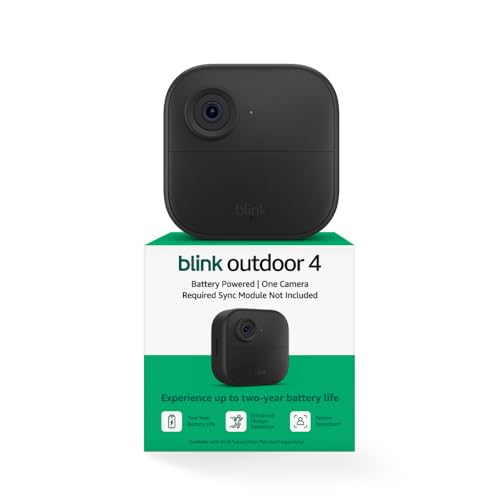
Video is 960×1280 (portrait orientation, which is unusual). Field of view is 145 degrees. The person detection is excellent — Google’s AI correctly identifies people vs. animals vs. vehicles with very few false positives. You get 3 hours of event history for free without a subscription, which is more than Ring gives you.
The downside: battery life is the worst of the bunch. In my testing, it needed charging every 6 to 8 weeks. In cold weather, that dropped to 3 to 4 weeks. If your door gets a lot of foot traffic (apartment building hallway, busy street), you’ll be charging it constantly. The Nest Aware subscription (8 dollars/month) extends event history to 30 days and adds facial recognition, but the free tier is usable.
If you have Nest cameras or a Nest thermostat already, this is the obvious choice. If you don’t, the battery life makes it a harder sell.
Google Nest Doorbell (Battery) on Amazon
Installation: No Drill, No Damage
All four doorbells can be installed without drilling. Here’s how:
Adhesive mounting strips. 3M Command strips rated for outdoor use hold these doorbells fine — they’re all under a pound. Clean the surface with rubbing alcohol first, press the strip for 30 seconds, and wait an hour before attaching the doorbell. When you move out, pull the tab straight down to remove without residue.
Door frame clamp mount. If you have a narrow door frame, a clamp mount (about 15 dollars on Amazon) grips the frame without any adhesive or drilling. It’s the most rental-friendly option and takes 30 seconds to install or remove.
Existing peephole. If your door has a peephole, peephole-mounted smart doorbells exist and require zero modifications. They slide into the existing peephole hole and use a small camera on the outside. Less feature-rich but maximally rental-friendly.
Which One Should You Buy?
If you want the best overall experience and don’t mind a 3-dollar monthly subscription: Ring Battery Doorbell Plus. The app, the motion detection, and the ecosystem are all the most polished.
If you’re on a budget: Blink Video Doorbell. Under 50 dollars, two-year battery life, and it does the basics well. The image quality won’t impress you but it’ll show you who’s at the door.
If you refuse to pay a subscription: Eufy E340. Buy it once, never pay again. 2K video and local storage with no monthly fees.
If you’re in Google’s ecosystem: Nest Doorbell (Battery). The integration with Nest speakers and Google Home is seamless, and the free event history is more generous than Ring’s.
Bottom Line
You don’t need wiring to get a smart doorbell, and you don’t need to drill into your landlord’s wall. Any of these four will show you who’s at the door, alert you to packages, and let you talk to visitors from your phone. The Ring is the best overall, the Blink is the cheapest entry point, the Eufy is the no-subscription pick, and the Nest is best if you’re already using Google Home. Pick the one that fits your budget and your ecosystem, and use adhesive strips to mount it.
My take: No wiring is no longer a blocker — the Ring Battery Doorbell Plus is the pick for most, with the Blink as the budget test-the-waters option. Price the subscription first though: Ring without Protect is live-view-only, which defeats much of the point of a doorbell.
Related guides
- Smart Home Sump Pump Monitoring: The 30-Dollar Setup That Can Save You 10,000 Dollars in Water Damage
- Lighting Scenes That Stick: 4 Setups That Run Your Evenings
- Smart Home Bathroom Automation: 5 Devices That Saved Me From a Flood
- Smart Home Bathroom: 7 Upgrades That Make Sense
- Guest Access Without Giving Out Your Passwords: 5 Setups That Work
🏠 Get Your Free Smart Home Setup Checklist
Join our newsletter and get this free printable plus weekly tips.
Frequently Asked Questions
Can I install a smart doorbell without wiring?
Yes — battery-powered models need no existing doorbell wires, which older homes, rentals, and apartments often lack entirely. The real requirements: battery life of 2–6 months per charge (cold weather cuts it significantly), 1080p minimum video with night vision (color preferred — infrared-only makes faces hard to identify), 150°+ field of view so packages on the ground are visible, and person detection to stop the every-passing-car notification storm.
What’s the best wireless video doorbell?
The Ring Battery Doorbell Plus — best-in-category app and motion detection, 1536p video with color night vision, a 150° field of view, and a removable battery pack you charge inside instead of unmounting the doorbell. Person detection is reliable enough for roughly one false alert a week. The catch: without Ring Protect ($3/month per device), no recorded-event review — live view and real-time alerts only.
Is there a budget wireless doorbell worth buying?
The Blink Video Doorbell — under $50, two AA batteries lasting about two years, and a fine entry if you’re not sure you’ll stick with the category. The honest trade-offs: 1080p, infrared-only night vision, a 135° field of view, frequent motion alerts until you tune sensitivity down, and an app that feels like 2019 because it is. Ring’s ecosystem and app polish justify the premium if you’ll use the doorbell daily.
Liked this guide? Get the next one in your inbox — the smart home starter checklist is free too.
✓ You're in — check your inbox.
No spam. Unsubscribe anytime. We never share your email.