
This article contains affiliate links. We may earn a commission from qualifying purchases.
Some content on this site is AI-assisted and reviewed by our editorial team.
If you buy one smart home device, make it a smart thermostat. Everything else is a nice-to-have. This one pays for itself. I tested the major models over the last few months, and the results were clearer than I expected.
Disclosure: As an Amazon Associate, CleverHomeClub earns from qualifying purchases. This means we may earn a commission when you buy through links on this page — at no extra cost to you. We only recommend products we have tested or would genuinely use in our own homes.
Quick context if you’re new to this: a smart thermostat replaces your existing wall thermostat and connects to Wi-Fi. From there, it learns when you’re home, when you’re away, and (with the better models) which rooms matter most. Most households see 10-15% off heating and cooling, which means a 250-dollar thermostat pays for itself in about 18 months. If you want the full math, here’s our ROI breakdown.
Ecobee Premium: The One I’d Buy
The Ecobee Premium is the thermostat I recommend to most people, and the one I kept on my own wall after testing was done. The reason comes down to one feature: room sensors.
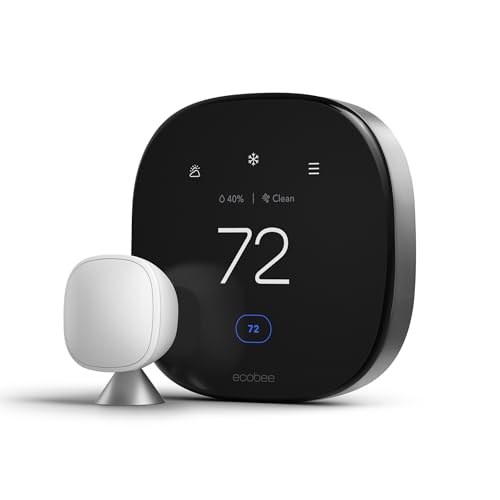
Your thermostat is mounted in a hallway. The hallway is a comfortable temperature. Your bedroom is not. A basic smart thermostat will never know this, and you’ll keep manually adjusting it or running a space heater. Ecobee’s wireless sensors sit in the rooms you use and feed temperature data back to the thermostat. It averages them, or prioritizes whichever room has motion detected. After a week, it learns that the bedroom matters at night and the office matters during the day.
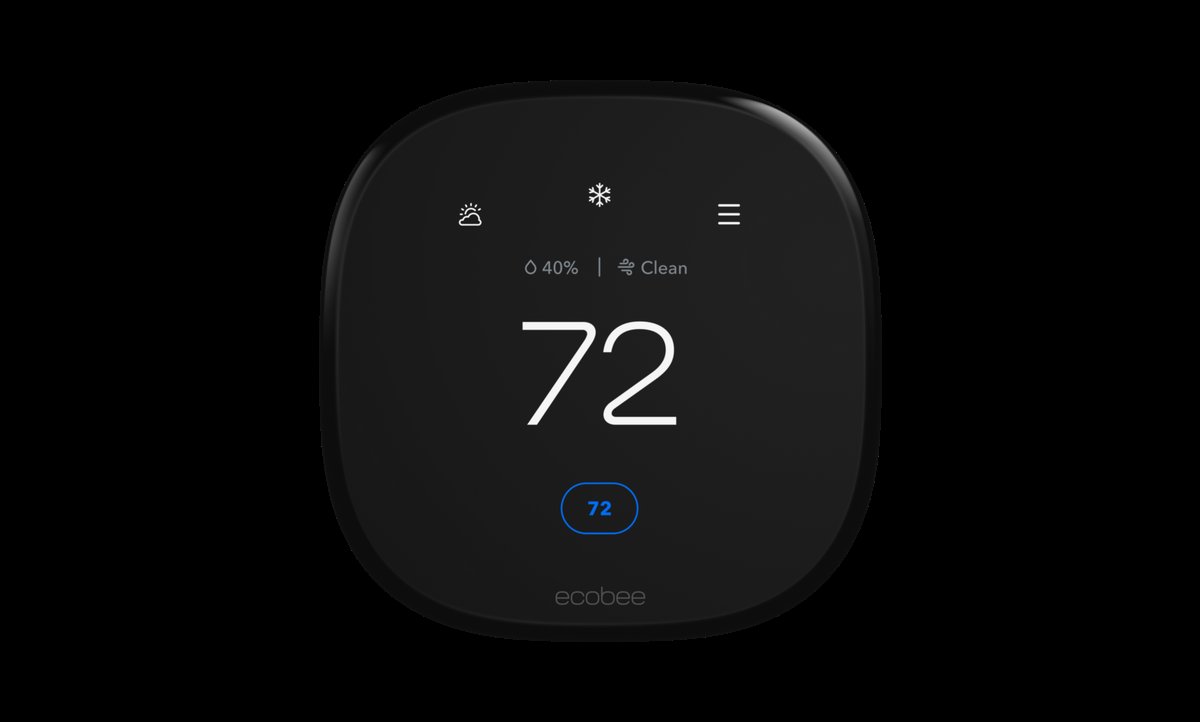
Two sensors come in the box (you can add up to 32). It has Alexa built in. I didn’t think I’d use that, but being able to say “set it to 70” while making coffee is convenient in a way I didn’t expect. It works with Apple HomeKit, Google Assistant, and Home Assistant too, so no ecosystem lock-in.
At around 250 dollars it’s not a casual purchase. But the included sensors and built-in speaker mean you’re not buying add-ons, and the energy savings start showing up on your bill within the first month. For a deeper comparison, here’s how it stacks up against Nest.
Nest Learning Thermostat (4th Gen)
The Nest Learning Thermostat takes a completely different approach. Instead of making you configure sensors and zones, it watches what you do. Turn the heat down at 11 PM three nights in a row? Night four, it does it for you. A week in, it’s built a full schedule without you touching anything.

This is the best-looking thermostat on the market. Circular, with a rotating dial and a display that lights up when you walk near. If it’s going to be visible from your living room, this is the one you’d want guests to notice.
It fits deepest inside Google’s ecosystem. If you’ve got Nest cameras or a Nest doorbell already, this slides right in. The 4th gen added Apple HomeKit support and it works with Alexa, but the richest features live in Google Home. The one real limitation: no room sensors included, and the ones Nest sells separately (about 40 dollars each) just average temperatures. They don’t follow you room to room like Ecobee’s do. At the same price point as Ecobee, you’re getting less hardware. But if you want zero setup and zero maintenance, install it and never think about it again. Nest delivers on that promise.
Honeywell Home T9 Costs Less, Does Most
The Honeywell Home T9 is the pragmatist’s choice. Honeywell has been making thermostats for decades, and the T9 is their answer to Ecobee and Nest without the premium price tag.
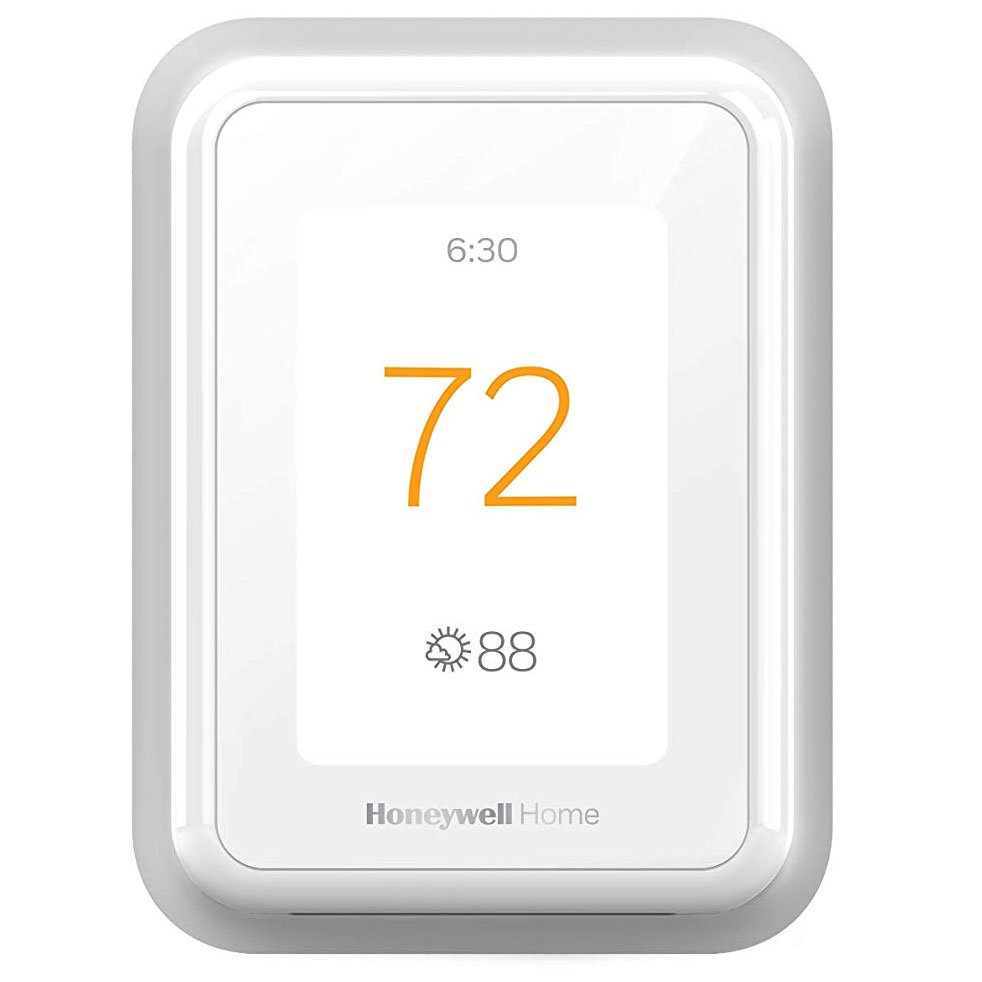
You get one room sensor in the box (supports up to 20). Geofencing uses your phone’s location to dial back the HVAC when you leave. The Resideo app is straightforward, not flashy, but it works without the reconnecting issues some budget thermostats have. It works with Alexa, Google Assistant, Apple HomeKit, and IFTTT.
You do give some things up. No built-in voice assistant, no learning schedule, and the display is utilitarian. At 150-180 dollars though, you’re saving 70-100 dollars compared to the other two and still getting the features that save energy. For a budget smart home setup or a rental where you might not be there long-term, it’s the right call.
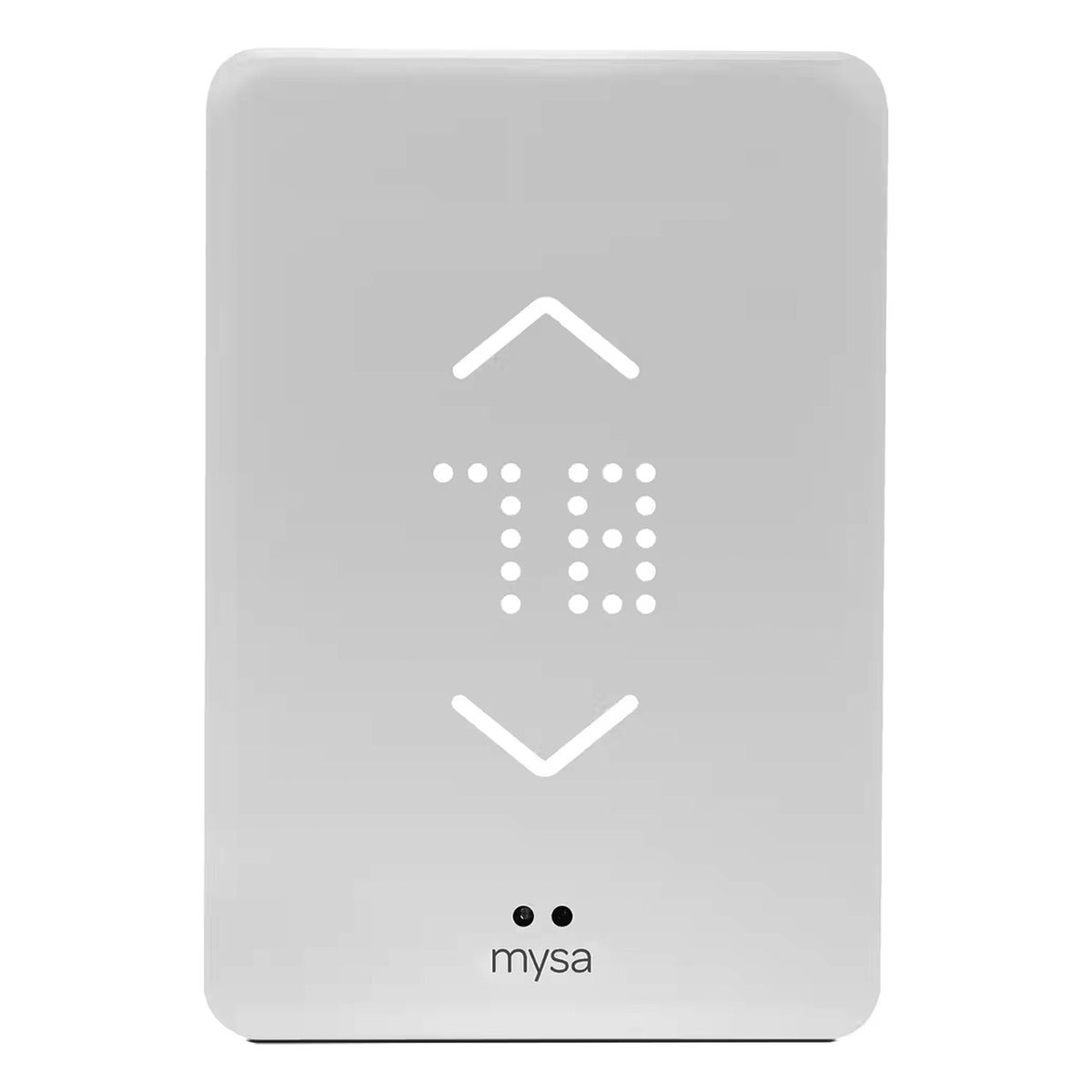
Mysa for Baseboard Heaters
Most smart thermostat guides ignore baseboard heating entirely. If you have electric baseboards, the thermostats above won’t work for you; they’re designed for low-voltage central HVAC systems. The Mysa handles line-voltage systems (120V, 208V, 240V) that the others can’t touch.
It’s got the features you’d expect: geofencing, scheduling, energy reports, and compatibility with Alexa, Google Home, and Apple HomeKit. The design is clean and minimalist, a big upgrade from the beige breaker-box thermostats it replaces. And because baseboard heating is expensive, the energy reports are worth checking. Most users report 20%+ savings, which adds up fast when heating is your biggest utility cost.
What to Check Before You Buy
Four things will determine which thermostat works for you:
Putting it near a vent or the kitchen. If your thermostat is directly above a heating vent or next to the oven, it’s reading a temperature that has nothing to do with the rest of the house. It’ll make bad decisions all day.
Constantly overriding the schedule. If you bought a learning thermostat and you’re still cranking the heat manually every time you’re cold, you paid 250 dollars for a dumb thermostat. Let it learn.
Forgetting the C-wire. Without a stable power source, your thermostat will drop Wi-Fi, restart randomly, and fail to follow its schedule. Install the adapter.
Wrong voltage. Installing a low-voltage thermostat on a baseboard system won’t just not work. It can fry the thermostat and the heater. Know what you have before you order.
Which One I’d Put On My Wall
Ecobee Premium for most homes. The room sensors make the biggest real-world difference. Nest Learning Thermostat if you want to install something and never think about it again. Honeywell T9 if budget matters. Mysa if you have baseboard heaters.
Any of these will start saving you money the day you install it. Just don’t mount it above a heating vent.
My take: Buy the Ecobee Premium and let the bundled sensors fix the hallway lie — it’s the difference between a thermostat that reads your house and one that reads one wall. If your rooms are even and you’ll set schedules manually, the $100 tier saves the same 10–15%.
Related guides
- Matter 1.4 Energy Management: How Smart Thermostats and Solar Panels Are Changing the Game
- Philips Home Access Smart Deadbolt Handleset Combo: A Complete Front-Door Upgrade for Prime Day 2026
- Smart Water Leak Detectors: The 30-Dollar Device That Saves 10,000 Dollars
- Smart Home Laundry Room Guide: Devices and Automations That Save You Money
- Smart Home Summer Prep Checklist: Thermostat, Lights, Security, and Energy
🏠 Get Your Free Smart Home Setup Checklist
Join our newsletter and get this free printable plus weekly tips.
Frequently Asked Questions
Which smart thermostat should a beginner buy?
The Ecobee Premium — it’s the one the author kept on the wall after testing, and the reason is room sensors: your thermostat is mounted in a hallway that reads comfortable while your bedroom doesn’t, and the wireless sensors fix that by feeding real room data back — averaging readings or prioritizing the room with motion. Two sensors come in the box (up to 32 supported), plus built-in Alexa and no ecosystem lock-in (HomeKit, Google, Home Assistant).
Does a smart thermostat really pay for itself?
Yes — most households see 10–15% off heating and cooling, so a $250 thermostat pays back in roughly 18 months. The mechanism is learning when you’re home, when you’re away, and (with the better models) which rooms matter most — the same logic as a programmable thermostat, except this one actually programs itself and gets followed.
Is there a cheaper alternative that still works?
Yes — the budget models in the category cover scheduling and remote control for around $100, which captures most of the savings if you’ll set the schedule yourself. What you lose are the room sensors, which is precisely the feature that fixes uneven rooms. If your house heats evenly and you’ll actually maintain a schedule, the cheap one saves the same money.
Liked this guide? Get the next one in your inbox — the smart home starter checklist is free too.
✓ You're in — check your inbox.
No spam. Unsubscribe anytime. We never share your email.
Price Check
Prices verified via our product tracker. Updated Nov 7.
| ecobee Smart Thermostat Premium - WiFi, Siri & Alexa Built | $245.00 | 4.3★ (4,170) |
| Google Nest Learning Thermostat (4th gen) + Nest Temperatu | $224.00 | 4.4★ (2,596) |
| Mysa Smart Thermostat V2 for Electric Baseboard Heaters | | $129.00 | 4.5★ (1,295) |
As an Amazon Associate we earn from qualifying purchases.