This article contains affiliate links. We may earn a commission from qualifying purchases.
Some content on this site is AI-assisted and reviewed by our editorial team.
You bought the smart bulbs, the plug, the thermostat. Now your phone has fourteen apps and you still can’t turn off the porch light without scrolling past a meditation reminder. It’s time to curate. These are the ones I’d keep on my homescreen, plus three that need to go.
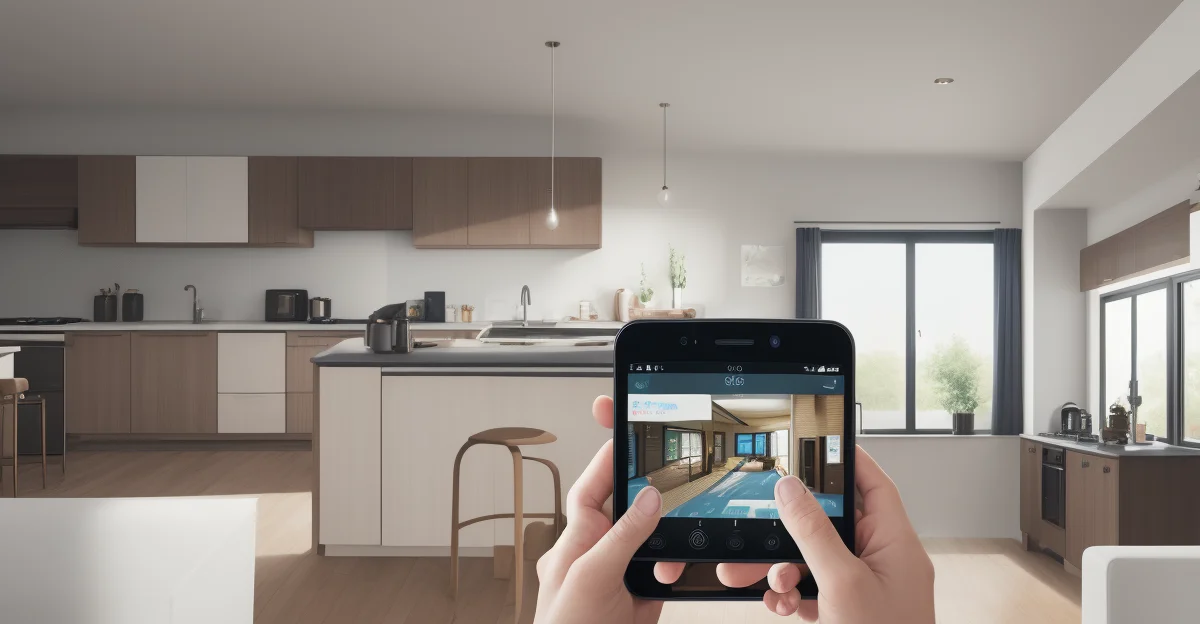
Google Home
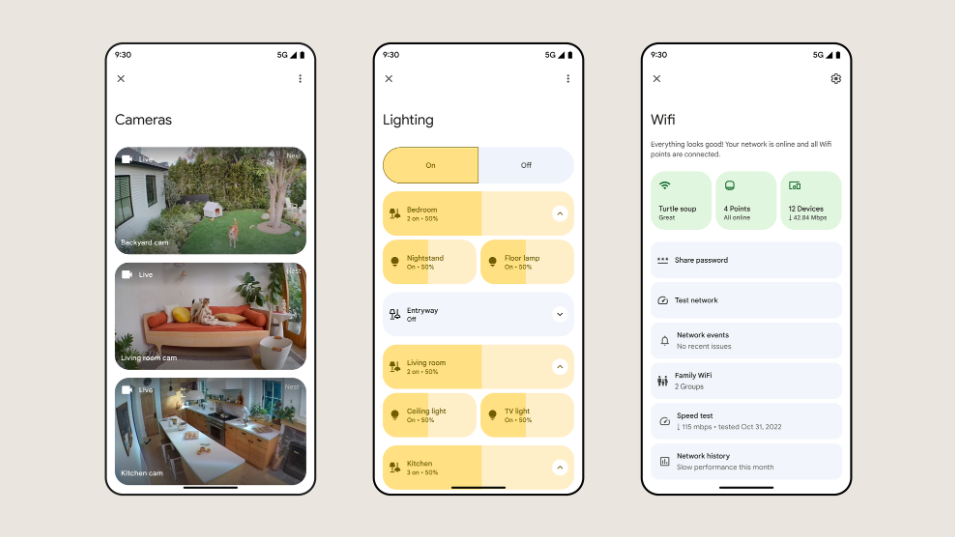
If you own a Nest speaker, a Chromecast, or anything with Google’s name on it, this app is non-negotiable. It’s also surprisingly useful as a general-purpose dashboard, especially if you’ve got devices from multiple brands in Google’s ecosystem. The routine builder is straightforward, and the Home tab gives you a quick view of everything. My one gripe: device management is buried three menus deep for no good reason. I still can’t find the humidity setting on my Nest Thermostat without hunting.
Google-first households and Nest device owners will get the most out of this one. It pairs naturally with the Google Nest Hub and Nest Thermostat, plus thousands of Works With Google devices.
Amazon Alexa
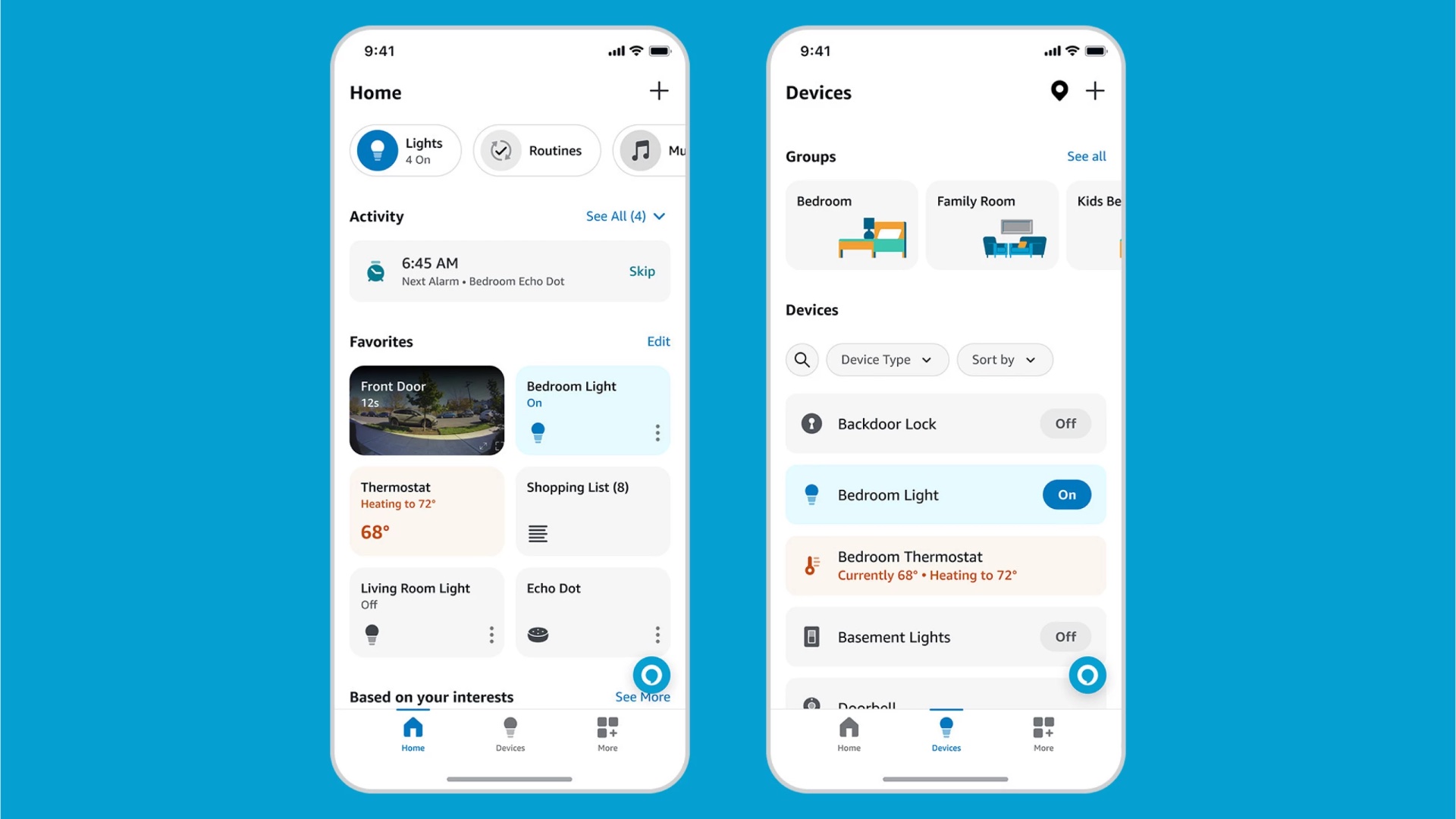
Alexa’s app is the Swiss Army knife of smart home control. Not always elegant, but packed with features. The Devices tab organizes everything by room, and the Routines section is one of the best beginner-friendly automation builders I’ve used. You can set up “when I say goodnight, turn off all lights and lock the door” in about two minutes.
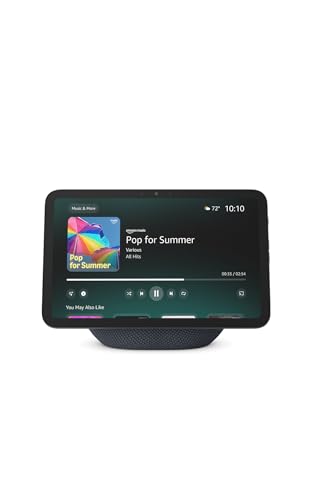
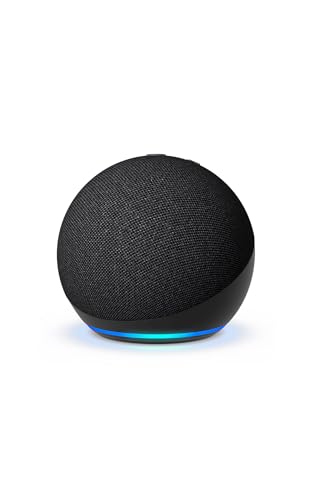
But man, the app is bloated. Every time I open it, there’s a new shopping recommendation or a “try Amazon Music” banner wedged between my device controls. It’s annoying. If you own an Echo, this is still your command center, and the device compatibility is unmatched: Echo Dot, Echo Show, Ring Doorbell, and the largest smart home device library of any platform.
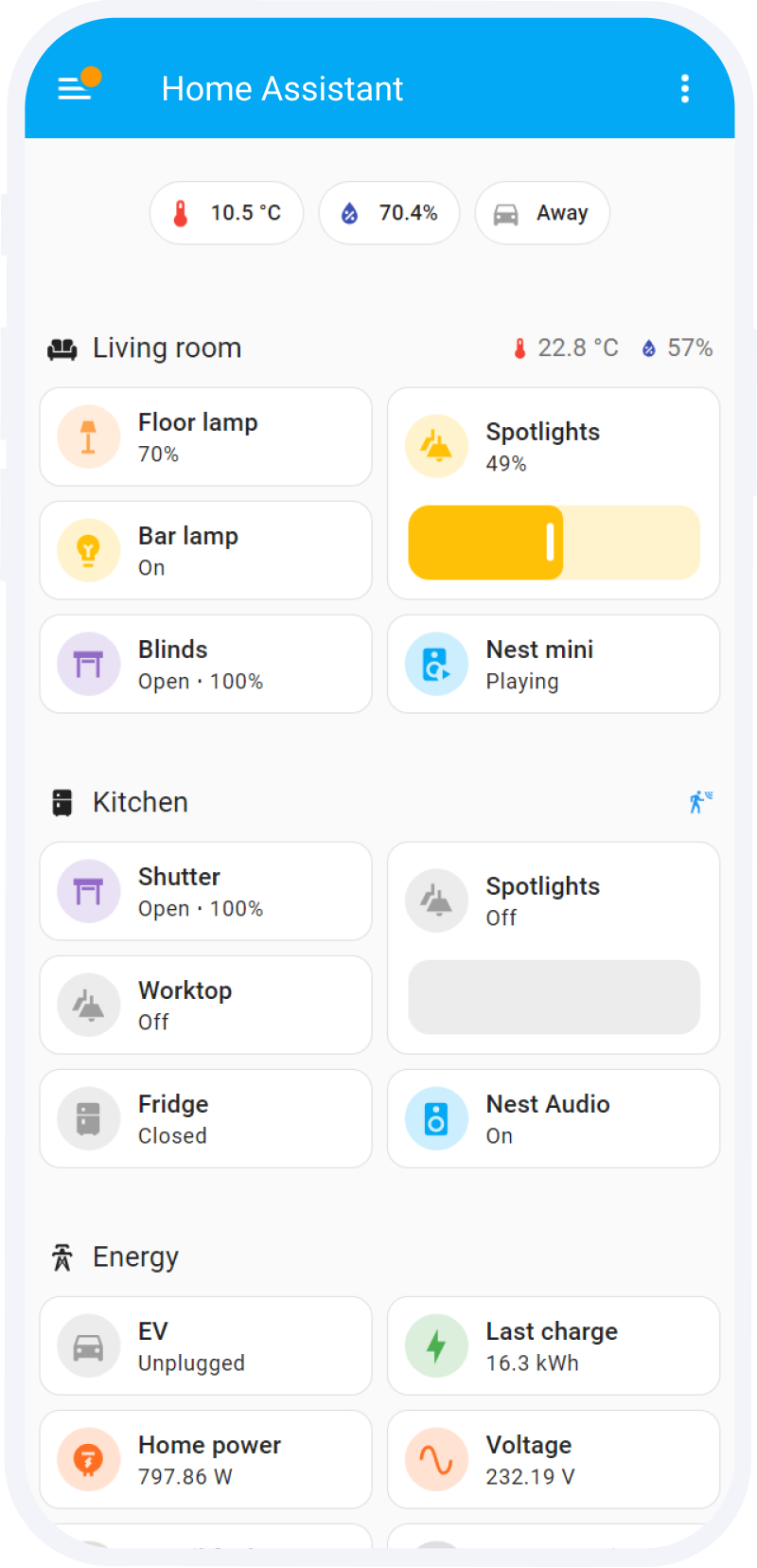 home automation controls” alt=”Home Assistant dashboard showing smart home automation controls” />
Home Assistant (Companion App)
Home Assistant itself is a whole thing you set up on a server. The companion app is what makes it usable day-to-day on your phone. Real-time control over every device you’ve connected, push notifications, location tracking, widget support. It’s the app I reach for most because once you’ve tasted controlling everything from one screen, going back to five separate apps feels barbaric.
You do need a Home Assistant server running for any of this to work. This isn’t a download-and-go app. If you’re not running Home Assistant yet, that guide will help you start. Worth the effort if you’re tired of app sprawl and want every device, regardless of brand, in one place.
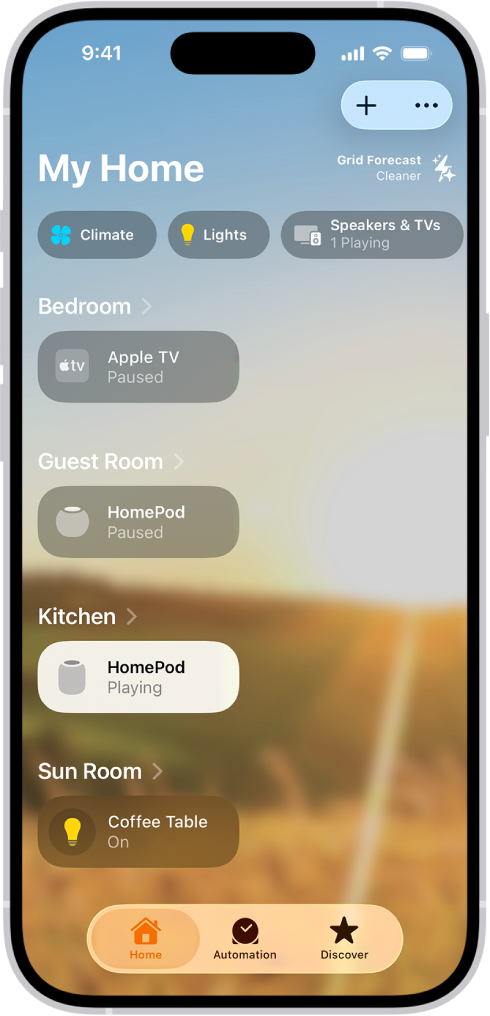
Apple Home
Clean, fast, deeply integrated into iOS. Apple Home is the obvious choice for anyone all-in on Apple’s ecosystem, and it’s gotten noticeably better since Matter support arrived. It works with way more devices than it used to. HomeKit Secure Video is excellent if privacy matters to you (and it should).
Automation-wise, Apple’s rules feel rigid compared to Alexa or Home Assistant. You can do basic time and location triggers, but anything more complex and you’ll hit a wall fast. For iPhone owners with a HomePod Mini, HomeKit smart plugs, and Matter-compatible devices, though, the simplicity is the whole point. Open the app, tap the thing, it works.
Smart Life / Tuya
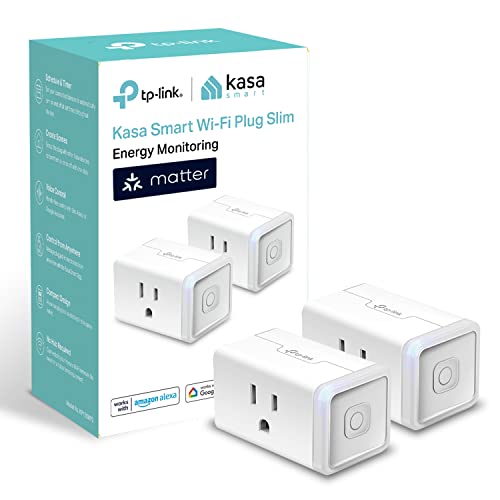
A huge chunk of budget smart home devices on Amazon run on Tuya’s platform. If you’ve bought a no-name smart plug or bulb for under 15 dollars, it probably uses Smart Life or Tuya. The app is surprisingly capable. Decent scene building, scheduling, device grouping. Not glamorous, but it works.
The main frustration is cloud dependency. If your internet drops, some features just stop. That’s what you get for cheap hardware, and most people are fine making that compromise. Compatible with Tuya smart plugs, Tuya smart bulbs, Tuya smart switches, and hundreds of white-label devices you’ll find on Amazon.
Wyze
Wyze built its brand on shockingly affordable cameras, and the app reflects that focus. It’s camera-first, with your other Wyze devices (sense kits, locks, bulbs) organized alongside. Playback is smooth, notifications are specific enough to be useful (person, vehicle, pet instead of just “motion detected”), and the app loads fast. For the price, it’s hard to beat.
Just know that some premium features sit behind a Cam Plus subscription. The free tier is fine for basic monitoring, but if you want person detection and cloud storage, you’re paying. Works with Wyze Cam, Wyze Video Doorbell, Wyze smart home devices.
Ring
The subscription costs real money. Let me just put that out there. But if you’ve invested in Ring cameras or a doorbell, the app is polished, reliable, and gives you quick access to live views, event timelines, and neighborhood alerts. The Neighbors feed can be noise. I muted mine within a week. But it’s easy to ignore.
Video reliability is Ring’s real strength. It just works, consistently, which matters when security is the point. Nearly all the useful features require a Ring Protect subscription, which stings, but the app itself is one of the better-built smart home tools out there. Pairs with Ring Video Doorbell, Ring Spotlight Cam, Ring Alarm, and Ring smart lighting.
3 Apps You Should Delete Right Now
Not every smart home app deserves storage space:
- The single-bulb app. You installed a brand-specific app to set up one smart bulb, paired it with Alexa, and never opened it again. Delete it. Once a device is linked to your platform, the manufacturer app is dead weight.
- The duplicate. Smart Life AND Tuya? Same platform. Kasa AND Tapo? Pick one and migrate. Running both Alexa and Google Home when you only use one? Pick a side.
- The subscription trap. If an app nudges you toward a monthly fee for turning on a light, find an alternative. Control shouldn’t cost 5 dollars a month per device.
What Makes a Smart Home App Good
A great smart home app nails four things:
- Speed: You tap a button, the light turns on. Not “loading…” for three seconds. The best apps feel instant.
- Dashboard customization: You should be able to put your most-used controls front and center, not scroll through a list of 40 devices to find the one you touch daily.
- Automation builder: Good apps let you create rules without a computer science degree. “When I leave home, turn off everything” should take 30 seconds to set up, not 30 minutes.
- Device count: The more brands and devices an app supports, the less you need other apps. Ecosystem breadth is a feature.
The One-App Problem
Here’s the uncomfortable truth: no single app controls everything well. Google Home has the best routine builder but weak camera support. Alexa connects to everything but buries useful features under a shopping experience. Apple Home is gorgeous but only works with a fraction of devices. Home Assistant connects to literally everything, but the setup is not for beginners.
The answer isn’t finding one app to rule them all. It’s finding one app as your primary control surface (probably Alexa or Google) and letting the others fade to the background. Think of it like your main messaging app. You use it 90 percent of the time, but you still have WhatsApp for that one group and Slack for work. Same principle.
If you want to get serious about consolidation, setting up Home Assistant is the long-term play. It’s the only platform that gives you a single dashboard for every device, regardless of brand, but it requires more effort up front.
Tips for Managing App Overload
Before you install another app, try these approaches:
- Use routines instead of apps. Most daily interactions, arriving home, going to bed, leaving the house, can be automated. Set up routines once and you’ll rarely need to open any app.
- Consolidate with Alexa or Google. Almost every budget device works with at least one of them. Once devices are linked, you can control them by voice and never open the manufacturer app again.
- Create a “smart home” folder on your phone. Move all smart home apps into one folder. If you find yourself never opening an app in that folder, delete it.
- Check for Matter support. The new Matter standard means more devices can work across platforms. If your devices support it, you can pick your preferred app and skip the manufacturer’s entirely.
- Start simple. A smart plug and a voice speaker under 100 dollars is all you need to test the waters. Don’t buy fifteen devices from eight brands and then wonder why you have fourteen apps.
Keep It Simple
Keep the apps that give you real control over real devices. Delete the ones you only opened once during setup. Your homescreen and your sanity will both thank you. The best smart home setup isn’t the one with the most apps. It’s the one where you barely need to open any.
My take: Curate like you’d curate a toolbox: one platform app as the command center (Alexa for compatibility, Google Home for the cleaner dashboard), the security app, and only the maker apps that do something the platform can’t. Delete the setup apps you installed once and never needed again — the fourteen-app phone is why smart homes get abandoned.
Related guides
- Smart Water Leak Detectors: The 30-Dollar Device That Saves 10,000 Dollars
- Smart Thermostats for Beginners 2026: Which Ones Actually Save Money
- 10 Weekend Smart Home Projects You Can Build in 2026 (Each Under $100)
- Best Smart Home Gadgets of 2026: 15 Devices That Deliver on Their Promises
- Ring Intercom: Smart Home Security for Apartment Renters
🏠 Get Your Free Smart Home Setup Checklist
Join our newsletter and get this free printable plus weekly tips.
Frequently Asked Questions
Which smart home apps are actually worth keeping?
The platform app for your ecosystem first — Google Home (unavoidable with any Nest or Chromecast gear; a surprisingly capable multi-brand dashboard with a straightforward routine builder, though device settings are buried) or Amazon Alexa (the widest device compatibility anywhere and one of the best beginner routine builders, bloated with shopping banners as it is). Those two cover control; then the maker apps for bulbs, cameras, and locks only when you need their specific features.
How many smart home apps do I actually need?
Three on the homescreen, honestly: your platform app, your camera/security app, and the one maker app whose features the platform can’t expose. Everything else duplicates what the platform app already does — the “fourteen apps” problem comes from never deleting the setup apps after pairing. If a device works fully in your platform app, its maker app can go.
What’s the biggest app mistake smart home owners make?
Keeping every app the setup process made them install — each one adds notification noise and meditation reminders between your device controls. The fix is curation: one command center, the specialized apps that earn their spot, and ruthless deletion of the rest. App bloat is why people abandon the smart home they paid for.
Liked this guide? Get the next one in your inbox — the smart home starter checklist is free too.
✓ You're in — check your inbox.
No spam. Unsubscribe anytime. We never share your email.
Price Check
Prices verified via our product tracker. Updated Nov 3.
| Google Nest Hub 7” Smart Display with Google Assistant (2n | $99.00 | 4.2★ (1,150) |
| Google Nest Learning Thermostat (4th gen) + Nest Temperatu | $279.99 | 4.4★ (2,596) |
| Amazon Echo Dot (newest model) - Vibrant sounding speaker | $79.99 | 4.7★ (200,849) |
| Amazon Echo Show 8 | Vibrant HD 8.7" display | Graphite | | $99.99 | 4.3★ (7,970) |
| Ring Sensors: Glass Break Sensor (newest model) – Instant | $34.99 | 4.5★ |
| meross Smart Plug 15A, Works with Apple HomeKit, Voice & A | $35.99 | 4.3★ (13,849) |
| Kasa Matter Smart Plug with Energy Monitoring, KP125MP2, 2 | $29.99 | 4.7★ (2,279) |
| Aqara Smart Light Switch (No Neutral, Single Rocker), Requ | $39.99 | 4.2★ (526) |
| YoLink Water Leak Sensor 4 105 dB Alarm Kit: 4-Pack + Hub | $72.99 | 4.7★ (1,710) |
| ADT Blu Home Security System Starter Kit, DIY Wireless Ala | $249.00 | 3.7★ |
As an Amazon Associate we earn from qualifying purchases.