
Why Your Garage Is the Most Overlooked Room in Your Smart Home
Most people start their smart home in the living room or kitchen. But the garage is where some of the most practical automation happens. From securing your biggest entry point to controlling the climate where you store tools and vehicles, a smart garage saves time, prevents damage, and adds real security.
This guide covers seven devices that turn a standard garage into one that works with your phone, your voice, and your routines — whether you have an attached two-car garage or a detached workshop.
1. Smart Garage Door Controller
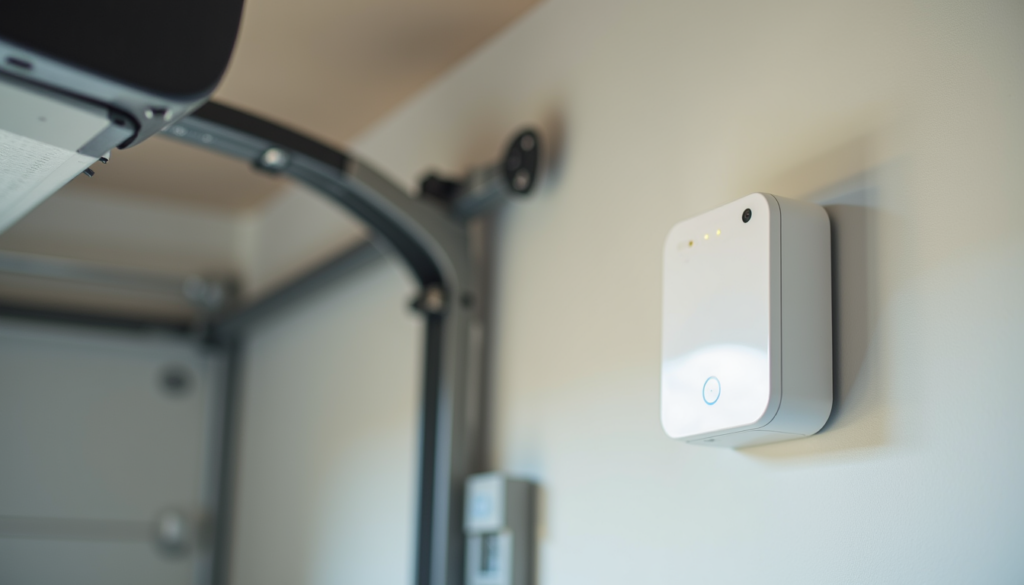
A smart garage door controller is usually the first upgrade people make, and for good reason. It lets you open and close your garage door from anywhere, get alerts when it opens unexpectedly, and set auto-close schedules so you never leave it open all night.
Most controllers retrofit onto your existing garage door opener. You do not need to replace the motor or rails. Installation takes about 15 minutes with a screwdriver and your phone.
Chamberlain MyQ Smart Hub (30 to 50 Dollars)
The Chamberlain MyQ Smart Hub (Compare prices on Amazon) works with most major garage door openers made after 1993. It connects to your home Wi-Fi and sends real-time alerts through the MyQ app. You can set it to auto-close after a set time — useful if you are the type who drives away and then wonders if you closed the door.
- Compatible with most major opener brands
- Real-time open and close alerts
- Auto-close scheduling
- Works with Alexa and Google Assistant (requires subscription for some voice features)
Ratgdo Wi-Fi Garage Door Controller (40 to 60 Dollars)
If you want local control without cloud subscriptions, the Ratgdo Wi-Fi controller (Compare prices on Amazon) is a favorite in the Home Assistant community. It integrates directly with smart home platforms over your local network, which means no monthly fees and no cloud dependency.
2. Smart Garage Security Camera
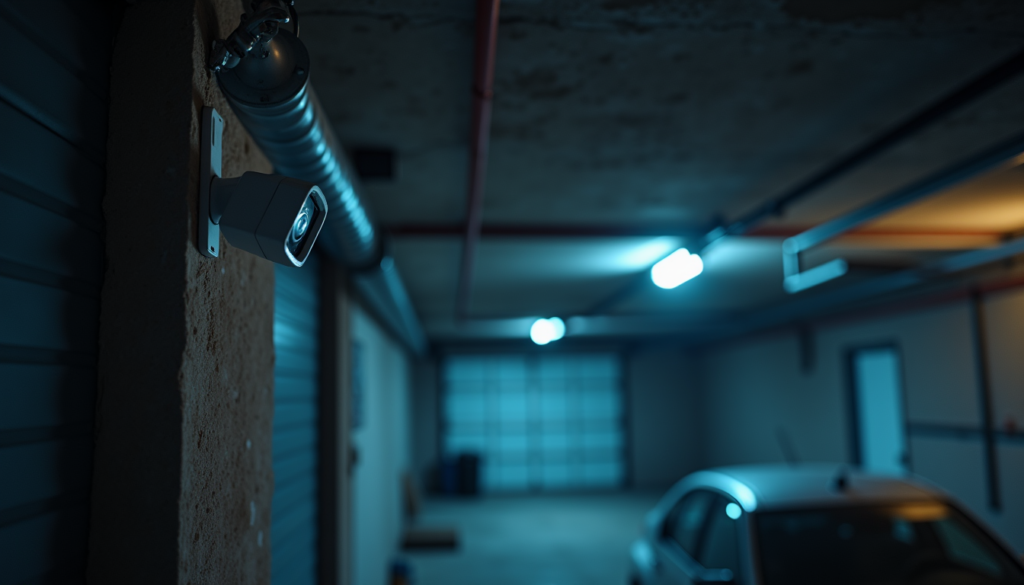
Your garage door is the largest entry point to your home. A security camera covering it is not optional if you care about home security. Look for a camera with night vision, motion detection, and two-way audio so you can talk to delivery drivers or scare off intruders.
Ring Stick Up Cam Pro (60 to 100 Dollars)
The Ring Stick Up Cam Pro (Compare prices on Amazon) works wired or on battery, which is helpful if your garage does not have an outlet near where you want to mount it. It has color night vision, a wide field of view, and integrates with Ring Alarm if you have it.
- Wired or battery-powered options
- Color night vision with motion-activated spotlight
- Two-way talk through the Ring app
- Works with Alexa routines
Wyze Cam v4 (25 to 36 Dollars)
On a budget, the Wyze Cam v4 (Compare prices on Amazon) delivers surprisingly good video quality for the price. It records 2K video, has color night vision, and supports local microSD storage so you do not need a subscription to review footage.
3. Smart Garage Lighting
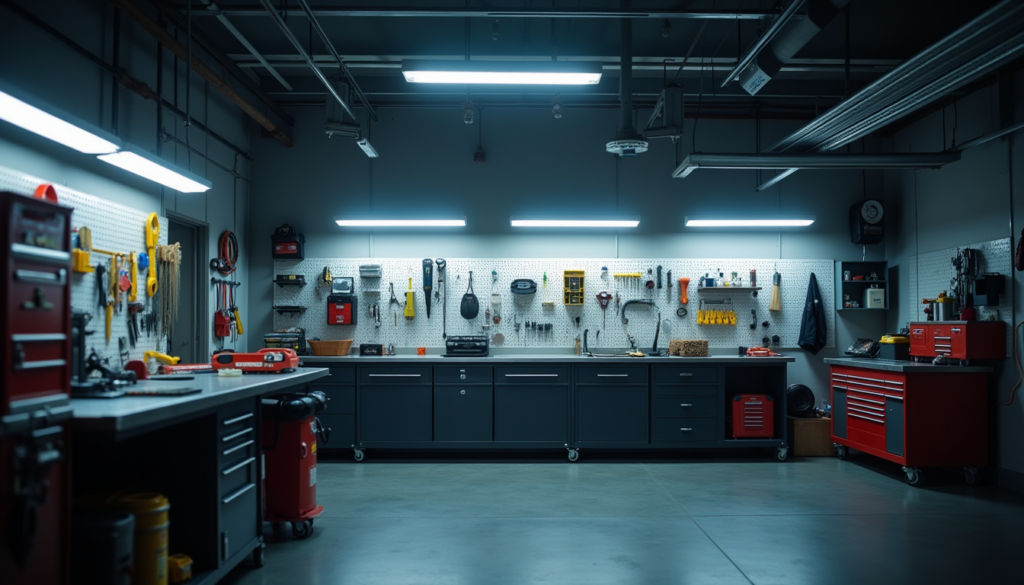
Garages are notoriously underlit. A single bulb in the center of the ceiling does nothing for the corners where you actually work. Smart LED shop lights let you control brightness, set schedules, and trigger lights automatically when the garage door opens.
TP-Link Tapo Smart Wi-Fi Light Switch (15 to 25 Dollars)
The easiest way to make your garage lights smart is to replace the switch, not the fixtures. The TP-Link Tapo Smart Switch (Compare prices on Amazon) connects directly to your Wi-Fi — no hub needed. You can set it to turn on when your garage door opens or sync it with sunset schedules.
- No hub required — connects directly to Wi-Fi
- Alexa and Google Assistant compatible
- Scheduling and away mode
- Works with existing light fixtures
4. Smart Garage Heater Controller
If you use your garage as a workshop, you know how miserable it gets in winter. A smart plug or thermostat lets you preheat the garage before you walk out there, and more importantly, turn the heater off automatically when you forget.
Emporia Smart Plug (15 to 25 Dollars for 2-pack)
The Emporia Smart Plug (Compare prices on Amazon) handles up to 15 amps, which covers most 1500-watt space heaters. Set a schedule so the heater runs for 30 minutes before your usual workshop time, and add an auto-off timer so it never runs all night by accident.
- 15-amp capacity for heaters and power tools
- Energy monitoring to track heater electricity cost
- Scheduling and auto-off timers
- Works with Alexa and Google Assistant
5. Smart Garage Door Sensor
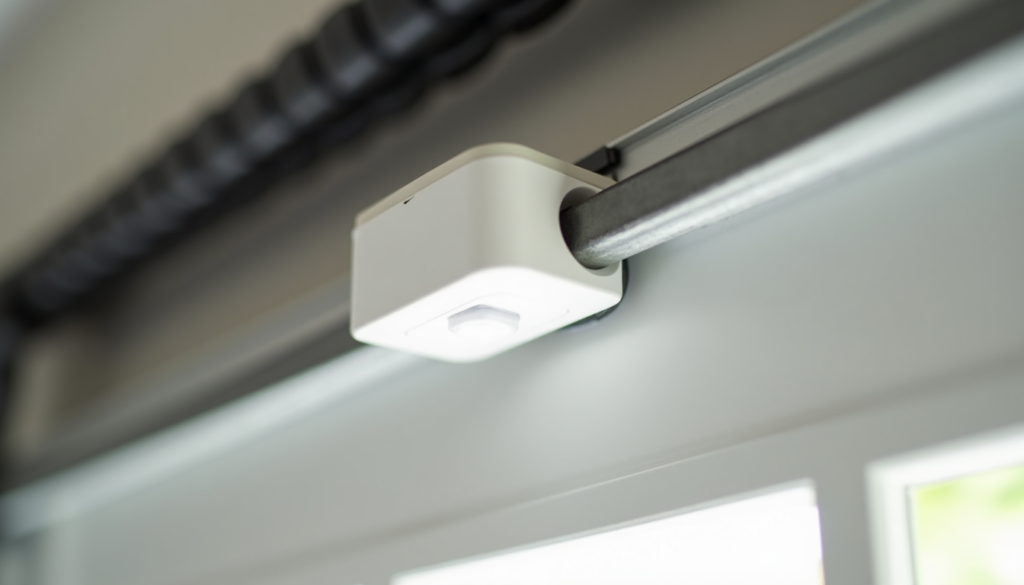
Even if you do not want a full smart garage door controller, a simple open and close sensor gives you peace of mind. It tells you if the door is open or closed and triggers alerts when the status changes.
Aqara Door and Window Sensor T1 (15 to 20 Dollars)
The Aqara Door and Window Sensor (Compare prices on Amazon) is small, battery-powered, and works with Zigbee hubs like the Aqara Hub or Home Assistant via Zigbee2MQTT. Mount it on the top panel of your garage door and it detects tilt to tell you if the door is open, closed, or somewhere in between.
- Compact and wireless — no wiring needed
- Zigbee 3.0 with long battery life
- Works with Aqara Hub, Home Assistant, and SmartThings
- Can trigger automations like turning on lights when door opens
6. Smart Lock for Garage Entry Door
If your garage has a side door or walk-through door, that is a common entry point that gets overlooked. A smart lock there means you can let in a neighbor or delivery person without leaving a key under the mat.
August Wi-Fi Smart Lock (150 to 200 Dollars)
The August Wi-Fi Smart Lock (Compare prices on Amazon) retrofits onto your existing deadbolt, so you keep your current keys as backup. It auto-unlocks when your phone approaches and locks when you leave. You can create guest codes that expire after a set time.
- Auto-unlock and auto-lock with phone proximity
- Guest access codes with expiration
- DoorSense tells you if door is open or closed
- Works with Alexa, Google Assistant, and Apple HomeKit
7. Smart Garage Parking Assistant
Parking in a tight garage is stressful. A smart parking assistant uses ultrasonic sensors or lasers to guide you to the exact right spot every time, so you never park too close to the wall or too far from the door.
Nortek Linear Garage Parking Assistant (30 to 50 Dollars)
The Nortek Linear Garage Parking Assistant (Compare prices on Amazon) mounts on the ceiling above where you park. It displays a stop signal when your car reaches the right position. Some models integrate with your smart home so you can set different positions for different vehicles.
- Ultrasonic or laser-guided parking
- Multiple vehicle position memory
- Stop signal visible from driver seat
- Easy ceiling mount installation
How to Automate Your Smart Garage
The real power of a smart garage is not any single device — it is how they work together. Here are three automations worth setting up:
- Arrive home routine: Garage door opens, lights turn on, camera starts recording, heater kicks on (winter only)
- Leave home routine: Garage door closes and locks, lights turn off, heater turns off, camera arms
- Goodnight check: If garage door is open at 10 PM, send alert and auto-close after 5 minutes
Most of these routines work through Alexa, Google Home, or Home Assistant. If you have a Ratgdo controller and Aqara sensors, Home Assistant gives you the most flexibility without subscription fees.
What to Buy First
If you are starting from scratch, prioritize in this order:
- Smart garage door controller — biggest security and convenience gain
- Security camera — covers your largest entry point
- Smart lighting switch — cheap and makes the space usable
- Door sensor — peace of mind for under 20 dollars
The rest depends on how you use your garage. Workshop users will want a heater controller. Families with two cars benefit from a parking assistant. And a smart lock on the side door closes the last security gap.
Bottom Line
A smart garage is one of the most practical upgrades you can make to your home. You get real security for your largest entry point, convenience that saves you daily trips back to check the door, and automations that make the space work the way you actually use it. Start with a door controller and camera, then build out from there based on your needs. Even two devices make a noticeable difference — and the whole setup costs less than a single smart appliance for your kitchen.
Last updated: June 2026 | By CleverHomeClub