
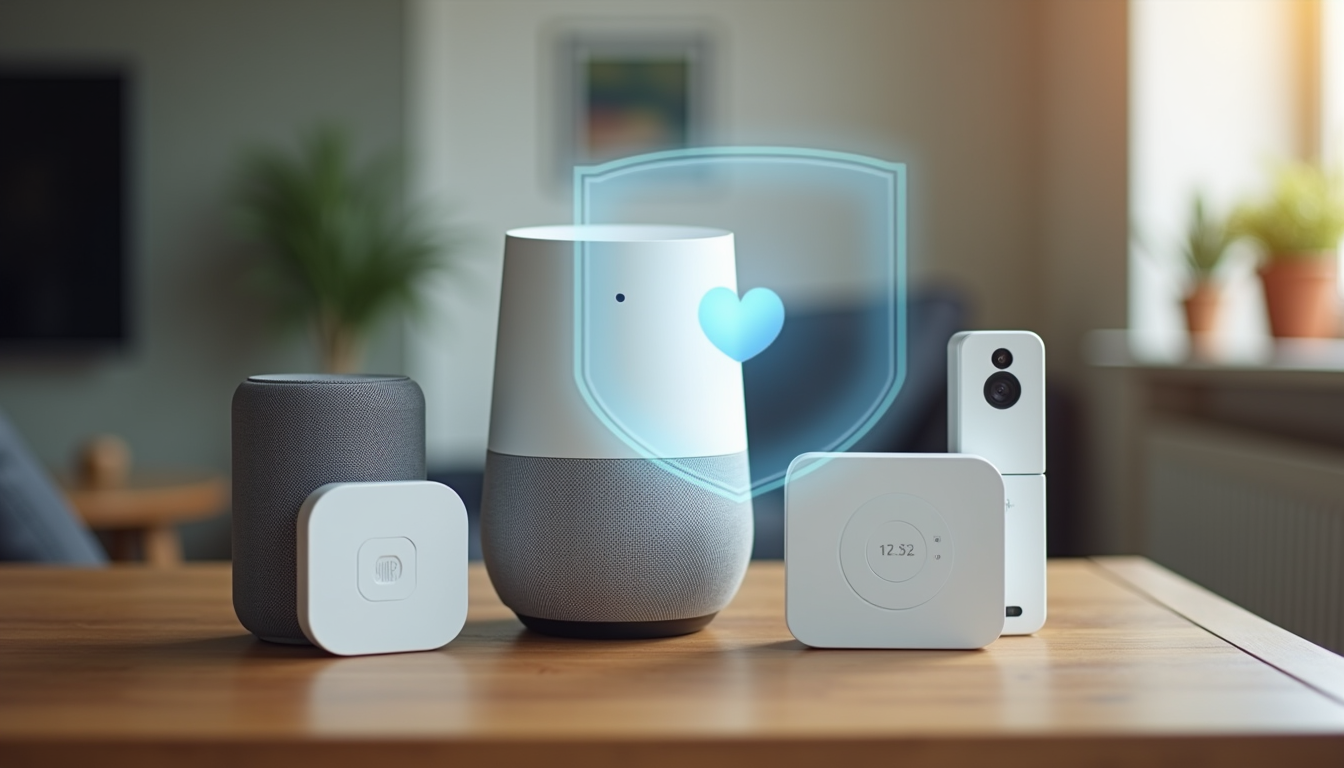
Smart Home Devices Collect More Data Than You Think
Your smart speaker knows what you ask it. Your camera knows who comes to your door. Your thermostat knows when you leave and when you come home. Your smart TV knows what you watch and for how long. Individually, each device collects a slice of your life. Together, they paint a detailed picture of your daily routine, preferences, and habits.
This guide explains what smart home devices actually collect, where that data goes, and the practical steps you can take to keep your information private without giving up the convenience you bought these devices for in the first place.
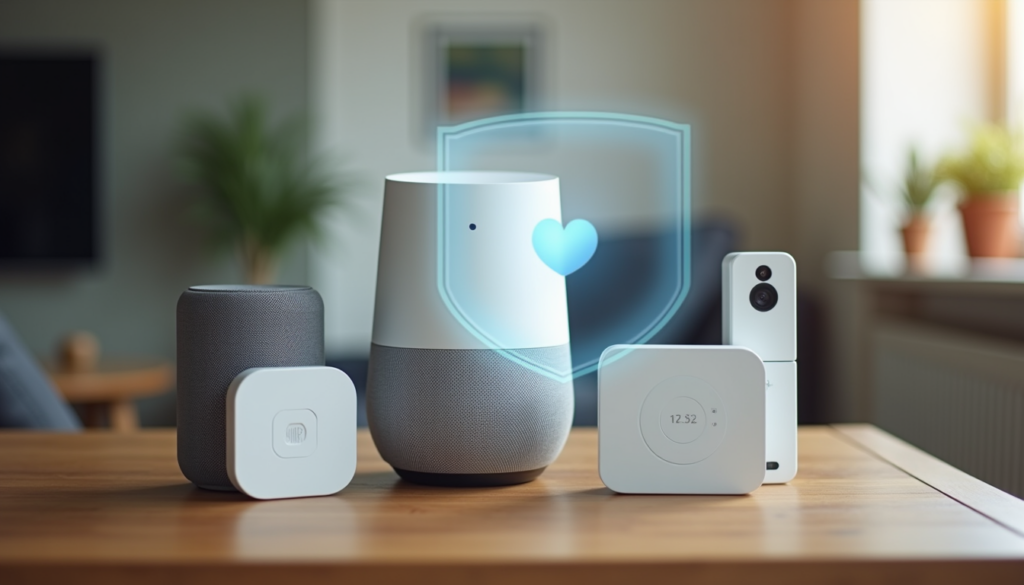
What Your Smart Home Devices Actually Collect
Most people assume smart devices collect minimal data — maybe a few voice commands or temperature readings. The reality is more extensive. Here is what the major device categories track:
- Smart speakers: Voice recordings, query history, room acoustics, connected device usage patterns
- Security cameras: Video footage, motion event logs, face recognition data, audio recordings
- Smart thermostats: Home occupancy patterns, temperature preferences, HVAC schedules, away-from-home times
- Smart locks: Lock and unlock events, guest access codes, entry and exit times
- Smart TVs: Viewing history, app usage, ad viewing data, sometimes voice recordings
- Smart plugs and lights: On and off patterns, energy usage, room usage inference
Most of this data is used to improve products and serve targeted advertising. Some companies share anonymized data with third parties. The key word is anonymized — but researchers have repeatedly shown that supposedly anonymous home data can be re-identified when combined across devices.

The Three Privacy Risks You Should Care About
1. Data Breaches
When a smart home company gets hacked, your data goes with it. Ring, Wyze, and ADT have all had breaches in recent years. If your camera footage, voice recordings, or home schedule end up in the wrong hands, the consequences range from targeted phishing to physical security risks.
2. Law Enforcement Access
Police can request smart home data with a warrant — and sometimes without one. Ring has shared footage with law enforcement over 30,000 times. Amazon, Google, and Apple all publish transparency reports, but the volume of requests is growing. If this concerns you, local processing is your best defense.
3. Third-Party Data Sharing
Many smart home companies share aggregated user data with advertisers, insurance companies, and data brokers. Your thermostat data suggesting you are home during work hours could theoretically affect insurance assessments. Device terms of service often allow broader sharing than users realize.
Practical Privacy Steps for Every Device
You do not need to throw out your smart devices to protect your privacy. Here are the most impactful changes you can make today.
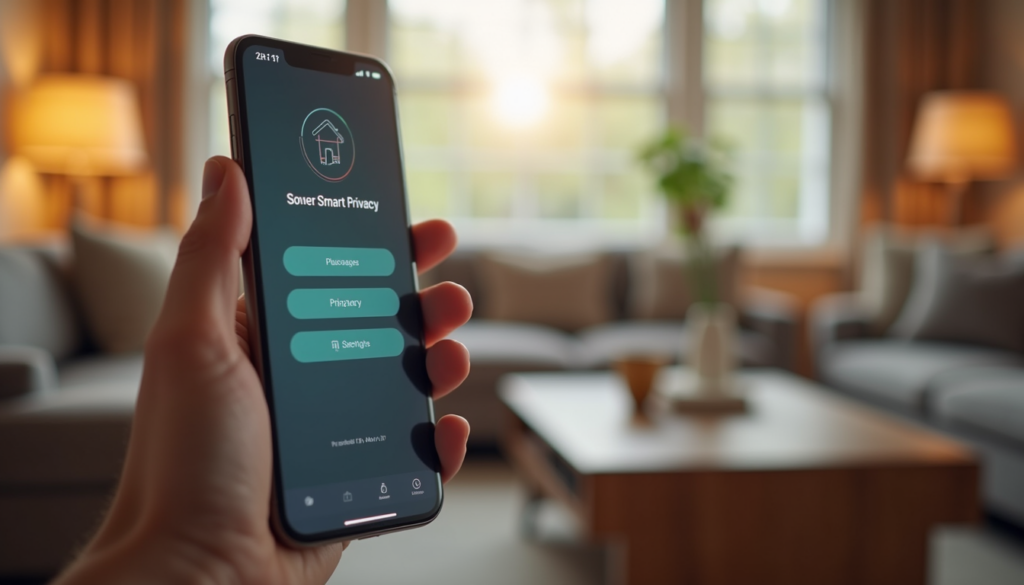
Turn Off Voice Recording Storage
Amazon, Google, and Apple all let you opt out of having your voice recordings saved and reviewed. In the Alexa app, go to Settings then Alexa Privacy then Manage Your Data and turn off “Save voice recordings.” For Google Assistant, go to My Activity and turn off voice and audio activity. This does not affect how well the speaker works — it just stops the company from keeping your recordings.
Disable Camera Cloud Storage When You Can
If your camera supports local storage via microSD card, use it. Wyze cameras (Compare prices on Amazon) let you record to a microSD card without a subscription. Reolink cameras (Compare prices on Amazon) are built around local storage from the start. Local storage means footage stays on your property, not on a server someone else controls.
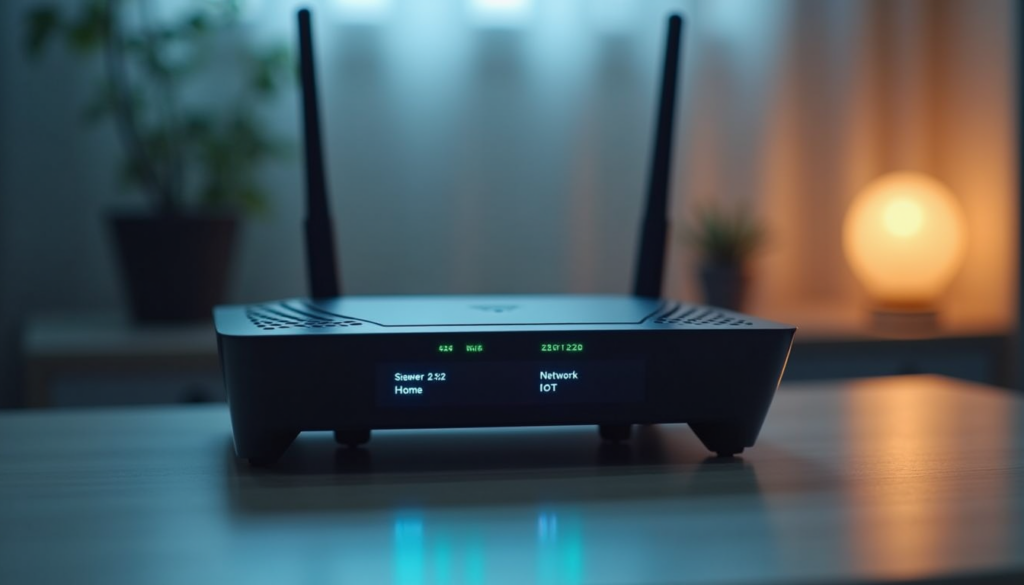
Use a Separate Wi-Fi Network for Smart Devices
Most modern routers support VLANs or guest networks. Put all your smart home devices on a separate network from your phones and computers. This limits what a compromised device can access. If a smart plug gets hacked, the attacker cannot reach your laptop on a different network segment.
Routers that support this include the TP-Link Deco X20 (Compare prices on Amazon) mesh system, which lets you create an IoT network profile that isolates smart devices from your main network.
Review and Delete Your Data Regularly
Set a monthly reminder to check your smart home accounts. Amazon, Google, and Apple all have privacy dashboards where you can see and delete stored data. Delete old voice recordings, camera clips, and activity logs. Most companies keep data indefinitely unless you actively delete it.
Privacy-First Smart Home Alternatives
If you want to go further than settings adjustments, these products and platforms process your data locally instead of sending it to the cloud.
Home Assistant (Free, Self-Hosted)
Home Assistant runs on a local server in your home. Your automations, device states, and sensor data never leave your network. It integrates with over 2,000 devices and services, and you control every byte of data. You need a bit of technical comfort to set it up, but the privacy payoff is significant.
Apple HomeKit (If You Are in the Apple Ecosystem)
Apple processes most HomeKit data on-device rather than in the cloud. HomeKit Secure Video stores encrypted camera footage in iCloud, but Apple cannot see it. If you already use iPhones and Macs, HomeKit is the most privacy-friendly mainstream platform.
Local Camera Systems
Brands like Reolink (Compare prices on Amazon) and Ubiquiti (Compare prices on Amazon) offer camera systems that record to local storage or a local NVR (network video recorder). No cloud subscription required, no cloud storage of your footage, and remote access goes through your own network rather than a company server.
Quick Privacy Checklist
Go through this list once and revisit it every few months:
- Disable voice recording storage on all smart speakers
- Switch cameras to local storage where possible
- Put smart devices on a separate Wi-Fi network
- Enable two-factor authentication on every smart home account
- Review app permissions — revoke microphone and location access where not needed
- Check for firmware updates monthly — updates often patch security vulnerabilities
- Delete old activity data from Alexa, Google, and Apple privacy dashboards
- Disable camera and microphone on smart TVs you are not actively using
- Use strong unique passwords for each smart home service
- Review which apps and services have access to your smart home platforms
Bottom Line
Smart home privacy is not about choosing between convenience and security. It is about understanding what your devices collect, taking the practical steps that make the biggest difference, and choosing privacy-respecting products when it is time to replace or add devices. Start with the quick wins — disable voice recording storage, switch cameras to local storage, and separate your Wi-Fi networks. Then consider a platform like Home Assistant if you want full local control. You can enjoy the convenience of a smart home without handing over your daily routine to data brokers.
Last updated: June 2026 | By CleverHomeClub