
This article contains affiliate links. We may earn a commission from qualifying purchases.
Some content on this site is AI-assisted and reviewed by our editorial team.
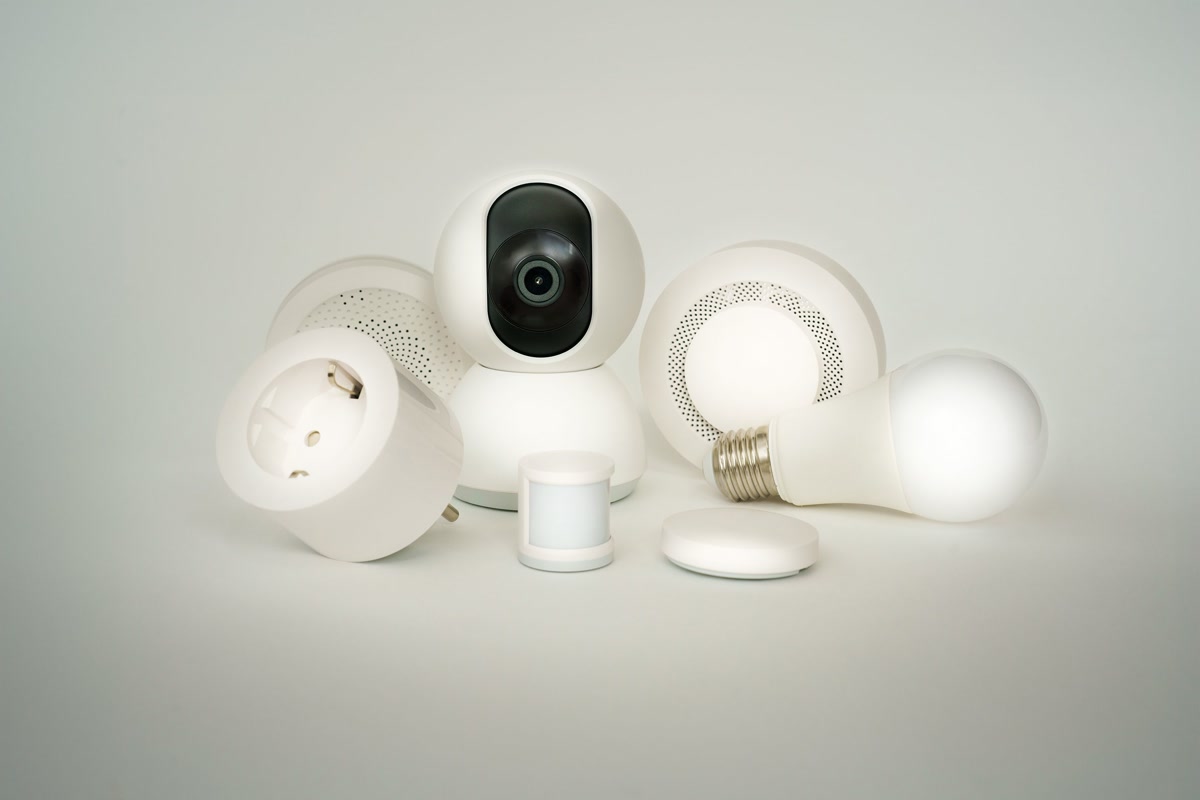
Here’s the dirty secret of smart homes: most of them become very dumb the moment the power goes out. Your Wi-Fi router dies, your smart lights won’t turn on, your thermostat stops working, and your security cameras go blind. The house that was automated an hour ago is now less functional than a non-smart house because you can’t even flip a manual switch on a smart bulb.

But it doesn’t have to be that way. With the right preparation, your smart home can ride out a power outage with critical systems still running. And no, you don’t need a whole-house generator. Here’s what actually works.
What Dies Immediately When the Power Goes Out
Understanding what fails first helps you prioritize:
- Wi-Fi router — Dead within seconds. Everything cloud-dependent loses connection.
- Cloud-dependent devices — Smart speakers, Ring cameras, Nest thermostats, Alexa routines — all offline.
- Smart bulbs — Even if they have power (on a UPS), the light switch doesn’t work because the bulb needs the hub or app to respond.
- Smart locks with Wi-Fi — Some lose remote access. Most still work with physical keys or keypads.
- Smart plugs — Dead. Whatever they’re controlling loses power.
What Keeps Working Without Power
Not everything dies. These devices keep working during an outage:
- Zigbee and Z-Wave devices on battery — Door/window sensors, motion sensors, leak detectors. They run on coin cells for months and communicate directly with local hubs.
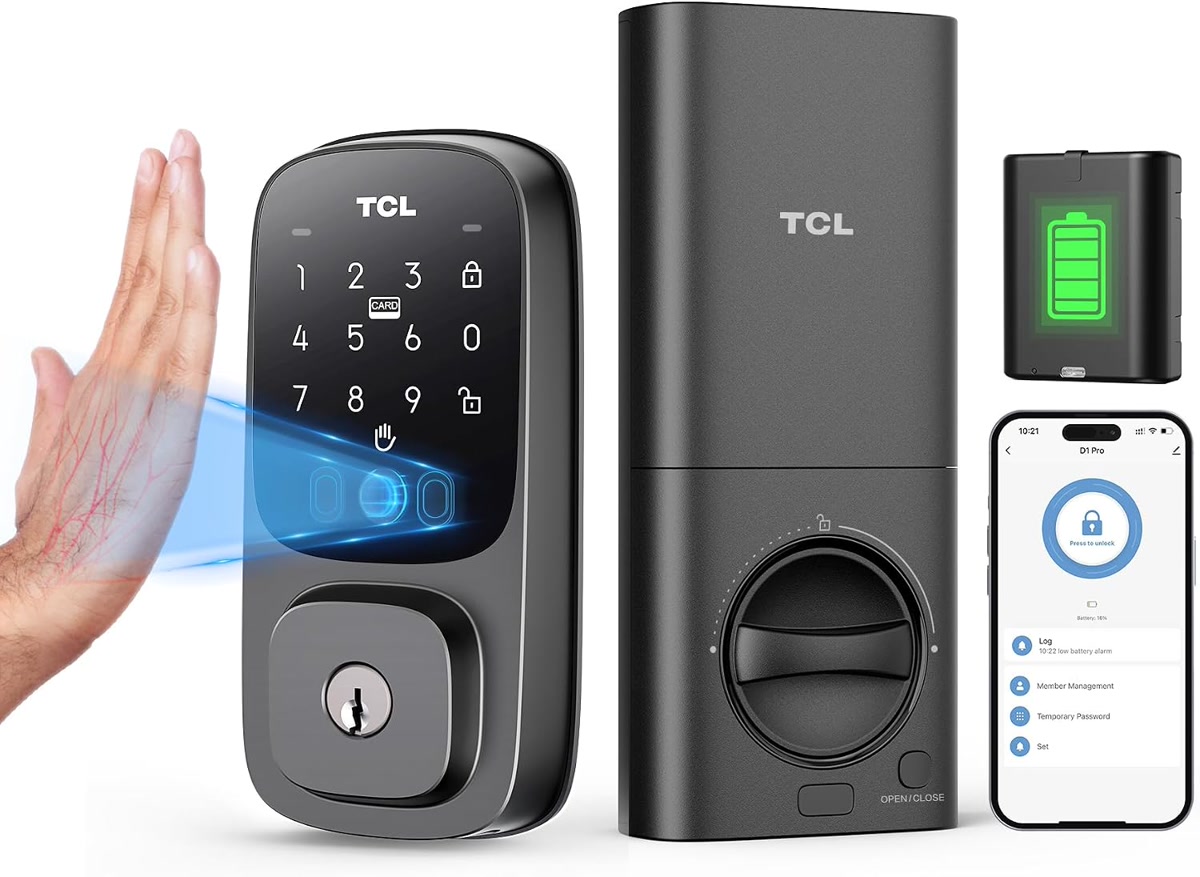
- Smart locks with batteries —August,Yale, andSchlage locks run on AA batteries. The lock still works with the app via Bluetooth (no Wi-Fi needed) or the keypad.
- Battery-powered security cameras — Ring Stick Up Cam Battery,Arlo Pro, and Reolink battery cameras keep recording to local storage or their base station.
8 Things to Do Before You Lose Power
1. Put Your Router and Hub on a UPS
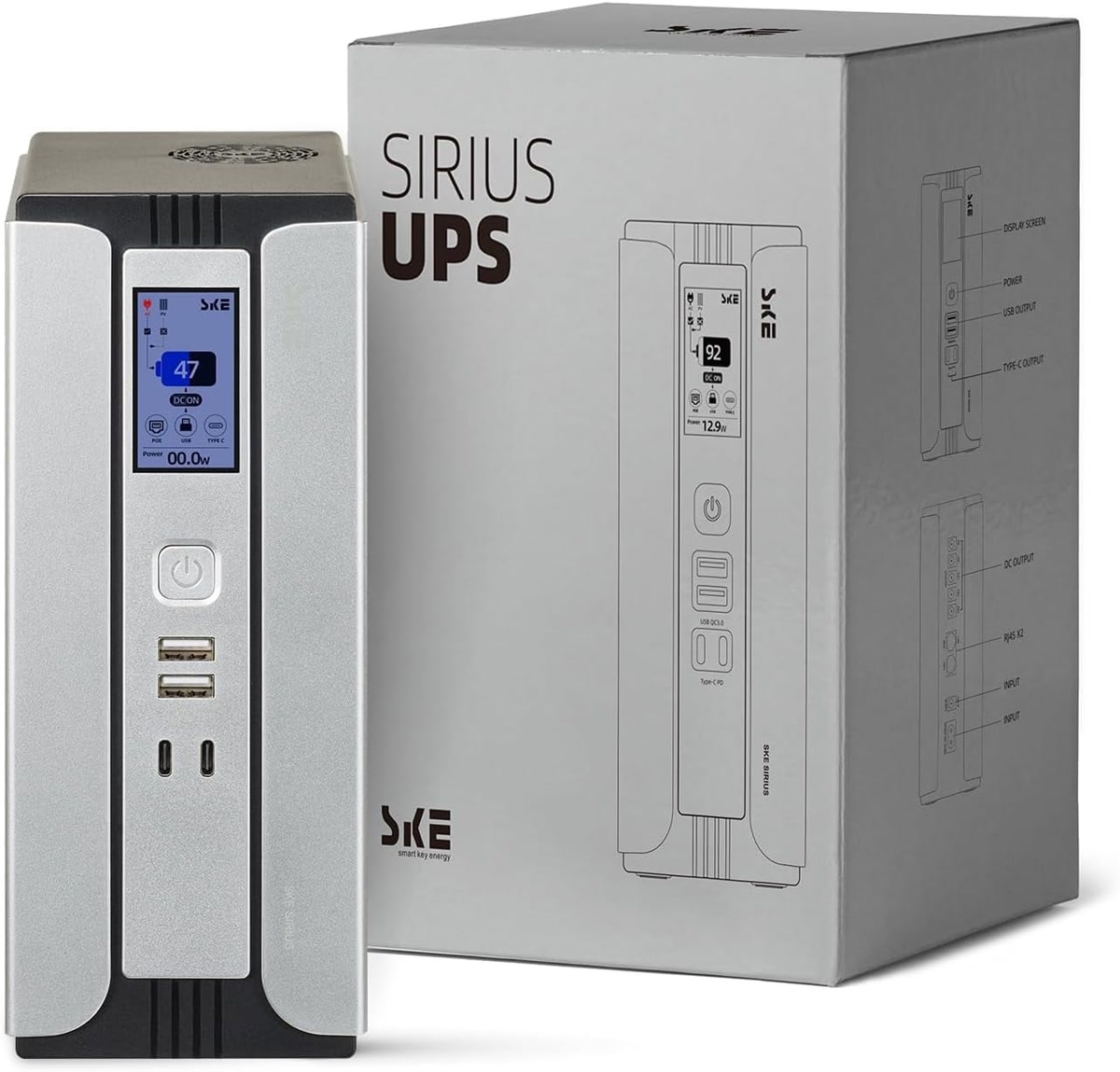
This is the single most impactful thing you can do. A basic UPS (uninterruptible power supply) for 40 to 60 dollars keeps your Wi-Fi router and smart home hub running for 30 to 90 minutes during an outage.
Why this matters: if your router and hub are running, your Zigbee and Z-Wave devices keep working. Your Home Assistant automations keep running. Your local security system stays active. That 30 to 90 minutes is enough to ride through most brief outages.
For longer outages, a larger UPS (1500VA) can keep a router running for 2 to 4 hours. Not bad for a 100 dollar investment.
2. Keep a Non-Smart Flashlight Where You Can Find It
This sounds obvious but people forget: when your smart lights die and your phone is at 20 percent, you need a flashlight that doesn’t require Wi-Fi. Keep at least one battery-powered flashlight in every bedroom and the kitchen. Not a smart flashlight. Just a flashlight.
3. Add Battery Backup to Your Security Cameras
Plug-in security cameras (like Ring Indoor Cam or Wyze Cam v4) go dark during an outage. If security matters, you need at least one battery-powered camera that keeps recording. Position it to cover your main entry point.
4. Set Up Local Automations on Home Assistant
If you run Home Assistant, move critical automations to local execution. Cloud-dependent automations (Alexa routines, IFTTT applets) fail without internet. Home Assistant automations that run entirely on your local server keep working as long as the server has power (which is why the UPS matters).
Critical local automations to set up:
- Power outage alert — Use a smart plug on a UPS as a “power monitor.” When it goes offline, Home Assistant sends a phone notification via its local push integration.
- Security lockdown — When power drops, auto-lock all smart locks and turn on battery-powered lights.
- Temp monitoring — Track fridge and freezer temps with battery-powered sensors during extended outages.
5. Test Your Smart Locks Manually
Before an outage happens, make sure you can unlock every smart lock without your phone. Test the keypad code, the physical key, and the thumb turn on the inside. Some smart locks have fiddly manual overrides that you don’t want to figure out for the first time in the dark.
6. Prepare a “Power Outage” Scene or Routine
Set up a one-tap routine that:
- Turns off non-essential devices (to save UPS battery)
- Locks all doors
- Sends a notification that the routine was activated
- Starts a timer to remind you to check on the fridge after 2 hours
This way, when the power goes out, you tap one button instead of running around the house manually.
7. Know Your Fridge Rules
A full fridge stays cold for about 4 hours without power. A half-full fridge lasts about 2 hours. A freezer that’s full stays frozen for 48 hours; half-full lasts 24 hours. Put a thermometer in your fridge now so you can check the actual temp during an outage.
If you have a smart temperature sensor (like aGovee orRuuviTag) in your fridge, you can monitor it remotely — even during an outage if your hub is on a UPS.
8. Charge Everything Before a Storm
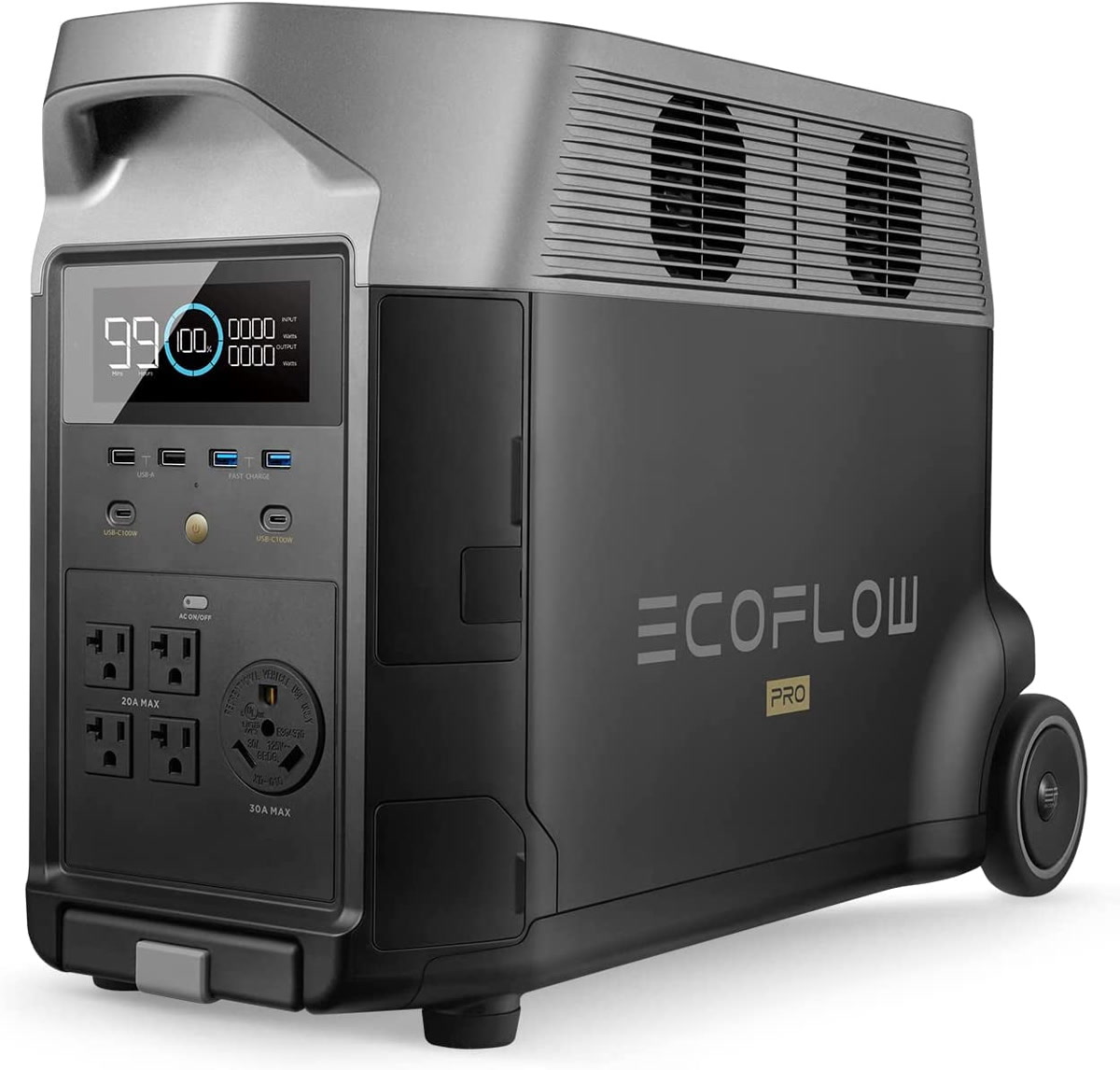
When a storm is forecast, charge your phones, laptops, power banks, and smart lock batteries. A charged laptop can also serve as a power bank for your phone. And a car charger is an underrated backup — you can charge devices from your car even when the house has no power.
The 3 Devices That Keep Working During an Outage
1. Smart Locks on Battery
August, Yale, and Schlage smart locks run on AA batteries for 6 to 12 months. Bluetooth still works without Wi-Fi for phone unlock, and the keypad always works. The lock itself is mechanical — it still locks and unlocks even if every battery dies, as long as you have a key.
2. Battery-Powered Security Cameras
Arlo Pro cameras,Ring Battery cameras, and Reolink battery cameras keep recording for days on a charge. If you have a cellular backup (Ring Alarm Pro has this), they can even send alerts without home Wi-Fi.
3. Zigbee Sensors on Coin Cells
Door sensors, motion sensors, leak detectors, and temperature sensors on coin-cell batteries keep reporting to your hub for months. If your hub is on a UPS, you’ll know exactly what’s happening in your home throughout the entire outage.
Bottom Line
Power outages are the ultimate test of a smart home. Most fail it. But a UPS on your router and hub (50 to 100 dollars), a battery-powered security camera, and a few local automations mean your home stays protected and informed even when the grid goes down.
You don’t need a generator or a complete system redesign. You need a UPS, some batteries, and about 30 minutes of setup. Do it before the next storm, not during it.
n
🏠 Get Your Free Smart Home Setup Checklist
Join our newsletter and get this free printable plus weekly tips.