
This article contains affiliate links. We may earn a commission from qualifying purchases.
Some content on this site is AI-assisted and reviewed by our editorial team.
Window sensors are the most underrated device in smart homes. Most people think they only do one thing: tell you if a window is open or closed. And sure, that’s their job. But what you can do with that information is what makes them a must-have.

A 20 to 30 dollar contact sensor on a window can trigger your thermostat, protect your home from storms, secure your house, and even prevent water damage. Here are five uses that go way beyond the obvious.
1. Thermostat Protection (The Money-Saver)
This is the big one. If you run your AC or heat while a window is open, you’re throwing money away. Most smart thermostats don’t know your windows are open — they just keep heating or cooling to hit the target temperature, working harder and longer than necessary.
With window sensors connected to your thermostat, you can build a simple rule: if any window is open for more than 5 minutes, set the thermostat to “away” or turn it off entirely. When the window closes, resume the normal schedule.
This is especially useful in spring and fall when people open windows for fresh air and forget to adjust the HVAC. The savings aren’t dramatic on any single day, but over a season, it adds up to real money.
How to Set It Up
- Ecobee — Use the “Hold” action in automations. When a window sensor opens, set Ecobee to away mode. When it closes, resume schedule.
- Nest — Works through Google Home routines. Trigger a routine on window sensor state change to adjust the thermostat.
- Home Assistant — Most flexible option. Create an automation that watches all window sensors and adjusts any thermostat when one opens.
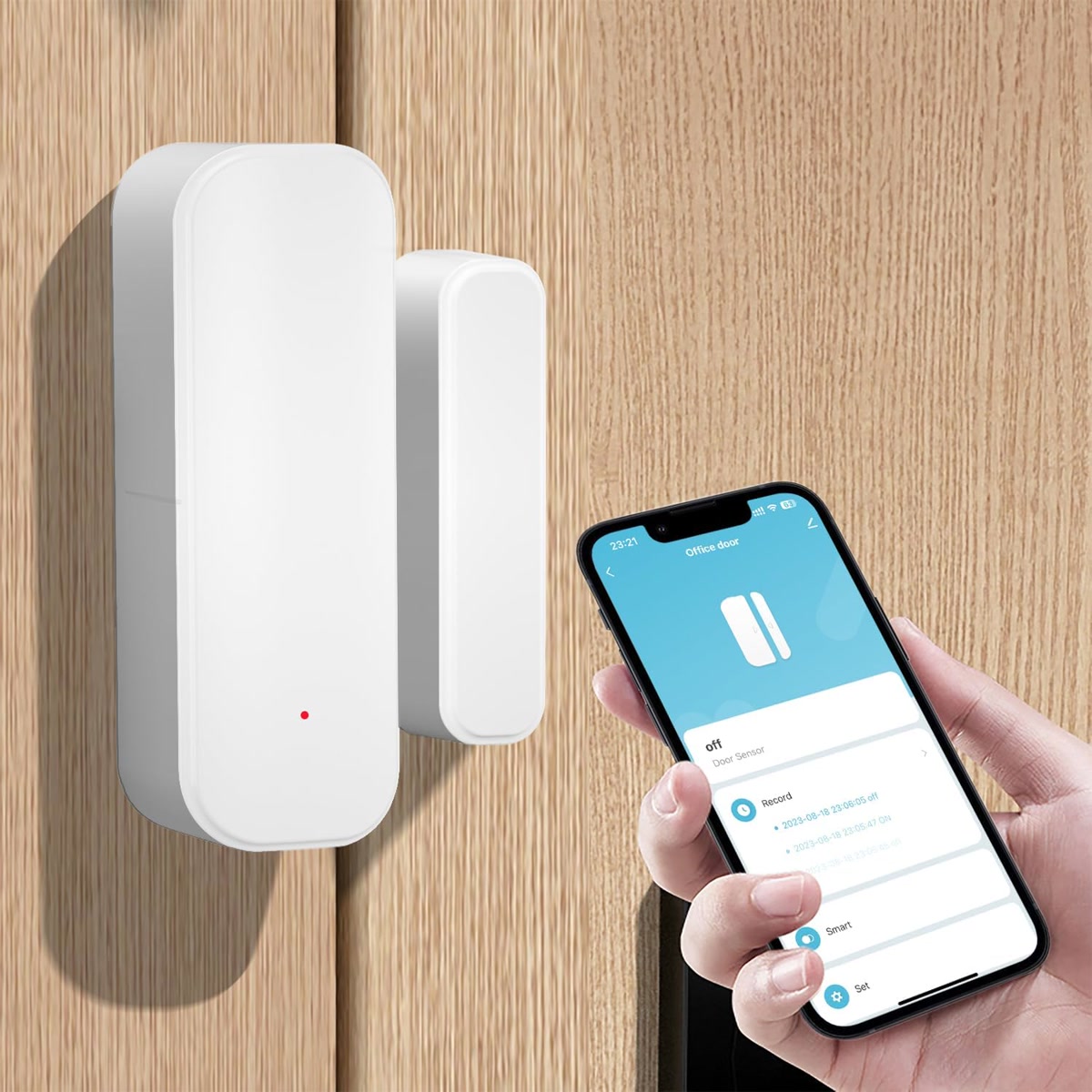
2. Storm and Rain Protection
If you live somewhere with sudden rain or wind storms, open windows can cause real damage. Water on hardwood floors, soaked curtains, blown-in debris — it’s the kind of thing that costs hundreds or thousands to fix but could be prevented by a 25 dollar sensor.
Here’s the automation: if rain is detected (via a weather service integration or a rain sensor) and any window is open, send an alert to your phone and op
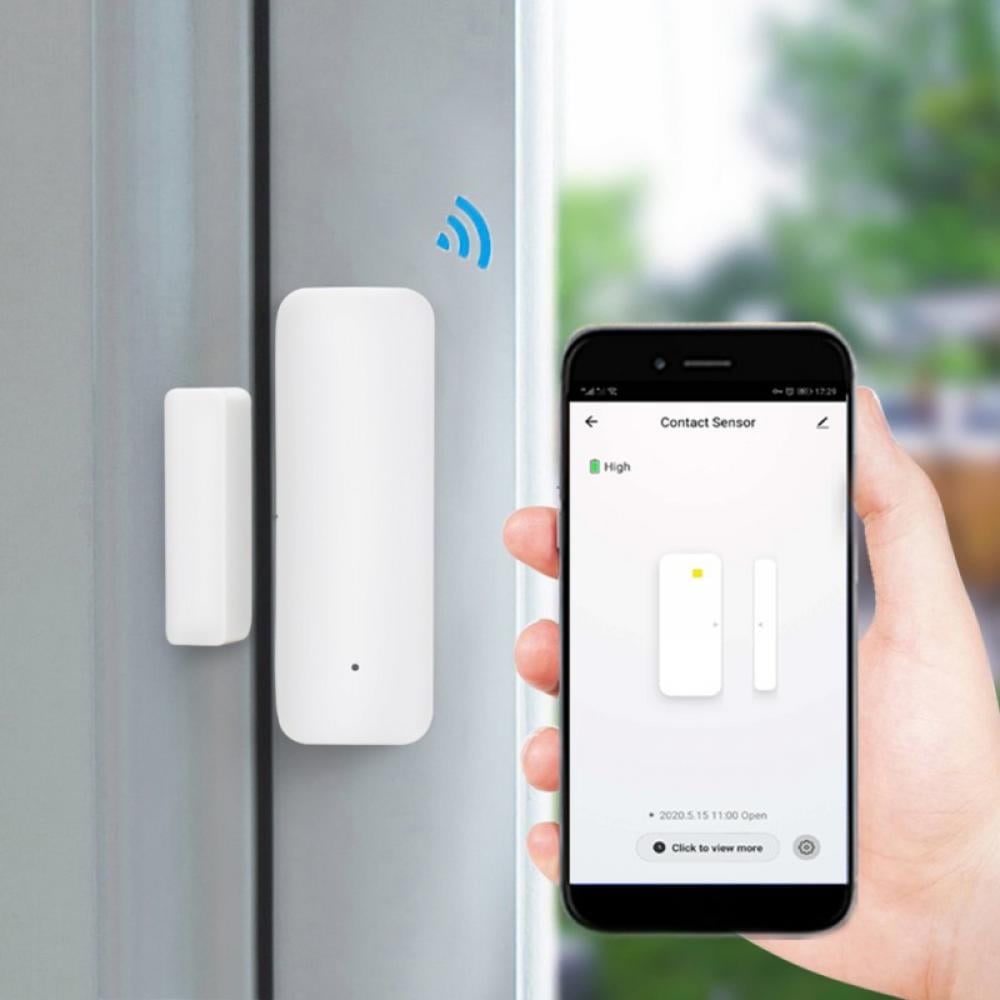
tionally trigger a smart speaker announcement.
With Home Assistant, you can go further — combine weather data with window sensor states and send specific messages like “Rain starting in 15 minutes — bedroom window is still open.”
3. Security That Actually Works (Not Just Alerts)
Window sensors are the backbone of DIY security systems. But most people stop at “alert me if a window opens” — which is useful but basic.
Smarter security automations include:
- Arming and disarming based on all windows — Your system knows when every window is closed, so it can auto-arm when you leave and warn you if you try to arm with a window open.
- Night mode — After bedtime, if any ground-floor window opens, trigger lights and send an alert. Normal daytime opens are ignored.
- Guest mode — When guests are staying, disable window sensor alerts for the guest room window but keep all others active.
The key advantage of window sensors over glass-break detectors: window sensors tell you when a window is opened, not just when glass shatters. Most burglars open windows, they don’t break them.
4. Humidity and Ventilation Control
Bathrooms, kitchens, and basements all deal with humidity. Window sensors paired with humidity sensors can automate ventilation in ways that prevent mold and reduce energy waste.
- Bathroom window automation — If bathroom humidity exceeds 60 percent and the bathroom window is closed, turn on the exhaust fan. If the window is already open, the fan stays off (natural ventilation is doing the work).
- Basement ventilation — If basement humidity is high and the window is open, turn on a dehumidifier as backup. If the window is closed, run the dehumidifier on high.
- Kitchen cooking vent — When you open the kitchen window while cooking, the range hood fan can turn off automatically since natural ventilation is handling it.
These automations save energy by not running fans when natural airflow is already doing the job.
5. Smart Heating by Room
If you have room-by-room temperature control (like Ecobee with remote sensors or smart radiator valves), window sensors add a critical layer of intelligence.
When a window opens in a room, stop heating or cooling that room. This prevents the system from fighting an open window and wasting energy in that zone while the rest of the house stays comfortable.
This works especially well with:
- Smart radiator valves (likeMoes BHT-002 orAqara TRV) — Close the valve when the window opens, open it when the window closes.
- Smart vents (likeFlair) — Close the vent in that room when the window is open.
- Ecobee with room sensors — Exclude the room from the comfort profile when the window is open.
Which Window Sensors to Buy
Not all window sensors are equal. Here’s what to look for and which ones are worth it.
Best Overall:Aqara Door and Window Sensor T1
About 20 dollars per sensor. Zigbee protocol, so it needs a hub (Aqara Hub, SmartThings, or Home Assistant with a Zigbee dongle). Tiny, reliable, 2-year battery life. The best value in window sensors right now.
Best for Alexa Users:Ring Alarm Contact Sensor
About 20 dollars. Works with the Ring Alarm system and integrates with Alexa routines. If you already have a Ring Alarm setup, this is the obvious choice. Z-Wave protocol.
Best No-Hub Option:TP-Link Tapo Contact Sensor
About 25 dollars. Wi-Fi, connects directly to your router. No hub needed. Works with Alexa and Google Home. Slightly larger than Aqara and battery life is shorter (about 1 year), but the no-hub convenience is worth it for small setups.
Best for Home Assistant:Sonoff SNZB-04
About 10 dollars. Zigbee, extremely cheap, and works perfectly with Home Assistant via Zigbee2MQTT. If you’re automating a lot of windows and cost matters, this is the budget pick.
Installation Tips
- Position matters — The sensor goes on the fixed part of the window frame, and the magnet goes on the moving part (the sash). They need to be within about half an inch when the window is closed.
- Test before you stick — Use the included adhesive strips but test the placement before pressing down firmly. Once 3M adhesive bonds, it’s hard to reposition without damaging paint.
- Check alignment for sliding windows — Horizontal sliders need the sensor and magnet oriented differently than vertical double-hung windows. Make sure they align when the window is fully closed.
- Don’t forget skylights — Skylights that open need sensors too. The same contact sensors work — just make sure you can reach them for battery changes.
Bottom Line
Window sensors are a 20 to 30 dollar device that unlocks automations worth hundreds in energy savings, security, and damage prevention. They’re not exciting to buy, but they’re one of the highest-value additions to any smart home.
Start with the rooms where it matters most: bedrooms (for thermostat protection), ground-floor windows (for security), and bathrooms (for humidity control). Add more as your budget allows. Every window you sensor makes your whole system smarter.
n
🏠 Get Your Free Smart Home Setup Checklist
Join our newsletter and get this free printable plus weekly tips.