This article contains affiliate links. We may earn a commission from qualifying purchases.
Some content on this site is AI-assisted and reviewed by our editorial team.
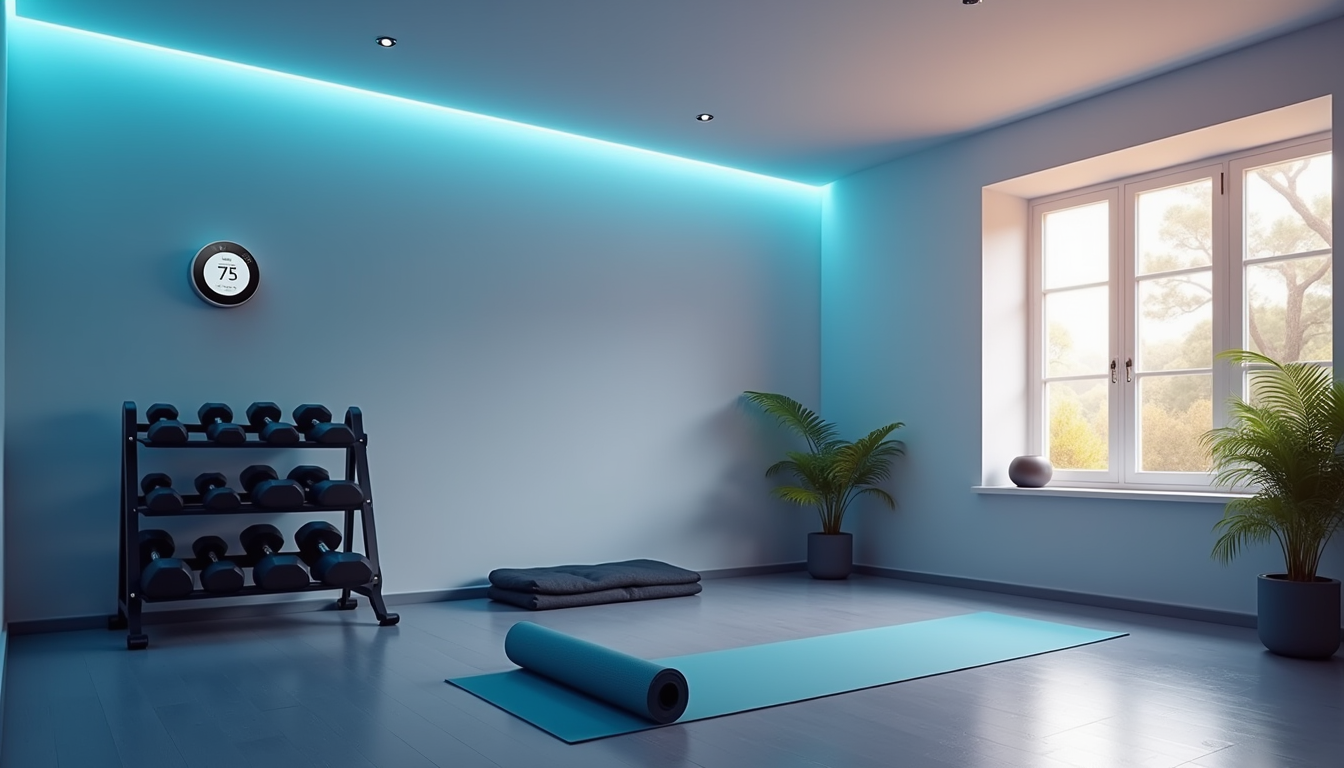
Why Your Home Gym Needs Smart Home Tech
I spent two years working out in a spare bedroom with a single dumbbell rack, a yoga mat, and a Bluetooth speaker that cut out every time the microwave turned on. The room was either freezing at 6 AM or a sauna by noon. The overhead light was too harsh for morning workouts but too dim for evening sessions. And every time I finished a set, I had to put down my weights, walk across the room, and tap my phone to start the rest timer.
Then I started treating my home gym like any other smart room in my house. Within a weekend, I had voice-controlled music, automatic climate control, lighting that shifted with my workout schedule, and a fan that turned on the moment my heart rate climbed. None of it was expensive. None of it required running new wires. And it made my workouts genuinely better — not just cooler-looking, but more consistent, more comfortable, and easier to stick with.
Here is exactly what I set up, what each piece does, and what I would skip if I were starting over.
Climate Control: The Foundation of a Good Workout
The single biggest upgrade I made was adding a smart thermostat to the gym room. Before, I was either sweating through warm-ups in a 78-degree room or shivering through stretches in a 62-degree one. Neither is ideal for lifting, cardio, or yoga.
A smart thermostat fixes this by letting you set a schedule or trigger based on a routine. Mine drops the gym to 68 degrees at 5:45 AM (my usual workout time) and lets it drift back up after 7 AM. On rest days, the schedule does not fire, and the room stays at the default temperature. No wasted cooling, no uncomfortable sessions.
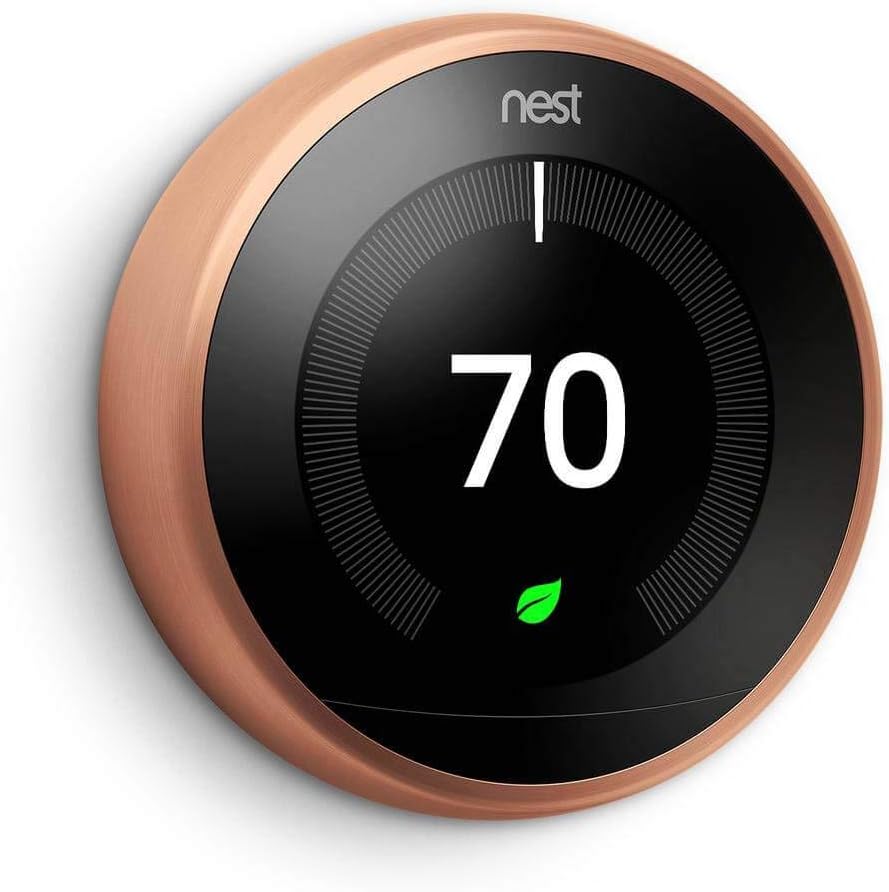
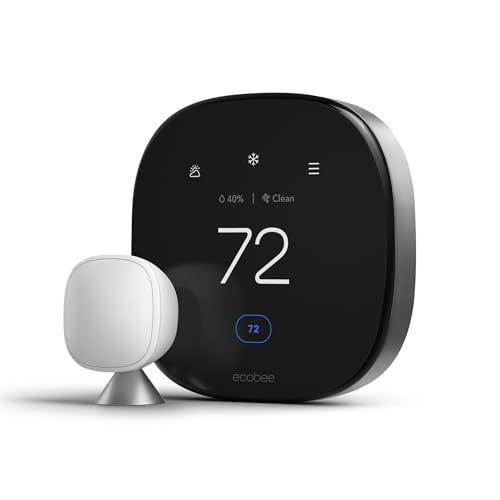
The Nest Learning Thermostat is what I use, and it learns your schedule after a week or two — you barely have to program it. If you want something cheaper, the ecobee Premium includes a built-in air quality sensor, which is especially useful in a room where you are breathing hard for an hour straight. Both work with Alexa and Google Assistant, so you can say “set the gym to 70” without touching anything. If you are comparing options, check out our full smart thermostat guide or our ecobee vs Nest vs Honeywell comparison.
If your gym is in a garage or basement without its own thermostat zone, a smart thermostat will not help much on its own. In that case, pair a smart plug with a space heater or a window AC unit. I cover smart plugs below.
What I Would Skip
Do not bother with a smart vent system for a single room. They are expensive, hard to install, and overkill unless you are zoning your entire house. A smart thermostat or a smart-plugged space heater is the simpler path.
Air Quality: The Thing Nobody Thinks About
Here is something I learned the hard way. After six months of working out in a converted spare bedroom with the door closed, I started getting headaches during longer sessions. I bought an air quality monitor and discovered CO2 levels were hitting 2,000+ ppm after 45 minutes — well above the 1,000 ppm threshold where cognitive function and comfort start to decline.
In a gym, you are breathing hard in a small, often poorly ventilated space. Air quality matters more than in any other room in your house.
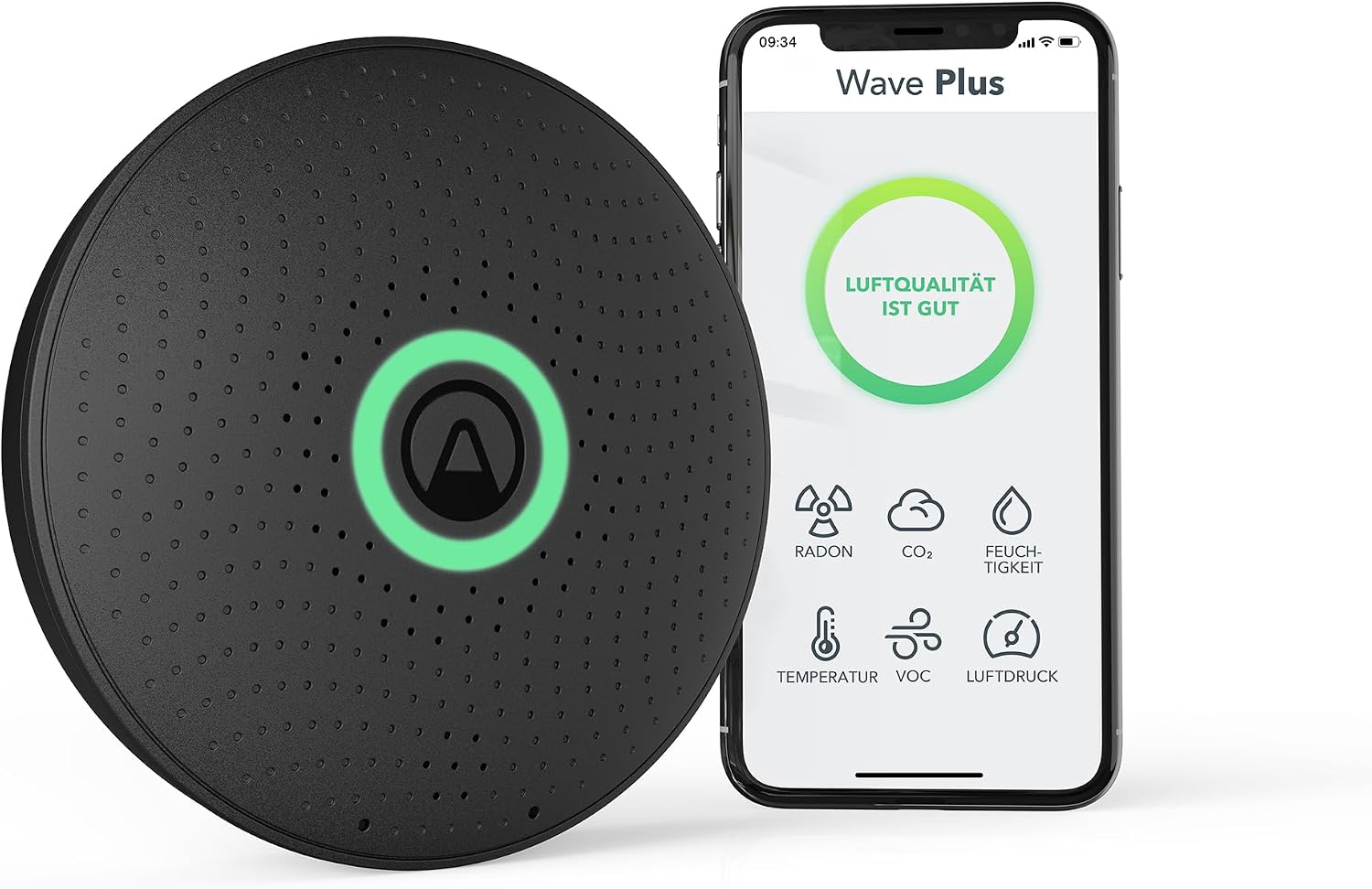
The Airthings Wave Plus is the monitor I use. It tracks CO2, VOCs, radon, humidity, temperature, and air pressure. You can set it to send a phone notification when CO2 exceeds 1,000 ppm, which is your cue to open a window or run an exhaust fan. For more on this topic, see our smart home air quality monitoring guide.
For actually fixing bad air, you have two options. First, a smart-plugged exhaust fan that turns on when CO2 rises (I cover the automation setup below). Second, an air purifier. The Levoit Core 200S is a budget-friendly smart purifier that works with Alexa and the VeSync app. It is small enough for a home gym and quiet enough not to drown out your music.
Lighting: Different Workouts Need Different Light
Lifting weights under a harsh overhead bulb feels like a hospital. Yoga under the same light feels like an interrogation. Lighting sets the mood for your workout, and smart lighting lets you switch between modes without walking across the room.
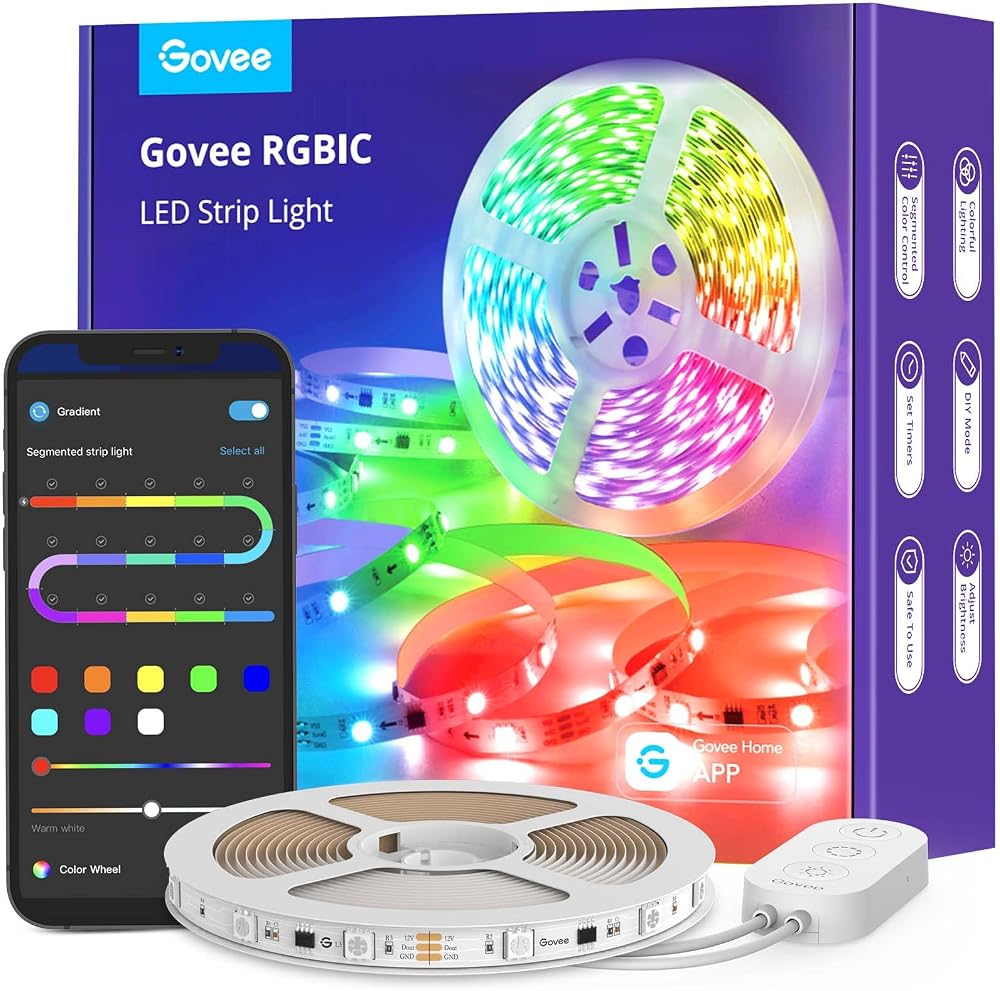
I set up three lighting zones in my gym using Govee RGBIC LED strips along the ceiling perimeter and Philips Hue White bulbs in the overhead fixture. For a deeper dive, check out our smart home lighting guide. The strips give me color and energy for cardio and lifting. The Hue bulbs give me warm, dim light for stretching and cool-down. I switch between them with a single voice command or a tap on my phone.
Here is the lighting routine I use:
- Cardio mode: LED strips at full brightness, blue-white color, Hue bulbs at 80% cool white
- Lifting mode: LED strips at 60% brightness, red-orange color, Hue bulbs at 100% cool white
- Yoga and stretch mode: LED strips at 20% brightness, warm amber, Hue bulbs at 30% warm white
- Cooldown mode: Everything off except a single Hue bulb at 10% warm white
You do not need this many zones. Even a single smart bulb with a few presets will transform the room compared to a dumb switch. But if you are setting up from scratch, LED strips plus a smart bulb give you the most flexibility for under 80 dollars total.
Smart Plugs: The Unsung Heroes
Smart plugs are the cheapest, most versatile piece of smart home gym tech you can buy. They turn any dumb device into a scheduled, voice-controlled one. I use them for three things in my gym:
- Fan automation: A tower fan plugged into a smart plug turns on automatically when the room hits 72 degrees or when I start a cardio routine. No more forgetting to turn it on and sweating through the first ten minutes.
- Equipment power management: My rowing machine has a display that draws standby power 24/7. A smart plug cuts power when not in use and turns on when I enter the room.
- Speaker and music control: My gym speaker is on a smart plug. It turns on with my workout routine and off when I leave, so I never walk in to a dead battery or a speaker that drifted to 2% volume overnight.
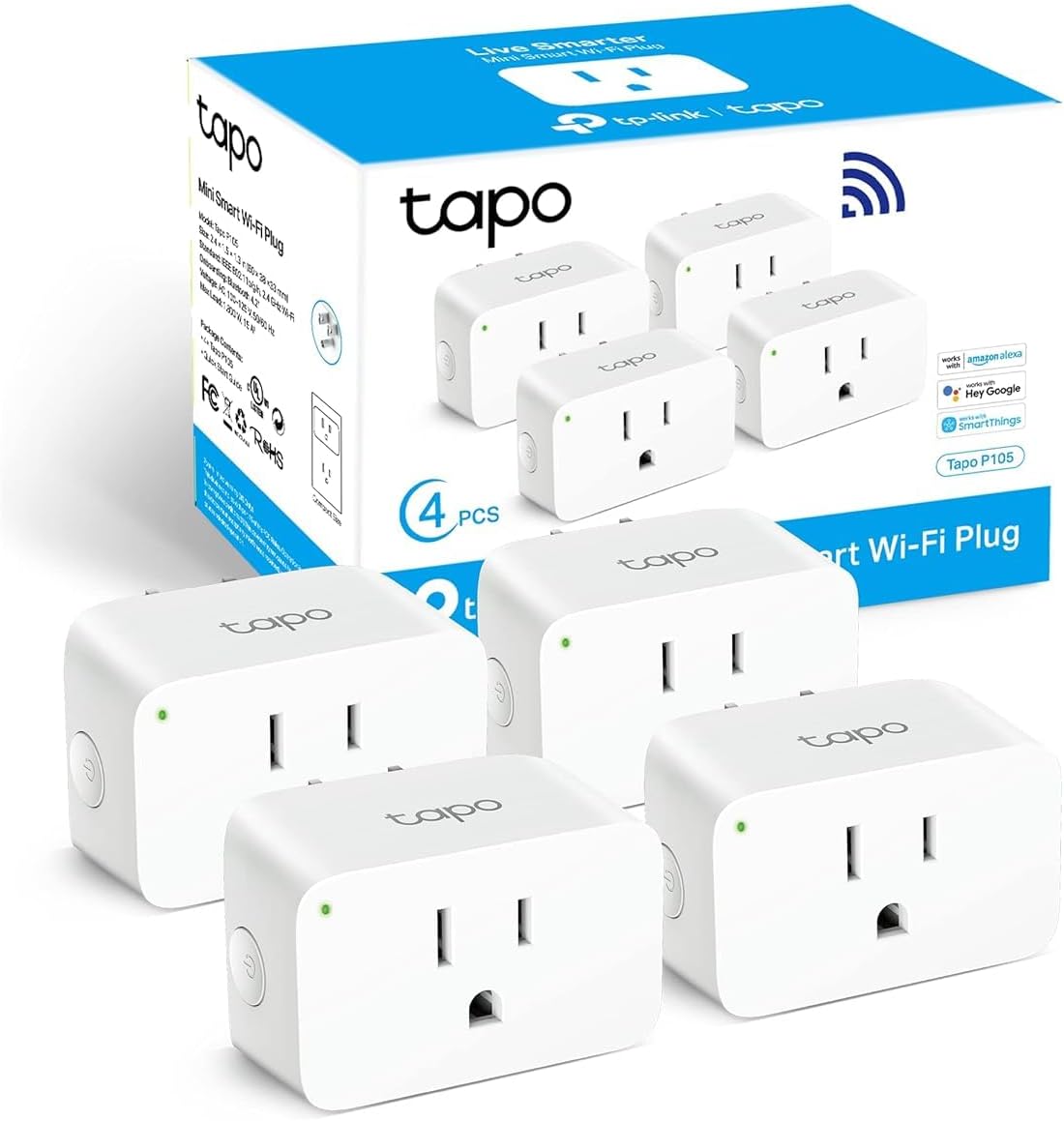
I use TP-Link Tapo Smart Plugs because they are cheap, reliable, and work with both Alexa and Google Assistant. We also reviewed 4 smart plugs under 25 dollars if you want more options. They also have energy monitoring, so you can see exactly how much power your gym equipment draws — useful if you are trying to keep your electric bill under control.
Voice Control: The Hands-Free Layer
When your hands are holding a barbell or gripping a yoga mat, reaching for your phone to skip a song or start a timer is annoying. Voice control fixes this.
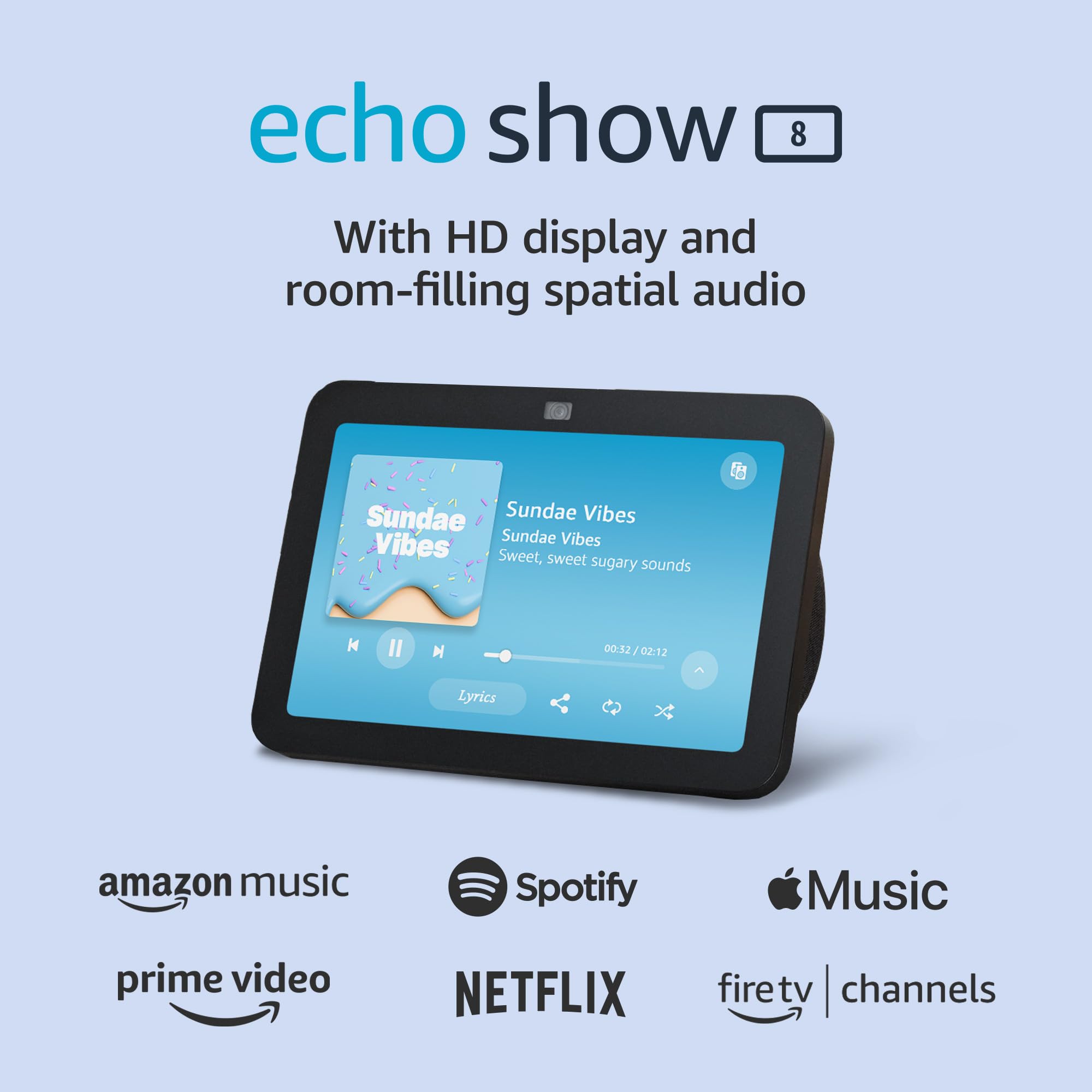
I keep an Echo Show 8 in the corner of my gym. It handles music, timers, and routine triggers. The screen is useful for following along with workout videos or checking form on a new exercise. If you do not need a screen, a basic Echo Dot is fine and costs half as much.
The key voice commands I use every session:
- “Alexa, start gym workout” — triggers my cardio lighting mode, turns on the fan, and starts my workout playlist
- “Alexa, set a 90-second timer” — rest periods between sets
- “Alexa, set a 5-minute timer” — cooldown reminder
- “Alexa, stop” — kills the music, turns off the fan, and shifts lighting to cooldown mode
You can set these up as Alexa Routines in the app. Each routine takes about two minutes to configure. No coding required.
The Automation That Ties It All Together
Individual smart devices are nice. Automations are what make them feel like a system instead of a collection of gadgets. Here is the setup I run every morning:
- 5:45 AM: Thermostat drops the gym to 68 degrees. Smart plug turns on the speaker.
- 5:50 AM: I walk in and say “Alexa, start gym workout.” The routine fires: LED strips switch to cardio mode, fan turns on, playlist starts at volume 6, air purifier kicks to medium speed.
- 6:30 AM: Alexa announces “Halfway done.” I switch from cardio to lifting. I say “Alexa, lifting mode” and the lights shift, the fan drops to low, and the playlist switches.
- 7:00 AM: I say “Alexa, cooldown.” Lights drop to warm amber at 20%, fan turns off, music switches to something calmer, thermostat starts drifting back to the default 72.
- 7:15 AM: I leave. A motion sensor detects no movement for 10 minutes. Everything turns off. The smart plug cuts power to the speaker and fan.
This entire chain runs with three voice commands. Everything else is automatic. I did not write any code. I used Alexa Routines and the individual device apps. Total setup time was about 90 minutes on a Sunday afternoon.
If you want to get fancier, a hub like the Samsung SmartThings Station lets you create more complex automations with conditional logic — like “only run the fan if the temperature is above 70 AND the room is occupied.” But for most home gyms, Alexa Routines or Google Assistant routines are enough. For more automation ideas, see our 7 smart home automations that save you time every day.
What All This Costs
Here is the breakdown of what I spent on my smart gym setup. Your costs will vary depending on what you already own and how big your room is.
- Smart thermostat: 130 to 250 dollars (Nest or ecobee)
- Air quality monitor: 200 to 250 dollars (Airthings Wave Plus)
- LED strips (2 rolls, 16 feet each): 40 to 60 dollars (Govee)
- Smart bulbs (2 to 3): 30 to 50 dollars (Philips Hue, requires a hub)
- Smart plugs (3 to 4): 25 to 40 dollars (TP-Link Tapo)
- Voice assistant with screen: 100 to 150 dollars (Echo Show 8)
- Air purifier (optional): 100 to 150 dollars (Levoit Core 200S)
Total for a full setup: roughly 525 to 950 dollars. But you can start with just a smart plug, a smart bulb, and an Echo Dot for under 100 dollars and get 80% of the benefit. The thermostat and air quality monitor are the expensive upgrades — worth it, but not day-one purchases.
Common Mistakes to Avoid
Putting your voice assistant too close to your speaker. If the Echo is right next to a loud speaker, it will not hear your commands over the music. Put it across the room or off to the side.
Forgetting to ventilate. Smart tech does not replace fresh air. If your gym is a small closed room, you need either a window you can open or an exhaust fan on a smart plug. CO2 buildup will make you feel sluggish and give you a headache long before you realize what is causing it.
Over-automating. I spent a week building a complex routine that used heart rate data from my watch to adjust the fan speed in real time. It was cool. It also broke constantly and added zero actual value. Keep your automations simple. Voice command in, action out. That is the sweet spot.
Using smart bulbs in a room with a wall switch. If someone flips the wall switch off, your smart bulb goes dead. Either replace the switch with a smart switch (like the Lutron Caseta) or put tape over the switch so nobody touches it. This is the most common smart lighting complaint, and the fix is simple.
Bottom Line
You do not need to be a tech person to set up a smart home gym. The tools are consumer-grade, the apps walk you through setup, and the payoff is immediate. A room that was previously too hot, too dark, and too quiet becomes a space that adjusts to you automatically. You walk in, say one command, and everything is ready. You walk out, and everything turns off behind you.
Start with a smart plug, a smart bulb, and an Echo Dot. That is 80 dollars and 30 minutes of setup. If that changes your workout experience, add the thermostat and air quality monitor next. If it does not, you are out 80 dollars and a single afternoon — not a bad bet for a better gym.
Disclosure: This post contains affiliate links. If you buy through them, I earn a small commission at no extra cost to you.
My take: Treat the gym like any other smart room and workouts stick: climate on a schedule, a CO2 monitor with an exhaust-fan trigger (the headache fix nobody expects), and lighting scenes instead of the hospital bulb. One weekend, no new wires, and the difference is consistency, not just aesthetics.
Related guides
- Smart Home Backup Power: How to Keep Your Devices Running When the Grid Fails
- Smart Home for Renters: 10 Devices That Wont Cost You Your Deposit
- Schlage Sense Pro: The First Smart Lock with True Hands-Free UWB Unlock
- Why Your Smart Home Should Start in Your Home Office
- How to Smart-Home Your Garage (Without Spending a Fortune on Features You Don't Need)
🏠 Get Your Free Smart Home Setup Checklist
Join our newsletter and get this free printable plus weekly tips.
Frequently Asked Questions
How do I control the climate in a home gym?
A smart thermostat on a schedule: the author’s drops the gym to 68°F at 5:45 AM before workouts and lets it drift back up after, so it’s not conditioning an empty room on rest days. The Nest Learning builds the schedule itself after a week or two; the Ecobee Premium adds a built-in air quality sensor, useful in a room where you’re breathing hard. If the gym is a garage or basement without its own zone, a smart plug with a space heater or window AC unit is the simpler path — skip smart vents for a single room (expensive, hard to install, whole-house zoning gear).
Why does my home gym need an air quality monitor?
Because hard breathing in a small, closed room pushes CO2 fast: the author started getting headaches in longer sessions and measured 2,000+ ppm after 45 minutes — double the 1,000 ppm threshold where cognitive function and comfort decline. The Airthings Wave Plus (CO2, VOCs, radon, humidity) with a 1,000-ppm phone alert is the fix’s sensor half; the action half is a smart-plugged exhaust fan that turns on when CO2 rises, plus the quiet Levoit Core 200S purifier.
What lighting works for a home gym?
Different workouts need different light — the harsh single overhead bulb makes a gym feel like a hospital. Smart bulbs let you preset scenes: bright cool white for lifting, dimmer warm light for evening sessions, and a fan tied to the routine. Add a smart plug fan that kicks on with your workout automation so the room cools as you heat up — the author’s fan turns on the moment heart rate climbs.
Liked this guide? Get the next one in your inbox — the smart home starter checklist is free too.
✓ You're in — check your inbox.
No spam. Unsubscribe anytime. We never share your email.
Price Check
Prices verified via our product tracker. Updated Nov 7.
| Google Nest Learning Thermostat (4th gen) + Nest Temperatu | $224.00 | 4.4★ (2,596) |
| ecobee Smart Thermostat Premium - WiFi, Siri & Alexa Built | $245.00 | 4.3★ (4,170) |
| Airthings 2930 Wave Plus - Radon & Air Quality Monitor, Ba | $249.99 | 4.2★ (3,230) |
| Levoit Air Purifier for Home Pets Bedroom Dorm Room, Smart | $149.98 | 4.6★ (127,989) |
| WYZE Cam v4 (Latest Model), 2.5K AI Security Camera, Indoo | $44.97 | 4.3★ (11,330) |
| Philips Hue A19 LED Smart Light Bulb - White and Color Amb | $147.99 | 4.7★ (4,824) |
| Tapo Smart Plug Mini 15A, Smart Wi-Fi Plug, P105(4-Pack) | | $34.99 | 4.6★ (1,658) |
| Amazon Echo Show 8 | Vibrant HD 8.7" display | Graphite | | $99.99 | 4.3★ (7,970) |
| Lutron Caseta Smart Light Switch for Lighting and Fans (Sm | $64.95 | 4.7★ (3,087) |
As an Amazon Associate we earn from qualifying purchases.