This article contains affiliate links. We may earn a commission from qualifying purchases.
Some content on this site is AI-assisted and reviewed by our editorial team.
I spent three months swapping between the three big smart thermostat brands in the same house. Ecobee, Nest, Honeywell. My goal was simple: figure out which one lowers your energy bill without making you want to throw it through the wall.
The short answer: they’re all decent, but they shine in completely different situations. The longer answer is below, with the data I collected and the frustrations I hit along the way. If you just want the quick breakdown, here’s the ROI breakdown for each one.
What You’re Choosing Between
Three thermostats, three different philosophies:
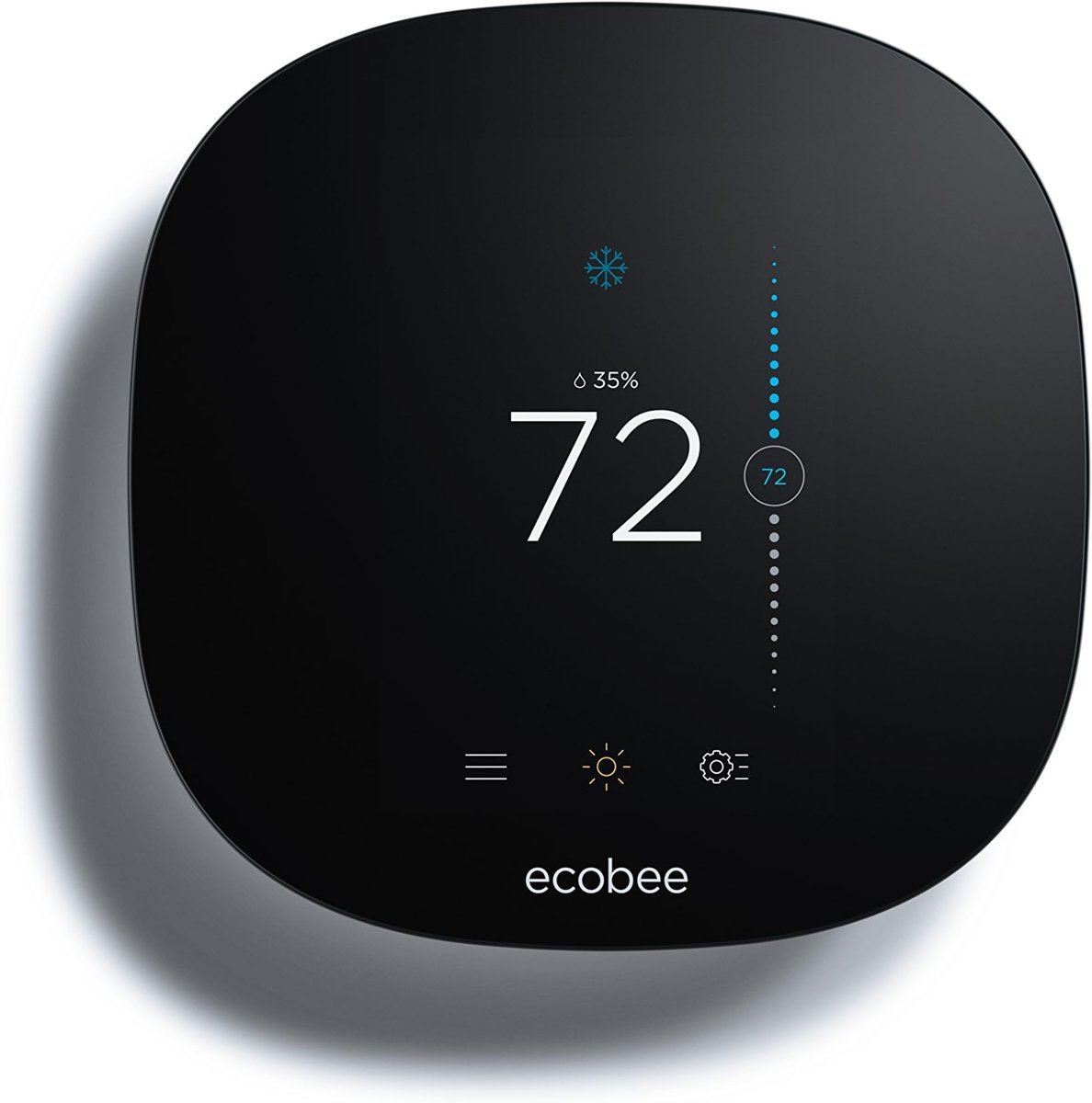
- Ecobee Premium throws everything in the box: room sensors, a built-in speaker, Alexa. It bets that more data means better comfort.
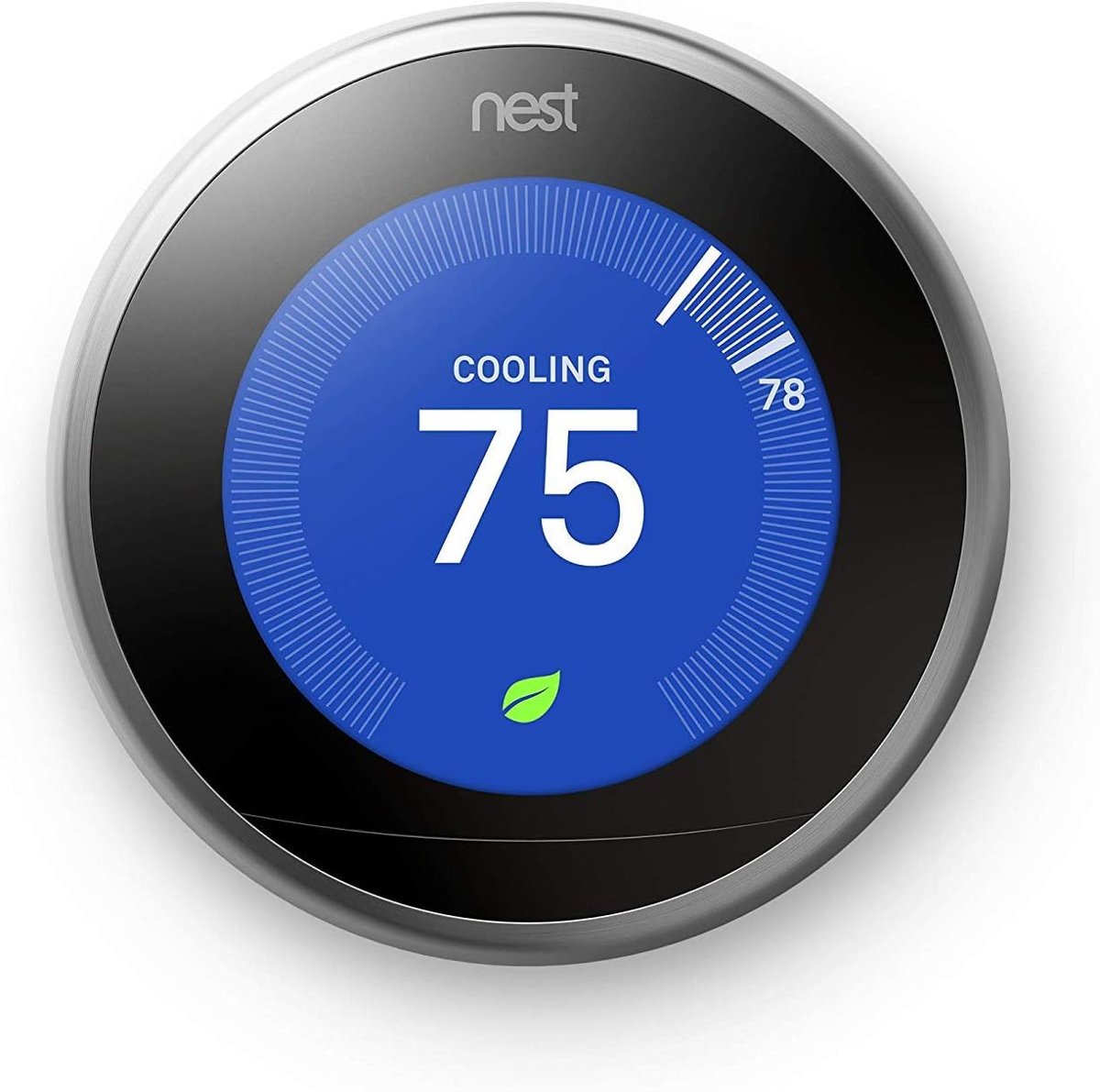
- Nest Learning Thermostat (4th Gen) bets that you’d rather not think about your thermostat at all. It watches what you do and builds its own schedule.
- Honeywell Home T9 keeps it simple: most of the features, less of the price, no particular ecosystem loyalty.
All three connect to Wi-Fi, work with major smart home platforms, and let you control everything from your phone. Where they differ is how they handle the stuff that saves you money: knowing when you’re home, knowing which rooms matter, and adjusting the temperature without you babysitting it.
Ecobee Premium: The One I Kept on the Wall
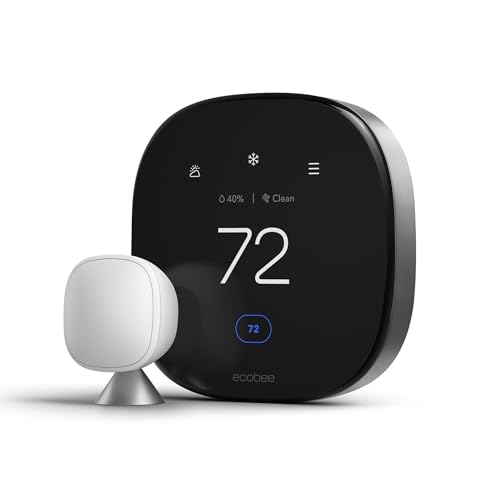
I’ll be upfront. The Ecobee Premium is the one I kept on the wall when the testing was done. Not because it’s the prettiest or the cheapest, but because the room sensors genuinely changed how my house felt.
Here’s the problem it solves: my thermostat lives in the hallway. The hallway is always 72 degrees. My bedroom, though? It’s 66 at night and 78 during the afternoon sun. The old thermostat had no idea. Ecobee’s wireless sensors sit in the rooms you use, and the thermostat averages temperatures across them, or prioritizes whichever room you’re in. After a week, it figured out that at 10 PM the bedroom matters and at 2 PM the office matters.
Two sensors come in the box (it supports up to 32). It has Alexa built in, which I didn’t think I’d use but ended up using constantly: “set it to 70” without reaching for my phone. It also plays nice with Apple HomeKit, Google Assistant, and Home Assistant if you’re into that.
What I didn’t love: the interface on the thermostat itself feels like a 2015 Android tablet. Functional, not something you’d show off. And at around 250 dollars, it’s not cheap. Ecobee claims up to 23% energy savings; independent testing puts that closer to 10-15%, which is still meaningful. That’s 15-22 dollars a month off an average bill.
Nest Learning Thermostat: Set It and Forget It
If Ecobee is the thermostat for people who like data, the Nest Learning Thermostat (4th Gen) is for people who want to forget their thermostat exists. You install it, use it normally for about a week, and it starts building a schedule on its own. Turn it down at 11 PM three nights in a row? Night four, it does it for you.
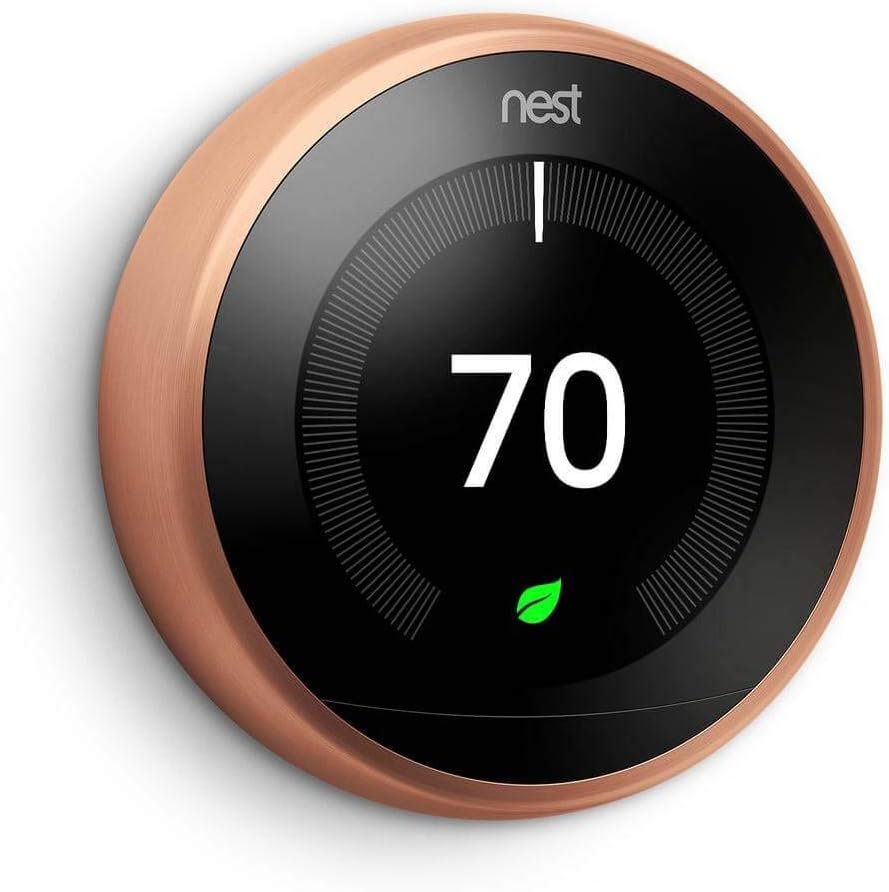
The design is genuinely nice. I’m not someone who cares about how a thermostat looks, but the circular display with the rotating dial is the one I’d pick if it were visible from the living room. The screen lights up when you walk near it. It feels like a piece of consumer electronics, not an HVAC control.
It integrates deeply with Google Home. If you’ve already got Nest cameras or a Nest doorbell, this ties in naturally. It works with Alexa and Apple HomeKit too (the 4th gen added that), but the best features live inside Google’s ecosystem.
Where it falls short: room sensors. Nest sells them separately (about 40 dollars each), and they’re more basic than Ecobee’s. They average temperatures across all connected sensors rather than following you from room to room. In a small apartment, that’s fine. In a two-story house with hot and cold spots, it’s a real limitation. And at 250 dollars with no sensors in the box, you’re paying the same as Ecobee for less hardware.
Still, for someone who wants zero maintenance, install it and never think about it again. Nest is hard to argue against. Pair it with smart home routines that handle the rest of your day and your house starts running itself.
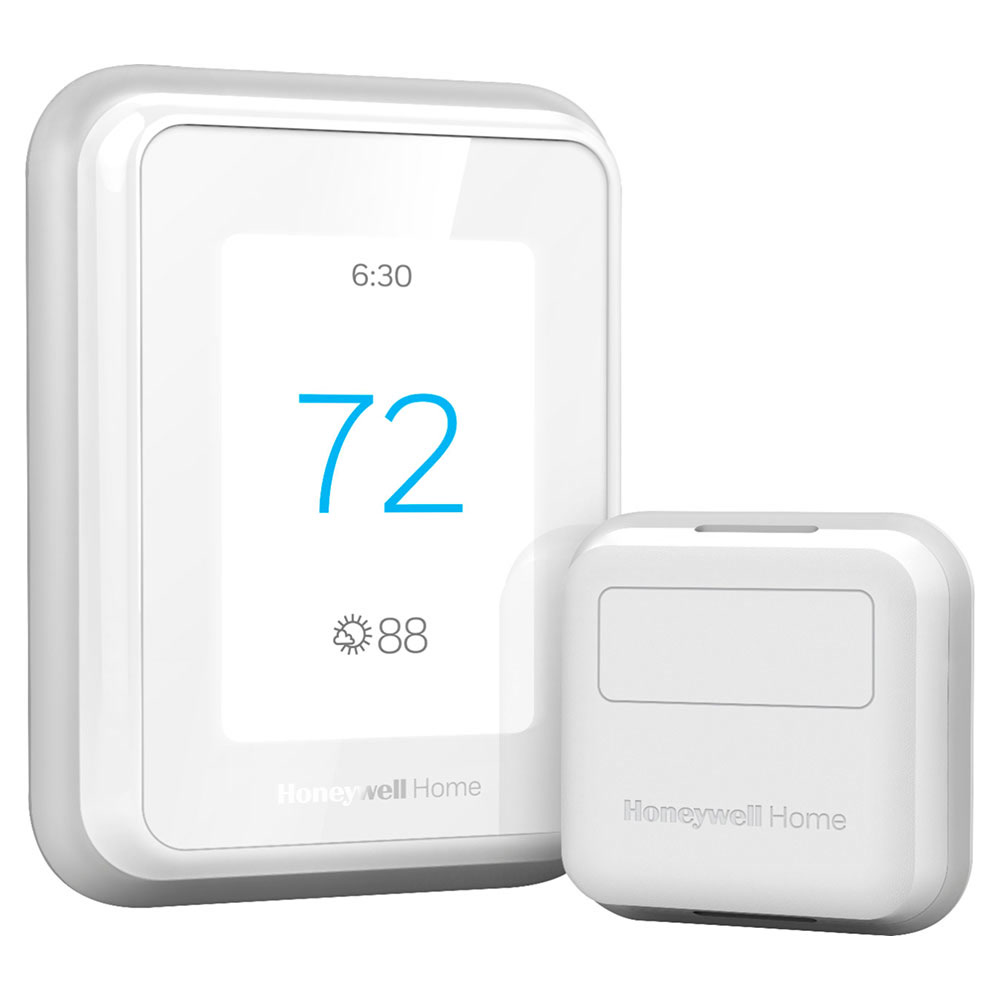
Honeywell Home T9: Half the Price, Most of the Features
The Honeywell T9 doesn’t try to win on style or ecosystem depth. It just works, costs less, and covers the features most people need. At 150 to 180 dollars with one room sensor included, it’s the budget pick that doesn’t feel like a budget pick.
Room sensor support is here, up to 20 of them, and they work similarly to Ecobee’s. The app lets you prioritize specific rooms by time of day, which is the same trick that makes Ecobee’s sensors so useful. Geofencing turns the thermostat down when you leave and back up when you’re heading home. Scheduling through the app is straightforward if not elegant.
It works with Alexa, Google Assistant, Apple HomeKit, and IFTTT. The basics are all there.
What you don’t get: a built-in voice assistant, a learning schedule, or a display you’d describe as “beautiful.” The Resideo app gets the job done but feels like it was designed by an HVAC company, not a consumer tech company, because it was. At 150-180 dollars, though, you’re saving 70-100 dollars compared to the other two, and the energy savings from scheduling and geofencing are real. For a first smart home device, especially in a rental where you might not be there in two years, that math works.
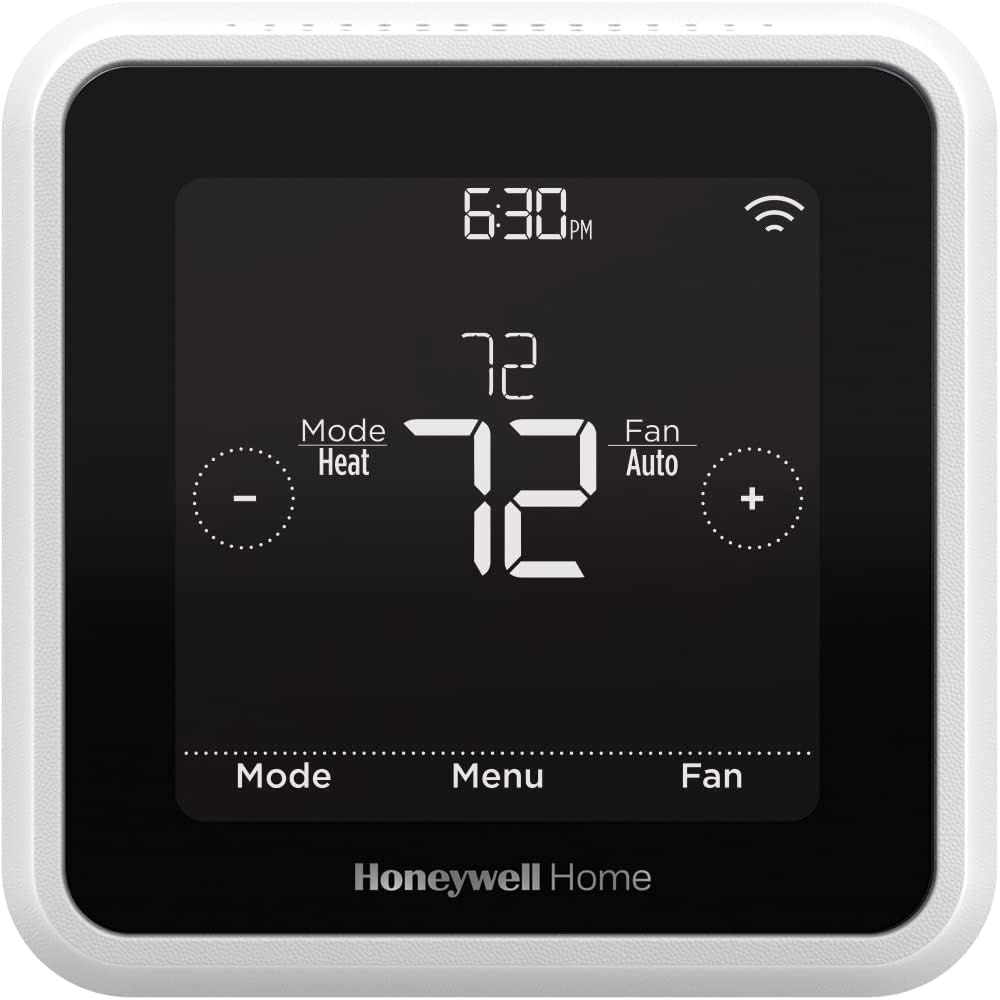
How They Stack Up Head-to-Head
Energy Savings
Ecobee claims 23% savings; independent studies land around 10-15%, with higher savings in homes using multiple room sensors. Nest’s learning schedule delivers 12-15% in most real-world tests, effective but limited by the weaker room sensor system. Honeywell T9 with geofencing and room sensors active produces comparable savings to Nest, though there are fewer independent studies to cite.
Winner here: Ecobee, especially in homes where different rooms run at very different temperatures.
Ease of Setup and Use
Nest is the easiest to live with. Install it, use it normally, and within two weeks it’s programming itself. Ecobee’s app setup is straightforward but configuring room sensors and zones takes a few extra minutes. Honeywell’s app is functional but the scheduling interface isn’t as intuitive as the other two, and geofencing requires giving the app location permissions some people might not want to grant.
This one goes to: Nest. The learning feature eliminates manual programming entirely.
Smart Home Compatibility
Ecobee works with everything: Alexa (built in), Apple HomeKit, Google Assistant, SmartThings, IFTTT, and Home Assistant. Nest integrates deepest with Google Home but also supports Alexa, Apple HomeKit (4th gen), and SmartThings. Honeywell T9 works with Alexa, Google Assistant, Apple HomeKit, and IFTTT, broad compatibility with no ecosystem lock-in.
It’s a tie: Ecobee and Honeywell share this one. Nest is great if you’re already in Google’s world, but more restrictive otherwise.
Price
Ecobee Premium runs about 250 dollars with 2 sensors included. Nest Learning 4th Gen is also about 250 dollars, with no sensors included. Honeywell T9 sits at 150-180 dollars with 1 sensor included. Extra sensors run about 35-40 dollars each for all three brands.
Clear advantage: Honeywell T9, by a wide margin. Room sensor support at nearly half the price.
Which One Fits You?
Your house has hot and cold spots. The Ecobee Premium is built for exactly this. Its room sensor system will figure out that your upstairs bedroom is a different climate from your living room and do something about it. The energy savings in a multi-zone home can be significant enough that it pays for itself in under two years.
Renting and don’t want to overspend on something you’ll leave behind? The Honeywell Home T9 at 150-ish dollars takes the sting out of it. You still get scheduling, geofencing, and app control, the stuff that saves energy. The ROI works even on a shorter timeline.
You like tinkering with automations. Either Ecobee Premium or Nest Learning 4th Gen. Both integrate with Home Assistant and give you data to build automations around. Ecobee gives you richer sensor data; Nest gives you a more polished Google Home experience.
Some people just want their thermostat to handle things. If that’s you, the Nest Learning Thermostat (4th Gen) is the pick. Install it, use it, let it learn. Two weeks later it’s running your HVAC better than you would.
My Recommendation After Three Months
Smart thermostats are one of the few smart home devices where the savings are measurable. The EPA puts the number at 5-15% on heating and cooling with proper use, and these thermostats make “proper use” close to automatic.
If I had to pick one: Ecobee Premium for most homeowners, Nest Learning 4th Gen if you want zero maintenance, and Honeywell T9 if budget is the deciding factor. For the full breakdown on how quickly each one pays for itself, here’s the ROI calculator.
My take: Buy the Ecobee Premium if any room runs hot or cold — the bundled sensors fix the hallway-blindness problem nothing else addresses — or the Nest Learning if you want a schedule built for you and never touched. The Honeywell T9 wins on price for evenly-heated homes; all three save the same 10–15% when used properly.
Related guides
- Smart Home Alarm Systems in 2026: Monitored vs DIY vs Self-Monitored
- Echo Dot Max or the Regular Dot: What 40 More Dollars Buys
- Ring Alarm vs SimpliSafe: The First-Year Math on the Two Default DIY Kits
- Smart Home Pet Camera Comparison: Furbo vs Petcube vs Tapo — Which One Helps You Check on Your Pet?
- Smart Home DIY vs Professional Installation: What You Can Install Yourself (And What to Pay For)
🏠 Get Your Free Smart Home Setup Checklist
Join our newsletter and get this free printable plus weekly tips.
Frequently Asked Questions
Ecobee or Nest — which saves more?
They save similarly; the difference is philosophy. The Ecobee Premium throws everything in the box (room sensors, built-in Alexa speaker) and bets more data means better comfort — it’s the pick if your hallway thermostat reads 72 while your bedroom runs 66–66 at night and 78 in afternoon sun. The Nest Learning (4th Gen) bets you’d rather never think about it: it watches and builds its own schedule, zero programming, but no room sensors — you’re stuck with the temperature where it’s mounted.
What does the Honeywell T9 offer?
The value position: most of the features, less of the price, no ecosystem loyalty. It’s for households that want smart scheduling and remote control without paying the Ecobee/Nest premium or committing to a platform — the honest choice if your heating and cooling costs are moderate and your rooms are fairly even.
Which one is best overall?
After three months of swapping all three in the same house, the author kept the Ecobee Premium on the wall — not for looks or price, but because the room sensors genuinely changed how the house felt: after a week it learned the bedroom matters at 10 PM and the office at 2 PM. That’s the answer if rooms run uneven; if you’d never program a schedule, the Nest builds one for you.
Liked this guide? Get the next one in your inbox — the smart home starter checklist is free too.
✓ You're in — check your inbox.
No spam. Unsubscribe anytime. We never share your email.
Price Check
Prices verified via our product tracker. Updated Nov 7.
| ecobee Smart Thermostat Premium - WiFi, Siri & Alexa Built | $245.00 | 4.3★ (4,170) |
| Google Nest Learning Thermostat (4th gen) + Nest Temperatu | $279.99 | 4.4★ (2,596) |
| ecobee Comfort and Security Bundle, Smart Thermostat Premi | $319.98 | 4.4★ (168) |
As an Amazon Associate we earn from qualifying purchases.