
This article contains affiliate links. We may earn a commission from qualifying purchases.
Some content on this site is AI-assisted and reviewed by our editorial team.
If you have been using Google Assistant to control your Smart Home, a major change is underway. Google is officially replacing Google Assistant with Gemini for Home across all Nest speakers, displays, cameras, and doorbells. The transition started with early access in October 2025 for US users and is now generally available via invite. A Spring 2026 update expanded support to 10 languages across 16 countries, making this one of the largest smart home platform shifts in recent memory.
Whether you have a single Nest speaker or a whole-home setup with cameras and displays, this change affects how you interact with your devices every day. Here is what Gemini for Home does, which devices get the upgrade, and what you should consider before making the switch.
What Gemini for Home Actually Does
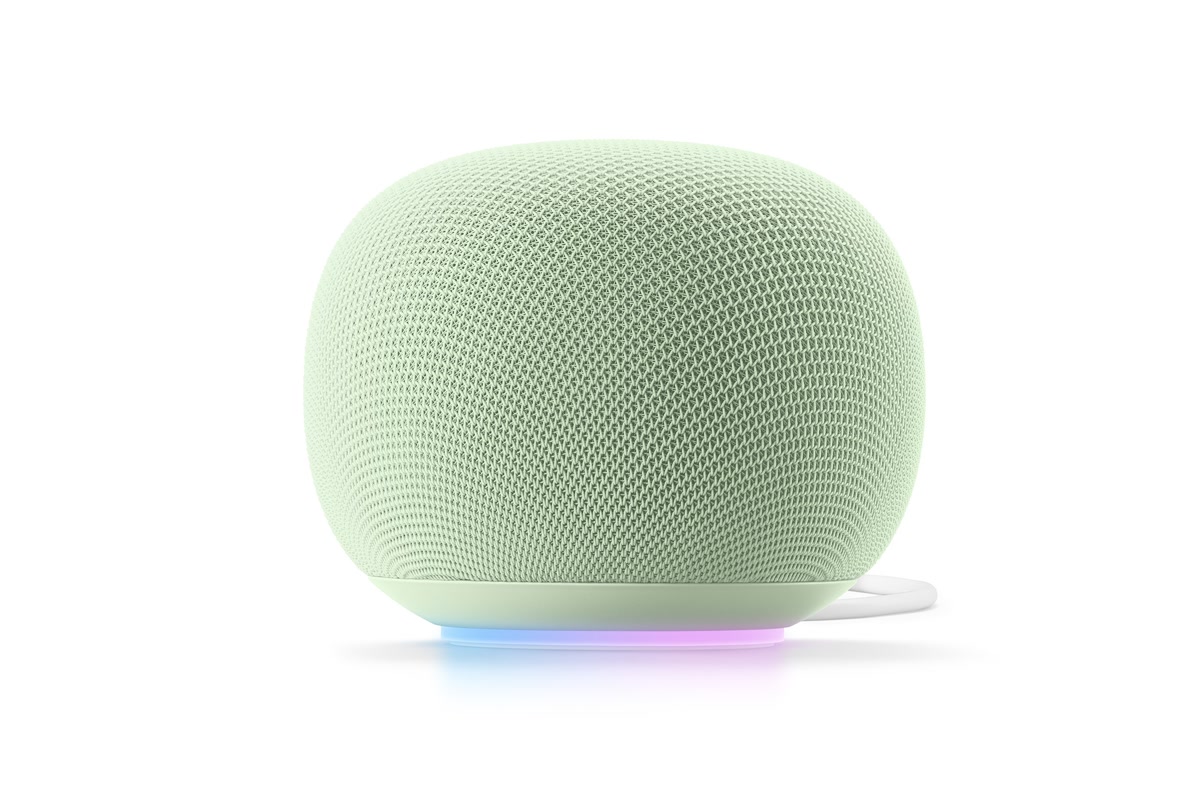
Gemini for Home replaces the old Google Assistant voice engine with Google’s Gemini 3.1 model, which is the latest version powering the new experience. The biggest difference is conversational intelligence. Where Google Assistant required you to issue one command at a time with precise phrasing, Gemini understands context and can handle multi-step requests.
For example, you can say “add eggs to my list and remove milk” in a single sentence, and Gemini processes both instructions. You can ask follow-up questions without repeating the wake word each time, thanks to a feature called Continued Conversation. Gemini also handles background noise better and can process multiple requests spoken close together without getting confused.
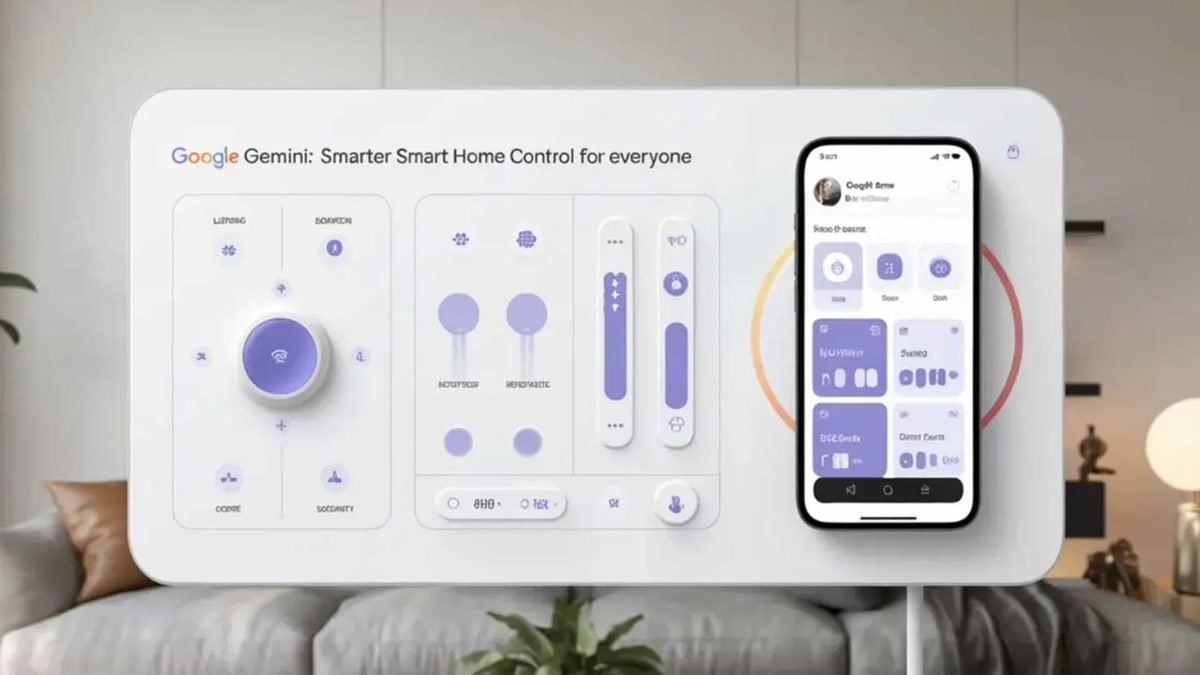
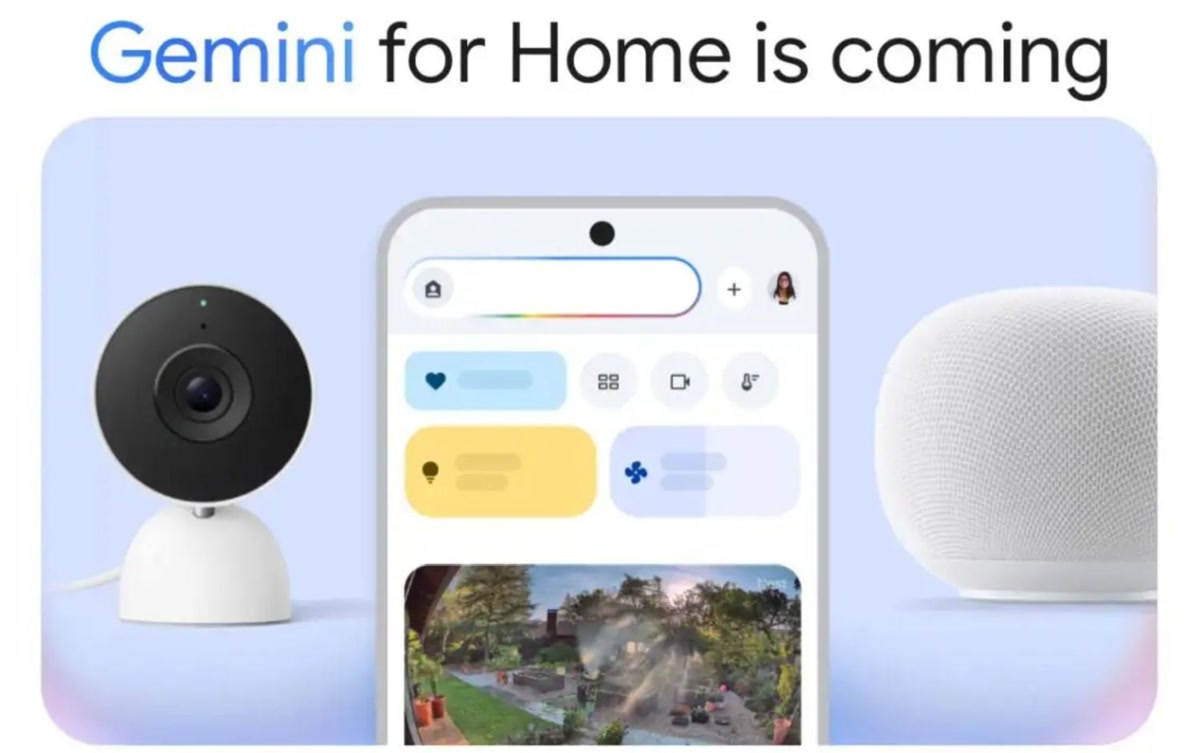
A new feature called Ask Home brings a natural-language command center directly into the Google Home app. Instead of tapping through menus to check your camera feeds or adjust thermostat schedules, you can type or speak questions like “did anyone come to the door this morning” and get an answer synthesized from your device activity.
Which Devices Get the Upgrade
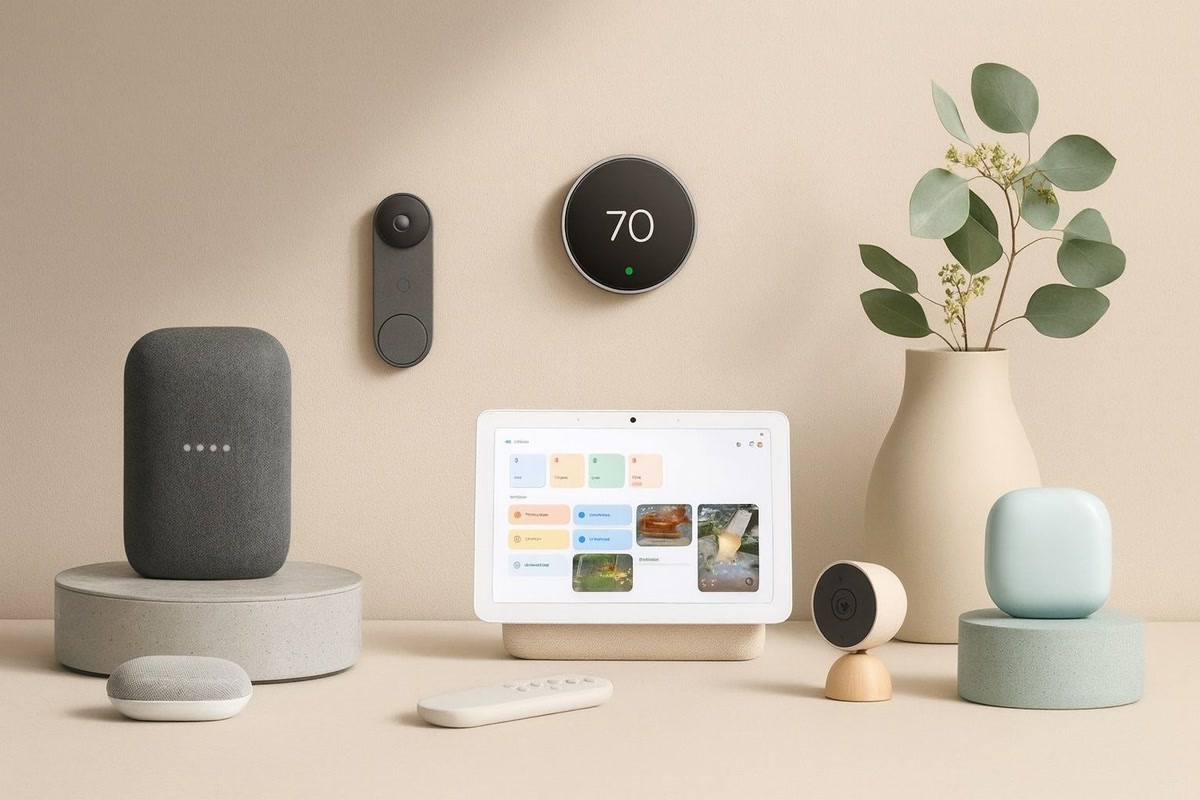
Most Nest and Google Home devices are eligible, but the experience differs depending on hardware generation. Here is the breakdown:
Full Gemini for Home with Gemini Live
These newer devices support every feature including Gemini Live, the always-on conversational mode:
- Google Nest Hub 2nd gen — The Nest Hub 2nd gen gets the full Gemini experience with sleep sensing and gesture controls intact.
- Google Nest Audio — The Nest Audio delivers full Gemini Live support with rich sound quality for music and responses.
- Google Nest Mini 2nd gen — The Nest Mini 2nd gen handles Gemini Live and all conversational features despite its compact size.
- Google Nest Hub Max — The Nest Hub Max gets full Gemini features plus camera-based AI event descriptions on the Premium tier.
- Google Home Speaker — The new Google Home Speaker launches with Gemini built in and includes 6 months of Home Premium.
Partial Gemini for Home without Gemini Live
Older devices still get most Gemini features but do not support Gemini Live, the always-on conversational mode:
- Nest Wifi point
- Nest Hub 1st gen
- Google Home Max
- Google Home Mini 1st gen
- Original Google Home
These devices will handle improved command understanding, multi-step requests, and better noise handling, but you will need a newer device for the full conversational experience.
On the firmware side, speakers need Cast firmware version 3.76 or higher, and displays need Fuchsia firmware version 28 or higher. Google pushes these updates automatically, so most connected devices should already meet the requirement.
The One-Way Door
This is the most important detail to understand before opting in. Once you switch a home to Gemini for Home, you cannot switch back to Google Assistant. There is no toggle, no rollback button, and no grace period. Every eligible device in your home flips to Gemini at the same time, and any new device you add to that home later will automatically join on Gemini.
Google has made this clear in their documentation and the opt-in flow. If you rely on specific Google Assistant routines or third-party integrations that have not been fully ported to Gemini yet, test what you can before committing. The transition is designed to be permanent.
What It Costs
The base Gemini for Home upgrade is free. Improved command understanding, multi-step requests, and Continued Conversation all come standard with the switch.
For premium features, Google offers Home Premium in two tiers:
- Standard plan at 10 dollars per month — Includes extended video history and basic smart home automation features.
- Advanced tier at 20 dollars per month — Adds AI event descriptions for cameras, Home Brief summaries of daily activity, searchable video history, and Gemini Live always-on conversational mode.
Gemini Live is the standout feature behind the paywall. It allows natural back-and-forth conversation with your speaker or display without repeating “Hey Google” for each follow-up. If you want the full hands-free experience, the Advanced tier is where it lives.
The new Google Home Speaker includes 6 months of Home Premium bundled, which is a decent value if you were planning to upgrade your hardware anyway.
Gemini vs Google Assistant — What’s Better, What’s Worse
What is better
- Conversational understanding — Gemini remembers context within a conversation, so you can ask “what about tomorrow” after checking today’s weather without restating your question.
- Multi-step commands — Phrases like “dim the lights to 30 percent and set the thermostat to 72” work in a single sentence.
- Noise handling — Gemini filters background noise more effectively, reducing misfires in busy households.
- Ask Home in the app — Natural-language queries in the Google Home app replace endless menu tapping.
- Continued Conversation — Follow-up questions flow naturally without repeating the wake word.
What is worse or unfinished
- Inconsistent multi-instruction handling — Sometimes two-part commands work perfectly, other times Gemini only executes the first half.
- Variable answers — The same question can produce different responses on different occasions, which is confusing for routines.
- Chained commands can fail — Three or more linked instructions in one sentence are unreliable.
- No going back — If Gemini breaks a routine you depend on, you cannot revert to Google Assistant.
Should You Switch Now or Wait
Your decision depends on how you use your smart home today.
Switch now if you mostly use your Nest devices for basic commands like turning lights on and off, playing music, checking the weather, and setting timers. Gemini handles these tasks as well as or better than Google Assistant, and the conversational improvements are genuinely useful. If you are Buying new hardware like the Google Home Speaker or a Nest Hub 2nd gen, you will get Gemini regardless, so there is no reason to hold back.
Wait if you have complex Google Assistant routines with multiple chained actions, third-party device integrations, or custom automations through services like IFTTT or Home Assistant. Gemini’s inconsistent multi-instruction handling could break workflows you rely on. Since the switch is permanent, it is worth waiting for Google to improve reliability if your smart home setup is anything beyond basic.
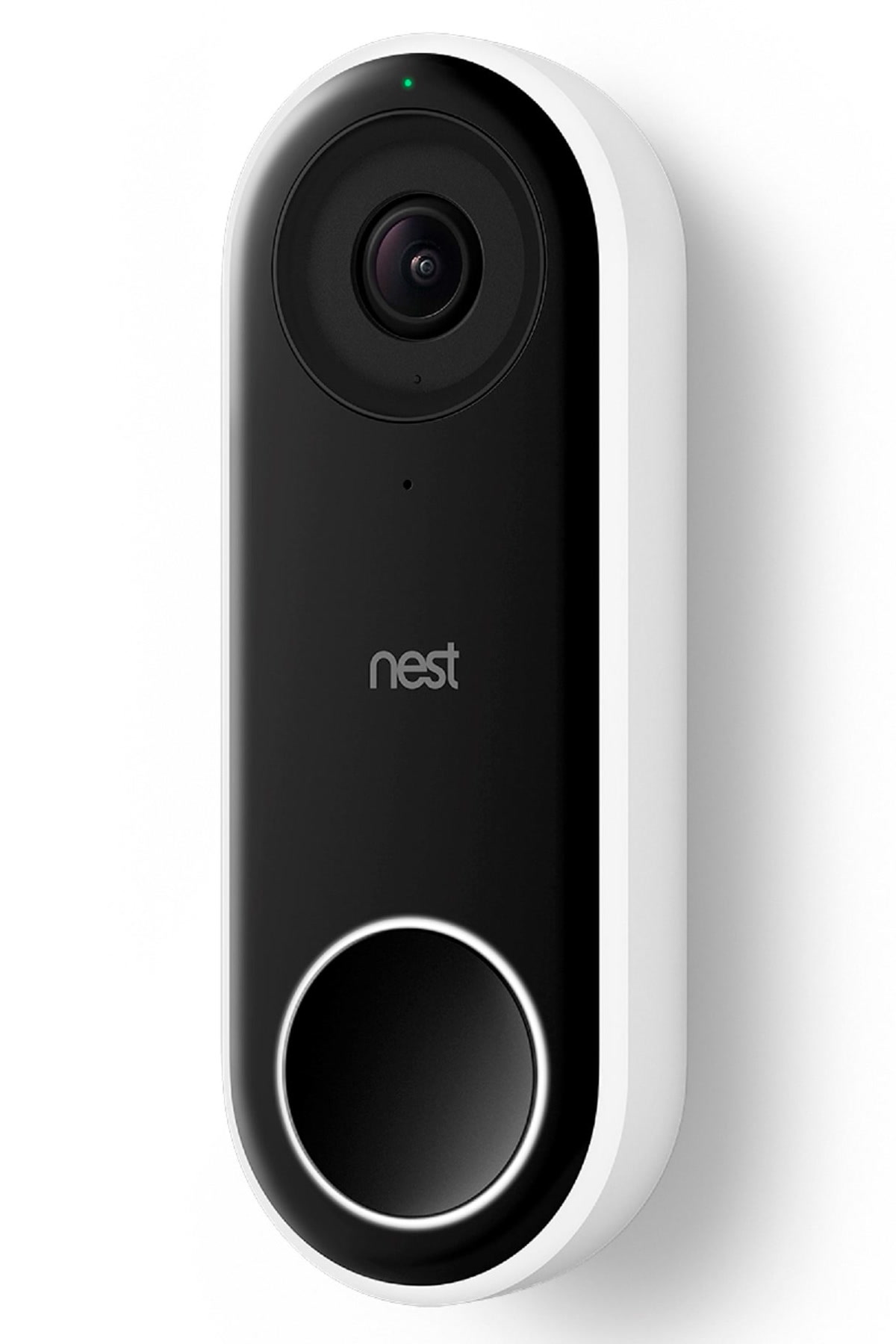
Consider the Premium tier if you have Nest cameras or a doorbell and want AI-powered event descriptions and searchable video history. The Advanced plan at 20 dollars per month adds real value for security-focused households. If you do not have cameras, the Standard plan or even the free tier may be all you need.
The Bottom Line
Google’s shift from Google Assistant to Gemini for Home is a meaningful upgrade in conversational intelligence, but it comes with real trade-offs. The inability to switch back makes this a decision worth thinking through carefully. If your smart home usage is straightforward, Gemini is a clear improvement. If you depend on complex routines and automations, the current inconsistencies in multi-command handling are a reason to pause.
The hardware divide matters too. Owners of Nest Audio, Nest Hub Max, Nest Mini 2nd gen, Nest Hub 2nd gen, and the new Google Home Speaker get the full experience. Older device owners get most features but miss out on Gemini Live. Either way, the transition is happening — Google Assistant is not coming back. The question is simply whether you opt in today or let Google smooth out the rough edges first.
🏠 Get Your Free Smart Home Setup Checklist
Join our newsletter and get this free printable plus weekly tips.
Price Check
Prices verified via our product tracker. Updated Sep 27.
| Amazon.com: Google Nest Hub 7” Smart Display with Google A | $99.00 | 4.2★ (1,150) |
| Amazon Echo Dot (3rd Gen) | $79.99 | 4.7★ (1,037,775) |
| Amazon.com: Google Nest Hub Max 10" Smart Display with Goo | $299.99 | 4.2★ (224) |
As an Amazon Associate we earn from qualifying purchases.