This article contains affiliate links. We may earn a commission from qualifying purchases.
Some content on this site is AI-assisted and reviewed by our editorial team.
The hardware was already in the house. Two Echo speakers on two floors, one of them twenty feet from a teenager who communicates exclusively by yelling “MOOOOM” through a closed door — and a solution nobody in the house had switched on. Alexa Drop In turns the Echos you already own into a room-to-room speakerphone: press, say “drop in on the kitchen,” and both rooms are open. No ringing, no walkie-talkie batteries, no $150 intercom quote.
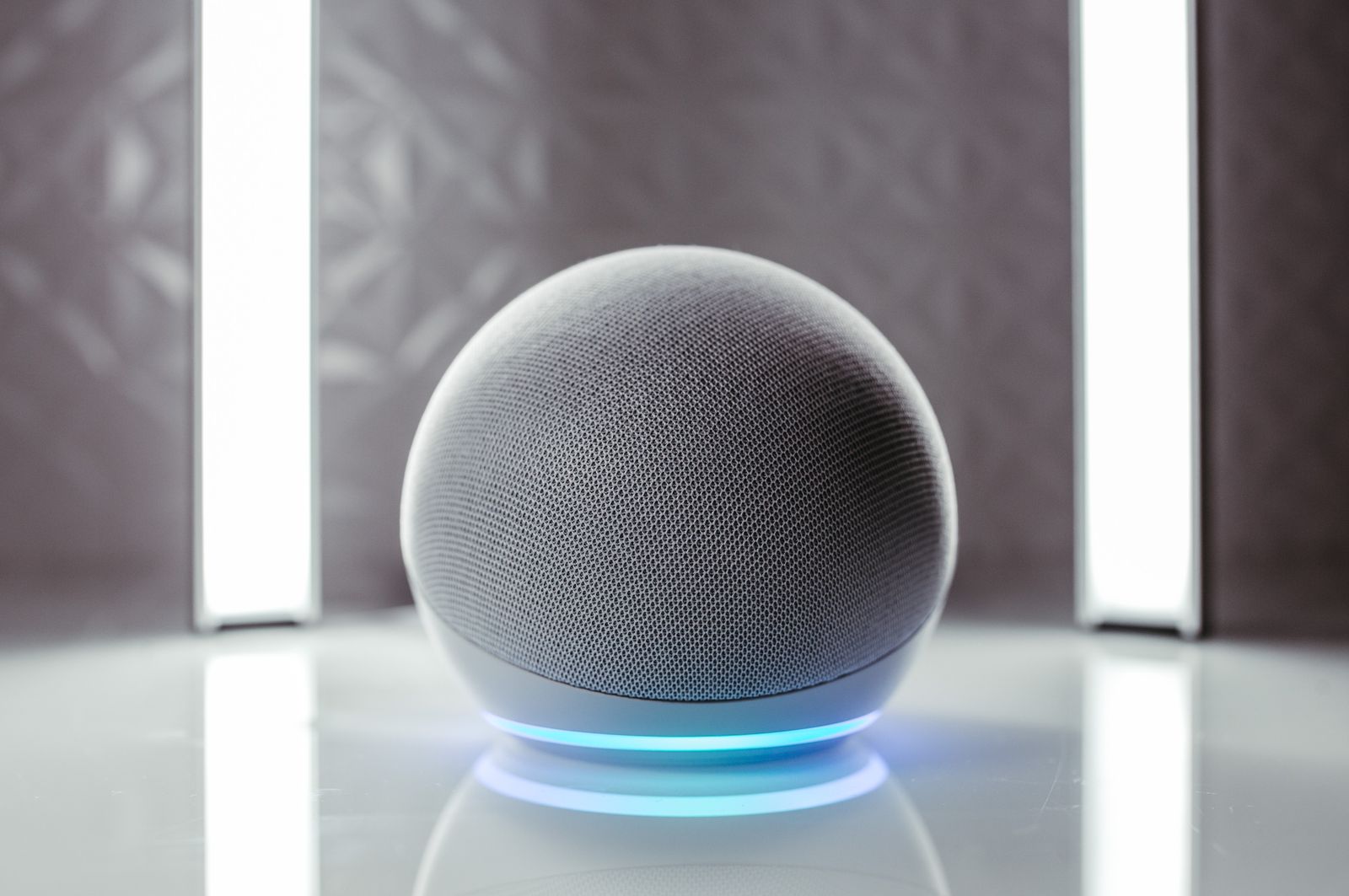
It is free — Drop In costs nothing and runs on the speakers and the Alexa app you already have. The only real purchase in this whole setup is covering the one room with no device, and that is a $40 problem at list price, less on a sale week. Here is the grid, from the cheap endpoint to the $120 flagship, and exactly how to turn the feature on without opening your house to the internet.
Amazon Echo Pop — The 40-Dollar Fix
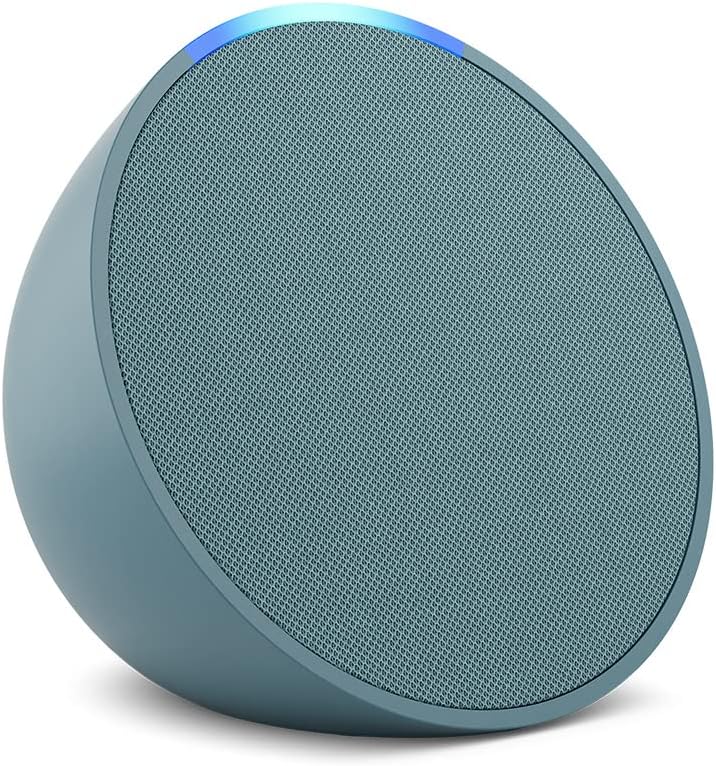
The Amazon Echo Pop is the cheapest Alexa endpoint Amazon sells — half a dome, one front-firing speaker, $39.99 list and about $25 at this writing. As a Drop In point, it is complete: the mic array is the same far-field hardware, so “drop in on the bedroom” works from the couch.
- What it does well: the whole speakerphone grid for the price of one walkie-talkie; small enough for a nightstand, and Alexa+ features work on it same as the big ones.
- Honest cons: the tiny speaker is a voice device, not a music device — fine for “dinner’s ready,” thin for anything you actually want to hear.
My take: this is the exact product that makes the title true — buy it for the uncovered room and you are done spending.
Amazon Echo Dot — The Main-Room Endpoint
The Amazon Echo Dot is the default: a sphere with noticeably fuller sound than the Pop, the same far-field mics, and the current list price is about $80 — up from the $50 the Dot line launched at, which is the honest reason it is no longer the no-brainer it used to be.

- What it does well: the best balance of price, sound, and smarts in the lineup; the room you actually sit in deserves this tier.
- Honest cons: the price creep is real — at $80 it is three Pops, and a Drop In endpoint only needs the microphone, not the better speaker.
My take: buy the Dot for the one room that doubles as a music room; buy Pops for everywhere else.
Amazon Echo Show 5 — The Video Drop-In Station
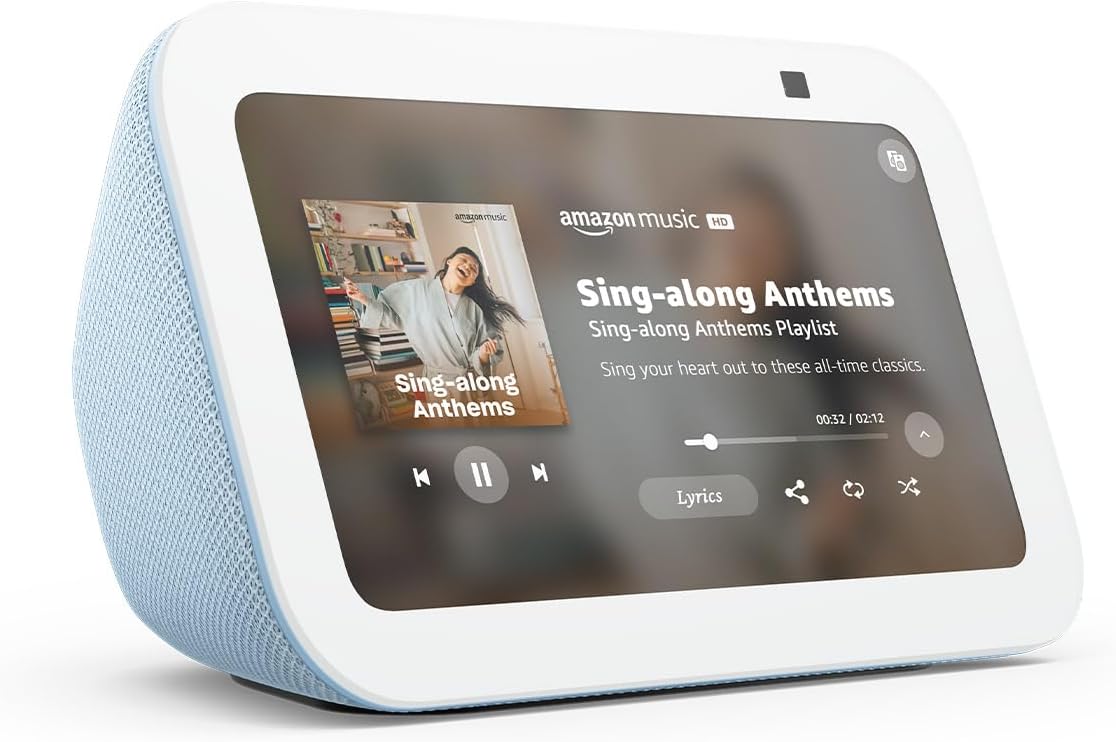
The Amazon Echo Show 5 adds a camera and a screen, which changes what Drop In is: drop in on the kitchen and you see the kitchen — the feature parents actually want for checking a room instead of hollering into it. About $100.
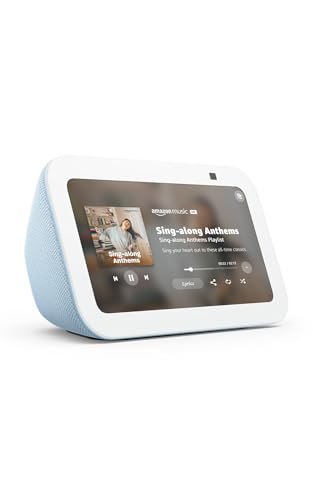
- What it does well: two-way video plus a screen for recipes, timers, and the morning glance at the doorbell camera; the built-in camera shutter is a physical slider, not a promise.
- Honest cons: it is $100 for what is, as a Drop In endpoint, mostly the camera; and video drop-in is exactly the feature you want to restrict to household-only in settings (see below).
My take: the kitchen command post — worth it if the room you cover is the room you actually want eyes on.
Amazon Echo Dot Max — The Announcement Upgrade
The Amazon Echo Dot Max is the new flagship Dot — nearly twice the bass, room-filling sound, about $120 — and its Drop In role is announcements: dinner calls that actually carry through a busy room.
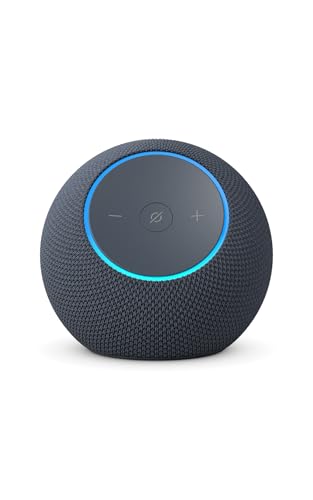
- What it does well: the intercom nobody talks over; if the kitchen speaker doubles as the house party speaker, this is the one that makes announcements audible.
- Honest cons: at $120 it is three Pops at list price, and as a pure intercom endpoint that math never works. It is a music purchase that happens to intercom.
My take: buy it for the bass, not the button — the intercom grid was already complete for $40.
Price note: these prices are a snapshot — December demand wobbles them daily. If any of these are on your list, a free 30-day Prime trial covers fast shipping on an Echo Pop, and checking the live price beats trusting this article’s numbers.
What Actually Saves Money (And What Doesn’t)
The feature is free. Drop In ships with every Echo and the Alexa app; the only cost is the device you do not already own.
Walkie-talkies are the expensive version. $25-40 a pair, batteries forever, and half the pairs lose sync in a two-story house — one $25-40 Pop replaces them and never needs charging.
House intercom systems are the absurd version. Retrofit intercom quotes run four figures; the wireless answer to that quote is this post.
Don’t buy Dot-tier speakers for intercom duty. Drop In needs the microphone, and every Echo has the good microphone array — spend the difference on coverage (more rooms), not fidelity (one fancy room).
The Savings Math
- The retrofit intercom quote: $1,000+ and a wall-patch weekend.
- The walkie-talkie habit: ~$30 a pair, replaced every couple of years, batteries twice a year.
- The Echo grid: $0 on hardware you already own, plus one Pop at $25-40 for the uncovered room.
- What that money buys instead: the $960 you did not spend on an intercom is a vacation camera, a month of utilities, or the entire smart-light setup for the hallway.
How do I set up Alexa Drop In between rooms?
Open the Alexa app, go to Devices, pick a speaker, and under Communications enable Drop In — then in Settings, Communications, set “My household” as the only permitted contact so outside drop-ins are impossible. From any Echo (or the app) say “drop in on the [device name]” and both rooms connect instantly; the light ring turns green while the line is open, and the mic-off button on top of every Echo is a physical kill switch.
| Device | Price now | Best Drop In role | Music worth it? |
|---|---|---|---|
| Echo Pop | $25 (list $40) | Fill the grid | No |
| Echo Dot | $80 | Main room | Yes |
| Echo Show 5 | $100 | Video check-in | Yes + screen |
| Echo Dot Max | $120 | Announcements | Yes — the point |
Keep reading: the Echo gear that earns Alexa+ and the soundbars with Alexa built in are the two posts that pair with this grid.
CleverHomeClub is reader-supported. As an Amazon Associate, I earn from qualifying purchases. That means if you buy through one of the links above, I get a small commission at no extra cost to you. I only recommend devices I’d run in my own home.
🏠 Get Your Free Smart Home Setup Checklist
Join our newsletter and get this free printable plus weekly tips.
Frequently Asked Questions
What is Alexa Drop In and is it private?
Drop In is Alexa's instant intercom: one Echo opens a live two-way line to another Echo or the Alexa app with no ringing, shown by a green light ring while the line is open. Privacy is a settings question — restrict Drop In to My household and no outside contact can connect, and the mic-off button on top of each Echo is a physical kill switch.
Can Alexa Drop In work between two different houses?
Yes — a parent's Echo can drop in on a student's apartment or a grandparent's kitchen if both accounts allow outside contacts, which is the feature families use for checking in on older relatives. The default-restrict setup in this article is for households; enabling one specific trusted contact is the middle ground between open and closed.
Does Alexa Drop In let the other room hear you all the time?
No — a Drop In session is initiated per call, connects only when someone starts it from a device or the app, and ends when someone hangs up. An Echo at idle is not an open microphone to the rest of the house; the green ring is the tell, and it is off unless a session is live.
Liked this guide? Get the next one in your inbox — the smart home starter checklist is free too.
✓ You're in — check your inbox.
No spam. Unsubscribe anytime. We never share your email.
Price Check
Prices verified via our product tracker. Updated Nov 14.
As an Amazon Associate we earn from qualifying purchases.