This article contains affiliate links. We may earn a commission from qualifying purchases.
Some content on this site is AI-assisted and reviewed by our editorial team.
Choosing Your First Smart Home Ecosystem Is the Most Important Decision You Will Make

Before you buy a single smart bulb or plug, you need to answer one question: which ecosystem are you building around? This is not about brand loyalty. It is about interoperability. If your speaker, your thermostat, your lights, and your locks all speak different languages, you end up with five apps on your phone and nothing works together.
The Numbers
- Five real ecosystem choices in 2026: Alexa, Google Home, HomeKit, SmartThings, Home Assistant
- Under 10 devices: Alexa or Google Home is fine
- 10–30 devices: SmartThings handles the complexity better
- Over 30 devices or mixing brands: Home Assistant is the only platform that scales without frustration
- Home Assistant integrates with over 2,500 services and devices
The ecosystem you choose determines which devices work together, how you build automations, whether you need a hub, and how much control you have over your own setup. Here is how to decide.
The Five Major Ecosystems
There are five real choices for a smart home ecosystem in 2026. Each has strengths and tradeoffs that matter depending on your situation.
Amazon Alexa
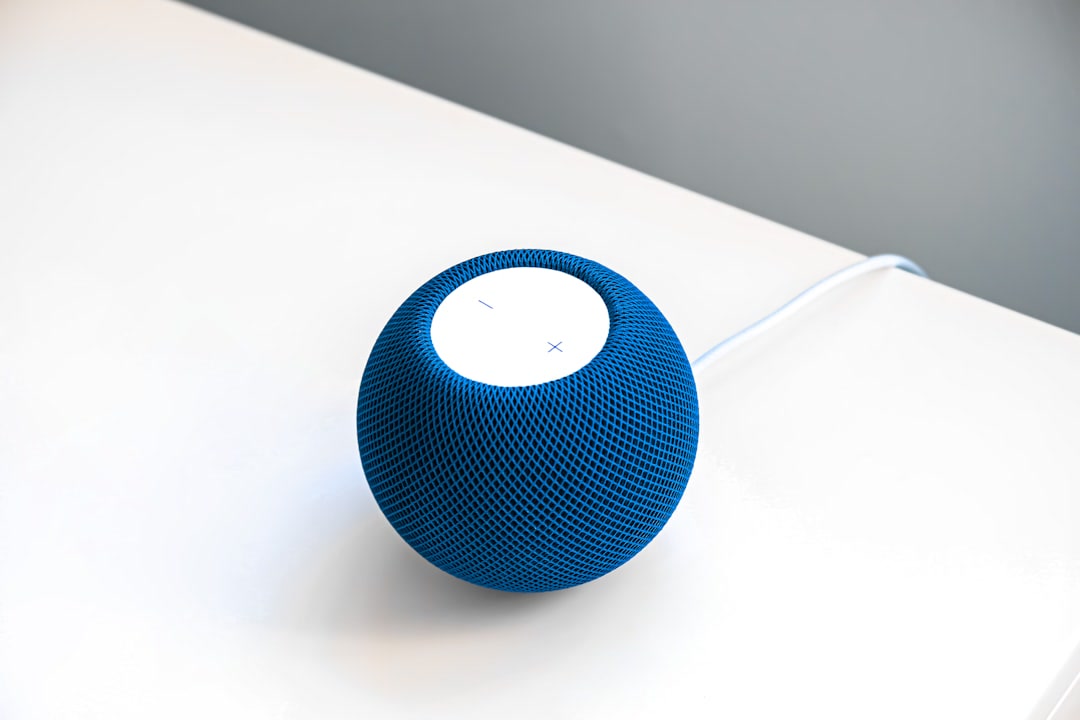
Alexa is the most popular smart home ecosystem in the United States, and for good reason. The device selection is enormous, setup is simple, and Alexa Routines let you build basic automations without writing code. If you already own an Echo device, you are halfway there.
- Best for: People who want the widest device selection and simple voice control
- Devices: Echo speakers, Echo Show displays,Ring cameras, smart plugs, bulbs, locks from dozens of brands
- Automation: Alexa Routines (trigger-based, no coding)
- Hub: Echo devices act as a basic hub;Echo Hub adds a dedicated smart home panel
- Limitations: Cloud-dependent, limited local control, Amazon’s privacy record
Google Home
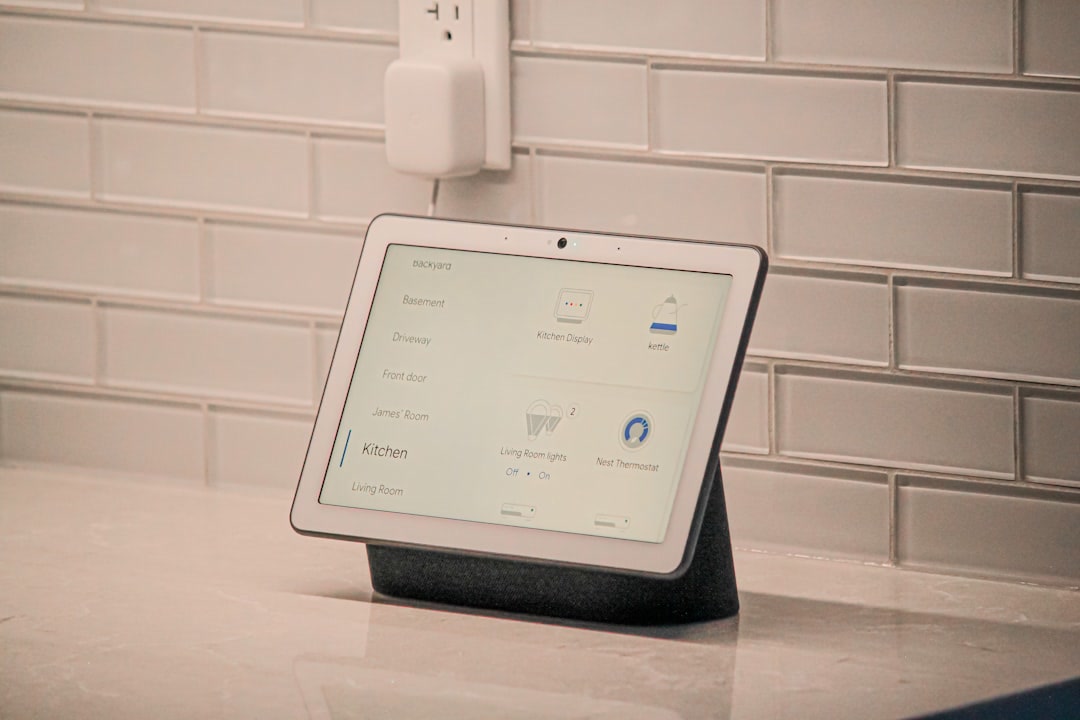
Google Home is similar to Alexa in approach but leans into Google’s strengths: search, calendar integration, and a cleaner app experience. If you use Google Calendar, YouTube Music, or Nest thermostats, this ecosystem fits naturally.
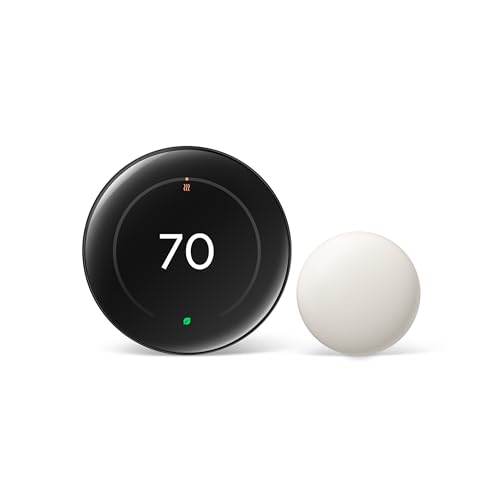
- Best for: People deep in Google services who want clean voice control
- Devices: Nest speakers, Nest Hub displays,Nest thermostats, Nest cameras, wide third-party support
- Automation: Google Home Routines (similar to Alexa, slightly less flexible)
- Hub: Nest Hub doubles as a control panel
- Limitations: Fewer device categories than Alexa, Google has discontinued hardware lines before
Apple HomeKit
HomeKit is the smallest ecosystem but the most locked-down and privacy-focused. If you own an iPhone and care about data privacy, HomeKit is compelling. Device selection is smaller, but everything that works with HomeKit works reliably.
- Best for: iPhone users who value privacy and simplicity over device variety
- Devices:HomePod, Apple TV, HomeKit-compatible locks, lights, cameras
- Automation: Home app (built into iOS) with Siri shortcuts
- Hub: Apple TV or HomePod acts as a home hub
- Limitations: Smallest device selection, most expensive hardware, Siri is less capable than Alexa or Google
Samsung SmartThings
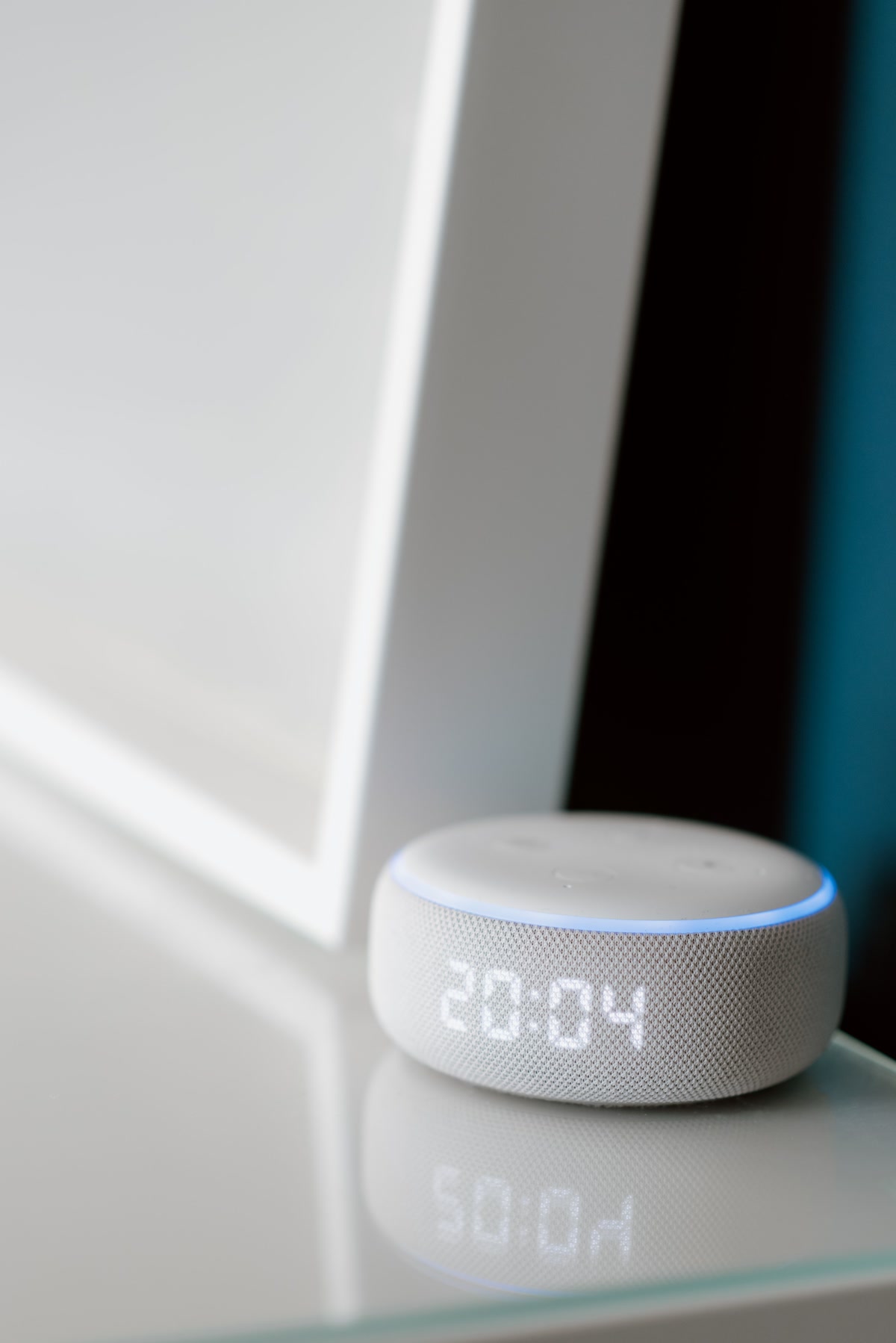
SmartThings is a real smart home platform rather than a voice assistant with smart home bolted on. It supports Zigbee, Thread, and Matter out of the box, works with Alexa and Google for voice, and handles complex automations that Alexa Routines cannot.
- Best for: People with devices from multiple brands who want one platform to rule them all
- Devices:SmartThings Hub, wide third-party support, Samsung appliance integration
- Automation: SmartThings app with Scenes and Automations (more powerful than Alexa Routines)
- Hub: SmartThings Station or SmartThings Hub
- Limitations: No Z-Wave without a dongle, some features are cloud-dependent, app can feel bloated
Home Assistant
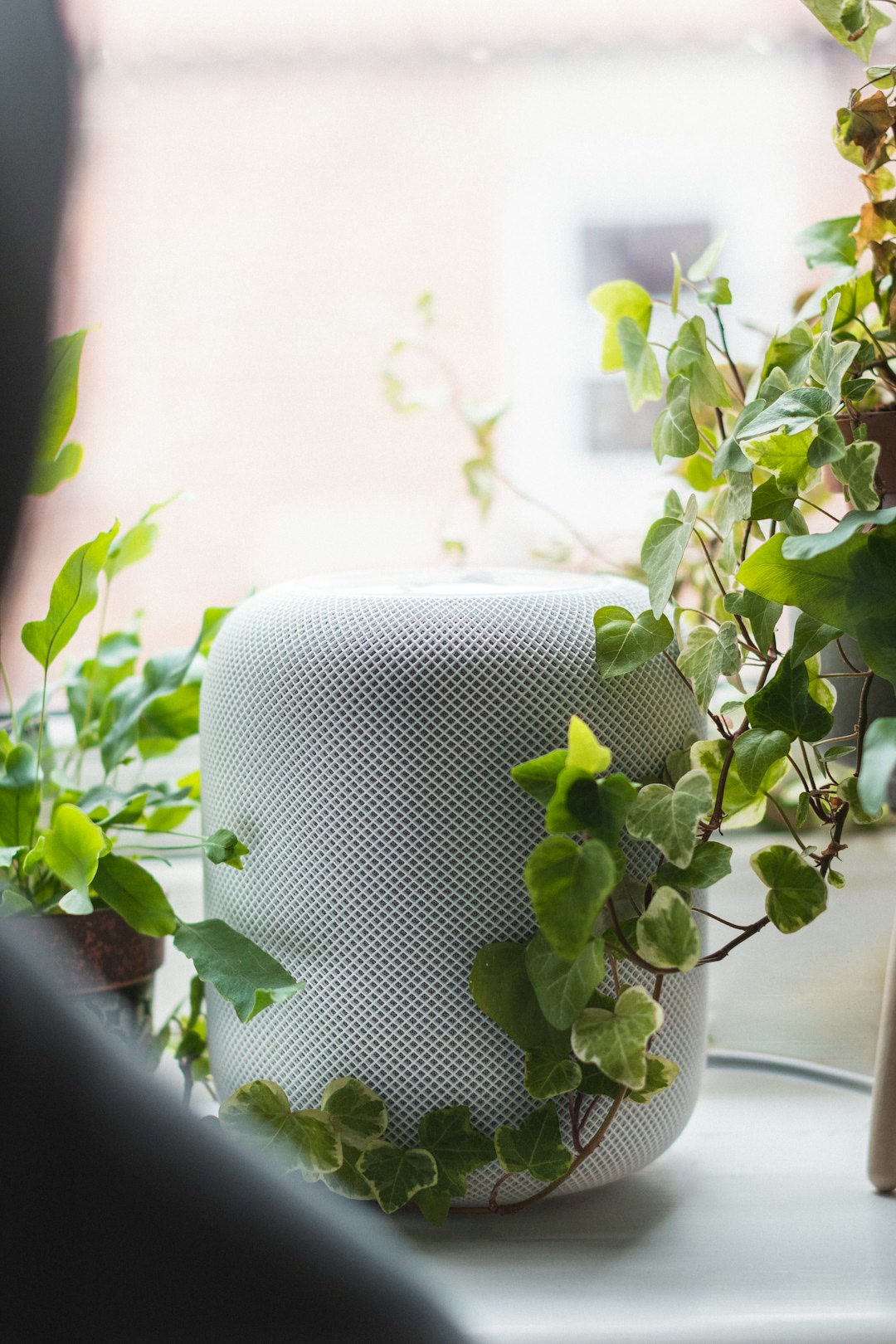
Home Assistant is the power user choice. It is open source, runs locally, and integrates with over 2,500 services and devices. Your automations work without internet. No company can discontinue the platform. But it requires a Raspberry Pi or dedicated server, and the learning curve is real.
- Best for: Tinkerers who want total control, local processing, and maximum device support
- Devices: Anything with an API, plus Zigbee, Thread, Z-Wave, and Matter via dongles
- Automation: YAML-based automations and a visual editor
- Hub: Runs on Raspberry Pi, mini PC, orHome Assistant Yellow
- Limitations: Not plug-and-play, requires technical setup, no phone support, overkill for basic needs
How to Actually Decide
Forget feature comparisons for a moment. Your decision comes down to three questions.
Question 1: What Phone Do You Use?
If you use an iPhone and you are not technical, HomeKit or SmartThings is the path of least resistance. If you use Android, Alexa or Google Home is more natural.Home Assistant works with both but requires comfort with technical setup regardless.
Question 2: How Many Devices Do You Plan to Have?
Under 10 devices: Alexa or Google Home is fine. You do not need a dedicated hub. 10 to 30 devices: SmartThings handles the complexity better. Over 30 devices or mixing multiple brands: Home Assistant is the only platform that scales without frustration.
Question 3: Do You Care About Local Control?
If your internet goes down and your lights still need to work, you need Home Assistant or SmartThings with local processing. Alexa and Google Home require cloud connectivity for most automations. If that bothers you, the choice is clear.
The Hybrid Approach Is Valid
Most people do not pick one ecosystem and stick to it forever. You can use Alexa for voice control, SmartThings as your hub, and Home Assistant for advanced automations. Matter makes this easier than ever by providing a common language across ecosystems.
Start with the ecosystem that matches your phone and your current devices. Add a second platform only when you hit a wall the first one cannot solve. There is no penalty for starting simple and migrating later.
Matter Changes Everything — Eventually
The Matter standard means devices that work with Matter will work across all five ecosystems. You do not have to choose a side for Matter-compatible devices. The catch is that not every device supports Matter yet, and some that do support it only partially. Treat Matter as a reason to worry less about ecosystem lock-in, not as a reason to ignore ecosystems entirely.
When shopping, look for the Matter logo on packaging. A Matter-compatiblesmart plug works with Alexa, Google, Apple, SmartThings, and Home Assistant. That is real freedom from platform lock-in.
Common Mistakes When Choosing an Ecosystem
- Buying devices first, choosing an ecosystem second. This is the number one mistake. You end up with a Ring camera, a Nest thermostat, and a HomePod, and none of them talk to each other.
- Assuming the most popular option is the best for you. Alexa has the most devices, but if you care about privacy and use iPhone, HomeKit is better despite having fewer options.
- Starting with Home Assistant because you read it is the best. Home Assistant is genuinely the most powerful platform, but it is also the hardest to set up. If you have never owned a smart device, start with Alexa or Google and migrate when you hit limitations.
- Ignoring Matter compatibility. In 2026, any new device you buy should support Matter if possible. It future-proofs your purchase.
The Bottom Line
Choose based on your phone, your device count, and your comfort with cloud dependency. Start simple with Alexa or Google if you are new. Choose SmartThings if you have multiple brands. Choose HomeKit if privacy matters most and you are on iPhone. Choose Home Assistant if you want total control and are willing to earn it. And buy Matter-compatible devices whenever you can, because the ecosystem you start with does not have to be the one you stay with forever.
n
My take: The ecosystem choice is the one decision you can’t cheaply undo — pick by the devices you already own (an Echo or a Nest answers it in one second), and if you expect to grow past 30 devices, plan for Home Assistant now rather than migrating later. Under 10 devices, either Alexa or Google is genuinely fine.
Related guides
- IKEA Went All-In on Matter: What That Means for Your Smart Home in 2026
- Alexa vs Google Home (2026): Which Smart Assistant Should You Pick?
- 50 Smart Home Voice Commands That Are Useful (Not Just Gimmicks)
- Matter 2.0 Explained: How to Finally Mix Alexa, Google, and HomeKit Without Losing Your Mind
- Smart Home Morning Routines: 8 Automations That Start Your Day Right
🏠 Get Your Free Smart Home Setup Checklist
Join our newsletter and get this free printable plus weekly tips.
Frequently Asked Questions
How do I choose a smart home ecosystem?
By device count and the services you already use: under 10 devices, Alexa or Google Home is fine; 10–30 devices with mixed brands, SmartThings handles the complexity better; over 30 devices or serious cross-brand mixing, Home Assistant is the only platform that scales without frustration (it integrates with over 2,500 services and devices). If your life is already Google Calendar and YouTube Music, Google Home fits naturally; if you own an iPhone and care about privacy, HomeKit.
Alexa or Google Home for a first setup?
Alexa for the widest device selection and simple trigger-based Routines; Google Home for better voice recognition and a cleaner app experience tied to Google’s services. Both are cloud-dependent with limited local control — the honest difference is ecosystem fit, not capability. If you already own an Echo or a Nest thermostat, you’re already halfway to the answer.
When do I need more than Alexa or Google?
When the setup grows past about 10–30 devices or you start mixing brands heavily — that’s where SmartThings earns its complexity handling, and past 30 devices Home Assistant becomes the only option that scales. HomeKit is the smaller but most locked-down choice if privacy is your priority over device variety.
Liked this guide? Get the next one in your inbox — the smart home starter checklist is free too.
✓ You're in — check your inbox.
No spam. Unsubscribe anytime. We never share your email.
Price Check
Prices verified via our product tracker. Updated Oct 17.
| meross Smart Plug 15A, Works with Apple HomeKit, Voice & A | $39.99 | 4.3★ (13,849) |
| Ring Indoor Cam | Indoor Home Security Camera System | Ama | $84.98 | 4.7★ (46,054) |
| Amazon Echo Hub 8-inch Smart Home Control Panel | $99.99 | 3.9★ (1,815) |
| Google Nest Learning Thermostat (4th gen) + Nest Temperatu | $224.00 | 4.4★ (2,596) |
| Google Nest Thermostat - Smart Thermostat for Home - Progr | $129.99 | 4.1★ (29,634) |
| Apple - HomePod mini - Black | $129.00 | 4.5★ |
| SmartThings Hub 3rd Generation [GP-U999SJVLGDA] Smart Home | $373.48 | 4.3★ (9,003) |
| Wall Mount for Home Assistant Yellow, Easy Screw Installat | $21.99 | |
| Linkind Matter Smart Plug, Work with Apple Home, Siri, Ale | $13.99 | 4.6★ (154) |
As an Amazon Associate we earn from qualifying purchases.