This article contains affiliate links. We may earn a commission from qualifying purchases.
Some content on this site is AI-assisted and reviewed by our editorial team.
The average smart home has 40 connected devices by 2026. Every light bulb, door lock, camera, thermostat, and speaker is a potential entry point for hackers. Most people set up their smart home with zero thought about network security, then wonder why their cameras are showing up on strange websites or their smart lock is being controlled by someone else.
Here are 9 specific steps to secure your smart home network. Do them in order. Each one builds on the previous.
1. Change Your Router Default Password
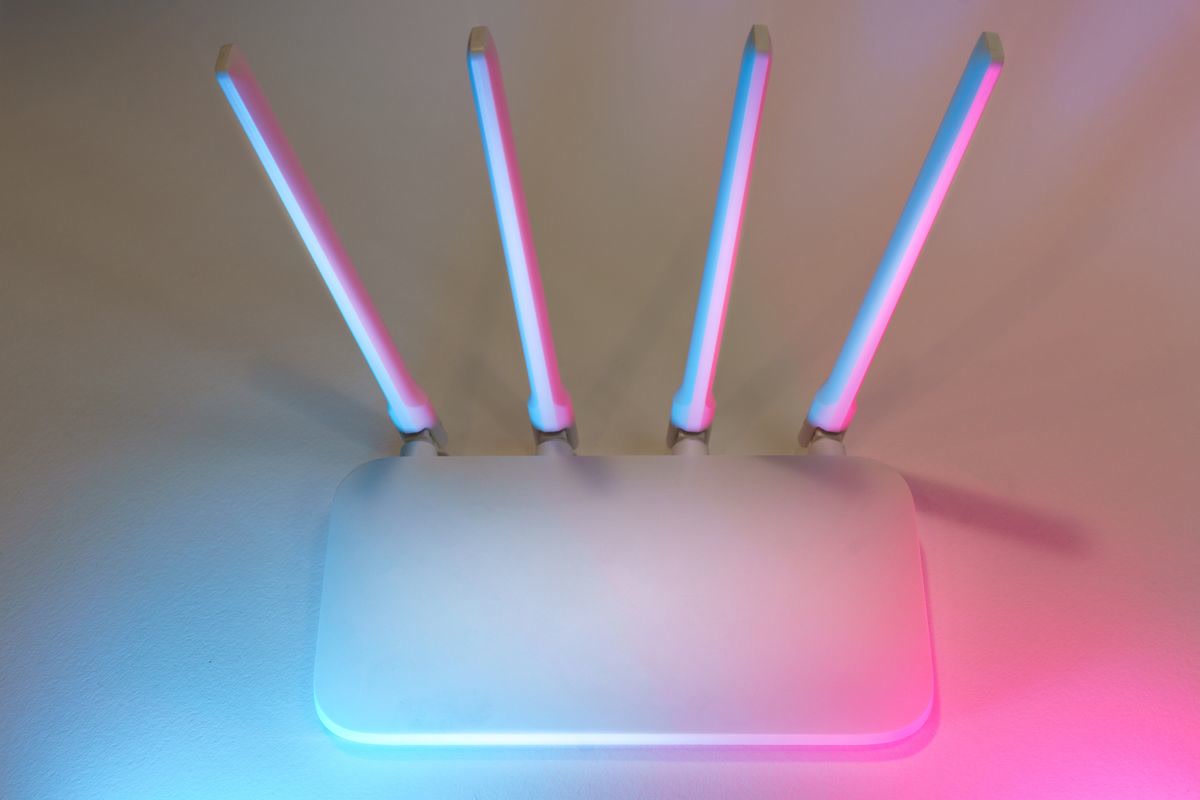
This is step one. If your router still has the default admin password that came on the sticker, every device on your network is vulnerable. Default passwords for every router model are published online. Anyone within WiFi range can log in to your router in under 60 seconds.
Open your router admin page (usually 192.168.1.1 or 10.0.0.1). Log in with the default credentials. Change the admin password to a unique 16-character password. Write it down and store it somewhere physical. Do not reuse any password you use elsewhere.
While you are in the router settings, update the firmware. Router manufacturers release security patches regularly, but most people never install them. An outdated router has known vulnerabilities that attackers can exploit automatically.
2. Split Your WiFi Into Two Networks
Every smart home device does not need access to your main network. Your smart bulbs do not need to see your laptop. Your door lock does not need to talk to your phone directly. Segmentation limits the damage if one device is compromised.
Create two WiFi networks on your router:
- Main network: For phones, laptops, tablets, and any device that needs file sharing or media casting. Use a strong password with WPA3 encryption.
- IoT network: For all smart home devices. Use a different password. This network cannot access the main network or see devices on it.
Most modern routers support guest networks or VLANs. A guest network works for basic segmentation. A VLAN is better because it isolates traffic at the hardware level. If your router does not support either, consider upgrading to a router that does. This is the single most impactful security change you can make.
Move all 40+ smart devices to the IoT network. Keep only personal devices on the main network. If a smart bulb is hacked, the attacker is stuck on the IoT network and cannot reach your laptop or phone.

3. Disable UPnP on Your Router
Universal Plug and Play (UPnP) lets devices on your network automatically open ports to the internet. This is convenient: your smart camera opens a port so you can view it remotely without manual configuration. But UPnP is also a massive security risk.
Malicious devices or compromised smart home devices can use UPnP to open ports without your knowledge. This gives attackers direct access to your network from the internet. Several large-scale botnet attacks have used UPnP to compromise smart cameras and DVRs.
Disable UPnP in your router settings. This means you will need to manually configure port forwarding for any device that needs remote access. Most modern smart home devices do not need port forwarding at all. They connect through the manufacturer’s cloud, not directly to your network.
4. Enable Firewall and Intrusion Detection
Your router has a built-in firewall. Make sure it is enabled. The firewall blocks incoming connections from the internet by default. This is what prevents random internet users from accessing your smart home devices.
For better protection, enable intrusion detection if your router supports it. Intrusion detection monitors network traffic for suspicious patterns: port scanning, repeated login attempts, or connections to known malicious IP addresses. If suspicious activity is detected, the router blocks the source IP and sends you an alert.
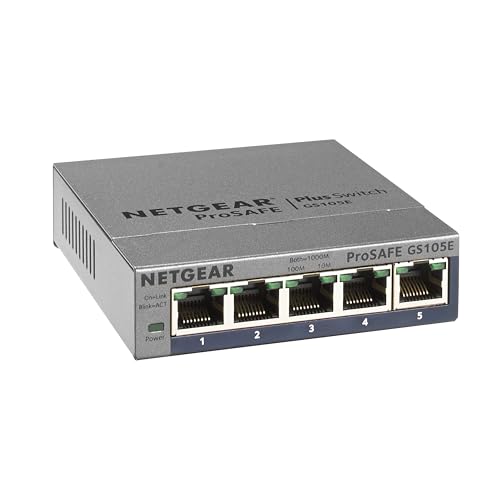
If your router does not have intrusion detection, install a managed network switch with security features, or use a software solution like Pi-hole on a Raspberry Pi. Pi-hole blocks ads and tracking at the network level, which also blocks many malicious domains that smart devices try to contact.
5. Update Device Firmware Regularly
Smart home device manufacturers release firmware updates to patch security vulnerabilities. But most devices do not auto-update. You have to check manually, and most people never do.
Set a monthly calendar reminder to check for firmware updates on all smart home devices. Open each device’s app and check for updates. This takes 30 minutes and covers every device in your home.
Prioritize these devices for updates:
- Smart locks and security cameras: These are the highest-risk devices. A vulnerability in a smart lock means someone can open your door. A camera vulnerability means someone can watch you.
- Smart hubs and bridges: Hubs control multiple devices. If a hub is compromised, every device connected to it is at risk.
- Smart speakers: Speakers with microphones can be turned into listening devices if compromised.
- Smart thermostats: A compromised thermostat can be used to probe your network for other devices.
For devices that support auto-updates, enable them. The small risk of a buggy update is far lower than the risk of running a device with a known security vulnerability for months.
6. Use Strong, Unique Passwords for Every Device
Every smart home device has an admin account. Most ship with default usernames and passwords like “admin/admin” or “root/123456.” These defaults are published online. If you do not change them, anyone who finds your device on the network can log in.
Change the admin password on every device that has a web interface. Use a password manager to generate and store unique 16-character passwords for each device. Never reuse the same password across devices.
For devices without a web interface (like smart bulbs), the app password is the only protection. Use a unique password for each manufacturer’s app account. If one manufacturer is breached, attackers cannot use the same password to access devices from another manufacturer.

7. Disable Remote Access When You Do Not Need It
Many smart home devices offer remote access: you can control them from anywhere via the internet. This is convenient, but it also means the device is accessible from the internet. If the manufacturer’s cloud is compromised, your device is exposed.
For devices you only use at home, disable remote access. Smart bulbs, smart switches, and smart speakers do not need to be controlled from outside the house. Local control through your home network is faster, more reliable, and more secure.
For devices you do need to control remotely (smart lock, garage door, security cameras), use the manufacturer’s app with two-factor authentication enabled. This adds a second verification step: even if your password is stolen, an attacker cannot log in without the second factor.
8. Audit Connected Devices Monthly
Smart home devices accumulate over time. You buy a smart plug, use it for a month, then forget about it. It stays connected to your network, running firmware that is months or years out of date. Every forgotten device is a security risk.
Once a month, open your router’s device list. Count the connected devices. Identify any device you do not recognize or no longer use. Remove unused devices from your network and factory-reset them before storing or selling.
For devices you keep but rarely use, check their firmware. A smart plug that has been sitting in a drawer for 6 months has 6 months of unpatched vulnerabilities. Update it before putting it back on the network.
9. Set Up Network Monitoring
The final step is ongoing monitoring. You want to know if a device starts behaving suspiciously: connecting to unknown servers, sending unusual amounts of data, or making connections at odd hours.
Install a network monitoring tool like Wireshark (free download from wireshark.org) or use your router’s traffic analytics. Look for:
- Devices connecting to unknown IP addresses: Smart devices should only connect to the manufacturer’s servers. Connections to unknown IPs may indicate a compromised device.
- Unusual data usage: A smart bulb sending 1 GB of data per day is suspicious. Bulbs send tiny amounts of data. Large transfers may indicate the device is being used for something else.
- Connections at odd hours: A security camera uploading data at 3 AM when nobody is home may be recording and streaming without your knowledge.
Set up alerts for unusual activity. Most routers with intrusion detection can send email or push notifications when a device violates network rules.


The Bottom Line
The two most important steps are splitting your WiFi into two networks and disabling UPnP. Together, these eliminate 90 percent of smart home attack vectors. Even if a device is compromised, the attacker cannot reach your personal devices or open ports to the internet. Do those two things today. Then work through the remaining steps over the next week. A secure smart home is not about buying more devices. It is about configuring the ones you have correctly.
My take: Sixty seconds of router password change and a two-network split eliminate the attacks that actually happen — everything else hardens the perimeter. With 40 connected devices by 2026, segment the IoT gear off your main network before you buy anything new, not after.
Related guides
- Smart Home Air Quality Monitoring: 6 Sensors That Tell You What You Are Breathing
- Philips Home Access Smart Lock Review: 4000 and 4200 Series with Handleset Combo
- Smart Kitchen Appliances Worth Buying in 2026: 5 That Save Time
- Best Smart Plugs 2026: Tested, Reviewed, and Worth Buying
- Philips Hue Gets Dual Matter + Zigbee Support: What Changes for You
🏠 Get Your Free Smart Home Setup Checklist
Join our newsletter and get this free printable plus weekly tips.
Frequently Asked Questions
What’s the first step to secure a smart home network?
Change the router’s default admin password — defaults for every model are published online, and anyone in Wi-Fi range can log in within 60 seconds. Use a unique 16-character password stored physically, then update the router firmware while you’re in there: manufacturers patch regularly, and an outdated router has known vulnerabilities attackers scan for automatically.
How do I isolate smart home devices from my main network?
Split your Wi-Fi into two: a main network (WPA3, strong password) for phones, laptops, and casting devices, and a separate IoT network with a different password for all 40+ smart devices — guest networks work, but VLANs are better because they isolate traffic at the hardware level. The point is segmentation: a compromised smart bulb can’t see your laptop, and your door lock can’t be reached from your phone’s network directly.
What else should I do beyond passwords and segmentation?
Work the 9 steps in order because they compound: after the router and network split come disabling UPnP (so devices can’t open ports themselves), enabling automatic firmware updates everywhere, unique strong passwords per device account (a password manager makes it painless), two-factor authentication on your hub platforms, and reviewing camera and speaker privacy settings. The average 2026 smart home has 40 devices — every one is an entry point.
Liked this guide? Get the next one in your inbox — the smart home starter checklist is free too.
✓ You're in — check your inbox.
No spam. Unsubscribe anytime. We never share your email.