
This article contains affiliate links. We may earn a commission from qualifying purchases.
Some content on this site is AI-assisted and reviewed by our editorial team.
You bought a smart thermostat to save energy. A smart plug to cut phantom power. A leak detector to prevent water damage. Each device cost 20 to 250 dollars, and each one promised savings. But nobody talks about the mistake that quietly undoes all of those savings: keeping devices you don’t use plugged in, running, and connected 24/7. Your smart home might be costing you more in standby power than it saves in efficiency. It’s worth figuring out where that waste is happening and doing something about it.

What Phantom Power Really Costs You
Phantom power goes by a few names: standby power, vampire draw, idle load. It’s the electricity your devices consume when they’re “off” or in standby mode. The average American household wastes 100 to 200 dollars per year on it. And if you have a house full of smart devices, you’re probably on the high end of that range.
In a typical smart home, here’s what’s pulling power right now, even when everything is “off”:
- Smart TV: Even off, it draws 5 to 15 watts. That’s 4 to 13 dollars a year just sitting there.
- Cable box or DVR: 15 to 45 watts. It keeps recording and updating in the background, which is the whole point — but also the whole problem.
- Game console: 1 to 25 watts in standby. Xbox and PlayStation in “instant on” mode are the biggest offenders here.
- Smart speakers: 2 to 5 watts each. Most homes have 3 to 5 of them scattered around, so multiply accordingly.
- Desktop computer: 2 to 5 watts in sleep mode, though many desktops never truly sleep and draw more than the spec sheet suggests.
- Smart thermostat: 1 to 3 watts. Small but constant, and this one is worth keeping on (more on that later).
- Router and modem: 10 to 20 watts, running 24/7 with no way around it.
- Phone chargers: 0.1 to 0.5 watts each when plugged in but not charging. You probably have 4 to 6 of them. It adds up.
Add all that up and you’re looking at 50 to 150 watts of continuous draw. At the national average electricity rate, that works out to 55 to 165 dollars a year. Your smart thermostat saves you 100 to 200 dollars per year. Do the math and the picture gets ugly fast, because phantom power can eat most of what your thermostat saves.
Last year I plugged a Kill A Watt meter into my entertainment center and the reading stopped me cold. My “off” TV, cable box, soundbar, and PlayStation were collectively pulling 62 watts. Sixty-two watts, doing absolutely nothing useful. That’s about 54 dollars a year in wasted electricity from one piece of furniture. My smart thermostat was saving me maybe 130 dollars annually, and my entertainment center was quietly stealing 40 percent of that back.
Where the Waste Comes From
Entertainment Centers
Your TV, cable box, soundbar, game console, and streaming devices are the worst offenders. A typical entertainment center draws 30 to 80 watts in standby, which means 26 to 70 dollars per year for devices you use 3 to 4 hours a day. The rest of the time, they sit there consuming electricity for no reason.
What worked for me: Put your entire entertainment center on a smart power strip (around 30 dollars). Set it to turn off all peripherals when the TV turns off. The TV itself can stay on standby for quick start, but the cable box, soundbar, game console, and streaming devices should be fully powered down. This alone can save 30 to 60 dollars per year. I cut my entertainment center’s standby draw from 62 watts down to 4 watts (just the TV’s standby) in about five minutes of setup time.

Home Offices
Desktop computers in sleep mode, monitors on standby, printers that stay warm, and chargers that trickle power. A home office setup draws 10 to 40 watts in idle mode, which translates to 9 to 35 dollars per year of wasted electricity. I found my own office was worse than I expected — my laser printer in “ready” mode was pulling 8 watts by itself, just waiting for a print job that maybe comes twice a week.
Put monitors, printers, and chargers on a smart plug that turns off when your computer goes to sleep. The computer itself should hibernate, not sleep, after 30 minutes of inactivity. Sleep keeps RAM alive and slowly drains energy; hibernate uses zero power. For more on home office setups, see our smart home office guide.

Kitchen Appliances
Coffee makers with clocks, microwaves with displays, air fryers in standby, and that blender with a touchscreen that never truly turns off. Each one draws 1 to 5 watts, but you have 4 to 8 of them in your kitchen. That’s 10 to 40 watts of constant draw for devices you use 15 minutes a day. Just unplug them when you’re done. Or put them on a smart plug that cuts power overnight — off from 10 PM to 6 AM, on for morning coffee. The coffee maker doesn’t need to keep its clock running overnight. It just needs to be ready when you stumble downstairs at 7 AM.
Measuring Your Own Phantom Power
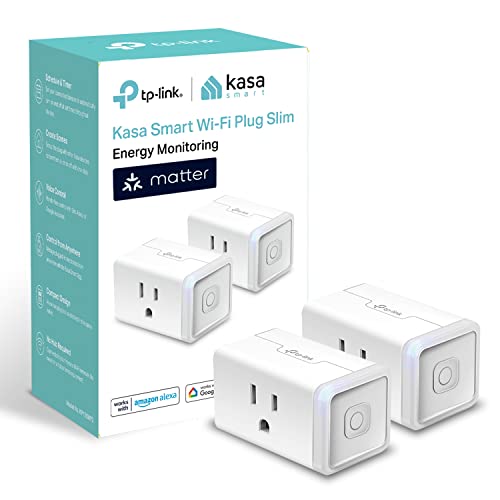
The easiest way to find your phantom power hogs is to buy 2 to 3 Kasa smart plugs with energy monitoring (about 12 dollars each). Plug your entertainment center, home office, and kitchen appliances into them, one at a time. Check the app after 24 hours to see exactly how much each device draws in standby. This gives you real numbers instead of estimates. For a full breakdown, see our energy monitoring guide.
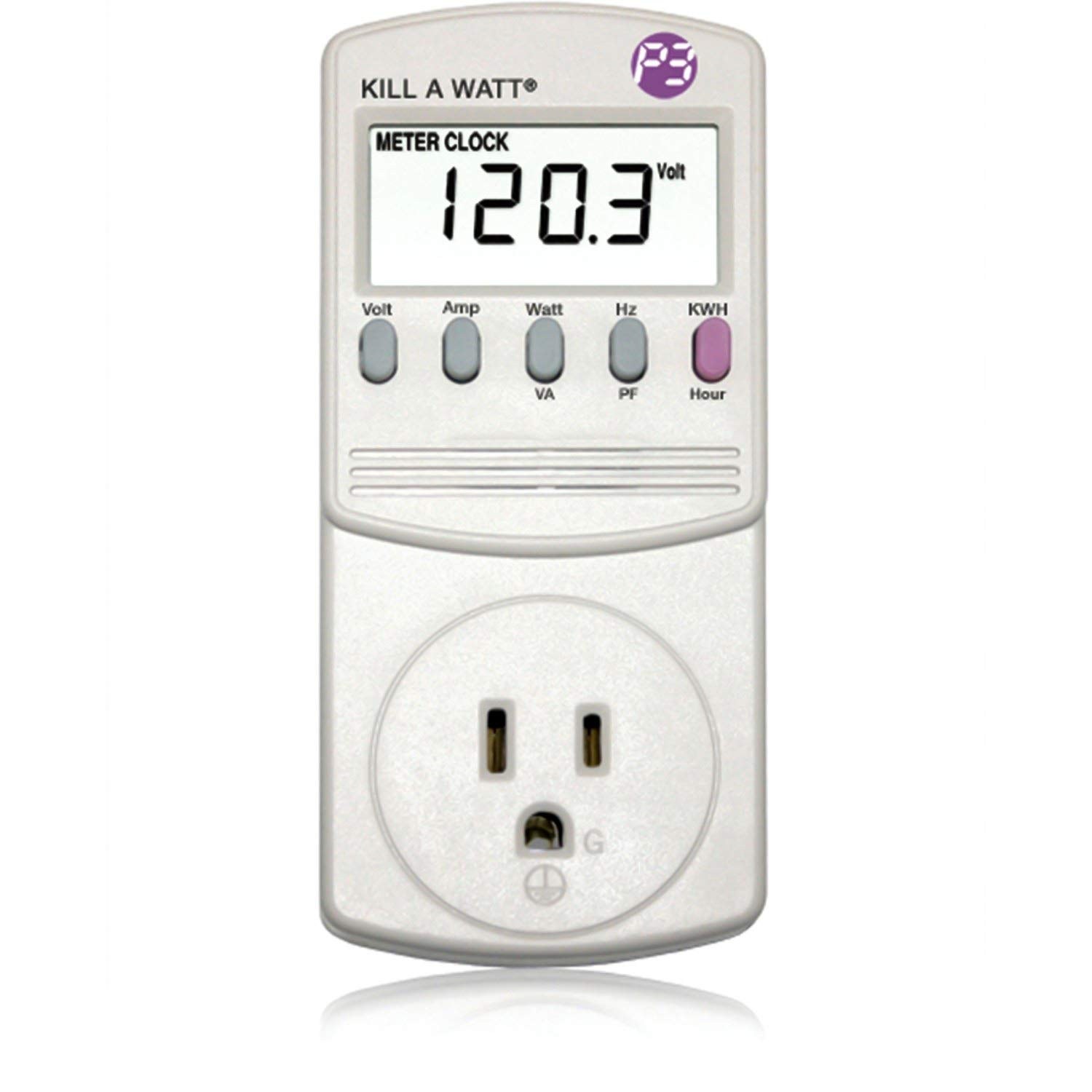
If you want more precision, a Kill A Watt meter (about 25 dollars) plugs into any outlet and measures exact wattage down to 0.1 watts. It’s more accurate than smart plugs for low-draw devices. Use it to find your worst offenders, then put those on smart plugs.
Don’t want to buy anything? Look at your electricity bill’s usage between 2 AM and 5 AM, when you’re asleep and nothing should be running. If your usage is more than 200 to 300 watts during those hours, you have a phantom power problem. Refrigerators, routers, and HVAC fans account for most of that baseline. Everything else is waste.
Automating the Fix
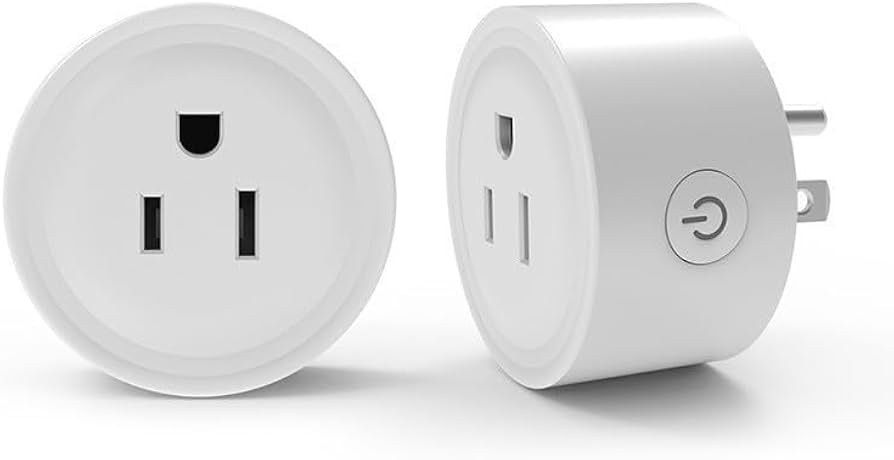
Once you know where your phantom power is coming from, cutting it should be automatic. You don’t want to be running around unplugging things every night. Smart plugs and routines handle this for you.
Set up two basic routines in your smart home app. When everyone leaves home, kill power to the entertainment center (TV, cable box, game console, soundbar, streaming devices), the home office (monitors, printers, desktop via smart plug), and kitchen small appliances. Switch non-essential smart speakers off. Nudge the thermostat to away mode.
When someone arrives home, bring the living room lights and entertainment center back up, and set the thermostat to home mode.
This one “away mode” / “home mode” automation eliminates phantom power for the 8 to 10 hours per day nobody is home. Combined with your smart thermostat’s away mode, this can save 150 to 300 dollars per year. The smart plugs cost 50 dollars. Payback: 2 to 4 months. If you’re paying 12.5 cents per kWh and cutting 50 watts of standby draw for 10 hours a day, that’s 18 dollars per month. Four months to recover 50 dollars in plug costs, and everything after that is pure savings.
Devices Worth Leaving On
Not everything should be cut from standby. Your router and modem need to stay on — no internet means no smart home. Security cameras can’t record what they can’t see. Your smart thermostat needs power to maintain temperature schedules. The refrigerator speaks for itself, but it’s worth checking with a Kill A Watt meter; if it’s averaging more than 150 watts, it might be time for a replacement. Smoke and CO detectors draw 1 to 2 watts and should always stay on.
Smart speakers are a judgment call. At 2 to 5 watts each, the ones you use daily for voice commands are worth leaving on. But if you have an Echo or Google Nest in a guest bedroom that nobody visits for weeks, put it on a schedule.
The Real Math
A Kasa smart plug costs 12 dollars and eliminates 3 to 15 watts of phantom power from whatever is plugged into it. At the national average electricity rate (12.5 cents per kWh), eliminating 10 watts of phantom power saves about 11 dollars per year per plug. The plug pays for itself in 13 months, then saves money every year after that.
Put 5 plugs on your highest-draw devices and you’re saving 50 to 75 dollars per year for a 60-dollar investment. That’s a 100 percent return in under 18 months. A smart thermostat runs 250 dollars and saves 100 to 200 dollars per year, with a payback period of 12 to 30 months. Smart plugs have a faster payback than any other smart home device. For more on this, see our guide on devices that pay for themselves.
Where I’d Start
Before you buy another smart device to save energy, check if your existing devices are wasting energy in standby. Entertainment centers, home offices, and kitchen appliances are the biggest phantom power hogs. A 60-dollar investment in 5 smart plugs with energy monitoring can save 50 to 75 dollars per year in phantom power. That’s the fastest payback of any smart home investment, and it works without you changing a single habit. Set the automations once, and the savings happen automatically.
My take: The unsexy mistake that eats thermostat savings: your “off” entertainment center drawing 62 watts around the clock, stealing 40% of what the thermostat saves. A $30 smart power strip and a hibernate setting fix it in one evening — measure first with a Kill A Watt so you’re cutting real waste, not guessing.
Related guides
- Best Smart Bulbs for Beginners (2026): Color, White, and Everything In Between
- Home Assistant for Beginners: Take Back Control of Your Smart Home (No Cloud Required)
- 12 Smart Home Mistakes Almost Every Beginner Makes (And How to Fix Them)
- Smart Home Gift Guide: What to Buy for People Who Just Got Their First Smart Device
- Smart Home for Absolute Beginners: Your First 30 Days
🏠 Get Your Free Smart Home Setup Checklist
Join our newsletter and get this free printable plus weekly tips.
Frequently Asked Questions
What is phantom power and what does it cost?
The electricity devices draw while “off” — standby power, vampire draw, idle load. The average US household wastes $100–200 per year on it, and smart homes skew high: an entertainment center alone pulls 30–80 watts in standby ($26–70/year for devices used 3–4 hours a day). The ugly math: a smart thermostat saves $100–200 per year, and phantom power can quietly eat 40% of that back.
Which devices waste the most standby power?
Entertainment centers first (TV 5–15W, cable box 15–45W recording around the clock, consoles in “instant on” up to 25W), then home offices (idle 10–40W; a laser printer in “ready” pulls 8W alone, sleep keeps RAM powered while hibernate uses zero), then kitchens (clocks and displays, 4–8 devices at 1–5W each). Routers and the thermostat are the draws worth keeping on.
How do I stop phantom power waste?
Smart power strips on the entertainment center — the author cut standby from 62 watts to 4 in five minutes of setup (TV stays on standby for quick start; everything else fully powers down), worth $30–60/year. Office peripherals on a plug tied to computer sleep, hibernate instead of sleep after 30 minutes, and kitchen devices cut overnight on a schedule. A $30 Kill A Watt meter finds your specific offenders in an evening.
Liked this guide? Get the next one in your inbox — the smart home starter checklist is free too.
✓ You're in — check your inbox.
No spam. Unsubscribe anytime. We never share your email.