
This article contains affiliate links. We may earn a commission from qualifying purchases.
Some content on this site is AI-assisted and reviewed by our editorial team.
Smart blinds and curtains are the most underrated Smart Home upgrade you can make for summer. Everyone talks about smart thermostats and energy monitoring, but automated window treatments can cut your cooling costs by up to 45 percent according to recent studies, and they do it without you ever touching a button. Here’s how to set up a smart blinds cooling automation that actually works — and which products are worth buying in 2026.
Last updated: June 2026 | By CleverHomeClub
Why Smart Blinds Are a Summer Game-Changer
Here’s the basic physics: sunlight through windows is responsible for roughly 30 percent of unwanted heat gain in a typical home during summer. That’s your air conditioner fighting a losing battle against the sun. Blinds and curtains that close automatically when the sun hits a window can dramatically reduce that heat load, meaning your AC runs less, your energy bill drops, and your house stays comfortable.
The difference between smart blinds and regular blinds is automation. Regular blinds require you to remember to close them — and who thinks about the west-facing living room windows at 2 PM when you’re at work? Smart blinds close themselves based on temperature, sun position, or a schedule. That’s the entire value proposition: set it up once, and it just works.
The Cooling Automation: How It Works
A proper smart blinds cooling setup has three parts:
- Temperature sensors: These tell your system when a room is getting too warm. Your Smart thermostat can do this, or you can add remote sensors in sunny rooms.
- Smart blinds or curtains: The actuators that actually block the sun. These replace or retrofit your existing window treatments.
- Automation hub: This ties it together — when temperature exceeds a threshold, close the blinds on that side of the house. Most setups use Alexa, Google Home, Home Assistant, or a smart blinds app.
The simplest version: schedule blinds to close at peak sun hours (11 AM to 4 PM for south and west-facing windows). The smart version: use temperature sensors so blinds close based on actual heat, not just the clock. Both work — the scheduled version is free to implement if you already have smart blinds.
Smart Blinds Worth Buying in 2026
1. SwitchBot Curtain 3 (Budget Pick)
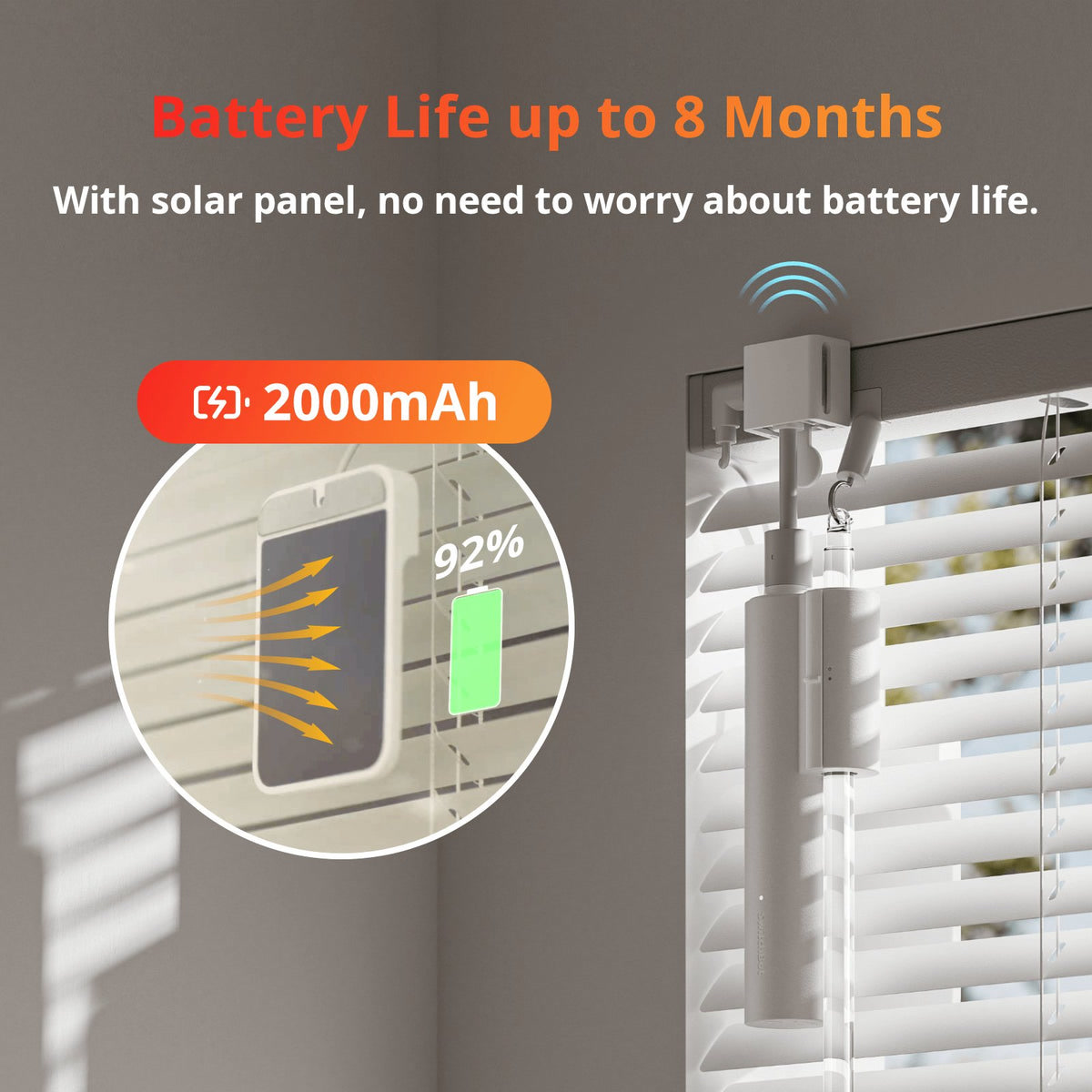
SwitchBot makes a retrofit motor that attaches to your existing curtain rod and opens and closes them via app, voice, or automation. You don’t need to replace your curtains — just clip the motor on and calibrate. It’s the cheapest way to automate existing curtains.
- Works with: Alexa, Google Home, Apple Home (via Matter hub), SwitchBot Hub
- Battery life: Up to 8 months on a single charge
- Install: Clip-on, no drilling required (great for renters)
SwitchBot Curtain 3 — best for existing curtains you want to automate without replacing.
2. IKEA FYRTUR and PRAKTLYST (Value Pick)
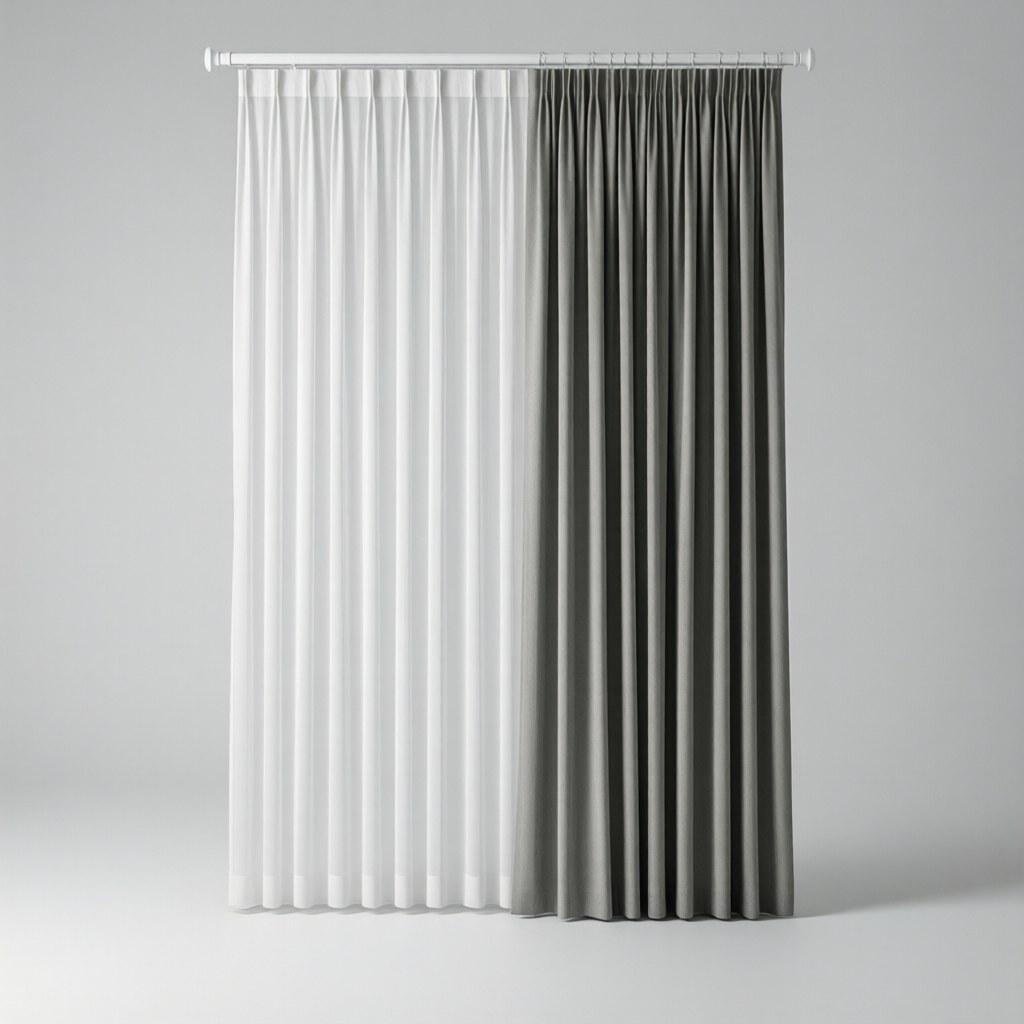
IKEA’s smart blinds are the value champion. The FYRTUR blackout blinds and the newer PRAKTLYST light-filtering blinds both come with built-in motors and connect via the IKEA Dirigera hub. They’re not the most feature-rich, but they’re hard to beat on price — often half the cost of competing motorized blinds.
- Works with: IKEA Dirigera hub, Alexa, Google Home, Apple Home (via Matter)
- Battery life: Rechargeable, several months between charges
- Install: Standard bracket mount, available in multiple widths
IKEA FYRTUR Smart Blinds — best if you want new blinds at the lowest price.
3. Lutron Serena Smart Shades (Premium Pick)
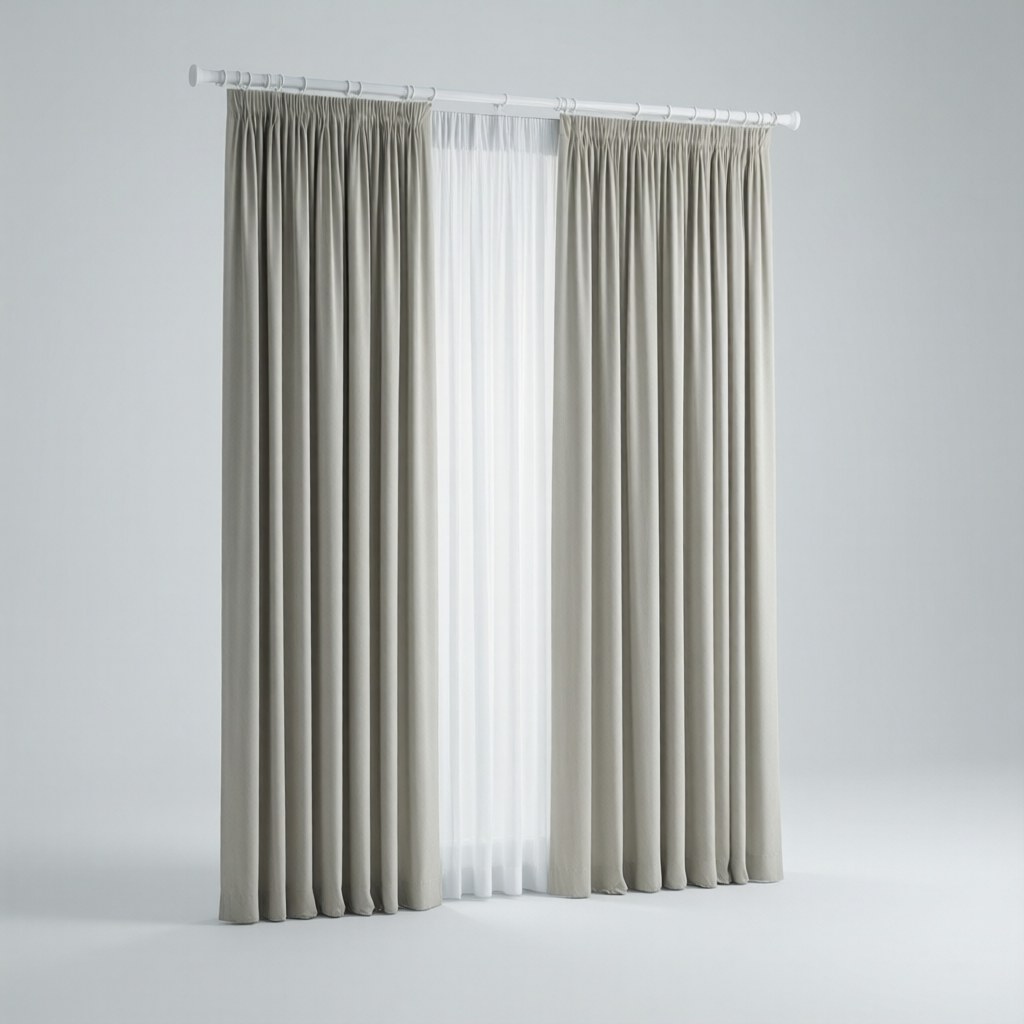
Lutron’s Serena shades are the gold standard for smart blinds. They’re custom-made to your window dimensions, available in dozens of fabrics and opacity levels, integrate natively with Alexa, Apple Home, and Google Home, and the Lutron Caseta bridge is one of the most reliable smart home hubs on the market. They’re expensive — but they’re the only option that gives you custom sizing, premium fabrics, and rock-solid automation in one package.
- Works with: Alexa, Google Home, Apple Home, Lutron Caseta, Home Assistant
- Battery life: Up to 5 years on replaceable batteries
- Custom sizing: Made to order in 1/16 inch increments
Lutron Serena shades are sold direct through Lutron’s website and select dealers — not available on Amazon. For a premium motorized shade alternative on Amazon, the Canisteo Motorized Roller Shade offers similar motorized functionality at a lower price point, though without the custom sizing and fabric options.
4. Aqara Roller Shade Driver E1 (Retrofit for Roller Blinds)
If you already have roller blinds with a chain mechanism, the Aqara E1 driver clips on and motorizes them. It’s similar to the SwitchBot Curtain but designed specifically for chain-operated roller blinds rather than curtains. Aqara’s ecosystem is Matter-compatible, so it works with all three major voice assistants.
- Works with: Alexa, Google Home, Apple Home (Matter), Aqara Hub
- Battery life: Up to 9 months on USB-C charge
- Install: Clip-on for chain blinds, no drilling
Aqara Roller Shade Driver E1 — best for chain-operated roller blinds.
Setting Up the Cooling Automation
Option 1: Temperature-Based (Recommended)
Use your smart thermostat or a temperature sensor to trigger blinds. When the room temperature hits 75 degrees, close the blinds on that side of the house. When it drops below 72, open them back up. This is the most efficient approach — blinds only close when they’re actually needed.
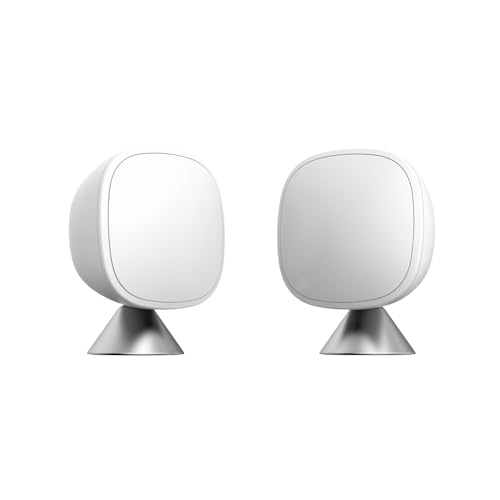
If you have an Ecobee with remote sensors or Nest temperature sensors in sunny rooms, you already have the hardware. Just add an automation rule in your smart thermostat’s app or your home automation hub.
Option 2: Schedule-Based (Simplest)
Set blinds to close at 11 AM and open at 4 PM on south-facing windows, and close at 2 PM and open at 7 PM on west-facing windows. This doesn’t account for cloudy days or temperature variations, but it catches most of the heat gain without needing sensors.
Option 3: Sun-Position-Based (Advanced)
If you use Home Assistant, the Sun integration can calculate the sun’s azimuth and elevation in real time. You can create automations that close each blind when the sun is directly hitting that specific window. This is the most precise approach but requires Home Assistant and some setup. See our Home Assistant beginner guide if you’re new to the platform.
How Much Can You Actually Save?
Studies on automated window treatments show cooling cost reductions of 15 to 45 percent depending on climate, window size, and how much direct sun hits your home. The biggest savings come from:
- West and south-facing windows (these get the most afternoon sun)
- Homes with large windows or glass doors
- Homes in hot climates where AC runs most of the day
- Blackout or room-darkening fabrics (light-filtering lets more heat through)
A realistic expectation for most homes: 20 to 30 percent reduction in cooling costs during summer months. If your summer AC bill is $150/month, that’s $30-$45/month in savings — meaning a $100 SwitchBot Curtain setup pays for itself before fall.
Pairing With Other Smart Home Cooling Strategies
Smart blinds work best as part of a layered cooling strategy. Combine them with:
- Smart thermostat scheduling: Raise the AC setpoint 2-3 degrees when blinds close — the reduced heat gain means you won’t notice the difference. Our smart thermostat ROI guide covers this in detail.
- Smart ceiling fans: Run fans in occupied rooms to make the higher AC setpoint feel cooler. See our ceiling fan automation guide.
- Smart AC controllers: For window units or mini-splits without built-in smart features, a smart AC controller like the Sensibo Sky lets you automate window units the same way.
Bottom Line
Smart blinds are the cooling hack most people overlook because thermostats get all the attention. But blocking the sun before it heats your house is more effective than cooling it down after the fact. Whether you go with budget retrofit motors like the SwitchBot Curtain 3 or invest in custom Lutron Serena shades, the automation pays for itself in summer energy savings — and the convenience of never having to think about your blinds again is the real win.
Start with your sunniest, west-facing room. Automate those blinds first. If you notice the difference (you will), expand to the rest of the house. That’s how smart home upgrades should work — one window at a time.
🏠 Get Your Free Smart Home Setup Checklist
Join our newsletter and get this free printable plus weekly tips.
Price Check
Prices verified via our product tracker. Updated Sep 27.
| SwitchBot 2025 Automatic Curtain Opener 3 Rod-Bluetooth Co | $229.97 | 4.4★ (173) |
| Amazon.com: Motorized Blinds Roller Shade with Remote: Can | $99.99 | 4.6★ |
| Amazon.com: Aqara Smart Curtain Motor E1 Track Version, 1 | $89.99 | 4.0★ (203) |
| Google Nest Temperature Sensor- That Works with Nest Learn | $39.00 | 4.6★ (16,634) |
| Sensibo Sky, Smart Wireless Air Conditioner Controller. Qu | $99.00 | 4.2★ (6,032) |
As an Amazon Associate we earn from qualifying purchases.