
This article contains affiliate links. We may earn a commission from qualifying purchases.
Some content on this site is AI-assisted and reviewed by our editorial team.
Ring and Wyze are the two names that come up first when you search for affordable home security cameras. One is backed by Amazon with a massive ecosystem. The other is the budget king that keeps surprising people with what you can get for $30.
But cheap doesn’t always mean better, and ecosystem doesn’t always mean worth paying for. This is a straightforward, no-BS comparison of Ring vs Wyze cameras in 2026: prices, features, subscriptions, privacy, and which one you should buy.
The Quick Answer
Buy Ring if: You want a complete security ecosystem (cameras, doorbells, alarm system, professional monitoring), you’re already in the Alexa/Amazon world, and you don’t mind paying a subscription.
Buy Wyze if: You want the most camera for your money, you don’t want to pay a monthly fee for basic features, and you’re okay with a less polished app experience.
Don’t buy either if: You need HomeKit integration, you care deeply about data privacy, or you want cameras that work fully without a subscription. In those cases, look at Arlo (ecosystem) or Eve Cam (HomeKit/Thread).
Camera Lineup Comparison
Indoor Cameras
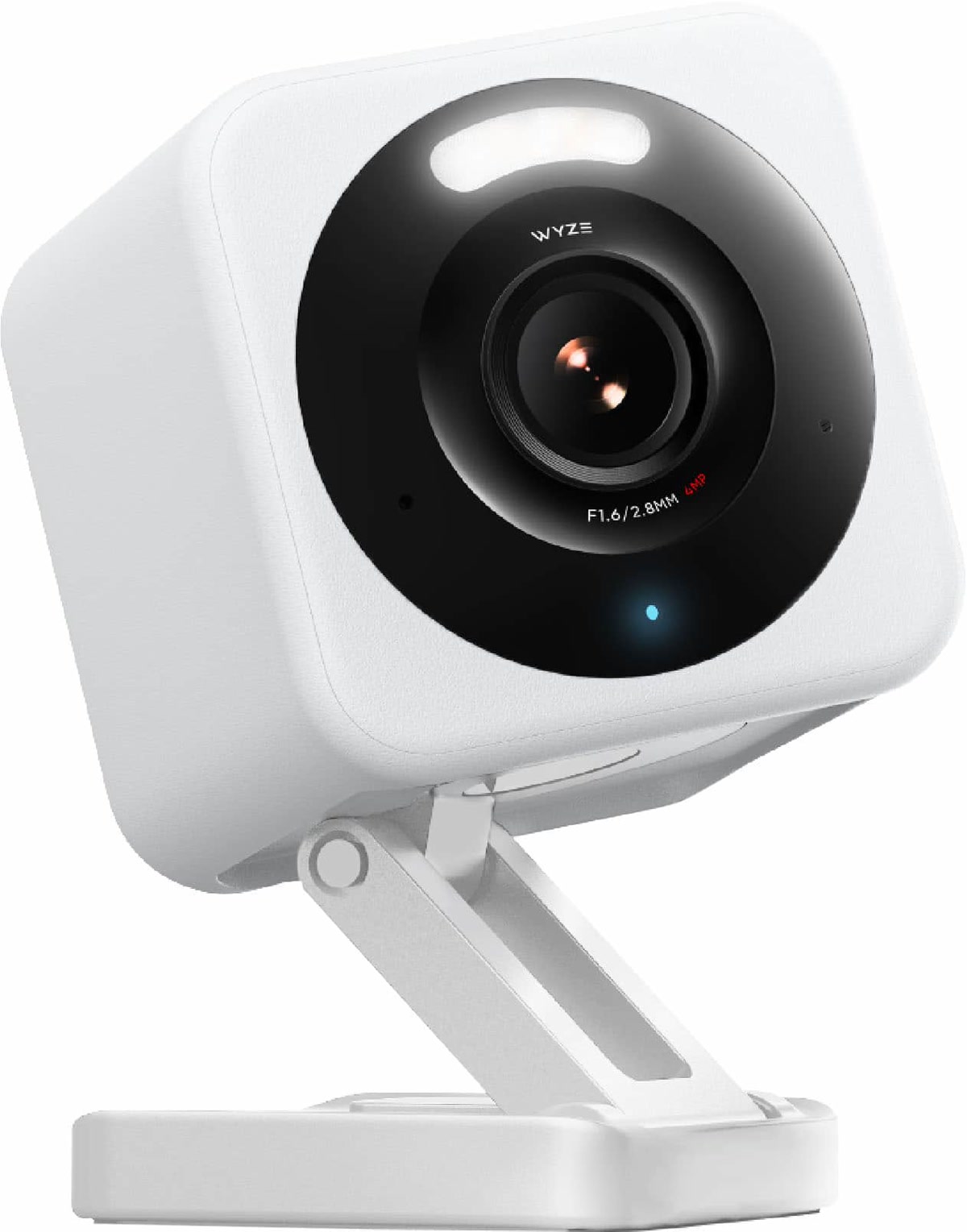
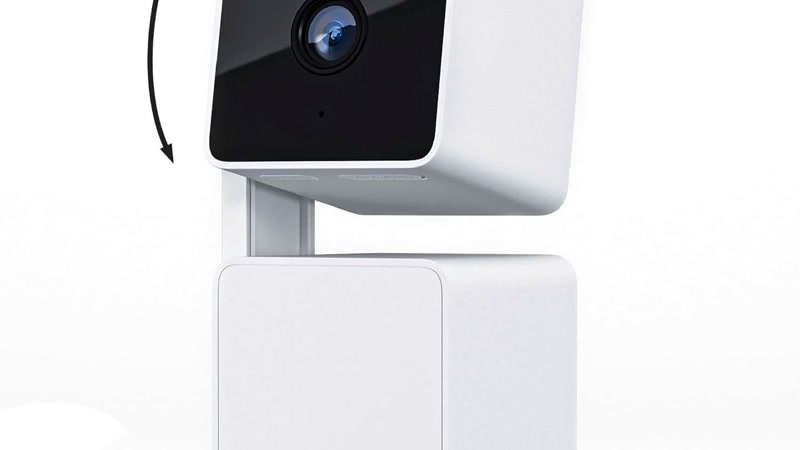
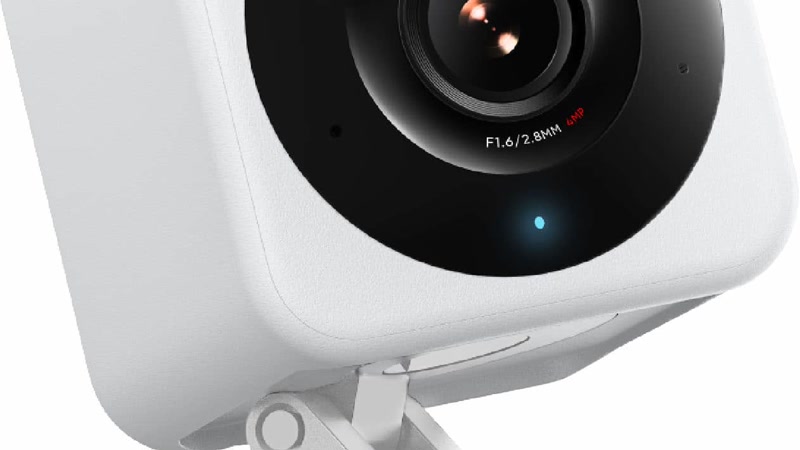
Wyze Cam v4 runs $30 (often $20 on sale) and packs a surprising amount of features for that price:
- 2.5K QHD resolution (2560×1440)
- Color night vision with built-in spotlight
- Motion-activated spotlight and siren
- Two-way audio
- Free 12-second event cloud clips (no subscription)
- Local storage via microSD card
- Indoor/outdoor (IP65 rated)
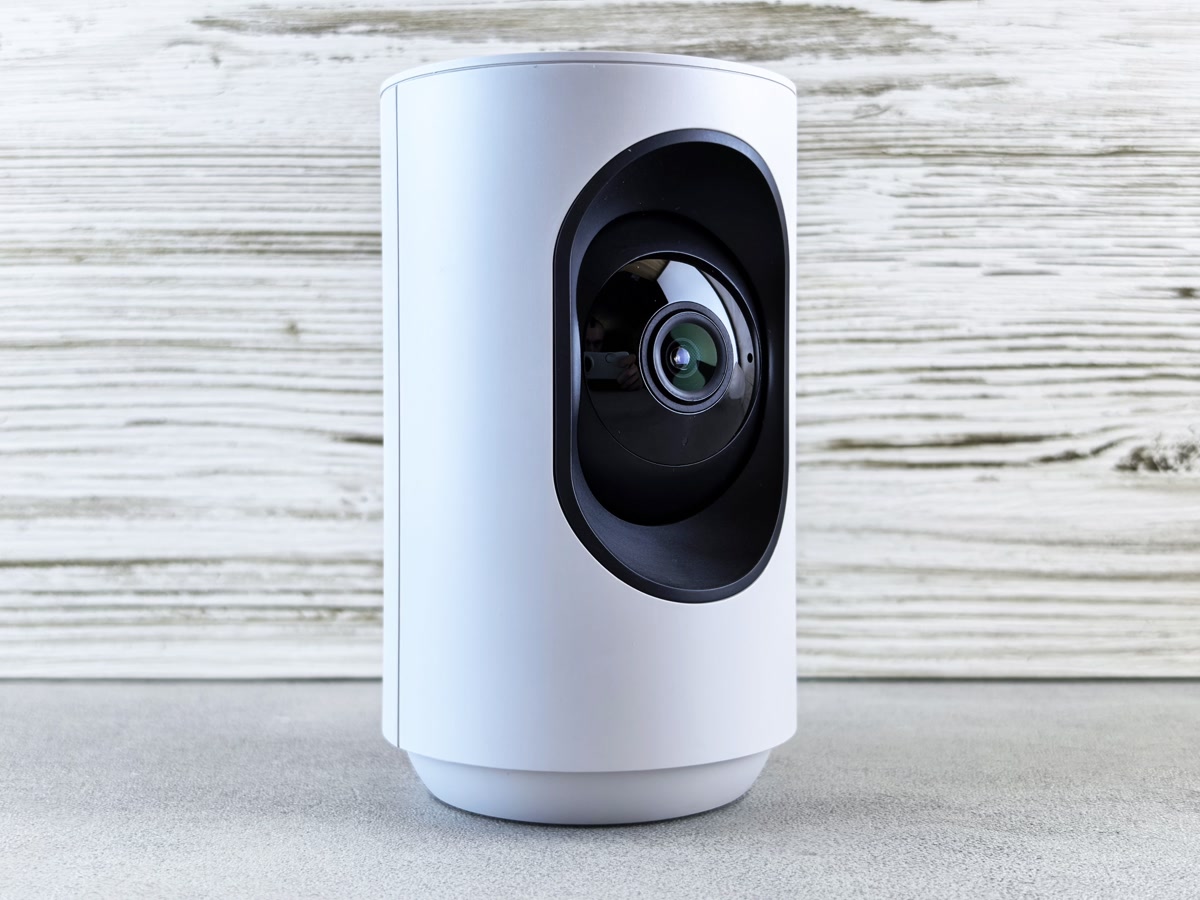
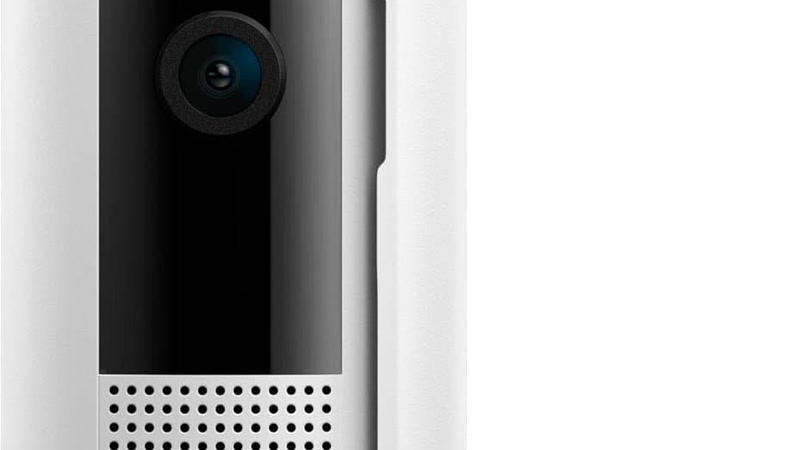
Ring Indoor Cam (2nd Gen) is $50 and gives you:
- 1080p HD resolution
- 140° wide-angle lens
- Color night vision
- Two-way audio with noise cancellation
- Manual privacy cover
- Requires Ring Protect for cloud recording (no free clips)
- Indoor only (not weatherproof)
Shop Ring Indoor Cam on Amazon
Wyze wins on price ($30 vs $50), resolution (2.5K vs 1080p), and free cloud clips. Ring wins on app polish and ecosystem integration. If you just need an indoor cam on a budget, Wyze is the obvious pick.
Outdoor Cameras
Wyze Cam v4 (yes, it works outdoors too) is $30 with the same specs as above. The v4 is rated IP65, making it outdoor-capable out of the box. No separate outdoor model needed, just plug it in under an eave or in a sheltered spot.
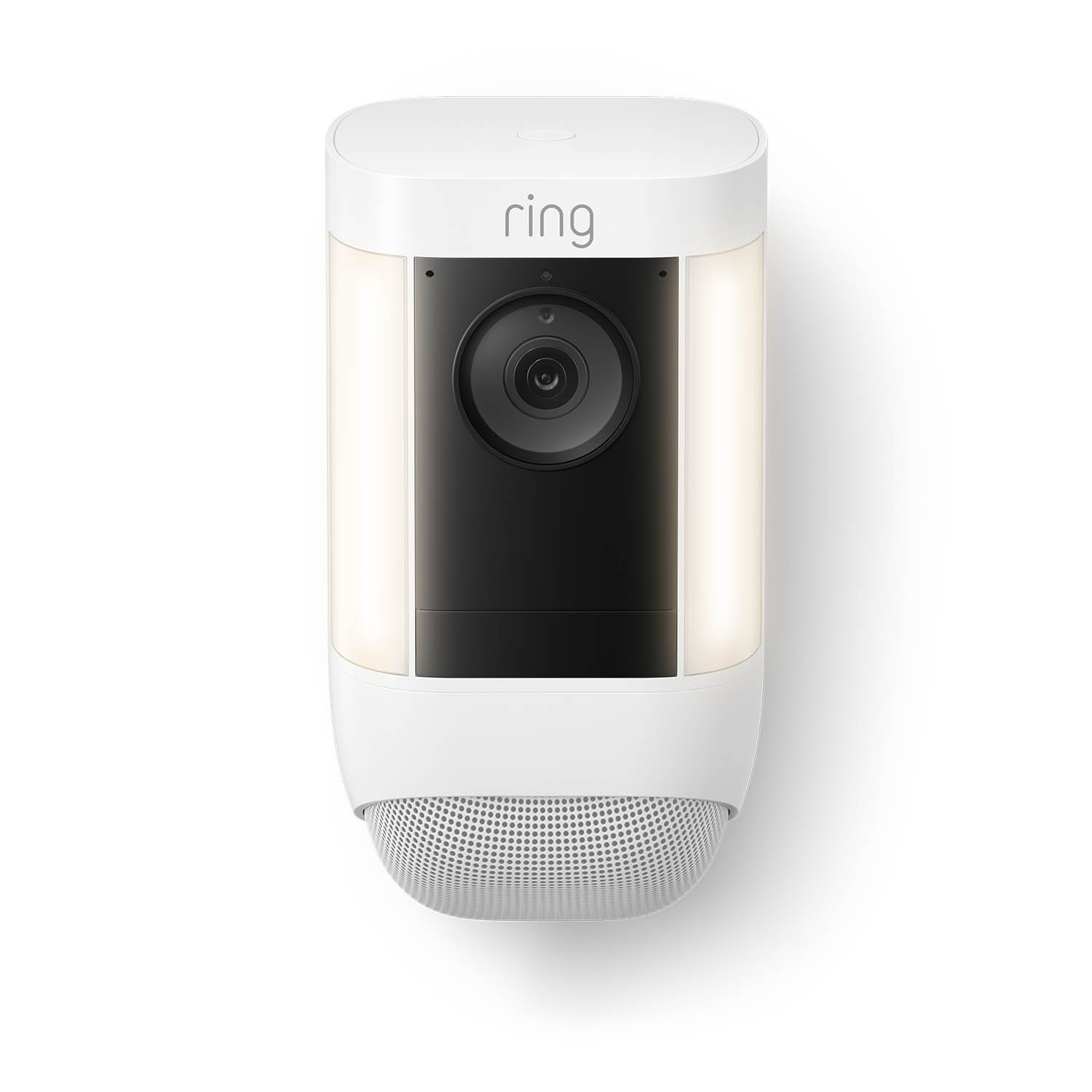
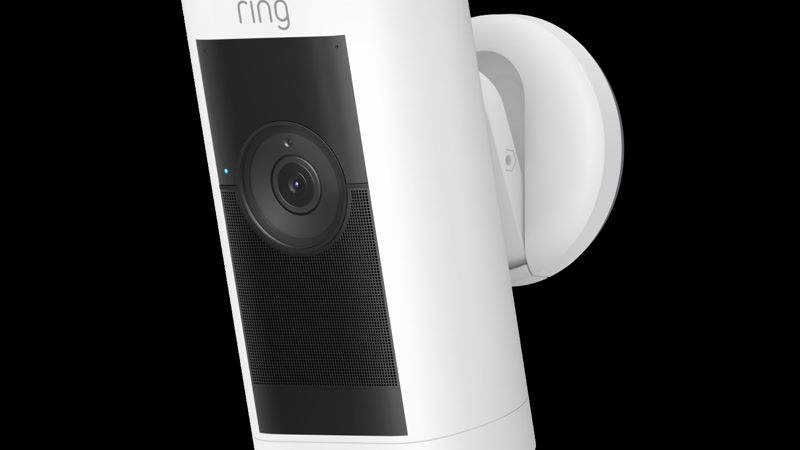
Ring Stick Up Cam Battery is $100 and gives you:
- 1080p HD resolution
- Wire-free battery (or solar, or plug-in, your choice)
- Works indoors and outdoors
- 130° field of view
- Color night vision
- Requires Ring Protect for cloud recording
Shop Ring Stick Up Cam on Amazon
These serve different use cases. Wyze Cam v4 is wired, so you need an outlet nearby, but it costs $30 and works outdoors. Ring Stick Up Cam Battery is truly wireless, so you can mount it anywhere, but it costs $100. If you have outdoor outlets, Wyze saves you $70. If you need wire-free placement, Ring (or Arlo) is your pick.
Video Doorbells
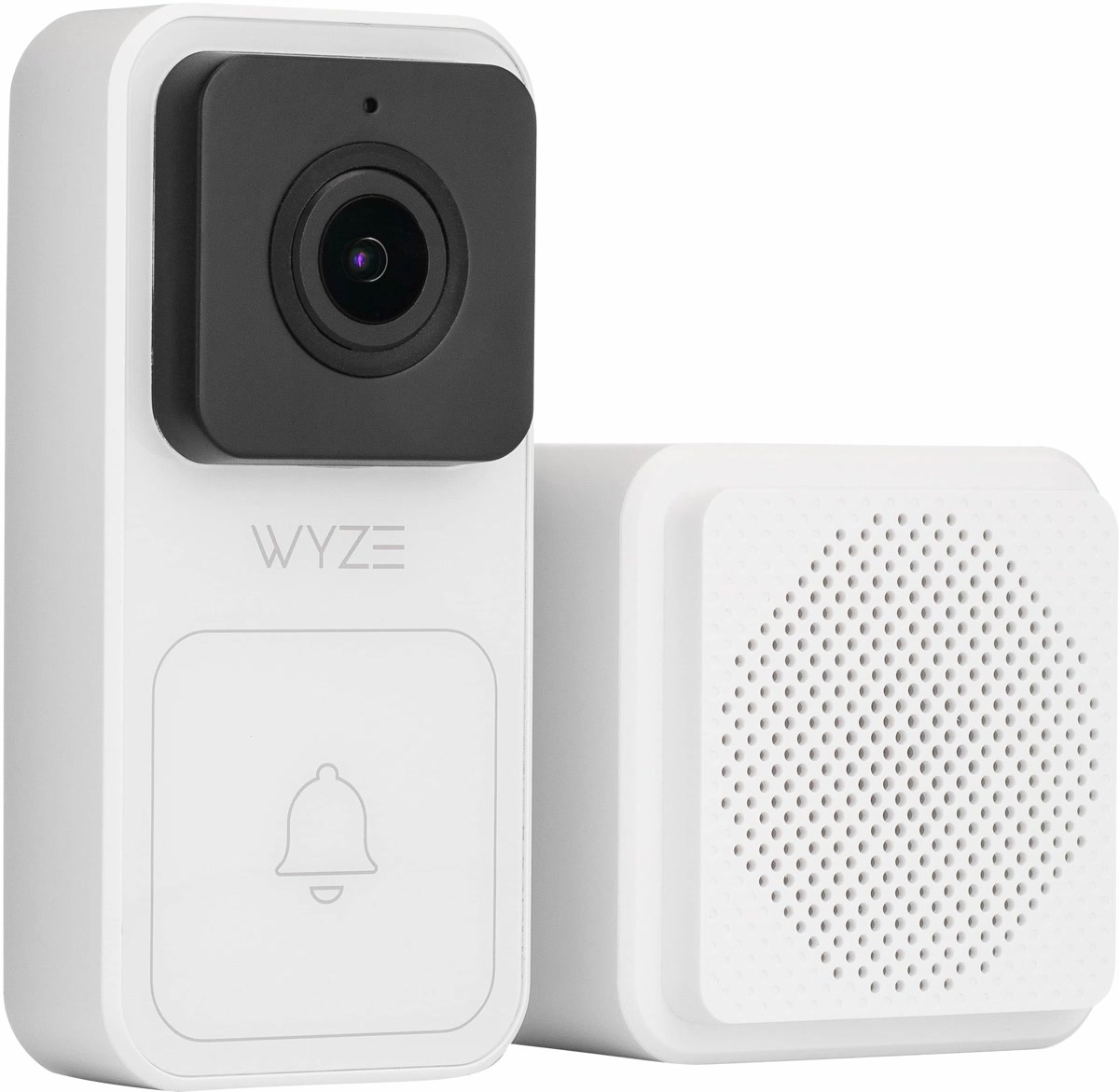
Wyze Battery Video Doorbell is $60 with:
- 2K video resolution
- Battery-powered (wire-free installation)
- Two-way audio with noise cancellation
- Free 12-second event clips (no subscription)
- Requires Wyze Hub for some features
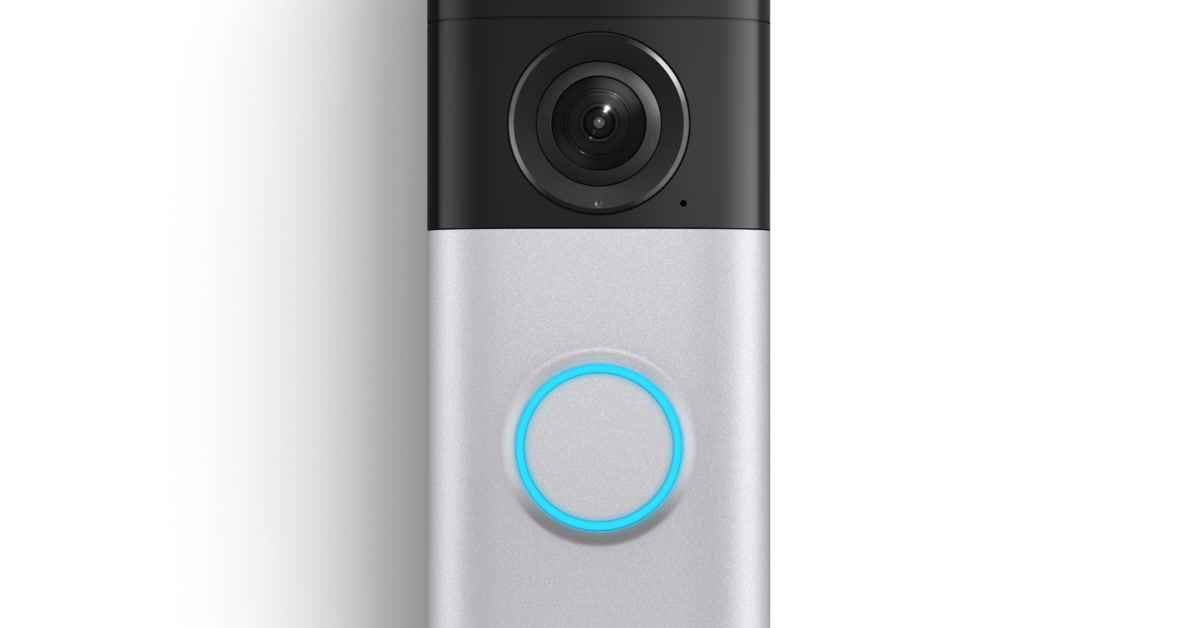
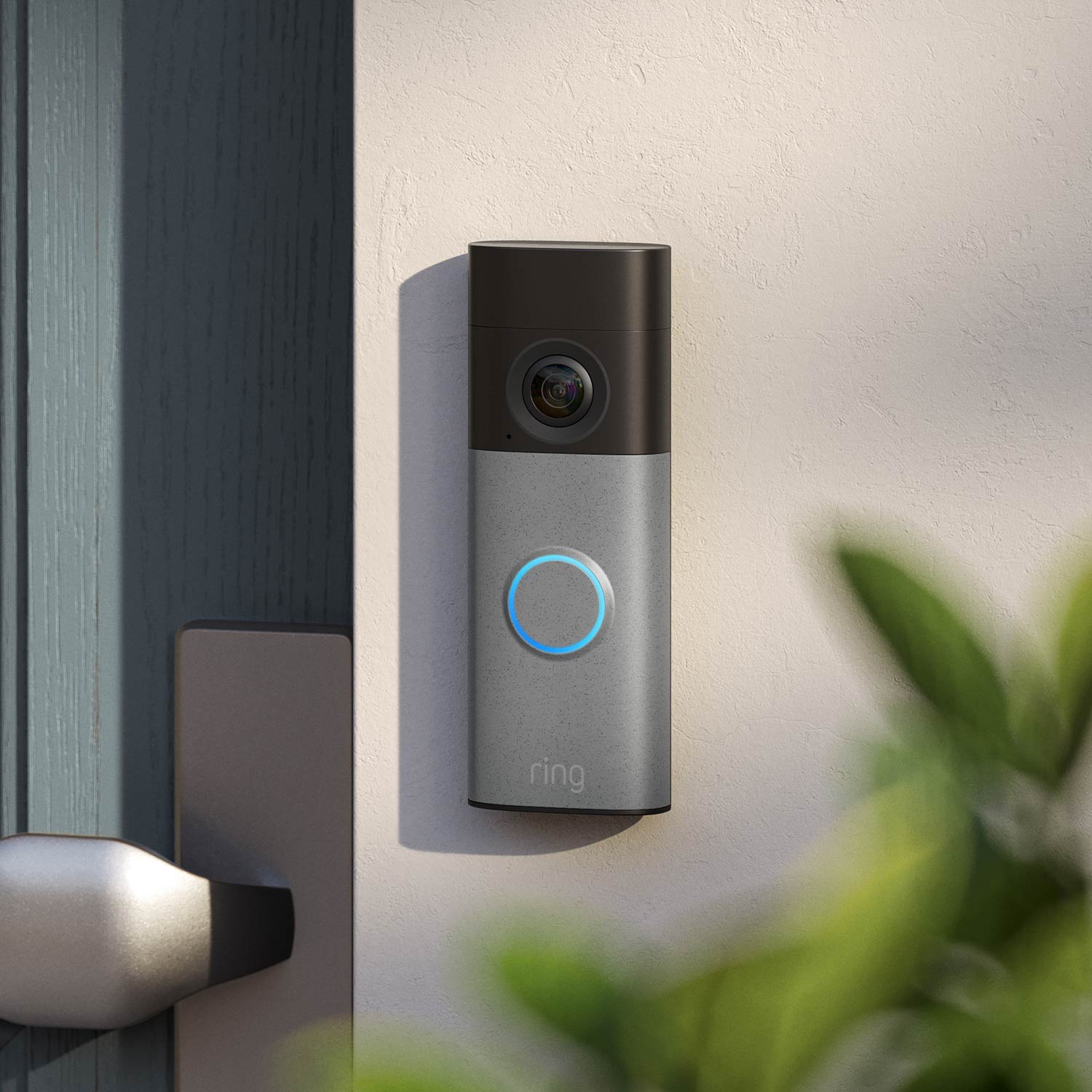
Ring Battery Doorbell is $100 with:
- 1080p HD resolution (1440p on the Plus, 4K on the new Pro)
- Battery-powered or wired
- Pre-roll video (captures footage before the button press with subscription)
- Two-way audio with noise cancellation
- Works with Ring Alarm ecosystem
- Requires Ring Protect for cloud recording
Shop Ring Battery Doorbell on Amazon
Wyze again wins on price and resolution. Ring wins on ecosystem integration, since it fits right in if you have Ring Alarm, Ring Lighting, or Alexa routines set up. Ring’s pre-roll feature (with subscription) is genuinely useful: you see what happened before someone rang the bell.
The Subscription Question: Where the Real Cost Hides
This is where the comparison gets important. Camera hardware is one cost. Ongoing subscriptions are where both companies really make their money.
Ring Protect Plans (2026)
Protect Basic costs $3/device/month (or $30/year): 60-day cloud video recording, video sharing, snapshot capture, and rich notifications for one camera.
Protect Plus costs $10/month (or $100/year): Everything in Basic for unlimited devices, plus 24/7 professional monitoring (if you have Ring Alarm), extended warranty, and 10% off Ring.com.
Wyze Cam Subscriptions (2026)
Free tier: 12-second event clips stored for 14 days. No continuous recording. But it works. You get motion-triggered clips without paying anything.
Cam Plus costs $2.99/device/month (or $20/year): Unlimited event recording, person/package/vehicle detection, 14-day cloud storage.
Cam Unlimited costs $9.99/month (or $100/year): All Cam Plus features for unlimited cameras, plus Cam Protect features and home monitoring.
Wyze’s free tier is genuinely usable, unlike Ring’s. You get short clips for free. But Wyze has had privacy controversies (sharing camera feeds with law enforcement without warrants in 2022, a data breach in 2023). If privacy matters to you, see our smart home beginner mistakes guide for why cheap no-name cameras are risky, and why even big names can be.
3-Year Cost Comparison
Let’s do the math for 4 cameras:
Ring (4 cameras + Protect Basic):
- Hardware: 4 × $50 = $200 (Indoor Cam) or 4 × $100 = $400 (Stick Up Cam)
- Subscription: 4 × $3/month × 36 months = $432
- 3-year total: $632 (Indoor) or $832 (Stick Up Cam)
Wyze (4 cameras + free tier):
- Hardware: 4 × $30 = $120 (Wyze Cam v4)
- Subscription: $0
- 3-year total: $120
Wyze (4 cameras + Cam Plus):
- Hardware: 4 × $30 = $120
- Subscription: 4 × $2.99/month × 36 months = $430
- 3-year total: $550
Ring costs 3-5x more than Wyze over 3 years, depending on whether you subscribe. That’s the real comparison.
Privacy: The Elephant in the Room
Both companies have track records worth examining.
Ring’s privacy issues:
- 2019-2020: Multiple reports of Ring employees accessing customer camera feeds without authorization
- Ring has partnerships with hundreds of US police departments and can share footage without a warrant in emergency situations
- Amazon owns Ring, so your camera data is part of the Amazon ecosystem
- Ring has improved: added end-to-end encryption (opt-in), two-factor authentication, and privacy zones
Wyze’s privacy issues:
- 2022: Wyze confirmed sharing camera feeds with law enforcement without warrants through an “emergency” access policy
- 2023: A data breach exposed 2.4 million Wyze user records including email addresses and camera thumbnails
- 2024: Wyze’s database misconfiguration exposed some users’ camera feeds to other users’ accounts temporarily
- Wyze has also improved: added two-factor authentication, improved data handling, and offers local storage via microSD cards
Neither company is a privacy champion. If data privacy is your top priority, neither Ring nor Wyze should be your first choice. Look at cameras with local-only storage and no cloud dependency. But if you’re choosing between these two, Ring has more resources for security (being Amazon-backed), while Wyze offers local storage options that reduce cloud dependency.
Ecosystem: Where Ring Pulls Ahead
If you’re building a complete home security system, Ring’s ecosystem is hard to beat:
- Ring Alarm: Full home security system with professional monitoring ($10/month)
- Ring Video Doorbells: Multiple models at different price points
- Ring Lighting: Path lights, floodlights, and step lights that trigger with motion
- Ring Intercom: Apartment-friendly intercom system
- Alexa integration: “Alexa, show me the front door” works flawlessly on Echo Show devices
- Ring Neighborhoods: Community crime alerts (yes, this has privacy concerns too)
Wyze has been expanding its ecosystem, but it’s not as cohesive:
- Wyze Sense: Contact and motion sensors
- Wyze Lock: Smart lock
- Wyze Thermostat: Smart thermostat
- Wyze Cam Outdoor: Battery-powered outdoor cam
- Alexa and Google integration: Works but isn’t as deeply integrated as Ring
If you want a set-it-and-forget-it security system, Ring is more polished. If you want individual cameras that are cheap and work well, Wyze is the better deal. (For a deeper look at building a complete system, see our renter-friendly smart home guide.)
Feature-by-Feature Breakdown
Video Quality: Wyze wins on resolution (2.5K vs 1080p on most Ring models). Ring’s new 4K doorbell closes the gap, but it’s $250 vs Wyze’s $60 doorbell.
Night Vision: Wyze’s color night vision with built-in spotlight is surprisingly good for $30. Ring’s night vision is solid but standard infrared on most models.
App Experience: Ring wins. The Ring app is polished, responsive, and well-organized. Wyze’s app is functional but cluttered with ads for other Wyze products and can be slow to load camera feeds.
Local Storage: Wyze wins. MicroSD card slot means you can record locally without any subscription. Ring requires cloud storage for recording, with no local option.
Two-Way Audio: Comparable on both. Ring has slightly better noise cancellation, but Wyze is perfectly usable.
Smart Home Integration: Ring wins for Alexa, Wyze wins for Google Home. Neither is great for HomeKit. See our Matter 2.0 guide for cameras that work across ecosystems.
Weather Resistance: Wyze Cam v4 is IP65 (works outdoors with shelter). Ring Stick Up Cam is IP5X (similar). For harsh weather, either works in a sheltered spot, but neither is a replacement for a true outdoor camera like the Arlo Pro 5.
Who Should Buy What
Budget-conscious apartment dweller:
- Wyze Cam v4 (2-3 cameras, no subscription)
- Total cost: $60-90, forever
- Shop Wyze Cam v4 on Amazon
Homeowner building a security system:
- Ring Indoor Cam + Ring Doorbell + Ring Alarm
- With Protect Plus ($10/month for everything including professional monitoring)
- Shop Ring Indoor Cam on Amazon | Shop Ring Doorbell on Amazon
Renter who can’t drill:
- Wyze Cam v4 (indoor) + Ring Battery Doorbell with No-Drill Mount
- Wyze for indoor security, Ring for the front door
- Shop Ring No-Drill Mount on Amazon
Privacy-focused user:
- Neither, honestly. Look at Arlo (local storage option) or build a HomeKit system around Eve Cam. But if you must choose, Wyze with microSD cards and no cloud subscription minimizes data exposure.

Someone who already has Alexa devices everywhere:
- Ring. The “Alexa, show me the front door” integration on Echo Show devices is seamless and worth the premium if you’re already in the Amazon ecosystem.
The Bottom Line
Wyze wins on: price, resolution, free cloud clips, local storage, and value per dollar. If you want cameras that work and don’t want to pay monthly, buy Wyze.
Ring wins on: ecosystem integration, app experience, professional monitoring, and Alexa integration. If you’re building a full security system and don’t mind paying for it, buy Ring.
Both companies have privacy concerns. If that matters to you, neither is a privacy champion. Use strong passwords, enable two-factor authentication, and consider local storage options.
For most people just starting out, grab a Wyze Cam v4 or two, put in a microSD card for local recording, and see if you actually use a security camera before investing in an ecosystem. You can always add Ring later for the front door, as we cover in our renter-friendly smart home guide.
And if you’re still making up your mind, check our smart home beginner mistakes guide. Buying random cameras without a plan is mistake #1.
Have experience with Ring or Wyze cameras? Drop your take in the comments. Real user experiences help everyone make better decisions.
Affiliate disclosure: This post contains affiliate links. If you buy through them, CleverHomeClub may earn a commission at no extra cost to you. We only recommend products we’ve tested or thoroughly researched.
n
🏠 Get Your Free Smart Home Setup Checklist
Join our newsletter and get this free printable plus weekly tips.