This article contains affiliate links. We may earn a commission from qualifying purchases.
Some content on this site is AI-assisted and reviewed by our editorial team.
You want a smart home but don’t know where to start? Start with a smart bulb. They’re the cheapest, easiest way to dip your toe into home automation — no hub required (in most cases), no wiring, no contractor. Screw it in, download the app, and you’re controlling your lights from your phone in five minutes.
But here’s the thing: not all smart bulbs are created equal. Some are brilliant (pun intended). Others will have you cursing at your phone at 11 PM because the “smart” bulb won’t connect to Wi-Fi for the third time.
I’ve tested smart bulbs for three years across two apartments and a house. Here’s what actually works.
What to Look For in a Smart Bulb
Before we get to specific picks, here’s what matters:
- Matter support. This is the universal smart home standard that Apple, Google, Amazon, and Samsung all back. A Matter-compatible bulb works with any ecosystem. In 2026, this should be non-negotiable for new purchases.
- Connectivity. Wi-Fi bulbs connect directly to your router but crowd your network. Zigbee/Thread bulbs need a hub but keep your Wi-Fi clear. For beginners with fewer than 10 devices, Wi-Fi is fine. Beyond that, get a hub.
- Brightness. Measured in lumens. 800 lm = roughly a 60W bulb. Don’t settle for less in main rooms.
- Color vs. White. Color bulbs are fun but cost more. If you just want dimming and scheduling, a tunable white bulb saves money and lasts longer.
- App quality. A great bulb with a terrible app is a bad bulb. Period.
The Picks
Best Overall: Philips Hue White & Color Ambiance
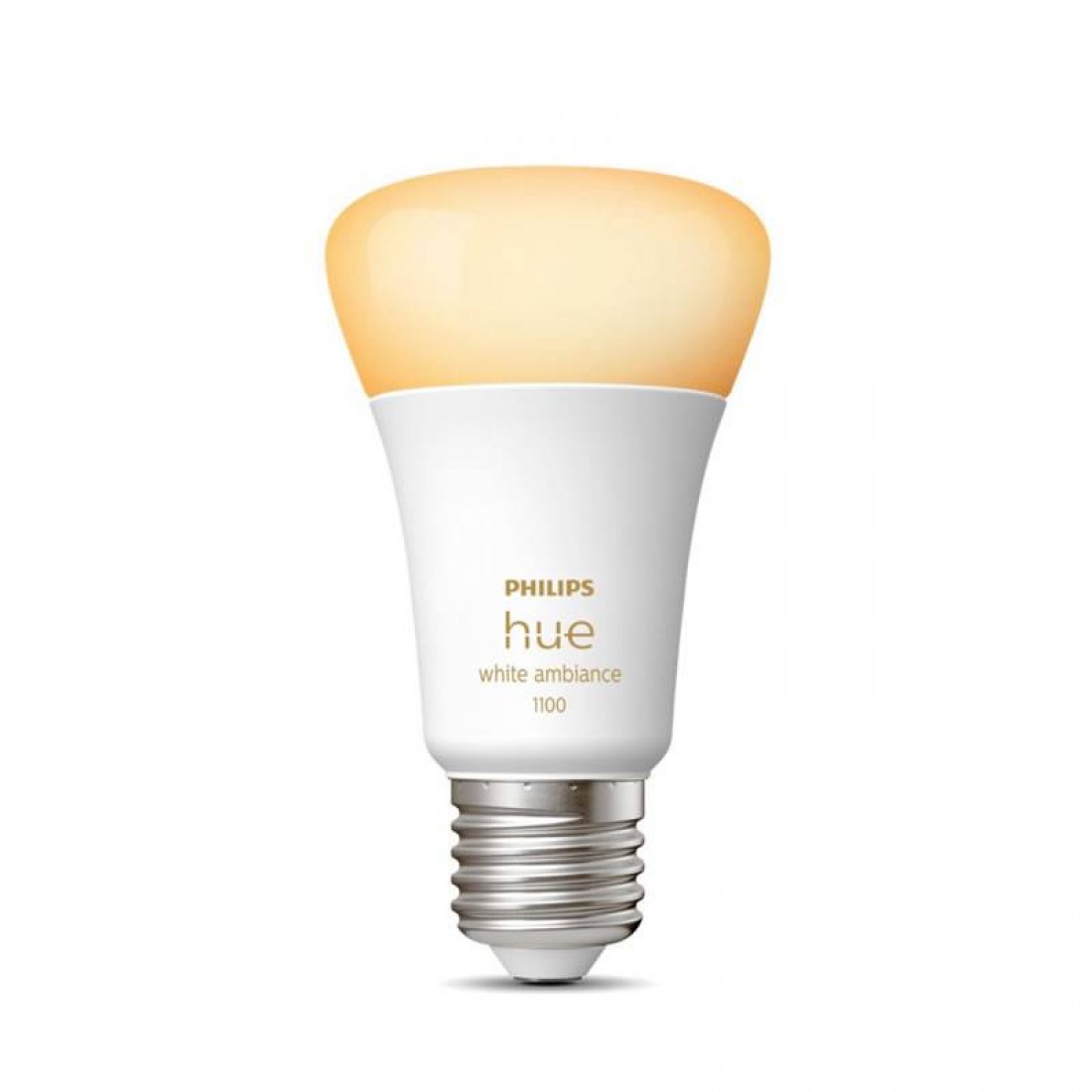
Philips Hue is the gold standard for a reason. The app is polished, the bulbs are reliable, and the ecosystem is massive. Hue uses Zigbee, so you need the Hue Bridge — but that’s actually a strength, not a weakness. Zigbee means your Wi-Fi stays clean even with 50+ bulbs.
Pros: Rock-solid reliability, 16 million colors, best app in the business, works with every platform
Cons: Expensive (the bridge alone is $50), Hue ecosystem is a walled garden
Best for: Anyone building a serious smart home who wants bulbs that just work
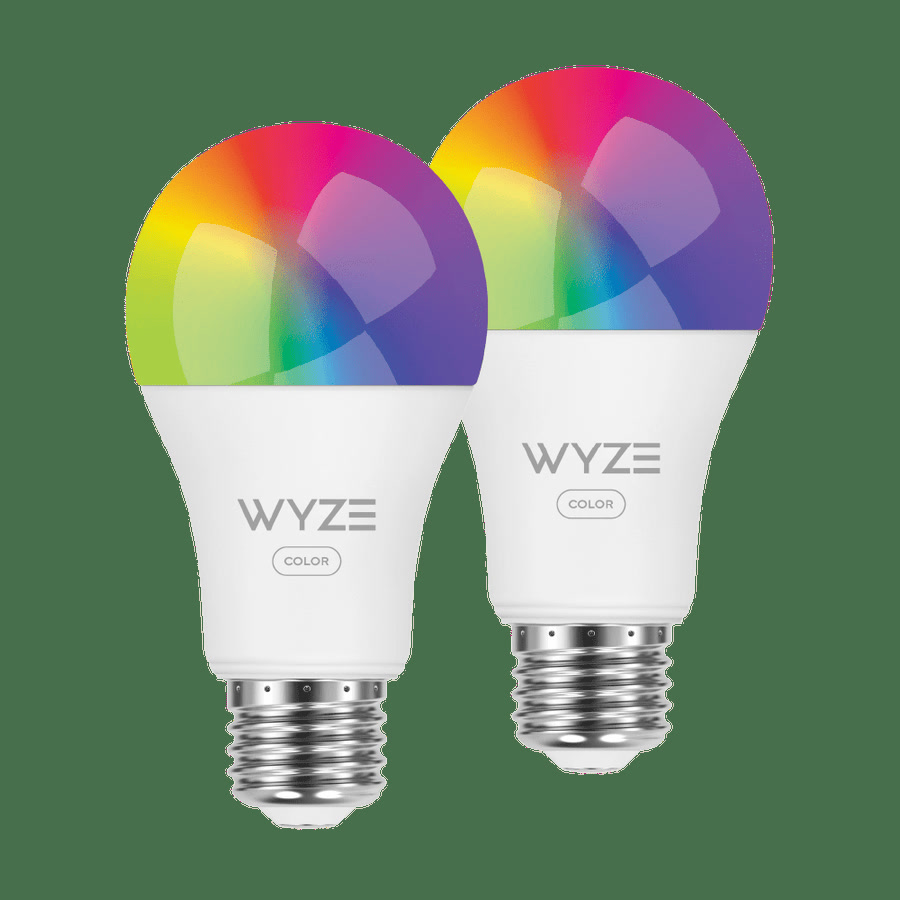
Best Budget Color: Wyze Bulb Color
At under $15 each, the Wyze Bulb Color is the best value in smart lighting. Wi-Fi connectivity means no hub needed. The app isn’t as polished as Hue’s, but it’s functional and gets regular updates.
Pros: Cheap, no hub needed, vibrant colors, Matter support on newer models
Cons: Wyze’s privacy track record isn’t great, can be slow to respond on crowded Wi-Fi
Best for: Budget-conscious beginners who want color on a dime
Best for Simplicity: Sengled Smart LED with Matter
Sengled’s Matter bulbs are the “just works” option. Matter support means they pair with any platform in seconds. No hub, no proprietary app needed after setup. And they’re priced right at around $15.
Pros: Matter-native (works with everything), no hub required, affordable, simple setup
Cons: App is bare-bones, no advanced scenes or effects
Best for: Beginners who want zero hassle and don’t care about fancy effects
Best Premium: LIFX Color A19
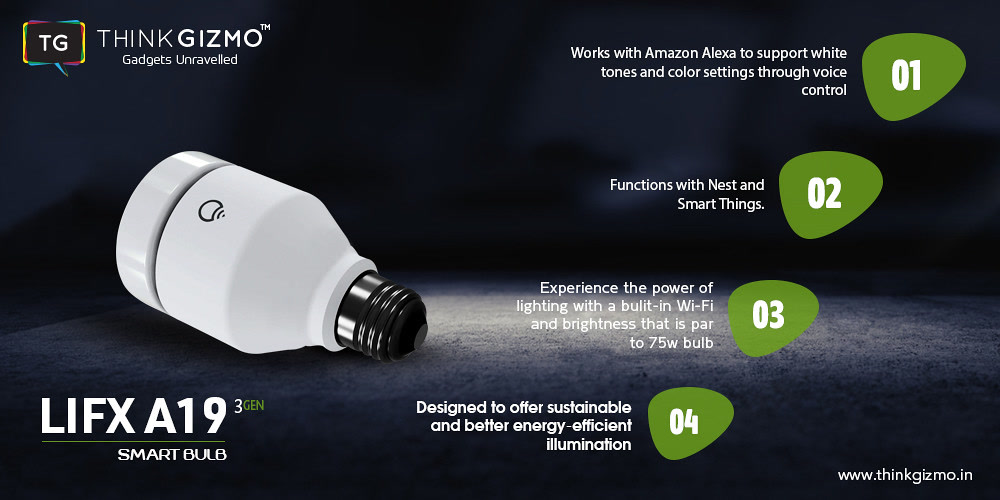
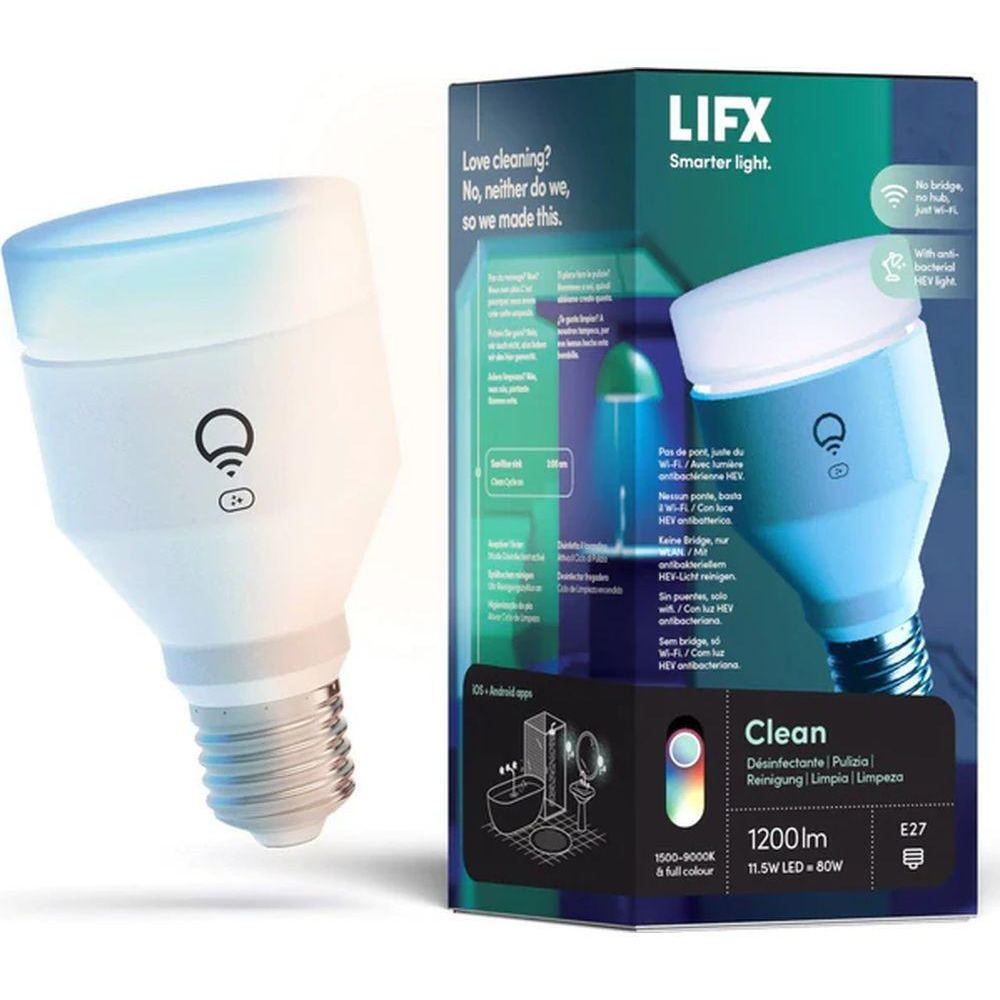
LIFX bulbs are the brightest smart bulbs you can buy. At 1,100 lumens, they’re 40% brighter than Hue. The colors are more vivid, and the app has the best effects engine in the business (candle flicker, music sync, themes).
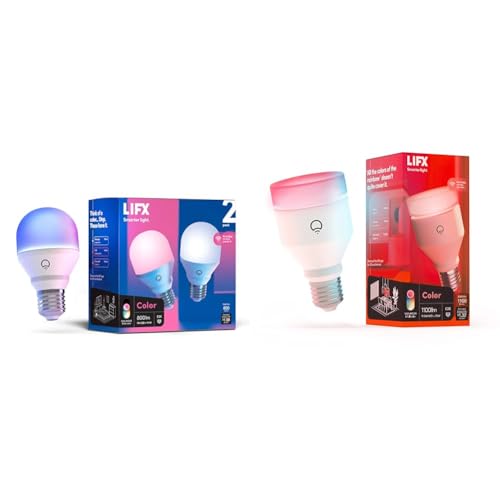
Pros: Brightest in class, stunning colors, excellent app, Wi-Fi (no hub needed)
Cons: Expensive ($50+ per bulb), run hot, power-hungry
Best for: People who want the absolute best and don’t mind paying for it
Best for Outdoor: Philips Hue Outdoor Floodlight
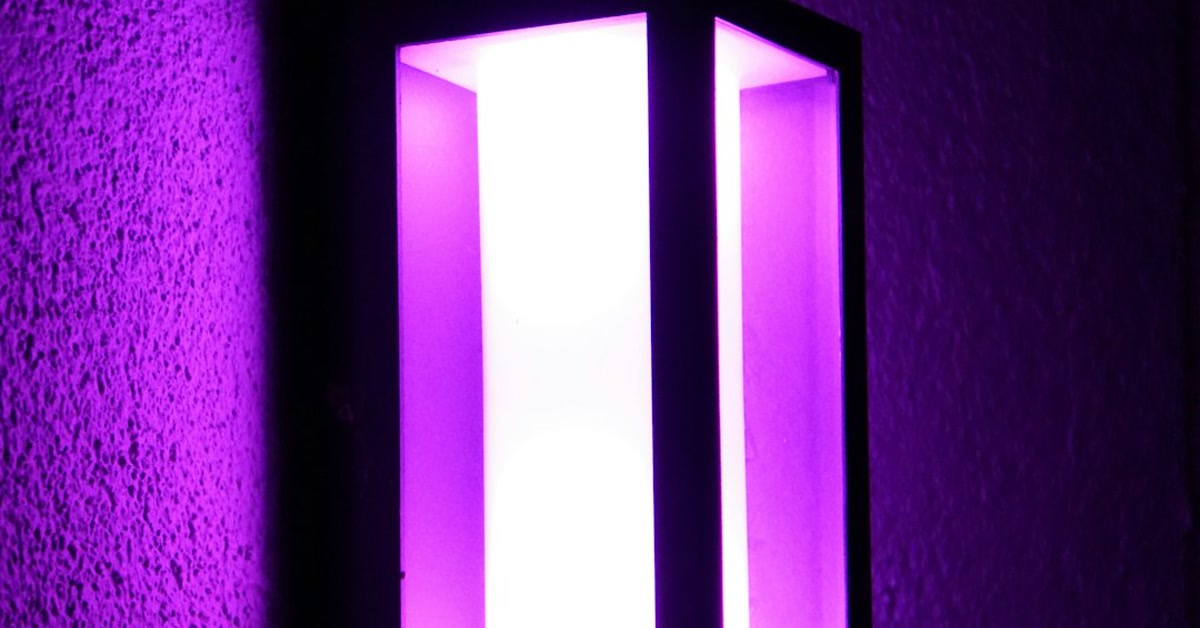
Yes, smart bulbs work outside too. The Hue Outdoor Floodlight is weatherproof, insanely bright (2,200 lumens), and integrates perfectly with your Hue setup. Set it to motion-activated and never fumble for keys in the dark again.
Pros: Weatherproof IP65, extremely bright, motion sensor compatible, full color
Cons: Requires Hue Bridge, expensive
Best for: Outdoor security and ambiance
The Smart Bulb Mistakes Almost Everyone Makes
- Buying all color bulbs. You don’t need color in every lamp. Get color for 1-2 accent lamps and tunable white for the rest. You’ll save $100+ and the white bulbs are actually more practical.
- Skipping the hub too long. Wi-Fi bulbs are fine for 5-6 devices. Once you’re past 10 smart devices, get a hub (SmartThings, Hue Bridge, or HomePod Mini) and switch to Zigbee/Thread.
- Forgetting the physical switch problem. If someone flips the wall switch off, your smart bulb is dead. Solution: use smart switches for ceiling fixtures, smart bulbs for lamps. Or just tape over the switch and label it “smart bulb — do not turn off.”
- Not setting up automations. If you’re just starting out, pair your bulbs with smart plugs for a complete beginner setup. If you’re still using your phone to turn lights on and off, you’re doing it wrong. Set up routines: lights on at sunset, dim at 10 PM, off at bedtime. (See our Alexa routines guide for step-by-step instructions.)
- Mixing ecosystems. Don’t buy Hue bulbs, then Wyze, then Sengled. Pick one brand and stick with it. Or better yet, only buy Matter-compatible bulbs so you can mix brands without headaches.
Smart Bulb Comparison Chart
- Philips Hue Color — Price: $45 | Lumens: 800 | Hub?: Yes (Bridge) | Matter: Yes | Best For: Overall best
- Wyze Bulb Color — Price: $13 | Lumens: 800 | Hub?: No | Matter: Yes (2026) | Best For: Budget color
- Sengled Matter — Price: $15 | Lumens: 750 | Hub?: No | Matter: Yes | Best For: Simplicity
- LIFX Color A19 — Price: $50 | Lumens: 1,100 | Hub?: No | Matter: Yes | Best For: Premium brightness
- Hue Outdoor Flood — Price: $130 | Lumens: 2,200 | Hub?: Yes (Bridge) | Matter: Yes | Best For: Outdoor security
How Many Smart Bulbs Do You Actually Need?
Here’s my recommendation for a beginner setup:
Phase 1 (Week 1): 2-3 bulbs in your most-used rooms. Living room lamp, bedroom nightstand, kitchen overhead. Total cost: ~$40-60. See our smart home setup under $100 guide for a complete starter kit at this price point.
Phase 2 (Month 1): Add 2-3 more where you notice yourself wanting automation. Porch light, bathroom, hallway. Total: ~$80-120 cumulative.
Phase 3 (Month 3+): Only add more if you’re genuinely using the automations, not just because they’re cool. The biggest waste in smart homes is buying devices you never automate.
The Bottom Line
Start with the Sengled Matter bulb if you want the easiest entry point. Go Hue if you’re committed and want the best ecosystem. Buy Wyze if budget is king. And skip the fancy stuff until you’ve automated the basics.
Smart bulbs should make your life simpler, not more complicated. If you’re spending more time troubleshooting your lights than enjoying them, you bought the wrong ones.
Already have smart bulbs but running into issues? Check our smart home mistakes guide — the physical switch problem is mistake #7 in our complete smart home mistakes guide and it catches almost everyone.
Affiliate disclosure: This post contains affiliate links. If you buy through them, CleverHomeClub may earn a commission at no extra cost to you. We only recommend products we’ve tested or thoroughly researched.
My take: Hue if you’re building a whole-home lighting system on Zigbee, Wyze Bulb Color if you just want color for under $15, and Sengled’s Matter bulbs if you want the zero-hassle middle path. Whichever you pick, don’t settle below 800 lumens in main rooms — and remember a great bulb with a terrible app is a bad bulb.
Related guides
- Home Assistant for Beginners: Take Back Control of Your Smart Home (No Cloud Required)
- Smart Home Setup Under 100 Dollars: A Realistic Starter Kit That Works
- Smart Home Networking for Beginners: Mesh WiFi vs Routers Explained Simply
- Most People Buy Smart Devices and Never Automate Anything
- Smart Home Networking Mistakes That Slow Everything Down
🏠 Get Your Free Smart Home Setup Checklist
Join our newsletter and get this free printable plus weekly tips.
Frequently Asked Questions
Do smart bulbs need a hub to work?
Not always. Wi-Fi bulbs like Wyze and LIFX connect directly to your router with no hub needed. Zigbee bulbs like Philips Hue require a hub (the Hue Bridge). For beginners with fewer than 10 devices, Wi-Fi is fine. Beyond 10 devices, get a hub to keep your Wi-Fi network from getting crowded.
Which smart bulb is best on a budget?
The Wyze Bulb Color at under $15 is the best budget pick. It offers 16 million colors, Wi-Fi connectivity (no hub), and Matter support on newer models. The Sengled Matter bulb at $15 is another great option if you want the simplest setup possible.
Can smart bulbs save money on electricity?
Smart bulbs are LED, so they use 80-90% less energy than incandescent bulbs regardless of smart features. The smart features save money through scheduling — lights off automatically when you forget. But the real savings come from dimming, which reduces wattage proportionally.
What is the biggest mistake people make with smart bulbs?
Buying all color bulbs when you only need color in 1-2 accent lamps. Get tunable white for most rooms at half the price, and reserve color bulbs for spaces where you actually want ambiance. The second mistake is forgetting the physical switch problem — if someone flips the wall switch, your smart bulb goes dead.
Liked this guide? Get the next one in your inbox — the smart home starter checklist is free too.
✓ You're in — check your inbox.
No spam. Unsubscribe anytime. We never share your email.
Price Check
Prices verified via our product tracker. Updated Sep 27.
As an Amazon Associate we earn from qualifying purchases.