This article contains affiliate links. We may earn a commission from qualifying purchases.
Some content on this site is AI-assisted and reviewed by our editorial team.
If you bought TP-Link Kasa smart plugs anytime before 2026, you are probably wondering whether to keep using the Kasa app, migrate to Tapo, or just buy new hardware. TP-Link confirmed the Tapo app now controls both Kasa and Tapo device lines, which sounds simple until you actually try it. Devices vanish during migration. Energy monitoring dashboards reset to zero. Alexa and Google Home skills need to be relinked. And some older Kasa models — the KE100 thermostat, specifically — will never make the jump at all.
So let me break down what the app consolidation actually means for you, which plugs to buy new in 2026, and how to migrate without losing your schedules, automations, and energy history. The short version: new buyers should just buy the Matter-certified line and never think about this question again. Kasa owners should migrate one device first and keep the old app installed until the rollout finishes.
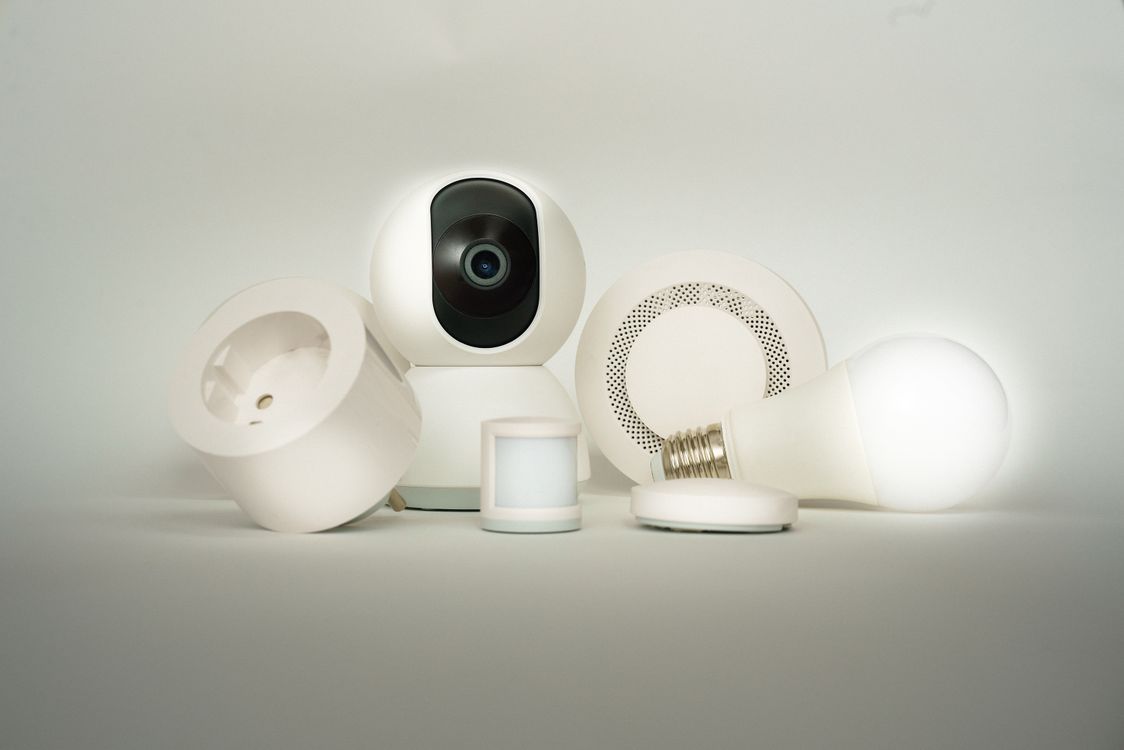
Five smart plugs, the app migration reality, and which one to actually buy in 2026. Here’s the honest breakdown.
Kasa KP125MP2 Matter Smart Plug 2-Pack — The Matter-Era Default
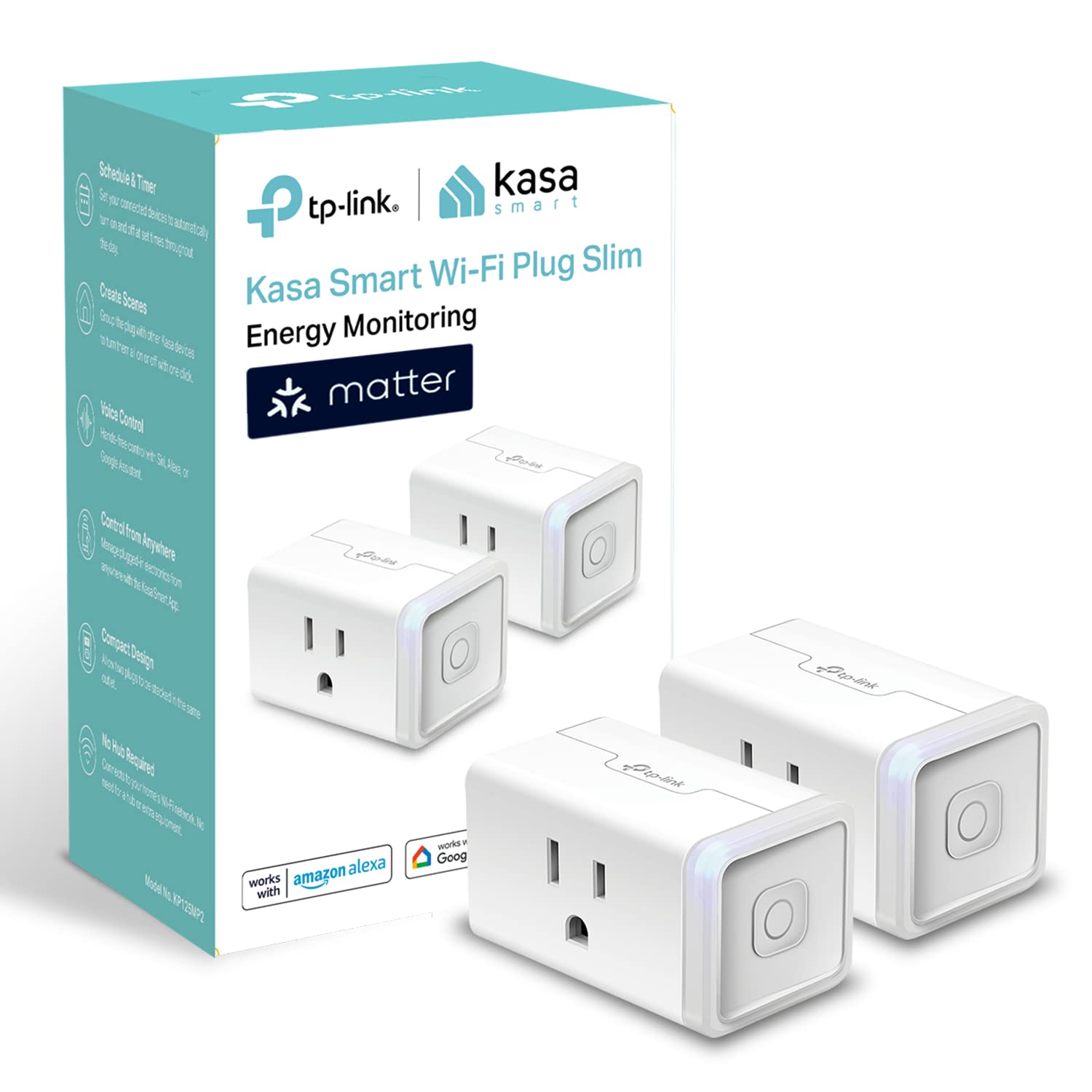
Kasa KP125MP2 Matter Smart Plug 2-Pack runs about $20-40 depending on sales and it is the plug I would buy new in 2026 without thinking about it. Two UL-certified plugs with energy monitoring, Matter support, and — critically — they work identically in both the Kasa and Tapo apps. If you are starting fresh, buy these and the app question is moot. Matter means they also pair directly with Apple Home, Google Home, and Samsung SmartThings without any TP-Link app at all.
The honest gotcha: energy dashboards do not always survive the Kasa-to-Tapo app migration. If you have been tracking energy use in Kasa for months, screenshot your history before you migrate. The plug keeps working, but the historical data may not transfer.
My take: The default buy for new smart-plug shoppers in 2026. Matter support means you never have to care about the Kasa/Tapo question again.
Kasa KP125P2 HomeKit Smart Plug 2-Pack — For Apple Households
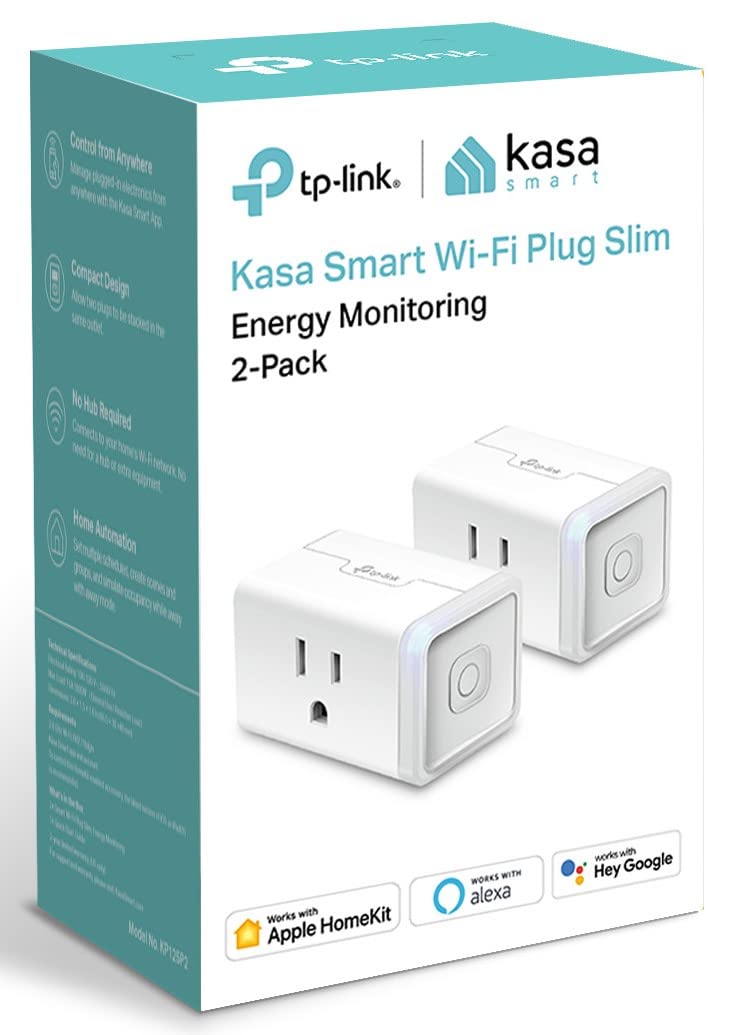
Kasa KP125P2 HomeKit Smart Plug runs about $25-35 and it is the HomeKit-native version of the same metering plug, designed for Siri-first households. If your smart home runs through Apple Home and you want native HomeKit control without a Matter hub in the middle, this is the plug.
The honest con: remote HomeKit control needs a Home Hub (Apple TV or HomePod) on site, which the packaging does not mention loudly enough. If you do not have a Home Hub, you can only control these plugs when you are on the same Wi-Fi network. Matter plugs (the KP125MP2 above) solve this by working with any Matter controller, but if you are committed to the HomeKit ecosystem, these are the native pick.
My take: The right pick for all-Apple households with a Home Hub. If you have no Home Hub, buy the Matter version instead.
Kasa KP125 Mini Smart Plug — The Single-Outlet Tester
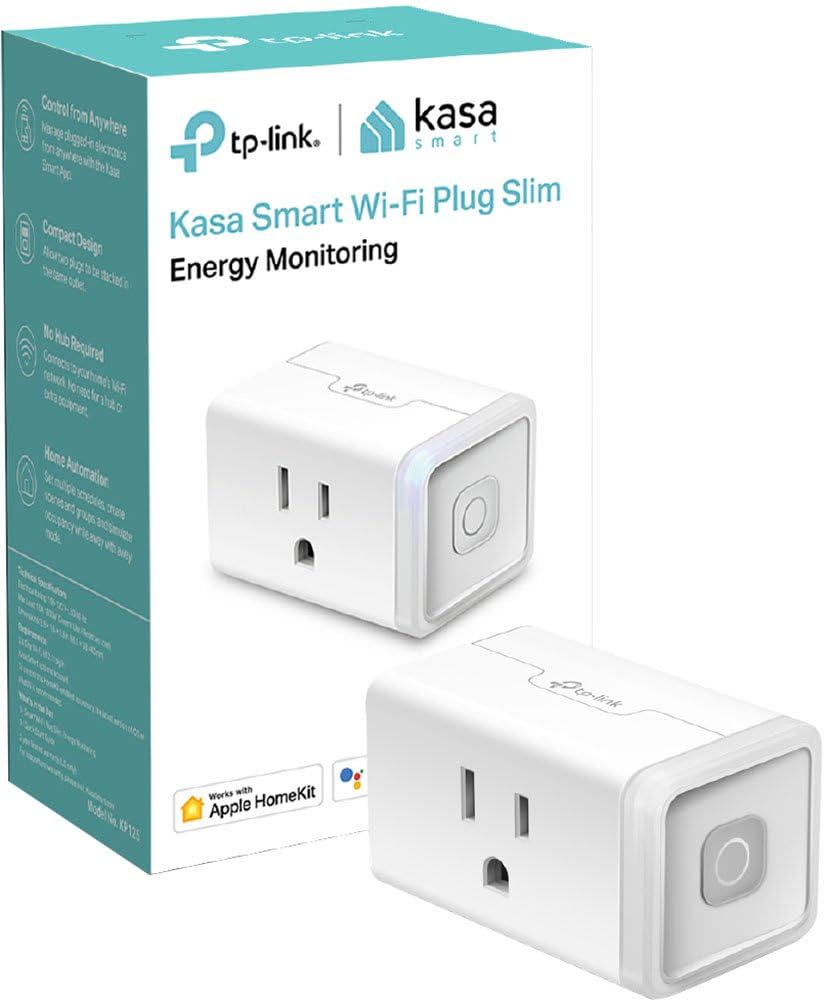
Kasa KP125 Mini Smart Plug runs about $17 for a single plug with energy monitoring. This is the tester — buy one to answer the question “what does that old dehumidifier actually cost to run?” before you commit to a multi-pack. The energy monitoring is the feature that earns the $17: plug it in, run the device for a week, and check the dashboard.
The con: it is 2.4GHz Wi-Fi only, which trips some modern mesh routers that default to 5GHz or band-steering. If your router forces everything onto 5GHz, you will need to temporarily disable band-steering to pair it. Once paired, it stays connected fine.
My take: Buy one of these before you buy a multi-pack. The energy data tells you which devices actually deserve a smart plug and which ones do not.
Tapo P125M Smart Plug — The Forward-Looking Line
Tapo P125M runs about $35-40 and it is TP-Link’s Matter-certified plug where all new development happens. The Tapo line is getting firmware updates faster than Kasa, has a local-only mode for privacy-conscious users who do not want cloud dependency, and device-level energy monitoring that is slightly more detailed than the Kasa equivalent.
The honest trade: the premium over Kasa is real money for the same switching duty today. If you just need a plug to turn a lamp on and off on a schedule, the KP105 (below) does that for half the price. The P125M is the pick if you care about the local-only mode, the faster update cadence, or you want to be on the platform TP-Link is actively building on.
My take: The forward-looking pick for tinkerers who want local control and the newest firmware. Not worth the premium if you just need a simple schedule.
Kasa KP105 Smart Plug 4-Pack — The Dumb-Switch Value Buy
Kasa KP105 4-Pack runs about $20-25 and it is the cheapest reliable automation in the category. Four basic plugs — on, off, schedule, timer. No energy monitoring, no Matter, no HomeKit. If you just want lamps and fans on a schedule and you do not care about measuring wattage, this is the value pick.
The con is permanent: no energy monitoring means no Matter. These plugs will work in the Kasa app and the Tapo app (after migration), but they will never get firmware-level Matter support. If you think you will want Matter later, spend the extra $15 on the KP125MP2.
My take: The best bang-for-buck for simple schedules. Lamps, fans, holiday lights — four plugs for $25 is unbeatable if you do not need metering.
Smart home gear goes cheapest during Prime events. Grab a free 30-day Prime trial before the next drop — these plugs routinely hit 40% off during Prime Day and Big Deal Days.
What Actually Saves Money (And What Doesn’t)
Energy monitoring pays for the plug. A $17 KP125 Mini on a dehumidifier running 12 hours a day tells you it costs about $18/month. A smart schedule that cuts that to 8 hours saves $6/month — the plug pays for itself in three months. This is the honest ROI of smart plugs, not “turn off your lights remotely.”
Schedules on vampire loads work. TV setups, game consoles, and computer monitors draw standby power 24/7. A plug that kills power overnight saves $2-5 per device per year. Not life-changing, but a 4-pack of KP105s pays for itself in 18 months on standby savings alone.
Matter is worth it for multi-platform homes. If you have an Alexa speaker, a Google Nest, and an Apple Home Pod in different rooms, Matter plugs work with all three without relinking. Non-Matter plugs lock you to one ecosystem’s skill.
The app migration is not a money issue — it is a patience issue. Migrating Kasa to Tapo does not cost anything, but it resets your energy dashboards and requires relinking your voice assistant. Do it one device at a time, screenshot your data first, and keep the old app installed.
What does not save money: Buying premium plugs for devices that only need a simple timer. A $40 Tapo P125M on a desk lamp that runs 6 PM to 10 PM is overkill. Use a $6 KP105.
The Migration Math
- New buyer: Buy KP125MP2 (Matter). Never think about Kasa vs Tapo again.
- Existing Kasa owner: Migrate one device first. Screenshot energy data. Keep the Kasa app until TP-Link finishes the rollout.
- Apple household: KP125P2 (HomeKit) if you have a Home Hub. KP125MP2 (Matter) if you do not.
- Budget buyer: KP105 4-pack for simple schedules. No metering, no Matter, no fuss.
- Tinkerer: Tapo P125M for local-only mode and the fastest firmware updates.
Keep reading: check out our smart home reviews and setup guides for more home automation tips.
CleverHomeClub is reader-supported. As an Amazon Associate, I earn from qualifying purchases. That means if you buy through one of the links above, I get a small commission at no extra cost to you. I only recommend devices I’d run in my own home.
🏠 Get Your Free Smart Home Setup Checklist
Join our newsletter and get this free printable plus weekly tips.
Frequently Asked Questions
Is Kasa being discontinued?
No, but TP-Link is consolidating the Kasa and Tapo apps. The Tapo app now controls both Kasa and Tapo device lines. Some older Kasa models like the KE100 thermostat will not migrate, but current Kasa smart plugs continue to work and are still sold. New buyers should purchase Matter-certified plugs to avoid the migration question entirely.
Can the Tapo app control Kasa devices?
Yes, TP-Link confirmed the Tapo app now controls both Kasa and Tapo device lines. However, the migration has real traps: devices can vanish during migration, energy dashboards may reset, and Alexa or Google Home skills need relinking. Migrate one device first, screenshot your energy history, and keep the Kasa app installed until the rollout is complete.
Which is better for Home Assistant, Kasa or Tapo?
Both integrate with Home Assistant via the TP-Link integration. Kasa devices have longer community support history. Tapo devices get faster firmware updates and offer a local-only mode. For new purchases, Matter-certified plugs are the best choice for Home Assistant since Matter provides native local control without cloud dependency.
Liked this guide? Get the next one in your inbox — the smart home starter checklist is free too.
✓ You're in — check your inbox.
No spam. Unsubscribe anytime. We never share your email.
Price Check
Prices verified via our product tracker. Updated Oct 11.
| Kasa Matter Smart Plug with Energy Monitoring, KP125MP2, 1 | $29.99 | 4.7★ |
| Kasa Smart Plug Mini 15A, Apple HomeKit Supported, Smart O | n/a | 4.5★ |
As an Amazon Associate we earn from qualifying purchases.