This article contains affiliate links. We may earn a commission from qualifying purchases.
Some content on this site is AI-assisted and reviewed by our editorial team.
If you are heading back to campus this fall, you have probably seen a dozen “dorm smart home” lists packed with gear that makes no sense for a 12-by-12 shared room. You cannot drill into cinder block walls. You cannot replace the thermostat. Your roommate might murder you if you install a smart lock on the door.
So here is a different approach: five devices that fit dorm life, cost under 150 dollars total, and solve problems you will actually face. No filler, no “smart trash can” nonsense.
The Setup: What a Dorm Room Actually Needs
Before buying anything, think about what drives you crazy in a dorm. Lights that your roommate controls. Air that feels stale by October. A door nobody locks consistently. Outlets that are always in the wrong place. Those are the problems smart home gear can fix — and fix cheaply — without violating housing agreements.
The trick is sticking to devices that plug in, pair with your phone, and need zero permanent installation. If you can unplug it and take it home over break, it belongs in a dorm. If it requires a screwdriver and a lease amendment, skip it.

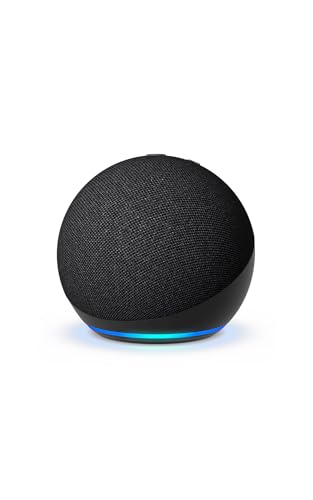
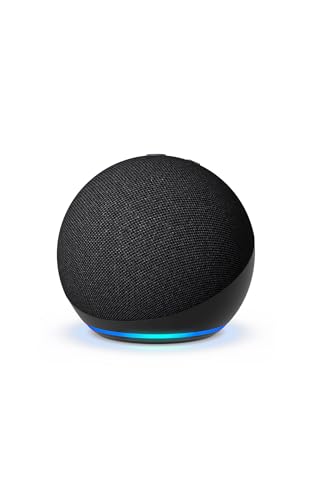
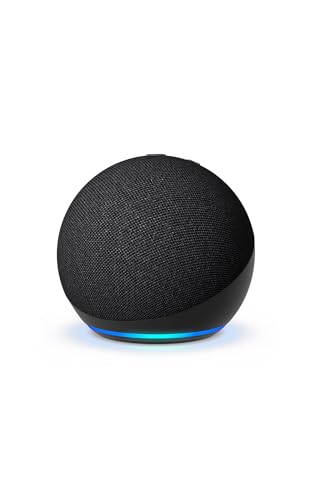
1. Echo Dot 5th Gen — Your Room’s Command Center
You need one device that ties everything together, and the Echo Dot is still the cheapest way in. At around 50 dollars, it gives you voice control over lights, plugs, and routines. It also doubles as a speaker for music and white noise, which matters more than you think when your neighbor is blasting music at 1 AM on a Tuesday.
Set up a simple routine: “Alexa, goodnight” turns off your smart lights and plugs, locks nothing (you are in a dorm), and starts a white noise playlist. That single routine will make the Echo Dot earn its shelf space within a week.
Get the Echo Dot 5th Gen on Amazon
2. Kasa Smart Plug Mini — Control the Uncontrollable
Your dorm has exactly two outlets that are both behind the desk. Every dorm is like this. It is a universal law.
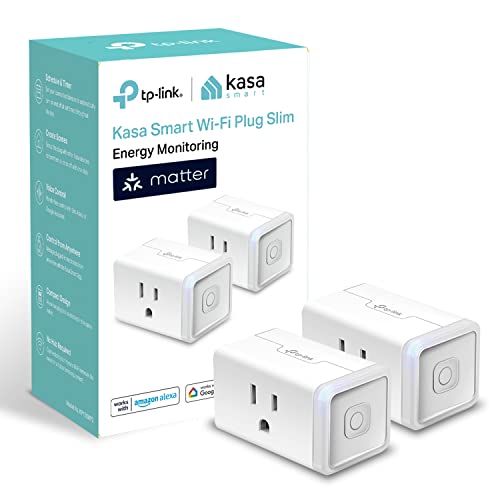
Kasa Smart Plug Minis solve this in two ways. First, they are compact enough that you can fit two in a single outlet. Second, they let you control anything plugged into them from your phone or with an Alexa routine. Lamp on a timer? Done. Fan that turns on when the room hits 75 degrees? Also done. Coffee maker that you can start from bed? You see where this is going.
At roughly 20 dollars for a two-pack, these are the best dollar-for-dollar upgrade on this list. Get a pack and put one on whatever appliance you use most.
Get Kasa Smart Plug Minis on Amazon

3. Govee RGBIC LED Strips — Lighting That Does Not Suck
Dorm lighting is fluorescent, harsh, and positioned directly above your bed so you cannot read without blinding yourself. A Govee LED strip fixes this for about 25 dollars.
Run it along the back of your desk or behind your headboard. The RGBIC version lets different sections show different colors, which looks better than a single uniform hue. You can control it from your phone, set schedules, and sync it to music if that is your thing.
More importantly, you can dim it. When your roommate is asleep and you are still studying, a warm amber strip at 10 percent brightness is gentle enough to read by without waking anyone. That alone justifies the purchase.
Get Govee RGBIC LED Strips on Amazon
4. Wyze Cam v4 — A Security Camera That Respects Your Budget
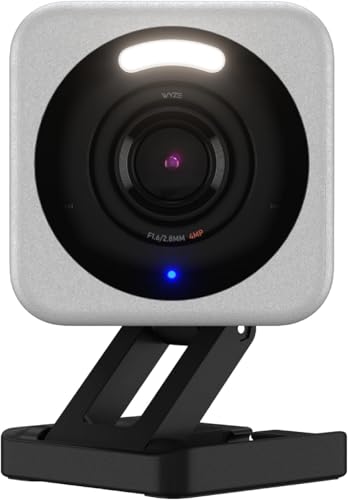
Dorms are safe-ish, but stuff walks. Laptops, headphones, textbooks that somehow cost 200 dollars now. A 35 dollar Wyze Cam v4 on your desk gives you motion alerts, 2K video, and night vision. It records to a microSD card so you do not need a subscription.
Point it at your desk or the door. If something goes missing, you have footage. If nothing goes missing, you still have a handy camera for video calls or checking on your room from the dining hall.
One thing worth mentioning: tell your roommate you have a camera. Not because they need to consent legally in most states, but because it is the decent thing to do. A quick conversation prevents a weird situation later.
5. Levoit Core 200S — Air That Does Not Feel Like a Dorm
Dorm air is a cocktail of dust, body spray, microwave popcorn, and whatever your hallmate is cooking. A small smart air purifier is not a luxury in that environment — it is survival gear.
The Levoit Core 200S covers 200 square feet, which is roughly the size of a dorm room. It connects to the VeSync app so you can set schedules and check air quality. Pair it with an Alexa routine that turns it on when you leave for class, and you come back to clean air instead of stale dorm funk.
Replacement filters run about 20 dollars every six months. That is a reasonable cost for not breathing in your roommate’s laundry situation.
Get the Levoit Core 200S on Amazon
The Total Damage
Here is what the full setup costs:
- Echo Dot 5th Gen — about 50 dollars
- Kasa Smart Plug Minis (2-pack) — about 20 dollars
- Govee RGBIC LED Strip — about 25 dollars
- Wyze Cam v4 — about 35 dollars
- Levoit Core 200S — about 90 dollars
Wait — that adds up to 220 dollars, not 150. And that is the honest math. If you need to hit 150 dollars, drop the air purifier first. It is the most expensive item and the one you can live without for a semester. The remaining four come in at 130 dollars and cover lighting, control, and security.
If you can stretch to the full 220, the air purifier makes the biggest quality-of-life difference. Dorms are not known for their air quality, and you will be breathing that air for nine months.
What Not to Bring
A few things show up on every dorm smart home list that you should skip:
- Smart thermostats — you cannot install one. Your dorm controls the HVAC.
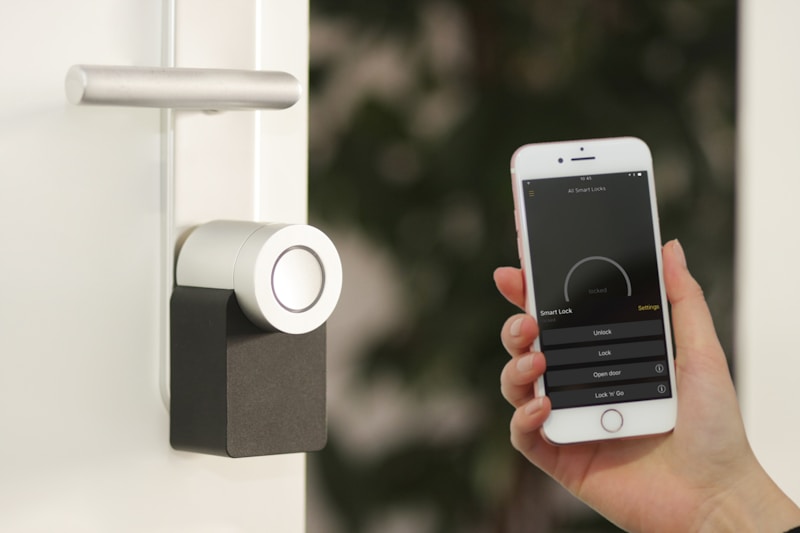
- Smart locks — most housing agreements prohibit modifying doors, and your roommate needs to get in too.
- Smart bulbs that require a hub — Hue bulbs are great, but the hub needs a router, and dorm Wi-Fi will not cooperate. Stick to Wi-Fi-direct devices.
- Anything that needs a neutral wire — dorms do not have neutral wires in the boxes, and you are not opening those boxes anyway.
Setting It All Up in Under an Hour
Here is the order that makes setup painless:
- Plug in the Echo Dot first. Connect it to dorm Wi-Fi. This is your hub.
- Add the Kasa plugs. Follow the in-app instructions. They pair directly to Wi-Fi.
- Stick the Govee lights. Clean the surface first. Dust is the enemy of adhesive strips.
- Position the Wyze Cam. A shelf or stack of books works. Insert the microSD card before powering on.
- Place the Levoit. At least a foot from the wall, ideally near the door where air enters.
Once everything is connected, build one Alexa routine that covers your daily flow. Mine was simple: “Alexa, goodnight” turned off the lights and plugs, and started white noise. “Alexa, study mode” turned the desk light to cool white at 60 percent and muted the speaker. Two routines, zero complexity.
Bottom Line
You do not need a full smart home in a dorm. You need five devices that cost under 220 dollars, install in an hour, and make a small shared space more livable. The Echo Dot is the brain, the smart plugs add control, the lights fix the lighting, the camera adds peace of mind, and the air purifier keeps you breathing clean air for nine months. Skip the rest.
Disclosure: This post contains affiliate links. If you buy through them, we earn a small commission at no extra cost to you.
My take: Five plug-and-play devices under $150 solve the real dorm problems — roommate-proof lighting, shared-outlet control, air that stops feeling like a dorm. The Echo Dot goodnight routine is the piece that ties it together; skip anything that needs a screwdriver.
Related guides
- Best Smart Thermostats (2026): Tested, Reviewed, and Worth Installing
- Smart Home Power Outage Prep: 8 Things to Do Before You Lose Power (And 3 Devices That Keep Working)
- Philips Hue Gets Dual Matter + Zigbee Support: What Changes for You
- Smart Home Devices That Cut Your Appliance Energy Costs
- Smart Home for Pet Owners: What Works (And What's Just Expensive Treat Dispensers)
🏠 Get Your Free Smart Home Setup Checklist
Join our newsletter and get this free printable plus weekly tips.
Frequently Asked Questions
What smart devices actually work in a dorm?
The plug-and-pair set, under $150 total: an Echo Dot 5th Gen (~$50) as the command center running a “Alexa, goodnight” routine (lights off, white noise on), Kasa Smart Plug Minis (~$20/two-pack, compact enough that two fit one outlet — the universal dorm problem) for the lamp, fan, and coffee maker, Govee RGBIC LED strips (~$25) for dimmable reading light that doesn’t wake a roommate, a Wyze Cam v4 ($35) on microSD with no subscription, and the Levoit Core 200S purifier for the dorm-air cocktail.
Can I install smart devices in a dorm without breaking housing rules?
Yes if everything plugs in and nothing mounts permanently — the rule that works: if you can unplug it and take it home over break, it belongs in a dorm. No drilling cinder block, no replacing the thermostat, no smart lock on the shared door (your roommate will not thank you). The five-device list is built entirely on that constraint.
Are LED strips worth it for a dorm room?
Yes — dorm lighting is fluorescent and positioned directly above your bed; a Govee RGBIC strip along the desk or headboard fixes this for $25. The feature that matters isn’t the colors — it’s dimming: a warm amber strip at 10% brightness lets you study without waking a sleeping roommate. That alone justifies the purchase.
Liked this guide? Get the next one in your inbox — the smart home starter checklist is free too.
✓ You're in — check your inbox.
No spam. Unsubscribe anytime. We never share your email.
Price Check
Prices verified via our product tracker. Updated Oct 17.
| Amazon Echo Dot (newest model) - Vibrant sounding speaker | $79.99 | 4.7★ (200,849) |
| Govee 16.4ft RGBIC LED Strip Lights, LED Lights for Bedroo | $14.99 | 4.4★ (26,476) |
| WYZE Cam v4 (Latest Model), 2.5K AI Security Camera, Indoo | $44.97 | 4.3★ (11,330) |
| Kasa Matter Smart Plug with Energy Monitoring, KP125MP2, 2 | $29.99 | 4.7★ (2,279) |
| GoveeLife Upgraded Smart Water Leak Detector 1s with High | $54.99 | 4.3★ (2,790) |
As an Amazon Associate we earn from qualifying purchases.