

This article contains affiliate links. We may earn a commission from qualifying purchases.
Some content on this site is AI-assisted and reviewed by our editorial team.
A smart thermostat is the single highest-ROI device in any smart home. We tested the top models of 2026 — here’s which ones actually save you money and which ones aren’t worth the install.
The Smart Home Device That Pays for Itself
If you’re only going to buy one smart home device, make it a smart thermostat. It’s the single highest-ROI upgrade you can make — most models pay for themselves within two years through energy savings alone. But not every “smart” thermostat is actually smart. Some are just programmable thermostats with Wi-Fi bolted on. After months of testing, here are the ones that genuinely earn their spot on your wall.
Why a Smart Thermostat Matters
A smart thermostat does three things a basic thermostat can’t:
- Saves energy automatically — It learns your schedule, detects when you’re away, and adjusts without you lifting a finger. Most households cut 10-15% off heating and cooling costs.
- Keeps every room comfortable — Models with room sensors know your bedroom is freezing even if the living room is fine, and they actually do something about it.
- Gives you control from anywhere — Start warming the house before you leave work, or turn off the AC you forgot about from the airport.
Wondering how long until a smart thermostat actually pays for itself? We broke down the math in our smart thermostat ROI guide — the short answer: faster than you think, especially if you’re currently leaving the AC running all day.
Top Picks: Best Smart Thermostats of 2026
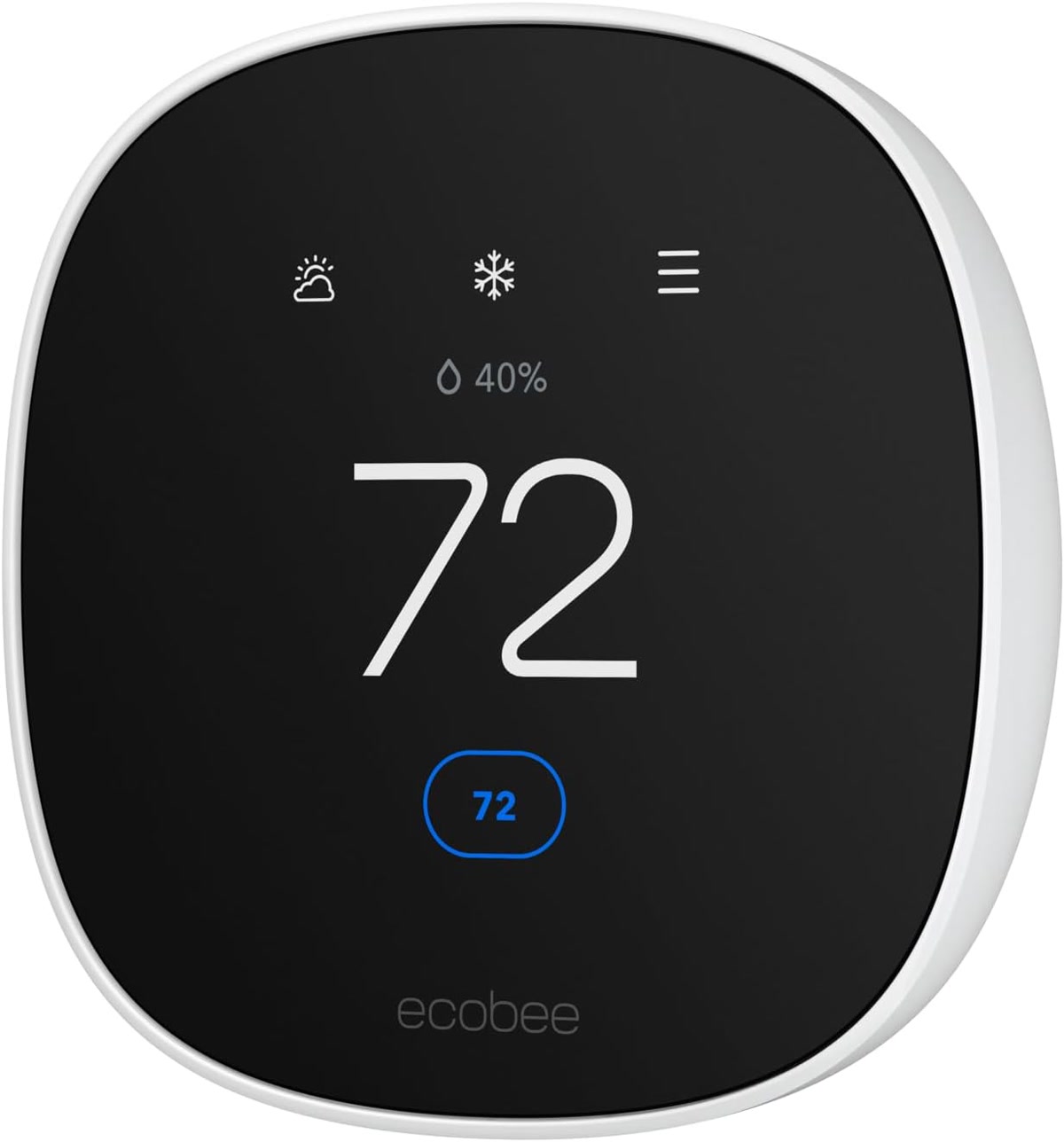
Ecobee Premium — Best Overall
The Ecobee Premium is the best smart thermostat for most people, period. The secret? Room sensors. While other thermostats only measure temperature where they’re mounted, the Ecobee uses remote sensors to average readings across the rooms that matter. If your bedroom is 68°F but the hallway (where the thermostat lives) is 72°F, the Ecobee knows — and adjusts accordingly.
- Includes a smart speaker with built-in Alexa (or use it without — your call)
- Room sensors included in the box (not a separate purchase)
- Works with most HVAC systems including two-stage
- Brilliant “Comfort” mode that prioritizes occupied rooms
The one downside: it’s not cheap. But between the included sensors, the built-in speaker, and the energy savings, it earns back the premium quickly. See how it stacks up against the Nest in our Ecobee vs. Nest comparison.
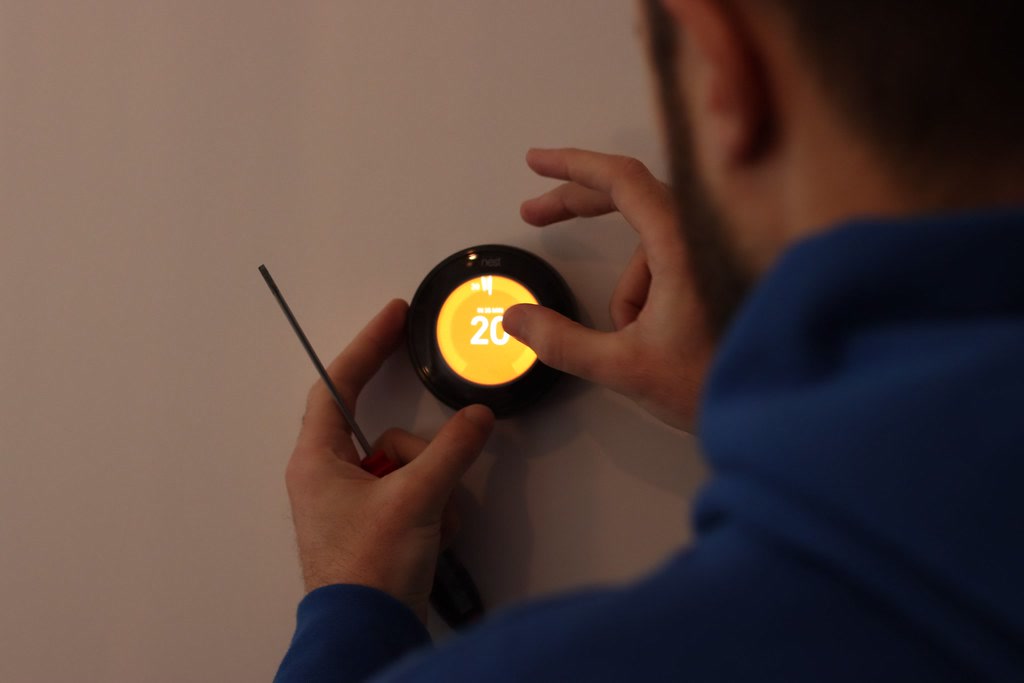
Nest Learning Thermostat (4th Gen) — Best for Set-It-and-Forget-It
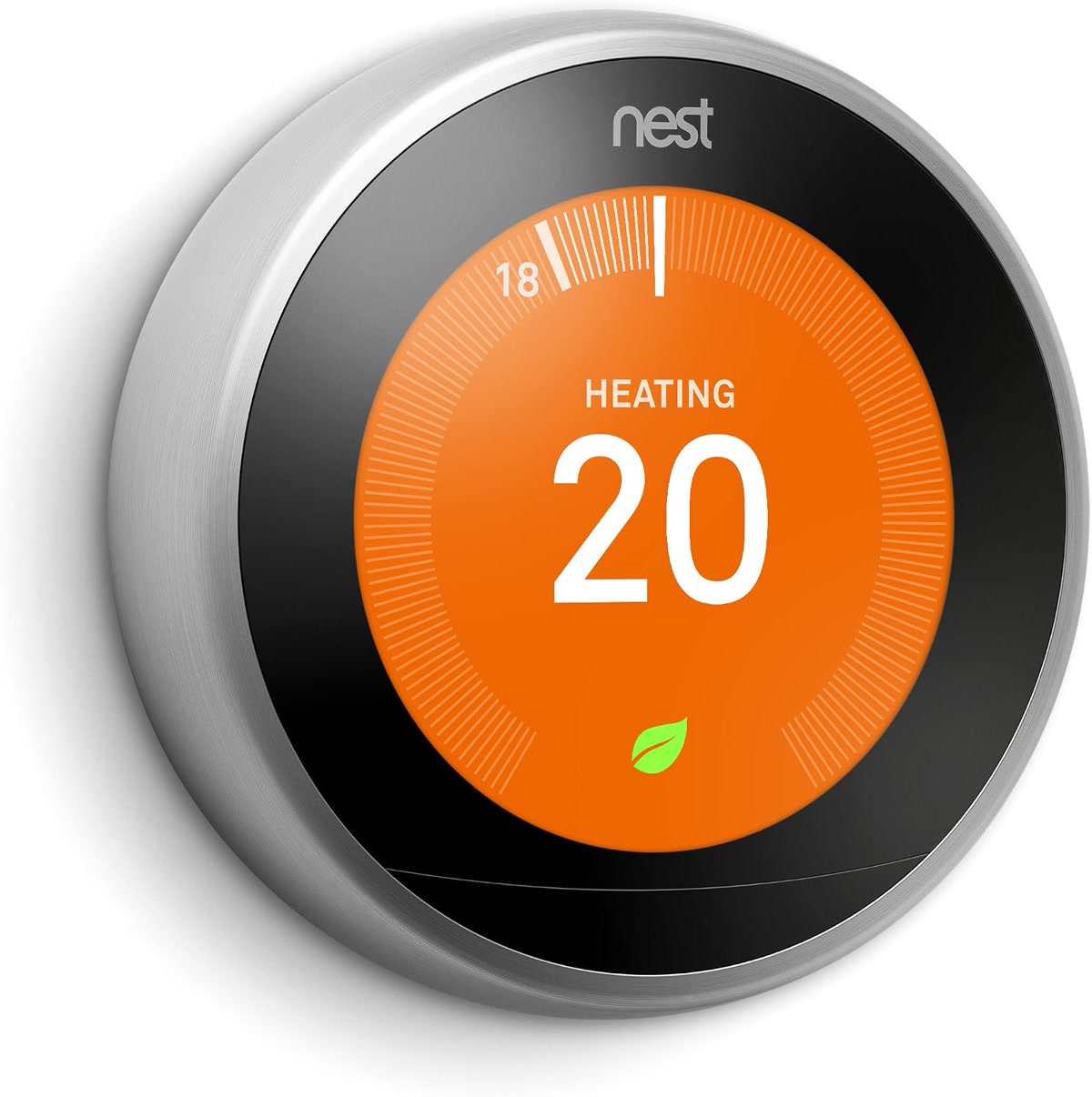
The Nest Learning Thermostat earned its name. Within a week of normal use, it’s built a schedule based on your habits — no manual programming required. Turn it down at bedtime three nights in a row, and by night four, it does it for you.
- Learns your preferences automatically — truly zero-config after the first week
- Home/Away Assist uses phone location + motion to detect when nobody’s home
- Sleek rotating dial interface that looks great on any wall
- Deep Google Home integration if you’re already in that ecosystem
The catch? No room sensors (you’re stuck with the temperature where it’s mounted), and it’s priced similarly to the Ecobee which gives you more hardware for the money. But if you want a thermostat that literally never needs programming, Nest is your pick.
Honeywell Home T9 — Best Budget Pick
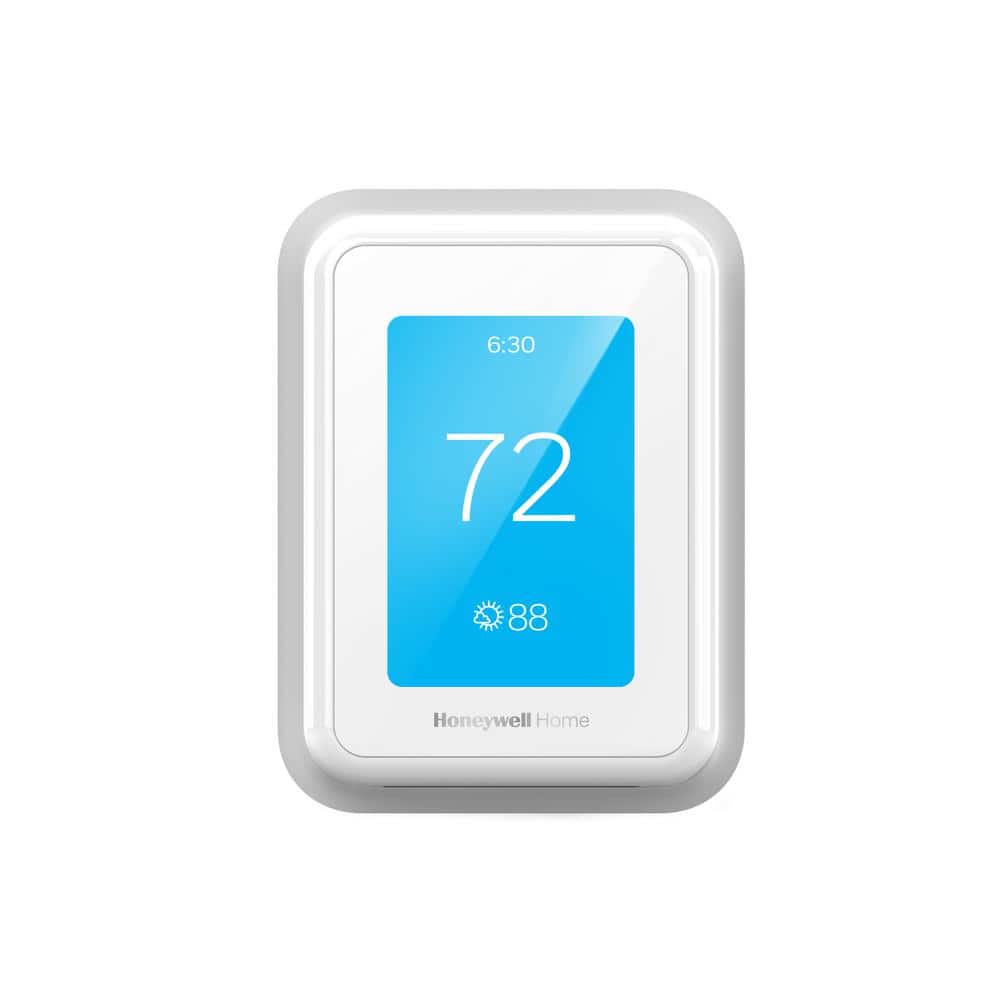
The Honeywell Home T9 proves you don’t need to spend 250+ dollars to get a genuinely smart thermostat. At roughly half the price of the Ecobee Premium, it still gives you room sensors, geofencing, and a clean app experience.
- Supports room sensors (sold separately, but cheaper than Ecobee’s ecosystem)
- Geofencing auto-adjusts when you leave or approach home
- Works with most standard systems — and easy to install yourself
- Resideo app is straightforward without being oversimplified
What you give up: no built-in speaker, the display isn’t as premium, and the learning algorithm isn’t as aggressive as Nest’s. But for the price, it’s the smart thermostat that makes the most financial sense — which, fittingly, is exactly what a smart thermostat should do. See more budget-friendly options in our smart home setup under 100 dollars guide.
Mysa — Best for Baseboard and Line-Voltage Heaters
If you have electric baseboard heaters, you’ve probably noticed that most “smart thermostat” roundups pretend you don’t exist. The Mysa thermostat is built specifically for you. It handles line-voltage systems (120V, 208V, 240V) that standard smart thermostats can’t touch.
- Designed for electric baseboard, fan-forced, and radiant ceiling heaters
- Geofencing, scheduling, and energy reports — same smart features as the big names
- Clean, minimalist design that looks intentional (unlike the beige rectangles it replaces)
- Integrates with Apple HomeKit, Google Home, and Alexa
Baseboard heating is expensive. Mysa’s energy reports show you exactly what you’re spending and help you cut it — most users see 20%+ savings, which is significant when your heating bill is the highest utility line item you have.
What to Look For in a Smart Thermostat
Before you buy, check these four things:
- Room sensors — If your thermostat is in a hallway, it’s measuring hallway temperature. Room sensors fix this. Ecobee and Honeywell T9 support them; Nest doesn’t.
- Scheduling that fits your life — Some people love auto-learning (Nest), others want full manual control (Ecobee). Pick what matches how you actually live.
- Home/away detection — Geofencing (using your phone’s location) is more reliable than motion sensors for detecting occupancy. Both Ecobee and Nest do this well.
- HVAC compatibility — Not every thermostat works with every system. Check the compatibility checker before ordering. Baseboard heaters need Mysa. Multi-stage systems need Ecobee or Nest.
And seriously — check for a C-wire. Most smart thermostats need one. If you don’t have one, C-wire adapters exist and are easy to install, but factor that into your budget and install time.
The Real Savings Play: Smart Thermostat + Smart Plugs
Here’s what most guides won’t tell you: a smart thermostat saves more when it’s part of an automation system, not sitting alone on your wall.
The setup that actually moves the needle:
- Smart thermostat adjusts temperature based on occupancy and schedule
- Smart plugs turn off space heaters, fans, and window AC units when you leave
- Automation routine ties them together — “Away mode” drops the thermostat and kills the space heaters
We cover this in detail in our smart home automations guide, and the combined savings from thermostat + plugs + scheduling can cut your energy bill by 20-30%. For the full breakdown on which devices earn back their cost fastest, see our piece on smart home devices that pay for themselves.
Common Mistakes That Waste Your Savings
A smart thermostat only saves money if you set it up right. Here are the mistakes we see most often:
- Wrong voltage — Installing a low-voltage thermostat on a line-voltage system (or vice versa) won’t just fail to work — it can damage your equipment. Baseboard = line voltage. Central HVAC = low voltage. Know what you have.
- No C-wire, no backup plan — Without a C-wire, your thermostat may drain its battery, restart randomly, or fail to stay connected to Wi-Fi. Install the adapter.
- Placing it near a vent, window, or kitchen — Your thermostat reads the temperature at its location. If that location is directly above a heating vent or next to the oven, it’s going to make bad decisions for the rest of the house.
- Overriding the schedule constantly — If you’re cranking the heat every time you’re cold instead of letting the learning algorithm do its job, you’re paying for a smart thermostat and using it like a dumb one.
Bottom Line: Which One Should You Buy?
- Best overall: Ecobee Premium — room sensors make it the most accurate and comfortable option
- Best for people who hate programming: Nest Learning Thermostat — it learns, you don’t have to
- Best on a budget: Honeywell Home T9 — room sensors and geofencing at half the price
- Best for baseboard heaters: Mysa — the only real choice for line-voltage systems
Any of these will start saving you money on day one. The best one is whichever fits your heating system and how much involvement you want. Just don’t put it above a vent.
n
🏠 Get Your Free Smart Home Setup Checklist
Join our newsletter and get this free printable plus weekly tips.
Price Check
Prices verified via our product tracker. Updated Sep 27.
| ecobee Smart Thermostat Premium - WiFi, Siri & Alexa Built | $252.99 | 4.3★ (4,170) |
| Google Nest Learning Thermostat (4th gen) + Nest Temperatu | $279.99 | 4.4★ (2,596) |
| Honeywell Home X2P Programmable Thermostat, White | RTH20B | $23.51 | 4.5★ (947) |
| ecobee Comfort and Security Bundle, Smart Thermostat Premi | $319.98 | 4.4★ (168) |
| NEW Mysa Smart Thermostat for Heating & Cooling | Programm | $129.00 | 4.2★ |
| ecobee Power Extender Kit C-Wire Adapter-ecobee Smart Ther | $24.99 | 4.4★ (389) |
As an Amazon Associate we earn from qualifying purchases.