
This article contains affiliate links. We may earn a commission from qualifying purchases.
Some content on this site is AI-assisted and reviewed by our editorial team.
If you’ve ever opened your electricity bill and thought “there’s no way I used that much power,” a home energy monitor will tell you exactly where it went. These devices clip into your electrical panel and track consumption in real time, breaking it down by device or circuit. Pair one with a smart thermostat and you’ve got the foundation of a home that manages its own energy use.
The math is straightforward: households with real-time energy feedback cut consumption by 5 to 15 percent. On a 150-dollar monthly bill, that’s 9 to 22 dollars back every month. A 150-dollar monitor pays for itself in 7 to 16 months. I spent weeks testing three of the most popular models to see how they compare.

How They Work
Every energy monitor does the same basic thing: measures electricity flowing through your breaker panel and sends that data to an app. Where they differ is how granular the data gets and how much work the app does to make it useful.
Two approaches exist. Whole-house monitors clip onto your main power leads and use machine learning to identify individual devices by their electrical signatures. The app can tell you “your fridge used 42 kWh this month” without a sensor on the fridge. Circuit-level monitors put a sensor on each breaker, so you know exactly which circuit is drawing power but not which specific device on that circuit.
For most homes, a whole-house monitor with device detection is the right call. Circuit-level monitors make sense if you’ve got specific circuits you want to track (an EV charger, a well pump, a workshop) or a large home with a complex electrical setup.

Three Worth Looking At
Sense Energy Monitor (295 Dollars)
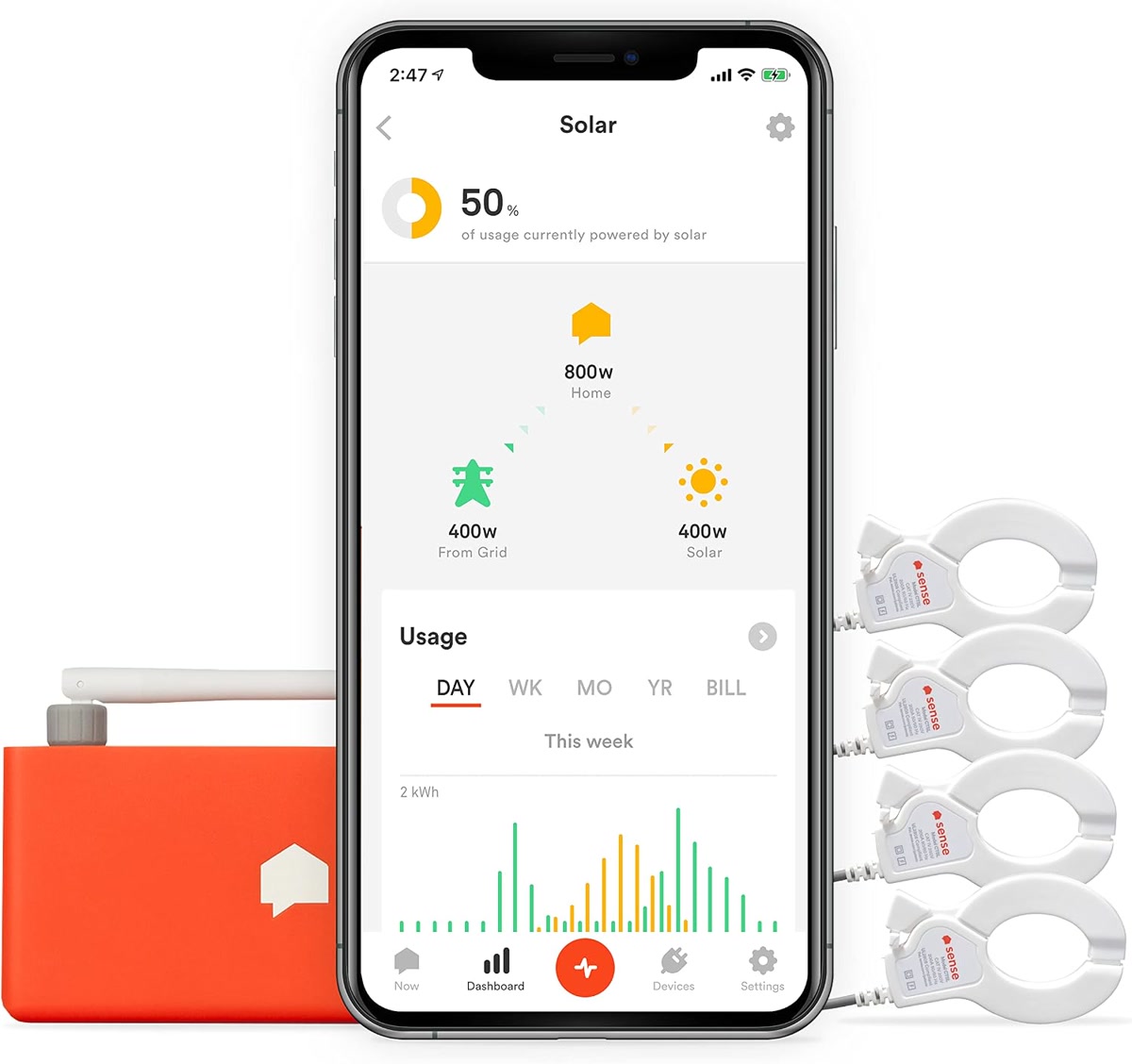
Sense is the name most people know in this category, and its machine learning is the most mature. It identifies devices by their electrical signatures and builds a breakdown over the first few weeks. You’ll watch it gradually figure out that the spike at 6 AM is the coffee maker and the constant draw is the refrigerator.
Real-time tracking at 1-second resolution. Solar monitoring with additional sensors. Notifications when something unusual is running (like an oven left on). Works with Alexa, Google Home, and IFTTT.
Installation goes inside your electrical panel, so use an electrician unless you’re comfortable working in a live panel. At 295 dollars it’s the most expensive option here, and the device detection takes 2 to 4 weeks to become accurate. Some loads, like variable-speed motors, it never identifies. None of that changes the fact that the app is the best in the category, and the data quality is excellent.
Sense Energy Monitor on Amazon
Emporia Vue 3 (150 to 170 Dollars)
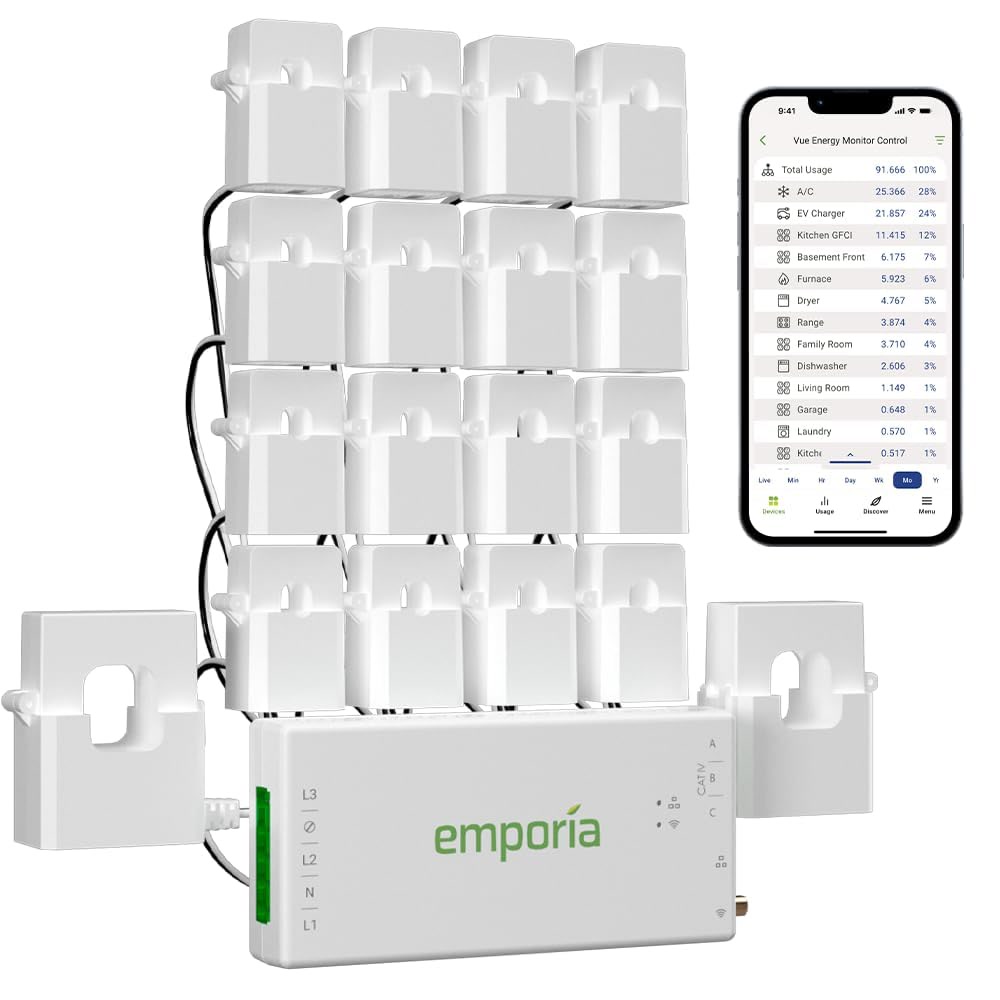
Emporia skips machine learning entirely. Instead, it puts sensors on individual breakers. You get 8 circuit-level sensors in the box, so you know exactly how much power each circuit is drawing. No guessing, no waiting weeks for the app to learn your devices.
The Vue 3 also tracks whole-house consumption via the main leads. Solar monitoring is included. It works with Alexa and Google Home. No subscription required.
Installation takes longer, 1 to 2 hours with an electrician, because you’re clipping sensors onto individual breakers. What you get in return is precision: you know exactly which circuit is drawing what, though you can’t tell the toaster from the microwave if they share a circuit. For that level of detail, add smart plugs to specific outlets.
Eyedro Home Energy Monitor (130 to 150 Dollars)
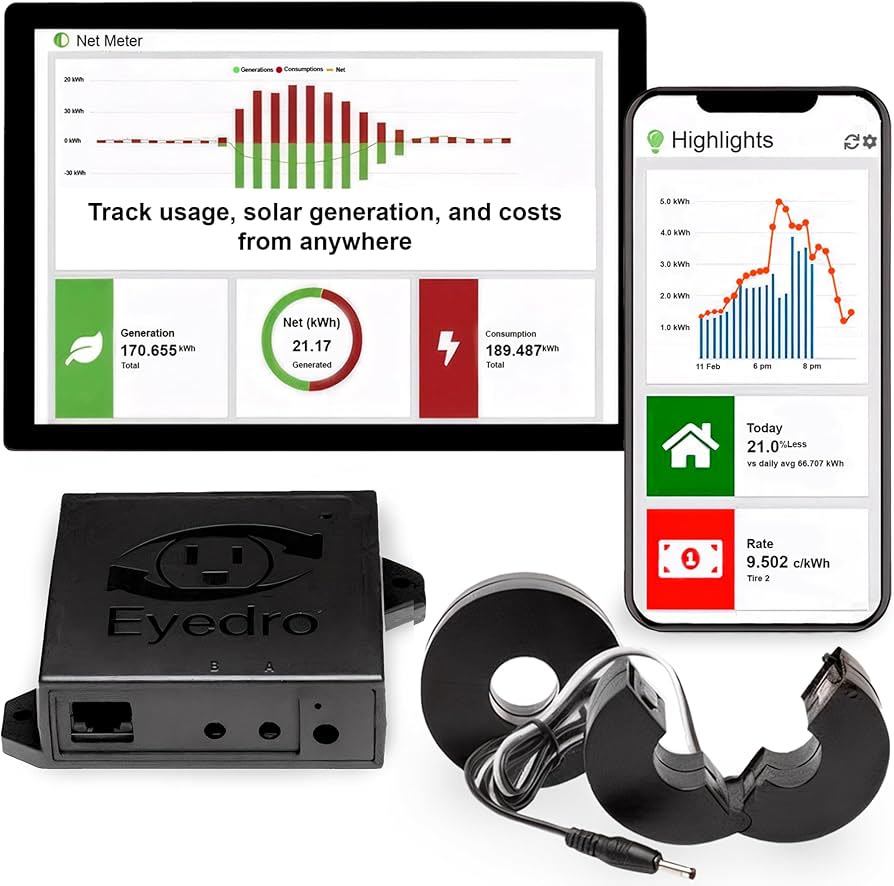
The Eyedro is the simplest option. Two clamps on your main leads, a Wi-Fi or Ethernet connection, and a web dashboard. No device detection, no smart home integration, no subscription. It tells you how much power your whole house is using and what that costs you.
That’s it. If all you want is “how much am I using right now and what’s it costing me,” this is the cheapest way to get that answer. Historical data is solid, with daily, weekly, monthly, and yearly views. Ethernet is a nice touch for reliability.
You give up a lot: no Alexa, no Google Home, no IFTTT, no device-level breakdown. You’ll have to figure out what’s using power yourself. For straightforward total-consumption tracking at the lowest price, the Eyedro does the job without overcomplicating things.
Eyedro Home Energy Monitor on Amazon
How to Lower Your Bill With the Data
Buying the monitor is step one. Saving money means acting on what it shows you.
Establish your baseline. Let it run for a week without changing anything. You need to know what normal looks like before you can spot problems.
Hunt phantom loads. Devices that draw power when “off” (cable boxes, game consoles, old chargers) can add 5 to 10 percent to your bill. Your monitor’s overnight data will reveal these. Put them on smart plugs or unplug them.
Find the big consumers. HVAC, water heaters, and dryers typically account for 50 to 60 percent of home energy use. If your monitor shows the AC running more than expected, check the filter or refrigerant levels. A dirty filter alone can increase consumption by 15 percent.
Set alerts. All three monitors can notify you when power spikes. That catches a dehumidifier stuck on, a water heater element failing, or a fridge door left open before it shows up on your bill.
Measure your changes. After making changes, compare a full week to your baseline. Real numbers, not guesses.

Installation: What to Expect
All three monitors install inside your electrical panel. If you’re not comfortable working in a panel, hire an electrician. It’s a 30 to 60 minute job for a pro.
If you know what you’re doing: kill the main breaker, confirm zero voltage at the bus bars, clip the sensors around the main leads, route the cable through a knockout, and power the monitor from a dedicated breaker. The monitors themselves are low-voltage. The danger is the panel.
Renters: whole-house monitors aren’t really an option since you don’t own the panel. Use smart plugs with individual energy monitoring (like the smart plugs we tested) to track devices instead, or check if your utility offers free monitor installation.
Not a Prime member yet? Get FREE 2-day shipping on millions of items. Start your 30-day Prime free trial
My Recommendation
Sense gives you the best data and the best app, and it costs the most. Emporia Vue 3 hits the sweet spot for most people: precise circuit-level data, no subscription, half the price. Eyedro is the right pick if you just want total consumption tracking without the extras.
The monitor itself doesn’t save you money. What matters is what you do with the data: killing phantom loads, optimizing HVAC, catching unusual consumption before it piles up. A 150-dollar monitor can save you 200 to 400 dollars per year if you follow through on what it shows you. Few other smart home devices offer that kind of return.
As an Amazon Associate, CleverHomeClub earns from qualifying purchases. This does not affect our recommendations — we only recommend products we have tested or would buy ourselves.
🏠 Get Your Free Smart Home Setup Checklist
Join our newsletter and get this free printable plus weekly tips.