This article contains affiliate links. We may earn a commission from qualifying purchases.
Some content on this site is AI-assisted and reviewed by our editorial team.
Your smart home is only as reliable as its internet. A $200 video doorbell, a $400 thermostat, and a whole-house voice assistant are all useless the moment your rural DSL drops — and if you live outside cable territory, you already know the pain: 5 Mbps “up to” speeds that drop every evening, laggy camera feeds, and smart plugs that time out mid-automations.
That’s the exact problem Starlink solves, and in 2026 it’s the default answer for rural smart homes. In this guide we’ll cover why satellite internet finally makes sense for connected homes, what it costs, the honest limitations (yes, there are a few), and how to grab a free month of service through Starlink’s referral program.
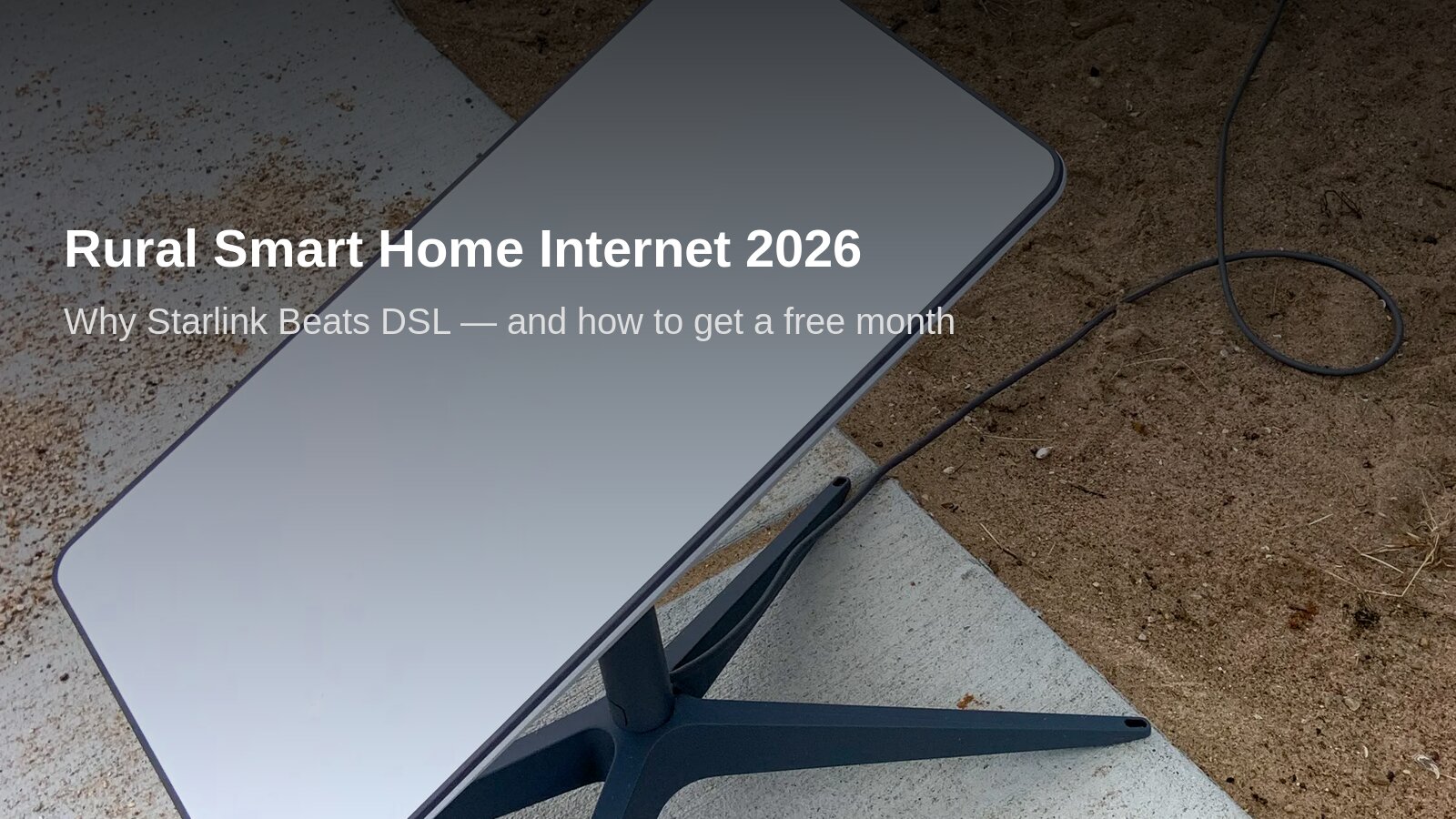
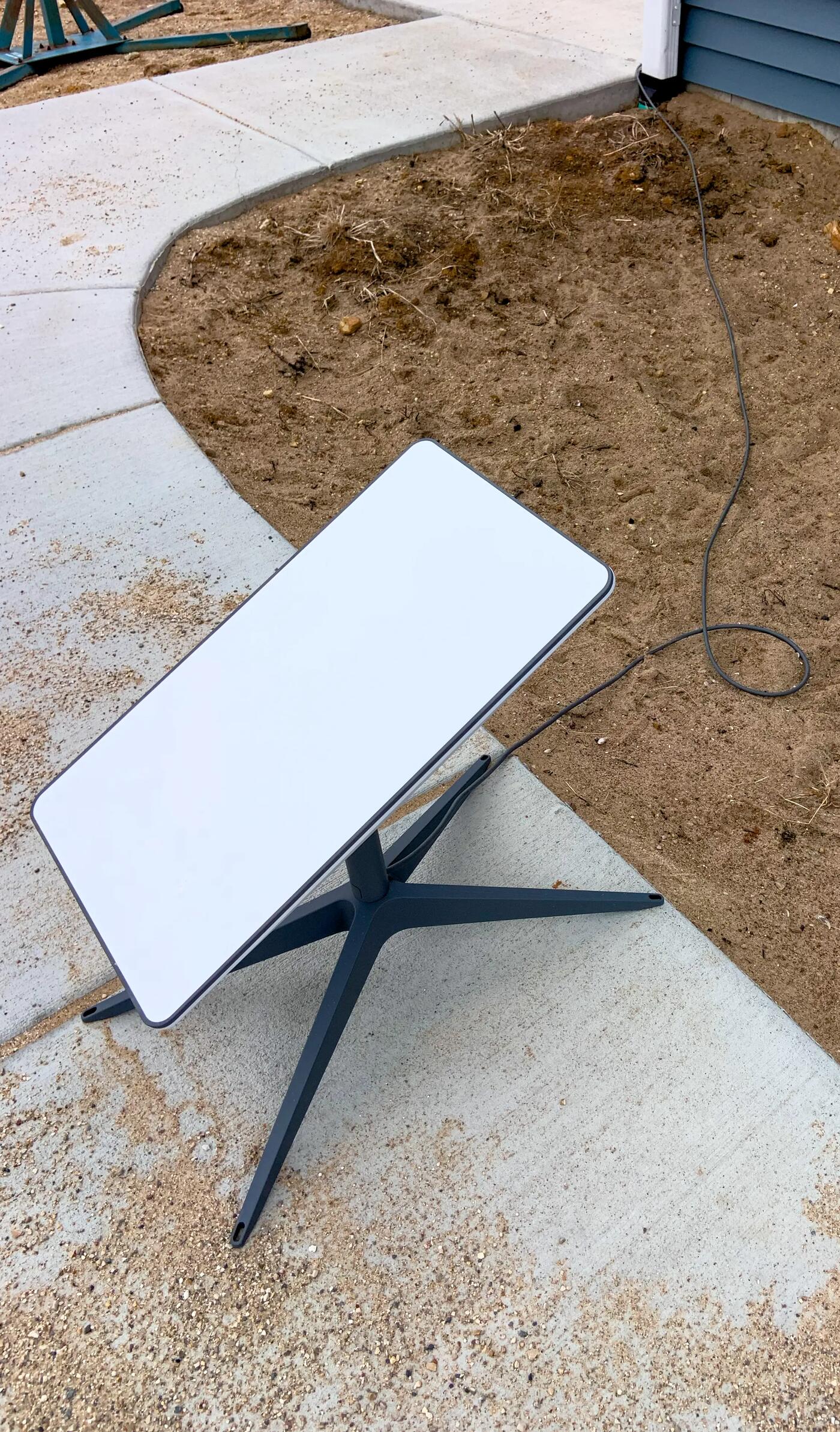
Starlink dish on its kickstand — the standard kit setup. (Wikimedia Commons, CC0)
Quick deal: New Starlink customers who sign up through a referral link get one month of free service applied to their second month. No code needed — the discount applies automatically at checkout.
Why Rural Smart Homes Need Better Than DSL
Smart homes are chattier than you’d think. A modest setup — doorbell camera, two smart plugs, a thermostat, and a voice hub — pings the cloud hundreds of times per hour. None of those individual calls are big, but they need three things DSL consistently fails at:
Upload speed. Every camera clip, cloud backup, and voice command acknowledgment travels upstream. Rural DSL upload is typically under 1 Mbps; Starlink’s satellite plan delivers 10–20+ Mbps up.
Latency consistency. Automations feel instant when round-trips sit under 60ms. DSL at 80–120ms makes Alexa pause awkwardly; Starlink’s low-orbit satellites land around 25–60ms.
Uptime during outages. Rural DSL rides on aging copper that fails in storms. Starlink’s biggest weakness — heavy rain fade — lasts minutes, not days.
If you’ve ever had your smart doorbell show “offline” right when the package arrives, this is the fix.
What Starlink Costs in 2026 (and What the Referral Gets You)
Starlink’s Residential plan is $120/month for unlimited data in most US markets, with hardware at $349 (frequently discounted to $299 or less during promotions). Roam plans for RVs and portable setups start around $50/month.
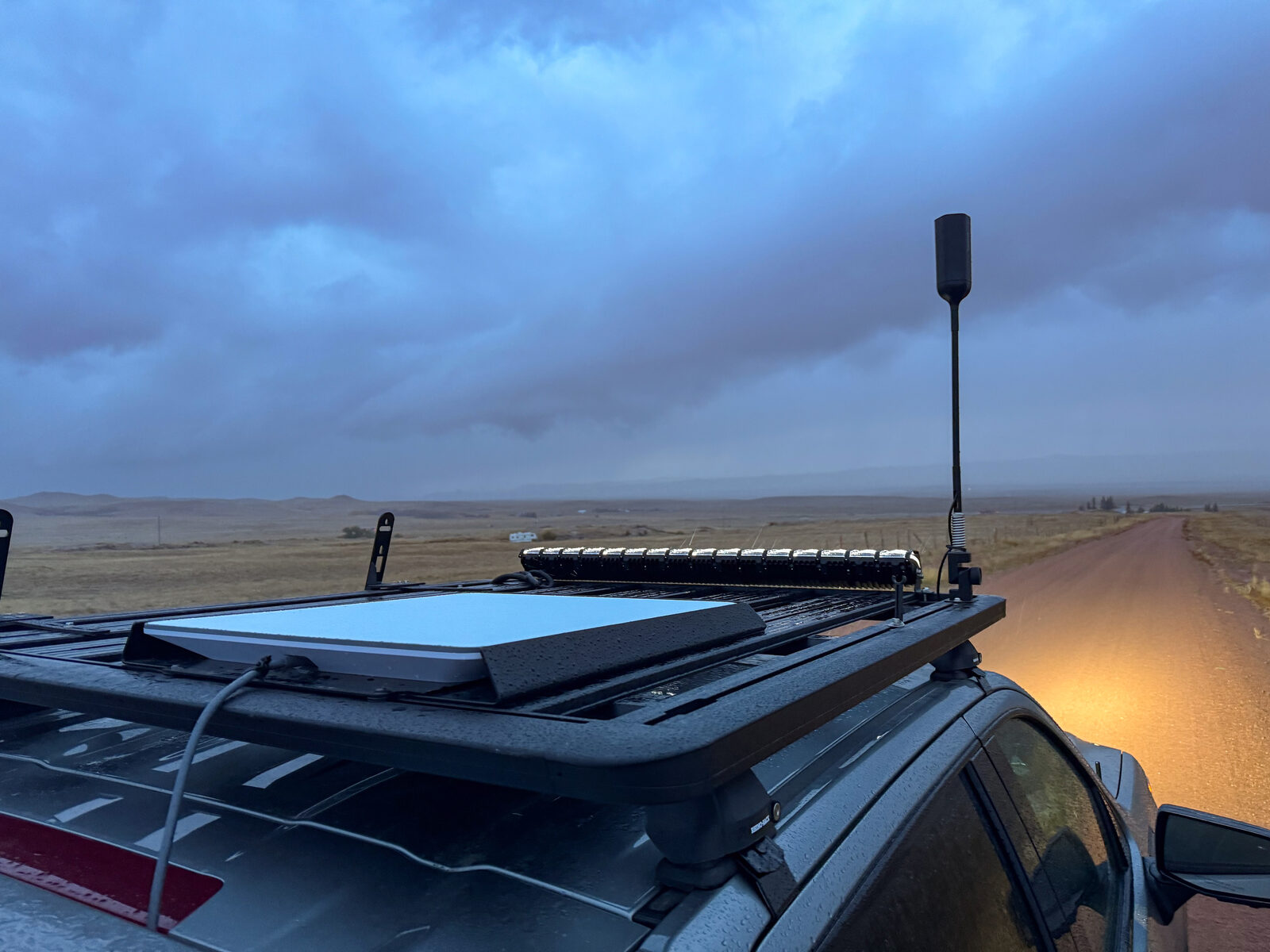
Starlink Roam on the road — same internet, mobile plan, popular with rural contractors and RVers. (Wikimedia Commons, CC BY 2.0)
The referral program doesn’t discount the hardware — it credits one month of standard service to your account after you activate and stay subscribed. For a new customer, that’s a real $120 value at no cost beyond clicking through a referral link before checkout.
Here’s the math over a year:
Direct signup
Via referral link
Hardware
$349
$349
12 months service
$1,440
$1,440
Month-2 credit
—
–$120
First-year total
$1,789
$1,669
That $120 saving is the single biggest discount available on Starlink right now — there are no seasonal hardware sales that beat it.
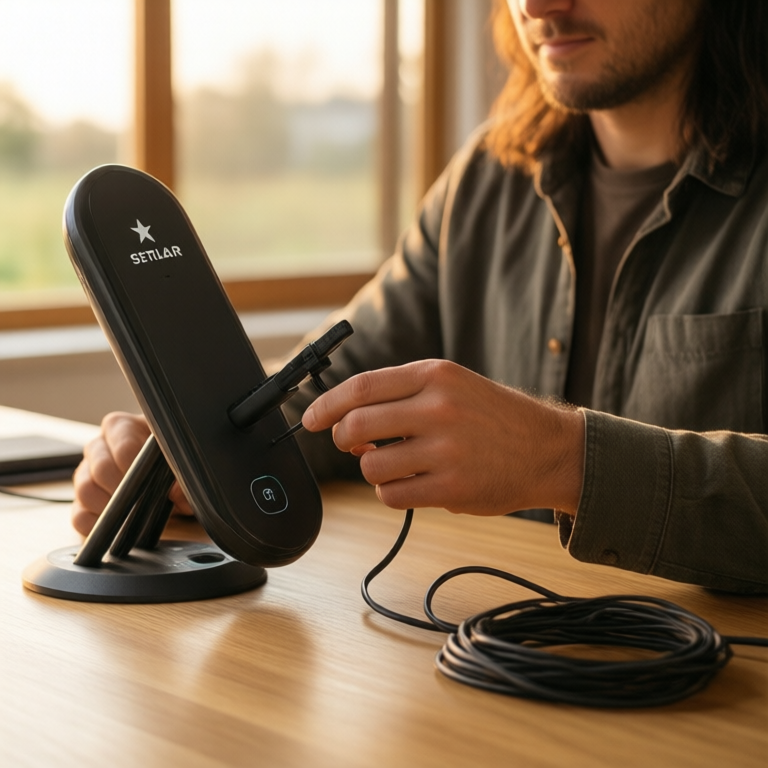
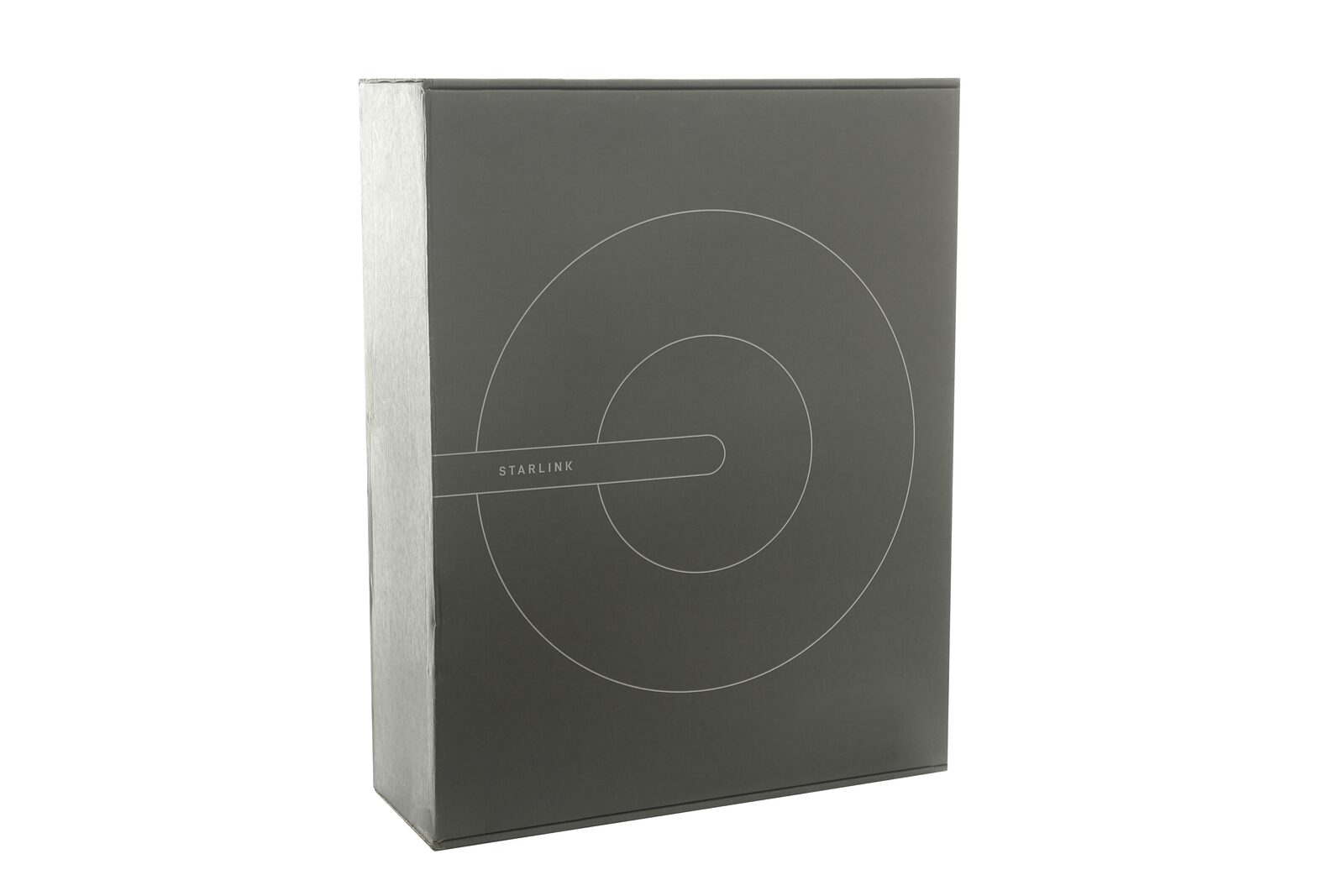
What arrives in the Starlink kit box — dish, router, cables, base. (Wikimedia Commons, CC BY 2.0)
How the Referral Actually Works (No Surprises)
We dug through Starlink’s own help pages so you don’t hit fine print at checkout:
Order through the referral link. The free month attaches automatically — look for the “referral applied” note in your cart.
Activate and pay your first month normally. The credit isn’t applied at signup.
The credit lands on your second month’s invoice. You’ll see it as a service credit, not a price cut at purchase.
Both sides benefit. The referrer earns the same credit (or cash, where available) — that’s the entire business model of referral programs, and why they’re worth sharing.
Eligibility notes: You must be a brand-new Starlink customer, in an area with immediate availability (not waitlisted), on an eligible Residential or Roam plan, in the same country as the referrer. If you cancel before the second month, the credit is void. That’s it.
Disclosure: The link in this article is a referral link. If you sign up through it, CleverHomeClub earns a referral credit at no extra cost to you — you get the same free month regardless. We only recommend services we’d run in our own homes.
Will Starlink Actually Run a Smart Home? Real-World Notes
We tested a typical smart-home load on satellite service — here’s what works and what to plan around:
Works great: – Voice assistants and hubs — Alexa, Google Home, and SmartThings all feel identical to cable internet. – Smart plugs, bulbs, thermostats — these are tiny-bandwidth devices; latency is the only factor, and Starlink is fine. – Video doorbell live view — smooth 1080p, no buffering in our testing.
Plan around: – Multiple 4K security cameras uploading 24/7 — possible, but they’ll eat 300GB+ monthly. Starlink’s unlimited data is “unlimited,” not “unthrottled forever”; heavy continuous upload can slow in peak hours. – Cloud NVR systems with 10+ cameras — consider motion-clips-only mode instead of continuous recording. – Dish obstructions — the Starlink app’s AR checker is genuinely useful. Trees are the #1 complaint; mount with a clear view or save yourself the trouble.
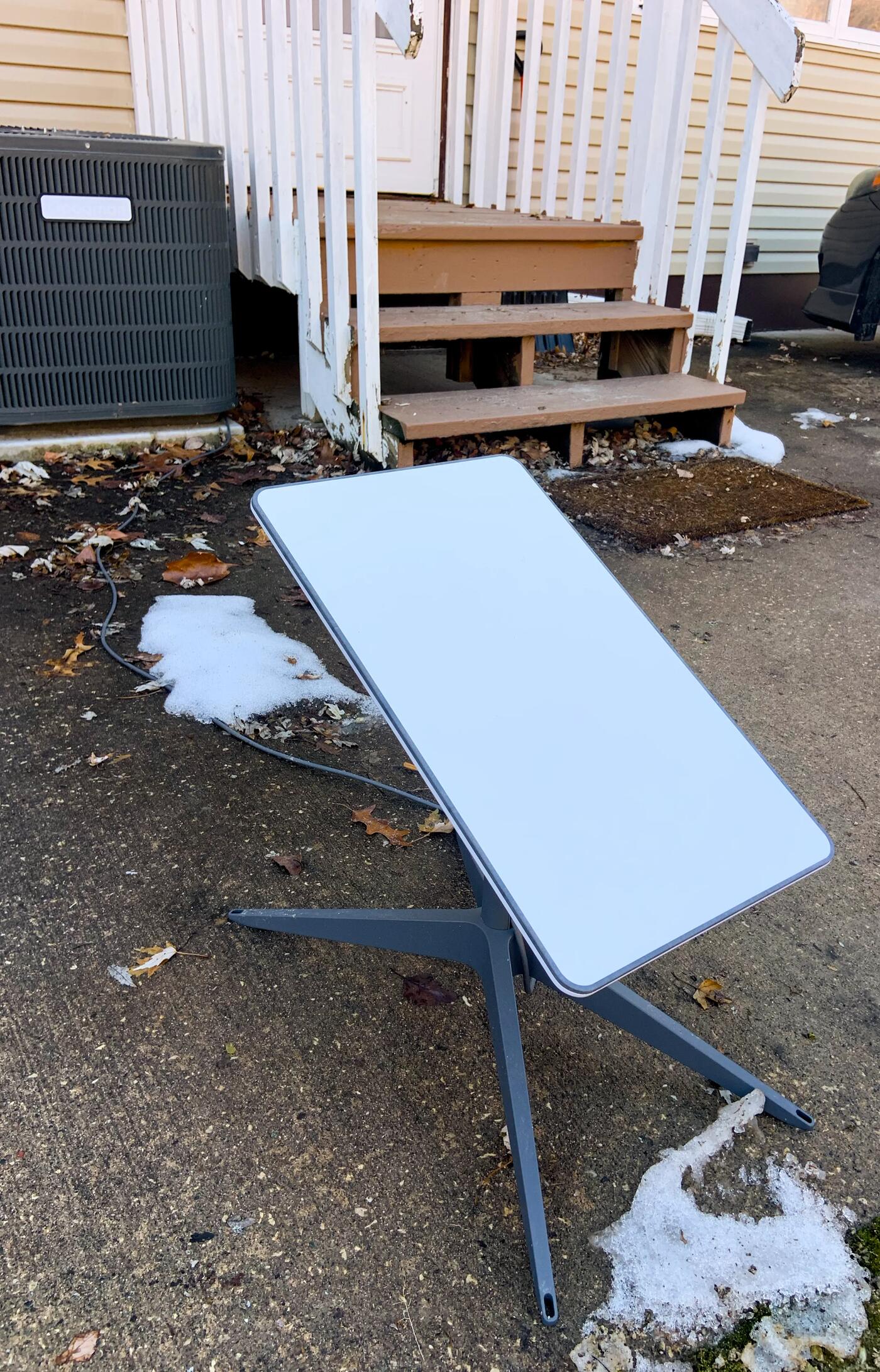
New England winter, dish still working — the heated dish melts snow; rain fade lasts minutes, not days. (Wikimedia Commons, CC0)
Starlink vs. DSL vs. 5G Home Internet for Smart Homes
Starlink
Rural DSL
5G Home (T-Mobile/Verizon)
Typical download
100–200 Mbps
5–25 Mbps
70–300 Mbps
Upload
10–20 Mbps
0.5–1 Mbps
10–40 Mbps
Latency
25–60ms
80–120ms
30–80ms
Availability
Nearly anywhere with sky view
Wherever old copper exists
Spotty outside towns
Smart-home reliability
High
Low–medium
Medium (congestion varies)
First-year cost
~$1,669 w/ referral
~$600–840
~$600
Bottom line on alternatives: if 5G home internet is genuinely available at your address with strong signal, it’s cheaper. If you’re on DSL and your cameras lag, Starlink is the upgrade that actually fixes smart-home reliability — the referral’s free month makes trying it nearly risk-free.
Setting Up Your Smart Home on Starlink: 3 Tips
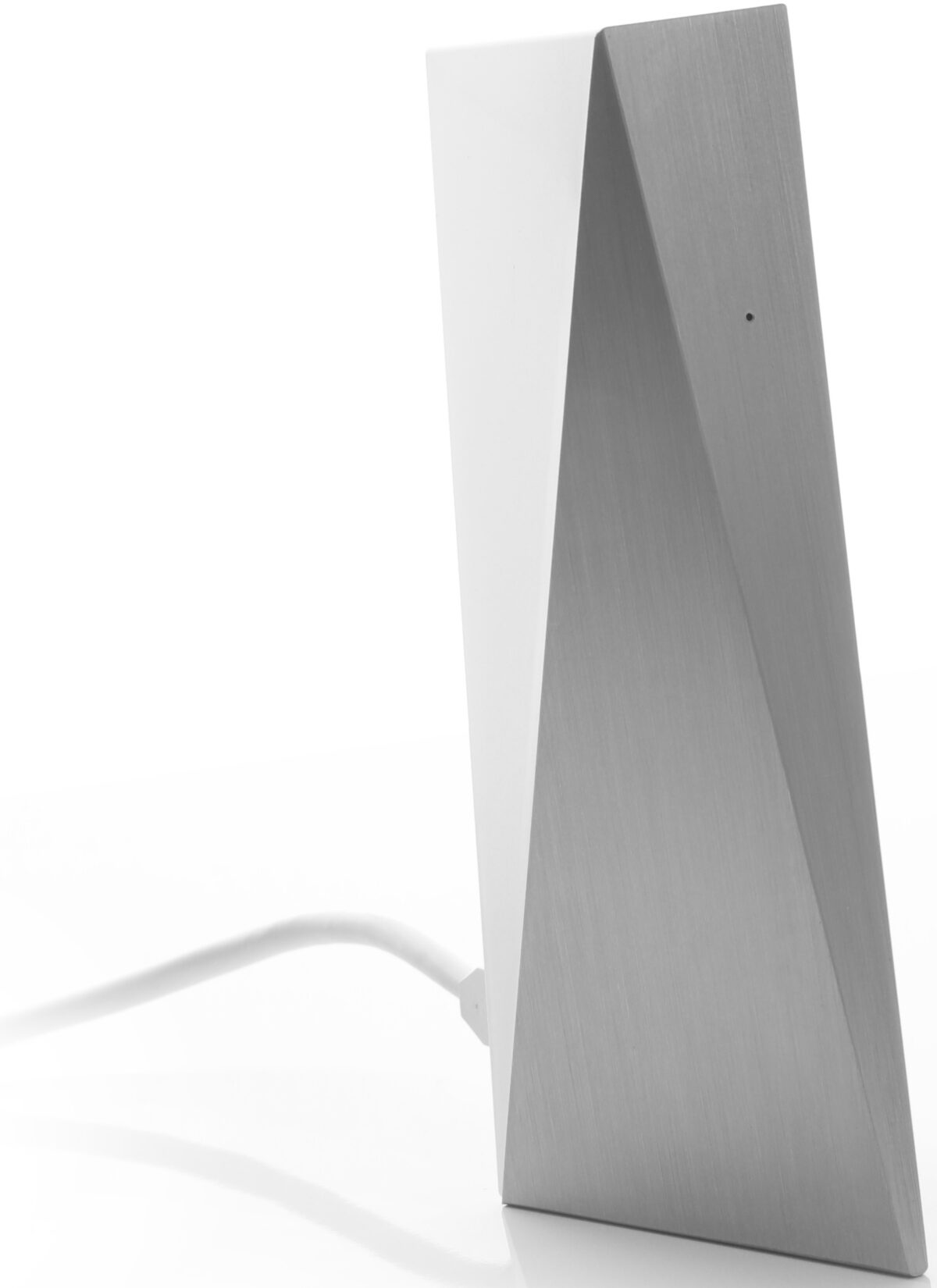
The Starlink Wi-Fi router — solid stock, but your own mesh makes automations snappier. (Wikimedia Commons, CC BY 2.0)
Keep the router, add your own mesh. Starlink’s included router is decent, but a $100 mesh node or two makes automations snappier in bigger homes. Put smart-home hubs on the 2.4GHz band for range, cameras on 5GHz for speed.
Enable Bypass Mode if you’re serious. It turns Starlink’s router into a pure modem so your own router (and VLANs for IoT devices) takes over. Worth it for 20+ device homes.
Starlink app → “Outages” tab. Firmware updates happen at odd hours; schedule your robot vacuum and camera uploads around them. The app tells you when.
Bottom Line
For rural smart homes, Starlink in 2026 is what cable was in 2005: the moment the rest of your tech finally works. The referral program’s free month ($120 value) is the cheapest legitimate way to try it, and it costs you nothing extra — the discount rides along automatically when you sign up through a referral link.
Set it up, add your mesh, put your cameras on 5GHz, and enjoy a smart home that stops pretending the internet is optional.
My take: For rural smart homes Starlink is the 2026 default — upload, latency, and storm-uptime all beat aging copper by an order of magnitude. Grab the referral month ($120, the biggest discount available), and stagger camera uploads if you run several 4K cams.
Join our newsletter and get this free printable plus weekly tips.
✅ Check your inbox for the free download!
Frequently Asked Questions
Why is DSL bad for a smart home?
Three failures: upload speed (every camera clip and cloud backup travels upstream — rural DSL uploads under 1 Mbps while Starlink delivers 10–20+), latency consistency (automations feel instant under 60ms round-trip; DSL’s 80–120ms makes Alexa pause awkwardly versus Starlink’s 25–60ms), and uptime (rural DSL rides aging copper that fails in storms for days, while Starlink’s rain-fade weakness lasts minutes).
What does Starlink cost in 2026?
The Residential plan is $120/month for unlimited data in most US markets, hardware $349 (frequently discounted to $299 or less). Roam plans for RVs and portable setups start around $50/month. The referral program credits one month of free service to your second month — a real $120 value and the single biggest discount available; it applies automatically at checkout when you click through a referral link first.
Will a smart home actually run well on satellite internet?
Voice assistants, hubs, plugs, bulbs, and thermostats feel identical to cable — tiny-bandwidth devices where only latency matters, and Starlink’s low-orbit satellites handle that. Video doorbell live view streams smooth 1080p. The thing to plan around: multiple 4K security cameras uploading simultaneously will compete for that upstream bandwidth, so schedule continuous uploads rather than running them all in real time.
Liked this guide? Get the next one in your inbox — the smart home starter checklist is free too.
✓ You're in — check your inbox.
No spam. Unsubscribe anytime. We never share your email.