This article contains affiliate links. We may earn a commission from qualifying purchases.
Some content on this site is AI-assisted and reviewed by our editorial team.
A Roomba seems like the definition of set-it-and-forget-it — until the third month, when it starts leaving sweep lines on the carpet, erroring out mid-run, and parking itself on the dock with an unexplained error code. Nine times out of ten, the robot is fine. The parts are worn out. And a $400 vacuum quietly turned into a $400 dust spreader because nobody told you the brushes and filters are consumables, not permanent hardware. Here is the maintenance schedule that keeps any robot vacuum cleaning like new, and exactly what replacement parts are worth buying.
Photo: smartrobotreviews (CC BY 2.0), via Flickr.
The 60-Second Weekly Routine
Once a week — I do it while the coffee brews — pull the dustbin, empty it, and knock the filter against the trash edge a few times. Check the two rubber main brushes and the spinning edge brush for wrapped hair, and pull the front wheel out to flick out the hair rope that always collects there. That whole routine takes under a minute with a pair of scissors or a seam ripper. Skip it for a month and you get the classic failures: reduced suction from a packed filter, a front wheel that stops turning smoothly, and an edge brush dragging on carpet. Pet hair homes cut this interval in half.
The Parts Schedule That Actually Matters
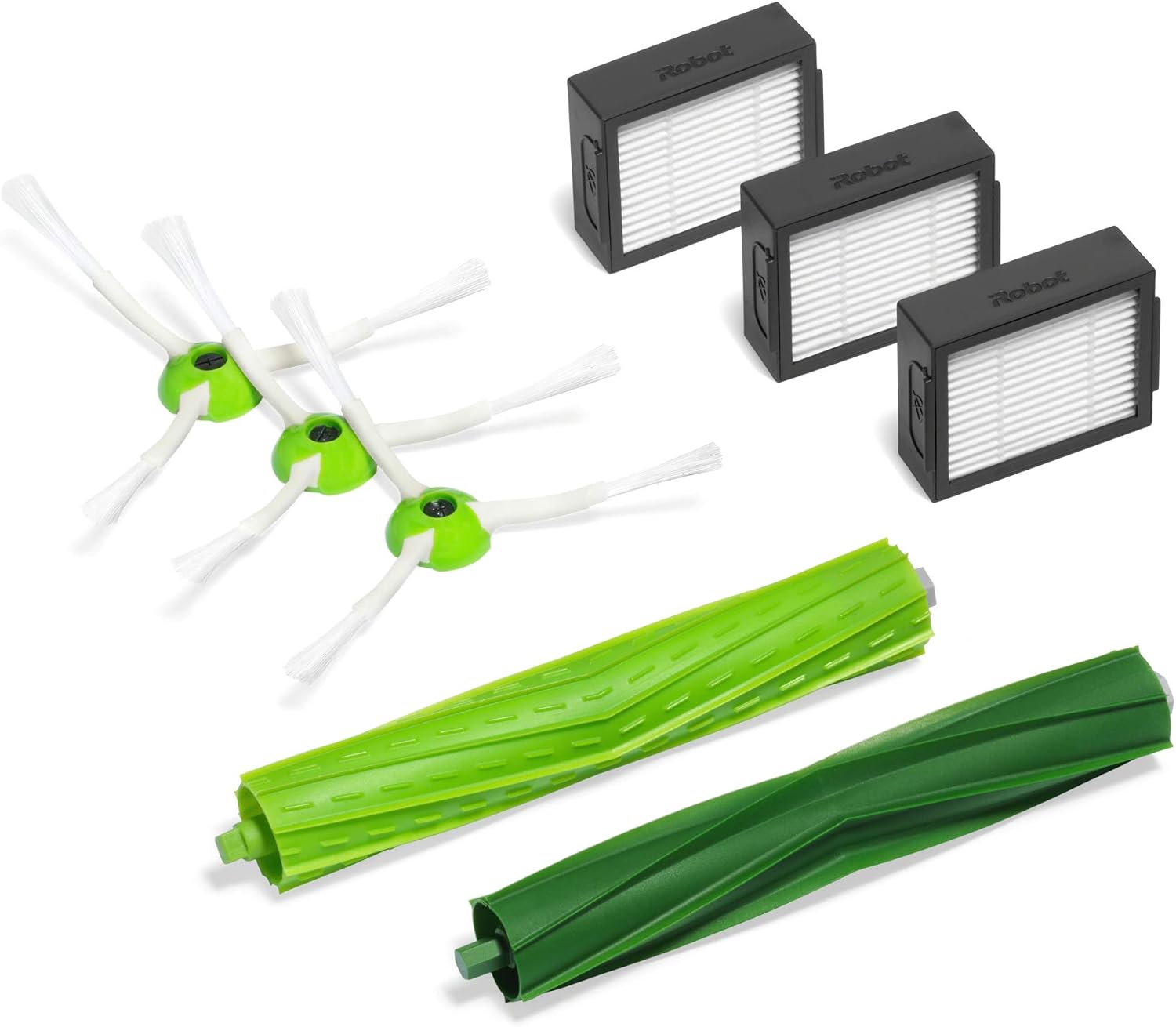
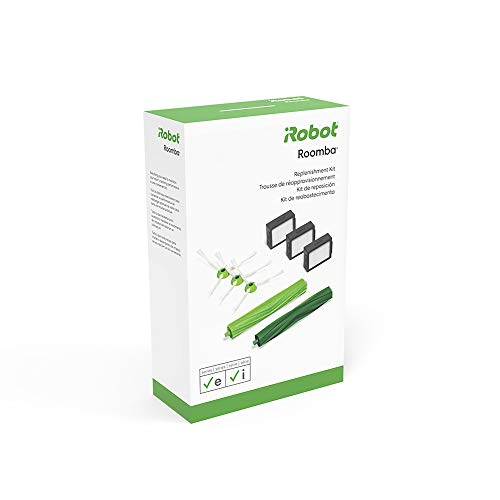
iRobot’s own numbers are the best baseline for the e, i, and j series: filters every 2 to 3 months, edge-sweeping brushes about every 6, and the rubber main brush pair about every 12. The iRobot Authentic Replenishment Kit for Roomba e, i, and j series covers a full year of this — 3 filters, 3 edge brushes, and a dual rubber brush set — for about 37 dollars. Third-party kits undercut it, but for the main brushes the genuine ones keep their shape and their tangle-free surface compound noticeably longer; the cheap ones often harden and crack within a few months.
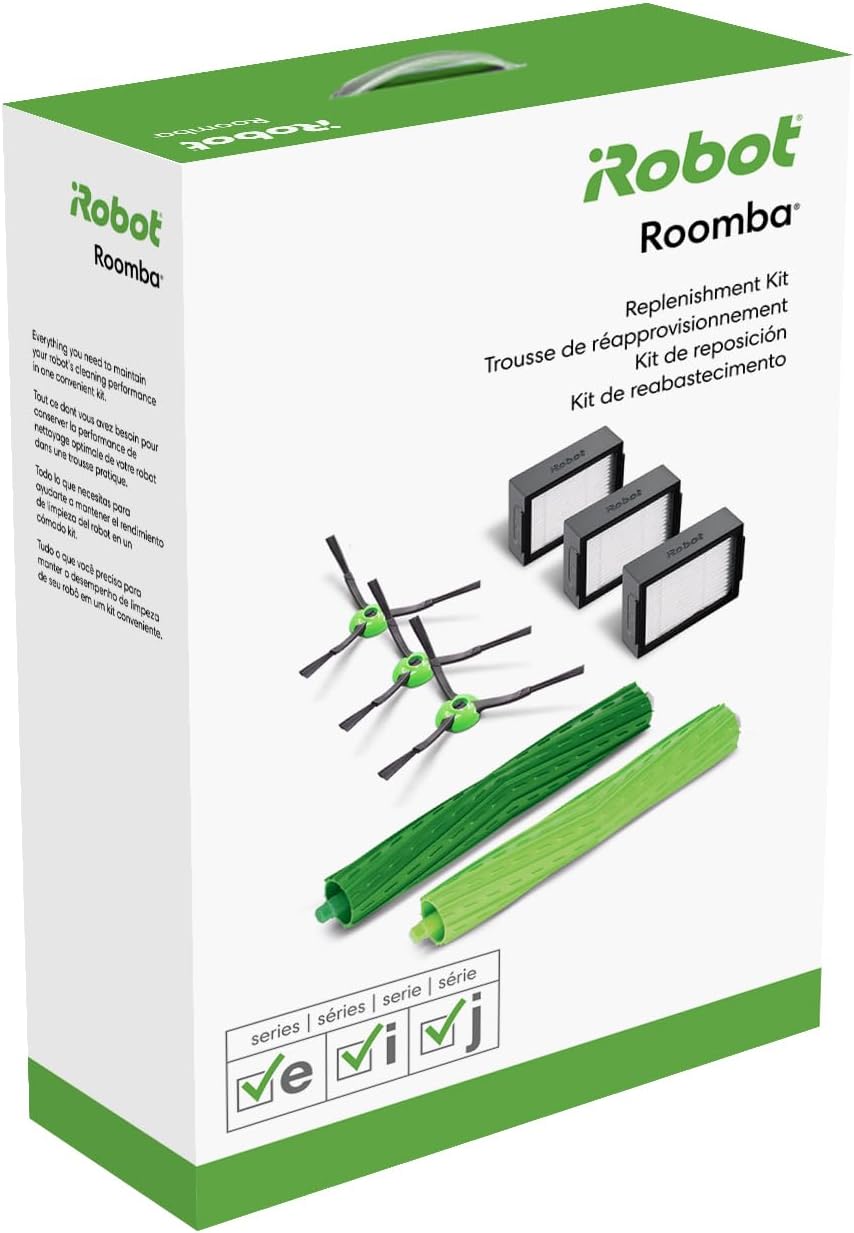
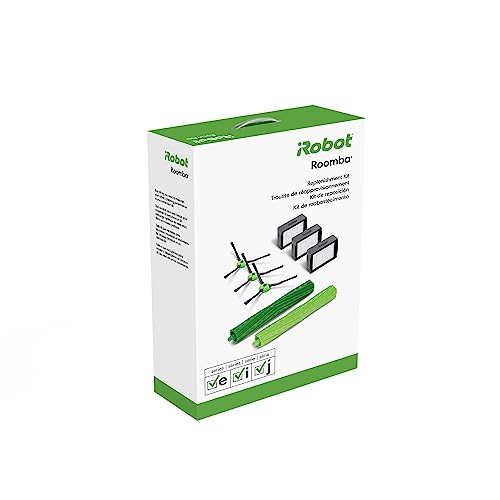
Photo: smartrobotreviews (CC BY 2.0), via Flickr.
Fine Filters — OEM or Budget?
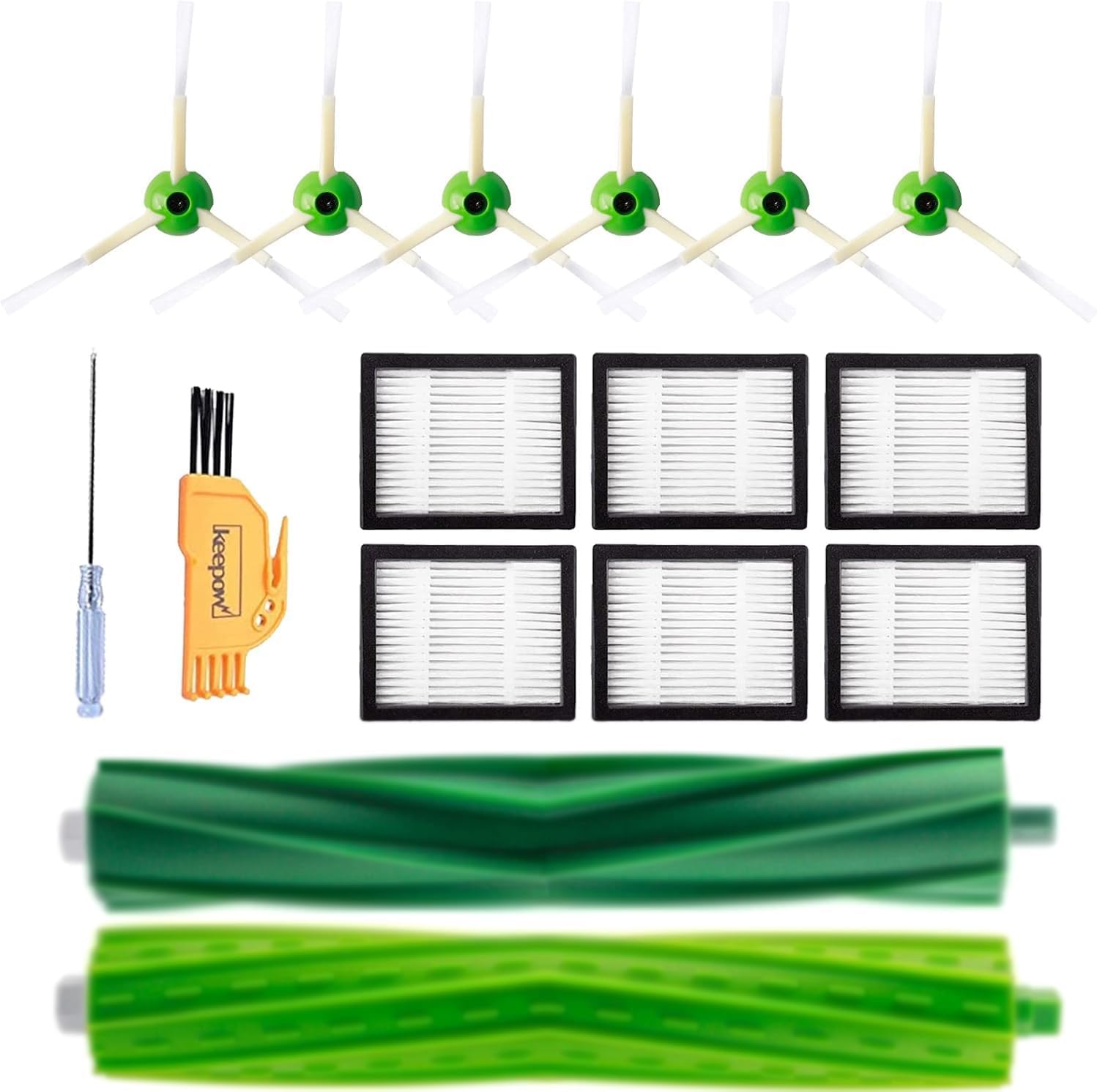
iRobot’s own e/i/j Replenishment Kit is the same idea sold in the green retail box — 3 filters, 3 edge brushes, 1 dual brush set, usually 40 to 45 dollars. For filters specifically, though, honest third-party options do fine: the KEEPOW replacement kit for Roomba e/i/j series bundles filters, edge brushes, and roller brushes at roughly a third of the OEM price per part. Filters are the one place I buy budget without guilt — they are felt and mesh, they either seal or they do not, and I have never had a Keepow filter fail to seat. The trade-off: budget kits sometimes ship fewer filters than the photos suggest, and a handful of them run slightly loose in the bin, which lets fine dust recirculate. If anyone in the house has allergies, stick with the OEM filters and save your savings for the brushes.
The Self-Empty Dock Is a Maintenance Item Too
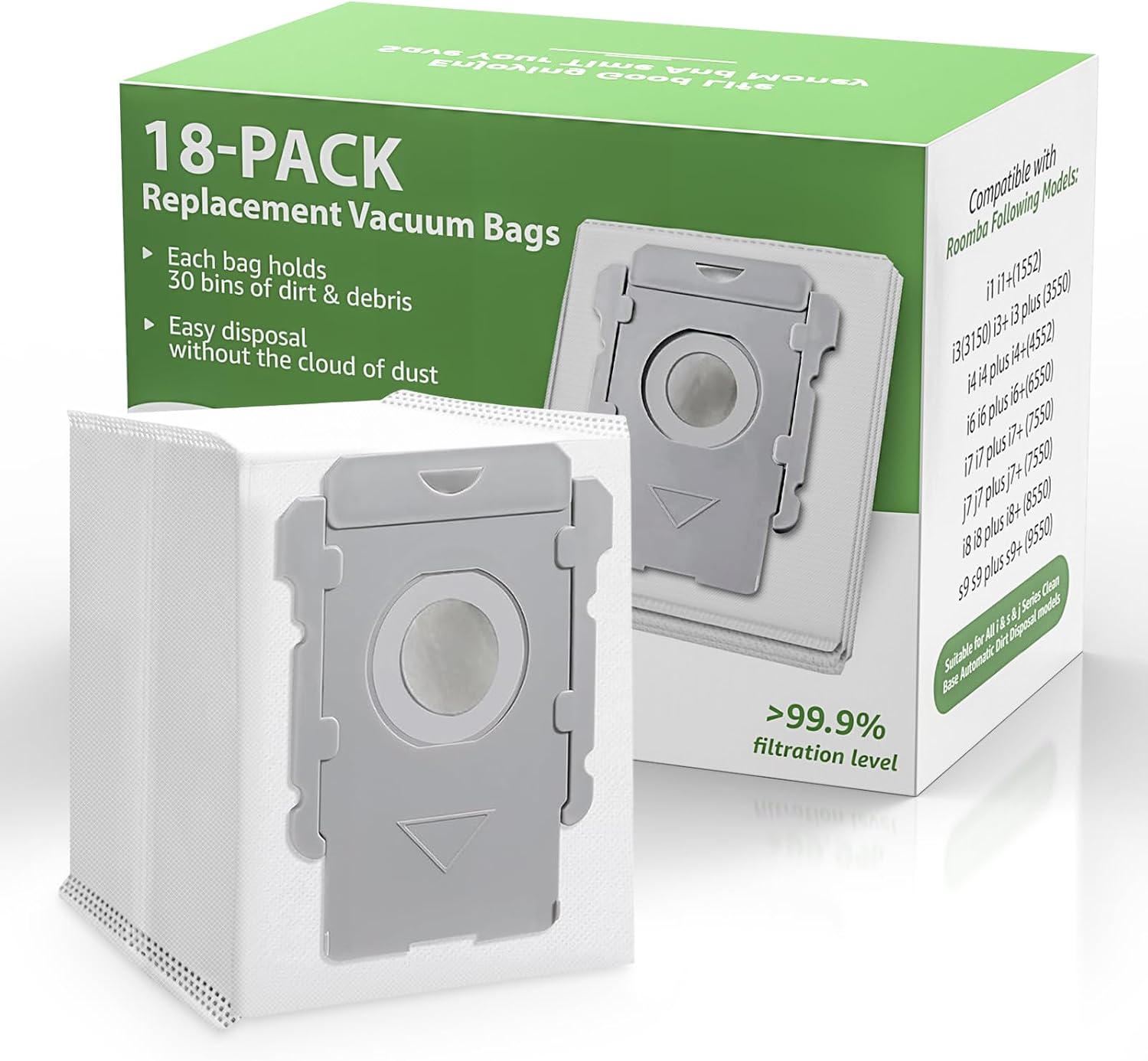
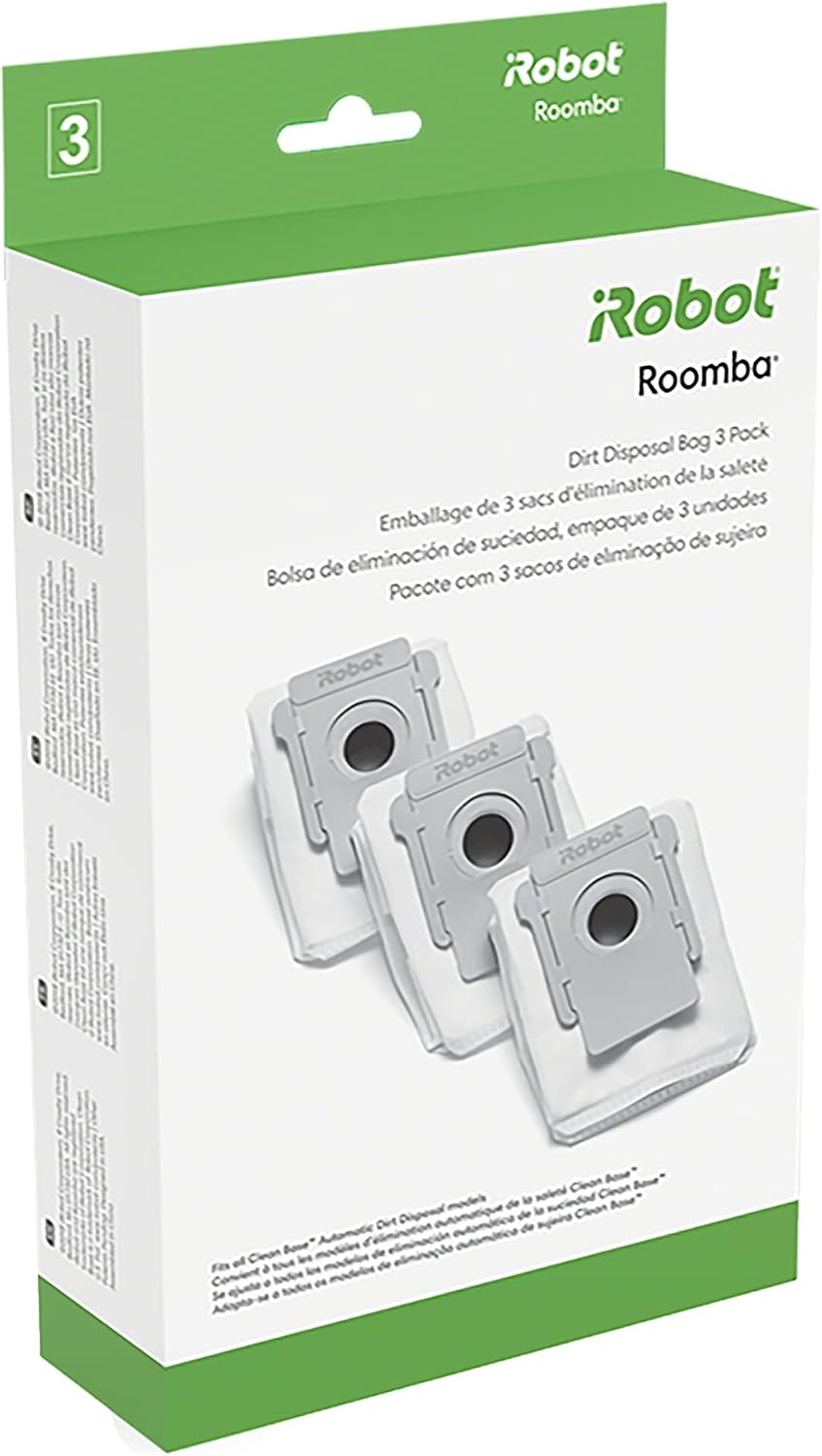
If you run a Clean Base, the dock’s own parts wear. Genuine iRobot dirt disposal bags (3-pack, about 11 to 13 dollars) are convenient but work out to roughly 4 dollars a bag — and each bag holds about 30 bins, so heavy use burns through them fast. The 18-pack of compatible Clean Base bags drops that to well under a dollar fifty a bag with no meaningful difference in fit or filtration. The honest con on generics: occasional reports of a loose seal ring making the dock burp dust when the bag seats — check the collar is seated flush. One caution that saves money and noses: never wash a HE-style filter with water. Water permanently collapses the media; tap it clean, replace on schedule.
Two Settings That Do Half the Work
First, if your model has carpet boost or a “high suction” mode, running it on every floor type chews brushes and batteries faster for cleaning you mostly do not need — set it to auto and let it ramp up only on carpet. Second, run the robot on a schedule, not ad hoc: a daily 9 AM run with a floor that was tidied the night before picks up far less hair and Lego than a chaotic weekend marathon, and less debris per run means less wrapped around the brushes.
Keep a year of parts on the shelf. The genuine iRobot replenishment kit plus an 18-pack of dock bags covers a full year of maintenance for most homes — and if you are a Prime member, replacement parts are a two-day away when the robot starts acting up.
What Actually Saves Money (And What Does Not)
Does save: replacing filters on schedule. A clogged filter forces the motor to work harder for less suction — the robot compensates by running longer, wearing the battery faster. A year of filters costs about 30 dollars; a worn battery replacement costs 80 to 100 or pushes you toward a whole new robot.
Does not save: buying the cheapest no-name brush sets in bulk. The rubber compound on the genuine brushes stays flexible and keeps its fins; the bargain sets I have used flatten and lose traction within months, which shows up as sweep lines long before the calendar says they should need replacing.
Does not save: ignoring the front wheel and edge brush because they look fine. A gritty front wheel scars hard floors slowly and invisibly; a jammed edge brush just quietly stops sweeping corners, and you pay for that in manual vacuuming time.
Does save: one reusable zipper bag for the Clean Base if you hate the recurring cost — but only if you actually empty it outside every few weeks without making a mess. For most people the 18-pack of disposables is the better trade.
The Annual Maintenance Math
One year of genuine parts for a self-emptying e/i/j-series Roomba: replenishment kit about 37 dollars, plus 18 dock bags about 22 dollars, plus a 2-pack of spare front wheels for about 8 dollars. Call it 65 to 70 dollars a year to keep a 400-to-700-dollar robot cleaning at full strength — about 6 dollars a month. Compare that to the service cost of a single out-of-warranty motor issue, or the 400-plus dollars of replacing the robot two years early because you skipped the 6-dollar-a-month care. Maintenance is the cheapest subscription your robot will ever have, and it is one you control.
If you are still choosing the robot itself, our guide to devices that work without monthly fees covers which vacuums keep working free after you buy them — and if you are automating the room it cleans in, our garage automation upgrades pair well with a robot that docks itself out of sight.
CleverHomeClub is reader-supported. As an Amazon Associate, I earn from qualifying purchases. That means if you buy through one of the links above, I get a small commission at no extra cost to you. I only recommend devices I’d run in my own home.
My take: A $400 vacuum becomes a $400 dust spreader when the consumables wear out — the 60-second weekly empty-and-cut plus the 2/6/12-month parts schedule keeps it cleaning like new. Genuine brushes, budget filters, never wash a HE filter, and a year of parts on the shelf beats every repair.
Related guides
- How to Secure Your Smart Home from Hackers (Without Being a Tech Expert)
- Smart Home Laundry Room: 5 Devices That Make Laundry Less Awful
- Smart Home for Renters: 10 Devices That Wont Cost You Your Deposit
- Water Leak Sensor Placement: 4 Devices That Watch Your Basement So You Do Not Have To
- Smart Home Privacy Guide: What Your Devices Collect and How to Stop It
🏠 Get Your Free Smart Home Setup Checklist
Join our newsletter and get this free printable plus weekly tips.
Frequently Asked Questions
How often does a robot vacuum need maintenance?
A 60-second weekly routine: empty the dustbin, tap the filter against the trash edge, and cut wrapped hair from the main and edge brushes (pet-hair homes: halve the interval). Skip a month and you get the classic failures — packed-filter suction loss, a sticky front wheel, an edge brush dragging on carpet. The parts schedule: filters every 2–3 months, edge brushes every ~6, main brush pair every ~12.
Are OEM or third-party Roomba parts better?
Split the difference: for main brushes, genuine iRobot (the ~$37 e/i/j Replenishment Kit covers a year — 3 filters, 3 edge brushes, dual brush set) keeps its shape and tangle-free compound noticeably longer; cheap ones harden and crack within months. For filters, honest third-party kits like KEEPOW do fine at a third of the price — felt and mesh either seal or don’t. If anyone has allergies, stick with OEM filters. Never wash a HE-style filter: water permanently collapses the media.
What settings reduce robot vacuum wear?
Two: run carpet-boost on auto so it only ramps on carpet (running high suction everywhere chews brushes and batteries for cleaning you don’t need), and schedule daily runs on a tidied floor — a 9 AM pass picks up far less hair and Lego than a weekend marathon, and less debris per run means less wrapped in the brushes. Keep a year of parts on the shelf; dock bags are cheapest in 18-packs at under $1.50 each.
Liked this guide? Get the next one in your inbox — the smart home starter checklist is free too.
✓ You're in — check your inbox.
No spam. Unsubscribe anytime. We never share your email.
Price Check
Prices verified via our product tracker. Updated Sep 27.
| iRobot Authentic Replacement Parts - Replenishment Kit for | $34.99 | 4.6★ (3,515) |
| - iRobot Roomba Authentic Replacement Parts - Roomba e, i, | $34.99 | 4.7★ (12,845) |
| - KEEPOW Replacement Parts Accessories Compatible with iRo | $16.99 | 4.5★ (451) |
| - iRobot Authentic Replacement Parts - 3 Count (Pack of 1) | $11.17 | 4.8★ (27,664) |
| - 18 Pack Vacuum Bags for iRobot Roomba I/S/J Series &100- | $22.99 | 4.5★ (1,802) |
As an Amazon Associate we earn from qualifying purchases.