This article contains affiliate links. We may earn a commission from qualifying purchases.
Some content on this site is AI-assisted and reviewed by our editorial team.
Your entryway is the first thing you see when you walk through the door and the last thing you pass on your way out. It sets the tone for your entire home. But for most of us, it is also where shoes pile up, keys get lost, packages sit unattended, and that one light switch always seems to be on the wrong wall. I spent years fumbling for lights in the dark before I started upgrading my entryway with smart home tech, and honestly, the difference is night and day.
In this guide, I am walking you through seven smart home upgrades that transformed my entryway and mudroom from a chaotic catch-all into the most functional room in the house. Whether you are starting from scratch or adding to an existing setup, these upgrades work together to make coming home feel effortless.
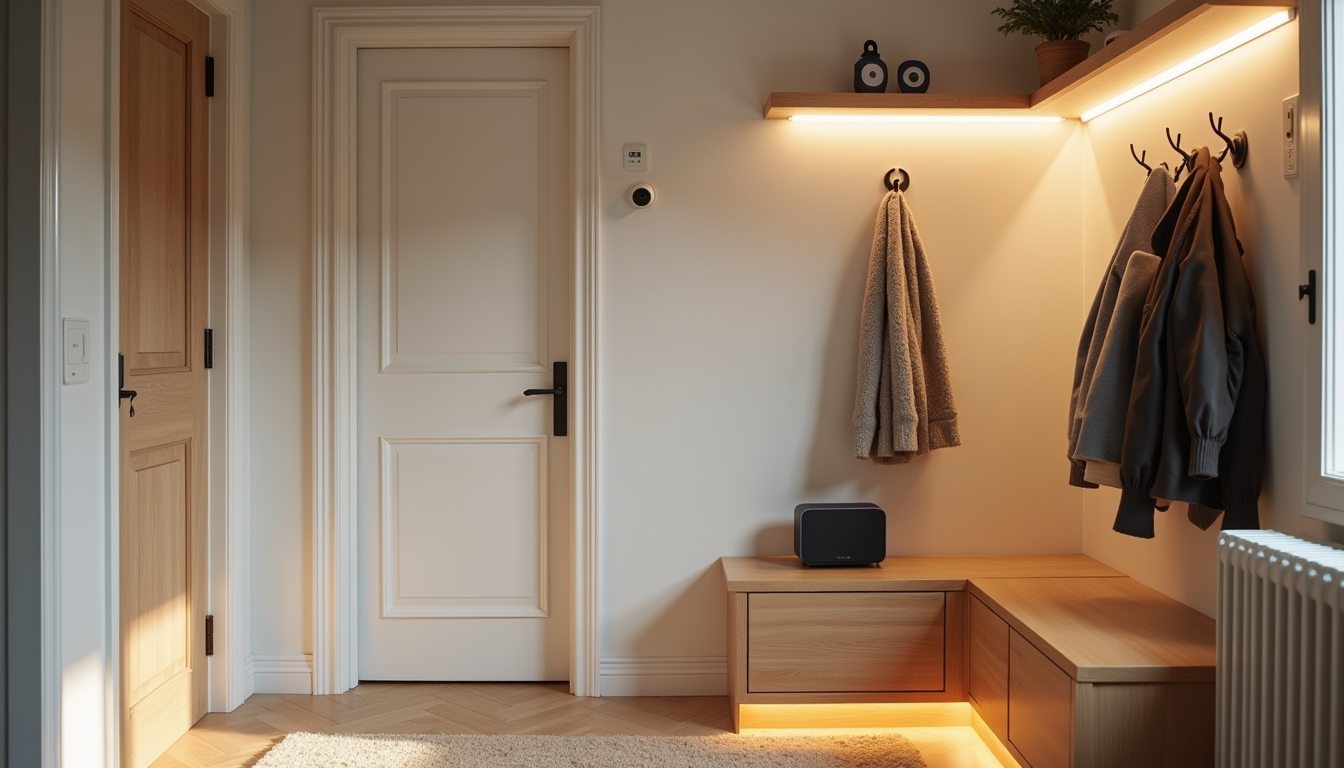
1. Smart Video Doorbell: Know Who Is at the Door Before You Open It
The very first upgrade I made was swapping my dumb doorbell for a video doorbell, and it is the one I use every single day. A video doorbell lets you see who is at the door from your phone, talk to delivery drivers, and review motion events without ever getting up from the couch.
I went with the Eufy Video Doorbell S220 because it runs on battery, which means no wiring was needed. It records locally to the base station, so there is no monthly subscription fee. If you want something even more straightforward, the Ring Battery Doorbell is a solid alternative that integrates nicely with Alexa. For anyone who wants the latest in 2K resolution and dual-camera setup, the Eufy Video Doorbell E340 offers package detection and a wider field of view.
If you live in an older home or a rental where wiring is not an option, check out our guide to smart doorbells without wiring for more battery-powered options.
2. Smart Lighting That Greets You the Moment You Walk In
There is something genuinely magical about opening your front door and having the lights come on automatically. No more fumbling for a switch with full hands. Smart lighting in the entryway is the upgrade that makes the biggest day-to-day difference in how your home feels.
I use Philips Hue White bulbs in my entryway fixtures. They are reliable, the app is excellent, and the automations are easy to set up. If you want color — maybe a warm amber for evenings or a cool white for mornings — the Philips Hue color starter kit gives you the full spectrum.
For a more permanent solution, I swapped the wall switch itself with a Lutron Caseta smart switch. This is the better route if you have overhead lights or multiple bulbs on one circuit, because one switch controls them all. Caseta switches also work without a neutral wire, which makes them perfect for older homes.
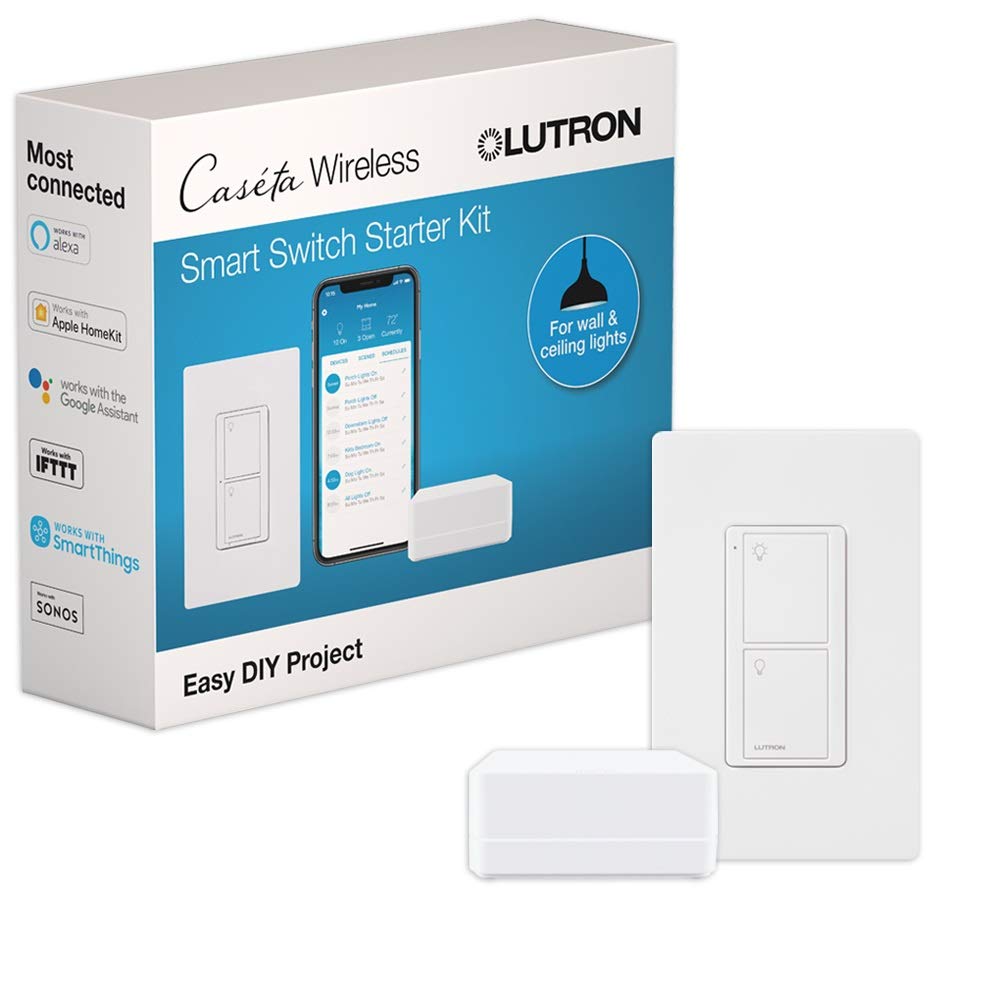
For a deeper comparison of lighting options, read our smart lighting guide covering Philips Hue, Lutron, and budget bulbs.
3. Smart Plugs for Entryway Devices You Keep Forgetting About
My entryway used to have a lamp that I always forgot to turn off, a phone charger that stayed plugged in 24/7, and a space heater I used in the winter. Smart plugs solved all three of those problems for under thirty dollars.
I use the TP-Link Tapo Smart Plugs throughout my entryway. They are compact, reliable, and work with both Alexa and Google Home. I have one on the entryway lamp that turns on at sunset and off at 11 PM. Another one is on the space heater with a schedule that only allows it to run during cold months.
The beauty of smart plugs is that they make dumb devices smart without replacing anything. If you already have a lamp you love or a fan that works fine, a smart plug gives you scheduling and voice control for a fraction of the cost of replacing it.
4. Door and Window Sensors for Entry Security
Here is a question: do you actually know whether your front door is fully closed right now? I did not, until I installed contact sensors. My door has a habit of not latching all the way if you do not pull it firmly, and I would find it slightly ajar hours later.
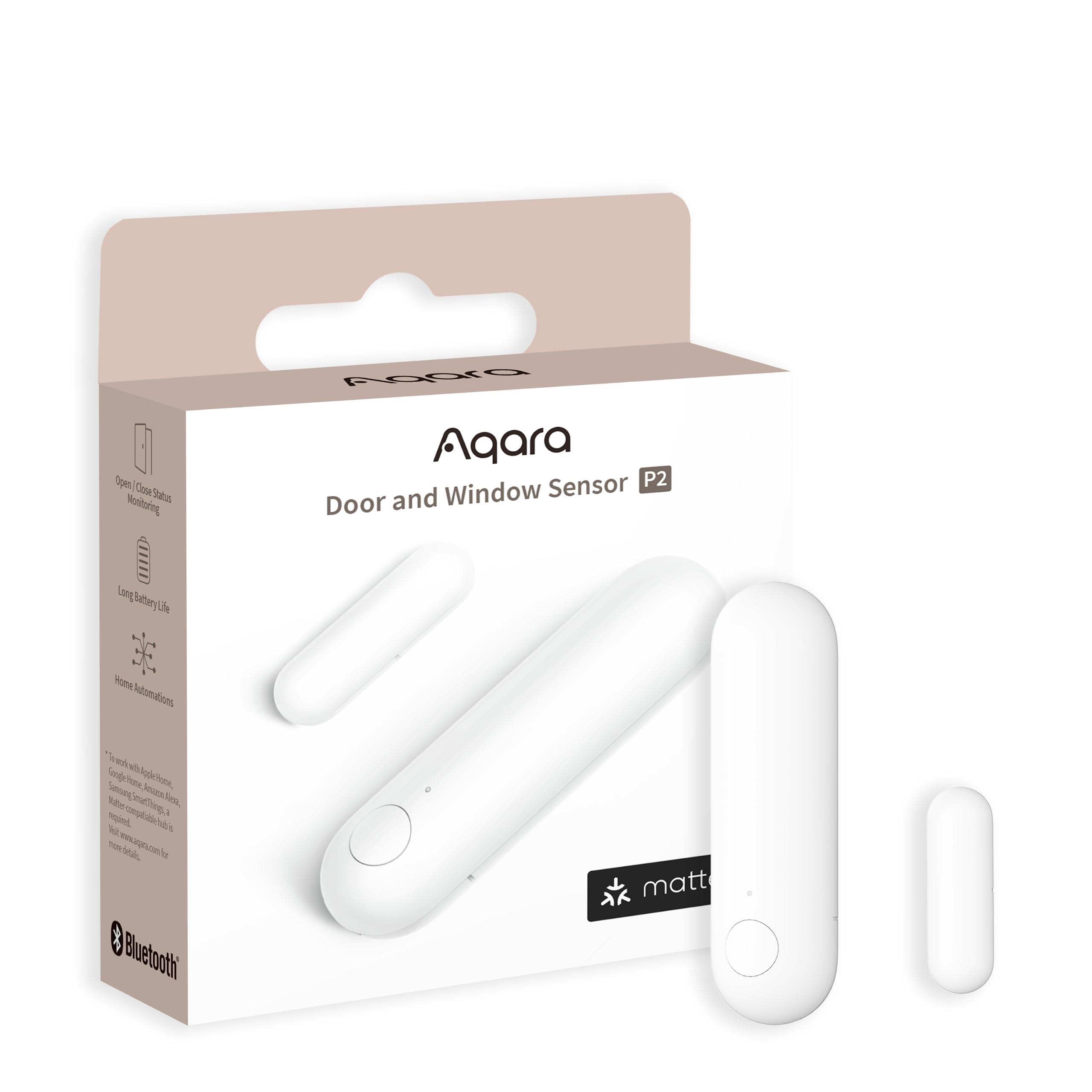
The Aqara Door and Window Sensor P2 sits on my front door and sends a notification to my phone if it is left open for more than two minutes. It also triggers the entryway lights to turn on when the door opens, which is the automation I will get into shortly.
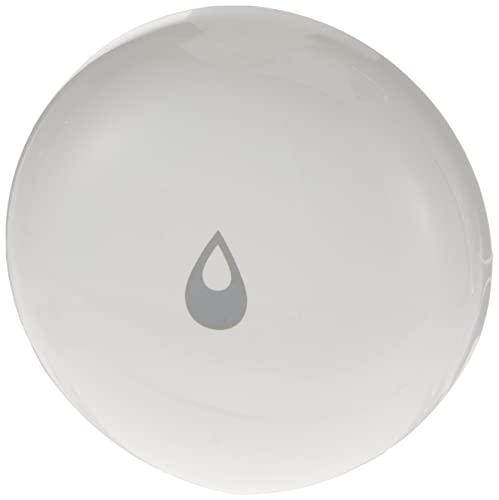
While you are at it, add a Aqara Water Leak Sensor near your mudroom if you have a coat closet or shoe rack near plumbing. I learned this the hard way when a pipe joint behind my entryway closet started weeping and I did not notice for a week.
5. Smart Lock: Stop Hiding Keys Under the Mat
I was a key-hider for years. Under the mat, in a fake rock, on a nail behind the shutters. Then a friend told me their cleaning person had been let in by a neighbor who knew where the spare was. That was the day I bought a smart lock.
The Yale Assure Lock 2 is what I installed, and it has been excellent. I can create temporary codes for guests, dog walkers, or contractors that expire after a set time. I can lock or unlock the door from my phone. And the auto-lock feature means the door secures itself thirty seconds after it closes, so I never have to wonder if I forgot.
If you want to go further, you can pair the smart lock with a door sensor so the door only auto-locks when it is confirmed closed. That prevents the lock from engaging while the door is still open, which can damage the bolt mechanism over time.
6. Under-Cabinet LED Strips for Mudroom Ambiance and Function
My mudroom has a bench with cubbies underneath for shoes, and above it there is a row of hooks for coats and bags. It was always dim, especially in the evening. Running an LED strip under the upper shelf changed the entire feel of the space.
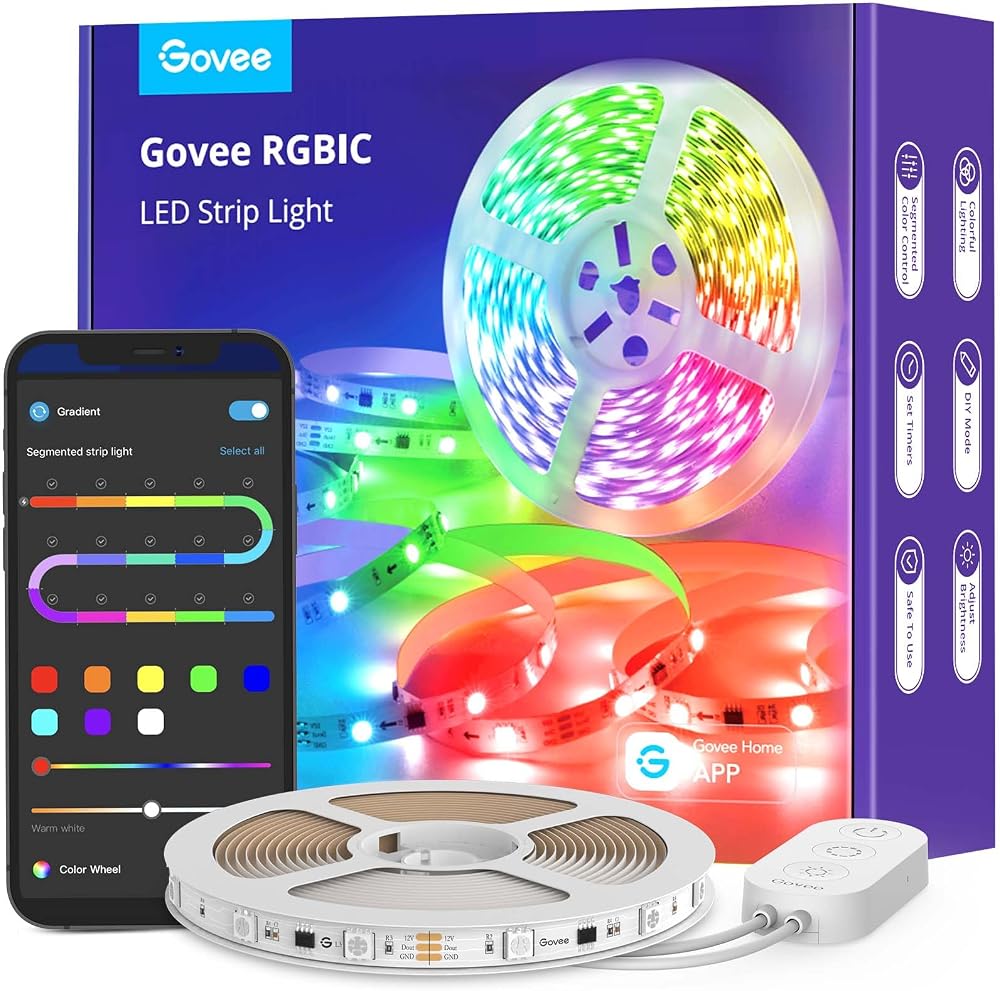
I used Govee RGBIC LED Strips because they are affordable, the colors are vibrant, and the app lets you create scenes. I set mine to a warm white during the week and a soft color wash on weekends. The RGBIC feature means different sections of the strip can show different colors simultaneously, which looks great behind a shelf.
Practically, the LED strip also makes it easier to find things in the cubbies. I can see my shoes, my kids’ backpacks, and the dog leash without turning on the overhead light. It is a small thing that makes the mudroom feel finished instead of forgotten.
7. Automations That Tie It All Together
Individual smart devices are useful, but the real magic happens when you set up automations that make them work as a team. Here are the ones I run in my entryway every day:
- Door opens, lights on: When the Aqara door sensor detects the front door opening, the Philips Hue entryway lights turn on at 40 percent brightness during the day and 80 percent at night.
- Sunset lamp: The TP-Link smart plug on the entryway table lamp turns on automatically at sunset using the local sunrise/sunset schedule.
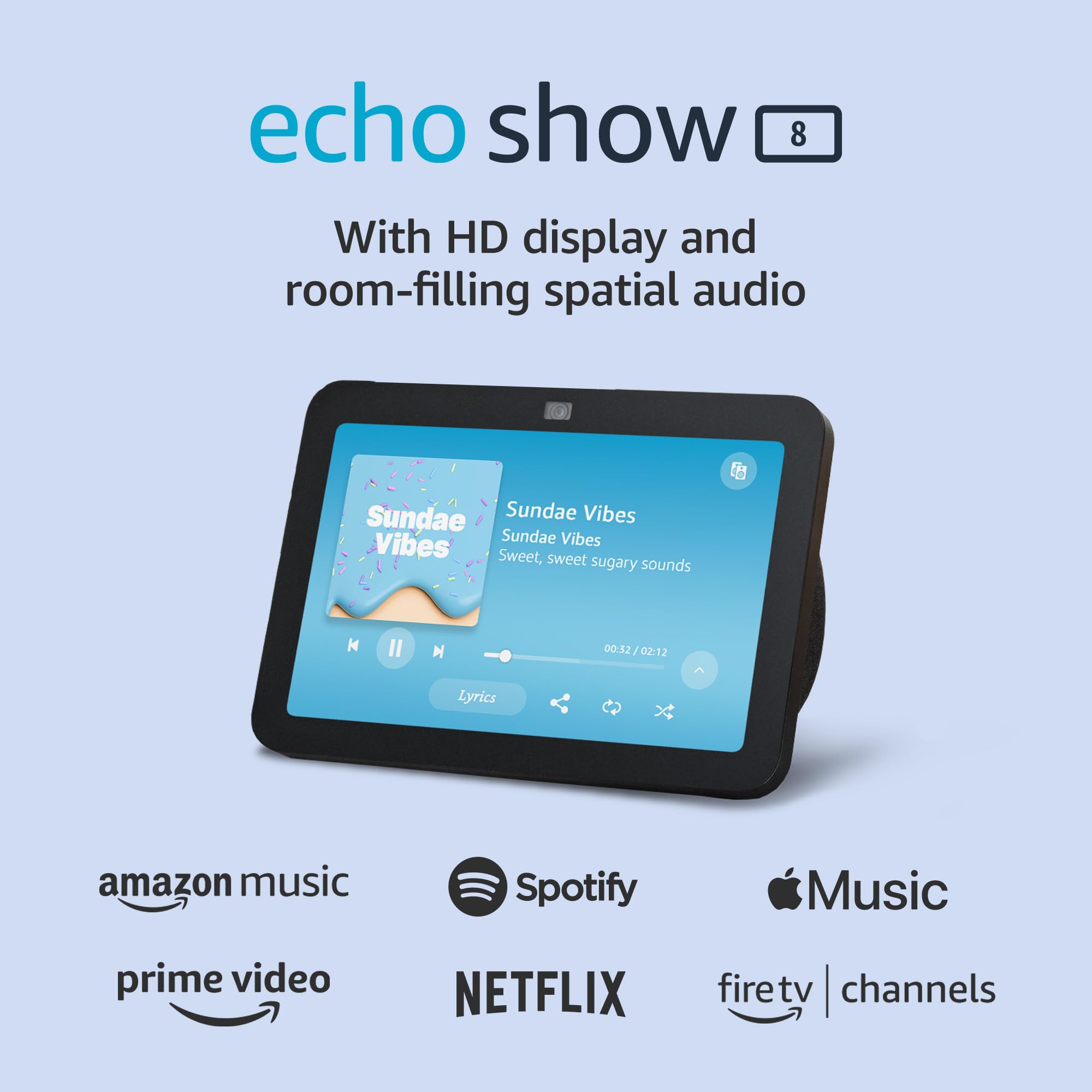
- Door left open alert: If the front door sensor reads open for more than two minutes, I get a phone notification and the Echo Show in the kitchen announces it.
- Goodnight routine: At 11 PM, the entryway lights dim to 10 percent, the smart plug lamp turns off, the Yale lock confirms it is locked, and the doorbell switches to night mode.
- Guest mode: When I create a temporary code on the Yale lock, the entryway lights turn on at full brightness and the smart plug by the guest charger activates.
I use a Samsung SmartThings Station as my hub, and it handles the automations locally so they work even if the internet goes down. For more automation ideas, check out our post on 7 smart home automations that save you time every day.
Cost Breakdown: What I Actually Spent
Here is a realistic look at what these upgrades cost. You do not have to buy everything at once — I built my setup over about six months.
- Video doorbell (Eufy S220): around 130 dollars
- Philips Hue White bulbs (2-pack): around 40 dollars
- Lutron Caseta smart switch: around 50 dollars
- TP-Link Tapo smart plugs (4-pack): around 25 dollars
- Aqara door sensor P2: around 20 dollars
- Aqara water leak sensor: around 15 dollars
- Yale Assure Lock 2: around 180 dollars
- Govee RGBIC LED strips (16 feet): around 25 dollars
- Samsung SmartThings Station: around 80 dollars
- Echo Show 8 (for kitchen announcements): around 100 dollars
Total for the full setup: roughly 665 dollars. But you can start with just a doorbell and a couple of smart bulbs for under 170 dollars and add from there. If you are a renter, many of these devices are portable and will not cost you your deposit — see our guide on smart home devices for renters for more on that.
Common Mistakes to Avoid
I made most of these mistakes so you do not have to:
- Buying a doorbell before checking your Wi-Fi signal at the front door. Video doorbells need a strong connection. If your router is in the back of the house, invest in a mesh system or a Wi-Fi extender first.
- Skipping the hub and relying entirely on cloud automations. Cloud automations stop working when your internet goes down. A local hub like SmartThings or Home Assistant keeps your entryway functioning offline.
- Putting smart bulbs in a fixture controlled by a dumb switch. Someone will flip the switch off, and your smart bulb becomes a dead bulb. Either use smart plugs for lamps or replace the wall switch with a Lutron Caseta.
- Not setting a door-left-open alert. This is a five-minute setup that saves you from a genuinely scary situation. Do it the same day you install your door sensor.
- Overcomplicating automations. Start with one or two. If your goodnight routine has fifteen steps and three conditions, it will break. Keep it simple and reliable.
Bottom Line
Your entryway does not need to be the most high-tech room in your house, but it should be the most functional. A smart doorbell tells you who is there. Smart lighting greets you in the dark. Door sensors catch problems before they become disasters. A smart lock eliminates the hidden-key ritual. And automations weave all of it together so the entryway just works — without you thinking about it.
Start with a video doorbell and a pair of smart bulbs. Add a door sensor and a smart lock when you are ready. Before you know it, you will wonder how you ever came home to a dark, silent house and called that normal.
For managing it all from your phone, here are the 7 smart home apps that belong on your homescreen in 2026.
Disclosure: This post contains affiliate links. If you buy through them, I earn a small commission at no extra cost to you.
My take: The entryway upgrades that matter are the doorbell you’ll use daily and the sensor-triggered lights that greet you with full hands — everything else is refinement. Start with those two; the mudroom earns its own leak sensor.
Related guides
- Garage Door Monitoring: 4 Setups That Answer the 2 AM Question
- Smart Kitchen Automation: 5 Devices That Run Dinner Without Rewiring Anything
- Smart Home Setup for Your Garage and Workshop
- Samsung SmartThings Healthcare: Why 460 Million Users Changes the Smart Home Game
- Smart Home Storm Prep: How to Keep Your Devices Running When the Grid Fails
🏠 Get Your Free Smart Home Setup Checklist
Join our newsletter and get this free printable plus weekly tips.
Frequently Asked Questions
What’s the first smart upgrade for an entryway?
A video doorbell — it’s the upgrade the author uses every single day: see who’s at the door from your phone, talk to delivery drivers, review motion events without leaving the couch. The Eufy S220 runs on battery (no wiring) and records locally to its base station with no monthly fee; the Ring Battery Doorbell is the Alexa-friendly alternative, and the Eufy E340 adds 2K dual-camera package detection.
How do I make entryway lights come on when the door opens?
Contact sensor + smart bulbs: the Aqara Door and Window Sensor P2 on the front door triggers the entryway lights when it opens, and sends a phone notification if the door is left ajar more than two minutes (useful for doors that don’t latch firmly). For overhead lights on one circuit, a Lutron Caseta smart switch is the better route — one switch controls them all and works without a neutral wire in older homes.
What entryway devices get forgotten the most?
The always-on stragglers: the lamp left burning, the phone charger plugged in 24/7, the seasonal space heater. Smart plugs under $30 fix all three — the lamp on a sunset-to-11-PM schedule, the heater restricted to cold months. While you’re back there, an Aqara leak sensor near entryway plumbing catches weeping pipe joints the author learned about the hard way.
Liked this guide? Get the next one in your inbox — the smart home starter checklist is free too.
✓ You're in — check your inbox.
No spam. Unsubscribe anytime. We never share your email.
Price Check
Prices verified via our product tracker. Updated Oct 17.
| eufy Security, Video Doorbell S220 (Battery-Powered) Kit, | $79.99 | 4.3★ (7,347) |
| Ring Battery Doorbell | Video Doorbell Camera | Amazon | $99.99 | 4.5★ (56,063) |
| eufy Security Video Doorbell E340, Dual Cameras, 2K FHD, N | $149.99 | 4.5★ |
| Philips Hue A19 LED Smart Light Bulb - White and Color Amb | $147.99 | 4.7★ (4,824) |
| Tapo Smart Plug Mini 15A, Smart Wi-Fi Plug, P105(4-Pack) | | $34.99 | 4.6★ (1,658) |
| Aqara Door and Window Sensor P2, Contact Sensor with Remot | $27.99 | 3.6★ (1,116) |
| Aqara Water Leak Sensor 1 Pack, Zigbee Water Leak Detector | $17.09 | 4.2★ (3,639) |
| Yale Assure Lock 2 Touchscreen Keypad Deadbolt with Wi-Fi, | $279.99 | 3.9★ (946) |
| WYZE Cam v4 (Latest Model), 2.5K AI Security Camera, Indoo | $44.97 | 4.3★ (11,330) |
As an Amazon Associate we earn from qualifying purchases.