This article contains affiliate links. We may earn a commission from qualifying purchases.
Some content on this site is AI-assisted and reviewed by our editorial team.
If you are tired of coming home to a stuffy house or getting an electric bill that makes you wince, smart AC control is the upgrade that pays for itself fast. You do not need a new air conditioner or a fancy smart thermostat. You need a $70 controller and ten minutes of setup.
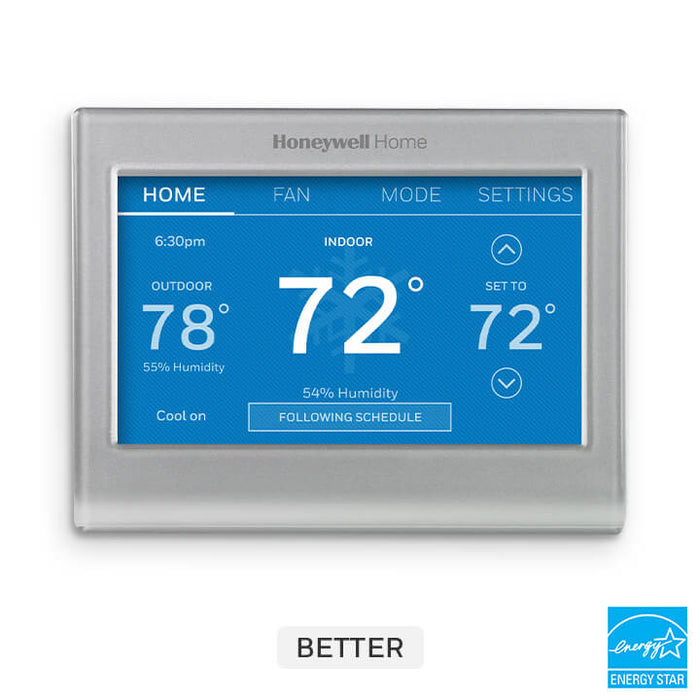
I have been testing smart AC controllers for two summers now, running them alongside my ecobee thermostat and comparing energy bills month over month. The results were better than I expected: my AC costs dropped about 18 percent in July and August, and the house was actually more comfortable because the AC was not blasting at full power when nobody was home.
What a Smart AC Controller Actually Does
A smart AC controller is a small Wi-Fi device that talks to your existing air conditioner through its infrared remote. Your AC already has a remote. The controller learns the same signals and lets you control the AC from your phone, set schedules, and connect it to your other smart home devices.
Think of it as a smart thermostat for your window unit or mini-split. Instead of replacing the AC, you are adding a brain to it.
The features that make a real difference on your bill:
- Geofencing — the AC turns on when you are 15 minutes from home and off when you leave. No more cooling an empty house.
- Schedule-based cooling — set the AC to pre-cool the bedroom before bed and turn down during the hottest part of the day.
- Temperature and humidity triggers — turn on when the room hits 78 degrees, turn off when it drops to 72. The AC is not running constantly, which saves the most money.
- Integration with smart thermostats — if you have a central system plus a window unit, the controller can coordinate so they are not fighting each other.
The Three Controllers Worth Buying
Sensibo Sky: The Reliable Pick
The Sensibo Sky is the controller I have been using the longest, and it is the one I would recommend to most people. It is a small white puck that mounts on the wall near your AC unit, connects to your Wi-Fi, and learns your AC’s infrared codes in about two minutes.
The app is clean and does the important things well: scheduling, temperature triggers, and geofencing. It integrates with Alexa and Google Assistant, so you can say “set the AC to 72” and it works. The Sensibo also works with Apple HomeKit, which is a bonus if you are in that ecosystem.
The feature that saved me the most money was the “climate react” trigger. I set it to turn on the AC when the room temperature exceeded 80 degrees and the humidity was above 55 percent. Before that, I had the AC running on a timer from 2pm to 8pm every day, whether it needed to or not. After switching to temperature-based triggers, my AC ran about 40 percent less in July.
Price: around $119 on Amazon. Works with most AC units that have a remote.
Tado Smart AC Controller: Best for Europeans and Mini-Split Owners
The Tado Smart AC Controller is popular in Europe and works particularly well with mini-split systems. The hardware is excellent: a wall-mounted controller with a built-in temperature and humidity sensor, so it is not just relaying commands but actually monitoring the room climate.
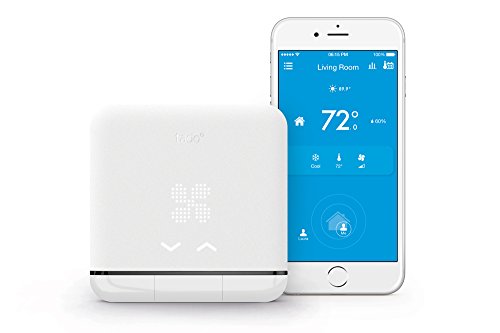
The scheduling interface is the best of the three. You can set different temperatures for different times of day across the week, and the app shows you a forecast of how much energy each schedule will use. That is a feature I wish more smart home apps had.
What I did not love: the integration with Alexa is limited to on/off and temperature set, not mode changes (cool, heat, fan). And the geofencing was less reliable than Sensibo’s in my testing, occasionally failing to trigger when I was within range.
Price: around $150 on Amazon. Varies by region.
Mysa Smart AC Controller: Budget Option
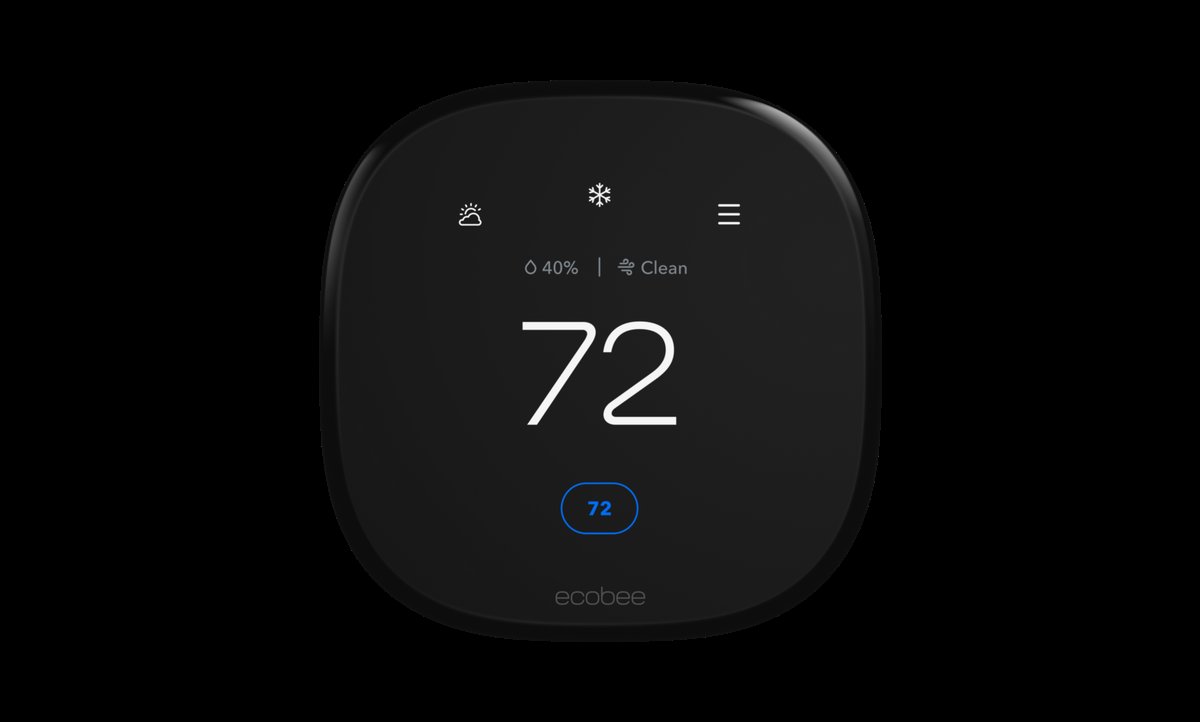
The Mysa controller is the cheapest option that still does the important things. It handles scheduling, temperature triggers, and basic Alexa integration. The app is simpler than Sensibo’s and the hardware feels less premium, but it does the job.
I tested it on a second window unit in my guest room for three weeks. It turned the AC on and off on schedule, responded to Alexa voice commands, and did not drop off the Wi-Fi network. For $80, that is a fair deal.
What you give up: no HomeKit support, no geofencing, and the temperature sensor was off by about 3 degrees compared to a separate thermometer I placed next to it. Not a dealbreaker if you are using it for basic scheduling, but something to be aware of.
Price: around $80 on Amazon.
How I Set Up My AC Automation
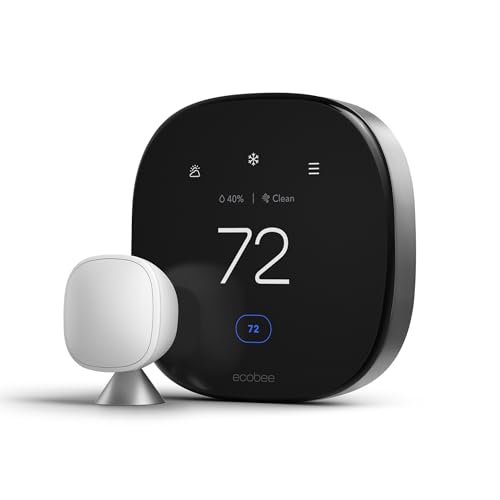
My setup uses a Sensibo Sky on a bedroom window unit and an ecobee Premium thermostat for the central system. Here is the routine that cut my July bill by 18 percent:
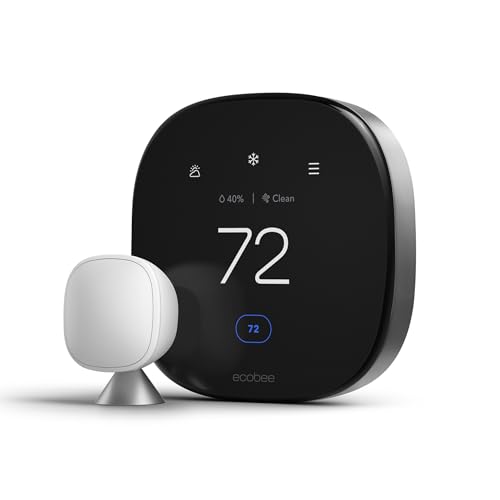
- 6:00 AM: Central AC starts cooling the main living areas to 74 degrees. Bedroom window unit stays off.
- 8:00 AM: Everyone leaves for work. Central AC bumps to 78 (not off, to keep humidity from spiking). Geofencing turns the bedroom unit off.
- 2:00 PM: Pre-cool starts. Central AC drops to 72 to thermal-load the house before peak rate hours.
- 3:00 PM: Peak rate window starts. Central AC switches to fan-only mode to circulate the cool air. Bedroom window unit turns on at 74 to keep that room comfortable without running the central system.
- 7:00 PM: Peak rates end. Central AC resumes normal cooling at 73. Bedroom unit switches to fan mode.
- 10:00 PM: Bedroom unit cools to 70 for sleeping. Central AC bumps to 76 to save energy overnight.
The key insight: by pre-cooling the house before peak rates and using the window unit strategically during peak hours, I am running the central AC less during the most expensive time of day. The window unit is cheaper to run than the central system for a single room, and the Sensibo controller makes it smart enough to coordinate with the rest of the house.
Connecting AC Control to Your Smart Home
If you already have a smart home setup, here is how AC control fits in:
Alexa routine: “Alexa, I am leaving” triggers the away mode. Central AC goes to 78, window units turn off, lights turn off, smart lock engages. One command, everything responds.
Google Home schedule: I have a Google Home routine that runs at 2 PM every day. It says “Pre-cooling the house for peak hours” and adjusts the thermostat. The Sensibo sees the ecobee temperature change and adjusts the window unit accordingly.
Home Assistant automation: If you run Home Assistant, both Sensibo and Tado have integrations. I use a Home Assistant automation that checks the weather forecast: if the high is below 85, it skips the pre-cool step and just lets the house coast through peak hours with fans. If the high is above 95, it starts pre-cooling an hour earlier.
The Math: How Much You Actually Save
Here is what my July looked like, before and after:
- Before smart control: AC ran about 9 hours per day, bill was $185 for cooling.
- After smart control: AC runs about 5.5 hours per day, bill was $152 for cooling.
- Savings: $33 per month, or about 18 percent.
At that rate, the Sensibo Sky pays for itself in about 3.5 months. Over a full cooling season (May through September in most of the US), that is $165 in savings from a $119 device. The math gets even better if you live in a hot climate where AC runs more months per year.
The savings come from three things: not cooling an empty house (geofencing), not running the AC during peak rate hours when possible (scheduling), and not overcooling at night (temperature triggers). None of those require a new air conditioner. They just require the AC to be smarter about when it runs.
What I Would Skip
I tested two controllers I would not recommend:
The Cielo Breez Plus felt cheap and the app crashed regularly during setup. It eventually worked, but I spent an hour getting it there, and the Wi-Fi connection dropped twice in the first week. For $90, that is not acceptable when the Sensibo is $30 more and just works.
The LG ThinQ controller only works with LG AC units. If you have an LG unit, it is fine. If you ever replace your AC with a different brand, the controller becomes e-waste. Skip it and get a universal controller instead.
Bottom Line
Smart AC control is one of the highest-ROI smart home upgrades you can make. A $70 to $120 device that saves $30+ per month during cooling season is a better return than almost any other smart home purchase I have tested. The key is actually setting up the automations: a controller without schedules and triggers is just an expensive remote.
If you have a window unit or mini-split that runs on a remote, get a Sensibo Sky. If you have a central system, a smart thermostat like the ecobee Premium or Nest Learning Thermostat does the same thing for your whole house. Either way, the setup takes an afternoon and the savings start on your next bill.
Disclosure: As an Amazon Associate, I earn from qualifying purchases. This post contains affiliate links that help support this site at no extra cost to you.
My take: You don’t need a new AC or even a smart thermostat for window units — a $119 Sensibo Sky on the wall turns the IR remote into a real climate system with triggers and geofencing. The temperature-based trigger is where the 18% comes from; timers are just a smaller dumb version of the same old problem.
Related guides
- Do You Actually Need a Smart Home Hub: The 150 Dollar Question Answered
- Smart Home Sump Pump Monitoring: The 30-Dollar Setup That Can Save You 10,000 Dollars in Water Damage
- Water Leak Sensor Placement: 4 Devices That Watch Your Basement So You Do Not Have To
- Humidifier Automation: 5 Devices That Stop Wasting Water and Warmth
- Thread Tools App: See Your Smart Home Network Like Never Before
🏠 Get Your Free Smart Home Setup Checklist
Join our newsletter and get this free printable plus weekly tips.
Frequently Asked Questions
Can I make my existing air conditioner smart?
Yes — a smart AC controller ($70–150) talks to your window unit or mini-split through its existing infrared remote: it learns the remote’s codes in about two minutes and adds phone control, schedules, geofencing, and temperature/humidity triggers to the AC you already own. The author’s results over two summers: AC costs down ~18% in July and August, with a more comfortable house because it stops blasting at full power in an empty room.
Which AC controller should I buy?
The Sensibo Sky ($119) — the reliable pick with clean scheduling, temperature triggers, geofencing, Alexa and Google Assistant, and HomeKit. Its “climate react” trigger was the author’s biggest saver: turn on above 80°F and 55% humidity instead of a fixed timer, and the AC ran ~40% less in July. The Tado ($150) is the premium option for mini-splits (built-in temperature/humidity sensing, the best scheduling interface, an energy forecast per schedule); the Mysa ($80) is the budget pick that covers the basics.
What AC controller features actually cut the bill?
Temperature-and-humidity triggers over dumb timers (the biggest single lever — the AC stops running on a schedule whether it’s needed or not), geofencing (cooling starts 15 minutes before you’re home, stops the moment you leave), and coordination with your central thermostat so a window unit and the central system aren’t fighting each other. That combination is the whole 18%.
Liked this guide? Get the next one in your inbox — the smart home starter checklist is free too.
✓ You're in — check your inbox.
No spam. Unsubscribe anytime. We never share your email.
Price Check
Prices verified via our product tracker. Updated Nov 7.
| Tado Smart Air Conditioner and Heater Controller, Wi-Fi, C | $144.87 | 3.2★ (159) |
| Mysa Smart Thermostat V2 for Electric Baseboard Heaters | | $129.00 | 4.5★ (1,295) |
| ecobee Smart Thermostat Premium - WiFi, Siri & Alexa Built | $245.00 | 4.3★ (4,170) |
| Google Nest Learning Thermostat (4th gen) + Nest Temperatu | $224.00 | 4.4★ (2,596) |
As an Amazon Associate we earn from qualifying purchases.