This article contains affiliate links. We may earn a commission from qualifying purchases.
Some content on this site is AI-assisted and reviewed by our editorial team.
I bought my first smart bulb in 2021. It only worked with Alexa. My second bulb only worked with Google Home. My smart lock needed its own app. My thermostat wanted a separate hub. By 2024, I had seven apps on my phone to control devices in one apartment, and half of them stopped working when the internet went down.
That is the problem Matter was built to solve. One standard, every platform, no lock-in. After two years of real-world use, I can tell you: it mostly works. The ecosystem is not perfect yet, but the devices hitting the market in 2026 are the first generation where buying Matter-compatible is genuinely the safer bet.
If you are starting a smart home today or replacing older gear, these are the Matter devices I would buy with my own money.

What Matter Does (In Plain English)
Matter is a universal language for smart home devices. Instead of a lightbulb only speaking Alexa, or a lock only speaking Apple HomeKit, a Matter-certified device speaks all of them. You buy it once, set it up once, and it works with whatever ecosystem you already use.
There is a networking piece too. Many Matter devices use Thread, a low-power mesh network that runs locally in your home. That means two things in practice: faster response times because commands do not round-trip through a cloud server, and your devices keep working when your internet drops. Thread is not required for Matter (some devices use Wi-Fi instead), but Thread is what makes the experience feel snappy.
The one catch that nobody mentions: you need a Matter controller to act as the brain. That is usually a smart speaker or hub you might already own. An Apple TV 4K, an Amazon Echo (4th gen or newer), a Google Nest Hub, or a Samsung SmartThings Station all work as Matter controllers and Thread border routers. If you have any of those, you are ready. If you do not, that is your first purchase.
The Hub Situation
Before buying any Matter devices, figure out your controller. This is the piece most guides skip, and it is the one that causes the most setup headaches.
If you live in Apple’s world, an Apple TV 4K is your best bet. It doubles as a Thread border router and handles automations locally, so your routines run even when the internet is out. At 129 dollars it is not cheap, but it is also a streaming device, so it earns its spot in the living room.
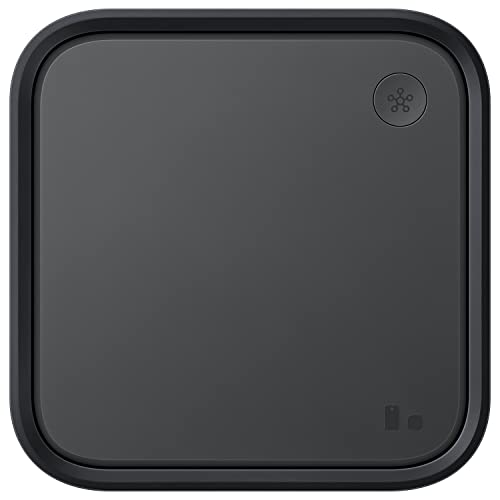
For everyone else, the Samsung SmartThings Station at 35 dollars is the most cost-effective entry point. It is small, doubles as a wireless phone charger, and bridges Zigbee devices into Matter. If you have older Zigbee sensors lying around, the SmartThings Station can bring them into your Matter setup without replacing them.
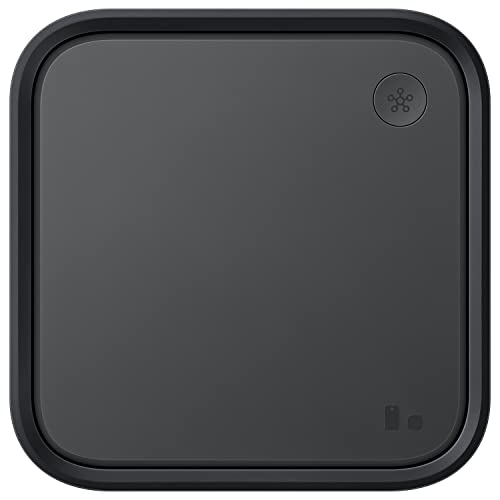
The Aqara Smart Hub M200 at 59 dollars sits between those two. It includes a Thread border router, a Zigbee 3.0 gateway, and a Matter controller in one box. If you have a mix of old Zigbee sensors and new Matter devices, this hub bridges both worlds better than anything else at this price.
Smart Bulbs That Do Not Care Which App You Use
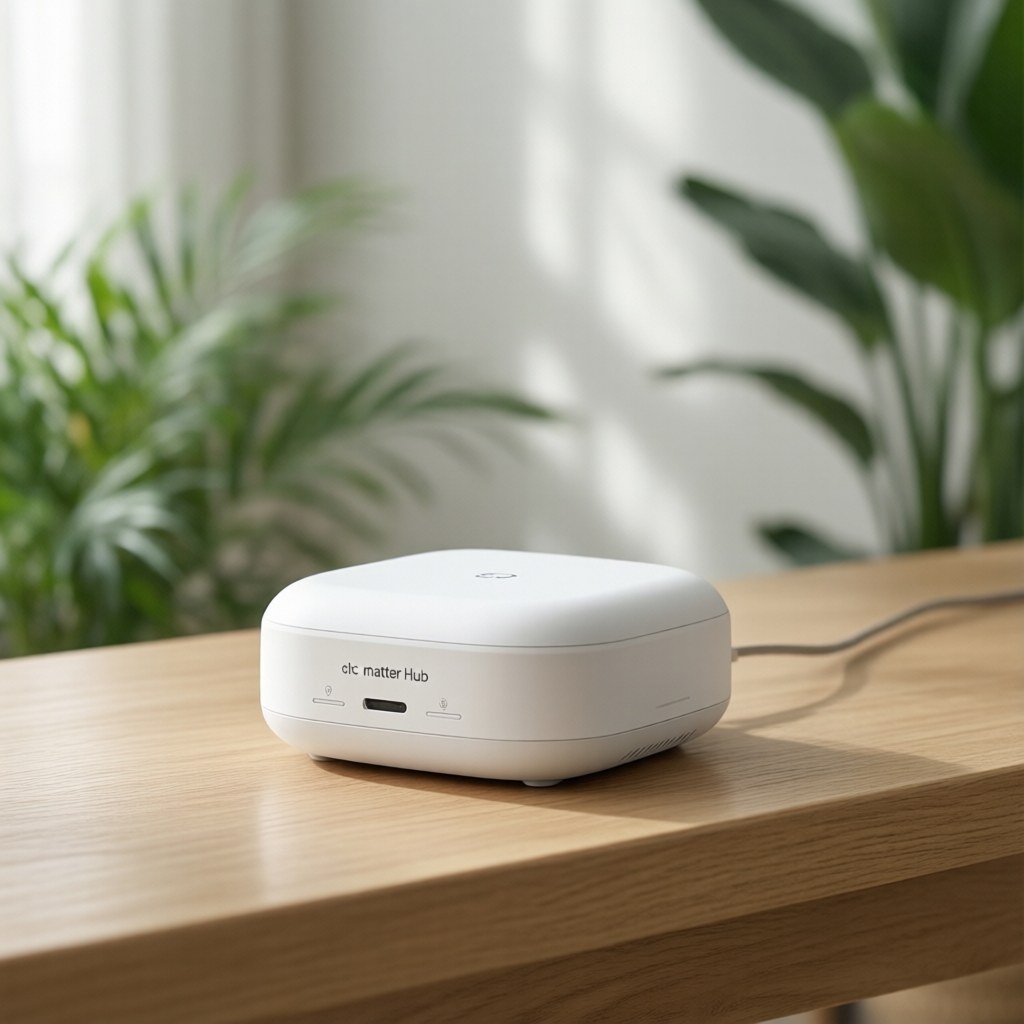
Lighting is where Matter delivers the most immediate payoff. The Nanoleaf Essentials A19 bulb is the one I recommend most often. It supports Matter over Thread, which means instant response times and local control. At roughly 18 dollars per bulb, it is cheaper than Philips Hue (which requires a separate bridge) and works across Apple Home, Google Home, Alexa, and SmartThings without any extra hardware.
Color accuracy is good, not great. If you want the absolute best color reproduction, Philips Hue still wins, but you are paying a premium and locking into their bridge. For accent lighting, ambient scenes, and everyday use, the Nanoleaf Essentials are more than good enough. I have six of them in my living room running an automatic sunset-to-evening color shift, and the transitions are smooth enough that guests never notice the change happening.
Smart Plugs Worth Standardizing On
Every smart plug does the same thing: turns a dumb appliance on and off from your phone. The difference is how reliably it does it and whether it survives a network change.
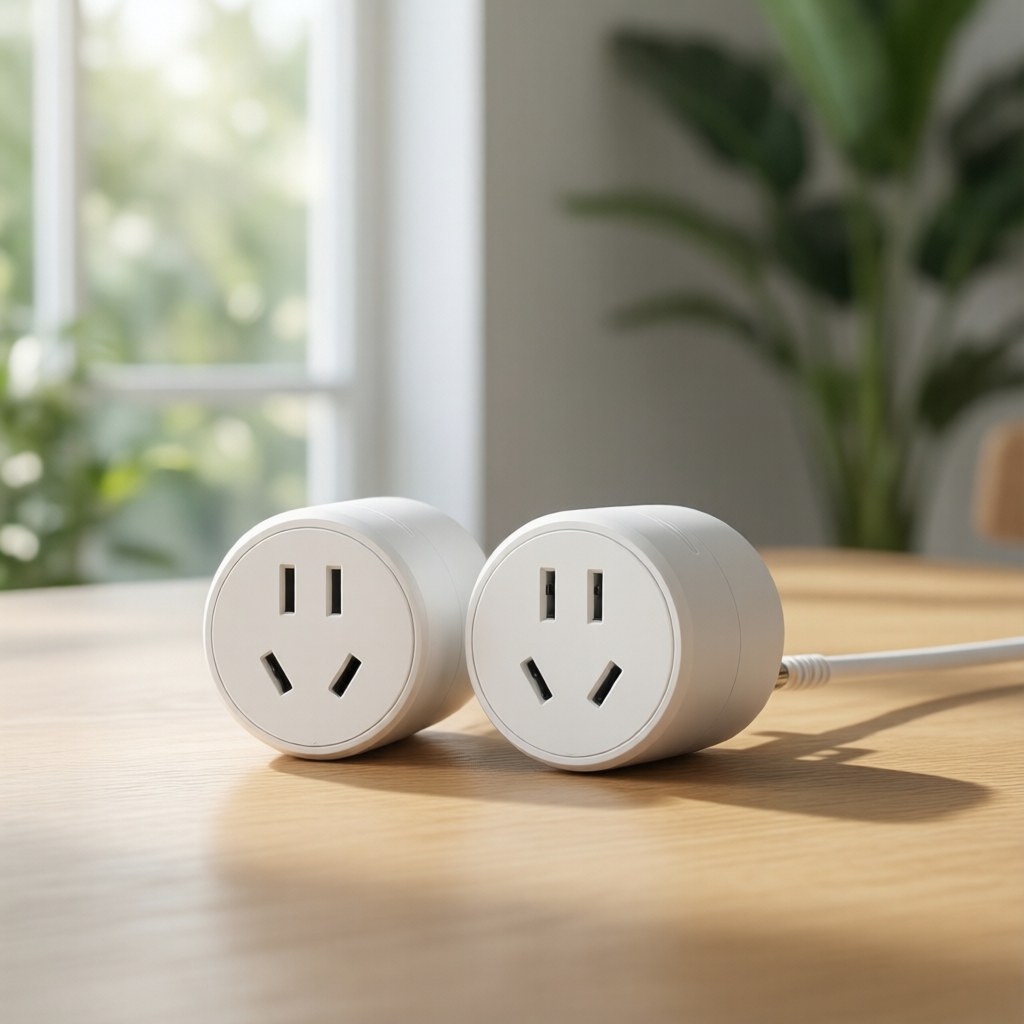
The Eve Energy Matter Smart Plug is my top pick. It uses Matter over Thread, includes energy monitoring, and has been rock-solid in my testing. It is pricier than some alternatives at around 40 dollars for a single plug, but the energy monitoring is accurate enough to identify which appliances are costing you money. I plugged one into my coffee maker and discovered it was drawing 4 watts in standby mode, which added up to about 3 dollars a year for nothing.
If Eve’s price is too steep, the Meross Matter Smart Plug Mini is the budget alternative. Around 15 dollars per plug, Matter over Wi-Fi (no Thread, so it needs your router to be reliable), and no energy monitoring. But it works, it is cheap, and the Matter certification means it pairs with every platform without app hopping. I use these for lamps and fans where I do not care about power draw.
Smart Locks and Sensors
Locks are where Matter’s cross-platform promise matters most. Nobody wants to replace a 200-dollar door lock because they switched from Android to iPhone.
The Yale Approach smart lock with Matter module is the lock I installed on my front door six months ago. It pairs with Apple Home, Alexa, and Google Home. The Matter module is a small insert that goes inside the lock housing, and once installed, the lock appears in whatever app you prefer. Battery life has been solid at about 8 months on a set of four AAs. The one limitation: it does not support Thread, only Wi-Fi, so you need a reliable router.
For sensors, the Aqara Door and Window Sensor P2 runs on Zigbee but bridges into Matter through the Aqara hub I mentioned earlier. At about 20 dollars per sensor, these are the cheapest way to build presence-based automations: open the back door after sunset and the porch light turns on. The bridge approach means there is a slight delay (maybe half a second) compared to a native Matter over Thread sensor, but at a third of the price, I can live with it.
What I Would Skip (For Now)
Matter support for cameras is still incomplete. The standard added camera support in version 1.4, but most camera manufacturers have not updated their firmware yet. If you buy a “Matter-ready” security camera today, there is a decent chance the Matter update will arrive in six months or never. I would stick with platform-native cameras (Ring for Alexa, Nest for Google) until late 2026 or early 2027.
Matter sprinkler controllers and garage door openers exist on paper but have almost no real market presence. The categories where Matter is mature today: lighting, plugs, locks, sensors, and thermostats. Start there.
The Setup Experience (Honest Version)
Setting up Matter devices is better than the old days of hunting for HomeKit codes, but it is not always seamless. The most reliable path I have found:
- Use one platform as your primary Matter controller. Pick Apple Home, Alexa, or Google Home. Do not try to manage Matter devices across multiple platforms simultaneously. You will lose track of what is paired where.
- Put a Thread border router near your devices. Thread has good range, but a border router on the opposite end of your house from your sensors will cause dropouts. If you have a large home, consider two border routers.
- Update firmware before pairing. Some Matter devices ship with older firmware that causes setup failures. Download the manufacturer’s app, update the device, then pair it through your chosen platform’s Matter flow.
The setup gets easier with each device. Your first Matter pairing will take 10 minutes and some troubleshooting. Your fifth will take 30 seconds. The learning curve is real but short.
Where This Is Going
Matter 1.4 added support for cameras, robot vacuums, and energy management systems. By early 2027, I expect the standard to cover nearly every smart home category. If you are buying devices today, prioritizing Matter compatibility means your purchases will still be relevant when the next platform reshuffle happens.
The smart home industry spent a decade fragmenting into walled gardens. Matter is the first real attempt to tear those walls down, and after living with it for two years, I can say it delivers on enough of the promise to be worth the investment. Not perfectly, not without friction, but meaningfully better than the mess we had before.
Disclosure: CleverHomeClub is a participant in the Amazon Services LLC Associates Program. As an Amazon Associate, we may earn commissions from qualifying purchases. This means when you click on links to various products on this site and make a purchase, we may receive compensation at no additional cost to you. Our recommendations are based on hands-on testing and real-world use, not on commission rates. We only recommend products we believe will add value to your smart home setup.
My take: 2026 is the first year buying Matter-first is the safe default rather than the hopeful one — set up once, runs locally, survives platform switches. Figure out your controller first (you may already own one), then buy Nanoleaf bulbs and Eve plugs; Hue is now a color-quality luxury, not a requirement.
Related guides
- Smart Home That Works Offline: 6 Devices That Keep Functioning Without Internet
- Smart Home Privacy Guide: How to Keep Your Data Safe
- Smart Doorbell Camera Guide 2026: Ring vs Nest vs Wyze vs Aqara
- Renter-Friendly Smart Home: The Complete No-Drill, No-Damage Setup Guide (2026)
- Smart Home Setup for Your Garage and Workshop
🏠 Get Your Free Smart Home Setup Checklist
Join our newsletter and get this free printable plus weekly tips.
Frequently Asked Questions
What is Matter in plain English?
A universal language for smart home devices: instead of a bulb that only speaks Alexa and a lock that only speaks HomeKit, a Matter-certified device speaks all of them — buy once, set up once, works with whatever ecosystem you use. Many Matter devices use Thread, a low-power local mesh, which means faster response times (no cloud round-trip) and devices that keep working when the internet drops.
Do I need a hub for Matter devices?
You need a Matter controller, which you may already own: an Apple TV 4K (the best pick if you’re in Apple’s world — it doubles as a Thread border router and runs automations locally), an Echo 4th-gen or newer, a Google Nest Hub, or a Samsung SmartThings Station ($35, the cost-effective entry that also bridges older Zigbee sensors). The Aqara Hub M200 ($59) covers mixed Zigbee-and-Matter households in one box.
Which Matter devices should I buy first?
Lighting first — the Nanoleaf Essentials A19 (~$18, Matter over Thread, instant local response across Apple, Google, Alexa, and SmartThings with no bridge). Then plugs: the Eve Energy Matter Smart Plug (~$40 with accurate energy monitoring, rock-solid over Thread). Hue still wins pure color accuracy, but you pay the bridge premium and lock into their ecosystem — for everyday use the Matter tier is now the safer buy.
Liked this guide? Get the next one in your inbox — the smart home starter checklist is free too.
✓ You're in — check your inbox.
No spam. Unsubscribe anytime. We never share your email.
Price Check
Prices verified via our product tracker. Updated Nov 3.
| 4ft Propane Hose Adapter 1lb to 20lb,Propane Adapter 20lb | $11.99 | 4.6★ (4,160) |
| Nanoleaf Essentials Smart Light Bulbs, Matter LED Bulbs A1 | $49.99 | 4.2★ (1,582) |
| Eve Energy (Matter) - Smart Plug, App and Voice Control, 1 | $35.82 | 4.2★ (432) |
| Meross Matter Smart Plug Mini, Easy Setup, 100% Privacy, C | $108.04 | 3.7★ (267) |
| Gemilai Electric Conical Burr Coffee Grinder, Coffee Bean | $229.99 | 4.4★ |
| Ring Sensors: Glass Break Sensor (newest model) – Instant | $34.99 | 4.5★ |
As an Amazon Associate we earn from qualifying purchases.