This article contains affiliate links. We may earn a commission from qualifying purchases.
Some content on this site is AI-assisted and reviewed by our editorial team.
Philips Hue’s new wall switch modules let you smartify your existing light bulbs without replacing them. Install a module behind your wall switch, and your conventional bulbs become Hue-controllable. Here’s how it works and whether it’s worth it.

The Problem: Smart Bulbs vs. Wall Switches
If you’ve used smart bulbs, you’ve hit this problem: someone in your house flips the wall switch off, and your smart bulb goes completely dark — no app control, no voice commands, no automations. The bulb is “dumb” again until someone flips the switch back on.
The solutions until now have been imperfect:
- Smart bulbs + tape over the switch: Ugly, confusing for guests, and the switch still gets flipped
- Smart switches (Lutron, Inovelli): Requires replacing the switch and sometimes the wiring — not renter-friendly
- Smart bulbs only in lamps: Limits where you can use smart lighting
Philips Hue’s new wall switch modules offer a third path: install a small module behind your existing wall switch, and that switch now controls smart logic instead of just cutting power. Your conventional bulbs stay in place, but they become Hue-controllable.
The module installs behind your existing wall switch — inside the electrical box, between the switch and the wiring. Here’s what it does:
- Keeps power always on: The module ensures your bulbs always have power (so smart bulbs stay controllable even when the switch is “off”)
- Makes the switch smart: Instead of cutting power, the switch becomes a smart toggle that tells the Hue system what to do
- Works with non-smart bulbs: For conventional bulbs, the module can still cut/restore power, but now the Hue system knows when it happened and can trigger automations
- Works with Hue bulbs: For Hue bulbs, the module keeps power always on and the switch becomes a scene/automation trigger instead
This is a significant upgrade. The biggest complaint about Hue systems — that someone always flips the switch and kills the smart bulbs — finally has an official solution.
The Variants
Philips Hue is offering several versions:
- Single switch module: For a standard single-pole switch controlling one light or one group
- Double switch module: For switches that control two separate lights or zones
- Dimming module: Adds dimming capability to conventional (non-smart) bulbs that support dimming
- Hue bulb module: Specifically designed for use with existing Hue bulbs — keeps power always on, makes the switch a smart trigger
The Hue bulb module is the one most existing Hue users will want. It solves the “someone turned off the switch” problem permanently.
Installation: DIY or Electrician?
The modules install behind your wall switch, which means working with mains wiring. For most homeowners who have ever replaced a light switch:
- Difficulty: Moderate — similar to replacing a switch, but you’re adding a component behind it
- Time: 15-30 minutes per switch
- Tools: Screwdriver, wire stripper (maybe), voltage tester
Safety: Turn off the breaker before opening the switch box. If you’re not comfortable with basic electrical work, hire an electrician — it should be a 30-minute service call.
For renters: This requires modifying the wall switch, which may not be allowed. Check your lease. If you can’t modify switches, stick with smart bulbs in lamps and leave ceiling fixtures alone.
Pricing
The wall switch modules start at €44.99 in Europe (Germany, Austria, Switzerland). US pricing hasn’t been officially announced, but based on typical Hue pricing conversion, expect around $44.99–$49.99 per module.
For comparison:
- A Lutron Aurora (dial that fits over a toggle switch to prevent flipping) costs ~$30
- A Lutron Caseta smart switch costs ~$50 (but requires a Lutron hub)
- An Inovelli smart switch costs ~$35-45
The Hue module is competitively priced, especially considering it works within the Hue ecosystem you may already have.
What This Means for Your Hue Setup
If You Already Have Hue Bulbs
The Hue bulb module is the fix you’ve been waiting for. Install it behind the switches that control your Hue bulbs, and the “someone turned off the switch” problem is solved forever. The switch still works (toggles lights on/off via Hue), but power stays on so the bulbs remain controllable.
If You Have Conventional Bulbs You Want to Smartify
The standard module or dimming module can bring non-smart bulbs into the Hue ecosystem. You won’t get color control or full dimming on non-dimmable bulbs, but you’ll get:
- App control (on/off, dimming if supported)
- Voice control via Alexa, Google, Siri
- Automations (schedules, scenes, sensor triggers)
- State awareness (Hue knows if the light is on or off)
If You’re Building a New Hue Setup
The wall switch modules change the calculus. Instead of replacing every bulb with a Hue bulb, you can install modules behind switches and use cheaper conventional bulbs for basic on/off/dim control. You’d only use Hue bulbs where you want color or advanced scenes.
This could significantly lower the cost of a whole-home Hue setup. A Hue White bulb is ~$15; a conventional LED bulb is ~$2-3. If you have 20 fixtures, that’s $300 in Hue bulbs vs. $60 in conventional bulbs + $900 in switch modules. The math doesn’t favor modules for pure cost, but it does favor modules for fixtures where smart bulbs don’t fit (recessed lighting, unusual bases, high-wattage fixtures).
The Catch
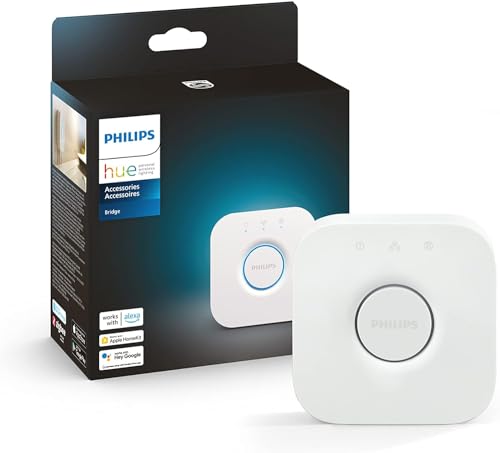
One limitation: the wall switch modules require a Philips Hue Bridge. They don’t work standalone with Matter or Apple Home directly. If you don’t already have a Hue Bridge ($50), you’ll need one.
Also, the modules currently work within the Hue ecosystem — they don’t expose the controlled bulbs as Matter devices to other platforms. You control them through the Hue app, and Hue integrates with Apple Home, Google Home, and Alexa via the Bridge. This is fine for most users, but purists who want everything in Matter directly may be disappointed.
Recommended Hue Setup with Wall Switch Modules
- Philips Hue Bridge (required) →
- Philips Hue White and Color Ambiance bulbs →
- Aqara motion sensors (for automations) →
- Philips Hue Play gradient lamps (for entertainment sync) →
The Bottom Line
Philips Hue’s wall switch modules solve the oldest, most frustrating problem in smart lighting: the wall switch that kills your smart bulbs. They’re not the cheapest solution, and they require a Hue Bridge, but for anyone already in the Hue ecosystem, they’re a no-brainer upgrade.
For homeowners with conventional bulbs who want smart control without replacing every bulb, the modules offer a practical path — especially for fixtures where smart bulbs don’t fit or are too expensive.
The wall switch problem has been solved. Finally.
Would you install these behind your switches? Or do you prefer smart bulbs + tape?
nn
My take: The wall switch module is the fix smart-bulb owners have needed for years — the switch stops being a power cut that kills your smart lighting and becomes a trigger for it. If you’ve been taping over switches or re-training family members, this is the $50 answer.
Related guides
- Smart Home Setup Under 100 Dollars: A Realistic Starter Kit That Works
- Do You Actually Need a Smart Home Hub: The 150 Dollar Question Answered
- Smart Home Security on a Budget: A Complete Guide Under $200
- Smart Home Doorbell Delay Fix: Why Your Doorbell Takes 5 Seconds to Alert You (And How to Fix It)
- Smart Home Bathroom: 7 Upgrades That Make Sense
🏠 Get Your Free Smart Home Setup Checklist
Join our newsletter and get this free printable plus weekly tips.
Frequently Asked Questions
What are Philips Hue wall switch modules?
Small modules that install behind your existing wall switch, so the switch controls smart logic instead of cutting power. Your conventional bulbs stay in place but become Hue-controllable — solving the classic smart home problem where someone flips the wall switch off and your smart bulb goes completely dark, unresponsive to app, voice, and automations until the switch is flipped back.
Why do smart bulbs stop working when the wall switch is off?
Because smart bulbs need constant power to be “smart” — the wall switch cuts the supply, and the bulb has no way to receive app, voice, or automation commands. The old fixes were imperfect: tape over the switch (ugly and confusing for guests), replacing the switch entirely (wiring work, not renter-friendly), or smart bulbs only in lamps. The module turns the existing switch into an input device instead of a power cut.
Do Hue wall switch modules require replacing the switch?
No — the module fits behind the existing wall switch, which keeps the familiar switch on the wall while making it trigger Hue scenes and automations. That’s the middle path between smart-switch replacement (wiring) and lamp-only smart bulbs: your conventional bulbs become Hue-controllable without changing the fixtures or the switch itself.
Liked this guide? Get the next one in your inbox — the smart home starter checklist is free too.
✓ You're in — check your inbox.
No spam. Unsubscribe anytime. We never share your email.
Price Check
Prices verified via our product tracker. Updated Oct 5.
| Philips Hue Bridge Smart Lighting Hub | $55.99 | 4.5★ (11,417) |
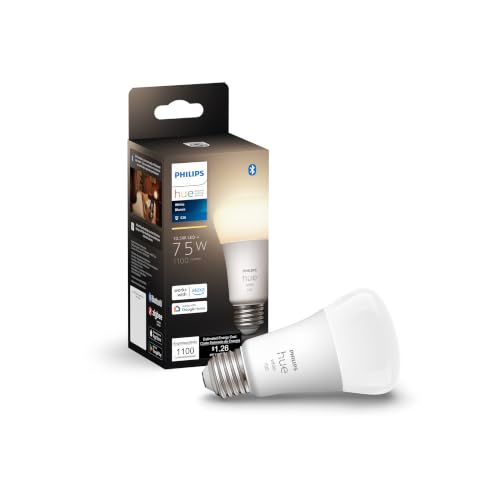
| Philips Hue Smart 75W A19 LED Bulb - Soft Warm White Light | $17.57 | 4.6★ (9,130) |
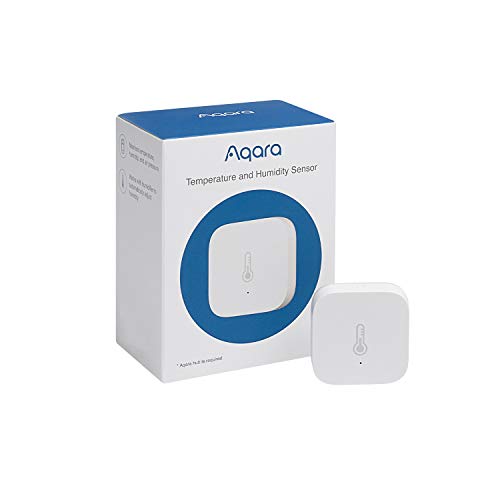
| Aqara Zigbee Temperature and Humidity Sensor 1 Pack, Therm | $18.98 | 4.2★ (5,624) |
As an Amazon Associate we earn from qualifying purchases.