This article contains affiliate links. We may earn a commission from qualifying purchases.
Some content on this site is AI-assisted and reviewed by our editorial team.
A dryer cycle runs forty-five to seventy minutes, and I used to check on mine four times per load — up the basement stairs, look through the door, back down. Multiply by three hundred loads a year and you get a thousand pointless trips, all because the dryer has no way to raise its hand when it finishes. The fix is a twenty-dollar trick almost nobody sets up: a vibration sensor strapped to the dryer frame that pings your phone when the rumble stops. Here are the four ways to wire it, priced honestly, including the one that needs no sensor at all.
Two routes: sense the rumble, or watch the watts. Everything below is one of those two ideas wearing different hardware.
THIRDREALITY Smart Vibration Sensor — The 20-Dollar Trick
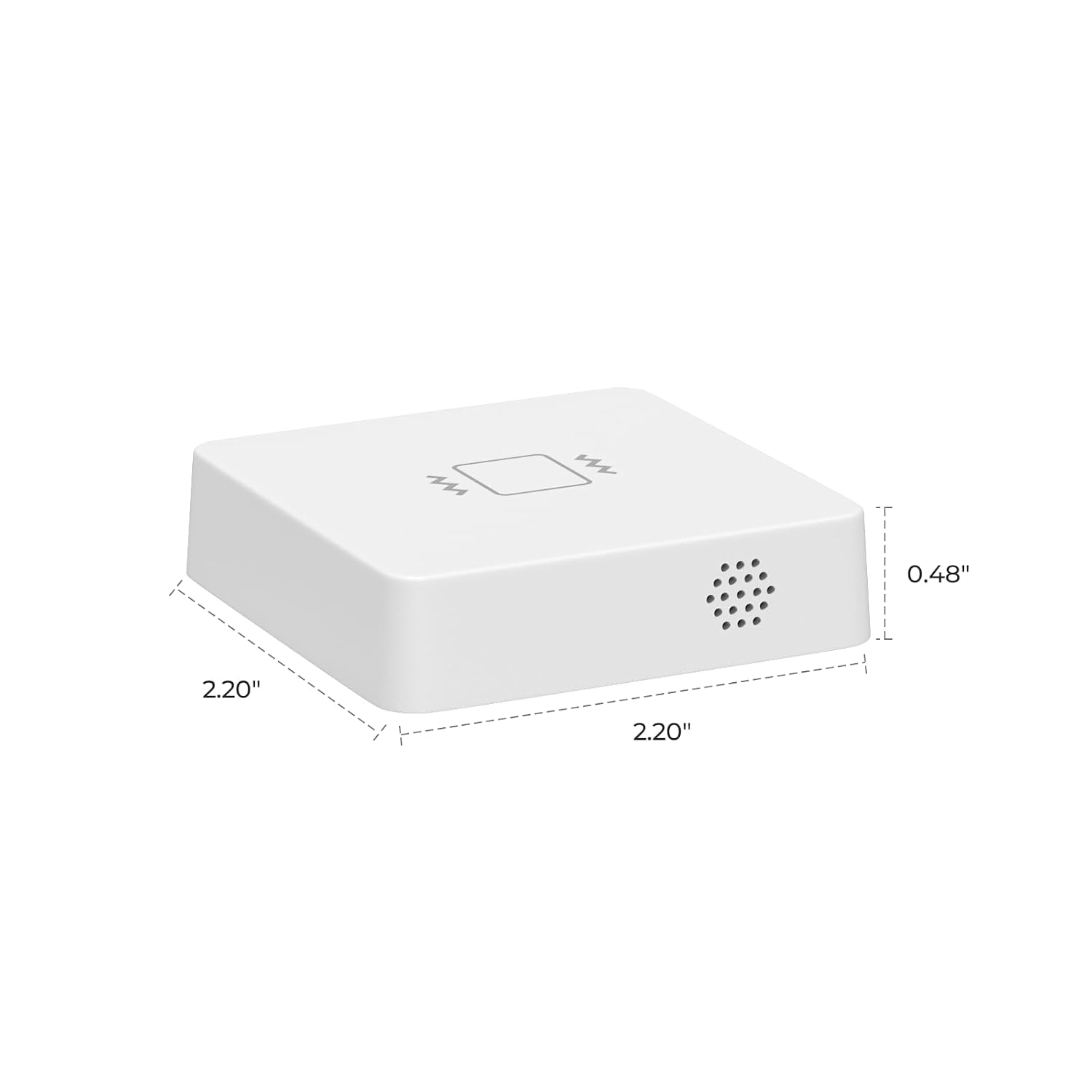
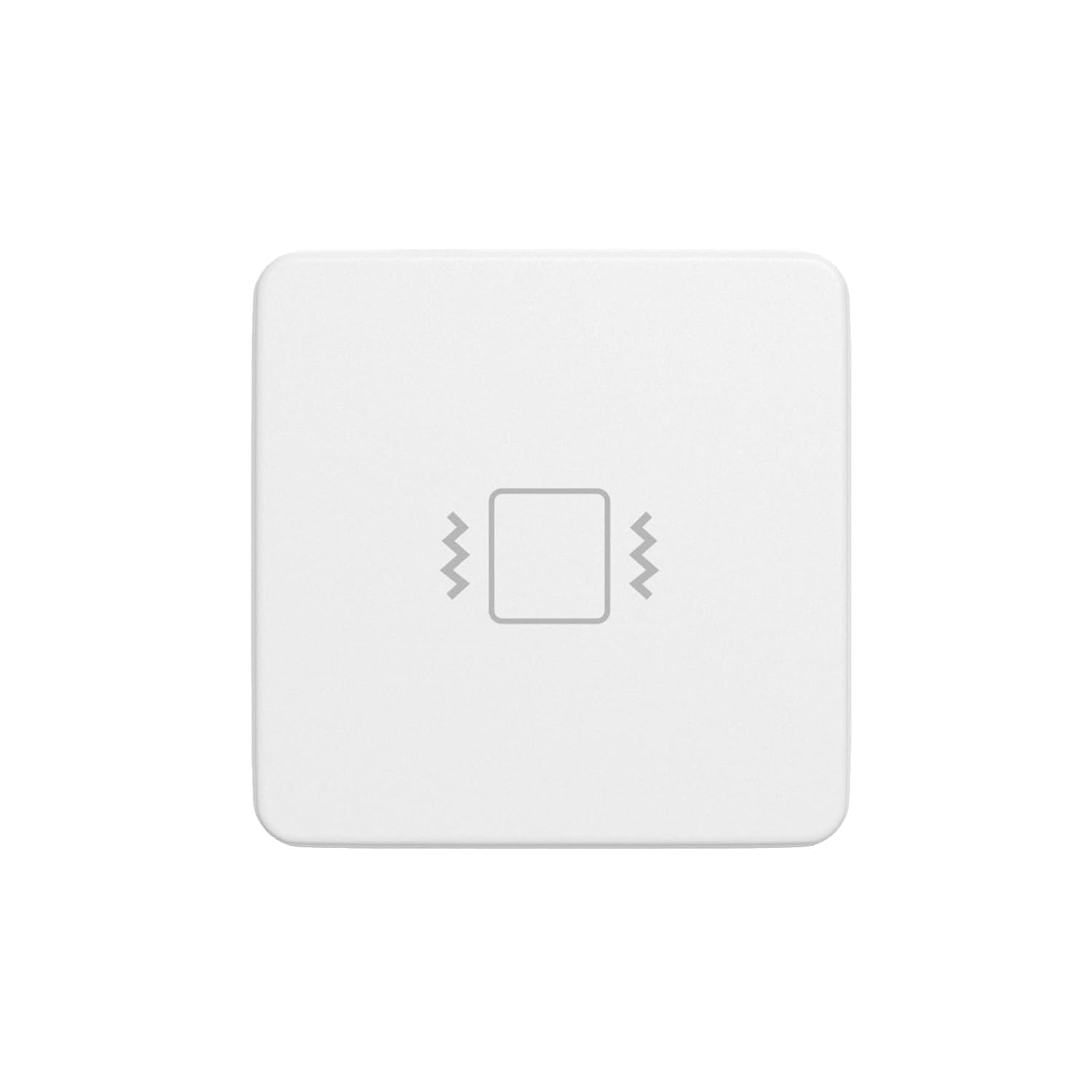
The THIRDREALITY vibration sensor lists at $19.99 and is on sale for $12.99 as I write this — the cheapest complete answer on the page. Strap it to the dryer’s frame with the included adhesive, and the moment the rumble stops for more than a few minutes, your automation platform sends the “done” notification. Sensitivity is adjustable, the battery is a coin cell, and there is a built-in 110dB alarm if you want a louder option than a phone buzz. Per the listing it pairs over Zigbee with SmartThings, Echo devices that have a built-in hub (like the Echo 4th Gen), and Home Assistant. Con: it needs a Zigbee hub, and the sensitivity threshold takes two or three loads to tune — start high and walk it down.
My take: this is the trick from the headline. At $12.99 on sale it is the best value in the whole setup.
Aeotec SmartThings Multipurpose Sensor — The Do-Everything Upgrade
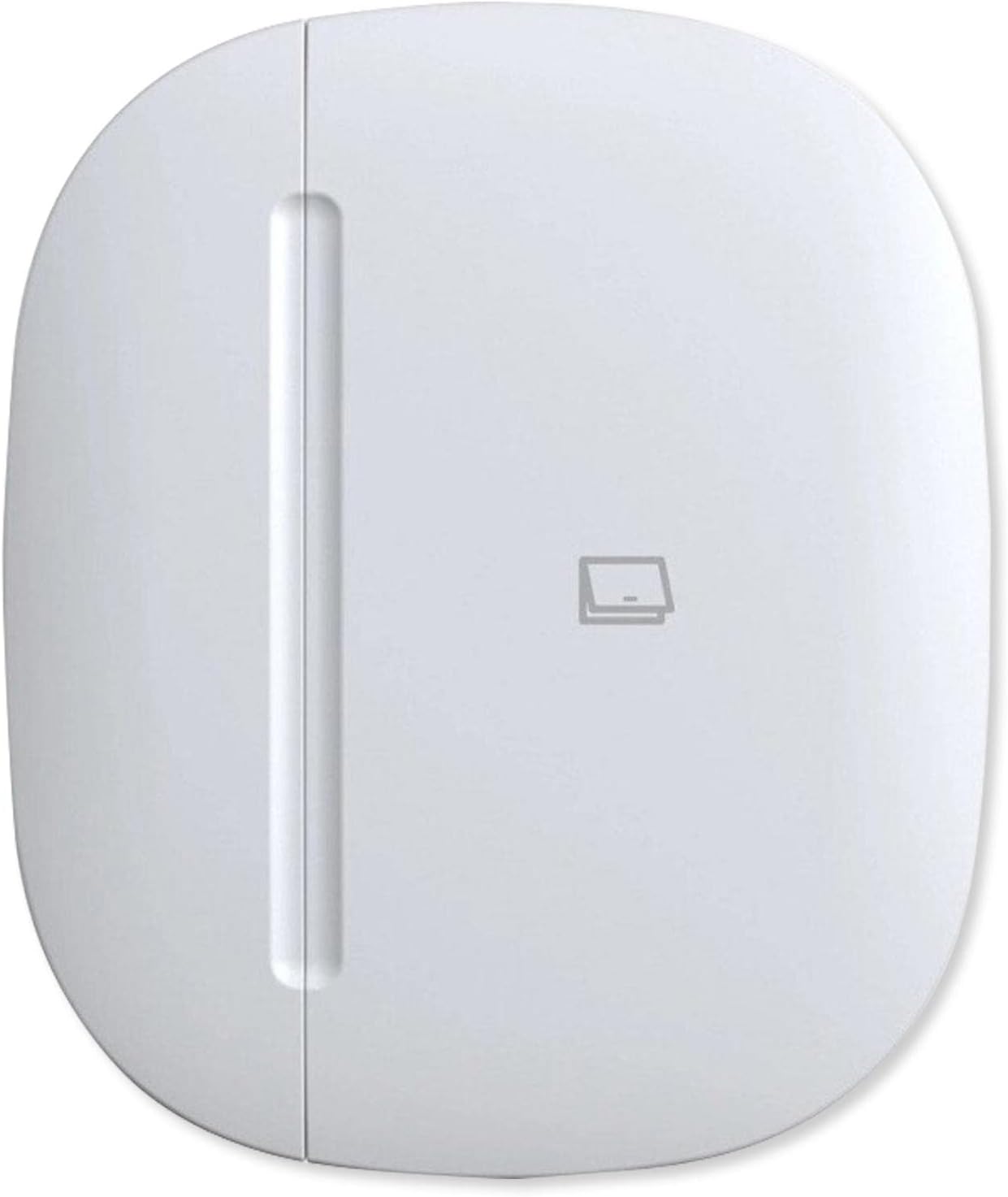
The Aeotec Multipurpose Sensor runs about $38.99 and is the deluxe version of the same idea: vibration, temperature, and open/close in one Zigbee unit. Samsung discontinued its own first-party multipurpose sensor, and Aeotec — the company that makes the SmartThings hub — sells the live successor. The vibration half does the laundry alert; the temperature half is a free bonus that can flag a laundry room running hot, and the contact half can live on a dryer door later if you want an “someone forgot to unload” alert. Con: it is the priciest route here, and the full feature set wants a SmartThings hub to live in.
My take: buy it if you already run SmartThings — one sensor, three future jobs. If laundry is the only automation on your list, it is overkill.
THIRDREALITY Smart Hub Gen2 Plus — The Hub Question, Priced Honestly
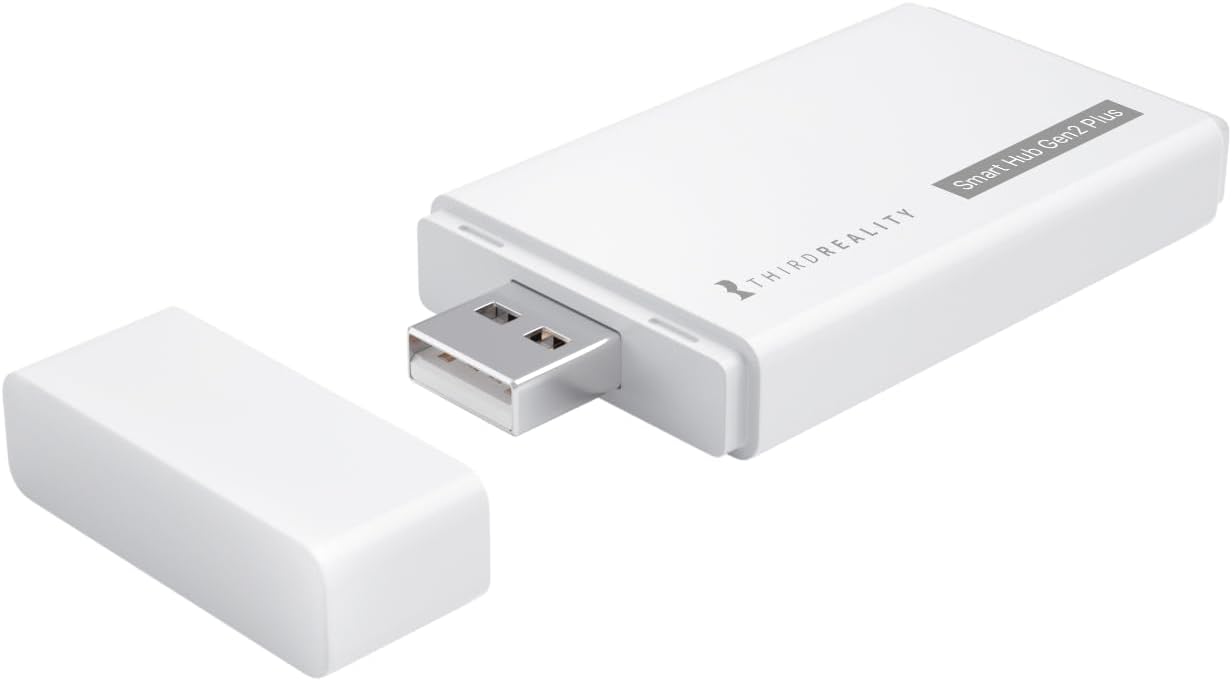
Both sensor routes above need a Zigbee hub, and if you do not already own one, the THIRDREALITY Smart Hub Gen2 Plus is the cheapest honest match at $19.99 (down from a $29.99 list). It is a small Zigbee 3.0 gateway on 2.4GHz Wi-Fi, no monthly fee, and it runs THIRDREALITY’s sensors with Alexa and SmartThings without a subscription. Con, stated plainly: if laundry alerts are the only thing you will ever automate, do not buy a hub at all — the plug route below skips it entirely.
My take: the add-on tax on the sensor route, and worth it only if more automations are coming.
Kasa Matter Smart Plug KP125MP2 (2-Pack) — The Wattage Trick, No Sensor
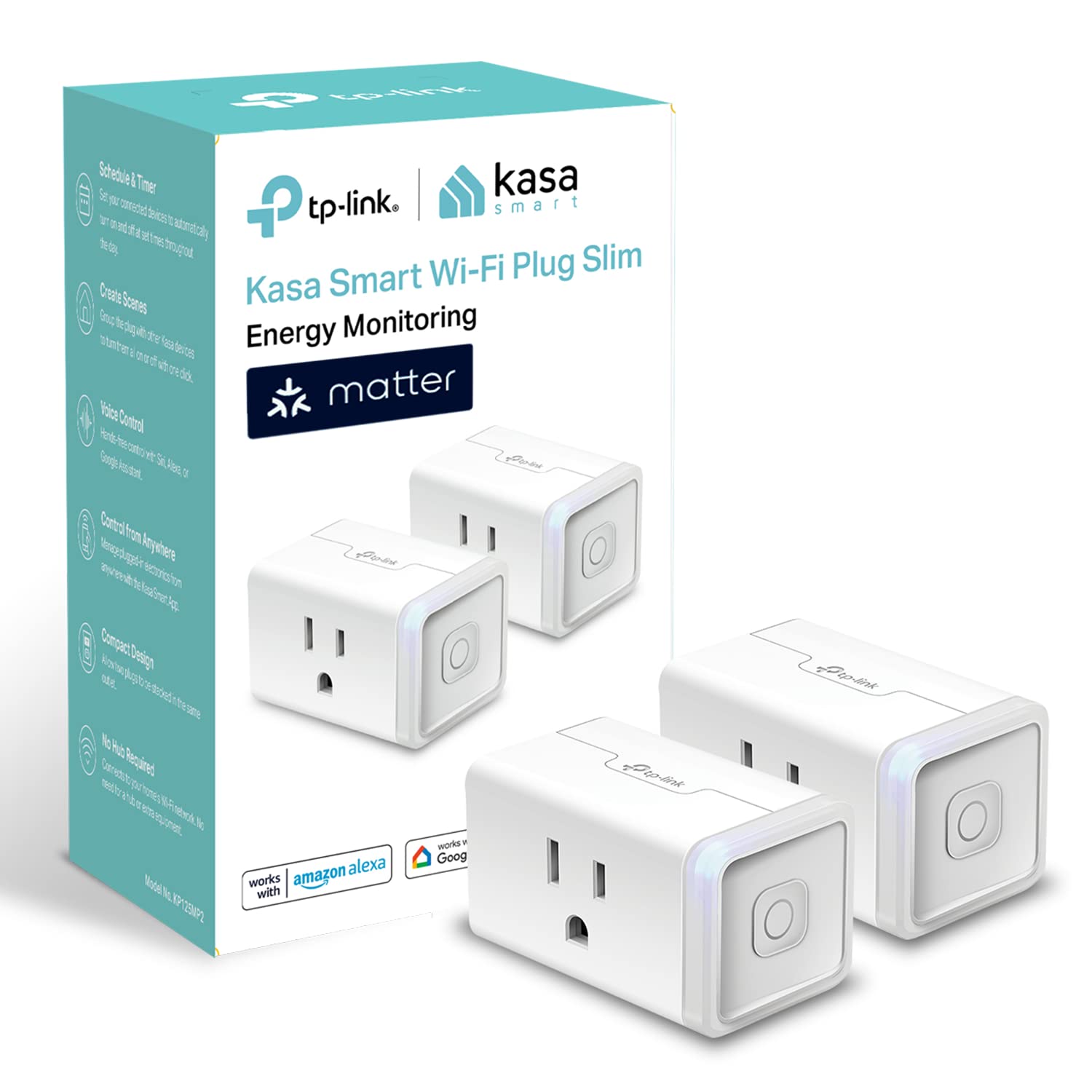
The Kasa KP125MP2 two-pack runs about $18.99 right now — $9.50 a plug against a $29.99 list — and it is the sensor-free route: the plug reports live wattage, and when the dryer’s draw falls from hundreds of watts to standby, the load is done. In the Kasa app you can watch the live draw on your phone; through Matter, HomeKit, or Home Assistant the power reading becomes a trigger that fires a real notification. Honest cons, both of them: the dryer has to actually plug into it, which only works where the machine runs on a standard 120V outlet — a gas dryer’s motor outlet qualifies, a 240V electric dryer does not (that is what the sensor routes are for) — and a plain power-drop alert with no other gear wants the Kasa app’s live view rather than a push notification.
My take: the renter’s route. One plug does the washer or the dryer; the two-pack does both for under twenty dollars, no hub, no adhesive, no battery to change.
Shipping math: sensors, hubs, and smart plugs all ship free with a Prime free trial — start it before the order and the first box costs nothing to deliver.
What Actually Works (And What Trips People Up)
- Mount on the frame, not the top lid. The frame carries the drum’s vibration in a clean rhythm; the top collects bounced laundry baskets. Tuning takes two loads either way.
- The 240V catch. A 15A smart plug physically fits a 120V outlet only. Electric dryers on big NEMA outlets cannot ride the plug route — the sensor route covers them.
- Threshold tuning is a feature, not a flaw. An off-balance load shakes harder than a balanced one. Set the sensitivity so both register, then add a two-minute “quiet for this long means done” delay in your automation platform.
- What doesn’t work: smartwatch apps that promise appliance detection from sound. The microphone route false-triggers on every conversation near the laundry room.
The Price Ladder, Side by Side
| Setup | Price | Needs a hub? | Covers |
|---|---|---|---|
| THIRDREALITY vibration sensor | $12.99 sale / $19.99 list | yes (Zigbee) | any dryer, gas or electric |
| Aeotec Multipurpose Sensor | about $38.99 | yes (SmartThings) | any dryer, plus temp and door |
| THIRDREALITY Hub Gen2 Plus | $19.99 sale / $29.99 list | it is the hub | runs both sensor routes |
| Kasa KP125MP2 2-pack | about $18.99 ($9.50/plug) | no | 120V appliances only |
The Savings Math
- Against a smart dryer: dryers with built-in cycle alerts and Wi-Fi cost hundreds more at purchase than their dumb siblings. The sensor route adds the same alert for $12.99 to $38.99, once, and moves with you when the appliance does not.
- Against your stairs: at two saved check-trips per load and a load a day, that is 700-plus pointless trips a year back in your schedule.
- Against the subscription habit: nothing here bills monthly. The hub is a one-time box, and the Kasa app’s energy dashboard is free.
What’s the cheapest laundry-done alert?
The THIRDREALITY vibration sensor at $12.99 on sale if you already have any Zigbee hub, or one Kasa KP125MP2 plug at $9.50 if your dryer runs on a standard outlet and you want zero new gear classes.
Keep reading: the renter’s six-device smart home is the bigger picture this fits into, and the doorbell notification fix covers the same alert-reliability ladder on the security side.
CleverHomeClub is reader-supported. As an Amazon Associate, I earn from qualifying purchases. That means if you buy through one of the links above, I get a small commission at no extra cost to you. I only recommend devices I’d run in my own home.
🏠 Get Your Free Smart Home Setup Checklist
Join our newsletter and get this free printable plus weekly tips.
Frequently Asked Questions
How do I get an alert when my dryer is done?
Mount a Zigbee vibration sensor like the THIRDREALITY Smart Vibration Sensor to the dryer frame and let your hub fire a notification when the rumble stops for a few minutes. It lists at $19.99, sells for about $13 on sale, and the sensitivity takes two or three loads to tune.
Can a smart plug tell when the laundry finishes?
Yes, if the plug tracks energy. The Kasa KP125MP2 reports live wattage, and when the dryer's draw falls from running power to standby, the cycle is over. The catch is electrical: the dryer has to run on a standard 120V outlet, which covers gas dryers but not 240V electric models.
Do laundry sensors need a hub?
Zigbee vibration sensors do — SmartThings, an Echo with a built-in hub like the Echo 4th Gen, or the THIRDREALITY Hub Gen2 Plus at $19.99. The Kasa smart plug route needs no hub at all, which is why it is the renter's favorite.
Will a vibration sensor false-trigger on an off-balance load?
It can, which is why the sensitivity adjustment exists. Set the threshold so the sensor catches both balanced and off-balance cycles, then add a two-minute quiet delay in your automation platform so a single dropped sneaker does not declare the laundry done.
Liked this guide? Get the next one in your inbox — the smart home starter checklist is free too.
✓ You're in — check your inbox.
No spam. Unsubscribe anytime. We never share your email.