This article contains affiliate links. We may earn a commission from qualifying purchases.
Some content on this site is AI-assisted and reviewed by our editorial team.
Renters keep getting told smart homes aren’t for them — and the hardware stopped believing that about three years ago. The whole trick is the deposit test: every device has to install with no wiring, no drilling, and come off the wall with nothing but a bit of adhesive residue. Do the math honestly and the under-$150 tier covers lighting, plugs, sensors, and a video doorbell — a genuine smart home that fits in a moving box. Here’s the six-device setup I’d hand a renter today, plus the one popular gadget you should actively skip.
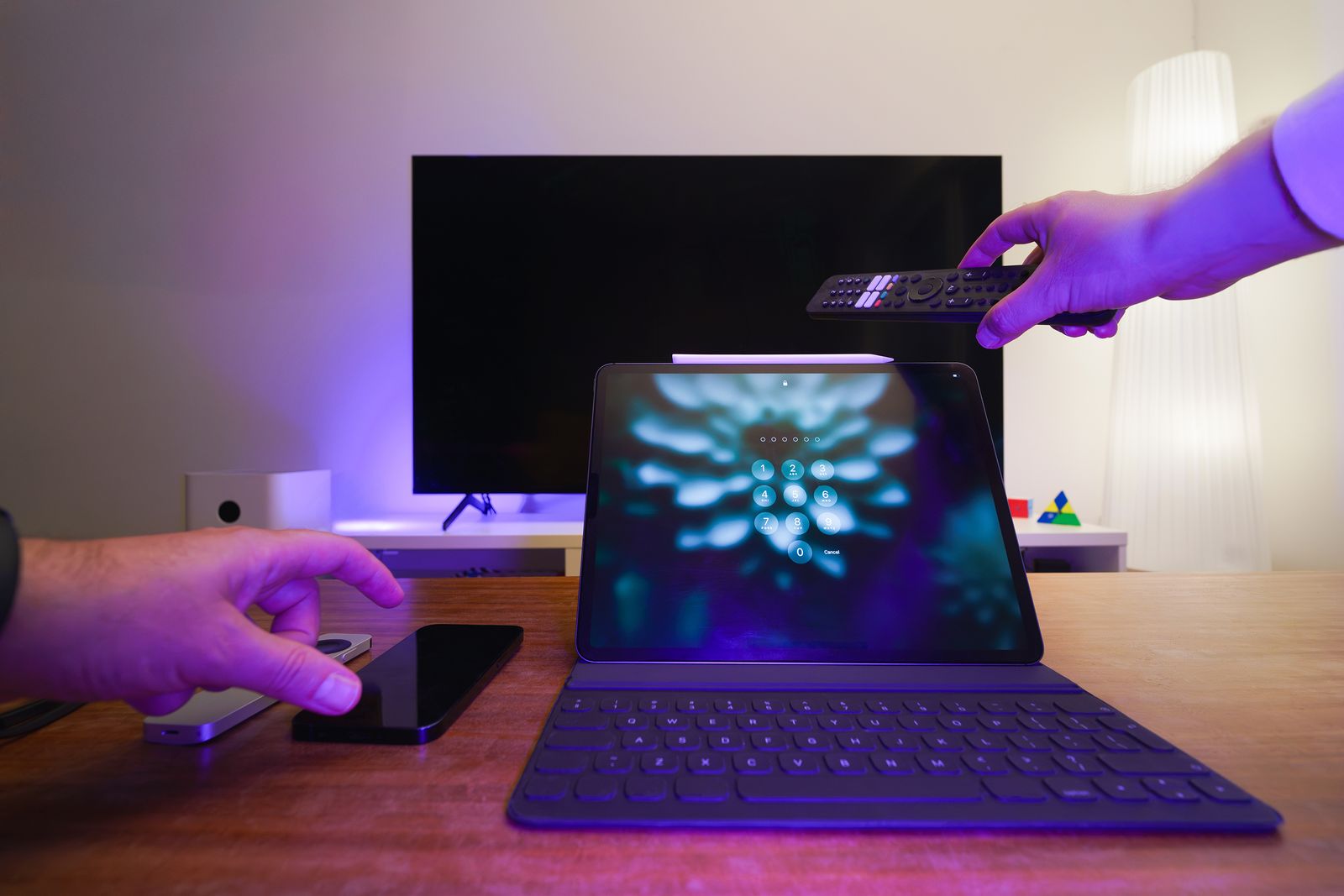
I’ve run a no-drill apartment setup for two leases now. These are the six devices that passed the deposit test and the move-out test.
Kasa Smart Plug Mini 4-Pack — the 40-dollar foundation
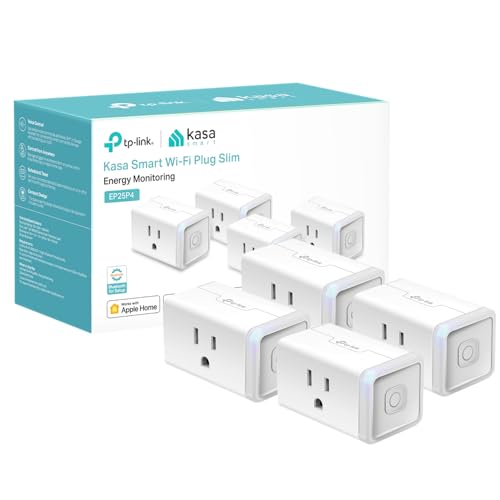
Four Kasa Mini plugs are the base layer of every renter setup: dumb lamps, fans, humidifiers, and holiday lights become app-and-voice controllable with zero installation beyond plugging them in. The app handles schedules, timers, and away-mode randomization without any subscription. The honest con: these are 2.4 GHz-only plugs, so if your router splits bands with the same SSID, you’ll spend ten minutes on setup trivia. At roughly $40 for four, it’s the highest automation-per-dollar item on this list.
My take: buy these first — everything else on the list is an upgrade, but plugs are the actual smart home.
Amazon Basics Smart A19 Color Bulb — the lighting layer that rents well
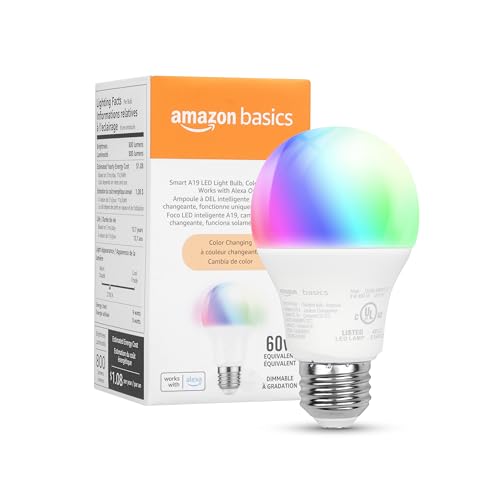
The Amazon Basics smart color bulb screws into whatever fixture the landlord left behind — no hub wiring, no electrician, and it goes back in the moving box at the end of the lease. Scenes and schedules run from the free app; color tuning is the cheap mood lighting that makes a rental feel finished. The con: the app-based scenes add another control surface to your life, and like all Wi-Fi bulbs it’s one-more-thing to re-pair when the router resets. As the lighting layer of a rental, it’s the least-invasive option there is.
My take: the screw-in upgrade — lighting without touching a single wire, and it leaves with you.
Wyze Entry Sensor Kit — the stick-on security layer
Peel-and-stick Wyze entry sensors put open/close alerts on doors and windows for under $30 a set — two-sided tape, ten seconds per door, zero holes. For apartment dwellers who want to know when the door opens while they’re out, it’s the cheapest honest security layer available to someone who can’t mount a camera bracket. The con: some kits assume you already own the Wyze hub — check the box, because the sensors are useless without it, and that’s the classic bundle trap in this category.
My take: the anxiety-reducer — worth it if you’ve ever wondered “did I actually close that?” from two miles away.
Govee Motion Sensor Light — the hallway night-light upgrade
A battery-or-USB Govee motion light turns the midnight hallway walk into an automatic, warm-lit path — no switch wiring, no electrician, and it mounts with clean-wall adhesive. It’s the single best quality-of-life device per dollar in a rental: it makes the dark 2 AM bathroom trip feel intentional instead of navigated by shin-braille. The con: adhesive hates textured and dusty walls — wipe the surface with isopropyl first or it peels off in a week.
My take: the first device guests ask about — cheap, satisfying, and it leaves no mark when you go.
Blink Video Doorbell + Sync Module 2 — the doorbell that mounts with tape
The battery Blink Video Doorbell with Sync Module 2 is the renter’s video answer: it runs on batteries, mounts with the included wedge and strong tape (no drilling into the landlord’s brick), and answers the door from your phone anywhere. It’s the most expensive single item here but still lands under the $150 total with room to spare. The con is Blink’s subscription reality: cloud clip storage needs a paid plan (or a USB drive in the Sync Module as the local workaround) — decide which before the trial storage runs out.
My take: the one splurge — package theft is a rental epidemic, and this is the only item here worth stretching the budget for.
The one to skip: Kasa Smart Light Switch (HS200)
Here’s the anti-pick. The Kasa HS200 wall switch is genuinely good hardware — in a home you own. For a renter it fails the deposit test on every axis: it needs a neutral wire in the box, it needs the breaker off, it needs a screwdriver into the wall, and it stays with the apartment when you leave. If a listing calls it “renter friendly,” read past the marketing — a smart bulb or a smart plug does the same job with zero wiring. Skip the switch until you own the wall it lives in.
My take: the honest no — the hardware is fine, the landlord is not.
Move-in math: plugs, bulbs, sensors, and the doorbell together sit under $150 — a free 30-day Prime trial gets the whole box delivered before the weekend install session.
What Actually Saves Money (And What Doesn’t)
- Schedules on the space heater and lamps: a $10 plug with a timer beats a $130 thermostat you can’t install — that’s the renter’s energy win.
- Local storage over subscriptions: a USB drive in the Blink Sync Module replaces the cloud plan; subscriptions quietly cost $30–100 a year forever.
- Buy the bundle, not singles: the plug 4-pack costs roughly half per-plug versus buying singles one at a time.
- Doesn’t save anything: color bulbs in rooms you never re-color. One per living space; white-only is cheaper for the rest.
Keep reading: our $60 UPS guide protects this whole setup from power flickers, and the voice-assistant migration map keeps the voice layer working through the platform churn.
CleverHomeClub is reader-supported. As an Amazon Associate, I earn from qualifying purchases. That means if you buy through one of the links above, I get a small commission at no extra cost to you. I only recommend devices I’d run in my own home.
🏠 Get Your Free Smart Home Setup Checklist
Join our newsletter and get this free printable plus weekly tips.
Frequently Asked Questions
Can you have a smart home in a rental without wiring anything?
Yes — smart plugs, screw-in bulbs, stick-on sensors, and a battery video doorbell cover lighting, automation, security, and video without drilling or wiring a single thing, all for roughly $150.
Do smart plugs work with rental apartment outlets?
They do — a Kasa Mini plug works in any standard outlet. The one catch is that most models are 2.4 GHz-only, so if your router broadcasts separate bands you may need to connect to the 2.4 GHz network during setup.
What smart home gear is worth 150 dollars for a renter?
The four-plug starter pack, a smart bulb or two, stick-on entry sensors, a motion night-light, and a battery video doorbell. Skip anything that replaces a wall switch — that fails the deposit test instantly.
Liked this guide? Get the next one in your inbox — the smart home starter checklist is free too.
✓ You're in — check your inbox.
No spam. Unsubscribe anytime. We never share your email.