This article contains affiliate links. We may earn a commission from qualifying purchases.
Some content on this site is AI-assisted and reviewed by our editorial team.
A 65-inch TV costs $500 or more, and most people still watch it in a room lit by one ceiling fixture and a dim corner lamp. The screen at full brightness against a dark wall makes eyes work — the contrast swing is why two episodes of streaming in the dark feels like a shift at the DMV. Bias lighting — a soft glow behind the panel — has been the home-theater answer for years, and the math that matters: the good ones now start at about $20.
The category quietly split into two lanes. Plain strips and RGBIC app-controlled strips run $20-25 and just glow. The camera-synced models — Govee’s 3 Lite at $89.99 verified — read the TV with a fish-eye camera and repaint the wall. One is a purchase, the other is a hobby.
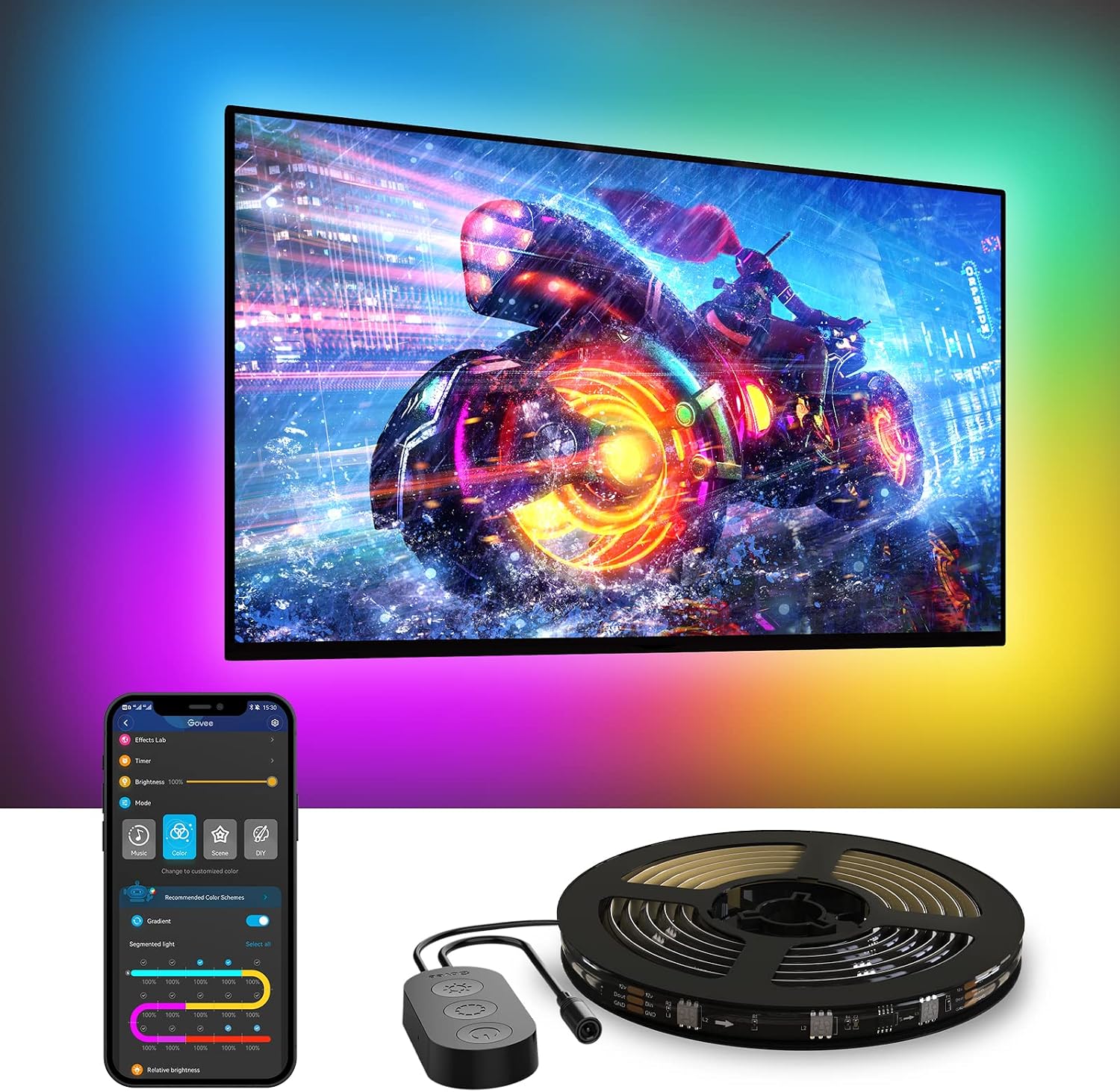
Govee RGBIC TV Backlight for 40-50 Inch TVs — The Small-TV Fit
Govee RGBIC TV Backlight for 40-50 Inch TVs verified at $19.99 tonight, is the same RGBIC app-controlled strip sized for bedroom and office panels — where the 55-inch strip’s overlap bunches up around a 42-inch TV, this length just fits. Segmented color control means each section on the strip can run its own color, so the wall wash looks intentional instead of a single flat hue. The cons: no camera sync, and the included mounting clips are the cheap-plastic kind — budget two minutes and use your own.
 My take: the under-20 buy for any 40-50 inch panel. Renter-friendly, no hub, no subscription, and it turns off with the app scene you set — the wall goes back to neutral with one tap.
Govee RGBIC TV Backlight for 55-65 Inch TVs — The Mid-Size Upgrade
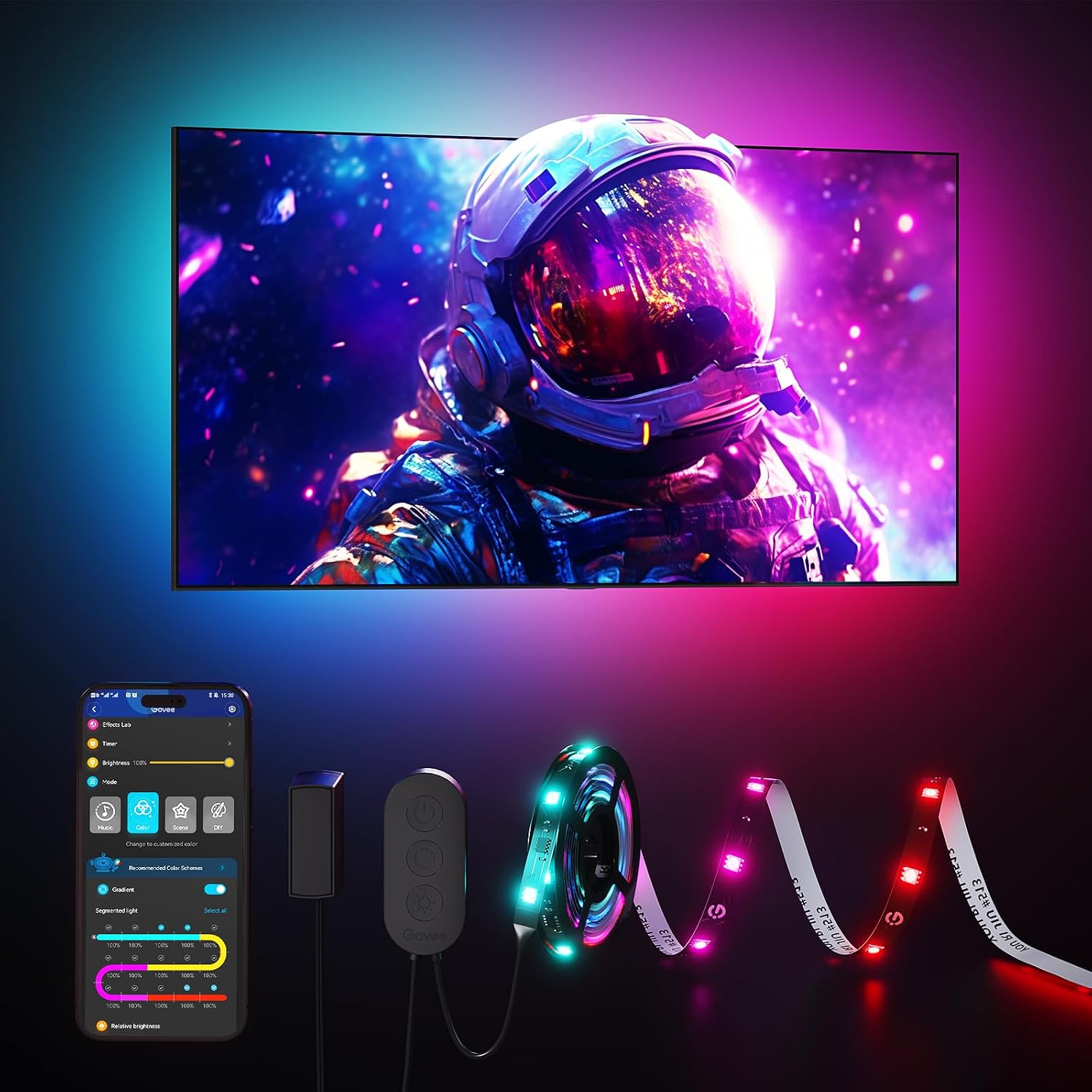
Govee RGBIC TV Backlight for 55-65 Inch TVs verified at $23.99, is the length for the living-room 55-to-65-inch panel and the same app logic as its smaller sibling — presets, music-reactive scenes, and schedules from your phone. At a third of the camera-sync model’s price it’s where most rooms should start. The cons: the adhesive lets go in warm rooms (use the clips it ships with), and the app demands a 2.4 GHz band for setup — an old-router quirk, not a defect, but it surprises people in apartment buildings with mesh Wi-Fi.
My take: the default pick at $24. If you’ve never run bias lighting before, buy this one before the camera gimmicks — first find out whether the glow is the feature, which it usually is.
Govee 10ft USB TV Backlight — The Plug-In and Go
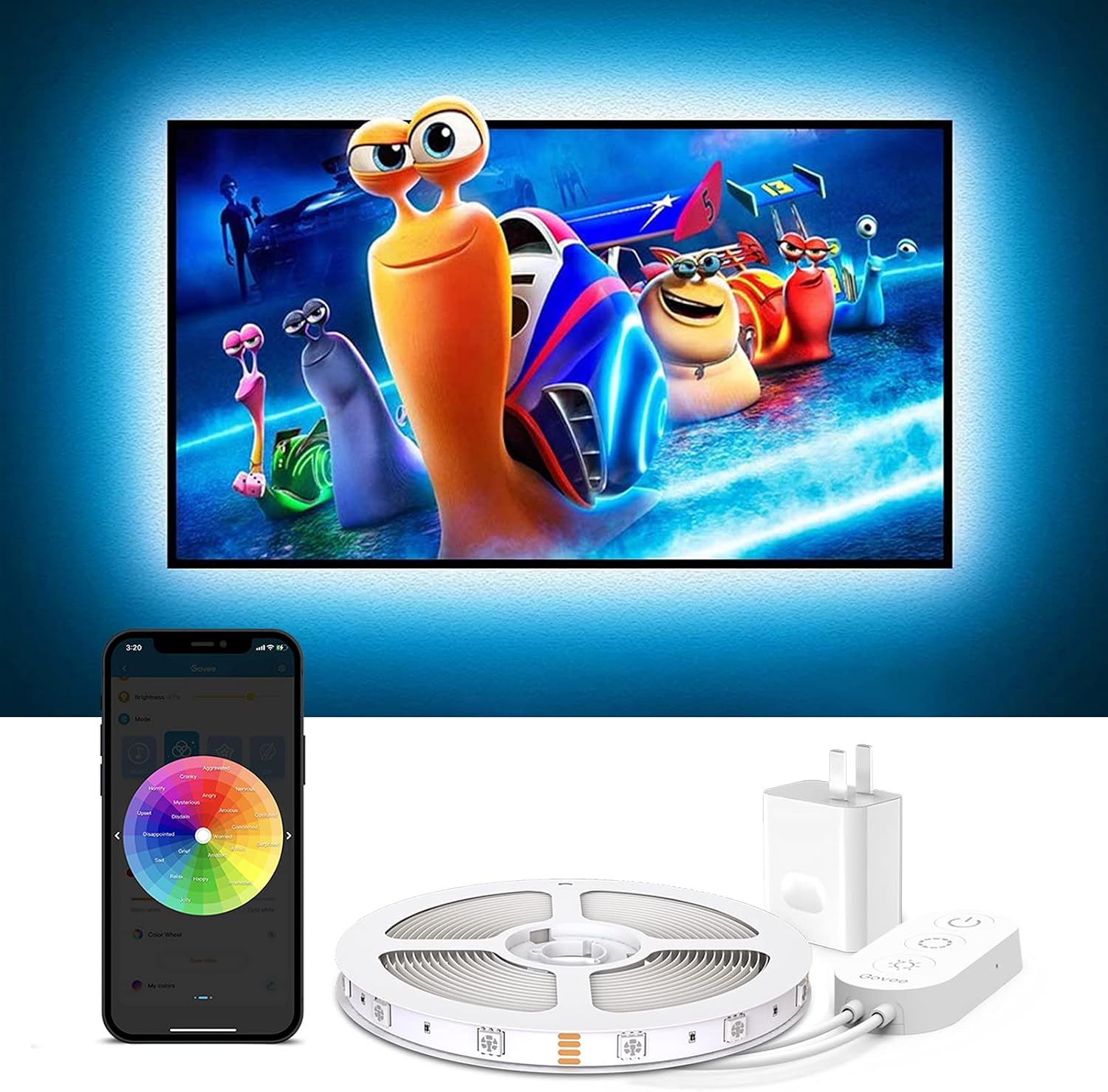
Govee 10ft USB TV Backlight lists at about $24 and does the one thing the fancy ones can’t: it runs off the TV’s own USB port, so the strip switches off when the TV does — no app, no account, no leaving a glowing wall behind. A 10-foot USB strip draws under 10 watts at full white, which at the national average residential rate near 18 cents/kWh (EIA) is roughly a penny for a five-hour evening — about $4 a year if you never unplug it. The cons: single-color-per-strip simplicity by comparison, and it sits in the ‘it is bias lighting, not a light show’ lane.
My take: the parental-unit pick and the guest-room pick. It requires explaining zero things, and the TV’s power button remains the only interface anybody needs.
Govee TV Backlight 3 Lite — The Camera-Sync Pick
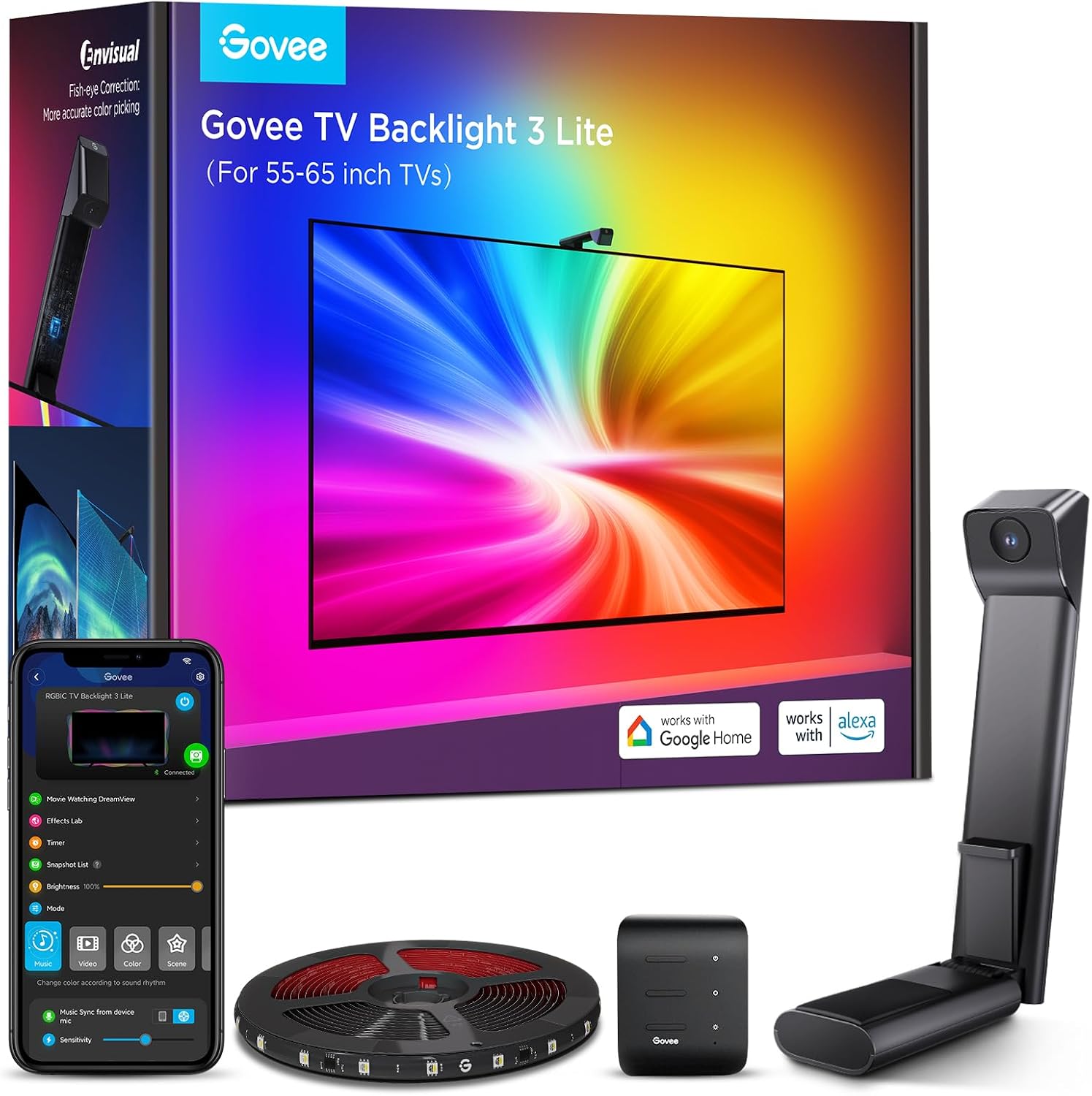
Govee TV Backlight 3 Lite verified at $89.99 tonight, is the one that repaints the wall to match the screen — the fish-eye camera reads whatever’s playing, from any HDMI source, including the older TV in the den. Movie nights genuinely look different: explosions wash the room orange, and the wall settles back to neutral in commercials. The cons are the price — three plain strips for one camera gimmick — plus line-of-sight fiddling for the camera and an extra box hanging on top of the panel.
My take: for dedicated movie rooms only. If the TV is the room’s nightlife, sync is worth the premium; if the TV is background noise for the treadmill, the $20-25 strips deliver the same eye-strain comfort.
What’s the best TV backlight under $30?
The Govee RGBIC 55-65 inch at $23.99 — app scenes plus segmented color at a plain-strip price, and it covers the living-room panels most homes actually own. Bedroom and office panels step down to the 40-50 inch version at $19.99.
Beginner Mistakes With TV Backlights
Buying camera sync first. The eye-strain and contrast benefits come from the glow, not the camera. Spend $20, live with it a month, and only then decide the wall-repainting trick is worth $90.
Trusting warm-room adhesive. Behind a hot TV in a warm room is the worst glue environment in the house. Wipe the surface with alcohol, press hard for 30 seconds, and use the clips on the first try.
Leaving the plain strip on all night. The wall should end the evening when you do — a $4-a-year habit at USB power, but schedules on the app-controlled strips make it free.
What Actually Saves Money (And What Doesn’t)
- Saves: the USB strip tied to the TV. Under 10 watts, switched by the TV’s own port — pennies a night, zero app overhead, nothing left glowing.
- Saves: one scene, not twenty. The app presets are free; the real cost of bias lighting is attention, and one ‘movie night’ scene beats a rainbow demo wall you then never look at.
- Doesn’t: sync as an energy play. The 3 Lite draws more, camera on or off — buy it for movie night, not the bill.
- Bonus: it’s the same 18-cent/kWh math that capped the holiday-light bill — a $20 strip is cheaper to run for a year than an incandescent strand is for a weekend.
Keep reading
To schedule the rest of the room around the glow, Lighting Scenes That Stick — and when the Wi-Fi drops, the devices that never needed the cloud is exactly why the USB strip earns its outlet.
CleverHomeClub is reader-supported. As an Amazon Associate, I earn from qualifying purchases. That means if you buy through one of the links above, I get a small commission at no extra cost to you. I only recommend devices that earn their outlet.
🏠 Get Your Free Smart Home Setup Checklist
Join our newsletter and get this free printable plus weekly tips.
Frequently Asked Questions
Are TV backlight strips worth it?
At 20 to 25 dollars, yes: the soft wall glow reduces the contrast swing between a bright screen and a dark room, which is the main reason late-night viewing fatigues eyes. The camera-sync models cost four times as much for effects, not for the core comfort.
Do Govee lights work with any TV?
The plain and RGBIC strips mount behind any TV and the 10-foot USB model powers from any TV's USB port. The app-controlled RGBIC strips need Wi-Fi (2.4 GHz band) for setup, and the 3 Lite adds a camera that needs line of sight to the screen.
What is bias lighting and does it reduce eye strain?
Bias lighting is a soft glow behind or around a screen that lifts the wall's brightness so your pupils stop swinging between full-dark and full-bright. It's the standard home-theater recommendation for dark-room viewing, and it costs about a penny a night at USB power levels.
Liked this guide? Get the next one in your inbox — the smart home starter checklist is free too.
✓ You're in — check your inbox.
No spam. Unsubscribe anytime. We never share your email.
Price Check
Prices verified via our product tracker. Updated Nov 17.
As an Amazon Associate we earn from qualifying purchases.