This article contains affiliate links. We may earn a commission from qualifying purchases.
Some content on this site is AI-assisted and reviewed by our editorial team.
Your parents want to age in place. You want them to be safe. The smart home industry sees both of those desires and markets aggressively to both of you. But here’s the thing most smart home guides for seniors miss: the wrong technology makes life harder, not easier. A voice assistant that mishears commands, a smart lock that requires an app, a video doorbell that sends 50 false-motion alerts a day — these aren’t helpful. They’re frustrating. Here’s what actually works for seniors, and what to skip.
The Devices That Genuinely Help
Smart Speaker with a Screen (Echo Show 8 or Nest Hub)
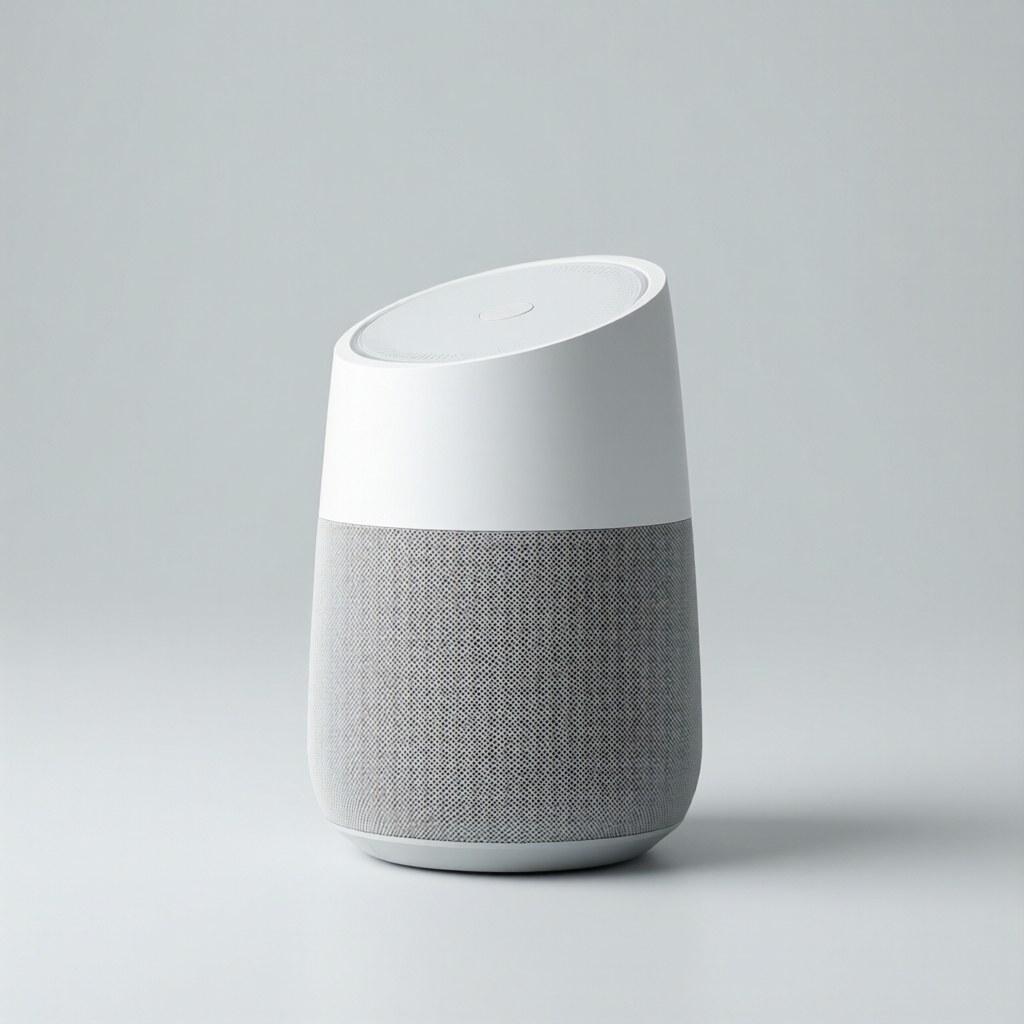
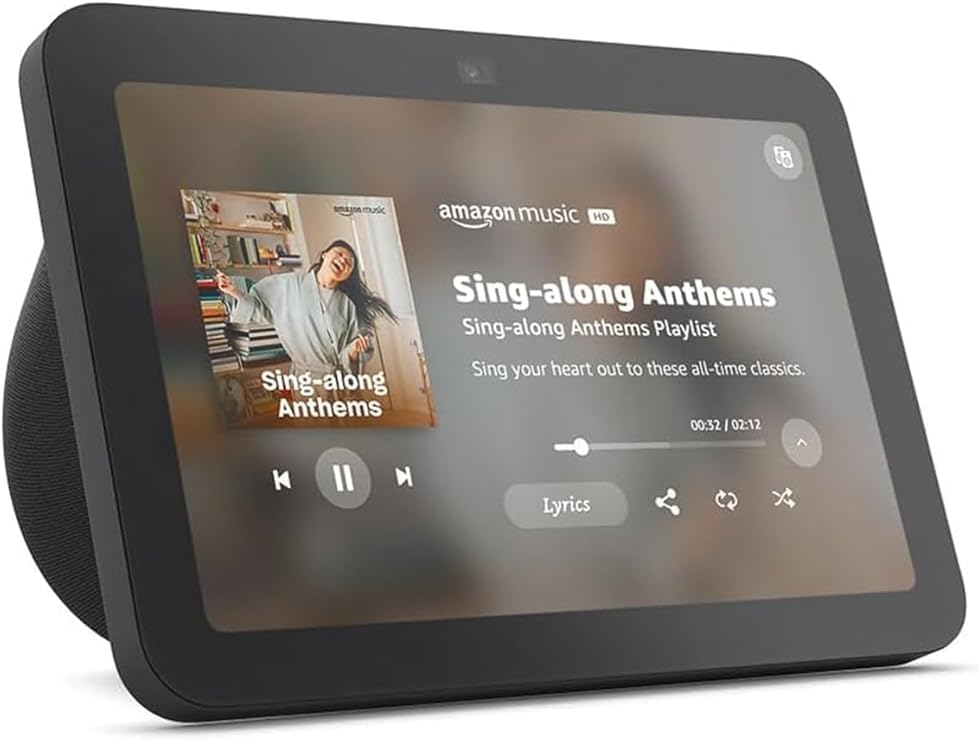
A smart speaker with a screen is the single most useful device for most seniors. Voice control means no fiddling with small buttons or confusing apps. The screen means they can video call you, see who’s at the door, check the weather, and set reminders — all by talking. TheEcho Show 8 (150 dollars) is the right size: big enough to see, small enough to fit on a kitchen counter. TheNest Hub (100 dollars) is cheaper but has a smaller screen.
Set it up with:
- Drop In (Alexa) orGoogle Duo (Nest) so you can video call without them having to answer a phone or press a button
- Medication reminders that announce “Time for your blood pressure pill” at the right times
- Emergency contacts accessible by voice (“Call my daughter”)
- Routines that turn on lights, adjust the thermostat, and read the news when they say “good morning”
Smart Lighting on a Schedule
Falls are the leading cause of injury-related death in adults over 65. Poor lighting is a major contributor. Smart bulbs on automatic schedules solve this without requiring any interaction:
- Hallway and bathroom lights turn on at 30 percent at sunset, giving them enough light to see without being blinded
- Motion-activated night lights in the bathroom eliminate the “stumble to the bathroom in the dark” problem
- Outdoor lights turn on at sunset, ensuring they never come home to a dark porch
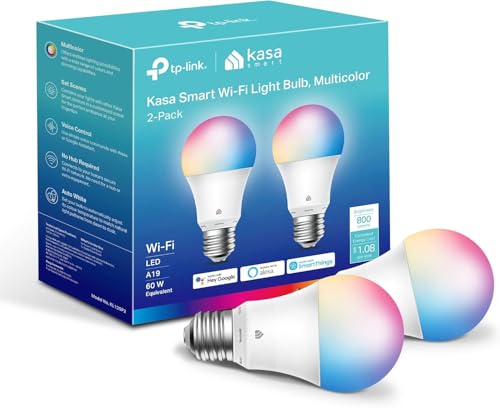
UseKasa dimmable smart bulbs (about 10 dollars each) on schedules. No voice commands needed — the lights just work. For more on smart lighting, see ourbeginner’s bulb guide.
Smart Lock with Keypad (Not App Control)
The key problem for seniors is that they lose keys, struggle with small keyholes in the dark, and sometimes can’t get to the door fast enough. Asmart lock with a keypad solves all of this. They enter a code to get in — no keys to lose, no fumbling in the dark. You can create temporary codes for caregivers, housekeepers, and family members. And you can lock/unlock remotely if they call and say “I can’t remember if I locked the door.”
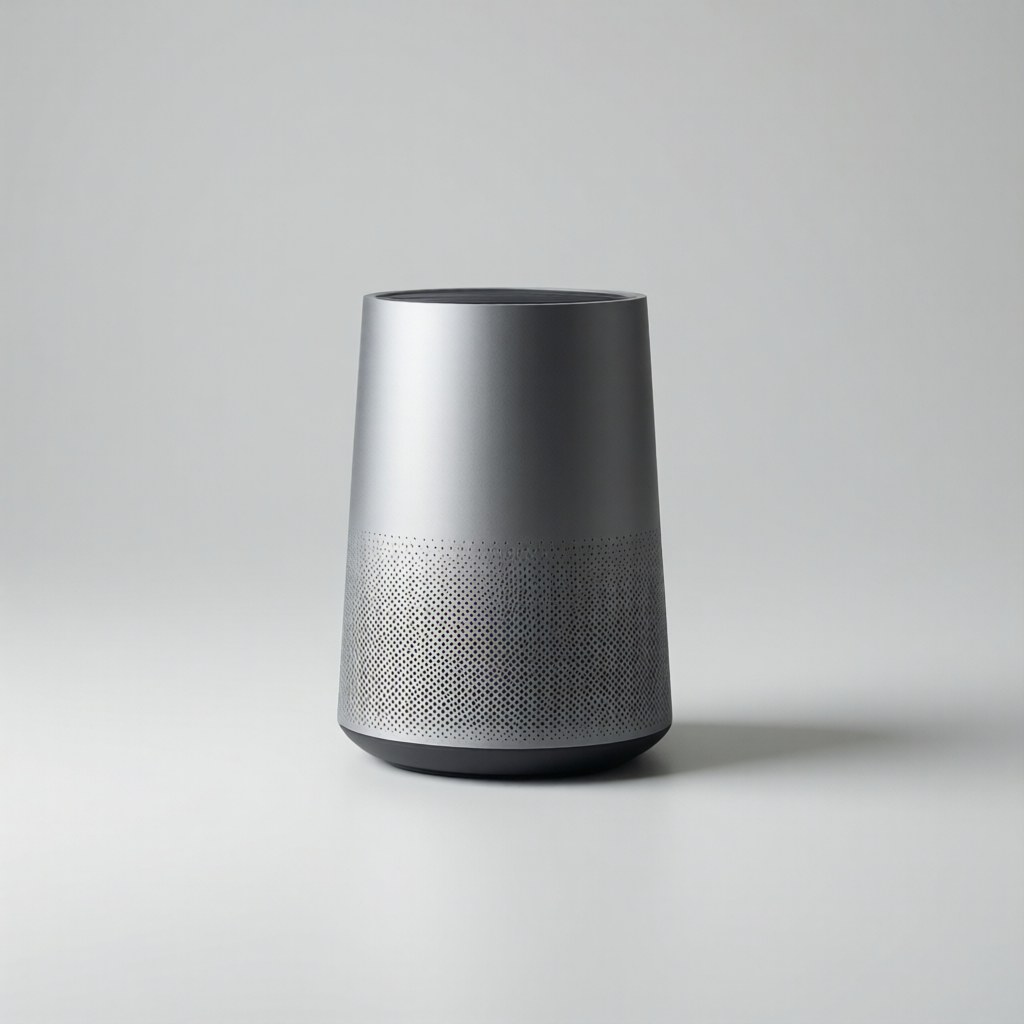
Critical: Get a lock with a keypad, not just app control. App-only locks are useless if their phone is dead or they can’t find it. The code should be something they can remember (a grandchild’s birthday, a house number). See oursmart lock guide for recommendations.
Video Doorbell
ARing doorbell orWyze doorbell lets them see who’s at the door without walking to it. This matters for two reasons: safety (they don’t open the door for strangers) and convenience (they don’t have to get up for package deliveries). Set it up so they can see the feed on their Echo Show or Nest Hub — no phone needed.
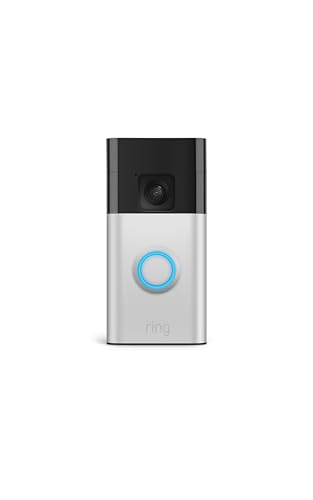
Important: Turn off motion alerts for everything except doorbell presses. Motion alerts generate too many notifications and most seniors will either ignore them all (including the real ones) or become anxious about every delivery person who walks by.
Water Leak Detectors and Smart Smoke Detectors
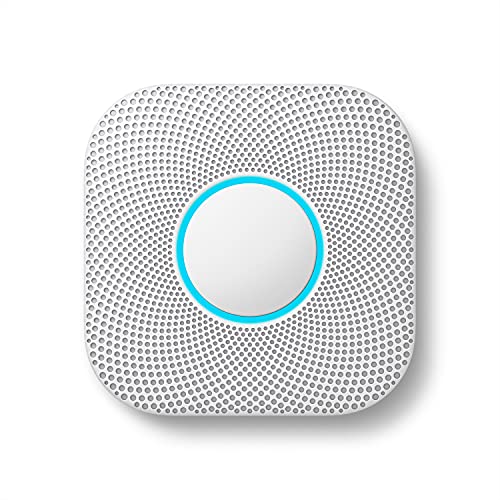
These are non-negotiable for seniors living alone. Awater leak detector (20 dollars each) under the water heater, behind the washing machine, and near the toilet catches slow leaks before they become floods. ANest Protect (100 dollars) sends phone alerts when it detects smoke or CO, even if they can’t hear the alarm. Both alert you too, so you can check on them. For more, see ourleak detector guide.
The Devices That Create More Problems Than They Solve
Smart Thermostats (For Most Seniors)
A smart thermostat is great for you — you can adjust their temperature remotely when they call and say “it’s cold in here.” But for most seniors, a programmable thermostat set to a comfortable temperature and left alone is better. Smart thermostat interfaces are confusing, the app requires technical comfort, and accidental changes are common. If you install one, hide the app from their phone and set it to a schedule that doesn’t require interaction. For more on thermostats, see thethermostat ROI guide.
Smart Blinds and Curtains
Motorized blinds sound great in theory — open at sunrise, close at sunset, no reaching for pull cords. In practice, they’re expensive (200 to 500 dollars per window), they make noise, and when the battery dies or the WiFi drops, they’re stuck in whatever position they were in. Stick with regular blinds and automated lighting schedules instead.
Robot Vacuums (For Most Seniors)
A robot vacuum sounds perfect for someone who struggles with bending over or pushing a heavy vacuum. The problem: robot vacuums get stuck on cords, rugs, and pet toys. They need their bins emptied and brushes cleaned regularly. And when they get stuck, the error message (“Check the left wheel”) requires someone to physically intervene. If you’re nearby to maintain it, great. If not, it becomes another thing that doesn’t work right.
Smart Appliances
Smart ovens, smart refrigerators, smart washing machines — skip all of them. The touchscreen interfaces are harder to use than physical knobs. The apps add complexity without meaningful benefit. And when the WiFi module fails in 3 years, you’re paying 200 dollars to replace a part that has nothing to do with whether the oven heats food. Buy reliable, simple appliances with physical controls. For more on what to avoid, see oursmart home mistakes guide.
The Setup Checklist
When setting up smart home devices for seniors, follow these rules:
- Set it and forget it. The best devices for seniors require zero daily interaction. Schedules and automations run automatically. Voice commands are optional.
- Simplify the app. Remove unnecessary apps from their phone. Keep only the essential ones (video doorbell, smart lock). Everything else runs in the background.
- Keep a physical backup. Smart lock with a keypad should also have a physical key. Smart thermostat should have manual override. Every smart device should work when the internet is down.
- Set up remote access for yourself. You should be able to check their cameras, lock the door, and adjust the thermostat from your phone. Not to spy — to help when they call with a problem they can’t solve.
- Test everything. Spend a full day with them going through every device, every command, and every automation. Watch them use it. Fix the things that confuse them. Then test again a week later.
The Bottom Line
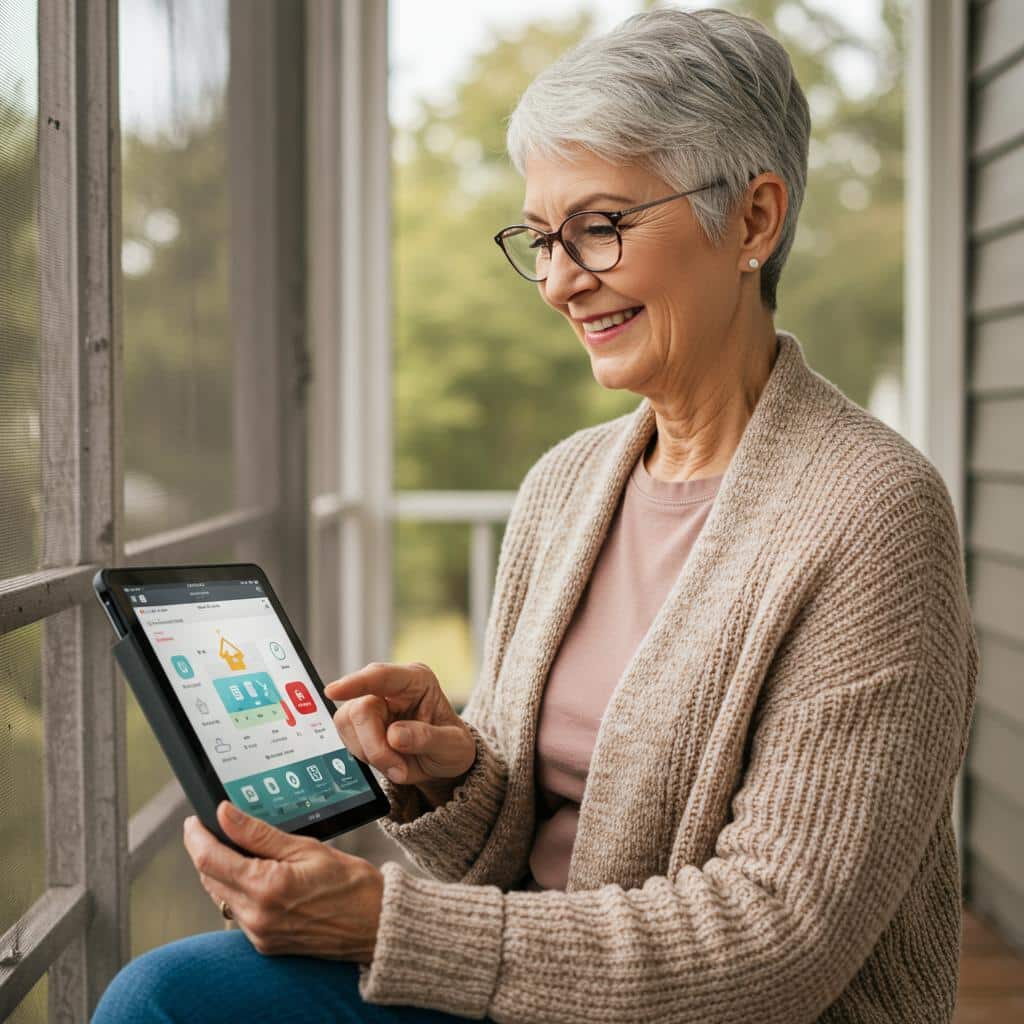
The best smart home devices for seniors are the ones that work without interaction: lights on schedules, leak detectors that send alerts, locks with keypads, and a smart speaker with a screen for video calls and medication reminders. The worst devices are the ones that add complexity: smart appliances with touchscreens, robot vacuums that need rescuing, and thermostats that require app interaction. Set it up, make it automatic, keep a physical backup, and check in regularly. The goal is independence and safety, not more technology for its own sake.
n
My take: Tech that helps seniors disappears into their routine — scheduled lighting for fall prevention, a keypad lock they can work without a phone, an Echo Show 8 set up once with Drop In and medication reminders. Anything that mishears commands or demands an app makes life harder, so skip the clever stuff and buy the boring, reliable kind.
Related guides
- Smart Home Networking Mistakes That Slow Everything Down
- Most People Buy Smart Devices and Never Automate Anything
- Home Assistant for Beginners: Take Back Control of Your Smart Home (No Cloud Required)
- Smart Home Gift Guide: What to Buy for People Who Just Got Their First Smart Device
- Smart Home Networking for Beginners: Mesh WiFi vs Routers Explained Simply
🏠 Get Your Free Smart Home Setup Checklist
Join our newsletter and get this free printable plus weekly tips.
Frequently Asked Questions
What’s the best smart home device for seniors?
A smart speaker with a screen — the Echo Show 8 at $150 is the right size: big enough to see, small enough for a kitchen counter. Set it up with Drop In so you can video call without them touching anything, medication reminders announced at the right times, emergency contacts reachable by voice, and a “good morning” routine that handles lights, thermostat, and news. The Nest Hub is $100 cheaper with a smaller screen.
How does smart lighting help older adults?
Fall prevention — falls are the leading cause of injury-related death in adults over 65 and poor lighting is a major contributor. Smart bulbs on automatic schedules need zero interaction: hallway and bathroom lights at 30% from sunset, motion-activated night lights for the bathroom trip, outdoor lights on at dark. Kasa dimmable bulbs run about $10 each, and the lights just work without voice commands.
What kind of smart lock should a senior get?
One with a keypad, not app control — keys get lost, keyholes are hard in the dark, and an app-only lock is useless when the phone is dead or missing. A keypad code (pick something they can remember, like a grandchild's birthday) gets them in, temporary codes cover caregivers and housekeepers, and you can lock or unlock remotely when they call unsure. App-only locks fail the exact people they're sold to.
Liked this guide? Get the next one in your inbox — the smart home starter checklist is free too.
✓ You're in — check your inbox.
No spam. Unsubscribe anytime. We never share your email.
Price Check
Prices verified via our product tracker. Updated Sep 27.
| Echo Show 8 | $149.99 | 4.4★ (30,179) |
| Google Nest Hub Max 10" Smart Display with Google Assistan | $299.99 | 4.2★ (224) |
| Kasa Smart Light Bulbs, Full Color Changing Dimmable Smart | $19.99 | 4.5★ (16,771) |
| Ring Battery Doorbell | Video Doorbell Camera | Amazon | $159.98 | 4.5★ (56,063) |
| WYZE Cam v3 with Color Night Vision, Wired 1080p HD Indoor | $92.97 | 4.4★ (81,652) |
| Govee WiFi Thermometer Hygrometer H5179 with App Notificat | $39.99 | 4.3★ (7,862) |
| Google Nest Protect - Smoke Alarm - Smoke Detector and Car | $30.00 | 4.4★ (7,508) |
As an Amazon Associate we earn from qualifying purchases.