
This article contains affiliate links. We may earn a commission from qualifying purchases.
Some content on this site is AI-assisted and reviewed by our editorial team.
If you have ever opened your electricity bill and wondered where all that money went, a home energy monitor can tell you. These devices connect to your electrical panel and track power consumption in real time, breaking down exactly which appliances and devices are eating the most watts. Pair one with a smart thermostat and you have the foundation of a genuinely efficient smart home.
The payoff is real. Studies show that households with real-time energy feedback reduce consumption by 5 to 15 percent. On an average monthly bill of 150 dollars, that is 9 to 22 dollars saved every month — meaning a 150-dollar monitor pays for itself in 7 to 16 months. But not every monitor is worth buying. Some are accurate but hard to use. Others have great apps but miss key features. Here are three that actually deliver.

How Home Energy Monitors Work
Every energy monitor does the same basic job: it measures the electricity flowing through your main breaker panel and reports it to an app on your phone. The difference is how they measure, what they can identify, and how useful their data actually is.
There are two main types:
- Whole-house monitors clip onto the main power leads in your breaker panel and measure total consumption. Some use machine learning to identify individual devices by their electrical signatures — so the app can tell you “your refrigerator used 42 kWh this month” without needing a sensor on the fridge itself.
- Circuit-level monitors use individual sensors on each breaker. This is more precise (you know exactly which circuit is drawing power) but requires more installation work and only tracks at the circuit level, not the device level.
Most homeowners should get a whole-house monitor with device detection. Circuit-level monitors are better for large homes with complex electrical setups or for people who already know they want to track specific circuits (like an EV charger or a well pump).

3 Home Energy Monitors That Actually Save You Money
1. Sense Energy Monitor (295 Dollars)
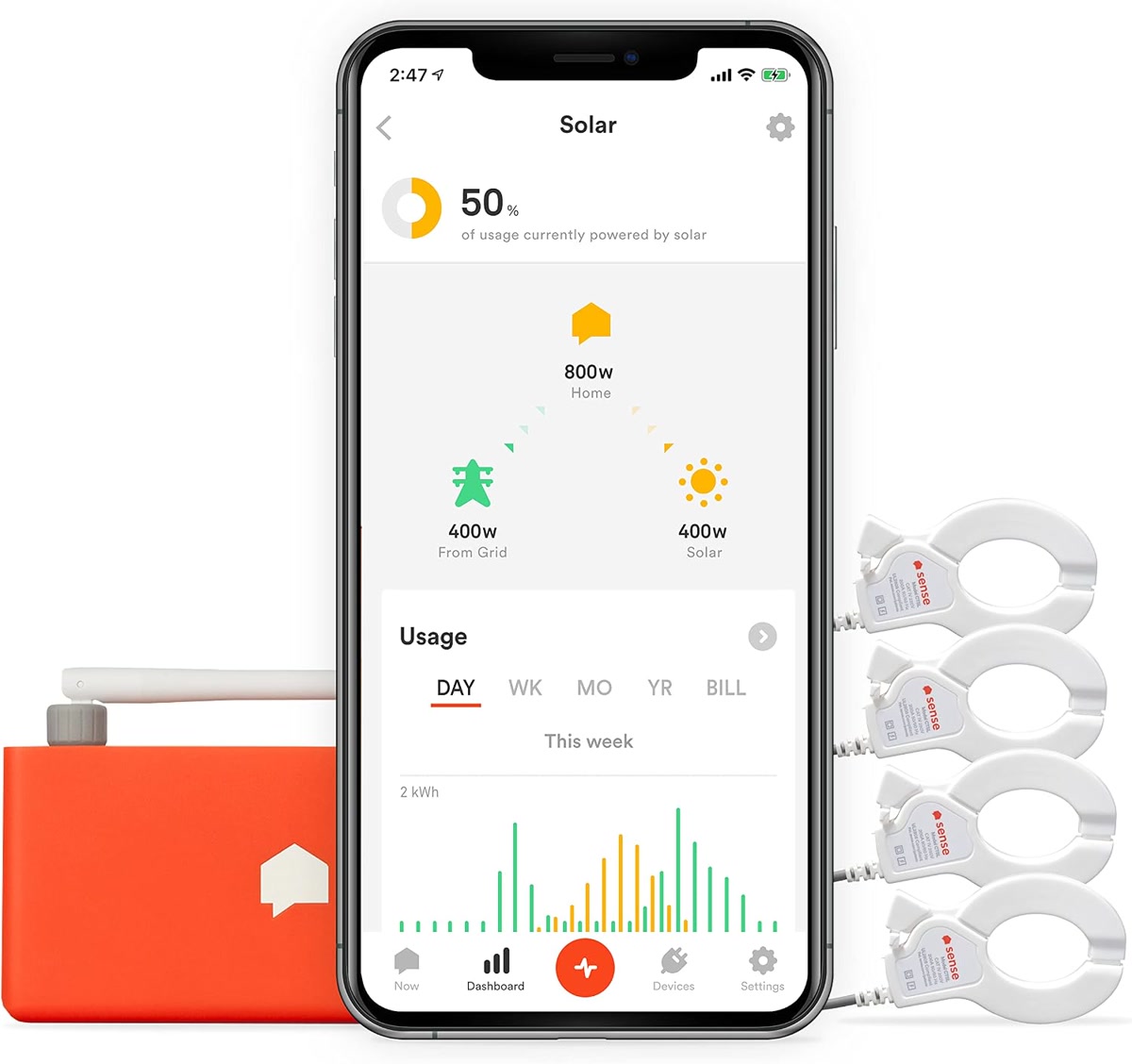
The Sense is the best-known home energy monitor, and for good reason. Its machine learning engine is the most sophisticated in the consumer market — it can identify individual devices by their electrical signatures and show you exactly what is running in real time. Over the first few weeks, it learns your home’s patterns and builds a device-by-device breakdown.
- Real-time tracking with 1-second resolution
- Device detection via machine learning (improves over weeks)
- Solar monitoring support (with additional sensors)
- Works with Alexa, Google Home, and IFTTT
- Notifications for unusual power usage (e.g., oven left on)
- Requires installation in your electrical panel — electrician recommended
The tradeoff: at 295 dollars, the Sense is the most expensive option here, and device detection takes 2 to 4 weeks to become accurate. Not every device will be identified — complex loads like variable-speed motors can be tricky. But for whole-home awareness and the best app experience, Sense is the standard.
Best for: Homeowners who want the most detailed picture of their energy use and do not mind waiting for the AI to learn. Sense Energy Monitor (Compare prices on Amazon) — the most popular home energy monitor for a reason.
2. Emporia Vue 3 (150 to 170 Dollars)
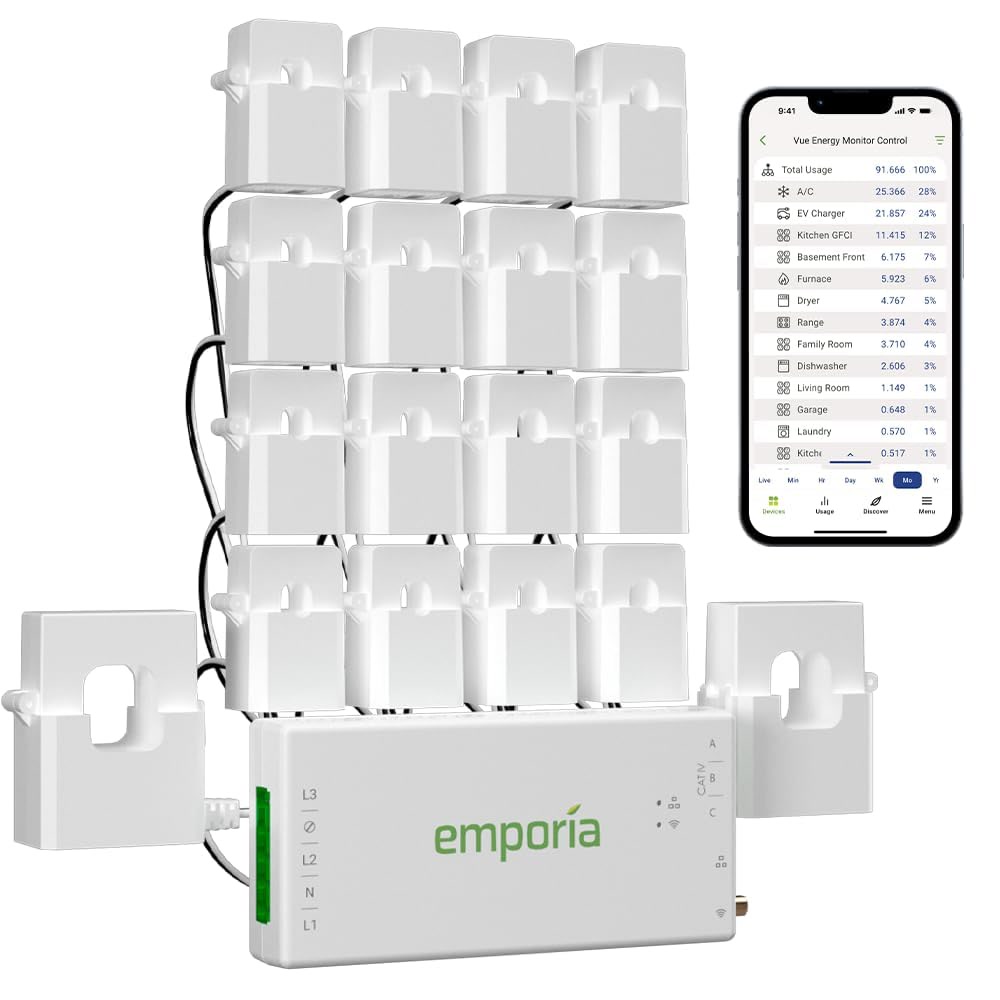
The Emporia Vue 3 costs about half what the Sense does and takes a different approach. Instead of relying solely on machine learning, it uses individual current sensors on up to 16 circuits in your breaker panel. This means you know exactly how much power each circuit is drawing — no AI guessing required. The Vue 3 also adds smart plug support, so you can control and monitor individual devices without a separate app.
- Tracks up to 16 individual circuits with included sensors
- Real-time energy monitoring with 1-second data
- Works with Emporia smart plugs for device-level control
- Supports solar monitoring
- EV charger integration (Emporia also makes a Level 2 charger)
- No subscription required — all data is free
The tradeoff: installing 16 circuit sensors takes time (plan on 1 to 2 hours with an electrician). The app is functional but not as polished as Sense’s. And circuit-level tracking means you know “the kitchen circuit used 30 kWh” but not “the toaster used 0.5 kWh” — device-level detail requires smart plugs on specific outlets.
Best for: Homeowners who want precise circuit-level data without paying for AI device detection. Emporia Vue 3 (Compare prices on Amazon) — the best value if you want hard numbers per circuit.
3. Eyedro Home Energy Monitor (130 to 150 Dollars)
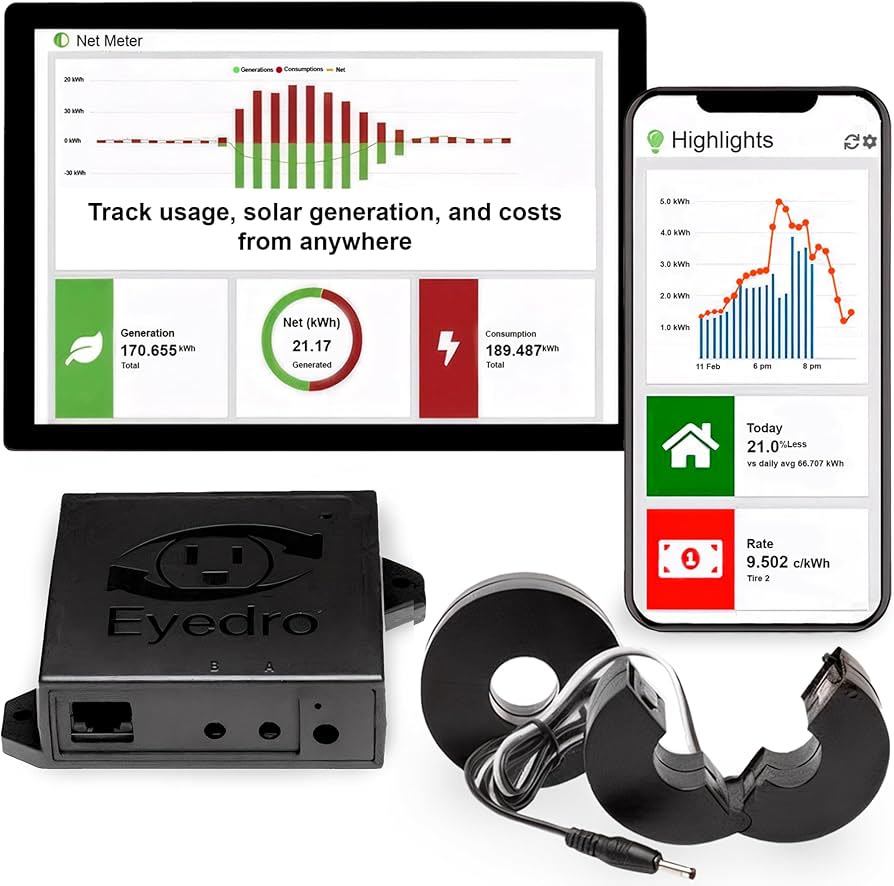
The Eyedro is the most affordable whole-house monitor worth buying. It uses two current sensors on your main power leads (same as the Sense) and provides real-time data through a web dashboard or mobile app. It does not have device detection — you get total consumption and cost estimates, not a breakdown by appliance. But for straightforward “how much power am I using right now and what is it costing me” data, it works well.
- Real-time whole-home energy monitoring
- Cost estimation based on your utility rate
- Wi-Fi and Ethernet connectivity (more reliable than Wi-Fi-only)
- Historical data with daily, weekly, monthly, and yearly views
- No subscription required
- Simple installation — two clamps on main leads
The tradeoff: no device detection means you have to figure out what is using power yourself. The app is basic compared to Sense and Emporia. There is no smart home integration (no Alexa, no Google Home, no IFTTT). But if you just want to track total consumption and spot trends, the Eyedro does the job at the lowest price.
Best for: Budget-conscious homeowners who want simple whole-house tracking without paying for features they will not use. Eyedro Home Energy Monitor (Compare prices on Amazon) — the simplest, most affordable option.
How to Actually Lower Your Bill With an Energy Monitor
Buying a monitor is step one. Actually saving money requires acting on what it tells you. Here is the process that works:
1. Establish your baseline. Let the monitor run for at least a week without changing anything. You need to know what “normal” looks like before you can spot problems.
2. Hunt for phantom loads. Devices that draw power when “off” — cable boxes, game consoles, old chargers, space heaters with analog thermostats — can add 5 to 10 percent to your bill. Your monitor’s overnight data will reveal these. Unplug them or put them on smart plugs.
3. Find your biggest consumers. HVAC systems, water heaters, and dryers typically account for 50 to 60 percent of home energy use. If your monitor shows your AC running more than expected, it may need maintenance — a dirty filter or low refrigerant can increase consumption by 15 percent.
4. Set alerts for unusual usage. All three monitors above can send notifications when power spikes. This catches problems early — a dehumidifier stuck on, a water heater element failing, or a fridge door left ajar.
5. Compare before and after. After making changes (LED bulbs, smart thermostat, unplugging phantom loads), compare a full week of data to your baseline. Real numbers, not guesses.

Installation: Do You Need an Electrician?
All three monitors require opening your electrical panel and clamping sensors around the main power leads. This is not dangerous if you know what you are doing, but if you have never opened a breaker panel before, hire an electrician. Installation typically takes 30 to 60 minutes and costs 75 to 150 dollars for the service call.
If you are comfortable working in a panel: turn off the main breaker, confirm no voltage at the bus bars with a multimeter, clip the sensors around the main leads, route the monitor’s cable through a knockout, and power the monitor from a dedicated breaker. The monitors themselves are low-voltage — the danger is in the panel, not the device.
For renters: whole-house energy monitors are generally not an option since you do not own the electrical panel. Instead, use smart plugs with individual energy monitoring (like the smart plugs we tested) to track individual devices, or ask your landlord about installing a monitor — some utilities offer free installation.
Want to listen to books on the go? Try Audible Premium Plus FREE for 30 days and get 1 free audiobook. Start your free trial →
Bottom Line
A home energy monitor is one of the few smart home devices that pays for itself. The Sense gives you the best data and the best app, but costs the most. The Emporia Vue 3 is the best overall value — precise circuit-level data, no subscription, and half the price of the Sense. The Eyedro is the simplest option if you just want to track total usage without device-level breakdown.
The key is acting on the data. A monitor that shows you your phantom loads are costing 12 dollars a month is worthless if you do not unplug those devices. But if you use the information — killing phantom loads, optimizing your HVAC, catching unusual consumption early — a 150-dollar monitor can save you 200 to 400 dollars per year. That is a better return than almost any other smart home purchase you can make.
As an Amazon Associate, CleverHomeClub earns from qualifying purchases. This does not affect our recommendations — we only recommend products we have tested or would buy ourselves.
🏠 Get Your Free Smart Home Setup Checklist
Join our newsletter and get this free printable plus weekly tips.