
You’ve bought a smart bulb. Then a smart plug. Then a door sensor. Now you’ve got three apps, two voice assistants, and a growing suspicion that “smart” is overselling it.
That’s where a smart home hub comes in. A good hub is the brain of your setup — it connects devices that otherwise refuse to talk to each other, lets you build automations that actually make sense, and keeps everything running when your Wi-Fi decides to take a personal day.
But not all hubs are created equal. Some lock you into an ecosystem. Others require a computer science degree. And a few are genuinely worth your money.
Here’s the honest breakdown of the best smart home hubs in 2026.
What a Smart Home Hub Actually Does
Before we get to the picks, let’s clear up what a hub does — because the marketing around these devices is impressively vague.
A smart home hub connects devices using different protocols (Wi-Fi, Zigbee, Z-Wave, Thread, Matter) and lets them work together through one interface. Without a hub, your Zigbee motion sensor can’t trigger your Wi-Fi smart bulb. With one, it’s a two-minute setup.
A hub is worth it if you:
- Have devices from different brands that don’t integrate natively
- Want automations beyond basic “turn on at sunset” rules
- Care about local control (your automations work without internet)
- Plan to add more than 5-6 smart devices over time
A hub is overkill if you:
- Only use Wi-Fi devices from one ecosystem (like all Philips Hue or all Ring)
- Are happy with Alexa or Google routines and don’t need more
- Have fewer than 5 devices total
If you’re somewhere in between, keep reading. The right hub depends on how deep you want to go.
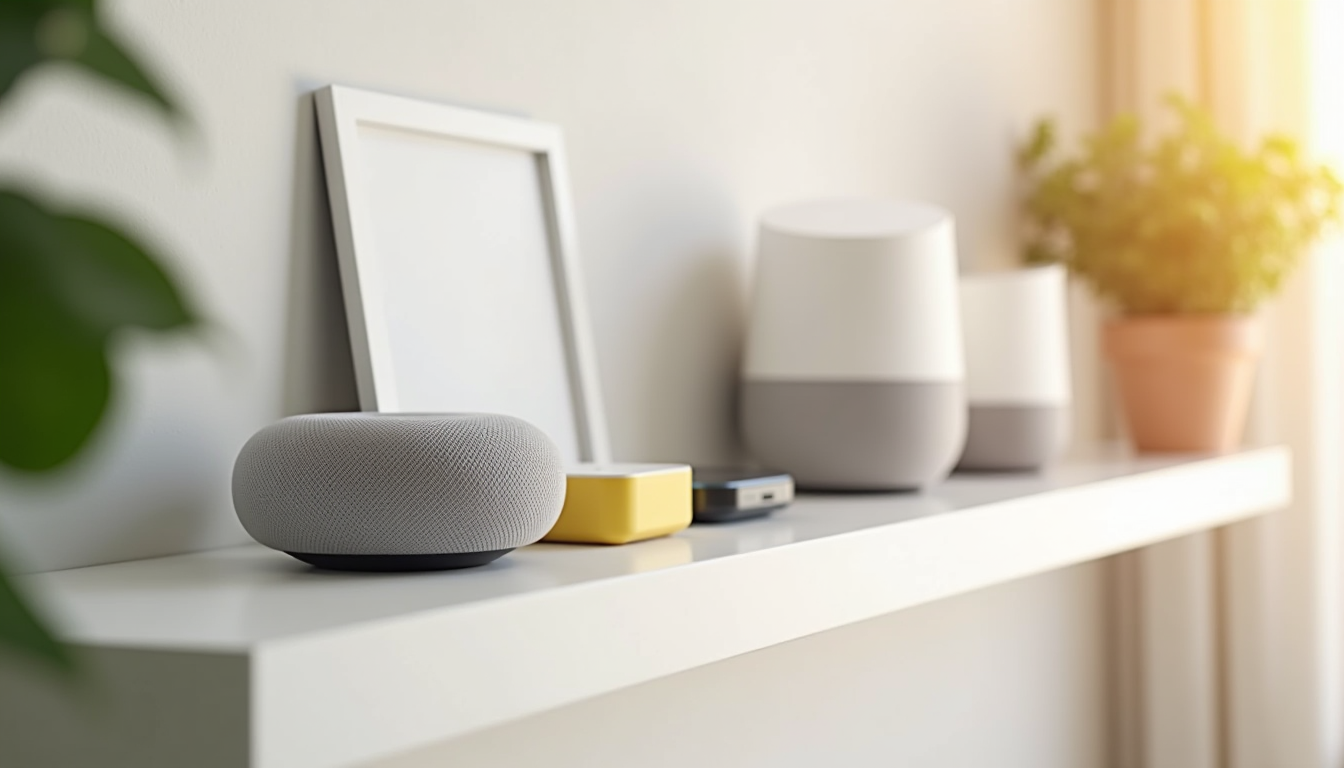
Best Overall: Samsung SmartThings Station
Samsung’s SmartThings Station is the best hub for most people. It’s small, affordable, and handles the basics without making you feel like you’re configuring a server.
Why it works:
- Supports Zigbee, Thread, and Matter out of the box
- Plug-and-play setup through the SmartThings app
- Built-in hub for Samsung appliances (if you own any)
- Includes a smart plug — yes, the hub is also a plug, which is weirdly useful
- Works with Alexa, Google Home, and (limited) HomeKit
The downsides:
- No Z-Wave support (you’ll need a separate dongle if you have Z-Wave devices)
- Cloud-dependent for some features — if Samsung’s servers go down, some automations break
- The SmartThings app can feel bloated if you only use it for basic controls
If you want one device that handles 90% of smart home setups without requiring you to learn a new hobby, this is it.
Shop SmartThings Station on Amazon →
Best for DIYers: Home Assistant Yellow
Home Assistant Yellow is the answer to “but what if I want full control over literally everything?” It runs Home Assistant — the open-source smart home platform — on dedicated hardware with a built-in Zigbee radio and Thread support.
Why it works:
- Local control by default — your automations work even without internet
- Integrates with over 2,500 services and devices
- Community-built integrations for almost everything
- No subscription, no cloud dependency, no company deciding to discontinue your platform
- Thread and Zigbee built in, no USB dongles needed
The downsides:
- Not plug-and-play — you’ll spend an evening setting it up
- The Home Assistant interface has a learning curve
- No phone support — you’re relying on community forums and documentation
- Overkill if you just want your lights to turn on automatically
Home Assistant Yellow is for people who treat their smart home like a project, not an appliance. If you enjoy tinkering, it’s unmatched. If you want things to “just work,” look elsewhere.
Shop Home Assistant Yellow on Amazon →
Already running Home Assistant on a Raspberry Pi? Check out our Home Assistant beginner guide for tips on making the most of it.
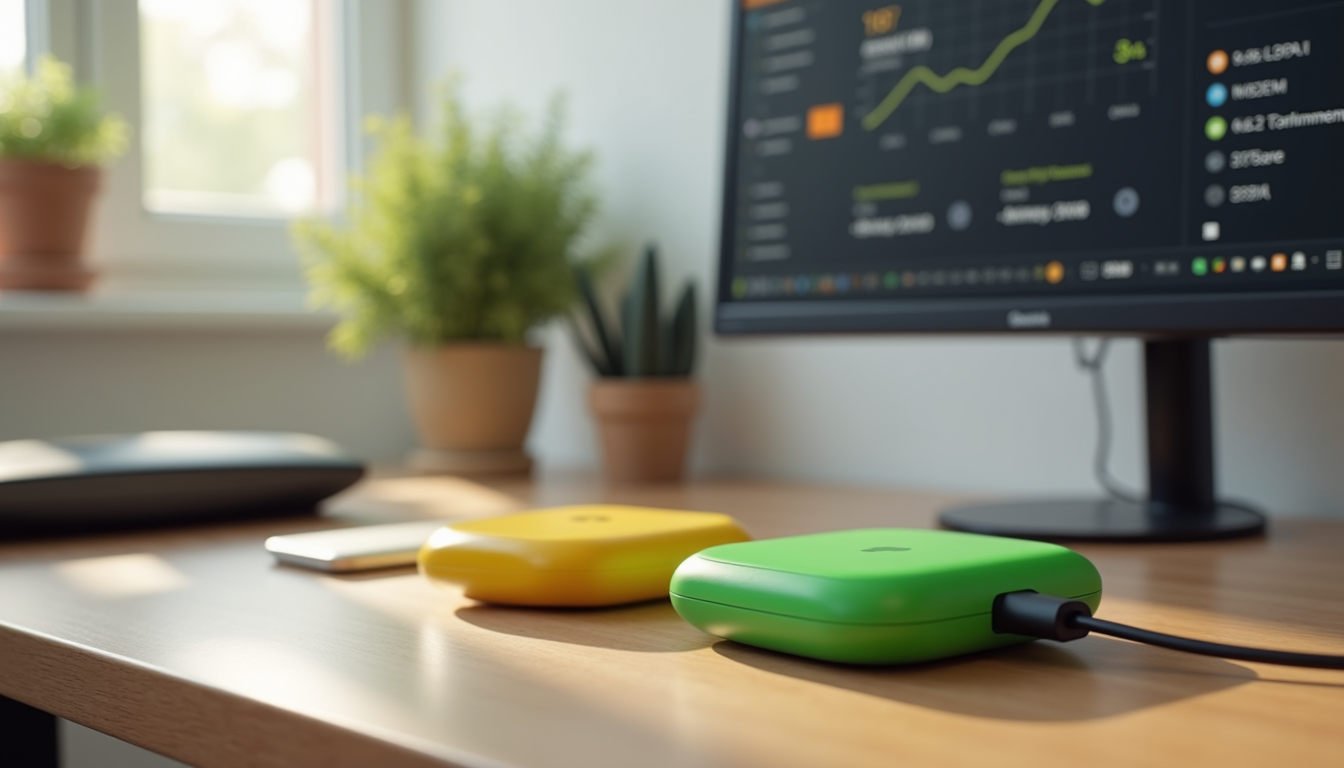
Best Budget: Amazon Echo Hub
The Echo Hub isn’t a traditional hub — it’s an 8-inch touchscreen that doubles as a smart home controller. But for the price, it handles a surprising amount.
Why it works:
- Built-in Zigbee, Thread, and Matter support
- Acts as a wall-mounted control panel for your entire home
- Works with Alexa routines out of the box
- Sidestep: the interface is actually good for controlling devices quickly
- Frequently discounted to under $100
The downsides:
- Alexa-dependent — this is an Amazon device first, smart home controller second
- Privacy trade-offs (Amazon is listening, always)
- Limited automation complexity compared to SmartThings or Home Assistant
- Wall-mounting requires a recessed box or visible cables
If you’re already deep in the Alexa ecosystem and want a visual dashboard for under $100, the Echo Hub is hard to beat. Just know what you’re signing up for with Amazon’s data practices.
For more on the Alexa vs Google debate, see our Alexa vs Google Home comparison.
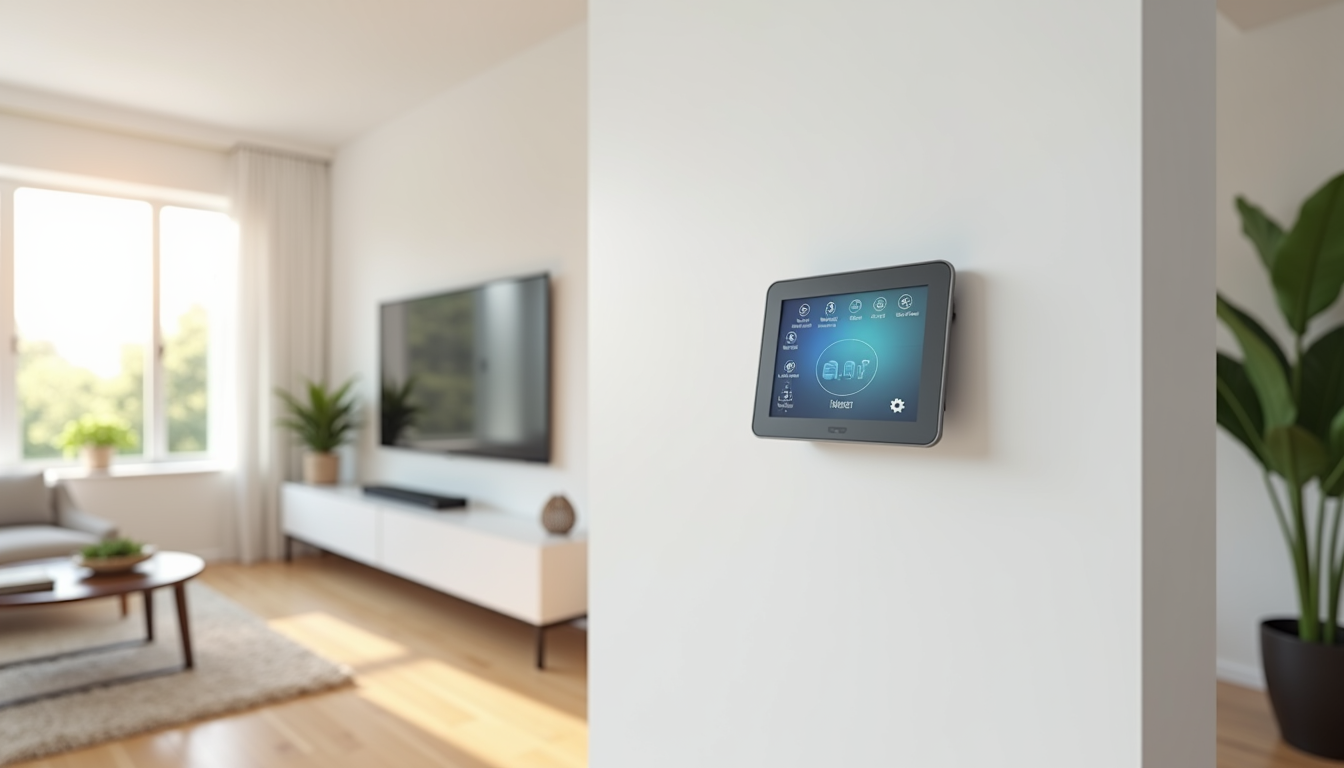
Best for Apple Users: Apple HomePod (2nd Gen)
If you’re all-in on Apple, the HomePod 2 is your hub. It handles the HomeKit side of things natively, sounds better than any smart speaker has a right to, and now supports Matter.
Why it works:
- Native HomeKit hub — no configuration needed
- Thread and Matter support for newer devices
- Excellent audio quality (this is also your speaker)
- Privacy-first approach — Apple processes less data than Google or Amazon
- Seamlessly integrates with your iPhone, iPad, and Mac
The downsides:
- HomeKit device selection is still smaller than Alexa or Google
- No Zigbee or Z-Wave support
- Expensive for a hub ($299) — you’re paying for the speaker too
- Limited automation options compared to SmartThings or Home Assistant
The HomePod is for people who already live in the Apple ecosystem and want their smart home to work the same way. It’s not the most flexible hub, but it’s the most “it just works” option if you own iPhones.
Shop Apple HomePod on Amazon →
Best for Sensor-Heavy Setups: Hubitat Elevation
Hubitat Elevation is SmartThings’ more technical cousin. It’s local-first, supports both Zigbee and Z-Wave, and gives you granular control over every device and automation.
Why it works:
- Zigbee and Z-Wave built in — the only hub in this list with both natively
- 100% local processing — fast response times, works without internet
- No subscription required
- Advanced rule engine for complex automations
- Active community and frequent firmware updates
The downsides:
- The interface feels like 2015 — functional but not pretty
- Steeper learning curve than SmartThings
- No built-in voice assistant (you’ll need an Echo or Home separately)
- The hardware looks like a router from 2008
Hubitat is for people with 30+ devices who need rock-solid reliability. If your smart home has more sensors than a weather station, this is your hub.
Shop Hubitat Elevation on Amazon →
Wondering how Hubitat compares to SmartThings and Home Assistant? We broke it all down in our hub comparison guide.
Protocol Cheat Sheet
Here’s a quick reference for which hub supports what:
- Zigbee: SmartThings, Home Assistant Yellow, Echo Hub, Hubitat
- Z-Wave: Hubitat (SmartThings needs a dongle, Home Assistant needs a dongle)
- Thread: SmartThings, Home Assistant Yellow, Echo Hub, Apple HomePod
- Matter: All hubs in this list (Matter is the new universal standard — see our Matter 2.0 guide)
- Wi-Fi: All hubs (Wi-Fi devices connect via your router, not the hub directly)
If you’re not sure which protocol your devices use, check the box or product page. Most smart home devices made after 2024 support Matter, which makes the hub choice less critical than it used to be.
What About Matter? Do You Still Need a Hub?
Matter is the new standard that lets devices from different brands work together without a hub. In theory.
In practice, Matter handles basic controls (on/off, dimming, locking) well, but it doesn’t yet handle complex automations or all device types. You still need a hub if you want:
- Multi-device automations (e.g., “when motion detected, turn on lights, start coffee maker, and adjust thermostat”)
- Conditional logic (e.g., “only if someone is home”)
- Local processing (Matter still relies on your Thread border router and internet for setup)
- Integration with older Zigbee or Z-Wave devices
Think of Matter as reducing your hub dependency, not eliminating it. For more on this, read our Matter 2.0 explained guide.
How to Choose
Get SmartThings Station if: You want something affordable that works with most devices and doesn’t require a computer science degree.
Get Home Assistant Yellow if: You want total control, local processing, and don’t mind spending an evening configuring things.
Get Echo Hub if: You’re an Alexa household and want a touchscreen control panel that doubles as a smart speaker.
Get Apple HomePod if: You’re all-in on Apple and want the simplest possible HomeKit experience.
Get Hubitat Elevation if: You have a lot of Zigbee and Z-Wave sensors and need local, reliable processing.
The Bottom Line
The “best” hub depends on your tolerance for complexity. SmartThings Station handles most people’s needs. Home Assistant Yellow is for control freaks (affectionate). Echo Hub is the budget pick for Alexa users. HomePod is for the Apple faithful. Hubitat is for sensor nerds.
Don’t overthink it. Pick the one that matches your existing ecosystem, and start small. You can always switch later — most hubs support Matter, which means your devices can move with you.
And if you’re just starting out, read our smart home setup guide under 100 dollars before you invest in a hub. You might not need one yet.