This article contains affiliate links. We may earn a commission from qualifying purchases.
Some content on this site is AI-assisted and reviewed by our editorial team.
The notification everyone dreads is coming: Google Assistant is folding into Gemini for Home, and the first wave of Nest hardware owners are finding out the hard way that this is not a clean update. The honest warning from early adopters is the part that matters most — adding one new Gemini-era speaker to your household can force-opt your entire Home structure into a one-way migration. If your house runs on a stack of Nest Minis and a Hub, here is what still works, what breaks, and what is actually worth buying while the transition runs.
Here’s the migration, mapped: the devices, the one-way door, and the spend that actually makes sense right now.
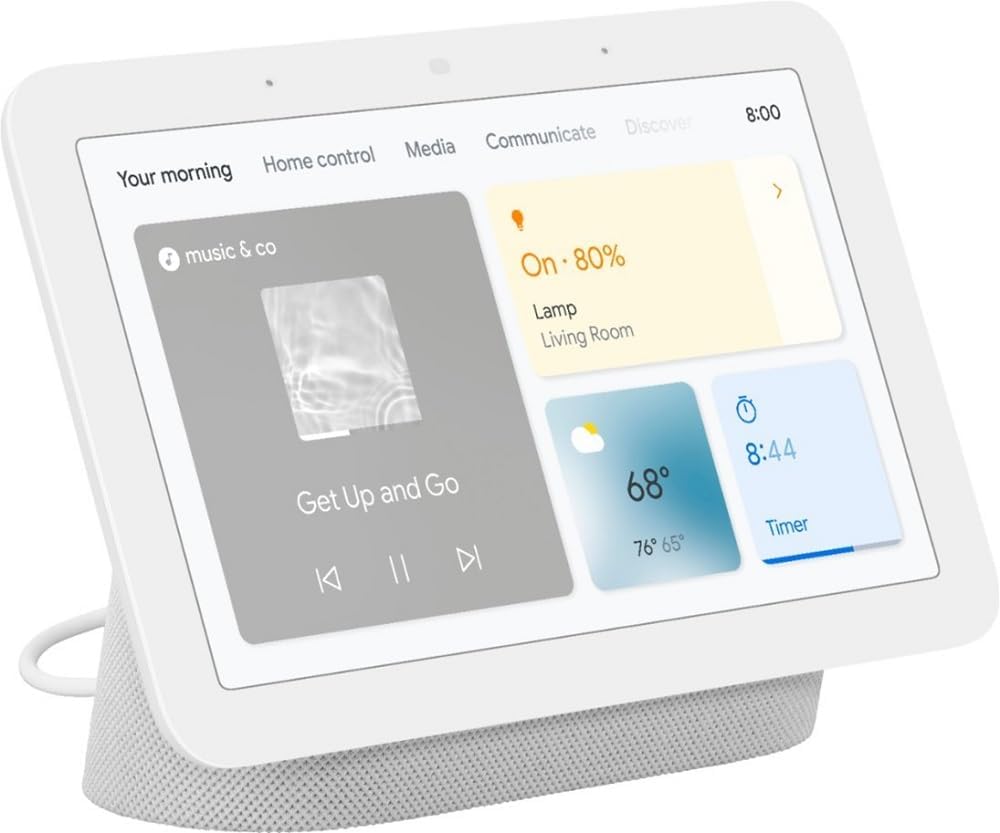
Google Nest Hub 2nd Gen — The Display That Keeps Up
The Nest Hub 2nd Gen at about $60 street is the cheapest Gemini-ready screen and the safest buy in the Google aisle right now: it already runs the current cast and assistant stack, and it is the device Google will keep supporting through the migration because the Hub line is the face of Gemini for Home’s display mode. In practice it stays the bedside and kitchen default — timers, recipes, camera feeds, sleep sensing on the 2nd gen. The con is unchanged from launch: the speaker inside is thin for music, so treat it as a screen with a voice, not a soundbar.
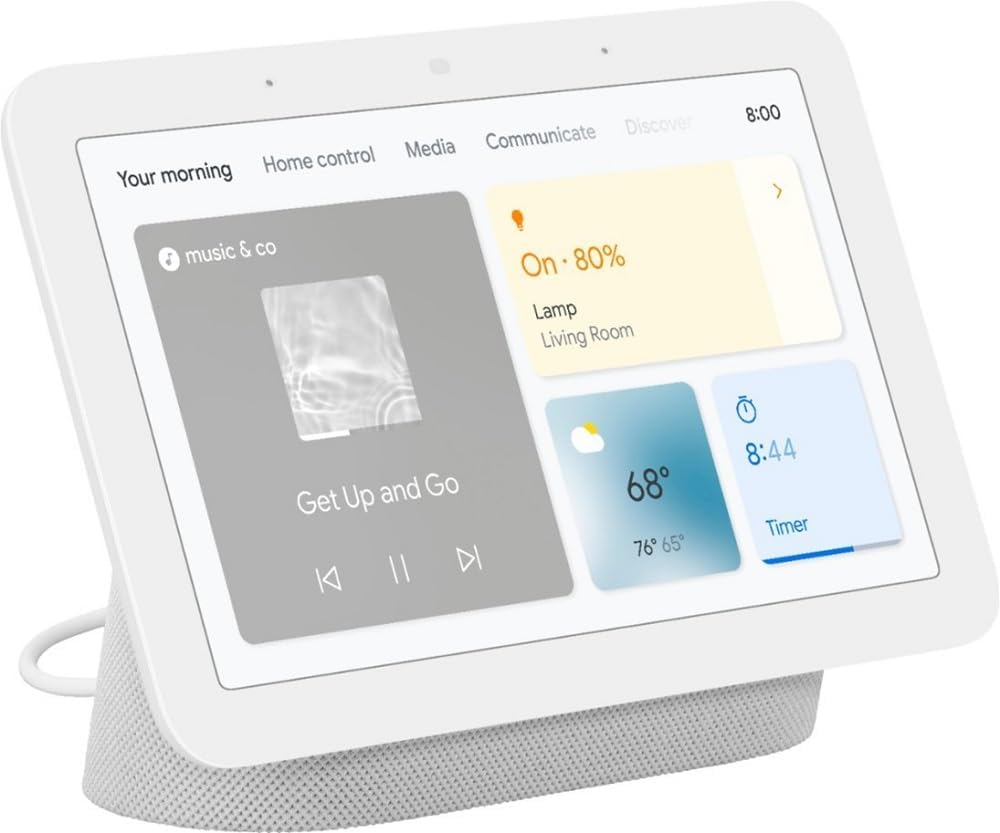
My take: If you are buying one Google device this year, this is the one — it upgrades rather than orphans your setup.
Google Nest Audio — The Music Speaker
The Nest Audio remains the best-sounding way to keep voice in the kitchen at about $50–$70 — but the honest caveat is inventory: production has wound down as the Gemini-era speakers take over, so prices wobble and pairs sell unevenly. It handles music and multi-room grouping better than any Mini ever did, and it will migrate when the software rollout reaches it. Buy it now if kitchen music is the job; wait if it is not.
My take: Buy while stock lasts at $50–$70; above that you are paying scarcity tax on a speaker entering its transition years.
Google Nest Mini — The Every-Room Cheap Slot
The Nest Mini at about $25 is fine for what it does — timers, lights, intercom-style announcements — and weak for everything else. The counterintuitive advice here is don’t replace it: the Mini is the device most worth keeping as-is, because Google will keep legacy Assistant units voice-answering through the transition even as new features concentrate on Gemini-ready hardware. Spend the migration budget elsewhere.
My take: Keep every Mini you own; it is the cheapest working node in the house and replacing it buys you almost nothing.
The New Google Home Speaker (2026) — The One That Forces the Move
The 2026 Gemini-era speaker is the beautiful trap of this whole article: it sounds great and answers every question you have about the future, and setting it up can auto-migrate your entire Home structure — every speaker, routine, and paired device — into the Gemini app structure in one shot. That migration has no clean undo right now. If your routines are simple, that is fine. If the house depends on legacy routines, the old app, or third-party automations, set this speaker up on a schedule you control — not the weekend before guests arrive.
My take: Wait unless you are ready to move the entire house at once — this is the one-way door, and the door is exactly as advertised.
Before you migrate: smart speakers are heavy to ship, so grab the free 30-day Prime trial and let the carrier do the lifting. That link supports CleverHomeClub if you use it. Current device floors live on our /shop/ page.
What Actually Saves Money (And What Doesn’t)
What still works through the migration. Voice wake words, timers, music, and legacy routines keep running on Assistant units while the Gemini rollout proceeds. Nothing bricks. The pain is app structure and feature lag, not dead speakers.
What breaks. Some legacy routines and third-party integrations require re-pairing after a forced migration, and early adopters report feature gaps between the old and new apps. Budget an evening of re-verification, not zero.
Is Gemini for Home free? The core voice replacement is included, but Google has signaled the premium assistant tier will be subscription-based — the same pattern every assistant has followed, priced in later.
What’s not worth buying. A house full of new Minis “to get ready.” The migration is software-side; replacement hardware before you need it is money spent twice.
The Savings Math
- The smart play: $60 on a Hub 2nd Gen (or $0 — keep the minis) and migrate on your own schedule.
- The panic buy: $150+ replacing working Minis with new hardware before the software even changed — money the rollout will not require.
- Annual impact: zero subscription needed for the current core tier; only pay if the premium assistant actually earns it in your household.
Migration-proofing pairs well with hardware that doesn’t need the cloud at all — see six devices that never needed the cloud, and if the voice stack in your house runs on the other assistant, Alexa Drop In as a whole-house speakerphone is the 40-dollar fix for the uncovered room.
CleverHomeClub is reader-supported. As an Amazon Associate, I earn from qualifying purchases. That means if you buy through one of the links above, I get a small commission at no extra cost to you. I only recommend devices I’d run in my own home.
🏠 Get Your Free Smart Home Setup Checklist
Join our newsletter and get this free printable plus weekly tips.
Frequently Asked Questions
Is Google Assistant really being retired?
It's being folded into Gemini for Home rather than switched off. Assistant units keep answering through the transition, but new features concentrate on Gemini-ready hardware and the old app structure is winding down.
Will my Nest speakers still work after the Gemini switch?
Yes — wake words, timers, music, and legacy routines keep running. The friction is software: some routines and third-party integrations need re-pairing after a migration, and early adopters report feature gaps between the old and new apps.
Is Gemini for Home free to use?
The core voice experience is included at no extra cost for now, but Google has signaled a premium assistant tier will be subscription-based later. Plan on the core tier being free and judge the premium tier when it prices in.
Liked this guide? Get the next one in your inbox — the smart home starter checklist is free too.
✓ You're in — check your inbox.
No spam. Unsubscribe anytime. We never share your email.