
This article contains affiliate links. We may earn a commission from qualifying purchases.
Some content on this site is AI-assisted and reviewed by our editorial team.
Locksmith visit: $180 to drill out a kwikset I lost the last key for, on a Saturday. The lesson was not about the key — it was that my front door was the one thing in the house I could not check from the office, could not let a friend into, and could not re-key without a hardware store run. Smart locks have quietly become the cheapest part of a smart home to get right, because the mistakes are known and the hardware is mature. The trick is that four very different devices all call themselves smart locks, and they solve completely different problems. Here is the honest map.
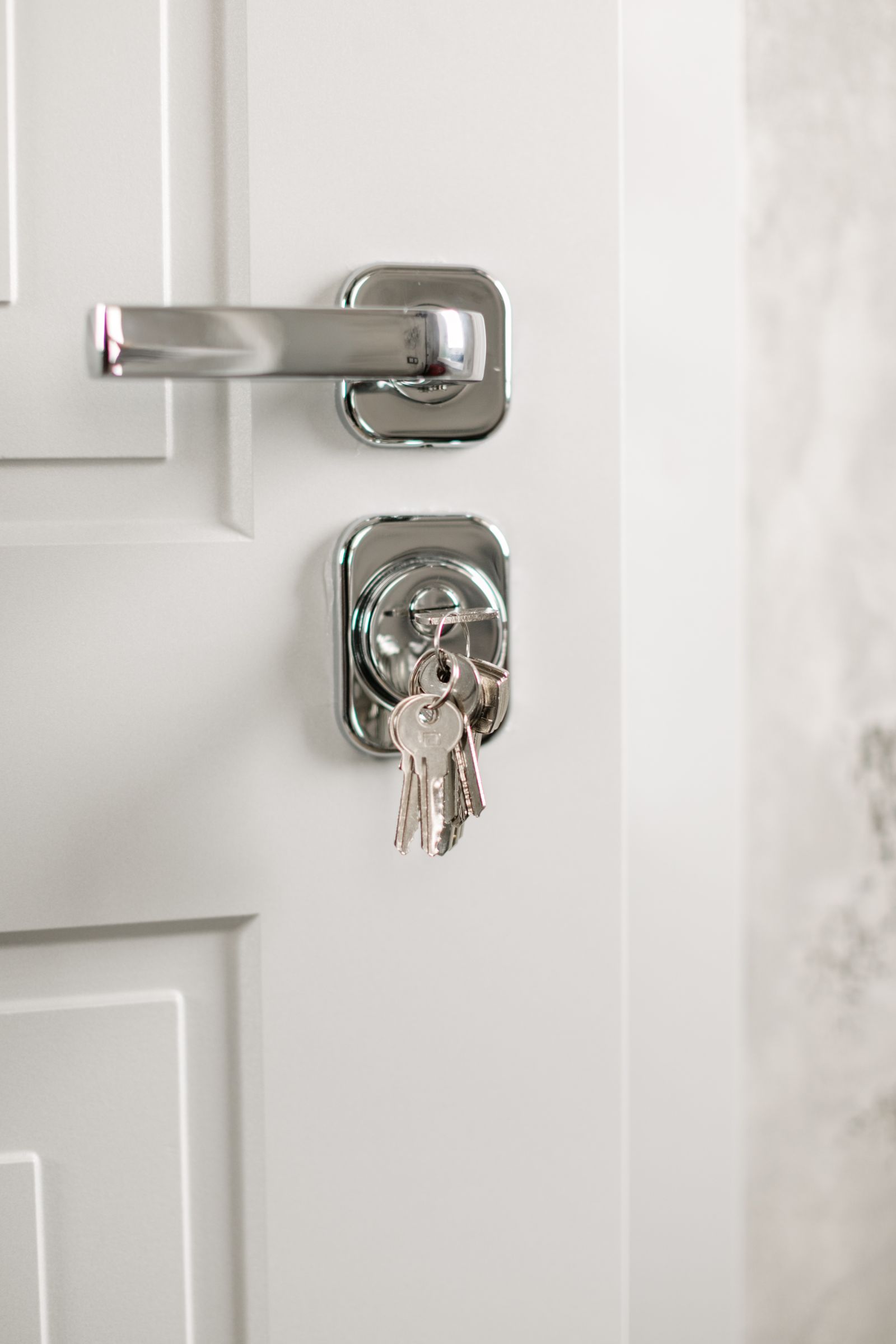
I compared four locks across the price range, from a $80 fingerprint deadbolt to a $229 built-in Wi-Fi unit, on the four-year cost of ownership — the number that includes batteries, subscriptions, and the hidden cost of a lock that stops being smart when the subscription lapses.
Wyze Auto-Lock Bolt — The $80 Fingerprint Baseline
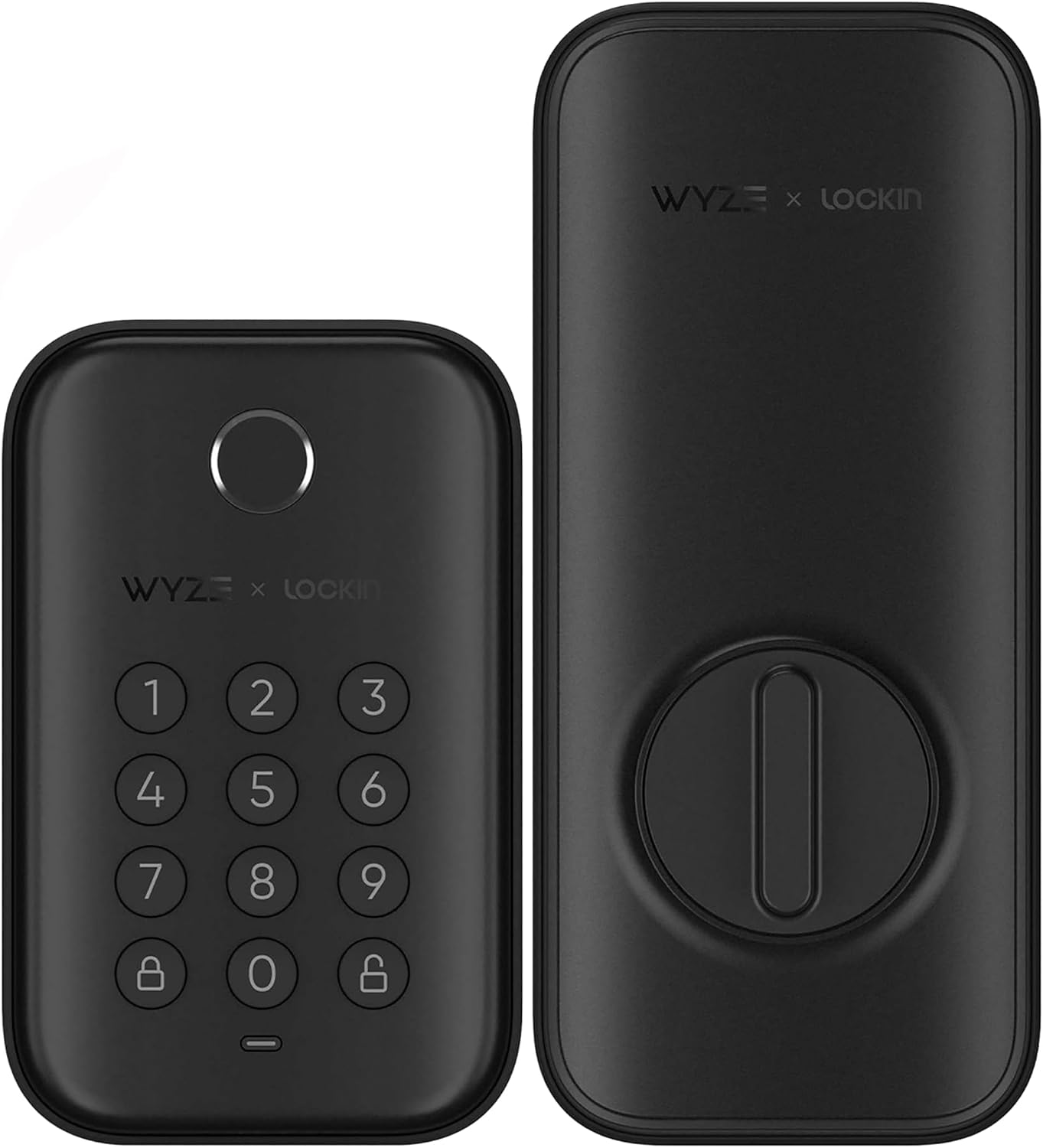
At $79.98 verified today, this is the cheapest lock I would put on my own door: fingerprint unlock, auto-lock on close, a keypad for guests, and an honest deadbolt mechanism. The con you must know before buying: the lock is Bluetooth-only. The app controls it when you are home, and remote control requires pairing with a Wyze Doorbell Pro as a bridge — an extra purchase. No monthly fee for what it does, but no remote access without the extra hardware either.
My take: the best budget pick if you want fingerprint convenience at the door and already know you do not need to unlock remotely. Add the Doorbell Pro bridge later if you ever do.
Sifely Keyless Entry Lock — The Feature Per Dollar Pick
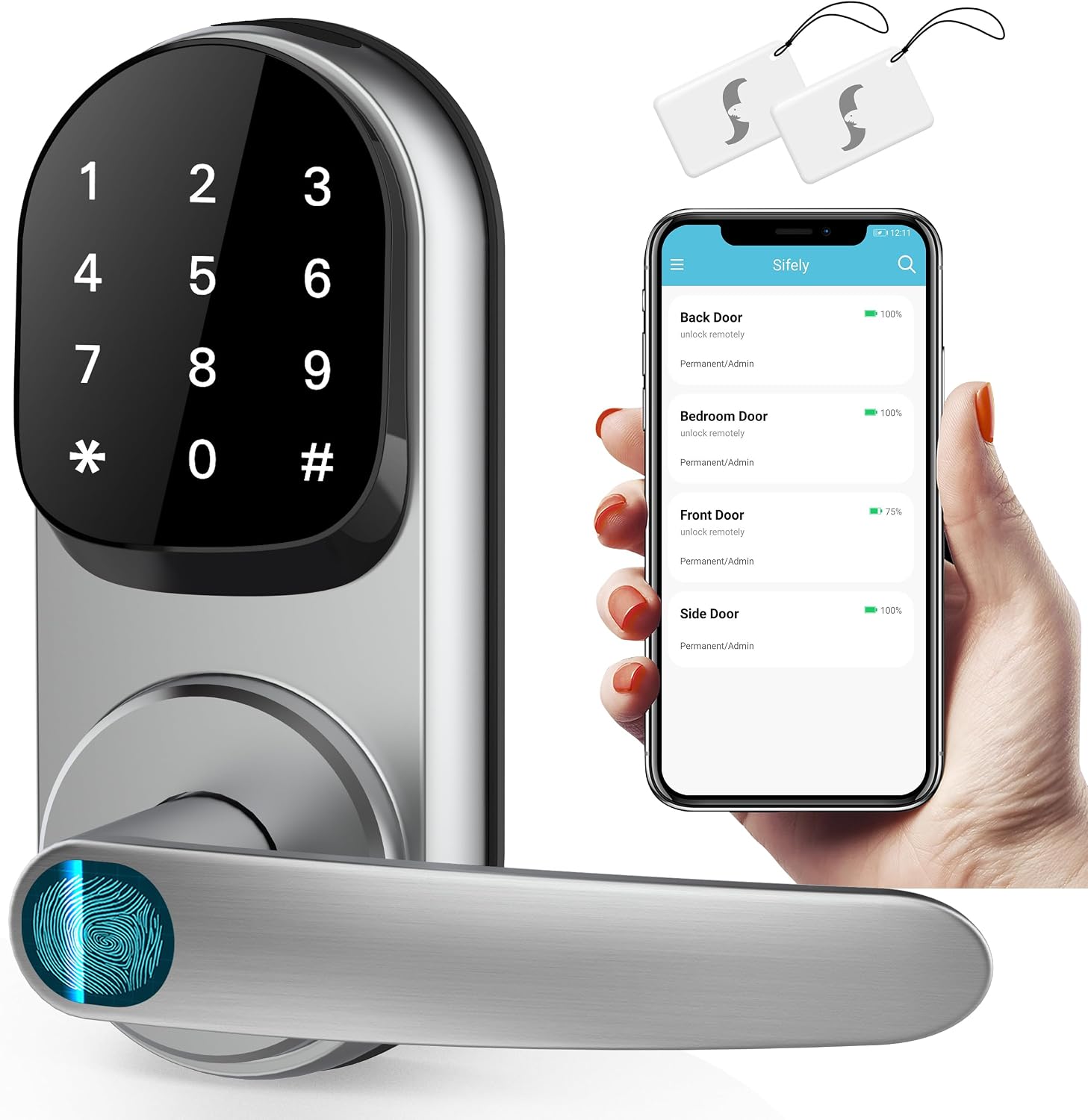
At $104.97 verified today (list $129.99), you get fingerprint, passcode, an app, a physical key backup, and a handle-set form factor that covers the holes a previous knob-and-deadbolt install left. Cons are the fine print: remote access requires the separate Sifely Gateway (sold separately), and the app is more cluttered than the big-brand equivalents. There is no mandatory subscription, but read the remote features list carefully so the gateway line does not surprise you.
My take: the most hardware per dollar in this lineup. Buy it for the fingerprint-plus-handle combo, budget the gateway if remote unlock matters to you.
Kwikset Halo Keypad — The Big-Brand Wi-Fi Workhorse
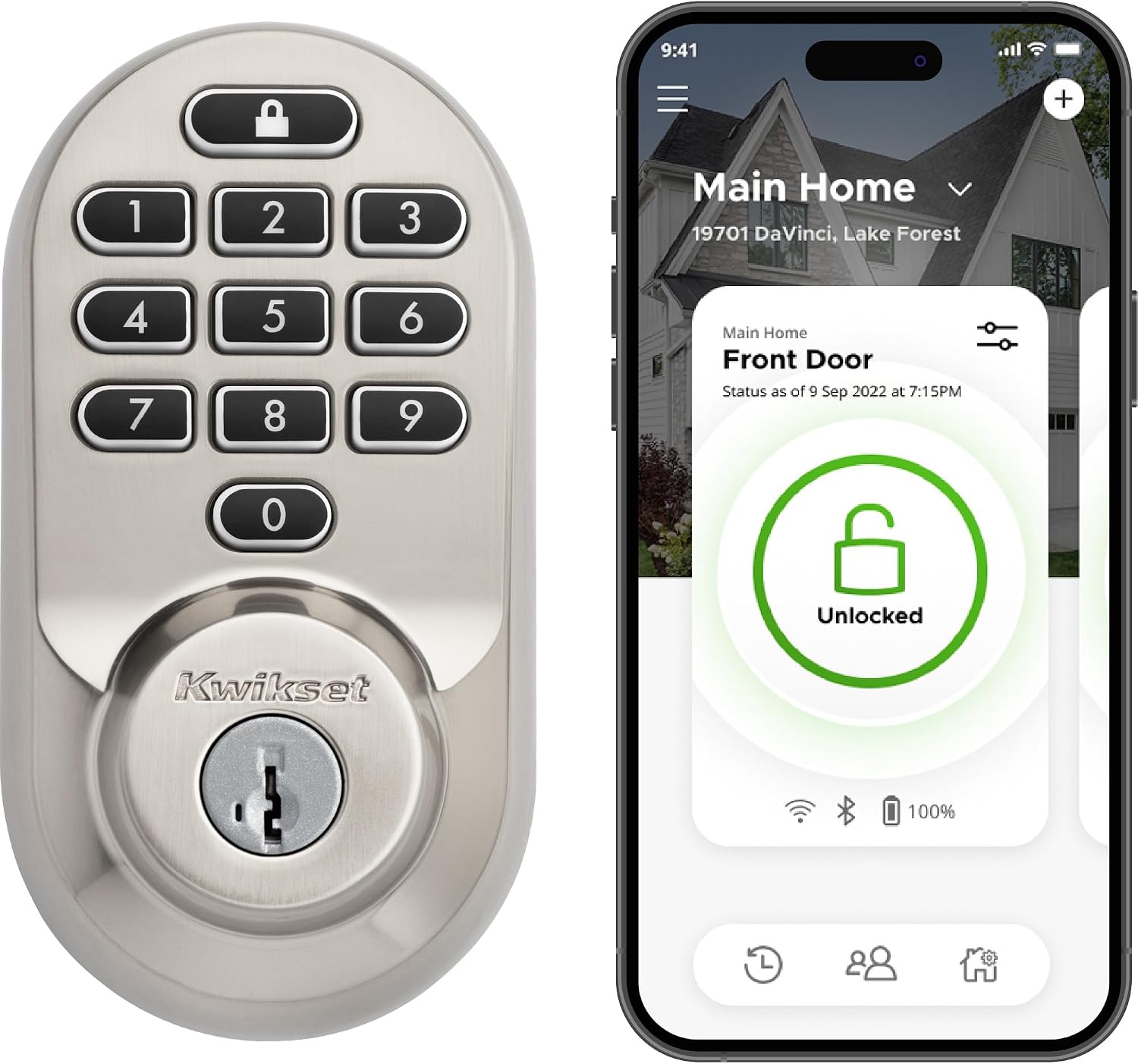
At $164 verified today (list $169.99), the Halo has built-in Wi-Fi — no hub, no gateway, no bridge: the app works from anywhere out of the box, and the SmartKey re-key feature means you can re-key the cylinder yourself in minutes without a locksmith, which is the feature that would have saved my Saturday. Cons: the app reviews are the weakest of the brands here, Wi-Fi in a lock drains batteries faster than Bluetooth designs (expect a battery change a few times a year with heavy use), and the keypad model lacks the fingerprint reader of cheaper competitors.
My take: the pick for the person who wants remote access with zero extra hardware and re-key ability, and does not care about fingerprint unlock.
Schlage Encode Touchscreen — The Premium No-Hub Pick
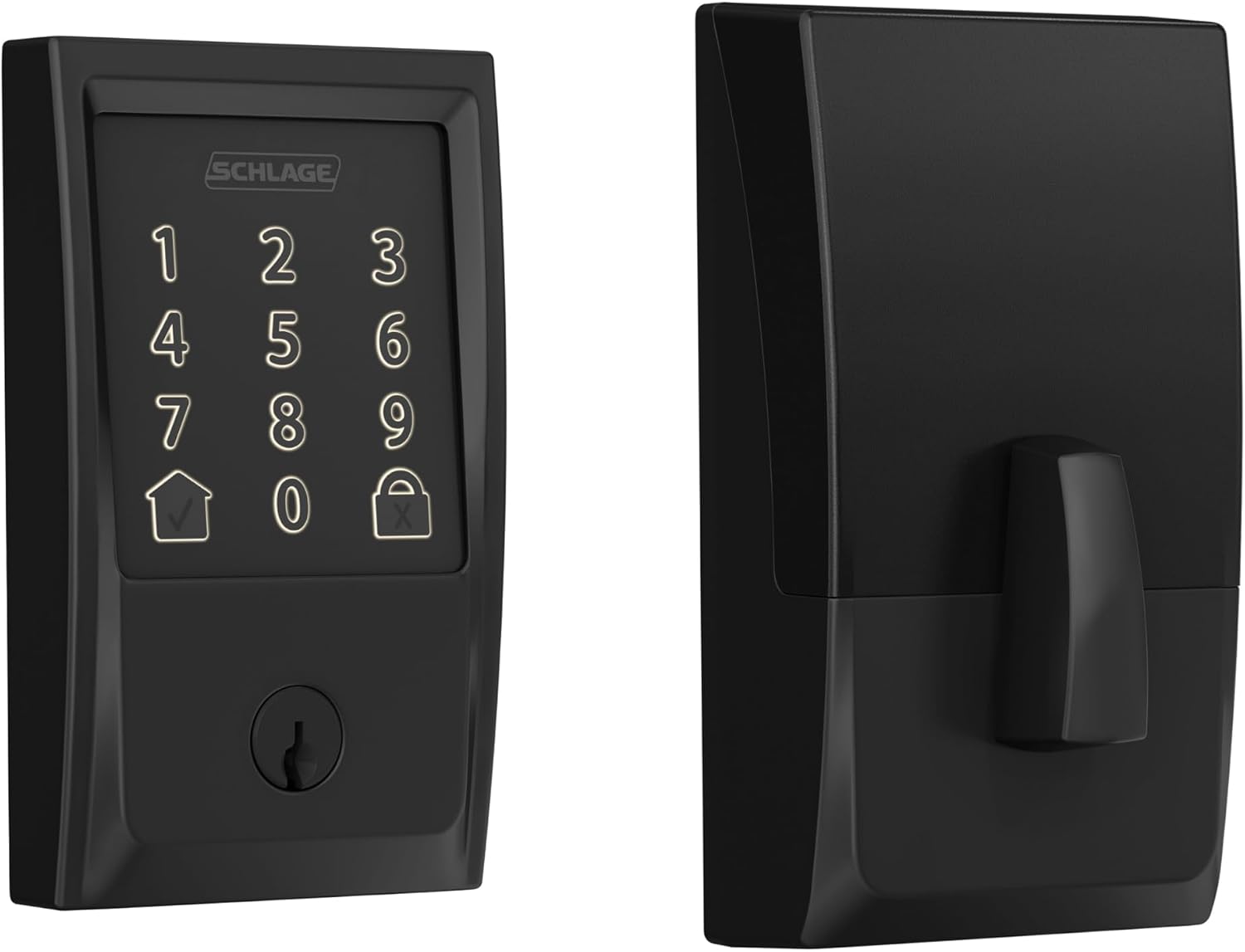
At $229 verified today, the Encode is the polished end of the category: built-in Wi-Fi, a fingerprint-resistant touchscreen keypad, up to 100 access codes, a built-in alarm for tamper and forced-entry, Alexa and Google voice control, and a 6-month battery life on four AA batteries — plus the Schlage Home app with no mandatory subscription for the core features. Cons: it is the most expensive here, the alarm trips easily if you mount it on a loose door, and the touchscreen surface shows fingerprints more than a keypad does despite the coating.
My take: the lock I recommend to non-tinkerers. Highest security rating of the four, no hub, no gateway, no bridge, and the app just works. You are paying for the polish.
Smart locks ship free and fast with Prime. If you are not a member, a free 30-day Prime trial covers the shipping on hardware this heavy, and free returns make the “will it fit my door” question painless to answer.
What Actually Saves Money (And What Doesn’t)
Re-key ability beats cheap locks: a SmartKey cylinder you re-key yourself in five minutes costs nothing after the lock; a locksmith visit is $150-200. One avoided lockout pays for half of any lock on this list.
Guest codes beat hiding keys: every lock here supports scheduled access codes. A code that expires Monday morning is free forever; a hidden key under the mat is a security hole with a dollar value.
Batteries are the real subscription: Wi-Fi locks eat AAs faster than Bluetooth locks. Budget one 8-pack of lithium AAs a year for a Wi-Fi lock versus every-other-year for Bluetooth.
Auto-lock beats remembering: every lock here auto-locks. The feature that saves the most money is the one that prevents the “did I lock the door” drive-back.
What doesn’t save anything: video-lock hybrids (you pay for two devices and get the battery life of neither), and subscription-locked remote features — read the fine print so you are not renting your own deadbolt.
The Four-Year Cost Math
- Wyze Auto-Lock Bolt ($79.98): lock + occasional AA changes + optional Doorbell Pro bridge if you add remote — the cheapest four-year total if you stay Bluetooth-only.
- Sifely ($104.97): hardware-rich, but add the gateway cost if remote access is on your list.
- Kwikset Halo ($164): no extra hardware, but the battery bill is real: four Wi-Fi-connected AAs do not last as long as Bluetooth designs.
- Schlage Encode ($229): the highest upfront cost and the least fine print. No bridge, no gateway, no mandatory plan.
Keep reading: the hub-or-no-hub decision explains why some locks want extra hardware, and the garage monitoring setups cover the other door people forget.
CleverHomeClub is reader-supported. As an Amazon Associate, I earn from qualifying purchases. That means if you buy through one of the links above, I get a small commission at no extra cost to you. I only recommend devices I’d run in my own home.
🏠 Get Your Free Smart Home Setup Checklist
Join our newsletter and get this free printable plus weekly tips.
Frequently Asked Questions
Do smart locks work without a subscription?
The four locks in this comparison have no mandatory subscription for their core features u2014 fingerprint, keypad, app control, and auto-lock all work free. Some brands gate advanced remote features or activity history behind optional plans; read the listing's fine print so you are not renting features you expect for free.
Do smart locks need a hub?
Some do, most do not. Wi-Fi locks (Kwikset Halo, Schlage Encode) connect straight to your router with no extra hardware. Bluetooth-only designs (Wyze Bolt) need either proximity or a bridge device for remote control, and Sifely remote access requires their separate gateway. Built-in Wi-Fi is what to look for if you want zero extra boxes.
Are fingerprint smart locks reliable?
Modern capacitive fingerprint readers like the ones on the Wyze Bolt and Sifely unlock in under a second for most users, and they all keep a PIN and a physical key as fallback. Wet, cold, or worn fingertips can need a second read u2014 that is normal, not a defect.
How long do smart lock batteries last?
Plan on 3-6 months on a set of AAs with typical use. Wi-Fi locks drain faster than Bluetooth designs because the radio is always talking to the router, and cold weather shortens battery life further. Lithium AAs handle temperature swings better than alkaline.
Can I install a smart lock myself?
Yes, in most cases. All four locks here replace a standard deadbolt with a screwdriver in about 20-30 minutes, and the wiring-free installs are renter-reversible. Measure your door's backset and cross-bore before ordering u2014 most US doors are standard, but the listing's fit guide catches the exceptions.
Price Check
Prices verified via our product tracker. Updated Oct 7.
As an Amazon Associate we earn from qualifying purchases.