This article contains affiliate links. We may earn a commission from qualifying purchases.
Some content on this site is AI-assisted and reviewed by our editorial team.
When I moved into my 480-square-foot apartment, I thought smart home tech was off the table. No way to run wires, no permission to swap thermostats, barely enough wall space for a single switch. But after two years of trial and error, I can tell you that small apartments are actually the perfect environment for smart home devices — if you pick the right ones.
The beauty of a small space is that you don’t need much. A few well-chosen devices can automate your lighting, keep your air clean, secure your doors, and give you voice control over everything — all without drilling a single hole or upsetting your landlord. Here’s exactly what I use in my apartment, what I’d skip, and what I wish I’d known from the start.
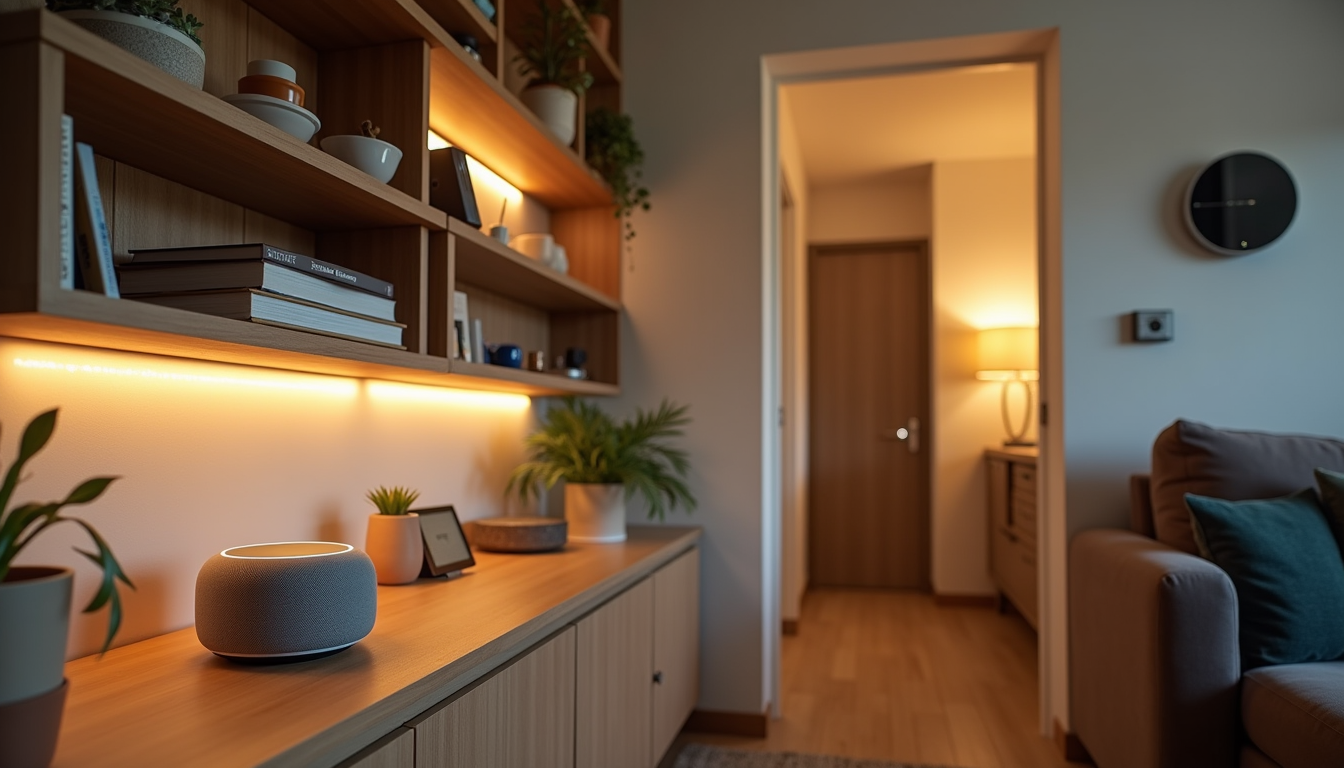
The Space Problem: Why Small Apartments Need Different Smart Home Gear
Here’s the thing nobody tells you about living in 500 square feet: everything competes for the same outlet, the same wall, the same counter space. A smart thermostat that requires a C-wire and wall access? Not happening. A full-scale security camera system with a DVR box? Where would I even put it?
Small apartments demand devices that are wireless, battery-powered, or plug-and-play. No junction boxes, no fishing wires through walls, no permanent modifications. If I can’t install it with adhesive strips or by plugging it into an existing outlet, it doesn’t make the cut.
There’s also the airflow issue. In a small apartment, CO2 builds up fast. One person breathing in a 400-square-foot studio can push CO2 from 400ppm to over 1200ppm in a single evening. That affects your sleep quality, your focus, and even how your cooking smells linger. Smart air quality monitoring isn’t a luxury in a small space — it’s practically a necessity.
1. Echo Show 8 — The Command Center You Already Have Counter Space For
If there’s one device that transformed my apartment more than any other, it’s the Echo Show 8. I keep mine on the kitchen counter, and it serves as my morning briefing station, my cooking timer, my intercom, and the hub that controls every other device on this list.
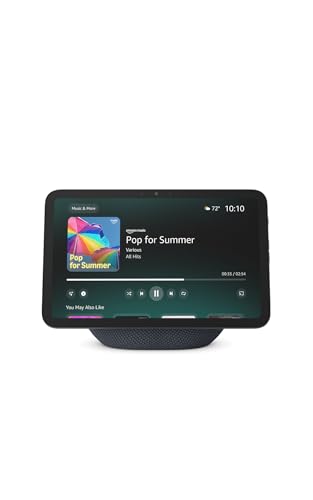
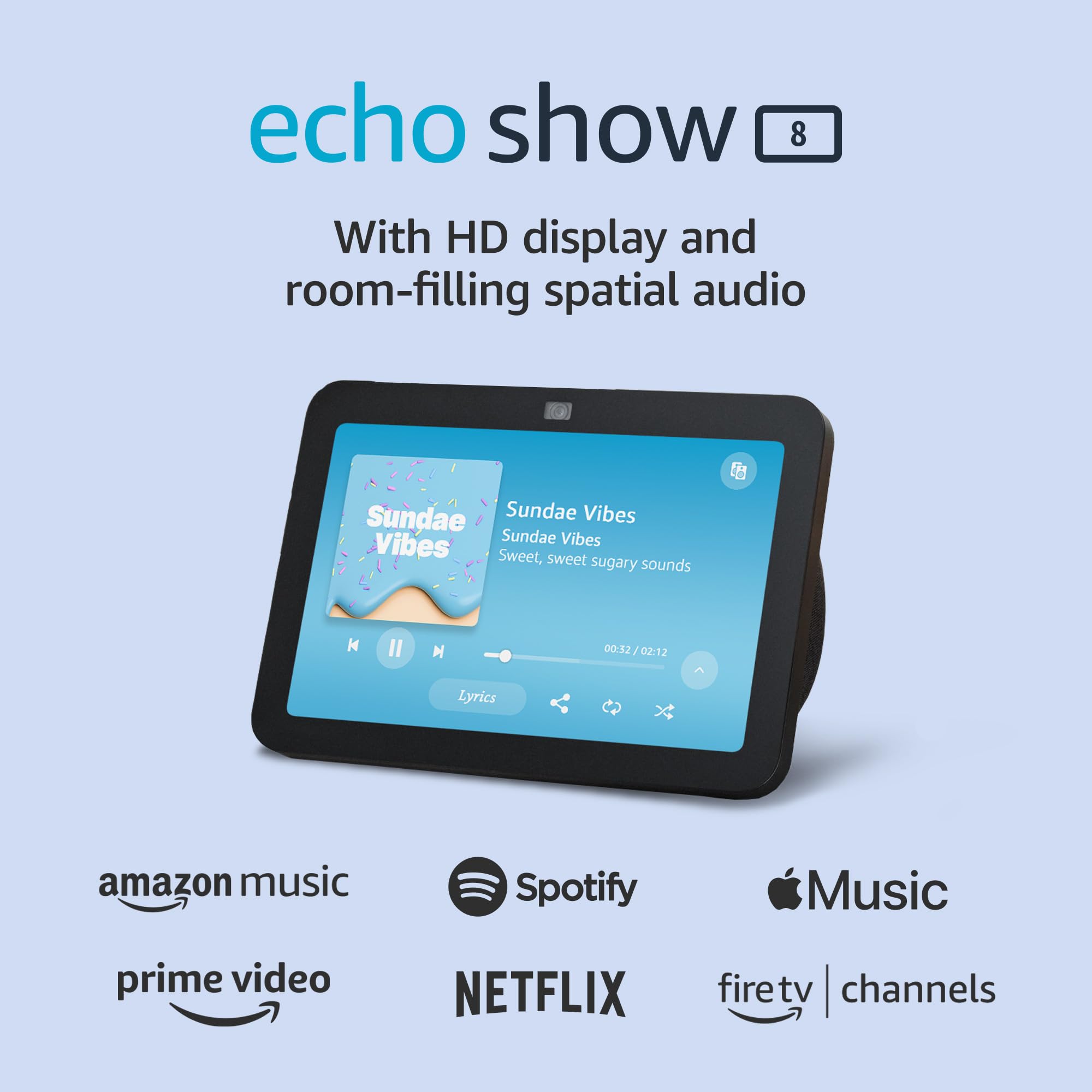
The 8-inch screen is the sweet spot for small spaces. The Echo Show 5 is too small to read from across the room, and the Echo Show 10 takes up too much real estate on a modest counter. The Show 8 fits between my knife block and my coffee maker without crowding anything.
I use it to check my security cameras when someone knocks, adjust my smart lights without getting up, set cooking timers (hands-free, which matters when my hands are covered in dough), and pull up my morning calendar while I’m making coffee. The built-in Zigbee hub also means I don’t need a separate hub for some of my other devices, which saves me an outlet.
2. TP-Link Tapo Smart Plugs — Automate What You Already Own
Smart plugs are the most underrated smart home device for apartment dwellers. You don’t need to replace anything — you just plug your existing lamps, fans, and space heaters into a smart plug, and suddenly they’re controllable from your phone or voice.
I run four TP-Link Tapo Smart Plugs in my apartment: one on a floor lamp by the bed (scheduled to dim via a smart bulb, but the plug kills power entirely at 11pm), one on my space heater (auto-off after 30 minutes for safety), one on my coffee maker (scheduled to start at 6:45am), and one on a small fan in the bathroom for white noise.
The Tapo plugs are compact enough that they don’t block the second outlet in a standard duplex receptacle — a critical detail in an apartment where outlets are scarce. They work over Wi-Fi with no hub required, which keeps the setup simple. For a deeper dive on budget-friendly options, check out my guide on smart plugs under 25 dollars worth buying.
3. Govee RGBIC LED Strips — Lighting Without Light Fixtures
In my apartment, overhead lighting is a single sad bulb in the center of each room. I’m not allowed to install new fixtures, and floor lamps eat up valuable floor space. LED strips turned out to be the solution I didn’t know I needed.
Govee RGBIC LED Strips run along the top edge of my kitchen cabinets, behind my TV console, and under my bed frame. They provide ambient lighting that’s genuinely useful — not just decorative — and they take up zero floor or counter space. The RGBIC feature means each segment can display a different color simultaneously, which creates a layered effect that makes the apartment feel bigger than it is.
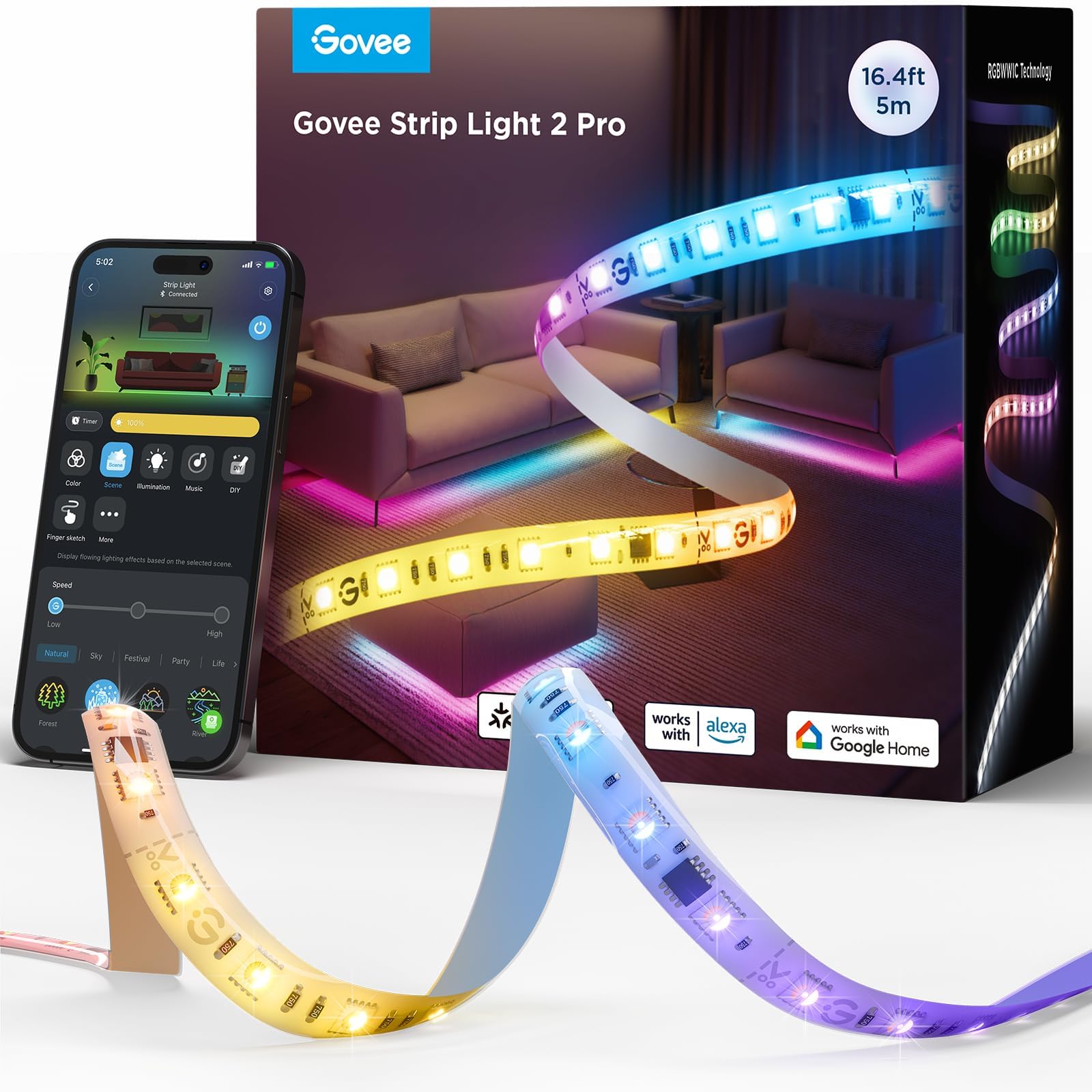
I have mine set to warm white (2700K) during the evening for a cozy feel, and they automatically shift to a soft blue at 10pm as a visual cue that it’s time to wind down. The Govee app handles scheduling, and I can also control them through Alexa. For a broader comparison of smart lighting options, see my smart home lighting guide comparing Philips Hue, Lutron, and budget bulbs.
4. Philips Hue White Bulbs — Smart Lighting Without Rewiring
For the lamps I do have, I swapped the bulbs to Philips Hue White bulbs. They’re not the cheapest option, but they’re the most reliable. The Hue ecosystem works flawlessly with the Echo Show 8, and the bulbs respond instantly to voice commands without the lag I’ve experienced with cheaper Wi-Fi bulbs.
In a small apartment, I only needed four bulbs — two floor lamps, one desk lamp, and one bedside lamp. The Hue Bridge connects to my router once, and from there everything just works. I have routines set up so that saying “Alexa, goodnight” turns off every lamp, kills the LED strips, and turns the Echo Show screen off simultaneously.
If you want color lighting, the Philips Hue color starter kit gives you three color-capable bulbs and the Bridge for not much more than buying them separately. I started with white bulbs and upgraded later — the Bridge is the same either way.
5. Levoit Core 200S — Air Quality Monitoring on Autopilot
This is the device I didn’t know I needed until I had it. In a small apartment, cooking smells, dust, and CO2 accumulate quickly. My kitchen is four feet from my bed — there’s no door between them — so whatever happens in the kitchen ends up in my sleeping area within minutes.
The Levoit Core 200S is a compact smart air purifier that connects to Wi-Fi and works with Alexa. It’s small enough to sit on a nightstand (about the size of a large coffee can), and it has three fan speeds. I keep it on auto mode, and it ramps up whenever I cook — which tells me it’s actually detecting particulate changes in real time.
The VeSync app tracks air quality history, so I can see that my apartment’s air quality dips every evening around 7pm (cooking dinner) and recovers within about 40 minutes with the purifier running. Without it, those particles would settle into my bedding and furniture overnight.
6. Blink Outdoor 4 — Security Without Wiring or Subscription
Apartment security is tricky. You can’t install a wired camera system, and most landlords won’t let you mount anything to the exterior of the building. But you can point a battery-powered camera out a window or mount it to a balcony railing with a clamp.
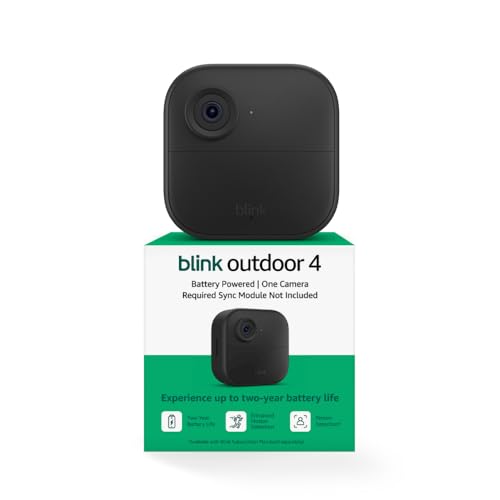
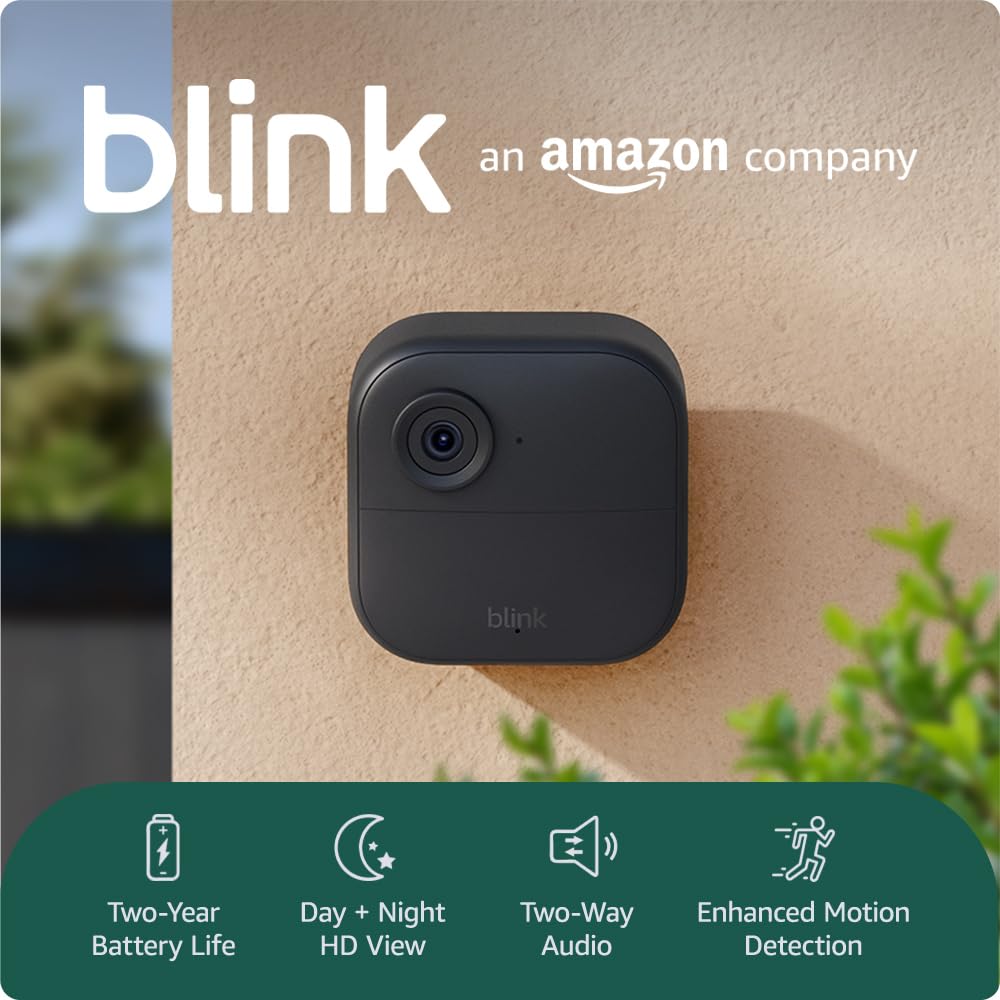
I use the Blink Outdoor 4 positioned on my windowsill, pointed at the shared hallway outside my front door. It runs on batteries (about two years per set), connects to Wi-Fi, and sends motion alerts to my phone. The Sync Module 2 that comes with it allows local storage via USB drive, so I don’t pay for the Blink subscription.
If you’re interested in other subscription-free options, I wrote a full guide on smart home devices that work without monthly fees.
7. Aqara Door and Window Sensors — Know When Something Opens
These are tiny — about the size of a matchbox — and they stick on with 3M adhesive. I have Aqara Door and Window Sensor P2 units on my front door and both windows. When any of them open, I get a phone notification within seconds.
The real value isn’t just security — it’s automation. I set up a routine so that when the front door sensor opens after sunset, the entryway light turns on automatically. When all sensors show “closed” and I say “Alexa, goodnight,” the apartment locks down: lights off, LED strips off, camera armed, air purifier to sleep mode.
The Aqara sensors need a hub, and I use the Aqara Hub M3, which also supports Matter — meaning it plays nicely with both Alexa and Apple HomeKit. The hub is about the size of a hockey puck and sits on a shelf next to my router.
8. Aqara Water Leak Sensors — Because Apartment Floods Are Catastrophic
This is the least exciting device on the list, and also the one that could save you thousands of dollars. In a small apartment, a water leak from your washing machine, dishwasher, or under-sink plumbing can ruin your belongings and the unit below you in minutes.
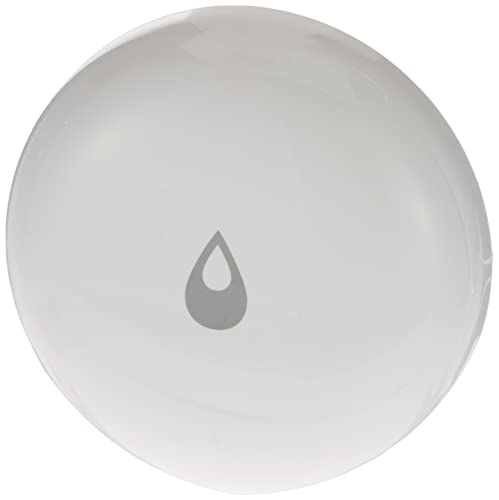
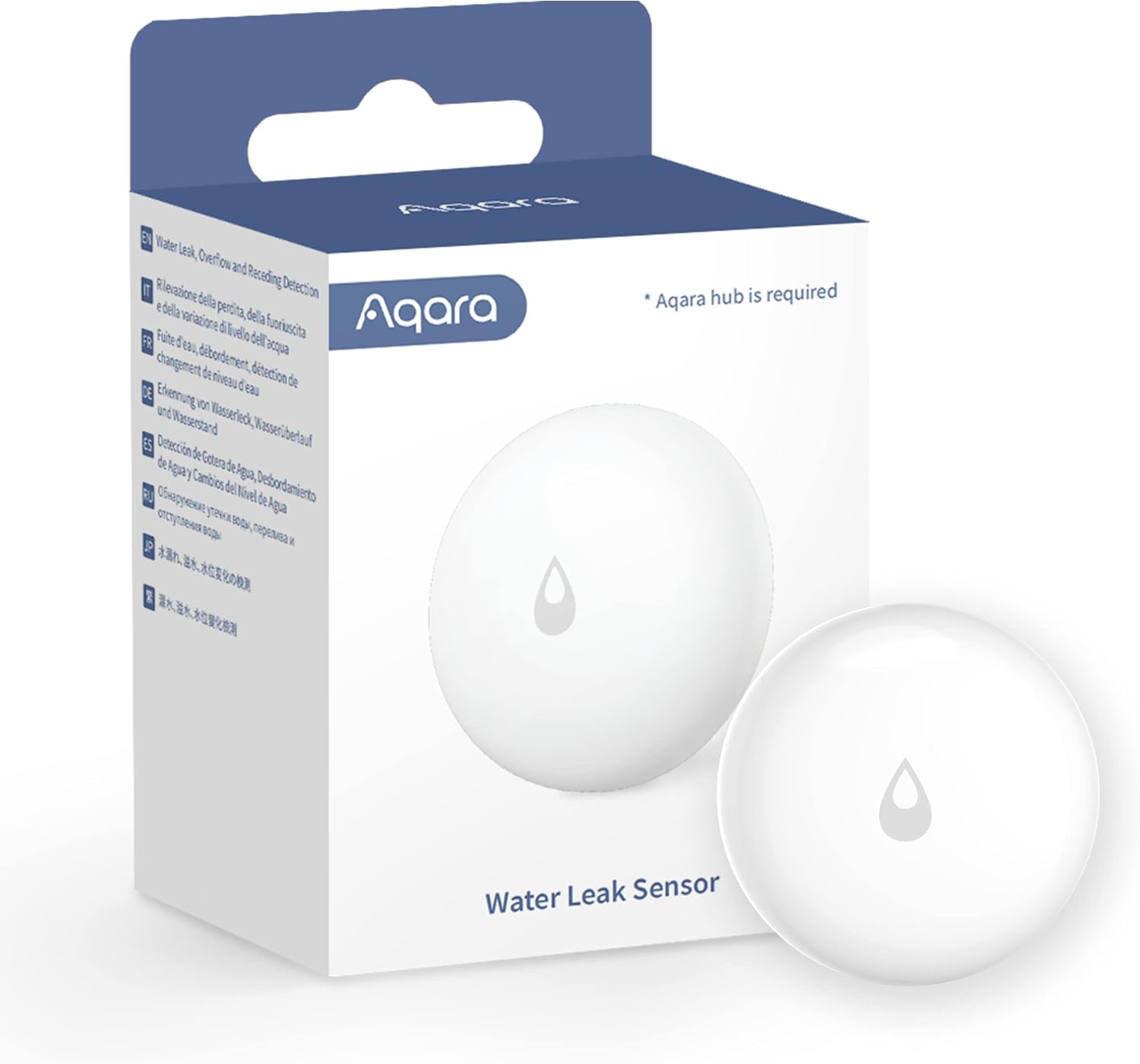
I placed two Aqara Water Leak Sensors — one under the kitchen sink and one behind the washing machine. They’re about the size of a coaster and detect water instantly. If either sensor triggers, I get a push notification, the Echo Show announces an alert, and the smart plug powering my washing machine turns off automatically.
This is the kind of automation that insurance companies love. If you’re in a rental, this single setup could be the difference between a minor inconvenience and a security deposit destroyed by water damage. For more renter-friendly ideas, see my complete guide to smart home devices for renters.
What About Smart Thermostats in Apartments?
Here’s where I have to be honest: smart thermostats are the hardest device to justify in an apartment. Most apartments have landlord-controlled heating and cooling, or they use PTAC units (those through-wall heater/AC combos) that don’t support standard smart thermostats.
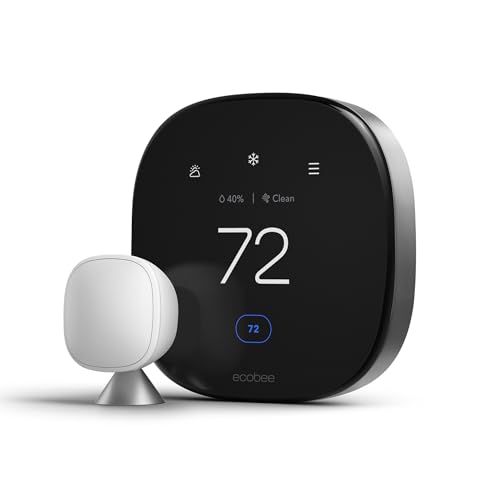
If you have your own HVAC system and your landlord permits it, the Nest Learning Thermostat or ecobee Premium are both excellent. But if you’re on a shared system, skip the thermostat and focus on smart plugs for space heaters and fans instead. You’ll get more practical climate control from automating a 20-dollar plug than from fighting your building’s central system.
Cost Breakdown: Building My Apartment Smart Home
Here’s roughly what I spent to get my apartment fully smart-home equipped:
- Echo Show 8 — around 100 dollars (frequently on sale)
- TP-Link Tapo Smart Plugs (4-pack) — around 25 dollars
- Govee RGBIC LED Strips (2 sets) — around 50 dollars total
- Philips Hue White Bulbs (4-pack with Bridge) — around 100 dollars
- Levoit Core 200S Air Purifier — around 80 dollars
- Blink Outdoor 4 (1 camera + Sync Module) — around 70 dollars
- Aqara Hub M3 — around 80 dollars
- Aqara Door/Window Sensors (2) — around 40 dollars
- Aqara Water Leak Sensors (2) — around 25 dollars
Total: approximately 570 dollars — and I built this over six months, adding one device at a time. You could start with just the Echo Show 8 and two smart plugs for under 150 dollars and have a genuinely useful setup from day one.
Common Mistakes I Made So You Don’t Have To
Buying a Hub Before You Know What You Need
I bought a Samsung SmartThings Station early on, thinking I needed universal hub support. Turns out, the Echo Show 8 handles Zigbee, the Hue Bridge handles Hue, the Aqara Hub handles Aqara, and everything else works over Wi-Fi. The SmartThings Station is nice (and it does charge phones wirelessly), but it was an unnecessary purchase for my setup. Start with your devices, then add a hub only if you find something that won’t connect.
Putting Too Many Devices on One Routine
My first “goodnight” routine tried to control 11 devices simultaneously. It failed about 30 percent of the time because one device wouldn’t respond, and the whole routine would stall. I’ve since broken it into smaller routines: lights off first, then sensors armed 10 seconds later, then camera armed. Far more reliable.
Ignoring Air Quality
I spent months perfecting my lighting and security before adding an air purifier. In hindsight, the air purifier made the biggest day-to-day quality-of-life improvement. Small apartments trap pollutants fast, and you won’t realize how much better you sleep with clean air until you try it.
Bottom Line
You don’t need a house to have a smart home. With about 570 dollars and zero drilling, I turned my 480-square-foot apartment into a space that anticipates my routines, keeps me safe, monitors my air, and manages my lighting — all controlled by voice or phone. Start with an Echo Show 8 and a couple of smart plugs, then build from there based on what your space actually needs. The best smart home isn’t the one with the most devices — it’s the one that fits your life and your square footage.
Disclosure: This post contains affiliate links. If you buy through them, I earn a small commission at no extra cost to you.
My take: Small apartments are the perfect smart home environment if you respect the constraint: adhesive-and-outlet devices only, one Echo Show 8 as the hub that saves outlets, and air quality monitoring because CO2 climbs fast in 500 square feet. Everything on the list installs without permission and leaves without a trace.
Related guides
- LG Zero Labour Home: AI That Runs Your House Without Being Asked
- Smart AC Control: How to Cut Cooling Costs Without Replacing Your Unit
- Matter 1.6: What's New, What It Fixes, and When You'll Get It
- Smart Home Setup for Small Spaces: Studio and Apartment Automation That Fits
- Smart Blinds for Summer Cooling: The Automation That Cuts AC Costs
🏠 Get Your Free Smart Home Setup Checklist
Join our newsletter and get this free printable plus weekly tips.
Frequently Asked Questions
What smart home devices work in a small apartment?
The plug-and-play set: an Echo Show 8 as the command center (the 8-inch screen is the small-space sweet spot — the Show 5 is too small to read across the room, the Show 10 eats counter space — plus a built-in Zigbee hub that saves an outlet), four Tapo smart plugs (compact enough not to block the second outlet, critical when outlets are scarce), Govee RGBIC LED strips for ambient light without fixtures, and air-quality monitoring — in a 400-sq-ft studio, one person’s breathing pushes CO2 from 400 to over 1,200 ppm in an evening.
Can renters install smart home devices without wiring?
Yes — the rule for small apartments: if it can’t be installed with adhesive strips or by plugging into an existing outlet, it doesn’t make the cut. No junction boxes, no fishing wires, no permanent modifications. The smart thermostat that needs a C-wire and wall access is out; the camera system with a DVR box has nowhere to live anyway.
Why does a small apartment need air quality monitoring?
Because CO2 builds fast in a small sealed space — one person breathing in a 400-sq-ft studio pushes it from 400 to over 1,200 ppm in a single evening, affecting sleep, focus, and how cooking smells linger. A monitor tells you when to crack a window; it’s practically a necessity in a small space rather than a luxury.
Liked this guide? Get the next one in your inbox — the smart home starter checklist is free too.
✓ You're in — check your inbox.
No spam. Unsubscribe anytime. We never share your email.
Price Check
Prices verified via our product tracker. Updated Nov 7.
| Amazon Echo Show 8 | Vibrant HD 8.7" display | Graphite | | $99.99 | 4.3★ (7,970) |
| Tapo Smart Plug Mini 15A, Smart Wi-Fi Plug, P105(4-Pack) | | $34.99 | 4.6★ (1,658) |
| WYZE Cam v4 (Latest Model), 2.5K AI Security Camera, Indoo | $44.97 | 4.3★ (11,330) |
| Philips Hue A19 LED Smart Light Bulb - White and Color Amb | $147.99 | 4.7★ (4,824) |
| Levoit Air Purifier for Home Pets Bedroom Dorm Room, Smart | $149.98 | 4.6★ (127,989) |
| Blink Outdoor 4 and Battery Doorbell 2K+ (newest model) — | $149.98 | 4.4★ |
| Aqara Door and Window Sensor P2, Contact Sensor with Remot | $27.99 | 3.6★ (1,116) |
| Aqara Smart Home Hub M3, Matter Controller and Thread Bord | $159.99 | 4.1★ (1,679) |
| Aqara Water Leak Sensor 1 Pack, Zigbee Water Leak Detector | $17.09 | 4.2★ (3,639) |
| Google Nest Learning Thermostat (4th gen) + Nest Temperatu | $224.00 | 4.4★ (2,596) |
| ecobee Smart Thermostat Premium - WiFi, Siri & Alexa Built | $245.00 | 4.3★ (4,170) |
As an Amazon Associate we earn from qualifying purchases.