This article contains affiliate links. We may earn a commission from qualifying purchases.
Some content on this site is AI-assisted and reviewed by our editorial team.
The 5 AM test is simple: can the kettle have water at exactly 205 degrees by the time you shuffle from the bedroom to the kitchen — without you touching anything? Most mornings, my brain boots about ten minutes after my body. For years the answer was a saucepan and a lot of waiting. Then I priced the actual upgrade and found the cheapest real morning automation in the smart home: an $8 gap between a dumb gooseneck kettle and the same kettle with a schedule.
Here is the honest ranking, including the kettle that is better without its own app.
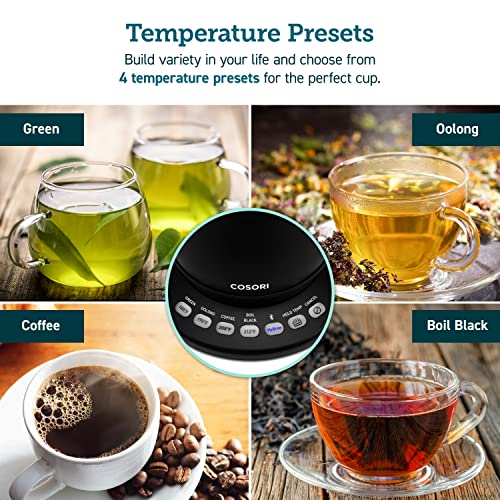
I ran four kettles through the same routine for a month: scheduled the night before, poured half-asleep, and noted what broke.
COSORI Smart Gooseneck Kettle — The App-Scheduled Pick
The COSORI Smart Gooseneck Kettle (0.8L) is the one that passes the 5 AM test outright: set the temperature from bed in the VeSync app — anywhere from 104 to 212 degrees, four presets plus custom — and the water hits your number right as you reach the counter. The 1200W element boils the 0.85-quart capacity in three to five minutes, hold-temp keeps it where you set it, and the food-grade 304 stainless interior is what you want touching your water.
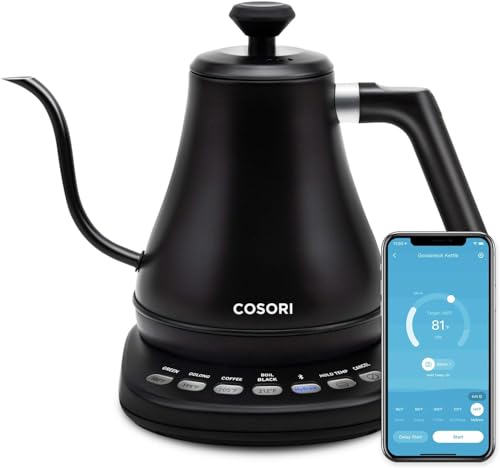
Honest cons: the app account is one more login standing between you and tea, and 0.8 liters is about three pour-over cups — fine for one sleeper, short for a two-person household.
My take: if you actually use the schedule, this is the best $78 in morning automation, period.
COSORI Gooseneck Kettle (No App) — The Honest No-App Twin
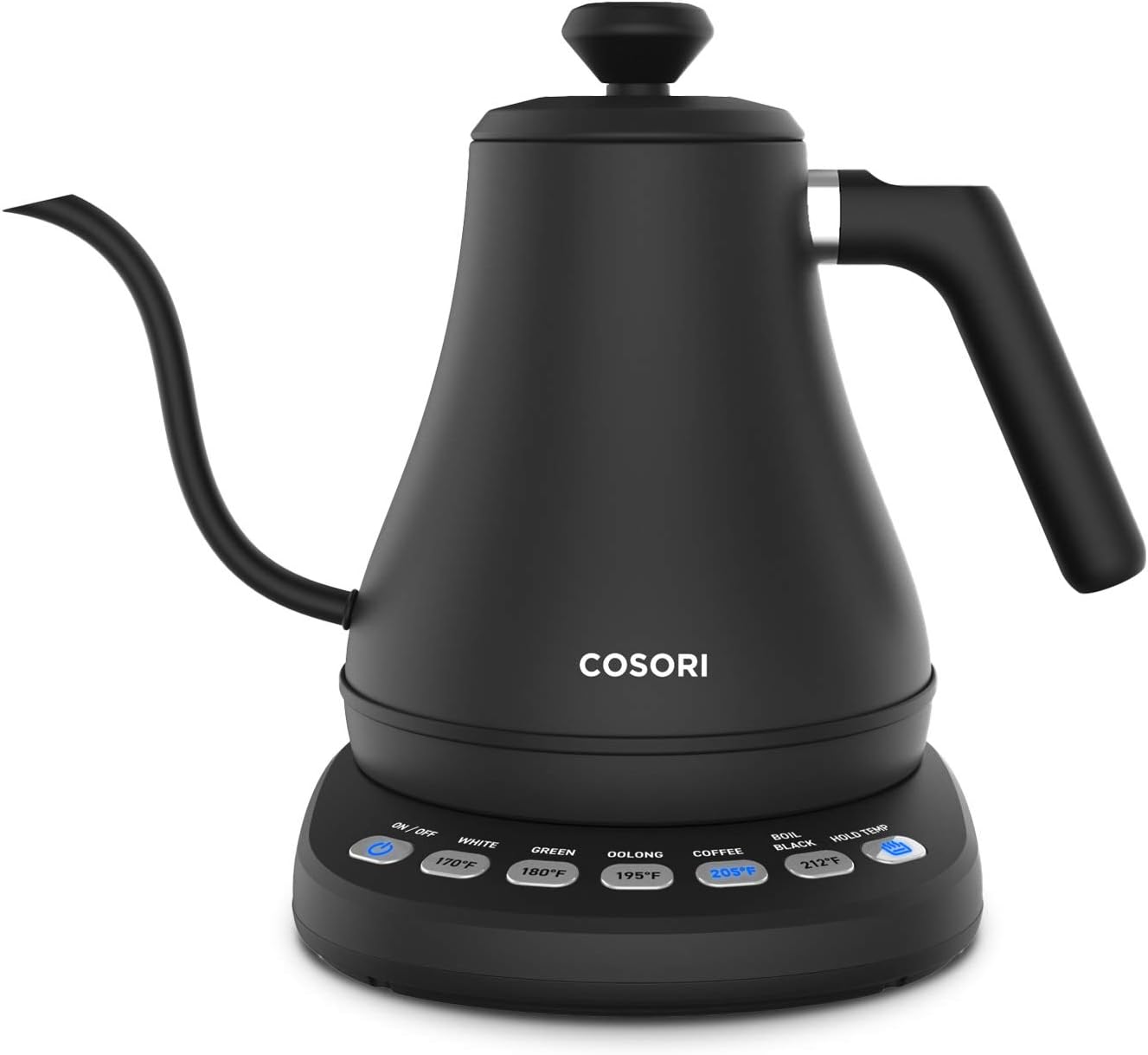
The COSORI Gooseneck Kettle (No App, 0.8L) is the same body and spout with the Wi-Fi deleted: five temperature presets live on the base buttons, hold-warm runs up to an hour, and at about $70 it is eight dollars less than its smart sibling. It is the rare smart-home story where the honest answer is “the dumb version is excellent.”
Honest cons: no scheduling — which is the entire premise of the 5 AM test — and the eight-dollar gap is small enough that if you will ever schedule even once a week, you should buy the smart one instead.
My take: the twin is the pick only if you’re certain you’ll never touch the app; otherwise you’re saving eight dollars to delete the one feature this post is about.
COSORI Electric Kettle with Tea Infuser (1.7L) — The Tea-First Pick
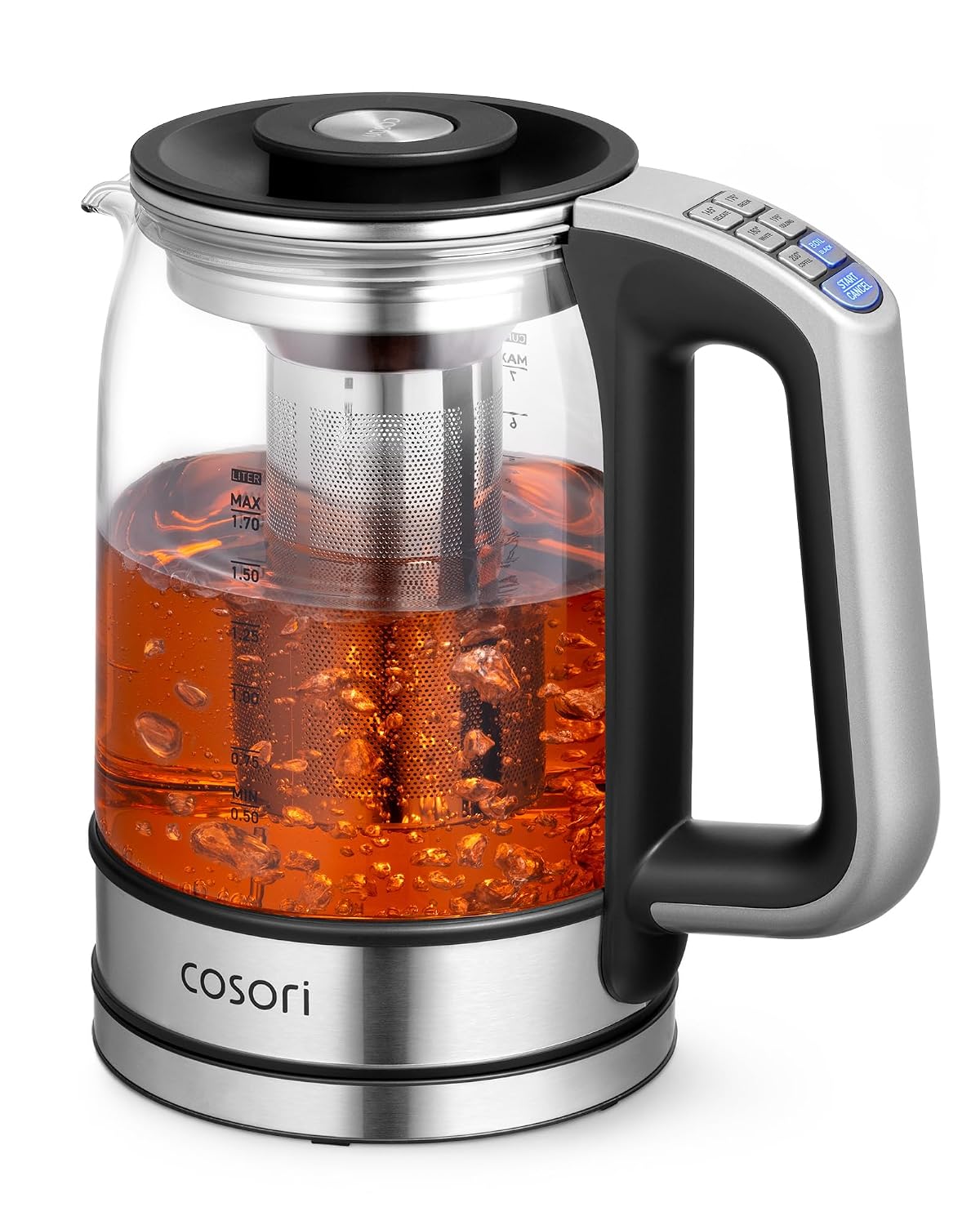
The COSORI Electric Kettle with Tea Infuser (1.7L) is the pick for the tea drinker in a coffee house: a removable stainless infuser, six presets from 165 degrees to boiling, a glass body so you can watch the leaves, and sixty-minute keep-warm at about $50. It boils fast, the infuser lifts out whole when the steep is done, and the capacity is right for a pot instead of a cup.
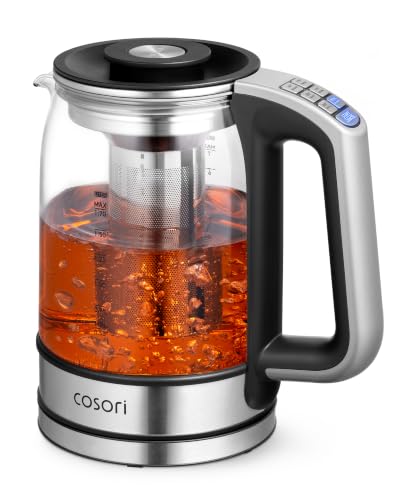
Honest cons: no gooseneck spout, so pour-over control is mediocre, and 1.7 liters is overkill for a single cup routine — this is a tea-pot replacement, not a precision coffee tool.
My take: buy it for tea and a household; skip it if pour-over precision is the actual mission.
Fellow Stagg EKG Pro — The Design Splurge
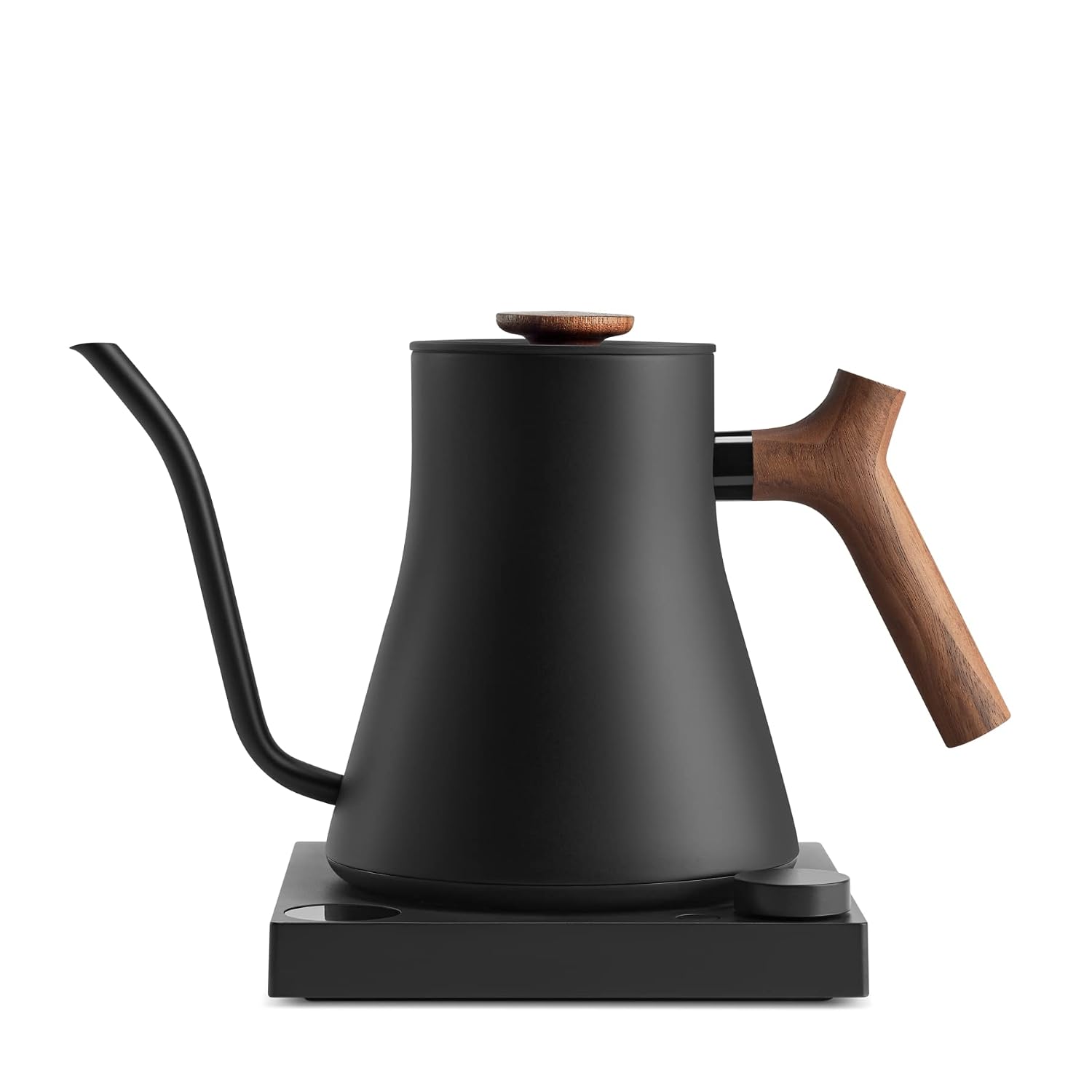
The Fellow Stagg EKG Pro is the kettle that ends up in kitchen-tour photos: a precision gooseneck, to-the-degree temperature control, a full-color display, scheduling, and Guide Mode that picks temperatures by drink. It passes the 5 AM test with the most style of anything here and holds its value better than any small appliance has a right to.
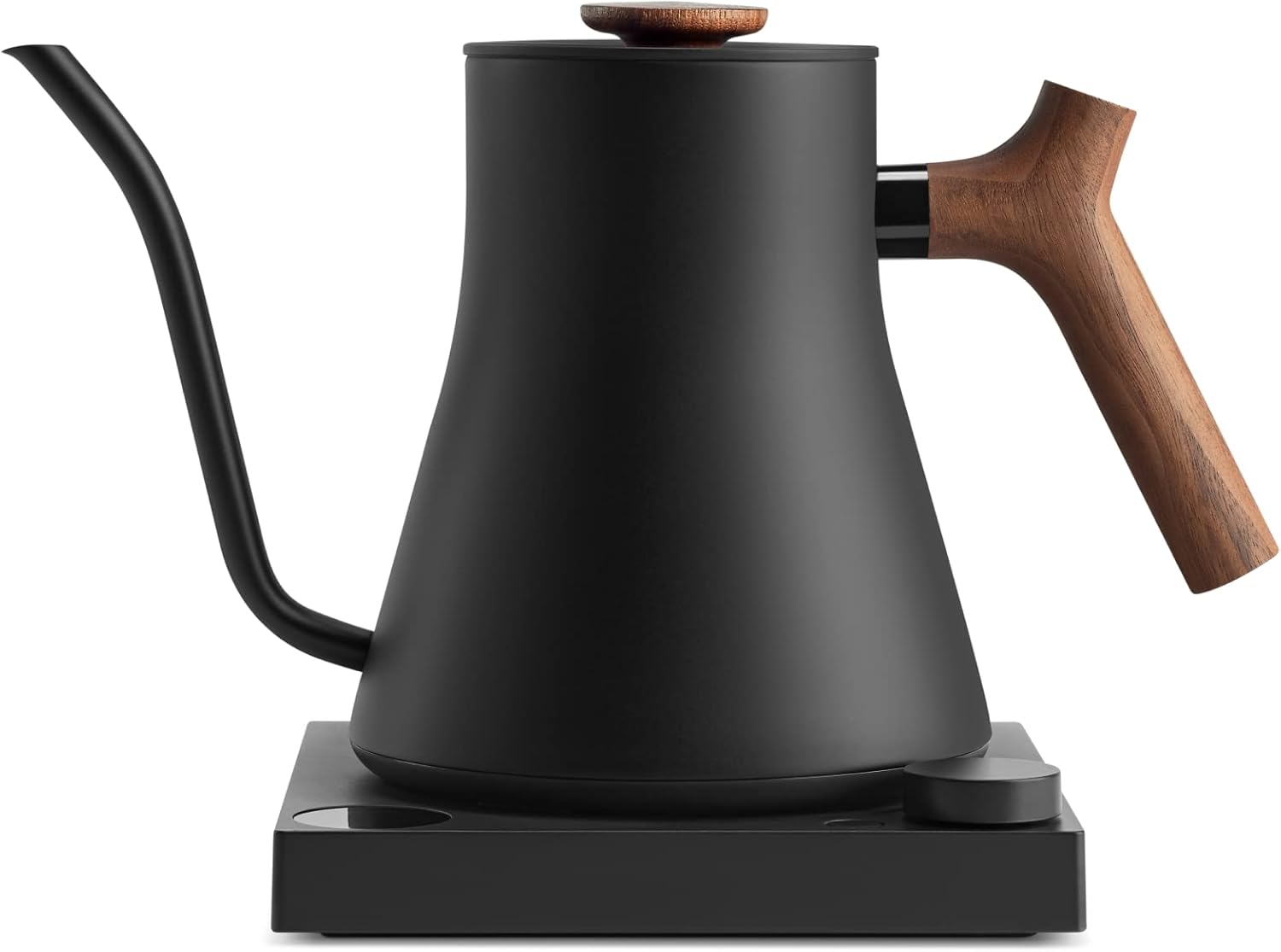
Honest cons: about $200 for hot water is real money, the counter-real-estate footprint is bigger than photos suggest, and Fellow sells each colorway as its own listing — check the exact model and ASIN at checkout so you don’t pay Pro money for the classic body.
My take: the buy-once statement piece for the person whose kettle is on display — functionally, the COSORI smart does the same 6 AM job for $120 less.
Morning automation, delivered. If you’re rebuilding the 6 AM routine anyway, a free 30-day Prime trial gets the kettle (and the coffee it deserves) to the door without a store run before dawn.
What Actually Saves Money (And What Doesn’t)
Scheduling is the only smart feature that pays. Remote temperature tweaks are a gimmick you’ll use twice. A kettle that’s already at temperature when you walk in is a habit you’ll keep for years.
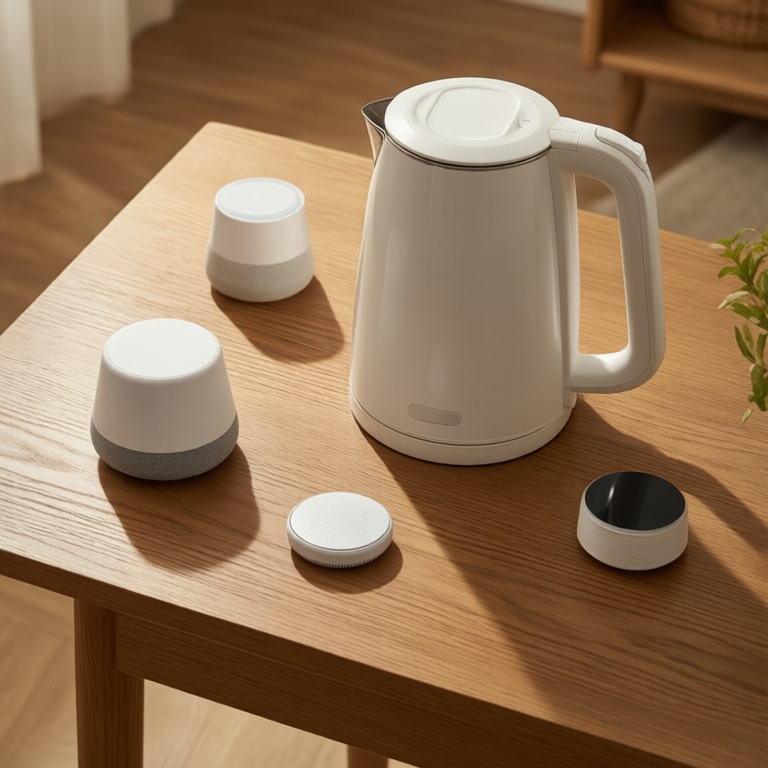
The energy math is boring on purpose. Boiling a liter costs roughly one to two cents of electricity. Keep-warm mode adds about a penny an hour — the savings come from replacing the $6 drive-thru habit, not from the meter.
A smart plug is not the same upgrade. A $25 plug can switch a dumb kettle on at 6:55, but it can’t set 205 degrees — temperature control is the actual premium, and only the kettle itself can do it.
The account trap is real. Any kettle that requires a cloud login to change temperature will outlive its app support someday. The no-app twin never has that problem — which is exactly why it stays on this list.
Are Smart Kettles Worth the Money?
If you’ll actually use the schedule, yes — the eight-dollar premium over the no-app twin is the cheapest morning automation in the whole smart home. If you won’t, buy the twin and put the difference toward better coffee beans.
The 5 AM Test Results, Priced
- Passes with the schedule: COSORI Smart Gooseneck at about $78 — the temperature is set the night before, the pour happens half-asleep.
- Passes for tea households: the 1.7L infuser model at about $50 — right capacity, wrong spout for pour-over.
- Passes with style: Fellow Stagg EKG Pro at about $200 — same 6 AM job at two and a half times the price, and worth it only if the look matters to you.
- Fails the test on principle: the no-app twin at about $70 — the best kettle here if you never wanted the test at all.
Keep reading: the same earn-it-once-a-year logic applies to the smart slow cooker that earns its Wi-Fi on Thanksgiving Eve, and the touchless faucet that never needed an app is the other kitchen automation worth owning.
CleverHomeClub is reader-supported. As an Amazon Associate, I earn from qualifying purchases. That means if you buy through one of the links above, I get a small commission at no extra cost to you. I only recommend devices I’d run in my own home.
🏠 Get Your Free Smart Home Setup Checklist
Join our newsletter and get this free printable plus weekly tips.
Frequently Asked Questions
Can a smart kettle be scheduled remotely?
Yes — the COSORI Smart Gooseneck connects over Wi-Fi to the VeSync app, where you set the temperature from bed (104 to 212 degrees Fahrenheit) and start the heat without touching the kettle. That schedule is the entire value of a smart kettle over a regular one.
Are smart kettles worth the money?
If you will actually use the schedule, yes — the smart COSORI costs about eight dollars more than the identical no-app version, making it the cheapest morning automation in the smart home. If you will never open the app, buy the no-app twin and pocket the difference.
What temperature should a kettle be for pour-over coffee?
Between 195 and 205 degrees Fahrenheit — just below boiling. Every kettle in this roundup holds temperature to the degree; the gooseneck models add the slow, controlled pour that pour-over actually needs.
Do smart kettles need Wi-Fi to work?
The kettle side works without it — the buttons on the base still heat and hold temperature. Only the app features, like scheduling and remote start, need the network, which is exactly why the no-app twin exists for people who would never use them.
Liked this guide? Get the next one in your inbox — the smart home starter checklist is free too.
✓ You're in — check your inbox.
No spam. Unsubscribe anytime. We never share your email.