This article contains affiliate links. We may earn a commission from qualifying purchases.
Some content on this site is AI-assisted and reviewed by our editorial team.
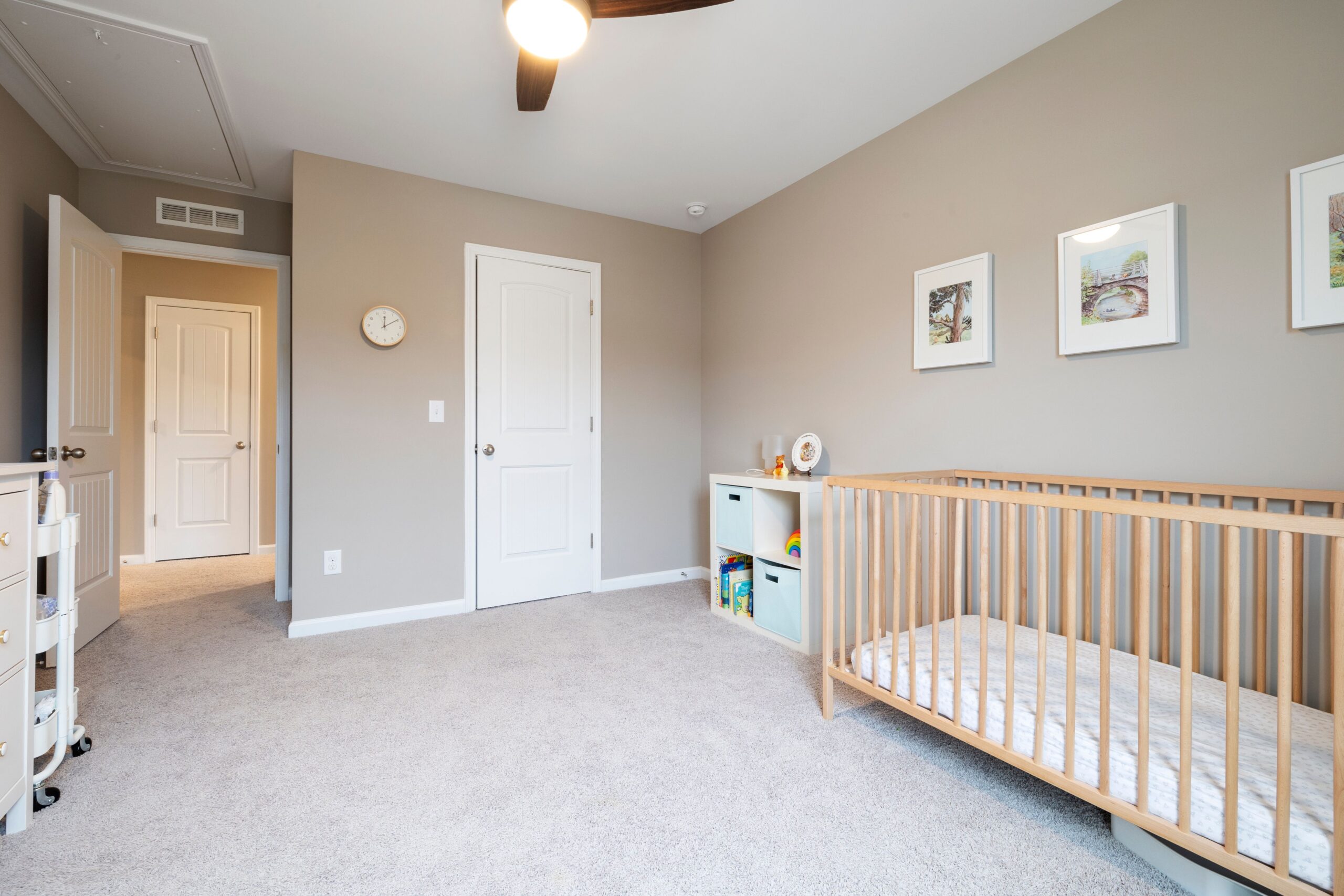
Baby-tech companies monetize anxiety. The Nanit Pro camera costs $300, and the sleep analytics that make it worth having sit behind a subscription that runs $100 to $200 a year. Two years of Nanit fees cost more than the camera. The honest question for new parents building a registry is not “which smart monitor is best” — it is “what does the room actually need, and what can I get without writing a monthly check?” I assembled a nursery setup that covers monitoring, sound, and climate for less than one year of Nanit subscription fees.
Here are five devices that watch the room without a $300 subscription, and one that costs more in fees than it does up front — because honesty matters more than affiliate clicks.
Eufy SpaceView S Baby Monitor — The No-Subscription Monitor
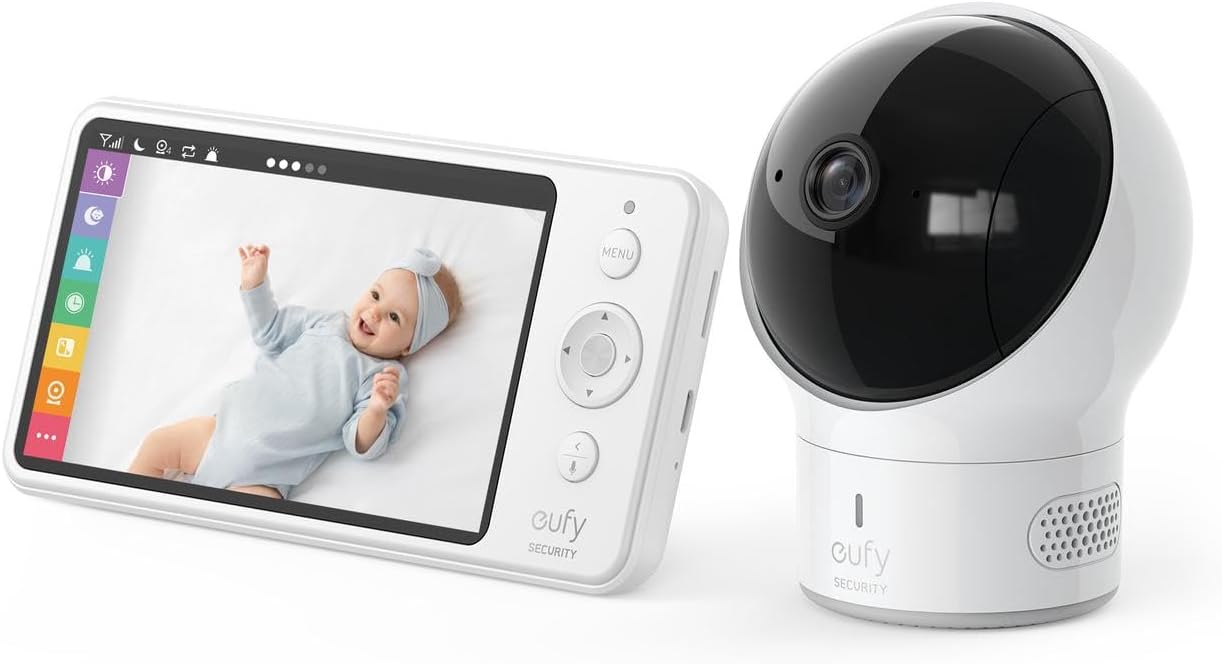
Eufy Security SpaceView Baby Monitor — about $160. A dedicated 5-inch 720p parent unit with a 460-foot range, pan-and-tilt, two-way audio, and night vision. No app, no account, no monthly fee, no Wi-Fi dependency. The parent unit works the moment you plug it in, and it keeps working when your internet goes down at 3 AM.
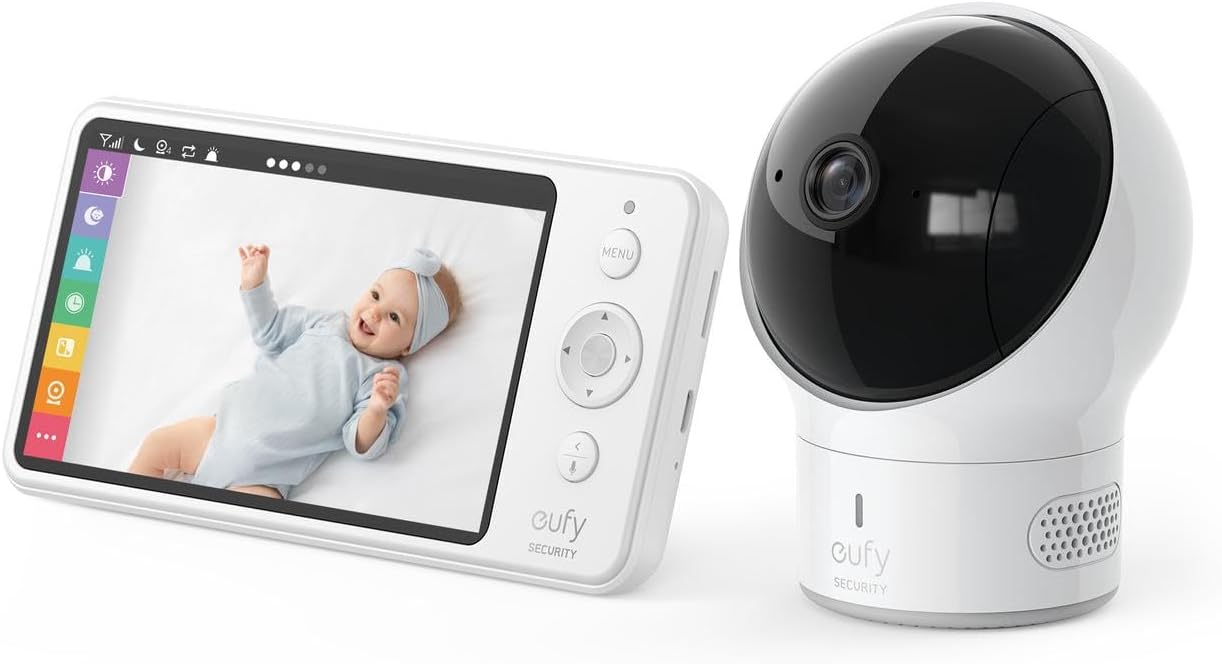
The tradeoff is real: there is no phone viewing when you travel. If you want to check on the baby from the office or from a date-night dinner, this monitor cannot do that. Pan-and-tilt works only from the parent unit, not from an app. You are buying reliability at the cost of remote access.
My take: The best monitor for parents who want zero subscriptions and zero Wi-Fi headaches. Add a cheap Wi-Fi camera later if you need remote check-ins.
Hatch Rest Smart Sound Machine — The Nursery Clock That Grows
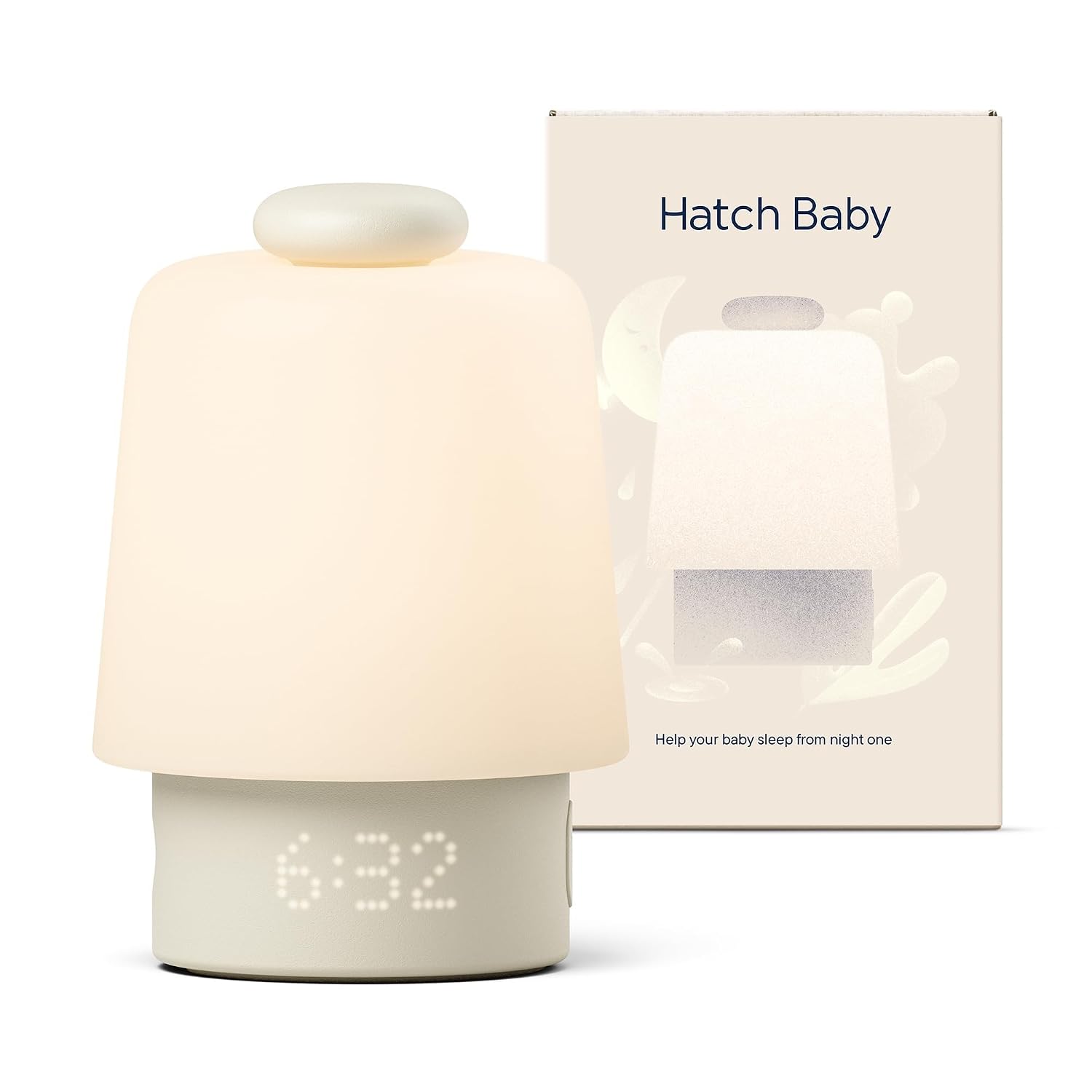
Hatch Baby Sound Machine and Night Light — about $70. White noise, rain, ocean sounds, a customizable night light, and an okay-to-wake clock controlled from your phone. The hardware is excellent — the speaker is full-range, the light is dimmable to a genuine whisper-glow, and the time-to-rise feature is a lifesaver once your toddler starts climbing out of bed at 5 AM.
The catch: Hatch pushes a premium subscription for custom sound libraries, sleep tracking, and scheduled routines. The base app does the essentials for free, but the features that make the Hatch genuinely “smart” sit behind the paywall. You can use it without the subscription — just know the best routines lean on paid features.
My take: The best sound machine on the market for hardware alone. Buy it for the speaker and the light; treat the app as a bonus, not the reason.
Govee WiFi Temperature and Humidity Monitor — The $20 Climate Check
Govee WiFi Hygrometer Thermometer — about $25. A WiFi-connected temperature and humidity sensor that pushes alerts to your phone when the nursery goes outside your preset range. The pediatrician-recommended nursery temperature is 68-72°F, and overheating is a recognized SIDS risk factor. A $25 sensor that pings your phone when the room hits 75°F is cheaper than any smart thermostat and more targeted.
The tradeoff: remote alerts (checking from outside the home) require the Govee gateway hub, which is included with this model but adds a setup step. The sensor runs on batteries with about 6 months of life, and the 2.4 GHz WiFi requirement means it will not connect to 5 GHz-only networks.
My take: Twenty-five dollars for a nursery overheat alert is the best value on this list. No subscription, no hub fees, just push notifications when the room gets dangerous.
Nanit Pro Baby Monitor — The Subscription Trap, Honestly
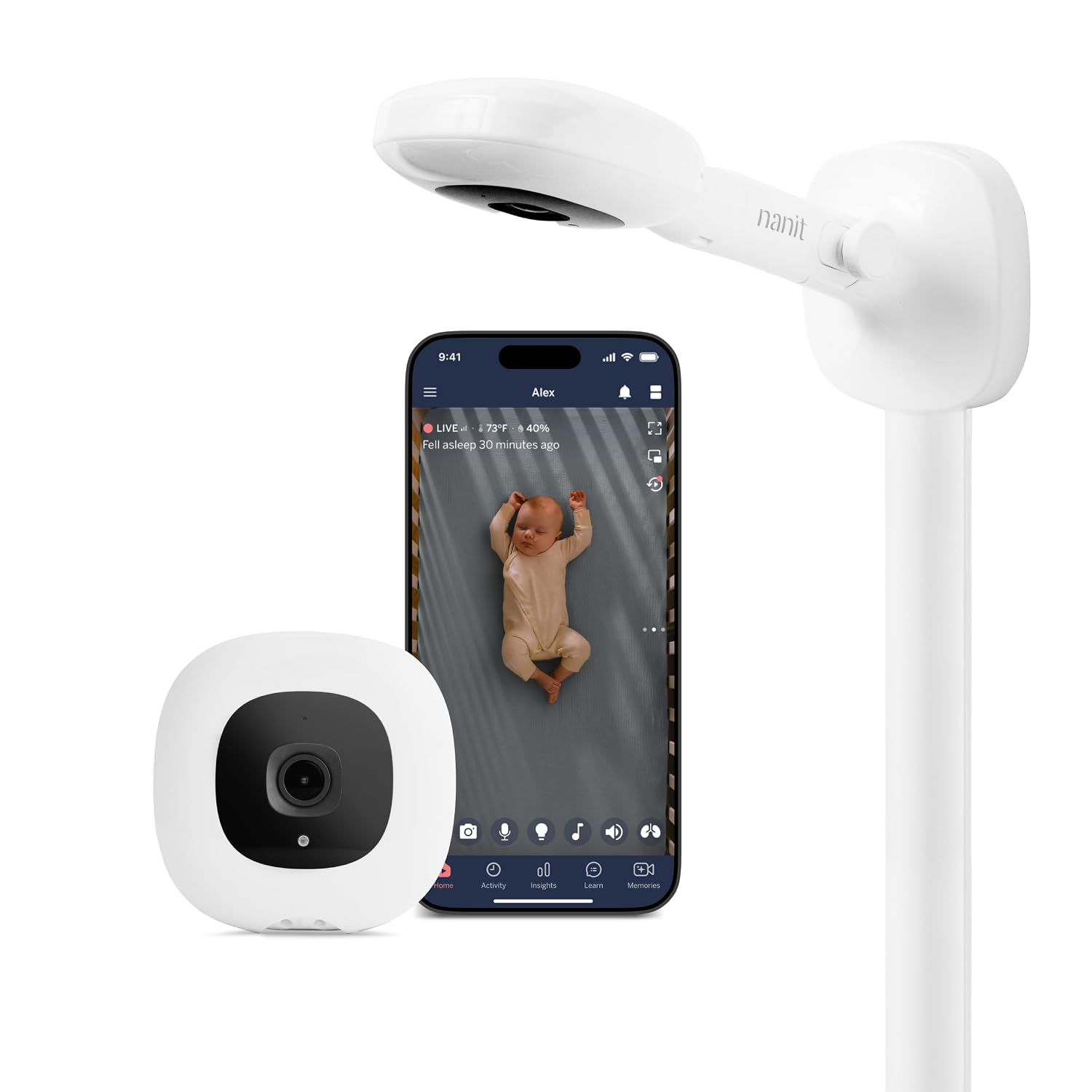
Nanit Pro Smart Baby Monitor — about $300. Best-in-class sleep analytics, 1080p overhead video, breathing motion monitoring via a sensor-free band, and a beautiful app. The camera measures baby movement by sight — no wearables, no pads under the mattress. The video quality and the sleep insights are genuinely impressive, and the breathing band adds a safety layer that no dedicated monitor offers.
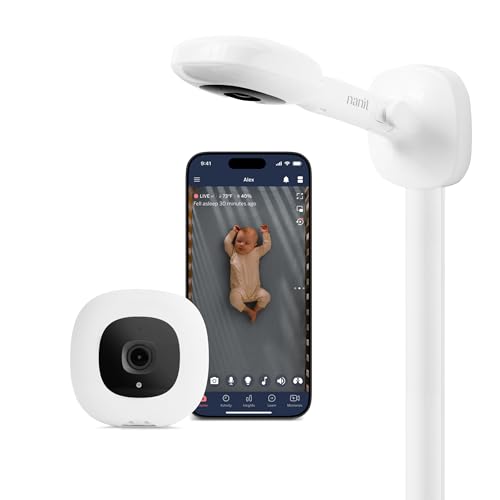
Here is the honest part: the meaningful data — sleep tracking, breathing motion, growth milestones, time-lapse memories — sits behind Nanit Insights, which costs $100-$200 per year. The camera works without a subscription (live view, sound, motion alerts), but you are paying $300 for the hardware and then paying again to unlock the features that justified the $300. Two years of the mid-tier plan ($15/month) costs $360 — more than the camera itself.
My take: The best monitor on the market if you can stomach the subscription. If you cannot, the Eufy covers monitoring for half the price and zero ongoing fees, and you lose the sleep analytics but keep the peace of mind.
Cubo Ai Sleep Safety Bundle — The AI Rollover Alert
CuboAi Sleep Safety Bundle — about $420. Computer-vision alerts for covered faces, rollovers, cry detection, and danger-zone warnings (when the baby starts exploring beyond the crib). The photo diary automatically captures smiles and milestones. It includes a sleep sensor pad for breathing-motion tracking — no wearables on the baby.
The tradeoff: Cubo leans on Wi-Fi hard. Unlike the Eufy, there is no dedicated parent unit. If your internet drops, your alerts drop with it. The bundled sleep sensor pad is sensitive to mattress type — spring and coir mattresses work well, but memory foam can produce false readings. Cubo includes a one-year premium trial; after that, the safety alerts behind the subscription wall.
My take: The strongest AI safety alert system available, but the Wi-Fi dependency is a real vulnerability. If your home network is flaky, look at the Eufy first.
Free shipping on the Eufy monitor and Hatch sound machine. Start a 30-day Prime free trial and have your nursery gear before the shower.
What Actually Saves Money (And What Doesn’t)
Buy the dedicated monitor, skip the subscription: The Eufy at $160 covers 90% of what parents need — live video, night vision, two-way audio, pan-and-tilt — with no ongoing cost. The Nanit and Cubo add sleep analytics and AI alerts, but those features cost $100-$200 per year, every year.
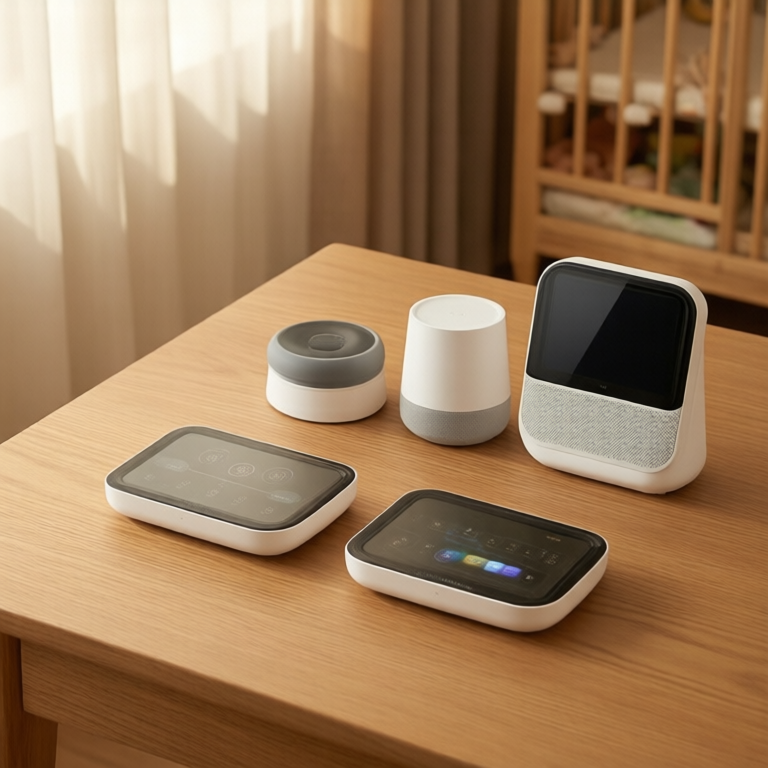
The $25 temperature sensor does the work of a $200 smart thermostat: You do not need a smart thermostat for the nursery. You need to know when the room is too hot. The Govee sensor does exactly that, with push alerts, for the price of a pack of diapers.
Sound machines are hardware, not software: The Hatch Rest’s speaker and light are worth $70 on their own. Do not buy it for the app — buy it for the white noise and the okay-to-wake clock. The subscription is optional, and the free tier covers the basics.
Subscription math always favors the third year: Nanit at $300 + $360 in two years of fees = $660. Eufy at $160 + Govee at $25 + Hatch at $70 = $255 total, no fees. The difference is $405 — enough for a crib, a car seat, or six months of diapers.
Wi-Fi dependency is a hidden cost: Smart monitors that require Wi-Fi are useless during outages. If you live somewhere with unreliable internet, a dedicated RF monitor (Eufy) is not just cheaper — it is more reliable.
Savings Math: The No-Subscription Nursery
- No-subscription setup: Eufy ($160) + Hatch Rest ($70) + Govee sensor ($25) = $255 total. Zero ongoing fees. Covers monitoring, sound, and climate.
- Full-smart setup: Nanit Pro ($300) + Hatch Rest ($70) + Govee sensor ($25) + Nanit Insights ($180/yr) = $575 year one, $180/year after.
- The difference: $320 year one, $180 every year after. Over three years, the no-subscription setup saves $680 — more than the cost of the Nanit camera itself.
None of this means the Nanit or Cubo are bad products. They are excellent. The point is that a safe, monitored nursery does not require a monthly payment, and the money you save buys real baby gear instead of cloud storage for sleep charts.
Keep reading: Hallway and stair lights that turn on before you reach the switch · Build a smart home in 2026 without paying the hiked prices
CleverHomeClub is reader-supported. As an Amazon Associate, I earn from qualifying purchases. That means if you buy through one of the links above, I get a small commission at no extra cost to you. I only recommend devices I’d run in my own home.
🏠 Get Your Free Smart Home Setup Checklist
Join our newsletter and get this free printable plus weekly tips.
Liked this guide? Get the next one in your inbox — the smart home starter checklist is free too.
✓ You're in — check your inbox.
No spam. Unsubscribe anytime. We never share your email.