
This article contains affiliate links. We may earn a commission from qualifying purchases.
Some content on this site is AI-assisted and reviewed by our editorial team.
You bought the smart bulbs, the plug, the thermostat. Now your phone has fourteen apps and you still can’t turn off the porch light without scrolling past a meditation reminder. It’s time to curate. Here are the apps worth your homescreen — and three that need to go.
Google Home
If you own a Nest speaker, a Chromecast, or anything with Google’s name on it, this app is non-negotiable. It’s also surprisingly useful as a general-purpose dashboard — especially if you’ve got devices from multiple brands in Google’s ecosystem. The routine builder is straightforward, and the Home tab gives you a quick view of everything.
- Best for: Google-first households, Nest device owners
- Weak spot: Device management can feel buried in menus
- Works with: Google Nest Hub, Nest Thermostat, and thousands of Works With Google devices
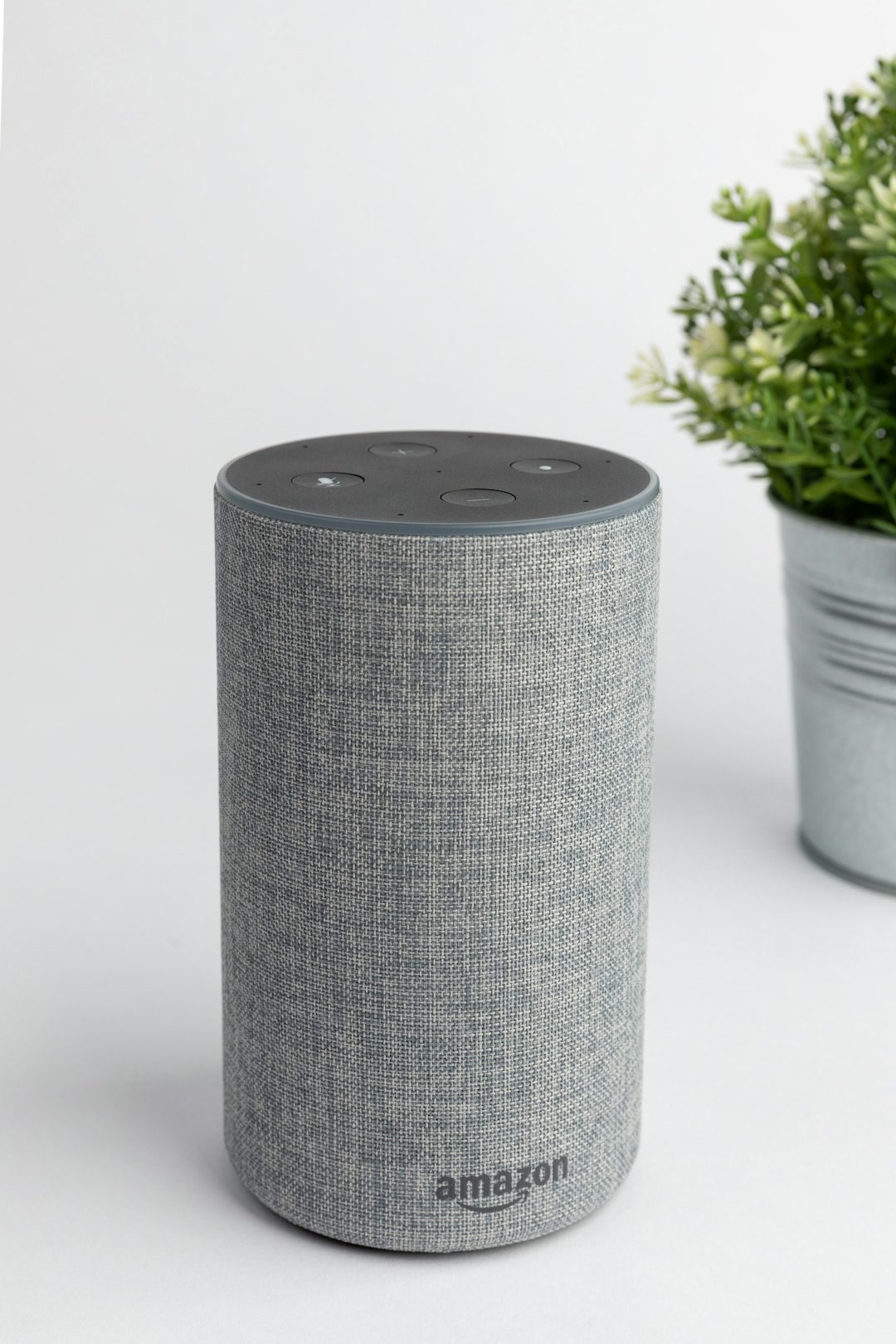
Amazon Alexa
Alexa’s app is the Swiss Army knife of smart home control — not always elegant, but packed with features. The Devices tab organizes everything by room, the Routines section is one of the best beginner-friendly automation builders, and the app keeps improving. If you own an Echo, this is your command center.
- Best for: Echo-heavy households, cross-brand device management
- Weak spot: The app can feel cluttered with shopping and recommendation sections
- Works with: Echo Dot, Echo Show, Ring Doorbell, and the largest smart home device library of any platform
Home Assistant (Companion App)
Home Assistant itself is a whole thing you set up on a server — but the companion app is what makes it usable day-to-day on your phone. It gives you real-time control over every device you’ve connected to Home Assistant, plus push notifications, location tracking, and even widget support. If you’re running Home Assistant, this app is essential. If you’re not running Home Assistant yet, well, that guide will help you start.
- Best for: Power users, multi-platform households, people tired of app sprawl
- Weak spot: Requires a Home Assistant server — this isn’t a standalone app
- Works with: Literally everything (if it has an integration, Home Assistant talks to it)
Apple Home
Clean, fast, and deeply integrated into iOS — Apple Home is the obvious choice for anyone all-in on Apple’s ecosystem. HomeKit Secure Video is great if you care about privacy, and Matter support means it works with way more devices than it used to. The app is simple, almost to a fault — but that simplicity is the point.
- Best for: iPhone owners, HomeKit-centric setups, privacy-focused users
- Weak spot: Limited automation options compared to Alexa or Home Assistant
- Works with: HomePod Mini, HomeKit smart plugs, and Matter-compatible devices

Smart Life / Tuya
A huge chunk of budget smart home devices on Amazon run on Tuya’s platform. If you’ve bought a no-name smart plug or bulb for under 15 dollars, it probably uses Smart Life or Tuya. The app is surprisingly capable — decent scene building, scheduling, and device grouping. Not glamorous, but it works.
- Best for: Budget device owners, anyone with off-brand smart plugs and bulbs
- Weak spot: Cloud-dependent; some features need an internet connection
- Works with: Tuya smart plugs, Tuya smart bulbs, Tuya smart switches, and hundreds of white-label devices
Wyze
Wyze built its brand on shockingly affordable cameras, and the app reflects that focus — it’s camera-first, with your other Wyze devices (sense kits, locks, bulbs) organized alongside. The app is quick, playback is smooth, and the notification system actually tells you what happened (person, vehicle, pet) instead of just saying “motion detected.” For the price, it’s hard to beat.
- Best for: Budget camera setups, Wyze ecosystem users
- Weak spot: Some premium features locked behind Cam Plus subscription
- Works with: Wyze Cam, Wyze Video Doorbell, Wyze smart home devices
Ring
The subscription costs real money. But if you’ve invested in Ring cameras or a doorbell, the app is polished, reliable, and gives you quick access to live views, event timelines, and neighborhood alerts. The Neighbors feed can be noise, but it’s easy to ignore. Where Ring shines is video reliability — it just works, consistently, which matters when security is the point.
- Best for: Home security setups, Ring device owners
- Weak spot: Nearly all useful features require a Ring Protect subscription
- Works with: Ring Video Doorbell, Ring Spotlight Cam, Ring Alarm, and Ring smart lighting
3 Apps You Should Delete Right Now
Not every smart home app deserves storage space:
- The single-bulb app. You installed a brand-specific app to set up one smart bulb, paired it with Alexa, and never opened it again. Delete it. Once a device is linked to your platform, the manufacturer app is dead weight.
- The duplicate. Smart Life AND Tuya? Same platform. Kasa AND Tapo? Pick one and migrate. Running both Alexa and Google Home when you only use one? Pick a side.
- The subscription trap. If an app nudges you toward a monthly fee for turning on a light, find an alternative. Control shouldn’t cost 5 dollars a month per device.
What Makes a Smart Home App Good
A great smart home app nails four things:
- Speed: You tap a button, the light turns on. Not “loading…” for three seconds. The best apps feel instant.
- Dashboard customization: You should be able to put your most-used controls front and center, not scroll through a list of 40 devices to find the one you actually touch daily.
- Automation builder: Good apps let you create rules without a computer science degree. “When I leave home, turn off everything” should take 30 seconds to set up, not 30 minutes.
- Device count: The more brands and devices an app supports, the less you need other apps. Ecosystem breadth is a feature.
The One-App Problem
Here’s the uncomfortable truth: no single app controls everything well. Google Home has the best routine builder but weak camera support. Alexa connects to everything but buries useful features under a shopping experience. Apple Home is gorgeous but only works with a fraction of devices. Home Assistant connects to literally everything — but the setup is not for beginners.
The answer isn’t finding one app to rule them all. It’s finding one app as your primary control surface (probably Alexa or Google) and letting the others fade to the background. Think of it like your main messaging app — you use it 90 percent of the time, but you still have WhatsApp for that one group and Slack for work. Same principle.
If you want to get serious about consolidation, setting up Home Assistant is the long-term play. It’s the only platform that gives you a single dashboard for every device, regardless of brand — but it requires more effort up front.
Tips for Managing App Overload
Before you install another app, try these approaches:
- Use routines instead of apps. Most daily interactions — arriving home, going to bed, leaving the house — can be automated. Set up routines once and you’ll rarely need to open any app.
- Consolidate with Alexa or Google. Almost every budget device works with at least one of them. Once devices are linked, you can control them by voice and never open the manufacturer app again.
- Create a “smart home” folder on your phone. Move all smart home apps into one folder. If you find yourself never opening an app in that folder, delete it.
- Check for Matter support. The new Matter standard means more devices can work across platforms. If your devices support it, you can pick your preferred app and skip the manufacturer’s entirely.
- Start simple. A smart plug and a voice speaker under 100 dollars is all you need to test the waters. Don’t buy fifteen devices from eight brands and then wonder why you have fourteen apps.
The Bottom Line
Keep the apps that give you real control over real devices. Delete the ones you only opened once during setup. Your homescreen — and your sanity — will thank you. The best smart home setup isn’t the one with the most apps; it’s the one where you barely need to open any.
n
🏠 Get Your Free Smart Home Setup Checklist
Join our newsletter and get this free printable plus weekly tips.
Price Check
Prices verified via our product tracker. Updated Sep 27.
| Amazon.com: Google Nest Hub 7” Smart Display with Google A | $99.00 | 4.2★ (1,150) |
| Google Nest Learning Thermostat (4th gen) + Nest Temperatu | $279.99 | 4.4★ (2,596) |
| meross Smart Plug 15A, Works with Apple HomeKit, Voice & A | $39.99 | 4.3★ (13,849) |
| Amazon.com: Amazon Echo Show 5 (newest model), Smart displ | $99.99 | 4.2★ (72,396) |
| Ring Battery Doorbell | Video Doorbell Camera | Amazon | $159.98 | 4.5★ (56,063) |
| Amazon.com: Apple - HomePod mini - Black : Electronics | $1,500.00 | 3.9★ (365) |
| Kasa Smart Plug Mini 15A, EP25P2, Apple HomeKit Supported | $24.99 | 4.2★ (5,089) |
| DAYBETTER Tuya Smart Light Bulbs, RGBCW WiFi Color Changin | $58.89 | 4.3★ (7,795) |
| Amazon.com: MHCOZY Tuya Smart life app 30A High Power WiFi | $17.90 | 4.1★ (2,024) |
| Amazon.com : WYZE Cam v4 (Latest Model), 2.5K AI Security | $104.97 | 4.3★ (11,330) |
| Amazon.com: Wyze Battery Video Doorbell Wireless Camera, 1 | $125.96 | 4.2★ (995) |
| Amazon.com : WYZE Cam v4 (Latest Model), 2.5K AI Security | $44.97 | 4.3★ (11,330) |
| Amazon Official: Introducing Ring Spotlight Cam Plus, Batt | $149.99 | 4.5★ (20,130) |
| Ring Alarm 5-piece kit (2nd Gen) – home security system | $279.98 | 4.7★ (5,415) |
As an Amazon Associate we earn from qualifying purchases.